LatestNews
2026-09-09 17:26:05

Business VoIP Is Moving from Fixed Phones to Unified Communications Platforms

Business VoIP is moving beyond desk phones by bringing business numbers, voice, video and messaging into one IP-based platform. This shift allows employees to communicate across offices, laptops and mobile devices without tying a business identity to one physical phone line.

Becke Telcom

Business VoIP Is Moving from Fixed Phones to Unified Communications Platforms

Why should a business phone number still be tied to a desk in one office? When employees leave their workstations, move between branches or work remotely, should they still have to rely on call forwarding, multiple numbers and separate communication apps to stay in touch with customers? And when voice calls, video meetings and text messaging all run on different systems, can a company still manage day-to-day communications efficiently?

These limitations are becoming increasingly visible in traditional business phone systems. Conventional telephony is usually built around fixed lines, fixed extensions and fixed office locations, creating a close relationship between the phone number, the device and the place where it is installed. When employees change locations, businesses may need to reconfigure call forwarding or extension settings. When voice, video and messaging are handled by separate platforms, communication history and user identity can also become fragmented.

A new generation of VoIP (Voice over IP) business phone systems is changing this model. A business number no longer has to terminate on one physical phone line. It can be managed by an IP communications platform and extended to SIP desk phones, computers, browsers and mobile devices. Business calling, video meetings and messaging can also be brought into the same platform, allowing employees to continue using their business identity whether they are in headquarters, a branch office, at home or traveling.

This means that VoIP is no longer simply about making phone calls over the Internet. It is shifting business communications from a fixed line + fixed device model toward a business number + user identity + multiple devices + unified voice/video/messaging model. The growing emphasis on cross-device access, unified communications and remote work also shows that competition in the business phone market is moving away from basic line pricing and toward a more flexible communication experience.

The VoIP Migration Trend Is About More Than Eliminating Phone Lines

The logic of a traditional business phone system is straightforward. A carrier line enters an office, connects to a PBX or telephone system, and extensions are assigned to employees and departments. Phone numbers, office locations, physical lines and desk phones are often closely linked. Once an employee leaves the office, keeping the same business number available may require call forwarding, remote extensions or additional configuration.

VoIP changes this relationship first. Once voice is carried over IP, a business number no longer has to terminate on a copper pair connected to one desk. Numbers can be registered, routed and assigned to different endpoints. As long as the user can access the communications platform through an authorized network and supported client, the same business identity can continue to be used.

Modern Business VoIP therefore replaces more than the traditional desk phone. It challenges the older assumption that a business number must be attached to a physical line and a fixed location. A salesperson can use a SIP desk phone in the office and continue receiving calls on a laptop or mobile device when away. A customer service team can share the same business number and queue across multiple cities without requiring every agent to work in the same building.

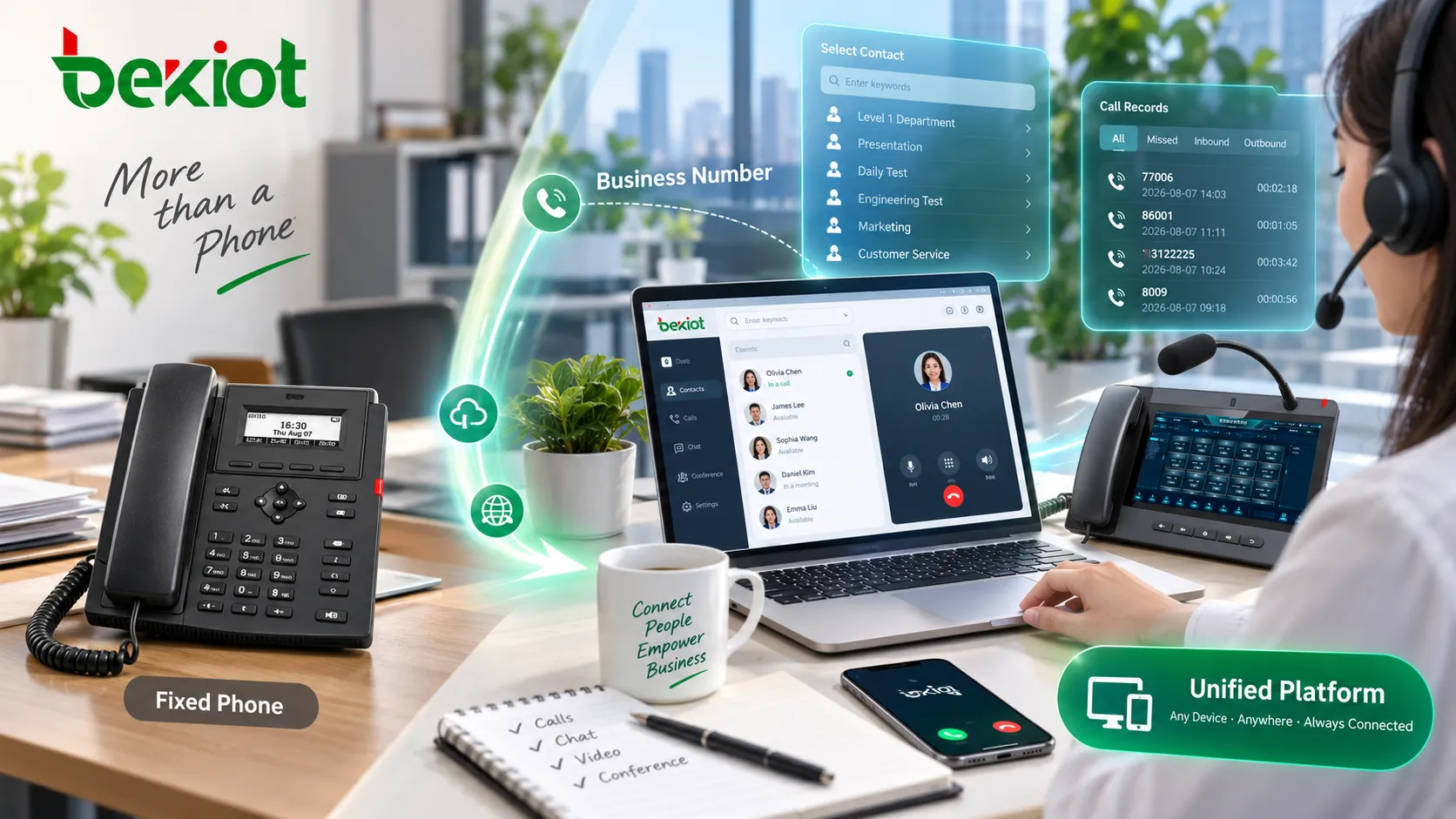
Business communications migrating from fixed PSTN lines and office desk phones to a VoIP platform that centrally manages business numbers, SIP phones, computers and mobile devices

Business Phone Numbers Are Becoming Digital Identities Rather Than Line Resources

This change has a broader operational impact than simply replacing one generation of telephones with another. In a traditional phone system, an incoming customer call is primarily associated with a line, a PBX and a physical extension. In a modern VoIP environment, the platform is more likely to associate that number with a user, department, queue, time policy or business workflow.

For example, the same sales number can ring both a desk phone and a mobile client during business hours, then route to voicemail after hours. A customer service number can be directed to different employees according to region, language or agent availability. A company can also bring local numbers, toll-free numbers or numbers from several geographic regions into the same platform without requiring employees to understand which carrier line sits behind each number.

The key shift is decoupling the number from the endpoint. The phone number still represents the company to customers, but software policy determines where the call goes. Employees can change desks, offices or devices without necessarily changing the contact details that customers already know.

This is also why modern VoIP increasingly resembles part of an enterprise identity system. User accounts, business numbers, devices, calling permissions, recording policies and business roles can all be managed together rather than being treated as separate ports on a distribution frame.

Why Are Voice, Video and Messaging Moving into the Same Workspace?

Once the business number is separated from the physical line, the next natural step is to bring different communication channels together. Customer conversations rarely remain inside a single phone call. A sales interaction may begin with a text message, move to a voice call and then become a video meeting. Internal employees may send a message first to check availability before starting a call or conference.

If these channels depend on separate phone systems, video meeting tools and messaging platforms, employees have to switch between applications and the history of a single customer interaction can become fragmented. Modern VoIP and UCaaS platforms therefore increasingly combine Business Calling, Video, Messaging, Voicemail and Contact Management within one client or unified user account.

The value is not simply that employees install fewer applications. The larger benefit is continuity of communication context. An employee who receives a customer message can start a voice or video call directly from the same contact. Missed calls, voicemail and text messages can also be organized around the same business identity. For users who work across multiple devices, communication activity can follow them from desktop to mobile.

The growing emphasis on this unified experience also shows how the market is changing. Competition is moving from “who offers the cheapest Internet calling” toward “who can organize real-time business communications more effectively.” Voice remains an important core function, but it is no longer the only entry point into the platform.

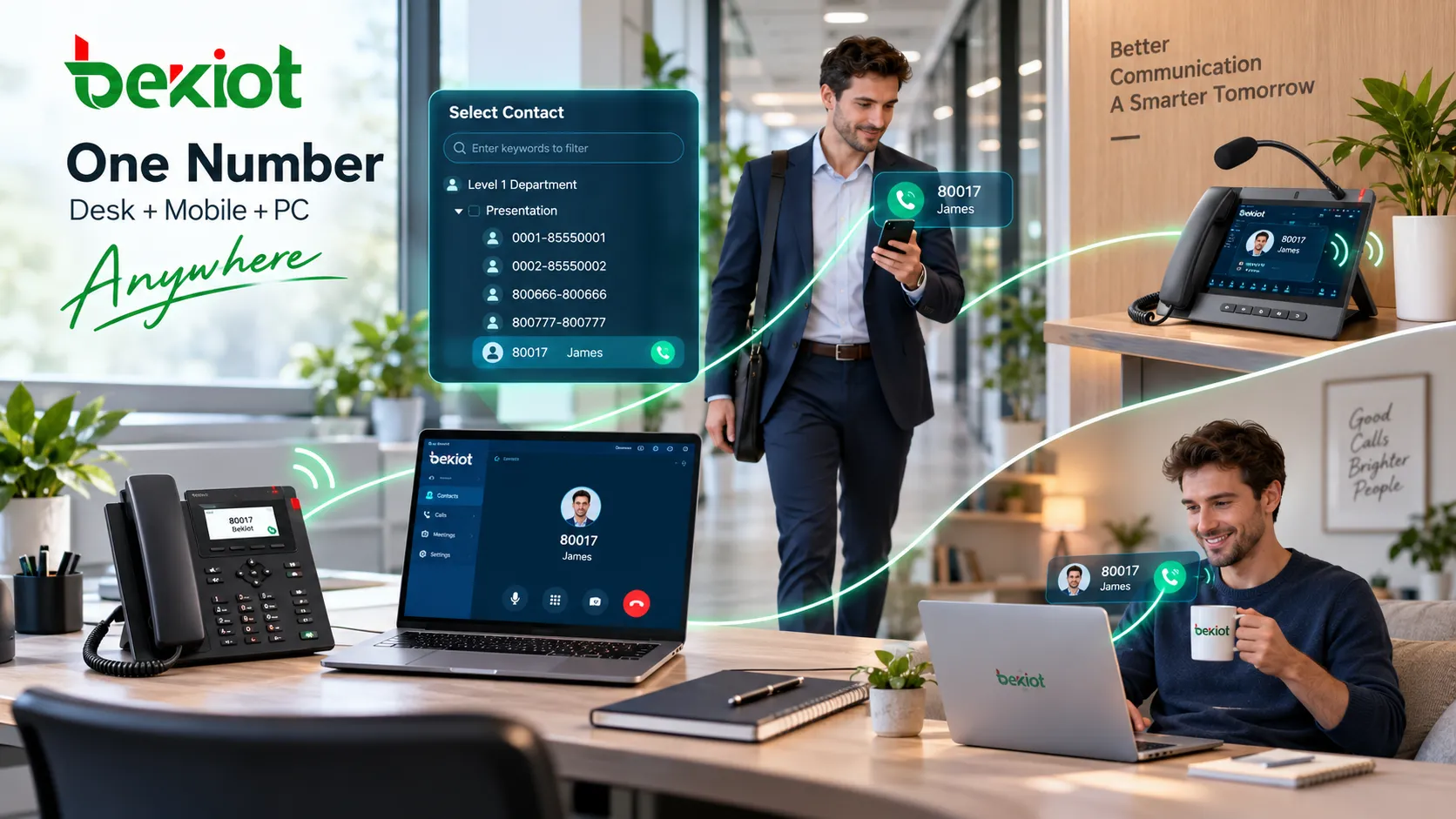
One business number used across a SIP desk phone, laptop and mobile phone while voice calls, video meetings and messaging are integrated within a unified VoIP platform

What Makes It Possible to Call Local and International Numbers from Anywhere?

From the user’s perspective, one of the clearest benefits of cloud VoIP is simple: open the application, sign in and make or receive business calls much as if you were sitting in the office. Technically, however, this experience depends on several systems working together.

The endpoint first connects to the VoIP platform through the Internet, an enterprise WAN, VPN or another permitted network. SIP or another call-control mechanism establishes the session. The platform then uses the dialing plan and routing policy to decide whether the call should go to an internal user, another site or an external carrier network. Calls to external numbers still require telecom interconnection so they can reach local, mobile, toll-free or international telephone networks.

A modern business number can therefore follow the user not because the number literally “lives on the Internet,” but because the platform manages the business number, user identity, call routing and endpoint registration separately. Once an authorized device connects to the platform, calls can be delivered according to the company’s routing policy.

Some cloud VoIP plans include local calling, toll-free services or calls to selected destinations within the subscription. Recent RingEX promotions have also highlighted this type of usage model. However, that does not mean every VoIP service provides free calling to every international destination. International rates, toll-free charges, number rental and local regulatory requirements still depend on the provider and service plan, so businesses should verify these details before migration.

Unified VoIP Platforms Are Redefining Single-Site, Multi-Site and Remote Work

One important trend is that business phone systems are increasingly designed around the number of users, roles and workflows rather than simply the number of offices. A company with one office, ten branches or a fully remote workforce can use a similar account and number-management model, with differences mainly appearing in network design, security and local operational requirements.

For a single-site business, VoIP can reduce the complexity of traditional PBX and line management. For multi-site organizations, the greater value often comes from centralized numbering, unified administration and internal calling between branches. For remote and hybrid teams, the main advantage is that the business number no longer has to remain tied to a desk in one office. Employees can enter the same communications environment through a desk phone, browser, Windows or macOS client, or an iOS or Android mobile application.

This also changes the role of the IT department. Traditional telephone administrators spent much of their time managing cabling, ports and on-site equipment. In a VoIP environment, more of that work shifts toward user permissions, number policies, client configuration, network quality, SIP security and service monitoring. The business phone system has not disappeared; it has become more software-defined.

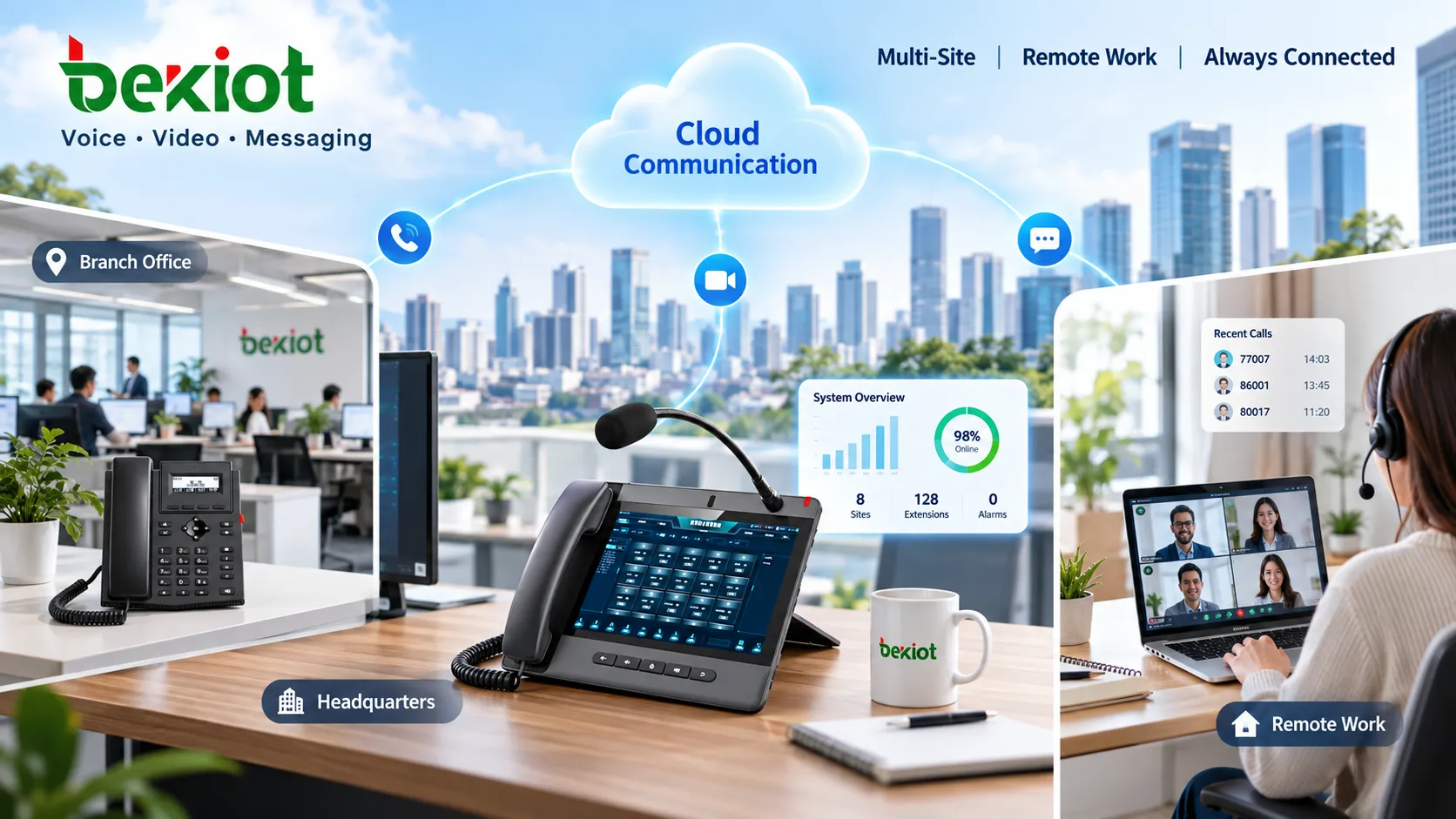
Cloud VoIP business phone platform connecting headquarters, branch offices, remote employees and mobile users over IP networks while providing access to local, toll-free and international numbers through carrier interconnection

Moving Away from Fixed Phone Lines Creates New Infrastructure Dependencies

VoIP reduces dependence on traditional telephone access lines, but it does not remove infrastructure from the communications system. Instead, business calling becomes dependent on data networks, power, Internet access, cloud platforms, DNS, identity services and carrier interconnection. A copper-line fault may once have affected only one telephone, while a network or identity-service failure can now affect many users at the same time.

For this reason, businesses migrating from traditional telephony to VoIP should evaluate more than features and monthly pricing. Network capacity, QoS for voice traffic, backup connectivity, remote-user authentication, SIP security and emergency-call location management all become part of the migration plan.

Organizations that depend heavily on cloud VoIP also need to reconsider power and Internet failures. SIP desk phones, PoE switches, routers and network terminals all require power. If the primary Internet connection fails, the availability of a backup WAN link or mobile connection can directly affect business continuity.

In other words, VoIP does not move business communications from “infrastructure” to “no infrastructure.” It shifts them from telephone-line infrastructure toward IP networking and software-service infrastructure. The business gains flexibility, but reliability now has to be protected through network engineering and service management.

Business Phone Competition Is Shifting from Line Pricing to the Communication Experience

Recent VoIP promotions and product upgrades are significant not because businesses suddenly need another type of phone service, but because the competitive boundaries of business telephony have changed. Traditional business phone systems were often compared by line capacity, long-distance pricing, PBX size and extension features. Modern platforms increasingly compete on whether numbers can follow users, whether voice and video can switch smoothly, whether messaging is unified, whether remote employees can connect, and whether all of these communication activities can be centrally managed.

This is turning the business phone from a simple dialing device into a real-time communications workspace. An employee may begin a conversation with a text message, move to voice and then join a video meeting, while still presenting the same business identity to the customer. The location, device and communication channel can change while the business number and customer relationship remain consistent.

From this perspective, the next major value of VoIP may not be lower call charges. It is the ability to free the business phone number from a single physical line and office location, then organize voice, video and messaging under one portable business identity. That is also the core logic behind the continuing evolution from traditional Business Phone systems toward Unified Communications.

FAQ

Does a VoIP Business Number Have to Be Tied to One Desk Phone?

Not necessarily. Modern VoIP platforms can usually associate a business number or extension with a SIP desk phone, desktop softphone, browser client or mobile application. The number of devices that can be logged in at the same time and the simultaneous-ringing behavior depend on the platform’s configuration and service plan.

Does a Business No Longer Need a Telecom Carrier After Moving to VoIP?

No. Internal users can primarily access the communications platform over IP networks, but calls that need to reach the PSTN, mobile networks or international telephone networks still require SIP trunks, cloud telephony carriers or other telecom interconnection services.

Does VoIP Mean International Calls Are Always Free?

No. Some service plans include calling to selected regions or specific number types, but international rates, toll-free charges, number rental and destination coverage depend on the provider and subscription. A promotional offer from one platform should not be treated as a universal VoIP pricing rule.

Why Do Business VoIP Platforms Emphasize Video and Messaging Instead of Voice Alone?

Real business conversations frequently move between messaging, voice and video. Bringing these channels into one account and contact system reduces application switching and helps maintain continuity around the same customer or employee identity.

Is VoIP Better Suited to Remote and Hybrid Work?

VoIP is well suited to separating business numbers and user identities from fixed office lines, allowing remote employees to continue using company numbers through supported clients. However, remote access still requires proper network quality, authentication, security controls and emergency-call location management.

Recommended Products
catalogue
customer service Phone
We use cookie to improve your online experience. By continuing to browse this website, you agree to our use of cookie.

Cookies

This Cookie Policy explains how we use cookies and similar technologies when you access or use our website and related services. Please read this Policy together with our Terms and Conditions and Privacy Policy so that you understand how we collect, use, and protect information.

By continuing to access or use our Services, you acknowledge that cookies and similar technologies may be used as described in this Policy, subject to applicable law and your available choices.

Updates to This Cookie Policy

We may revise this Cookie Policy from time to time to reflect changes in legal requirements, technology, or our business practices. When we make updates, the revised version will be posted on this page and will become effective from the date of publication unless otherwise required by law.

Where required, we will provide additional notice or request your consent before applying material changes that affect your rights or choices.

What Are Cookies?

Cookies are small text files placed on your device when you visit a website or interact with certain online content. They help websites recognize your browser or device, remember your preferences, support essential functionality, and improve the overall user experience.

In this Cookie Policy, the term “cookies” also includes similar technologies such as pixels, tags, web beacons, and other tracking tools that perform comparable functions.

Why We Use Cookies

We use cookies to help our website function properly, remember user preferences, enhance website performance, understand how visitors interact with our pages, and support security, analytics, and marketing activities where permitted by law.

We use cookies to keep our website functional, secure, efficient, and more relevant to your browsing experience.

Categories of Cookies We Use

Strictly Necessary Cookies

These cookies are essential for the operation of the website and cannot be disabled in our systems where they are required to provide the service you request. They are typically set in response to actions such as setting privacy preferences, signing in, or submitting forms.

Without these cookies, certain parts of the website may not function correctly.

Functional Cookies

Functional cookies enable enhanced features and personalization, such as remembering your preferences, language settings, or previously selected options. These cookies may be set by us or by third-party providers whose services are integrated into our website.

If you disable these cookies, some services or features may not work as intended.

Performance and Analytics Cookies

These cookies help us understand how visitors use our website by collecting information such as traffic sources, page visits, navigation behavior, and general interaction patterns. In many cases, this information is aggregated and does not directly identify individual users.

We use this information to improve website performance, usability, and content relevance.

Targeting and Advertising Cookies

These cookies may be placed by our advertising or marketing partners to help deliver more relevant ads and measure the effectiveness of campaigns. They may use information about your browsing activity across different websites and services to build a profile of your interests.

These cookies generally do not store directly identifying personal information, but they may identify your browser or device.

First-Party and Third-Party Cookies

Some cookies are set directly by our website and are referred to as first-party cookies. Other cookies are set by third-party services, such as analytics providers, embedded content providers, or advertising partners, and are referred to as third-party cookies.

Third-party providers may use their own cookies in accordance with their own privacy and cookie policies.

Information Collected Through Cookies

Depending on the type of cookie used, the information collected may include browser type, device type, IP address, referring website, pages viewed, time spent on pages, clickstream behavior, and general usage patterns.

This information helps us maintain the website, improve performance, enhance security, and provide a better user experience.

Your Cookie Choices

You can control or disable cookies through your browser settings and, where available, through our cookie consent or preference management tools. Depending on your location, you may also have the right to accept or reject certain categories of cookies, especially those used for analytics, personalization, or advertising purposes.

Please note that blocking or deleting certain cookies may affect the availability, functionality, or performance of some parts of the website.

Restricting cookies may limit certain features and reduce the quality of your experience on the website.

Cookies in Mobile Applications

Where our mobile applications use cookie-like technologies, they are generally limited to those required for core functionality, security, and service delivery. Disabling these essential technologies may affect the normal operation of the application.

We do not use essential mobile application cookies to store unnecessary personal information.

How to Manage Cookies

Most web browsers allow you to manage cookies through browser settings. You can usually choose to block, delete, or receive alerts before cookies are stored. Because browser controls vary, please refer to your browser provider’s support documentation for details on how to manage cookie settings.

Contact Us

If you have any questions about this Cookie Policy or our use of cookies and similar technologies, please contact us at support@becke.cc .