One Press, Faster Help, Coordinated Response
Fixed emergency help points connect people in exposed, remote or public areas with a staffed response position, while SIP, dispatch, video, public address and radio interfaces extend the call into a coordinated site response where required.
Emergency call box projects begin with a simple requirement: a person at the site must have a clearly identifiable way to reach help. The challenge becomes more complex when the help point is located in a parking structure, campus pathway, industrial yard, station, port, hospital perimeter or another area where staff are not continuously present.
The project must define where calls originate, which operator position receives them, how the activated location is identified and what happens after the first conversation. Some sites only need direct two-way communication. Others also require video confirmation, public warning or coordination with mobile response teams.
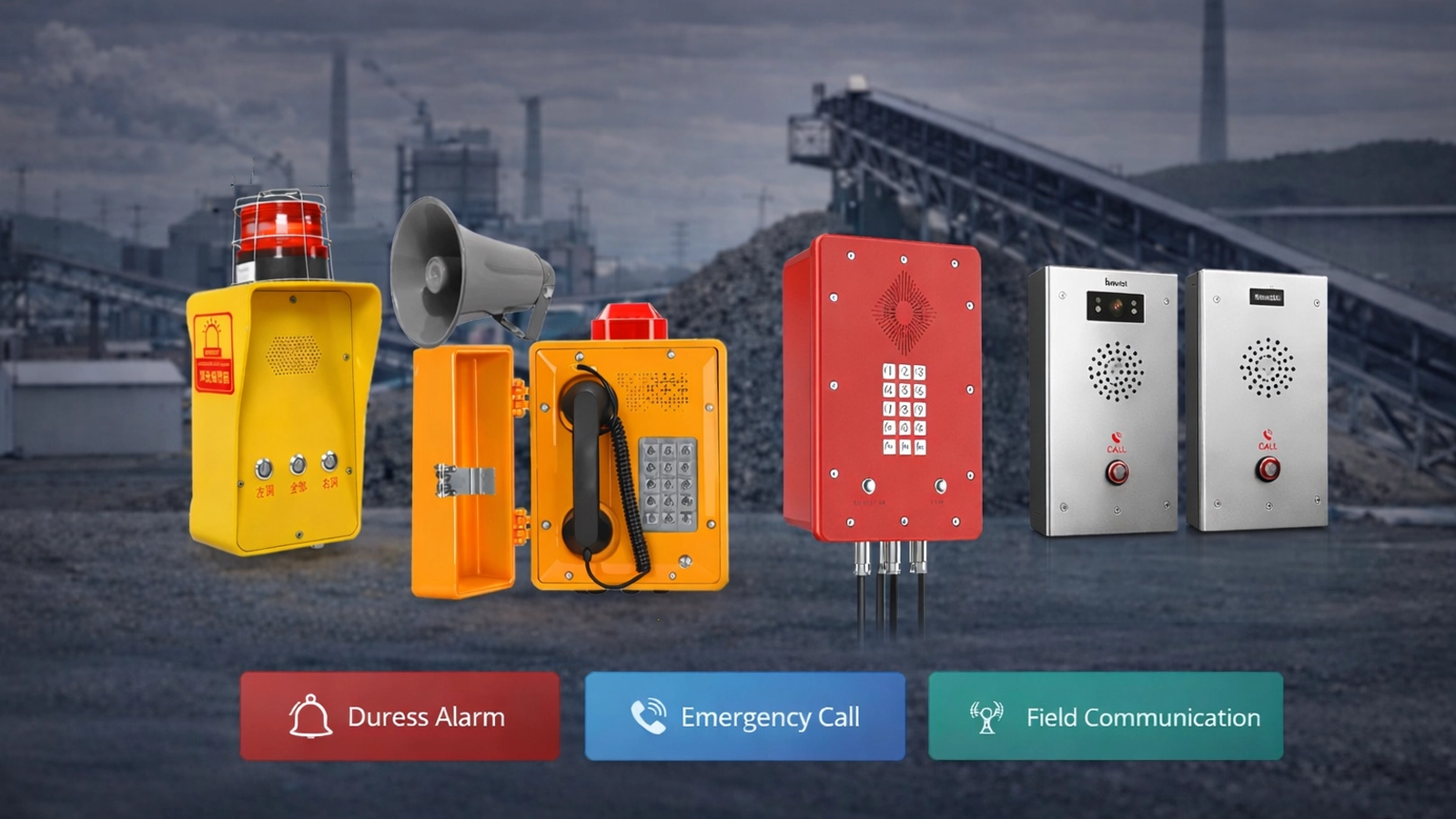
A typical Emergency Call Box System places fixed help points around the site and connects them to a central SIP and dispatch environment. When a user activates a call box, SIP signaling routes the call to the configured control-room, security or duty position. The operator answers the call, identifies the originating point and decides what follow-up communication is required.
Additional systems can be connected around this core path. CCTV may provide visual verification, a PA or PAGA system may distribute instructions to nearby areas, and a RoIP or radio interoperability gateway may connect the control room with mobile radio users. These integrations depend on the interfaces and equipment included in the project; they are not functions that should be assumed from the call box alone.
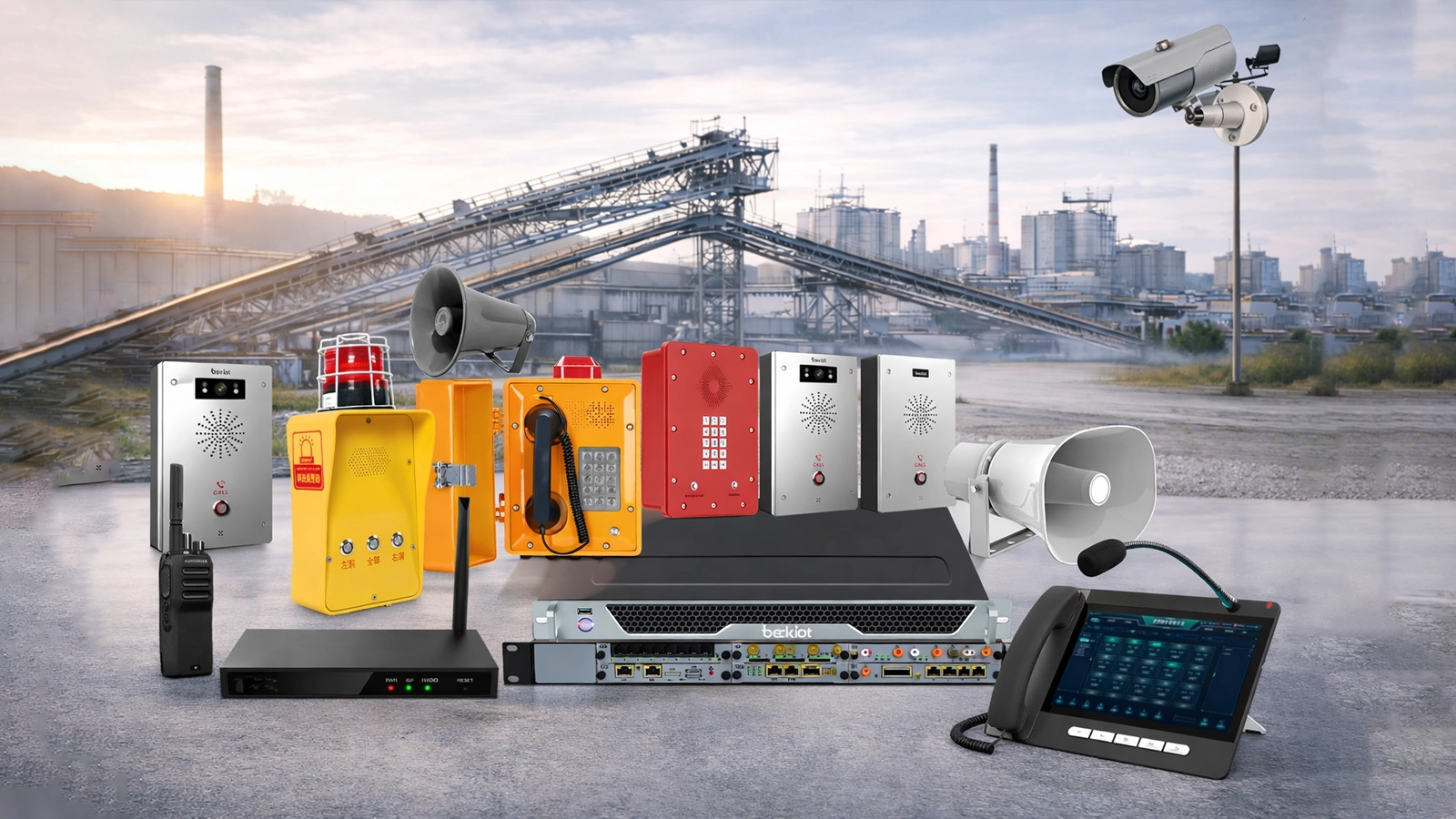
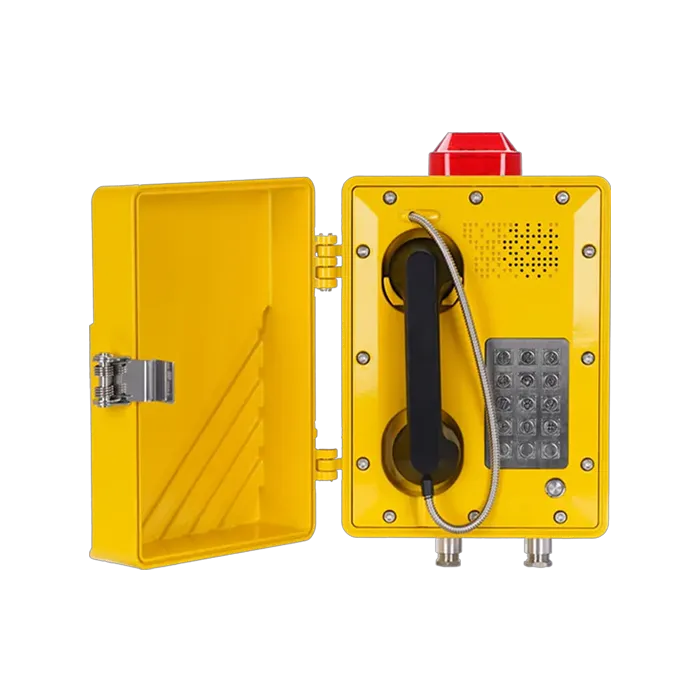
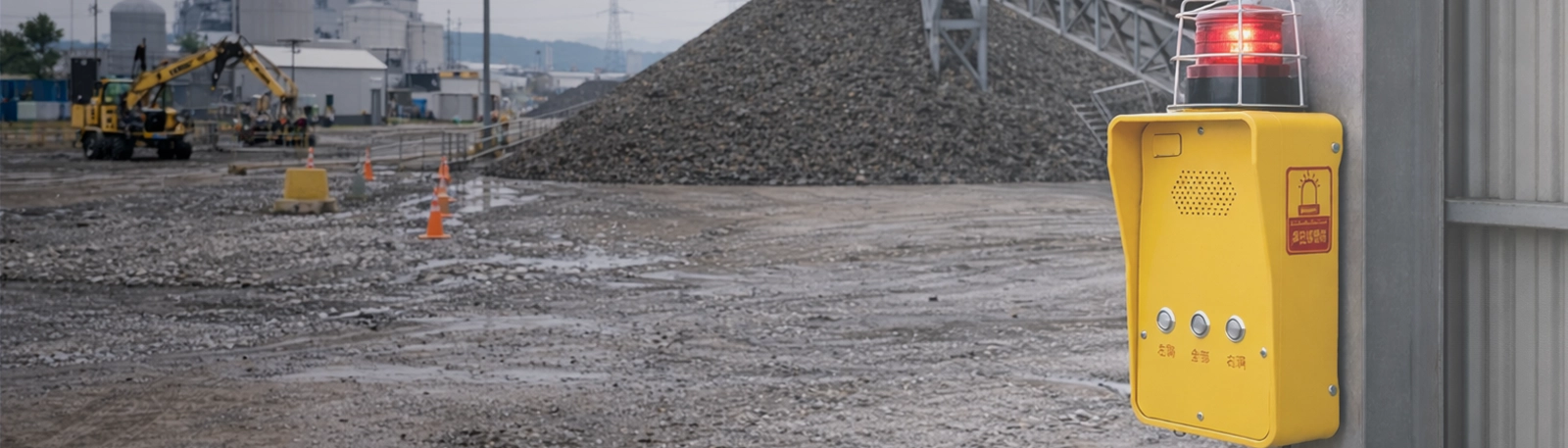
Tower-style, wall-mounted or compact emergency call points provide the field-facing access to the system. The selected enclosure, mounting method, visibility and user controls should match the installation location and the people expected to use the terminal.
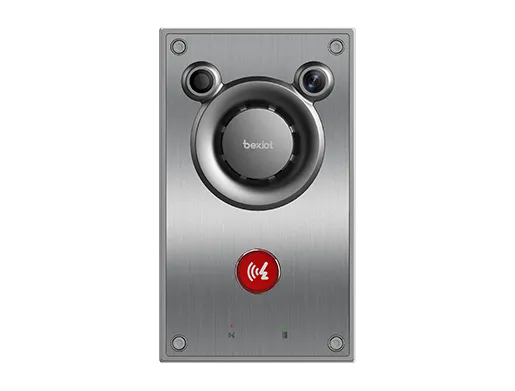
Indoor or semi-controlled areas may use SIP intercom terminals instead of outdoor call towers. These endpoints provide direct voice communication at entrances, corridors, service areas and other fixed locations that need to share the same SIP call-control environment.
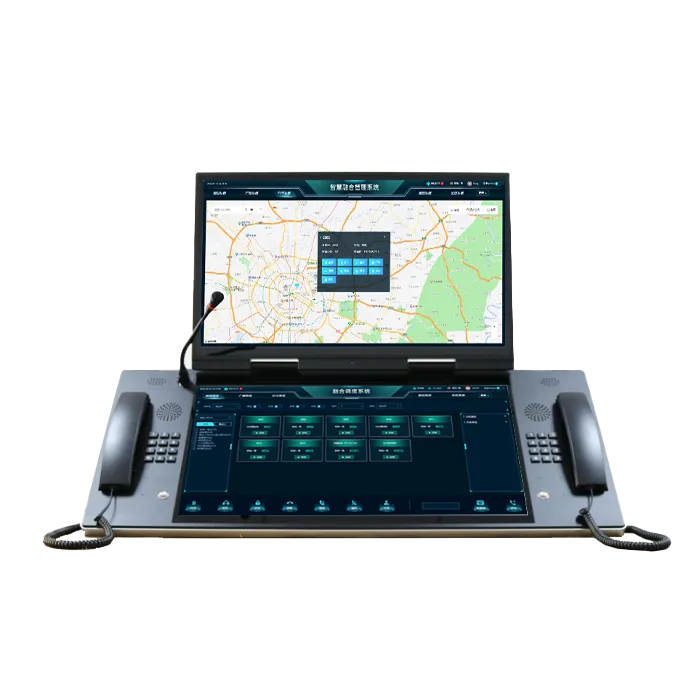
The dispatch console gives operators a working position for receiving calls, identifying the active endpoint and coordinating follow-up communication. Additional event, video, recording or supervisor functions depend on the dispatch software and modules deployed in the project.
The SIP server or IP PBX handles endpoint registration, numbering and call routing between help points and response positions. Multi-site routing, operator groups or alternate answering positions can be configured where the deployed platform provides those functions.
Sites that rely on two-way radio can use a RoIP or interoperability gateway to connect supported radio networks with the control-room communication environment. Compatibility depends on the radio system, gateway interface and project configuration.
IP speakers, horn speakers or an existing PA/PAGA system can extend an individual emergency call into area-level warning when nearby personnel also need instructions. Paging zones and priority rules remain functions of the connected warning platform.
Nearby cameras or a CCTV platform can provide additional information after a call point is activated. Camera selection, automatic pop-up logic and recording remain functions of the video and management systems used in the project.
The field terminal gives users a direct route to a predefined response position without requiring them to know an extension number or local contact procedure. Call keys and operating logic vary with the selected device.
Once the operator answers, live voice allows the caller to explain the situation and receive instructions while assistance is being arranged. Audio performance should be checked against ambient noise, installation position and the acoustic design of the endpoint.
The control side can identify the originating terminal through its configured extension, device identity, zone or location information. Online status, fault supervision and other device-health information are available only where both the endpoint and management platform provide those functions.
Where CCTV integration is configured, the active help point can be associated with a camera or video source so the operator can review the surrounding area while speaking with the caller. The linkage is performed by the management or video platform rather than by SIP calling alone.
An incident that affects more than the original caller may require live or prerecorded instructions to nearby zones. A connected PA or PAGA platform handles the speaker groups, message priority and broadcast controls used for that wider warning.
RoIP or other supported gateways can extend the response from fixed call points to patrol staff, maintenance teams or other radio users. This is useful at larger sites where the first responder is more likely to carry a radio than remain at a desk position.
A user presses the emergency call button at the help point. The terminal sends the call through the configured SIP network to the designated security desk, control room or dispatch position.
The receiving operator establishes two-way communication and confirms what assistance is required. The system identifies the originating endpoint so the operator does not rely only on the caller's description of the location.
Where video or other site information is integrated, the operator can check the relevant camera or event data while the call remains active. This provides additional context before resources are assigned.
The operator contacts the appropriate security, maintenance, medical or other response personnel. Radio integration can be used where mobile teams operate on a supported professional radio network.
If the incident affects a wider area, the operator can use the connected PA, PAGA or notification system to issue instructions to the required zones. The warning layer remains separate from the original point-to-point emergency call.
Call records, recordings, alarm events and operator actions can be retained where the deployed communication and management platforms provide those functions. These records can support later review and incident reconstruction.
Universities and schools may place emergency call boxes along outdoor walkways, parking areas, dormitory surroundings and building approaches. Calls are typically routed to campus security or another staffed position, while wider paging or radio coordination can be added where the site requires it.
Hospitals and medical campuses can use help points around visitor approaches, staff parking, external buildings and after-hours circulation areas. The response path should be coordinated with security or facility operations rather than assuming the call box is part of clinical nurse-call infrastructure.
Parking garages and surface parking areas benefit from visible help points because users may be isolated and unfamiliar with the site. Terminal identity or location information helps the operator determine which level, zone or access area generated the call.
Industrial plants, ports and logistics yards often combine large distances, high background noise and mobile response teams. Fixed call points provide known communication locations, while radio or PA integration can extend the response beyond the original caller when those systems are part of the project.
Stations, depots, public corridors and other transport facilities require help points that passengers can identify quickly and operators can manage from a staffed control position. Passenger information, general paging and operational dispatch remain with their corresponding station systems.
SIP call boxes depend on the IP path between the field endpoint and the call-control platform. Network design should account for switching, VLANs, routing, firewall rules and any WAN links used between remote areas or control rooms. SIP registration and RTP media should be tested separately because successful registration does not by itself confirm two-way audio.
Outdoor or remote installations also require attention to power, cabling and physical protection. PoE may simplify local wiring on supported devices, while other sites may use local power or additional network equipment according to the endpoint and distance involved.
Where continued emergency operation is required during power, network or server failure, backup power, redundant call-control resources, secondary answering positions or alternate communication paths should be defined at project level. These measures depend on the required service level and are not universal features of every call box.
Commissioning should verify the complete emergency path rather than only checking whether the terminal powers on. Each call point should be tested against its configured destination, endpoint identity and expected operator workflow.
Typical acceptance checks include one-touch call initiation, call routing, two-way audio, terminal or location identification, video linkage where configured, dispatch escalation, PA or PAGA warning zones, radio interoperability and recording functions included in the project.
Outdoor terminals should also be checked after final installation for microphone and speaker performance, visibility, mounting stability, network connectivity and the accessibility of the call control for the intended user.
A user activates a fixed help point, and the communication system routes the call to a configured control room, security desk or dispatch position. The operator speaks with the caller, identifies the active point and then uses the site's response resources according to the incident.
SIP-based call boxes can register with a compatible SIP server or IP PBX when signaling, codecs, numbering and network requirements are supported by both systems. Integration should be verified with the specific endpoint and platform used in the project.
Yes, where the required interfaces are available. CCTV may be linked through the video or management platform, PA/PAGA through the corresponding broadcast system, and radio networks through supported RoIP or interoperability gateways.
Selection should consider enclosure protection, mounting method, visibility, ambient noise, power, network connection and the environmental conditions at the installation point. Hazardous areas require appropriately certified equipment rather than ordinary outdoor protection alone.
Multi-site operation is possible where the SIP platform, network design and dispatch architecture support distributed endpoints and response positions. Routing, redundancy and failover requirements should be defined during system design.
Planning an Emergency Call Box System? Share the site layout, help-point locations, control-room structure, network environment and required video, PA or radio integrations with Becke Telcom so the endpoint and system architecture can be matched to the project.