Emergency Call Box, Panic Button & Alert Systems

Press Once. Reach Help. Stay Protected. Visible help points, discreet panic alarms and emergency communication options for locations where people need a clear and direct way to request assistance.

Consult immediately
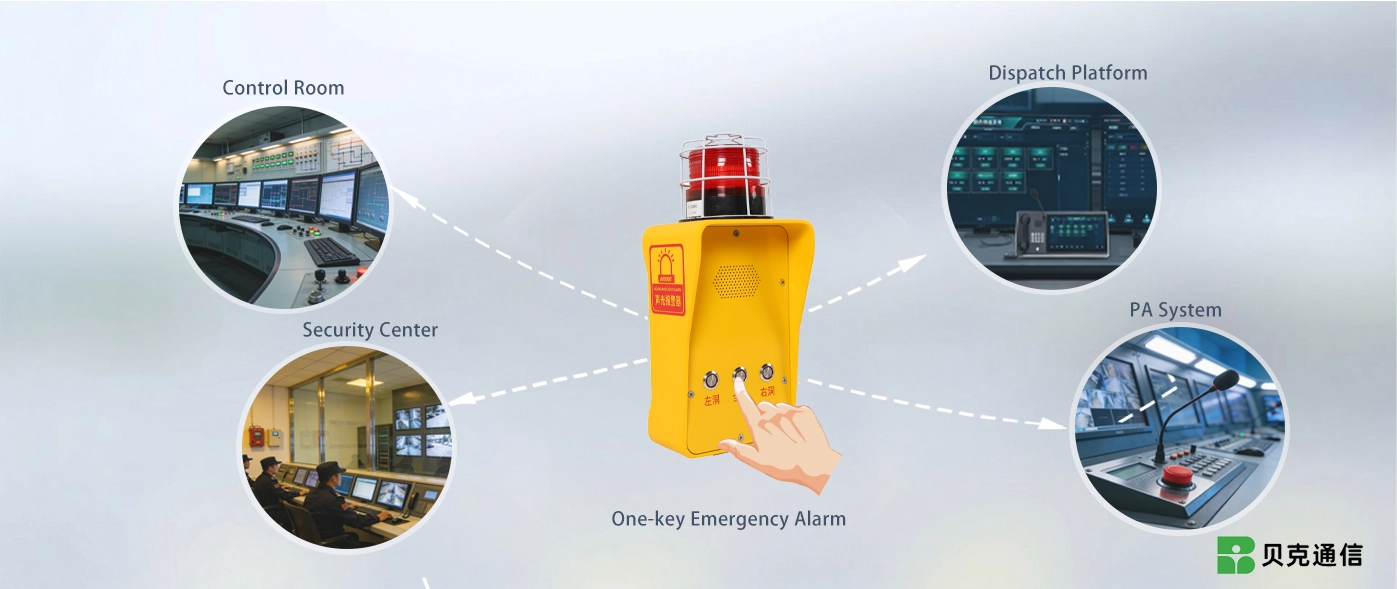
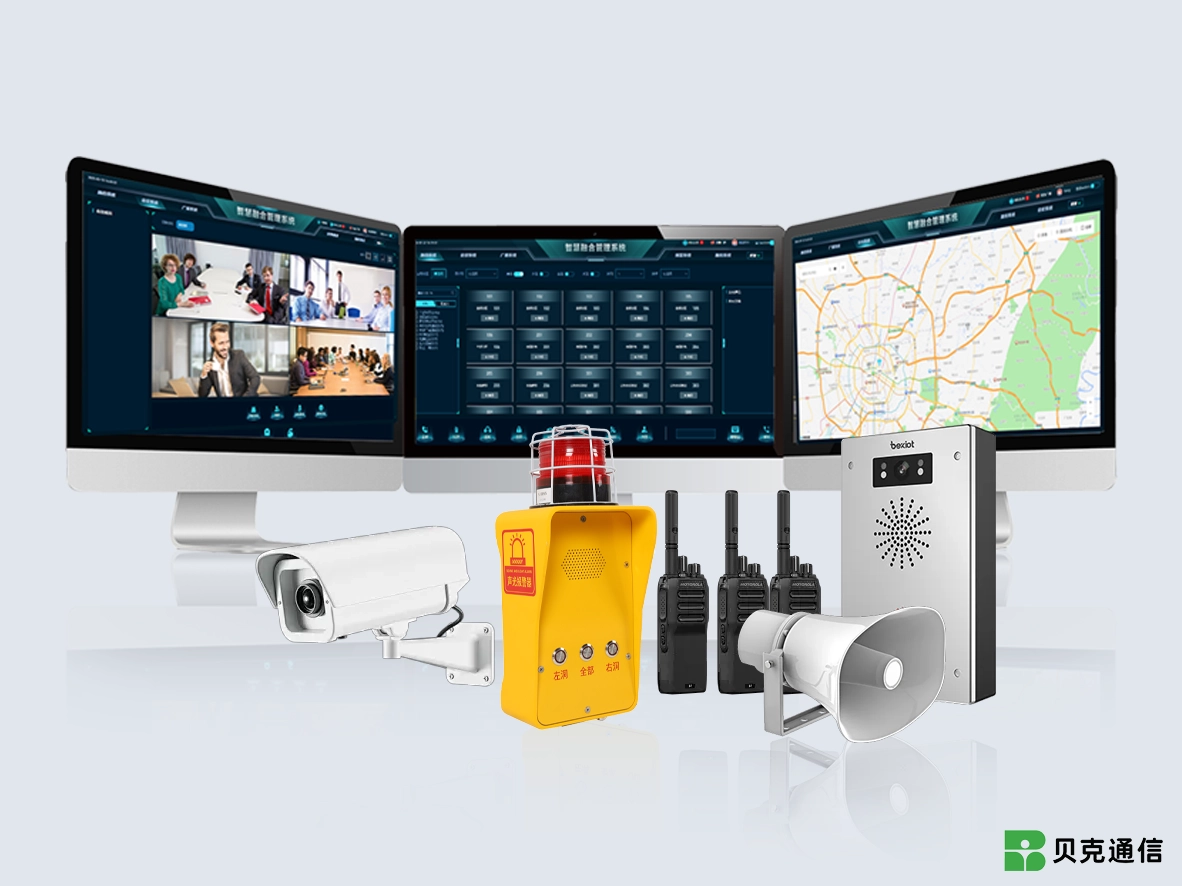
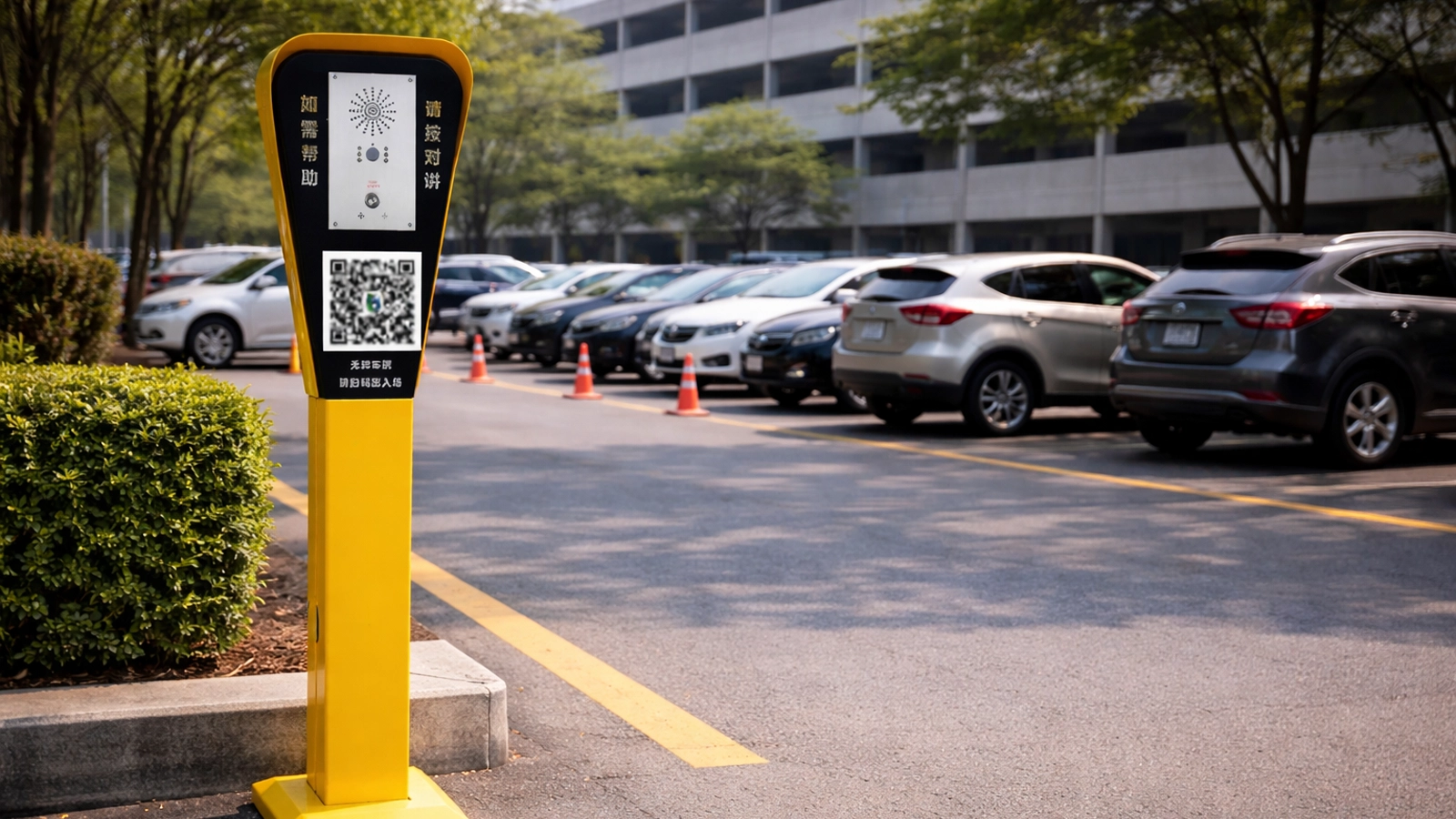
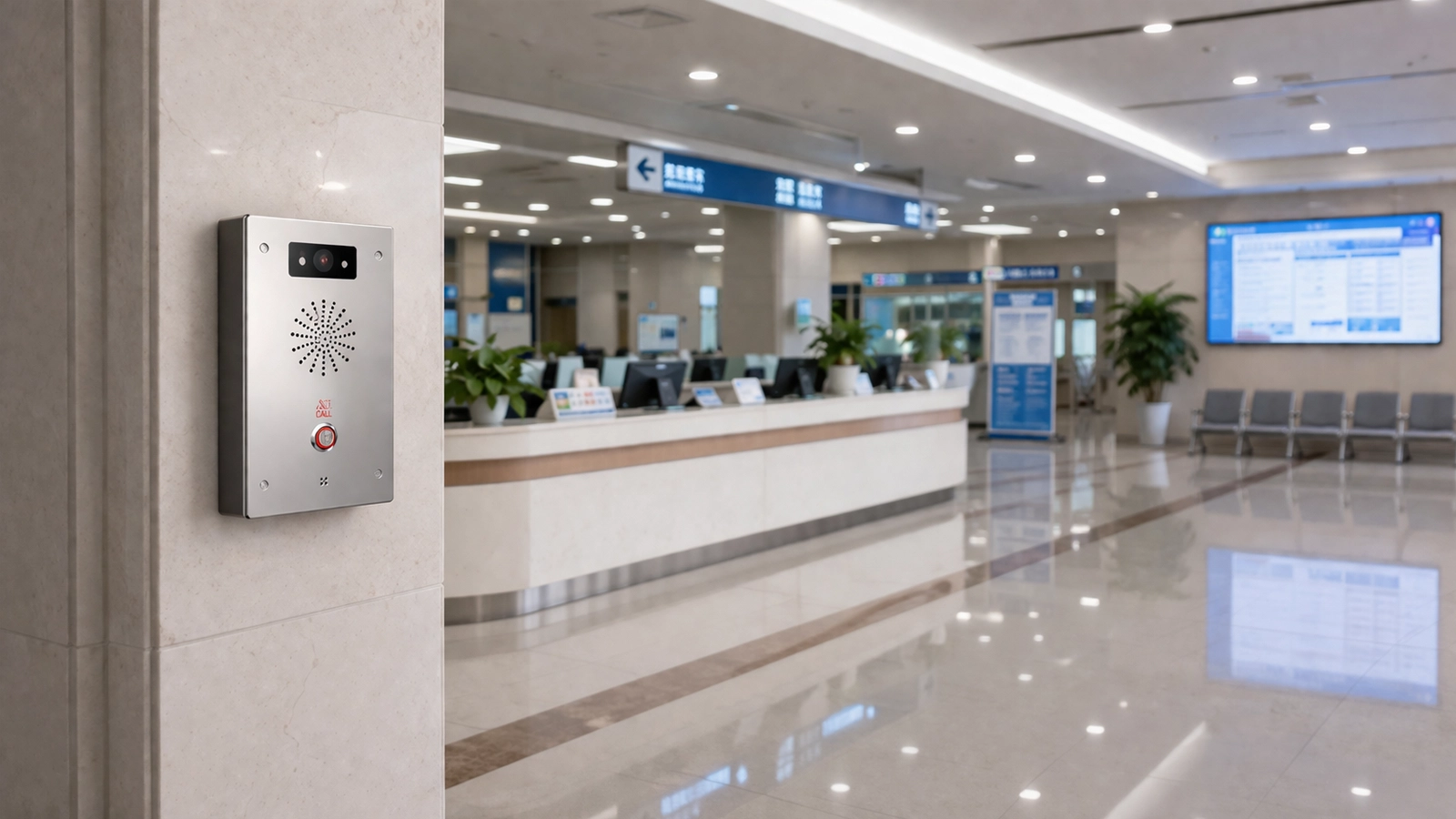
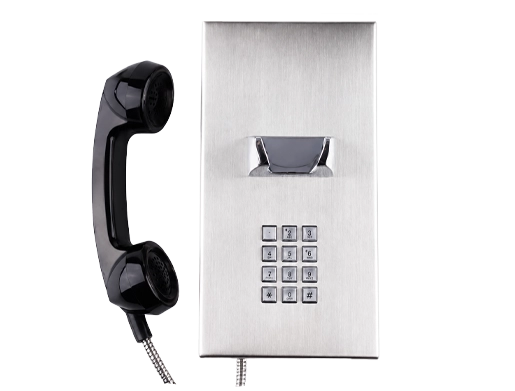
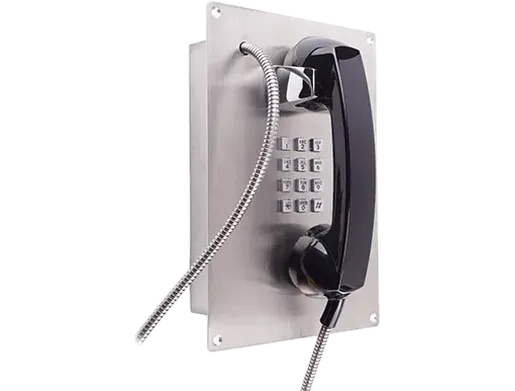
Becke Telcom alarm and help-point solutions cover different ways of initiating an emergency request. A public call box may provide an obvious communication point in an open area, while a panic or duress button may be installed where staff need to trigger an alert quickly or discreetly. Passenger help points, parking call stations and healthcare assistance terminals serve different users but share the same basic purpose: creating a defined path from the person requesting help to the position responsible for responding.

These solutions should not be treated as one identical system. Some projects require two-way SIP voice communication, others begin with a simple alarm input, and some combine calling with video, access control, dispatch or public warning. The endpoint and response workflow should be selected around the site rather than applying every function to every installation.

The dedicated Emergency Call Box System page covers the detailed architecture and incident-handling workflow for call-box projects. This page provides the broader entry point for the different alarm, help-point and panic-button solutions available within the category.

Core Capabilities

One-Touch & Silent Alarm

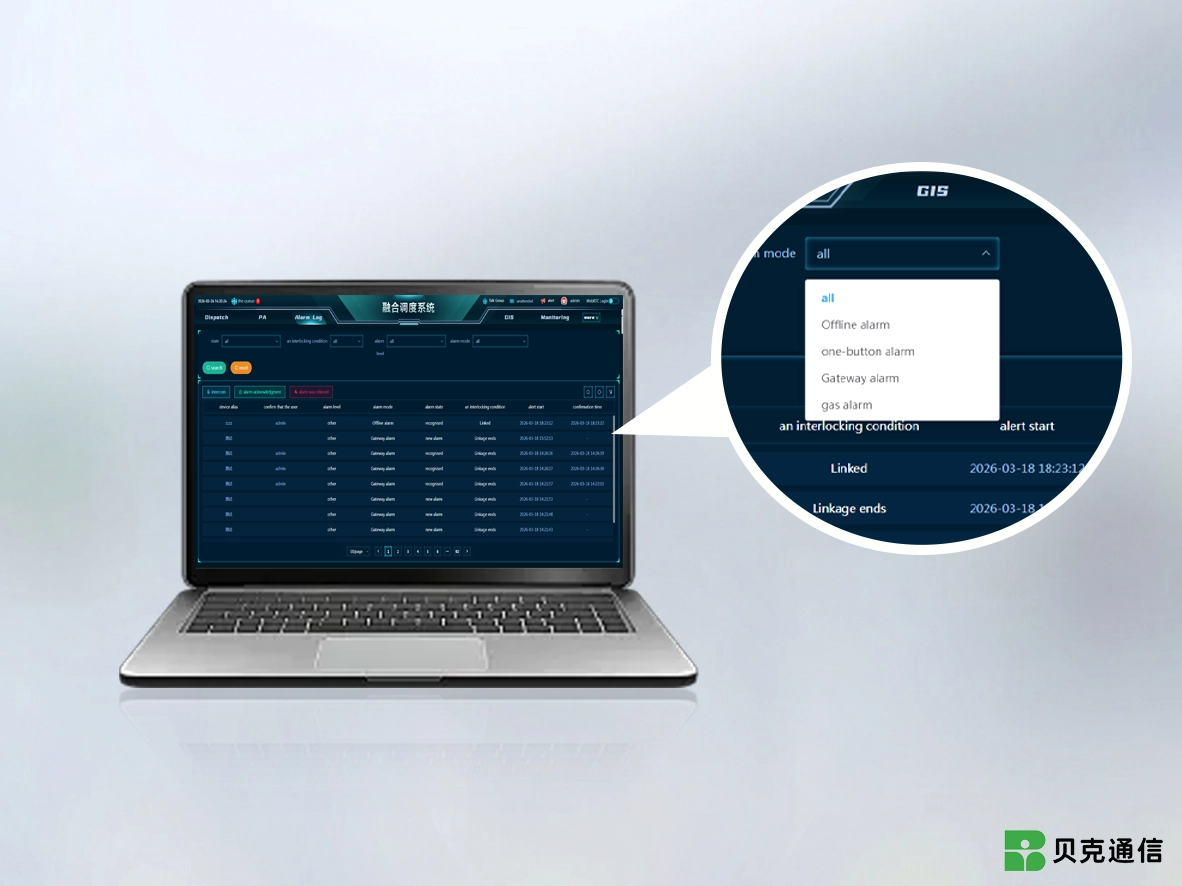
Emergency endpoints may use a visible call key, SOS button, panic input or discreet duress trigger according to the application. The device sends the event to the designated response system, while the receiving platform determines how the alert is displayed, routed or escalated.

One-Touch & Silent Alarm
Two-Way Voice Communication

Two-Way Voice Communication

Call-box and intercom-based solutions can establish a live voice path between the user and the receiving position. This allows the operator to ask questions, confirm the situation and provide instructions instead of working from a silent alarm alone. Voice capability depends on the endpoint type; a basic panic input does not automatically provide intercom audio.

Event & Location Identification

The response platform can identify the alarm source by device, extension, zone or other configured information. Alarm classification, priority levels and location display are platform functions and should be defined around the site's response procedure rather than assumed to exist inside every button or call station.

Event & Location Identification
Video & Alarm Linkage

Video & Alarm Linkage

Where CCTV or another video platform is integrated, activation of an alarm point can be associated with a nearby camera or event record to give operators additional context. The endpoint initiates or reports the event; video display and linkage logic are handled by the connected management system.

Dispatch & Notification Integration

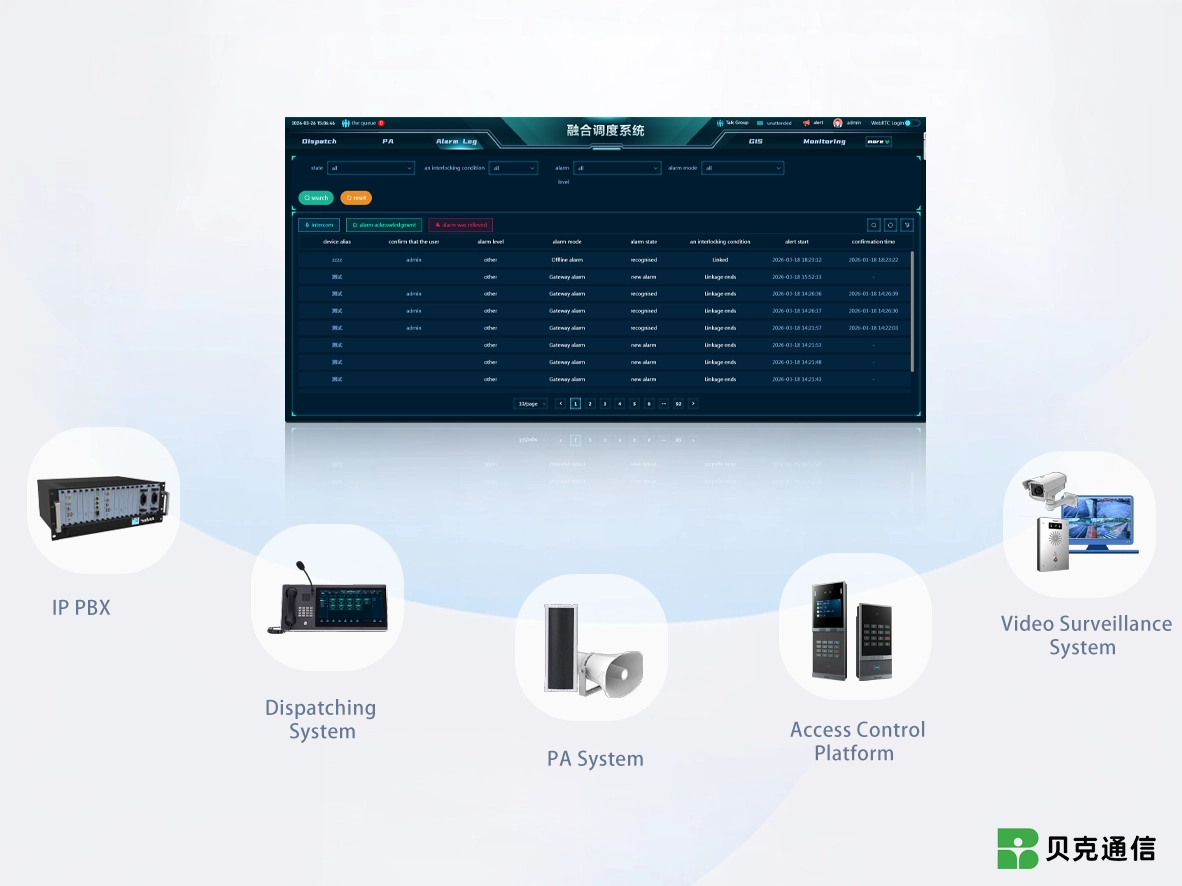
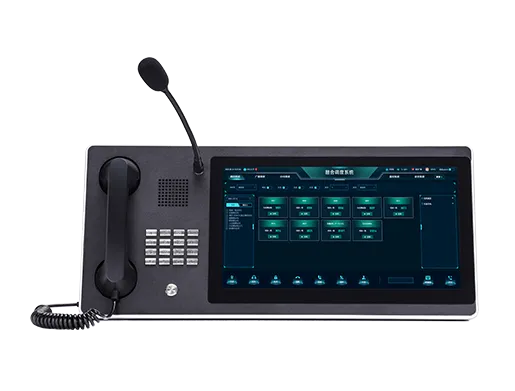
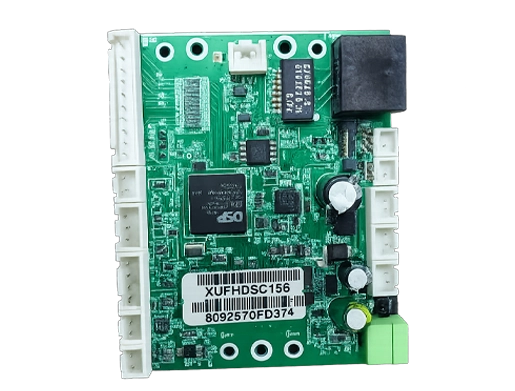
Alarm events can be passed to compatible dispatch, IP PBX, PA, access-control or monitoring systems through the interfaces provided by the project. SIP, APIs, dry contacts, I/O or gateways may be used depending on the equipment involved. IP connectivity by itself does not mean that unrelated security systems are automatically interoperable.

Dispatch & Notification Integration
Outdoor & Industrial Endpoint Options

Outdoor & Industrial Endpoint Options

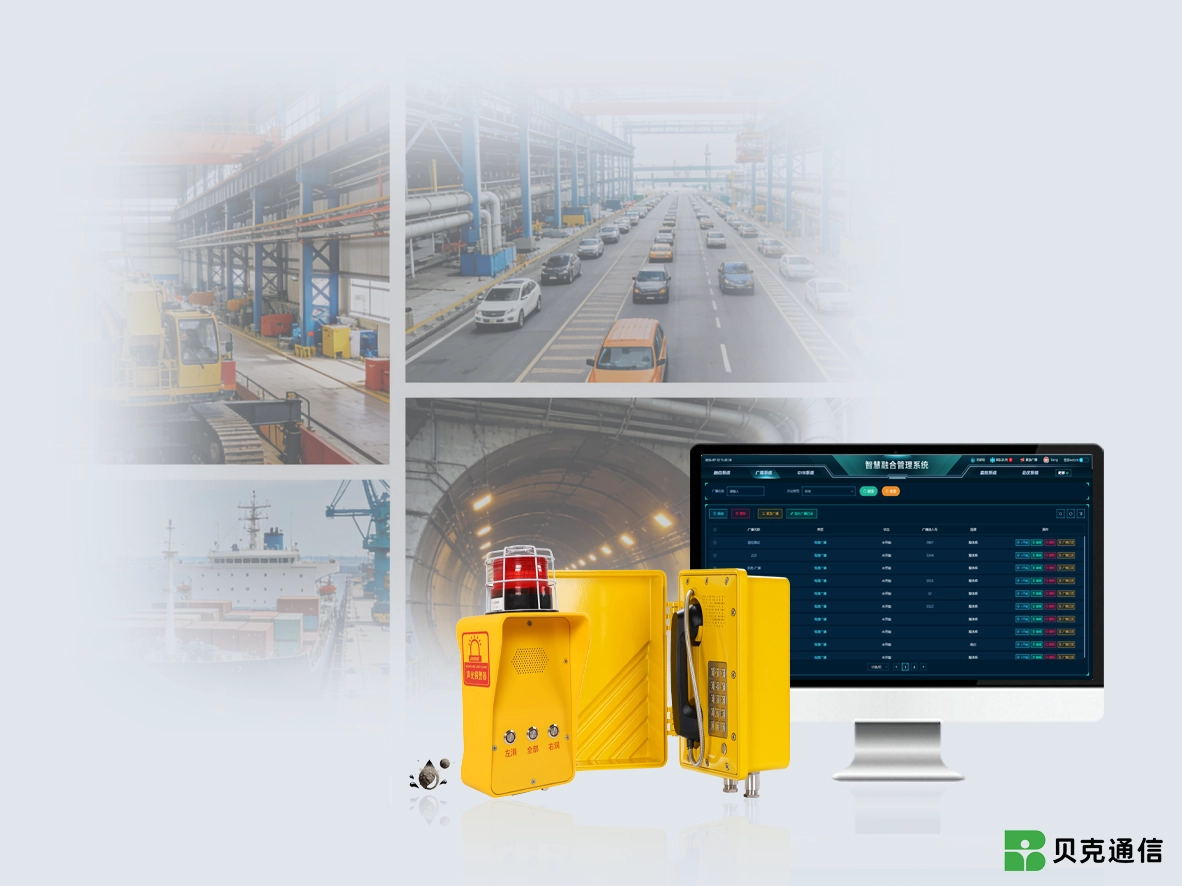
Help points installed outdoors, in tunnels, at industrial sites or in exposed public areas may require different enclosure materials, environmental protection, mounting methods and audio designs. These characteristics should be selected from the specification of the actual endpoint rather than applied to every product in the alarm-system category.

Application Scenarios

Industrial
Campuses and Hospitals
Transport
Outdoor

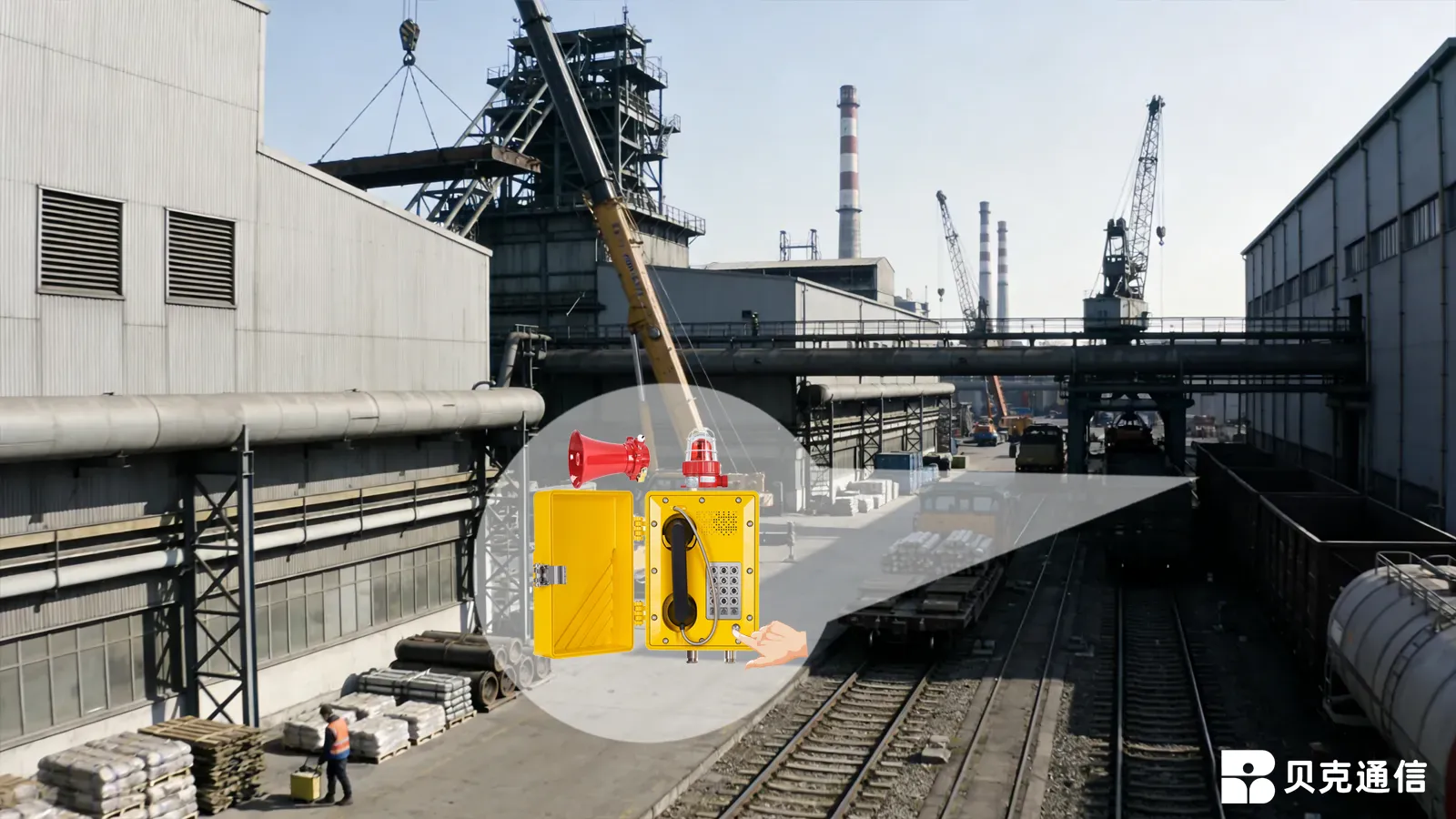
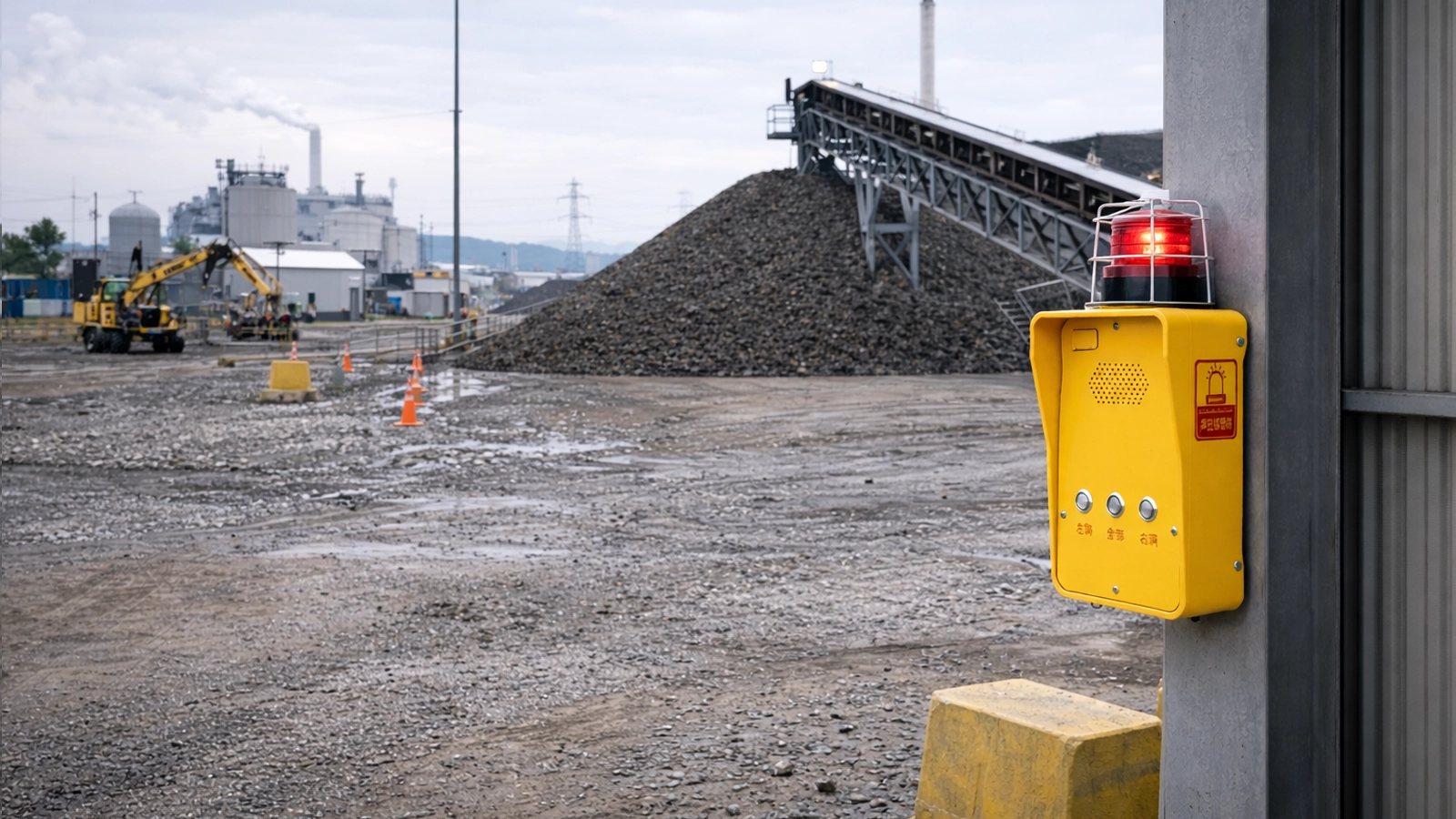
Factories, production areas, warehouses and remote equipment zones may use fixed help points where personnel need a known route to a control room or duty position. The terminal type should follow the local environment, including noise, moisture, dust, mounting location and any hazardous-area requirements.

Industrial

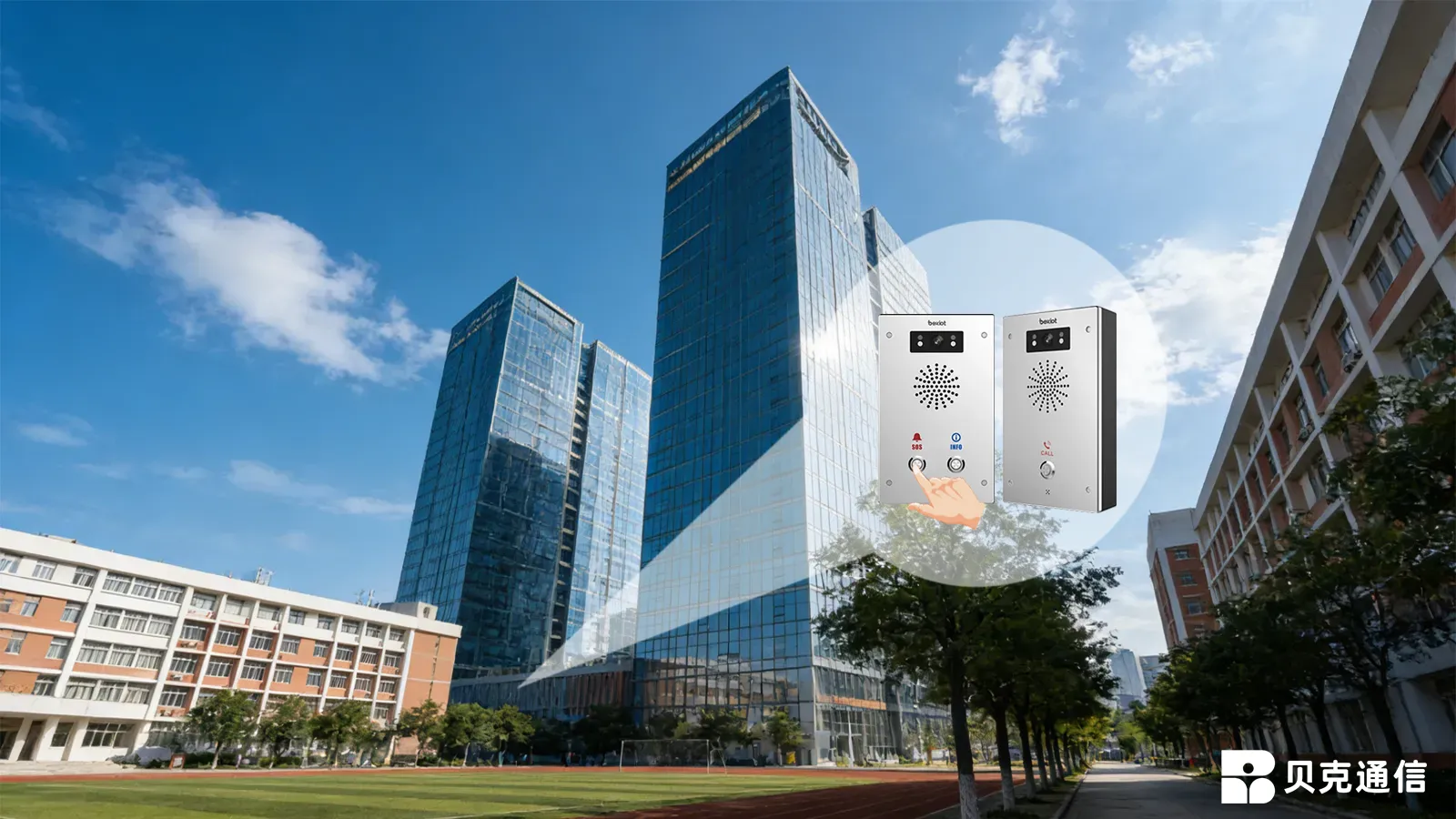
Schools, hospitals and large institutional sites can place assistance points around entrances, outdoor paths, parking areas, dormitories or other locations where permanent staff are not always nearby. Panic or duress alarms may also be used at staffed positions where a discreet request for assistance is more appropriate than a public call box.

Campuses and Hospitals

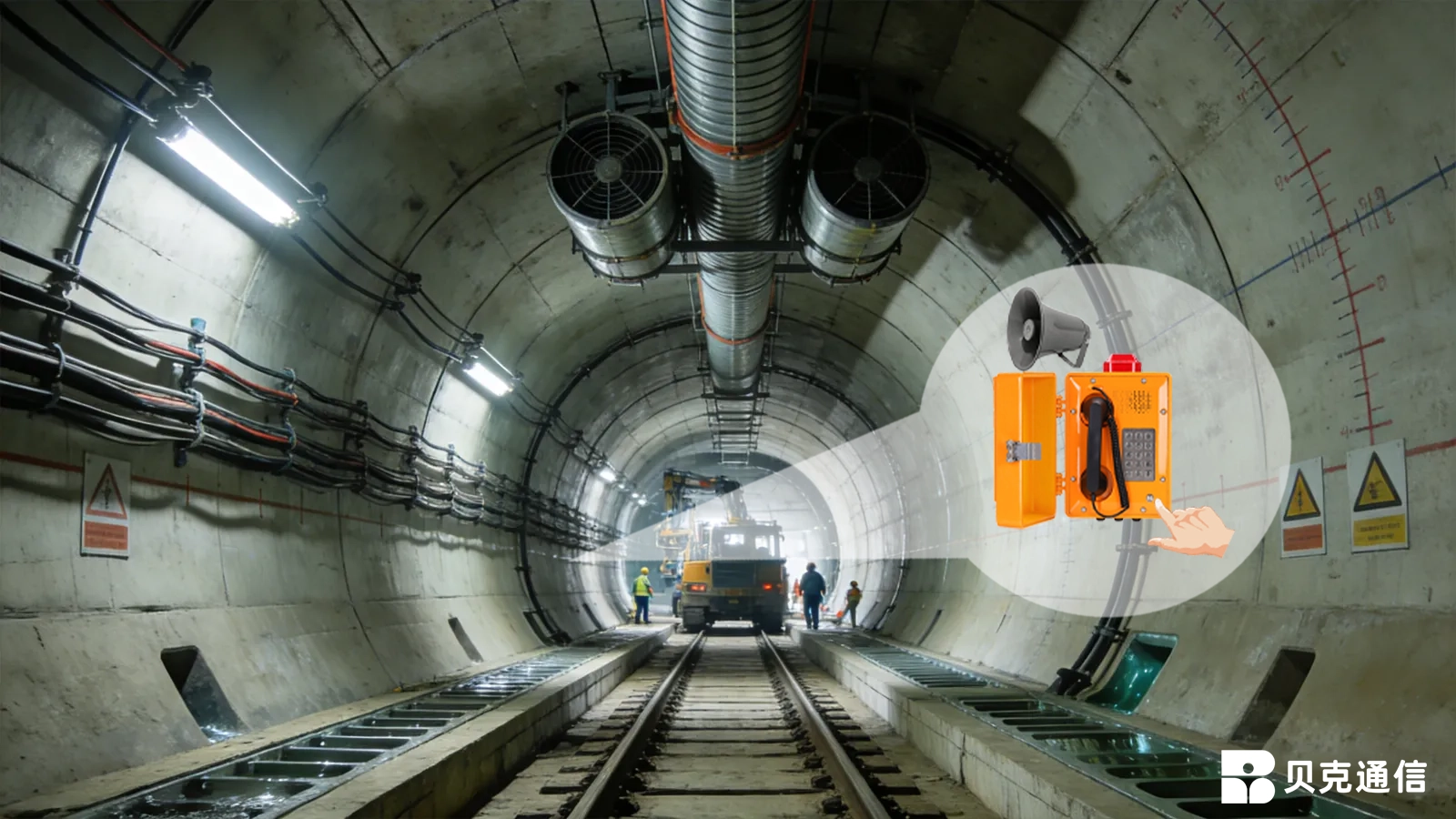
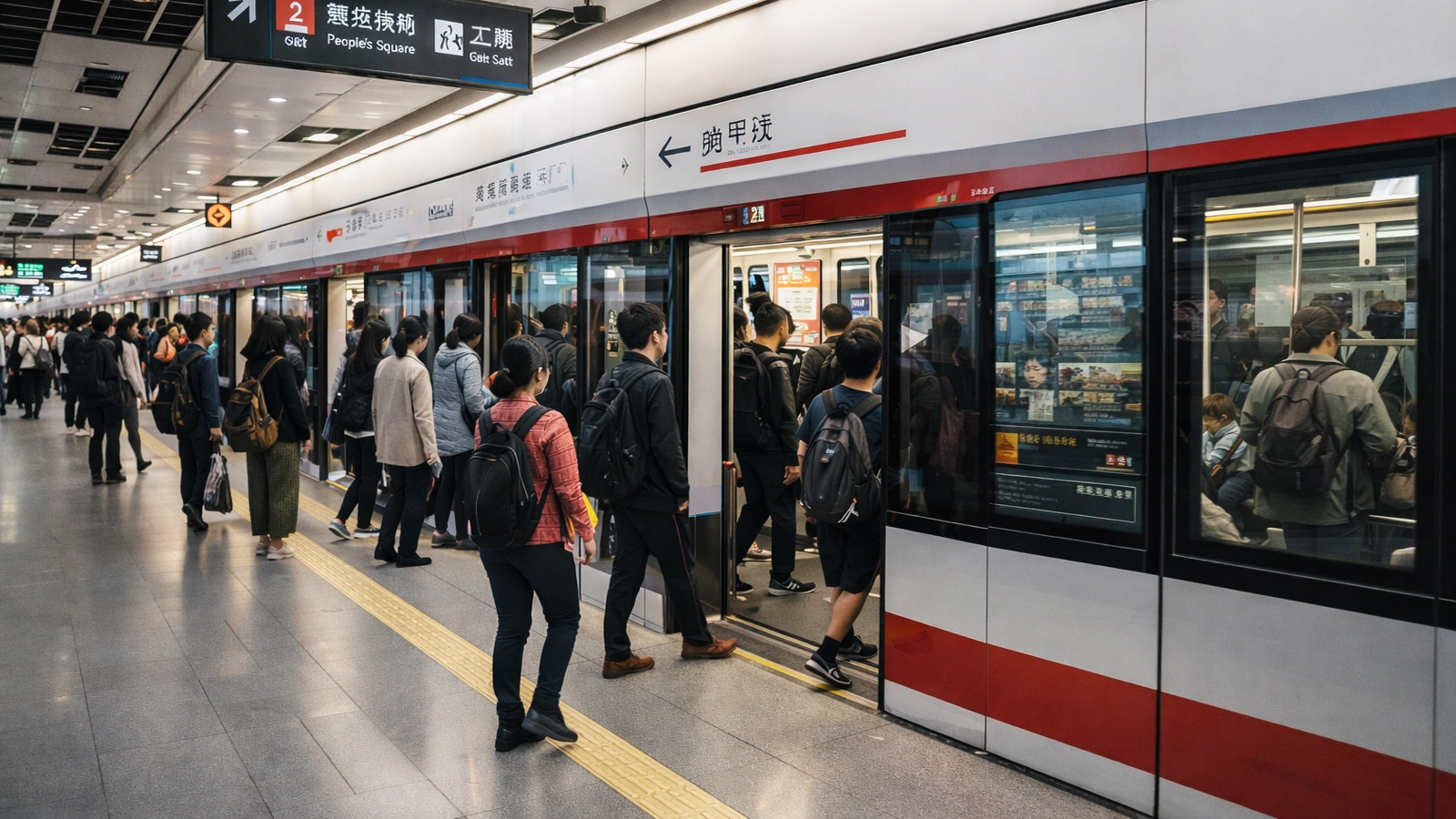
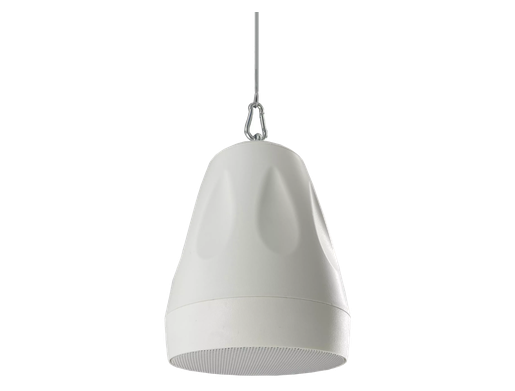
Metro stations, railway facilities, tunnels and underground passages require help points that remain easy for passengers or staff to identify. Calls can be routed to a station control room or designated service position, while wider evacuation and public-warning functions remain with the corresponding station communication systems.

Transport

Ports, docks, logistics yards, public spaces and other exposed sites may need emergency endpoints across areas that are remote from staffed buildings. Outdoor installations should be planned around visibility, environmental protection, network access, power and the response position responsible for receiving the event.

Outdoor

customer service Phone
We use cookie to improve your online experience. By continuing to browse this website, you agree to our use of cookie.

Cookies

This Cookie Policy explains how we use cookies and similar technologies when you access or use our website and related services. Please read this Policy together with our Terms and Conditions and Privacy Policy so that you understand how we collect, use, and protect information.

By continuing to access or use our Services, you acknowledge that cookies and similar technologies may be used as described in this Policy, subject to applicable law and your available choices.

Updates to This Cookie Policy

We may revise this Cookie Policy from time to time to reflect changes in legal requirements, technology, or our business practices. When we make updates, the revised version will be posted on this page and will become effective from the date of publication unless otherwise required by law.

Where required, we will provide additional notice or request your consent before applying material changes that affect your rights or choices.

What Are Cookies?

Cookies are small text files placed on your device when you visit a website or interact with certain online content. They help websites recognize your browser or device, remember your preferences, support essential functionality, and improve the overall user experience.

In this Cookie Policy, the term “cookies” also includes similar technologies such as pixels, tags, web beacons, and other tracking tools that perform comparable functions.

Why We Use Cookies

We use cookies to help our website function properly, remember user preferences, enhance website performance, understand how visitors interact with our pages, and support security, analytics, and marketing activities where permitted by law.

We use cookies to keep our website functional, secure, efficient, and more relevant to your browsing experience.

Categories of Cookies We Use

Strictly Necessary Cookies

These cookies are essential for the operation of the website and cannot be disabled in our systems where they are required to provide the service you request. They are typically set in response to actions such as setting privacy preferences, signing in, or submitting forms.

Without these cookies, certain parts of the website may not function correctly.

Functional Cookies

Functional cookies enable enhanced features and personalization, such as remembering your preferences, language settings, or previously selected options. These cookies may be set by us or by third-party providers whose services are integrated into our website.

If you disable these cookies, some services or features may not work as intended.

Performance and Analytics Cookies

These cookies help us understand how visitors use our website by collecting information such as traffic sources, page visits, navigation behavior, and general interaction patterns. In many cases, this information is aggregated and does not directly identify individual users.

We use this information to improve website performance, usability, and content relevance.

Targeting and Advertising Cookies

These cookies may be placed by our advertising or marketing partners to help deliver more relevant ads and measure the effectiveness of campaigns. They may use information about your browsing activity across different websites and services to build a profile of your interests.

These cookies generally do not store directly identifying personal information, but they may identify your browser or device.

First-Party and Third-Party Cookies

Some cookies are set directly by our website and are referred to as first-party cookies. Other cookies are set by third-party services, such as analytics providers, embedded content providers, or advertising partners, and are referred to as third-party cookies.

Third-party providers may use their own cookies in accordance with their own privacy and cookie policies.

Information Collected Through Cookies

Depending on the type of cookie used, the information collected may include browser type, device type, IP address, referring website, pages viewed, time spent on pages, clickstream behavior, and general usage patterns.

This information helps us maintain the website, improve performance, enhance security, and provide a better user experience.

Your Cookie Choices

You can control or disable cookies through your browser settings and, where available, through our cookie consent or preference management tools. Depending on your location, you may also have the right to accept or reject certain categories of cookies, especially those used for analytics, personalization, or advertising purposes.

Please note that blocking or deleting certain cookies may affect the availability, functionality, or performance of some parts of the website.

Restricting cookies may limit certain features and reduce the quality of your experience on the website.

Cookies in Mobile Applications

Where our mobile applications use cookie-like technologies, they are generally limited to those required for core functionality, security, and service delivery. Disabling these essential technologies may affect the normal operation of the application.

We do not use essential mobile application cookies to store unnecessary personal information.

How to Manage Cookies

Most web browsers allow you to manage cookies through browser settings. You can usually choose to block, delete, or receive alerts before cookies are stored. Because browser controls vary, please refer to your browser provider’s support documentation for details on how to manage cookie settings.

Contact Us

If you have any questions about this Cookie Policy or our use of cookies and similar technologies, please contact us at support@becke.cc .