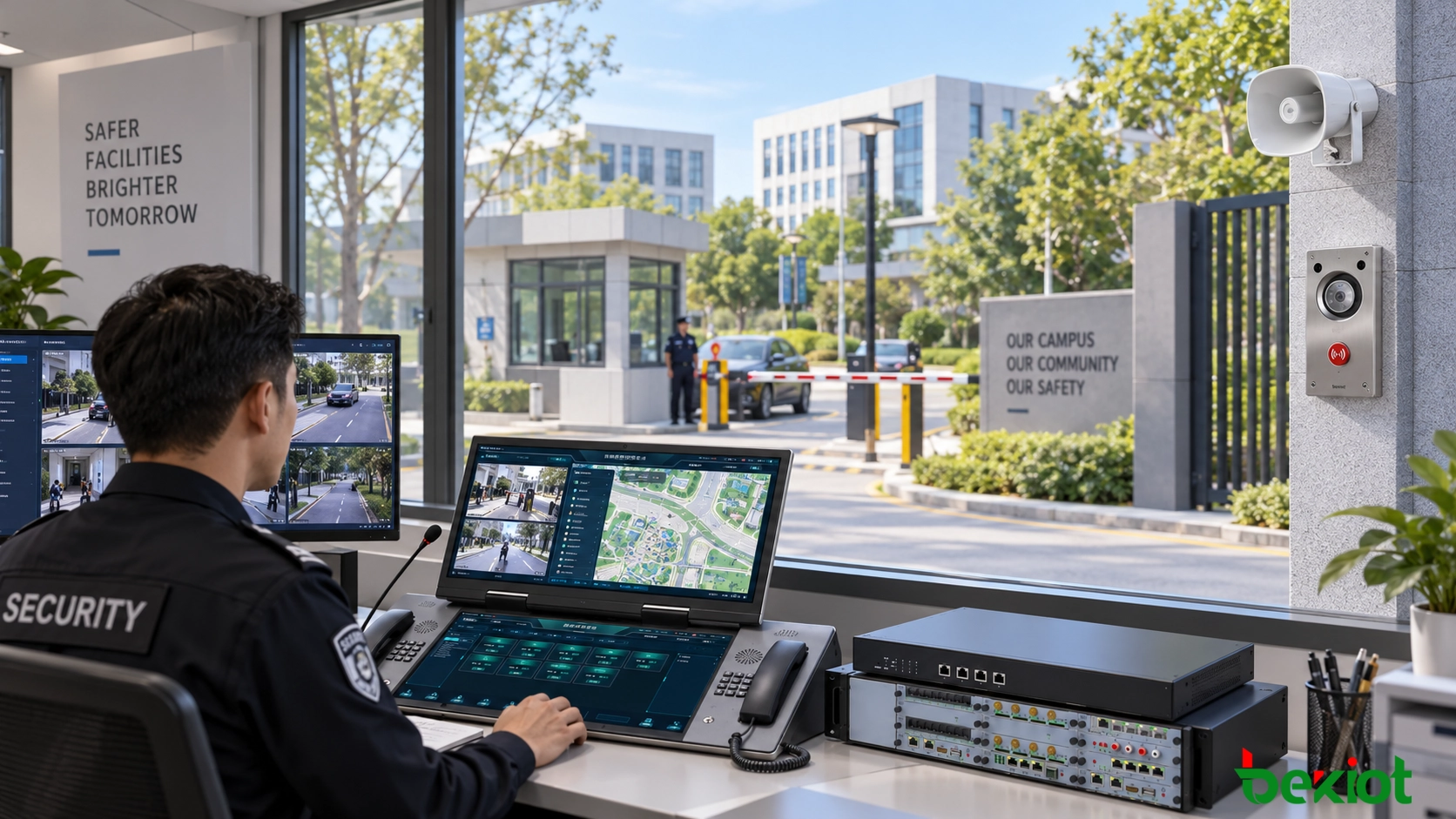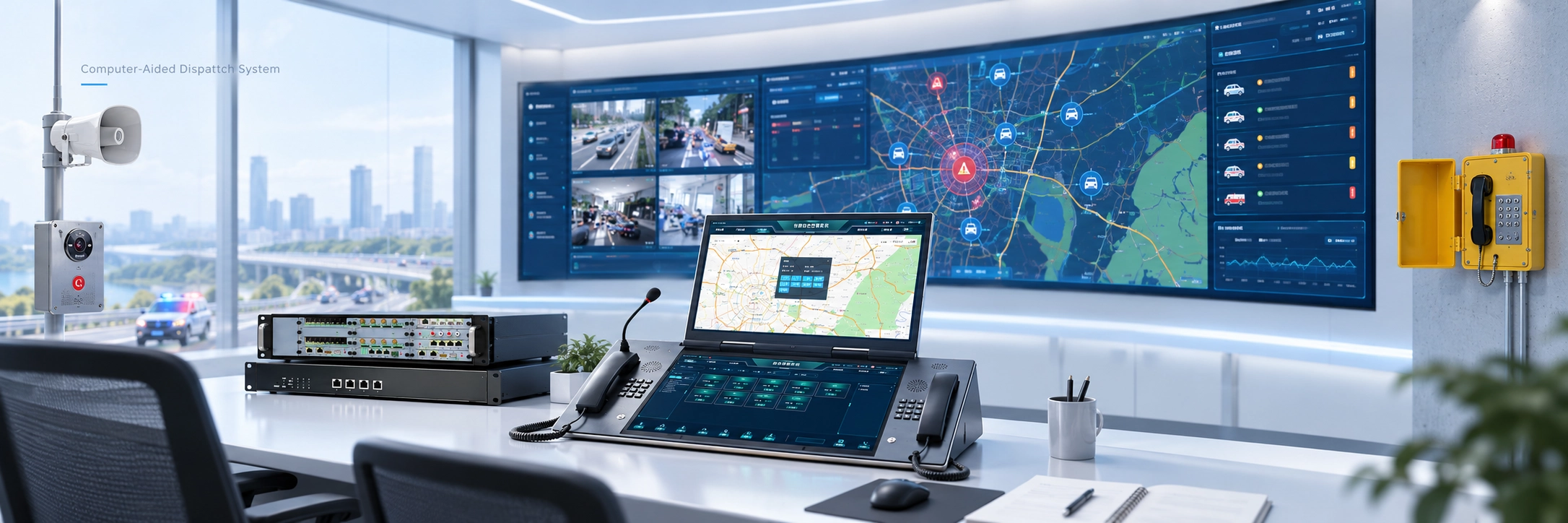
Coordinate incident reporting, resource assignment, GIS-based visibility and emergency communications through a structured dispatch workflow.
Becke Telcom provides a Computer-Aided Dispatch (CAD) software system for control rooms responsible for incidents, field personnel and operational resources. The platform brings together event records, resource assignments, GIS information and communication controls, giving dispatchers a consistent view of an incident from the initial report to its final disposition.
The Becke CAD System is organized around incidents and the people responsible for resolving them. An incoming report is registered with its source, location, category and priority. Dispatchers examine the available information, select a response team and follow the assignment as personnel acknowledge the task, travel to the site, report progress and complete their work. Changes remain associated with the incident, providing a reliable record for shift handover and supervisory review.
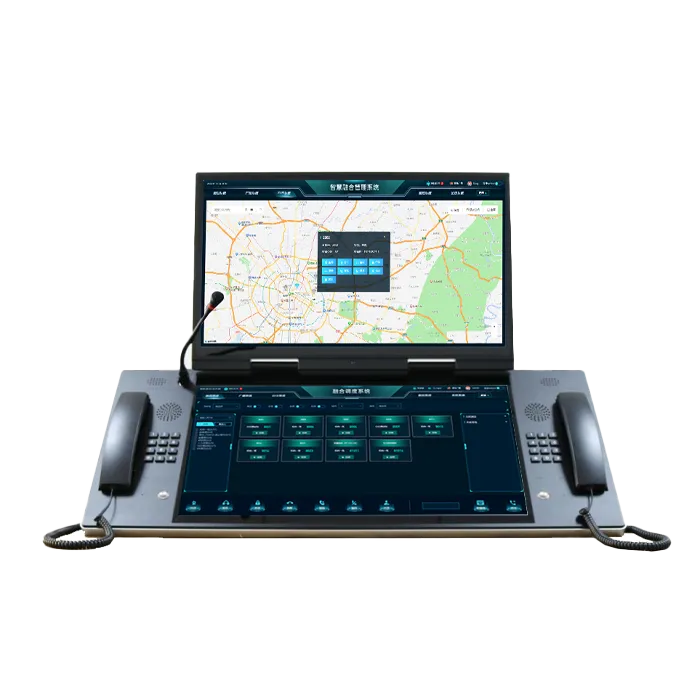
The software presents active cases, available resources and relevant communication actions within an operator workspace. GIS views place reports and field units in their geographic or facility context, while resource records identify teams, operating areas and communication contacts. Supervisors review workload and unresolved incidents without interrupting the work of dispatch positions.
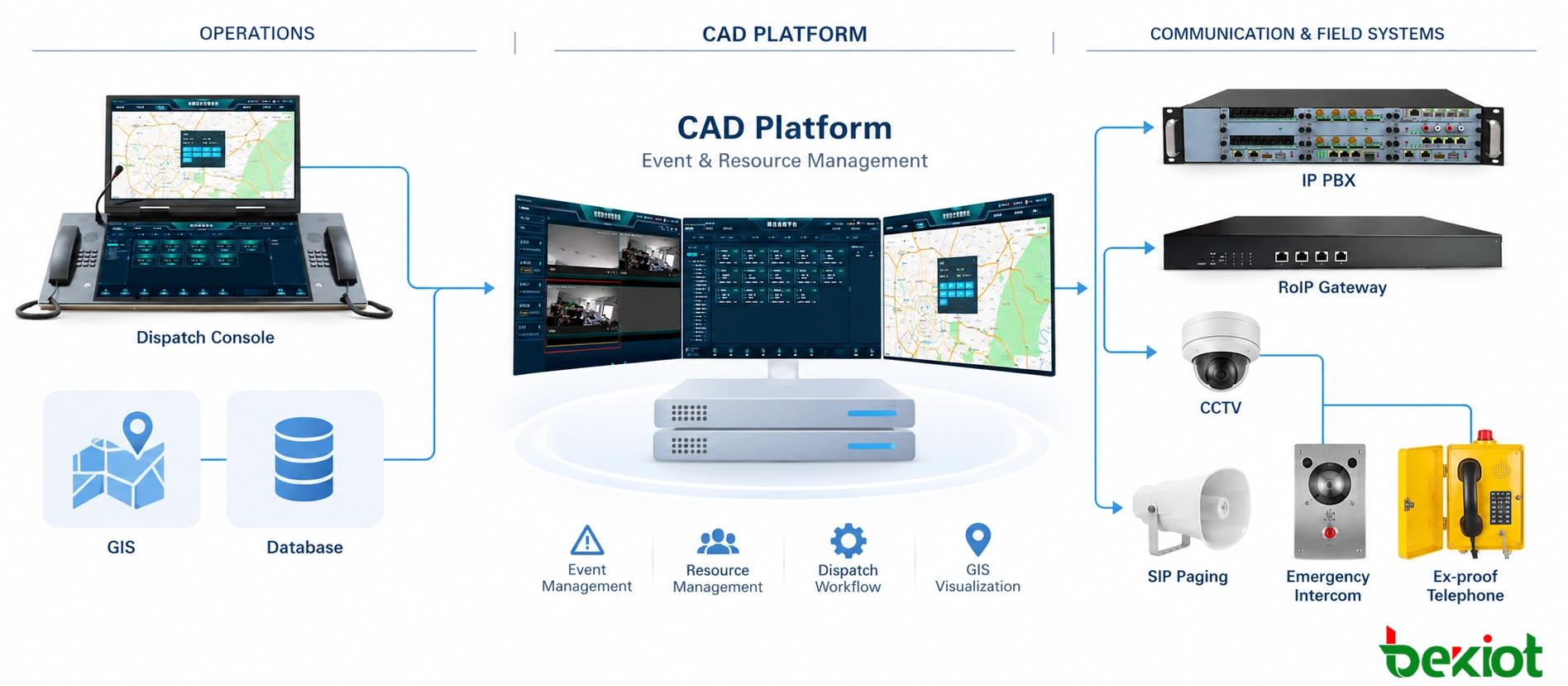
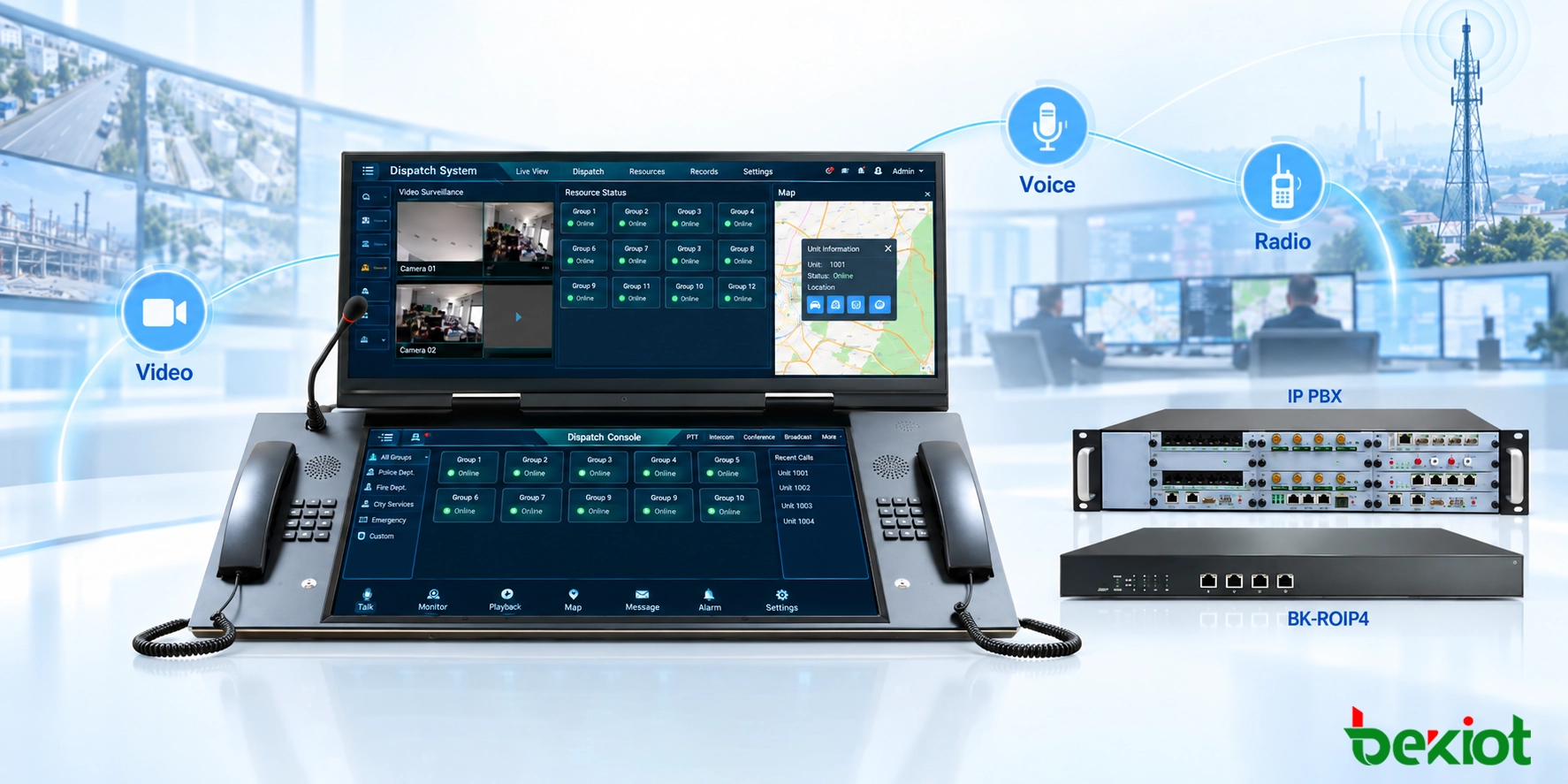
Becke CAD operates alongside Becke Telcom command and dispatch systems, linking incident tasks with supported SIP telephony, radio dispatch, video, emergency intercom, alarm and paging resources. The CAD software manages incident responsibilities and response records; the connected communication services handle the corresponding calls, video sessions and announcements. This division gives a control room both an operational record and the communications needed to act on it.
Each incident has a unique reference that connects its reporting source, location, priority, assigned units and action history. The same reference is used throughout registration, dispatch, escalation and closure, even when several departments take part. Operators can update a case without recreating it each time responsibility changes. Related reports can be associated with an existing incident while retaining the information supplied by each source.
Dispatcher and supervisor views are built around their different duties. The incident queue gives operators immediate access to work requiring attention; the selected record contains the current assignment and response history. Access permissions determine who can change priorities, transfer responsibility or close a case. The result is a defined working process rather than a collection of unrelated calls and alarm messages.
The system consists of operator workstations, CAD application services, incident and resource data, GIS services and interfaces to connected communication platforms. Application services maintain the incident workflow, assignments and permissions. The data services retain case details, resource references and authorized operating records. GIS services provide map layers and location references such as roads, facilities, buildings, production zones and equipment positions supplied for the project.
This structure keeps business information separate from voice and video transport. For example, an emergency intercom supplies a call and a device identity through its connected communication service; CAD uses the available event information to locate the report and manage the response. Audio or video remains on the relevant communications platform rather than being routed through the CAD case database.
Becke CAD supports centralized control rooms and operating environments covering multiple facilities or duty areas. Workstation positions, application services, storage, GIS data and integration interfaces are arranged to suit the site's number of users, resources and incident workload. Role-based access separates call-taking, dispatch, supervision and administration, with operating records retained according to the organization's procedures.
System deployment also addresses network segmentation, backup arrangements, power protection and recovery procedures. Local operating rules define how dispatch personnel continue essential coordination if a workstation, interface or external network becomes unavailable. The recovery design is based on the services and communication paths included in the project.
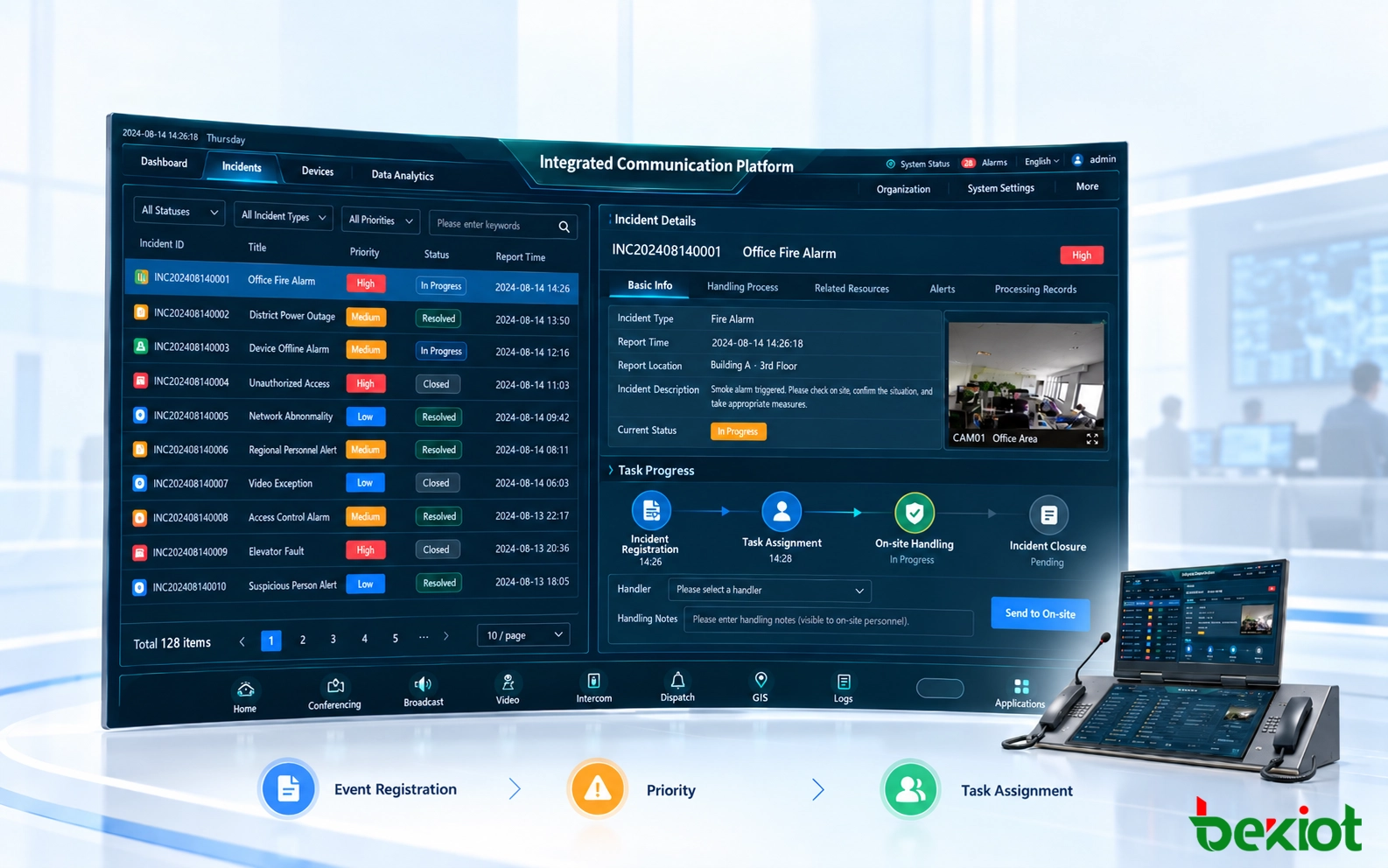
The Becke CAD incident workspace brings incoming, active and pending cases into a single queue with their priorities, reporting times and assigned units. Dispatchers register reports, update incident details, allocate response teams and follow acknowledgements and status changes through closure. Related telephone, alarm and field reports remain linked to each case, giving supervisors a clear record of response activity and unresolved tasks.
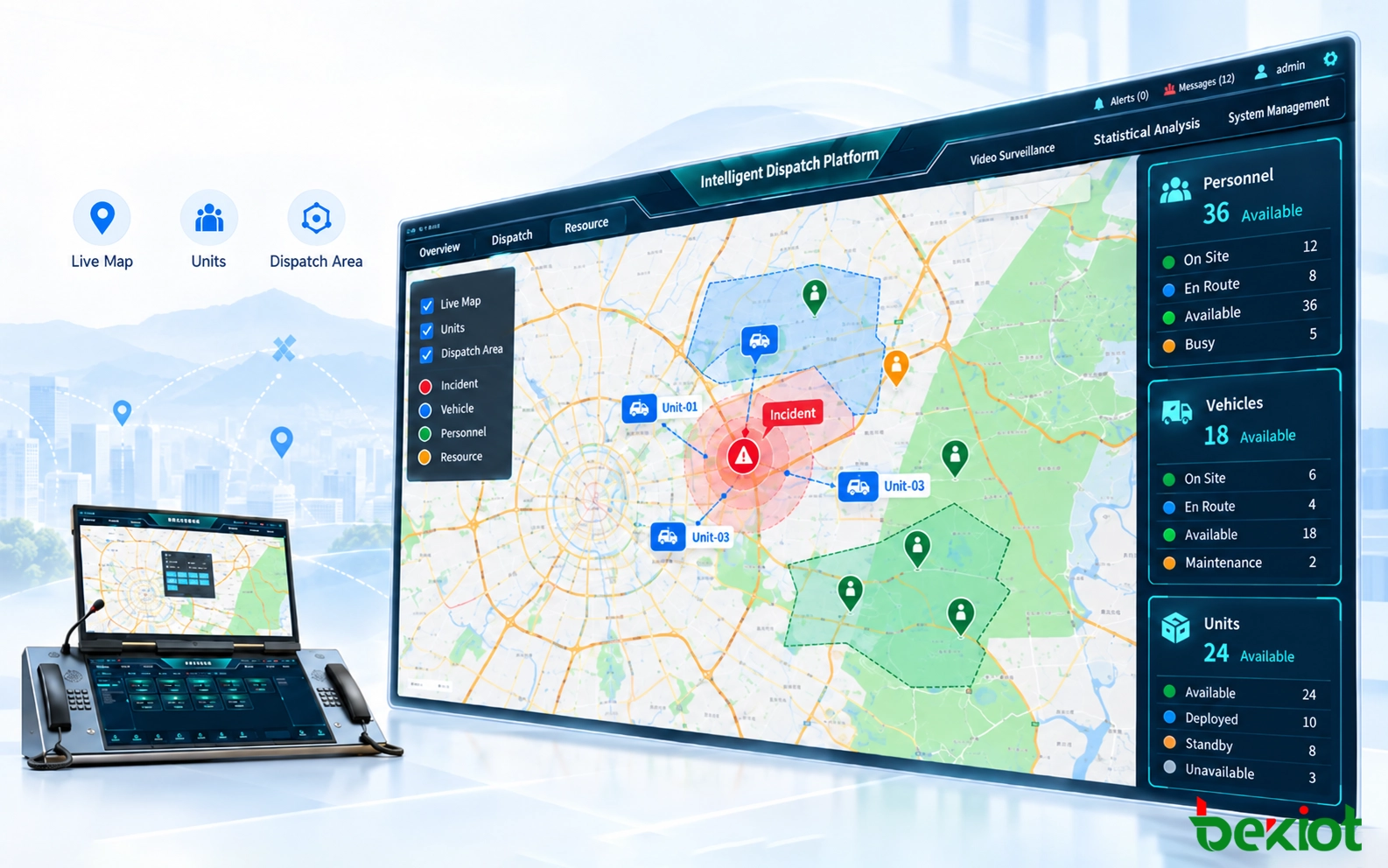
Becke CAD displays incident locations and field resources on a GIS map, alongside resource availability and duty areas. Dispatchers can review event locations, identify suitable teams and assign response units. For complex facilities, location records include buildings, floors, stations and equipment references. Position updates are displayed with timestamps when connected positioning services provide them.
Becke CAD links incident records with voice, radio and video dispatch through the integrated communication platform. Operators use department contacts and supported call controls for intercom, voice or video calls, conference and call monitoring, according to their permissions and connected services. Integrated CCTV views provide visual context for incidents, while CAD maintains the corresponding assignments and response records.
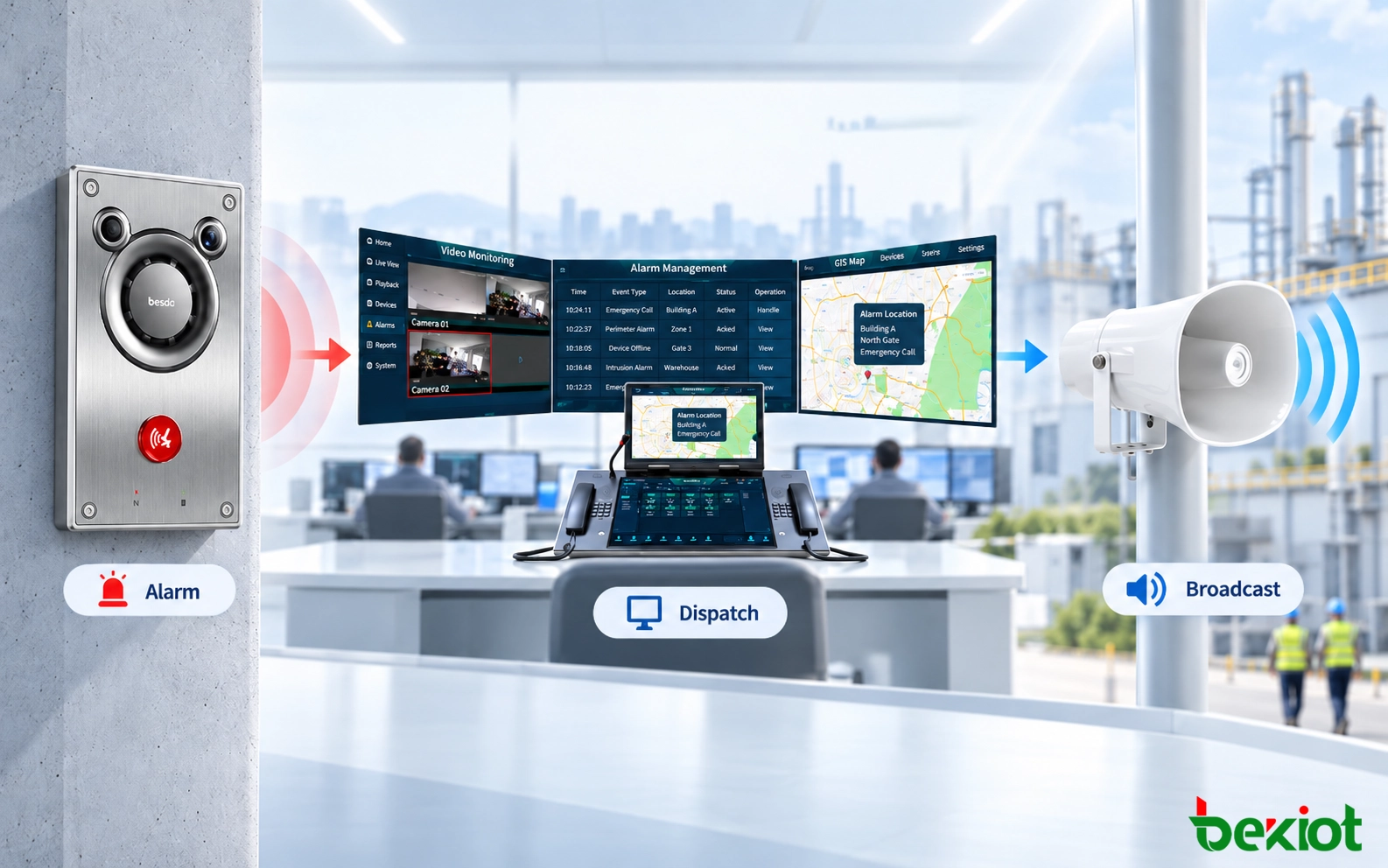
Becke CAD links emergency calls and alarm events to incident records, including the reporting device, location and event type. Dispatchers review each event, assign responsible teams and coordinate the response through the CAD workspace. When wider notification is required, connected SIP paging, public address and PAGA systems deliver announcements to designated areas under authorized control.
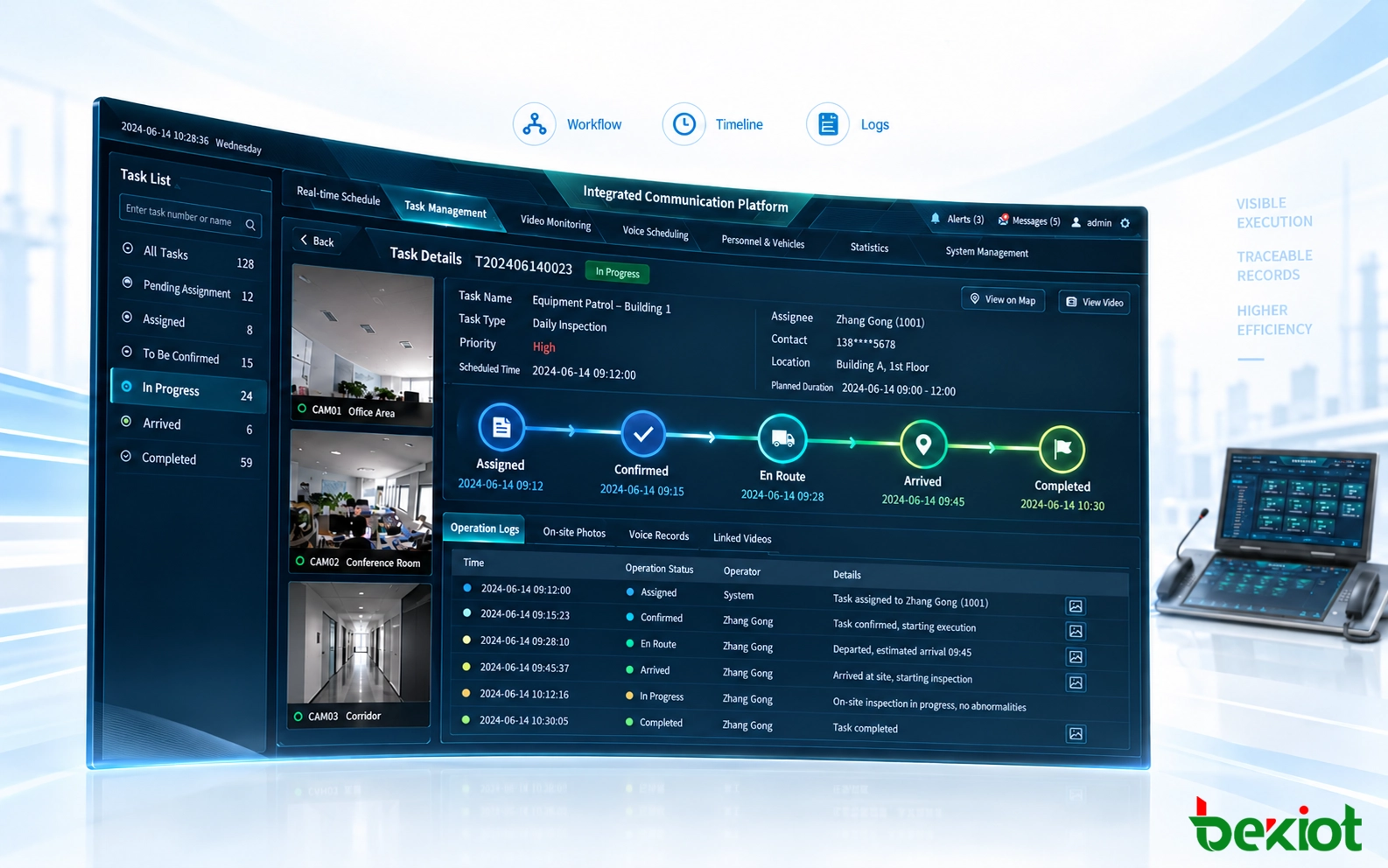
CAD tracks assignments from dispatch and acknowledgement through arrival, work in progress and completion, with updates entered by control-room personnel or supported field applications. Supervisors identify pending acknowledgements, coordinate additional units and review workloads, incident histories and unresolved actions. These records support shift handover, operational reporting and follow-up without relying on separate call logs.
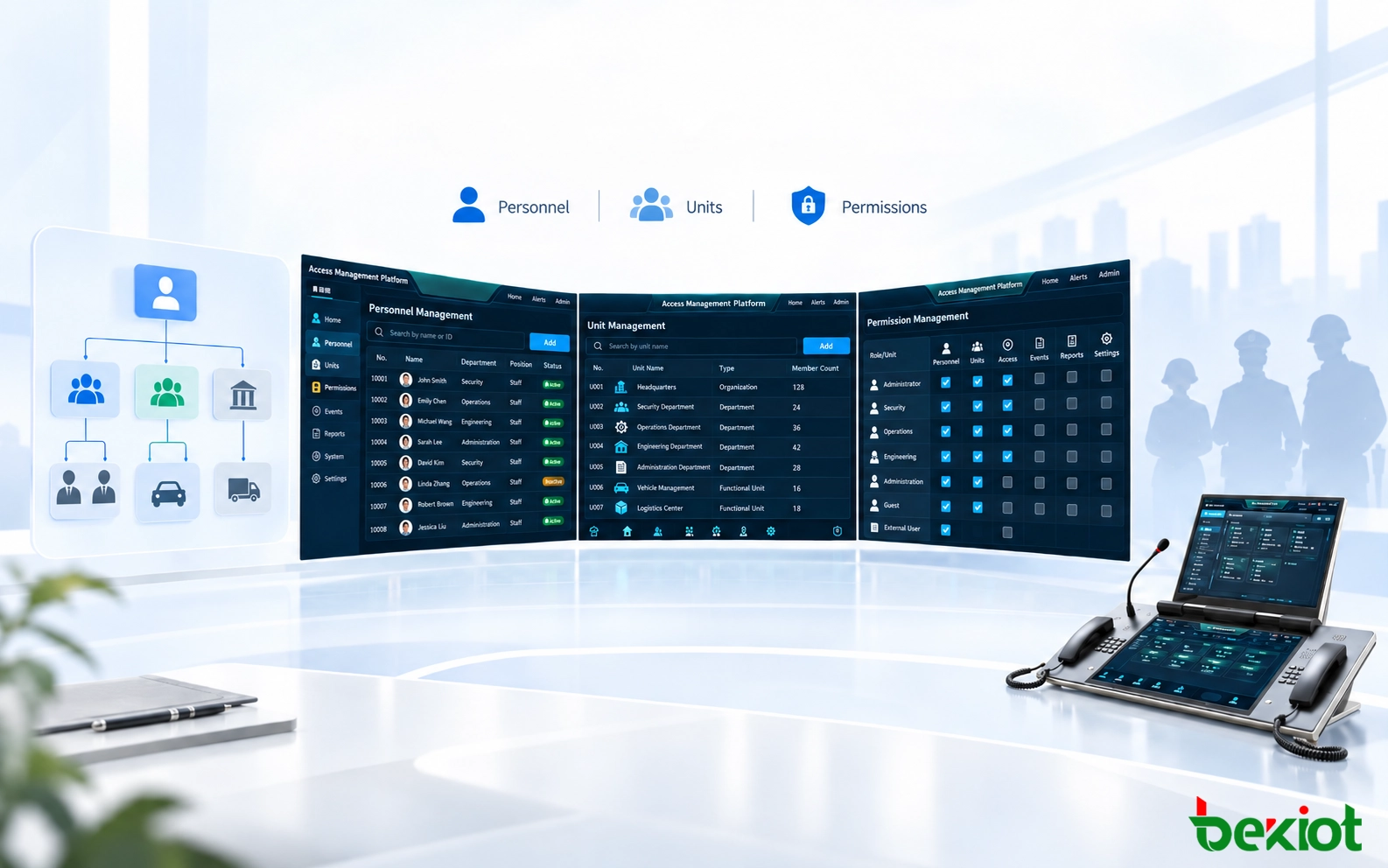
The resource directory organizes personnel, response teams, vehicles and operating units by duty area and communication identity. Team assignments remain independent of individual phones or radios, supporting shift changes and shared equipment. Role-based permissions control access to incident records, dispatch operations, priority changes and system administration.
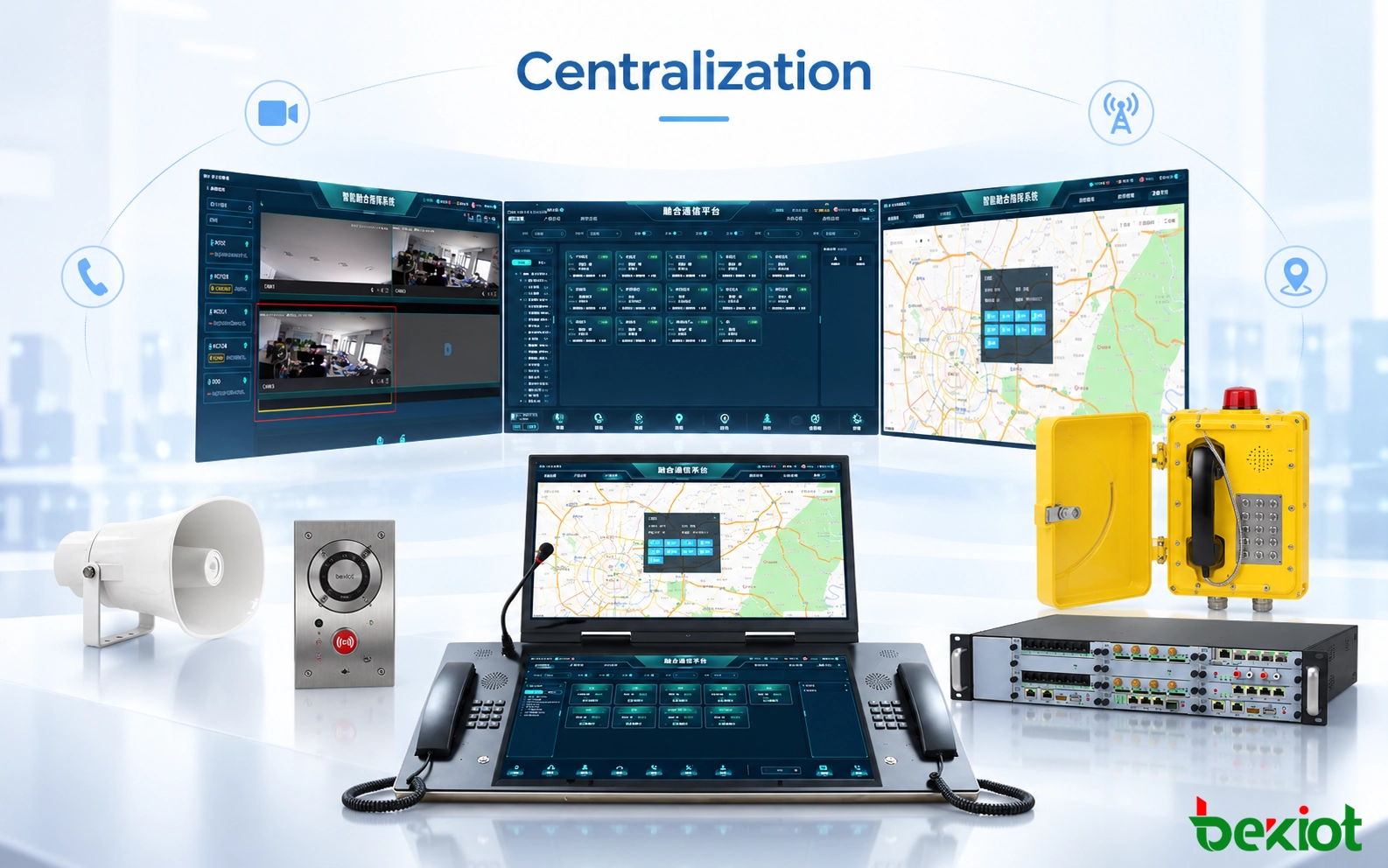
Dispatchers work from the incident context instead of switching repeatedly between an event list, an independent map and separate communication notes. The current case, responsible resource and available contact methods are connected within the operating workflow. This reduces the need for manual cross-referencing during incidents involving several teams or locations.
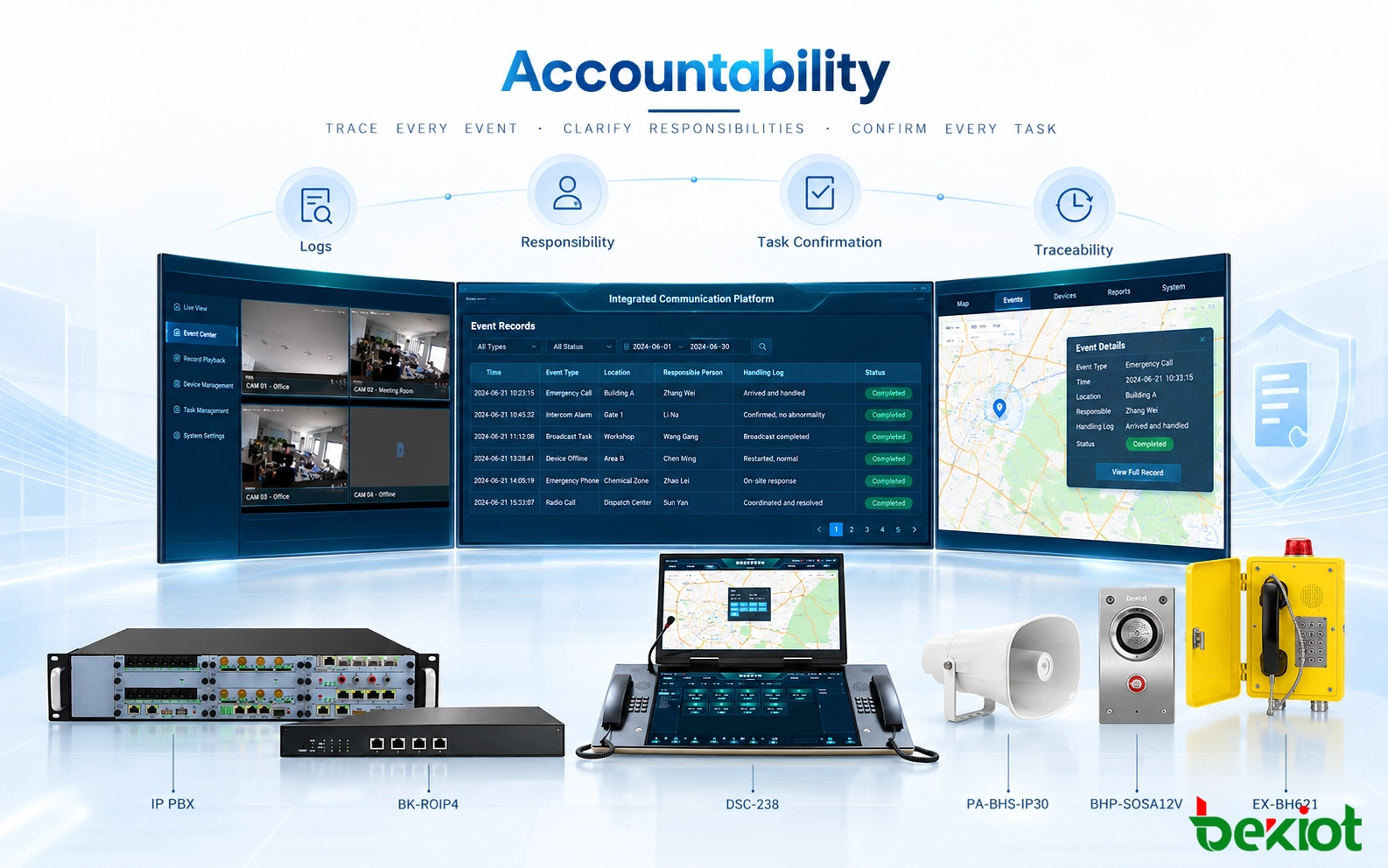
Assignment, acknowledgement and completion remain identifiable stages, with the responsible unit and operator actions retained in the case history. Supervisors can distinguish an unanswered request from a response already underway and identify tasks needing escalation. These records also support consistent handover between operating shifts.
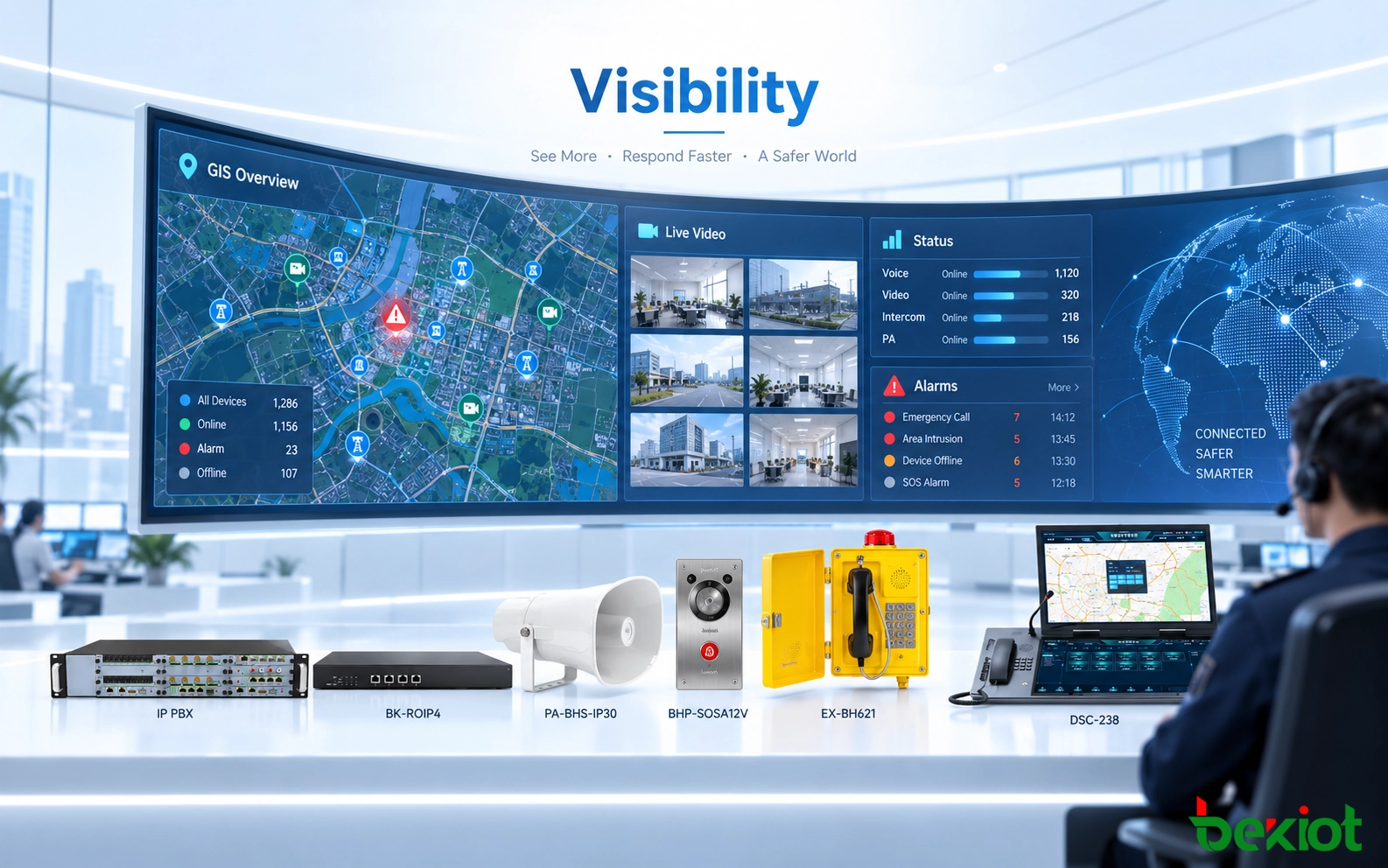
Map-based location information is linked to resource availability and incident priority, rather than presented as an isolated map display. This helps the dispatcher make decisions using both where an event occurred and which team has the appropriate responsibility and capacity. Facility references extend the same approach to sites where street addresses alone are insufficient.
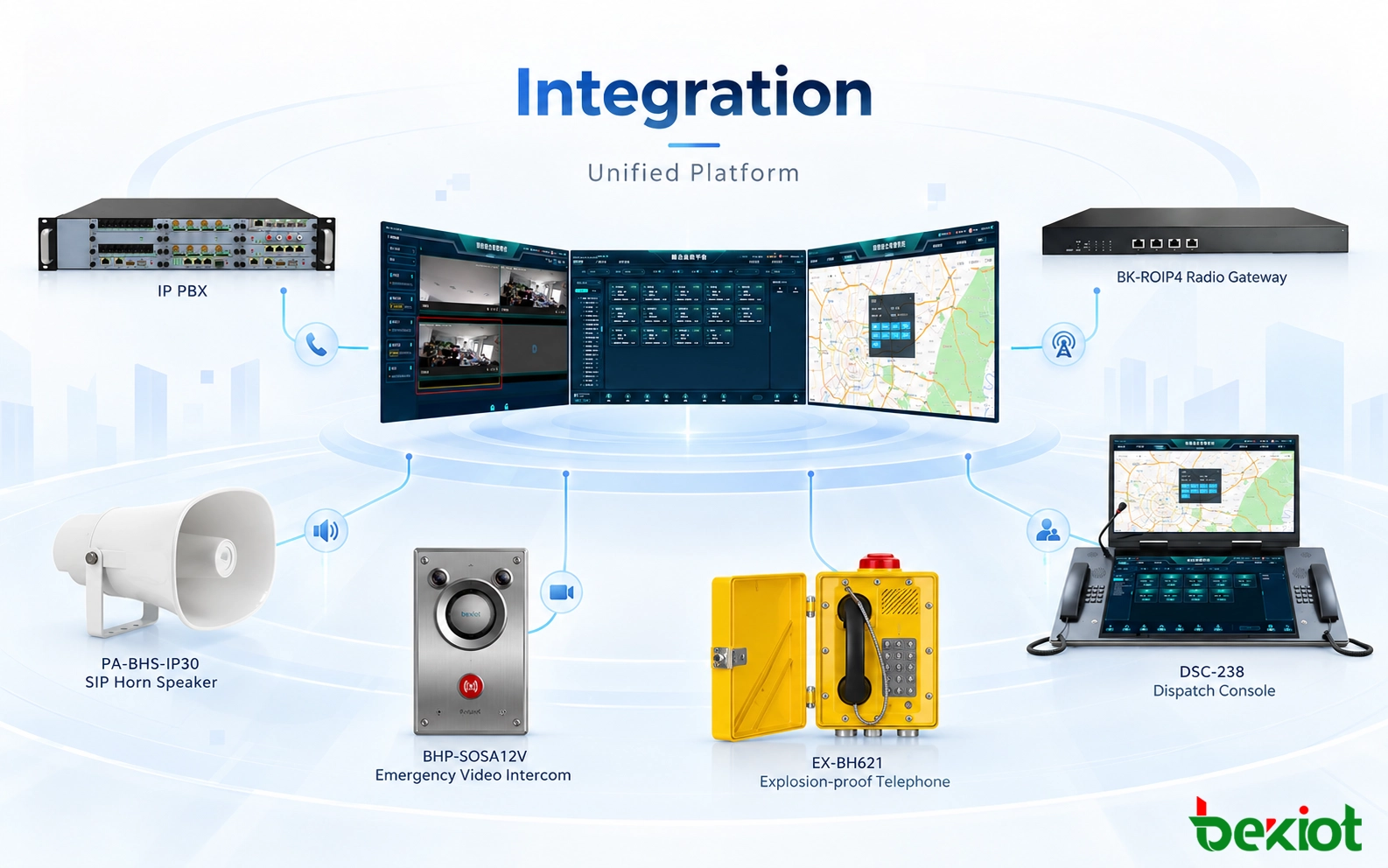
Becke CAD connects incident management with the Becke Telcom communications portfolio and other supported site systems through defined interfaces. Telephone, radio, CCTV, SOS and paging services retain their specialized operating functions while CAD keeps the response organized. Projects can retain relevant communications infrastructure and configure the software around the interfaces and procedures actually used at the site.
Emergency command centers receive calls and reports that require different departments to act at the same time. CAD keeps a common incident reference while fire, medical, security or other response units receive separate assignments. Dispatch supervisors follow which teams have acknowledged the task, which are on site and where additional support is required, maintaining a coherent operational picture as the incident develops.
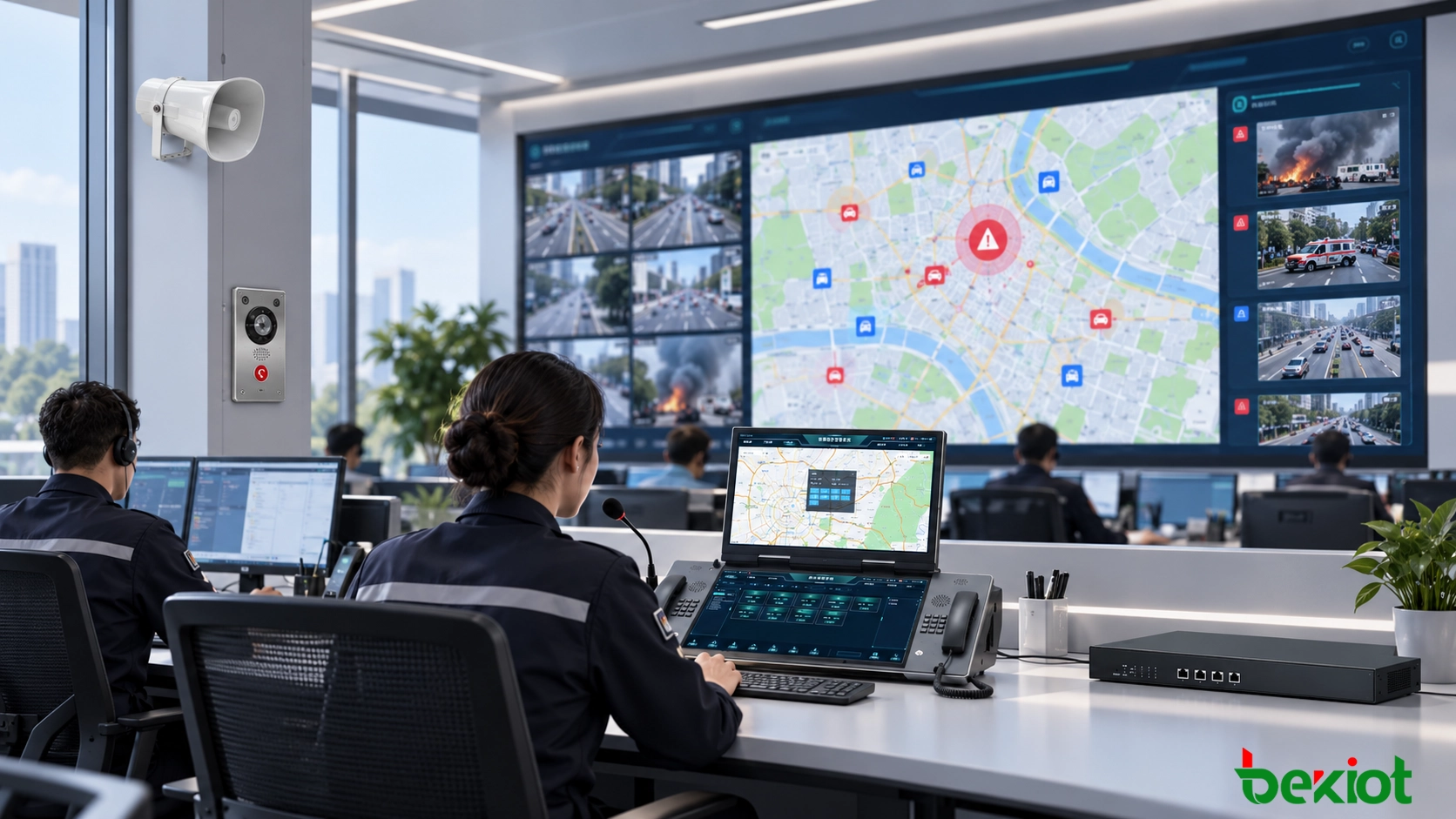
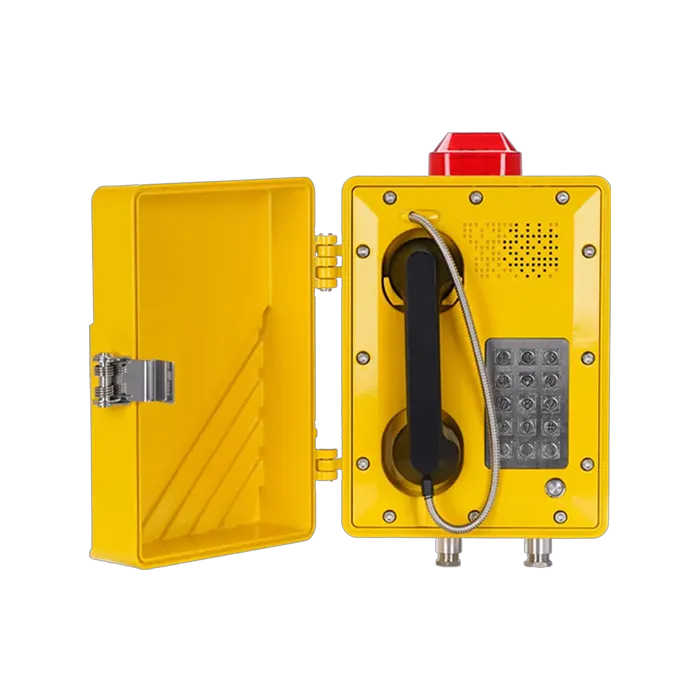
At refineries, chemical plants and large production facilities, an incident is often identified by a process unit, equipment number or restricted-area location. CAD connects that reference to the responsible safety, operations or maintenance team, with industrial phones, alarm inputs and site paging available through the integrated communication system. The event history records the response actions and outstanding work, supporting coordination across shifts and departments. Field equipment used in hazardous areas is selected according to the site's applicable protection requirements.

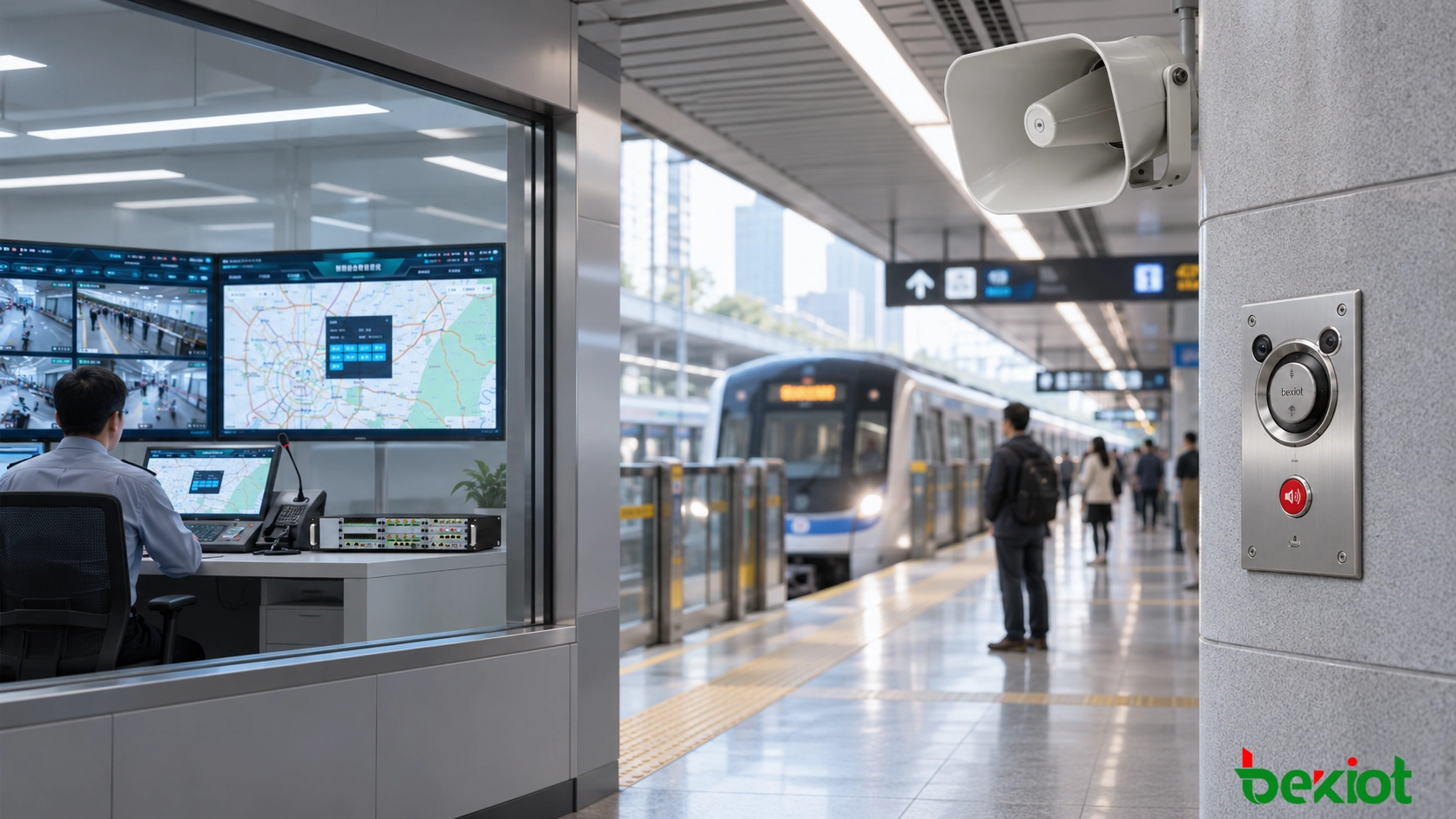
Rail and metro operators coordinate assistance requests, equipment faults and safety incidents by station, platform, tunnel section or operating route. At ports and logistics hubs, reports can be tied to gates, berths, yards and vehicle access points. CAD links each location to the assigned response resources and tracks operational progress, helping supervisors coordinate events occurring across a geographically distributed network.
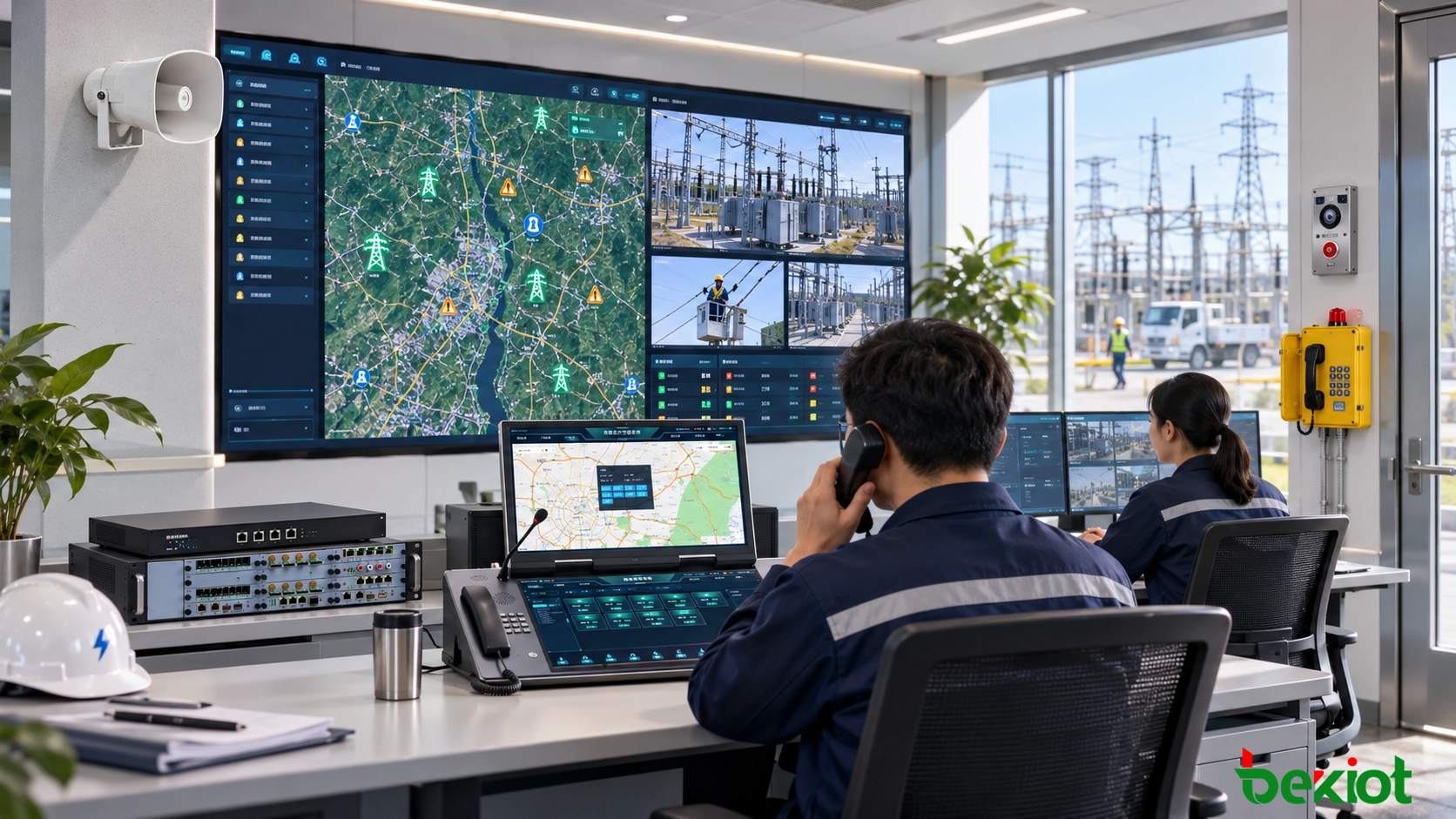
Power, water and infrastructure operators manage fault reports and field repair work across extensive service territories. Dispatchers identify the affected asset or service area, allocate crews with the appropriate duties and record progress toward restoration. GIS and resource information help connect the reported location with available maintenance personnel, while the retained case record supports subsequent service review.
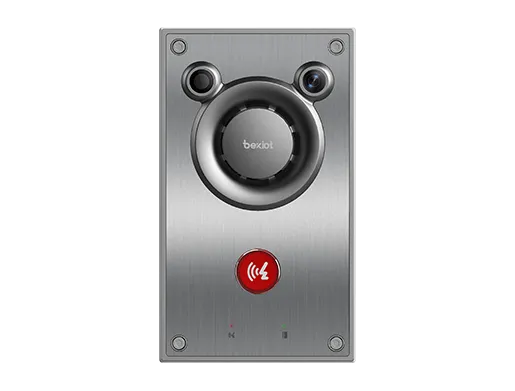
Industrial parks, campuses and large facilities bring security, facilities management and emergency assistance into one control-room workflow. A report from a help point, building entrance or alarm device is assigned to the relevant team with its precise location and priority. When several organizations share responsibility for a site, CAD keeps each assignment visible under the incident while preserving departmental operating roles.