


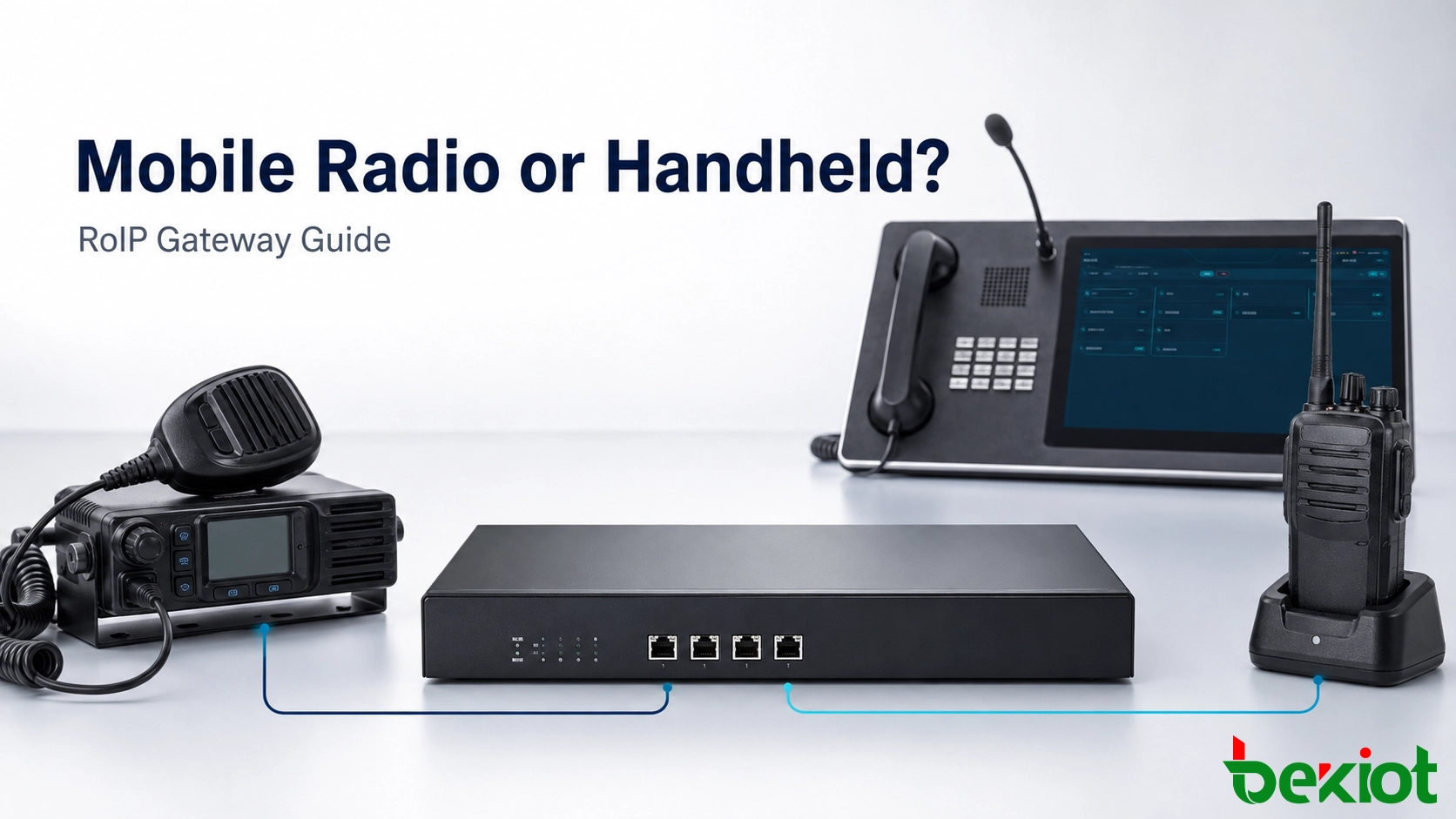
A RoIP gateway can work with either a mobile radio or a handheld radio, but the two choices are not equal in every project. A mobile or base radio is usually the stronger option for a permanent site because it offers a dedicated accessory interface, external power and an antenna system designed for wider coverage. A handheld radio can still be effective for temporary installations, compact deployments and projects that must reuse an available terminal.
The decision should be based on the radio interface, required coverage, duty cycle, power source, installation environment and maintenance plan. Selecting a radio only because it can be connected may create unstable PTT control, poor audio levels or an installation that depends on a charger and headset socket not designed for continuous service.
Start with the deployment role, not the radio size
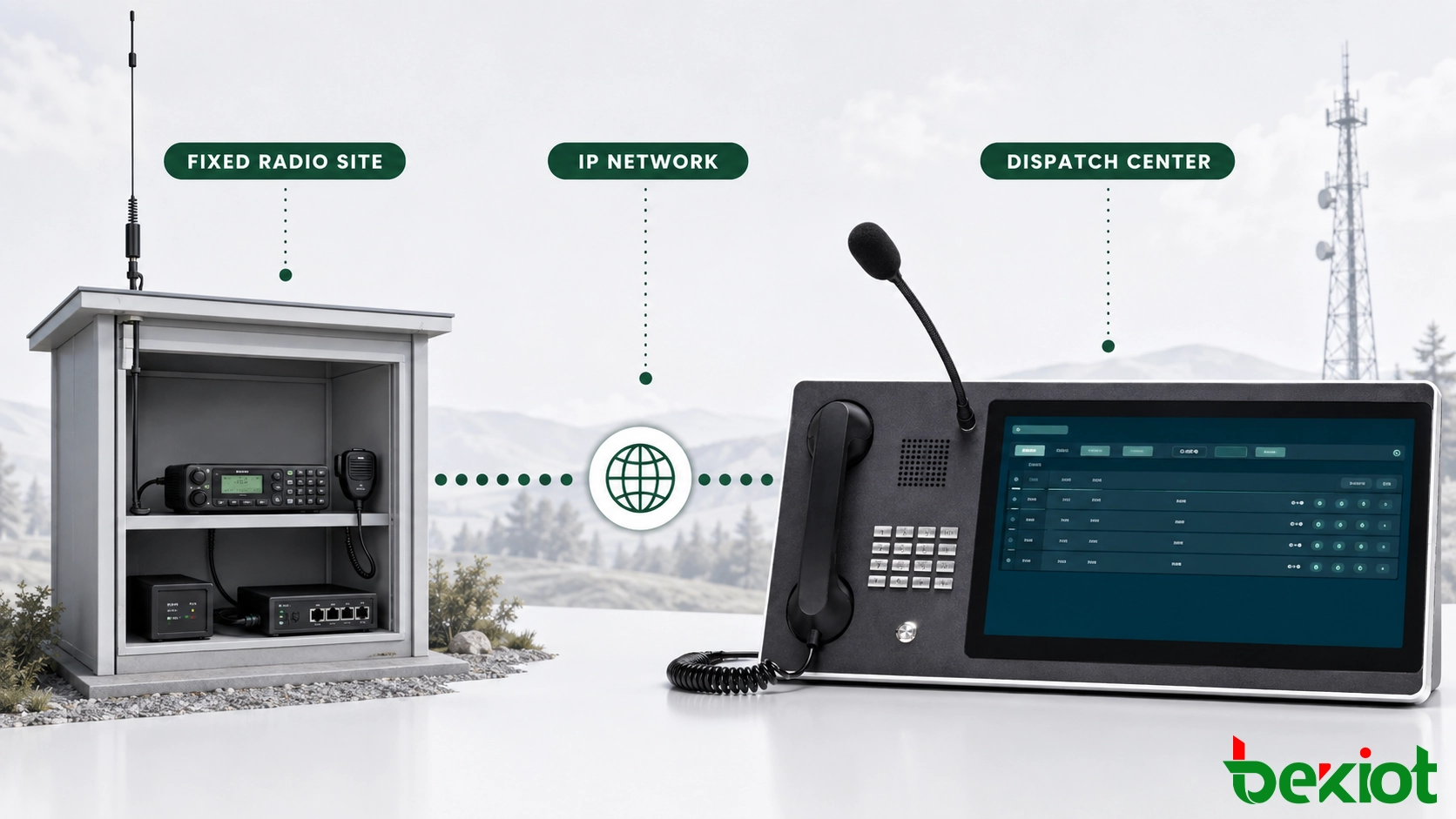
A Radio over IP gateway carries radio audio and control signals across an IP network. It can extend a radio channel to a remote dispatch center, connect selected radio traffic with a compatible telephone system, or bridge voice between separated radio networks. In many projects, the gateway does not connect directly to the radio infrastructure controller. Instead, it uses an external radio terminal as the RF access point.
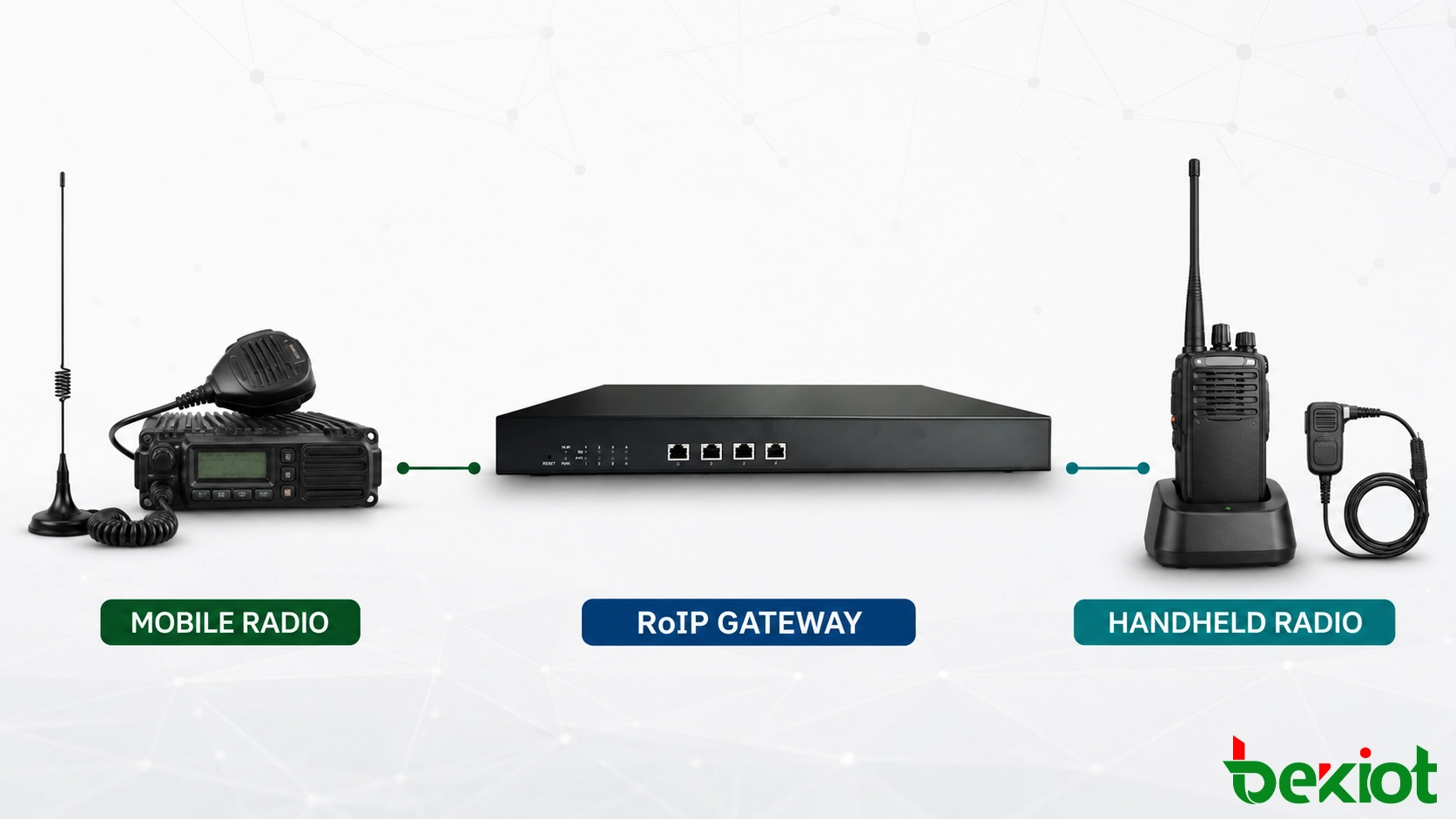
That external terminal may be a vehicle-mounted mobile radio, a fixed base radio or a handheld unit. All three can receive a field transmission and provide audio to the gateway. They can also transmit audio from the IP side when the gateway asserts Push-to-Talk. The important difference is how reliably each radio exposes these functions and whether it can operate continuously in the intended location.
For a fixed command room, remote repeater site, industrial plant or transport control center, the radio may remain powered and connected for months. The design therefore favors stable wiring, external antennas, predictable audio levels and a power supply that can be backed up. A temporary incident post, demonstration system or mobile kit has different priorities: portability and fast installation may matter more than maximum RF performance.
Why fixed sites usually favor a mobile or base radio
A mobile radio is designed to be installed in a vehicle or fixed operating position. Many models provide an accessory connector that exposes transmit audio, receive audio, PTT, ground and a receive-state signal such as COR, COS or squelch indication. When the manufacturer documents these pins, the interface cable can be built without modifying the radio or relying on the front microphone and speaker sockets.
This dedicated connection is the main engineering advantage. Audio levels and control behavior are easier to define, the cable can be secured, and the radio can remain available for remote operation without someone handling it. A project still needs a radio-specific wiring diagram because accessory connectors and signal levels are not universal.
Mobile radios also support external antennas suited to the coverage plan. The antenna can be mounted at an appropriate height and connected through selected coaxial cable, grounding and surge protection. Compared with a handheld antenna used inside a building or cabinet, this arrangement normally provides more predictable receive and transmit performance.
External DC power makes continuous operation easier. The radio and gateway can share a managed power system with backup batteries or an uninterruptible supply, provided electrical isolation and load capacity are addressed. A mobile radio is also more likely to tolerate a higher duty cycle than a handheld unit sitting in a charging cradle. Thermal design remains important, especially when repeated or long transmissions are expected.
Duty cycle should be treated as an installation requirement rather than an assumption. A radio that performs well during short test calls may become hot when a dispatch center sends repeated announcements or maintains long conversations. The equipment shelf or cabinet needs airflow around the radio heat sink, and temperature alarms should be considered at unattended sites. Transmit power may need to follow the manufacturer's continuous-service limits instead of the highest selectable setting.
The trade-offs are installation space, antenna work, power design and higher equipment cost. A fixed radio should not be selected only for its nominal transmit power. Frequency licensing, site coverage, antenna gain, feeder loss and interference conditions determine how much RF performance is actually useful.
When a handheld radio is the practical choice
A handheld radio can be connected to a RoIP gateway through its headset, speaker-microphone or accessory interface. This is common in portable kits, temporary command posts, proof-of-concept projects and sites where adding a fixed radio and external antenna is not possible. It can also reduce initial cost when a compatible radio is already available.
The difficulty is that handheld accessory interfaces vary widely. Some use a two-pin audio connector, while others use multi-contact side connectors or proprietary accessories. Plug insertion may change the radio's internal audio path. PTT can be triggered by a dedicated contact, a resistor value or another detection method. Receive and transmit audio may use different references or levels. A cable that works with one radio family may not work correctly with another even when the connector appears identical.
Audio level mismatch is a common source of poor results. Too much gateway output can overdrive the radio microphone input and make speech distorted. Too little level produces weak modulation. Receive audio may also depend on the handheld volume setting unless a fixed-level output is available. Once the correct level is established, the radio controls should be protected against accidental changes.
Power requires equal attention. Leaving a handheld radio permanently connected to a consumer charger may introduce hum, electrical noise or battery stress. Some radios cannot transmit at full duty while charging, and a depleted or failed battery can remove the entire RF path. A continuous installation should use a manufacturer-approved battery eliminator, regulated supply or docking arrangement where available.
RF coverage must be tested with the handheld in its final position. A radio placed inside a metal rack or equipment room may perform much worse than the same radio held outdoors. If an external antenna is added, the radio connector, cable strain and permitted RF configuration need to be checked.
The handheld also needs a secure physical mounting method. A loose radio can shift volume controls, press side buttons, disconnect the accessory plug or move its antenna close to metalwork. A cradle should support the radio without loading the accessory connector, and any keypad or menu lock should be configured so routine handling cannot change the selected channel or power level.
The interface mapping determines whether the link is reliable
Regardless of radio type, a dependable connection requires more than two audio wires. The project team should identify every signal used by the operating workflow.
Receive audio: carries field radio speech from the radio into the gateway. Confirm whether the output is fixed level or controlled by the radio volume setting.
Transmit audio: carries dispatch audio from the gateway into the radio microphone path. Set the level to avoid weak or overdriven modulation.
PTT control: keys the radio transmitter. Verify electrical type, polarity, isolation and timing before connecting the gateway.
COR, COS or squelch indication: tells the gateway that the radio is receiving valid traffic. This can prevent background noise from being sent continuously across the IP network.
Signal ground or audio return: provides the required electrical reference. Balanced and unbalanced audio must not be treated as identical.
Channel control: may be needed when the dispatch system must select more than one programmed channel. This requires explicit support from the radio and gateway.
A custom cable should be documented at both ends, including connector orientation, pin numbers, signal direction and electrical behavior. Guessing from wire colors or copying an unverified internet diagram can damage the radio or gateway. When a headset cable must be opened for testing, measurements should be confirmed against manufacturer documentation whenever possible.
Electrical isolation deserves a separate check. The radio, gateway and power supply may use different ground references, particularly when equipment is installed in a vehicle or connected across several powered cabinets. Ground loops can introduce hum, while an incorrect control voltage can damage a PTT or receive-status input. Isolation transformers, opto-isolated control and screened cable may be required, but their use should follow the interface specification rather than a generic wiring habit.
The gateway configuration must match the radio's PTT and receive logic. PTT lead time allows the transmitter to become active before speech begins. Release delay prevents the final audio packets from being clipped. If COR or squelch logic is reversed, the system may hold a channel open or fail to forward incoming audio.
A practical choice for each project condition
The following comparison provides a starting point. The final decision still depends on the selected radio model and the operating environment.
| Decision factor | Mobile or base radio | Handheld radio |
|---|---|---|
| Best fit | Permanent radio site, vehicle, command room or continuous service | Portable kit, temporary site, pilot project or space-limited installation |
| Gateway connection | Often uses a documented accessory connector | Often relies on a headset or proprietary side connector |
| Power | External DC supply is easier to back up and supervise | Battery and charging method require continuous-operation planning |
| Antenna | Supports a planned external antenna and feeder system | Usually depends on a compact antenna unless a supported external connection is used |
| Coverage | Generally more predictable when installed with the correct antenna | Strongly affected by placement, building structure and enclosure |
| Interface effort | Lower when complete accessory documentation is available | Higher when PTT detection and audio pins must be identified |
| Maintenance | Well suited to fixed cabling and managed power | Requires checks for battery health, charger noise and connector movement |
Choose a mobile or base radio when the site is permanent, the channel is operationally important, the radio may transmit frequently, or the coverage plan requires an external antenna. Choose a handheld radio when portability, rapid setup, available space or reuse of existing equipment is the stronger requirement and field testing confirms adequate audio, power and RF performance.
Purchase price should be compared with life-cycle cost. A handheld may reduce the initial equipment budget but require a custom accessory cable, approved battery eliminator, mounting cradle and more frequent inspection. A mobile radio may cost more at the start, yet its documented connector, replaceable external power supply and fixed antenna system can reduce service effort over a long deployment. The lower-cost choice is the one that meets the required availability without repeated field adjustment.
A mixed deployment is also reasonable. Permanent remote sites can use mobile radios while temporary teams use handheld-based gateway kits. The dispatch platform can present both as controlled radio resources, but each interface needs its own cable definition, audio profile and maintenance record.
Installation and acceptance workflow
Confirm the operational channel. Record radio technology, frequency band, channel or talk-group use, coverage area and expected transmit duty.
Review the radio interface. Obtain the manufacturer pinout and identify receive audio, transmit audio, PTT, ground and receive-state signals.
Select the power method. Design regulated power and backup for a mobile radio, or an approved eliminator or charging solution for a handheld radio.
Build and label the cable. Use secure connectors, strain relief and isolation where required. Document both ends before energizing the equipment.
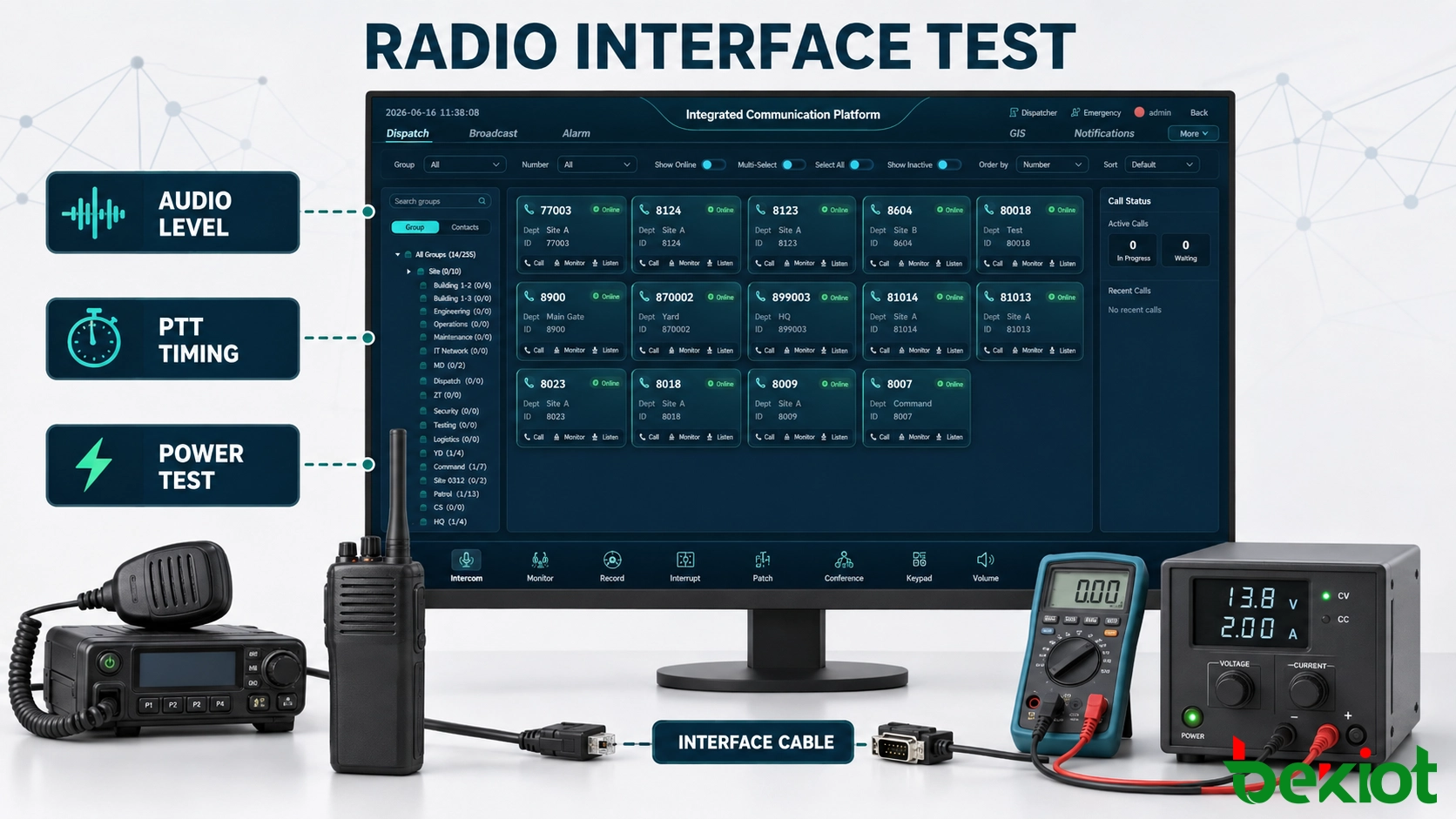
Set audio levels. Adjust receive and transmit paths using normal speech and a radio service monitor when available. Check intelligibility at both quiet and high speech levels.
Tune PTT behavior. Verify lead time, release delay, COR/COS logic, busy-channel handling and recovery after a network interruption.
Test the installed coverage. Perform radio checks from representative field locations with the antenna and radio in their final positions.
Run a continuous-service test. Observe power stability, temperature, charging behavior, connector security and audio quality over an extended operating period.
The acceptance test should include incoming and outgoing audio, the first and last words of each transmission, repeated PTT operation, long transmissions and simultaneous activity on the IP side. For handheld installations, repeat key tests while the charger or battery eliminator is connected, because power-related noise may not appear during battery-only operation.
Network-side validation should be performed at the same time. Introduce realistic delay variation, short packet-loss events and a temporary loss of the IP route while operators are using the radio. Confirm that the gateway releases PTT safely, does not retransmit stale audio after recovery, and returns to the approved channel state without manual intervention. If a backup bearer is provided, measure the interruption as heard by radio and dispatch users rather than relying only on network status indicators.
The final handover should include the radio configuration, cable drawing, gateway audio settings, PTT timing, power arrangement, antenna information and a known-good replacement procedure. These records are more valuable than a generic claim that the gateway is compatible with every radio.
Frequently asked questions
Does a RoIP connection automatically add radio unit identity or GPS data?
No. A basic audio-and-PTT connection does not create unit identity, location or native trunking data. Those functions require compatible signaling or a separate integration with the radio system.
Can several dispatch positions monitor the same connected radio?
Potentially, but the dispatch server, user permissions and audio distribution design determine how many operators can listen or request PTT. Transmit control must remain unambiguous.
Can the connected radio still be operated locally?
It depends on the radio and accessory interface. Some connections leave the front microphone, speaker and PTT available, while others redirect or disable them. Local operation should be included in the test plan.
Can the gateway-to-radio cable be connected while equipment is powered?
Only if both manufacturers explicitly support hot connection. Otherwise, power down the equipment before attaching or removing the cable to reduce the risk of shorts, false PTT activation or interface damage.
What should happen after radio firmware or channel programming changes?
The connected path should be retested. Updates can alter audio behavior, accessory settings, channel assignments or control options even when the physical cable remains unchanged.







