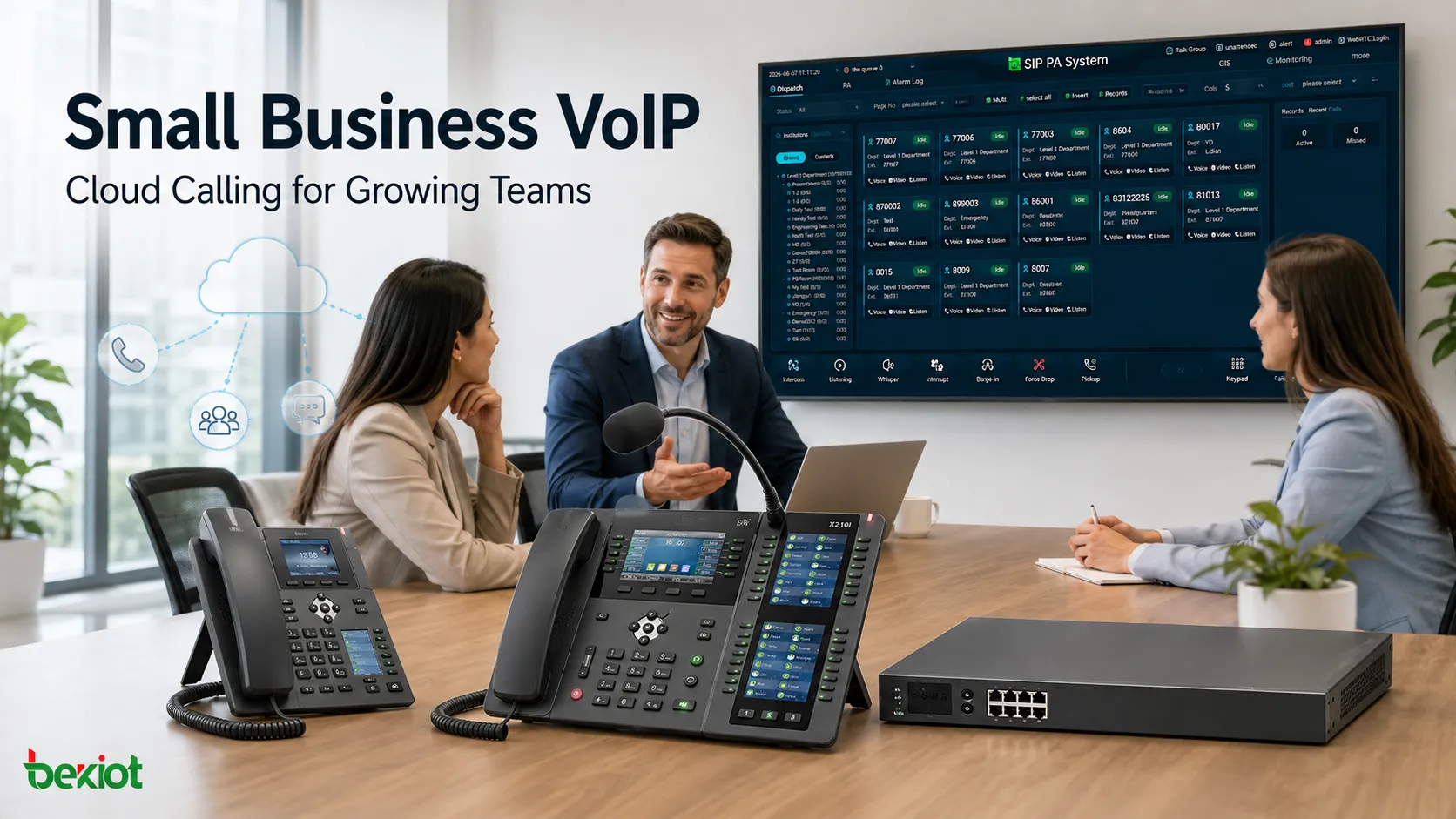
Small businesses around the world often make the same mistake when choosing a VoIP system: they focus first on the monthly subscription price and treat basic calling capability as the main qualification. For companies operating with hybrid work, remote teams, or multiple locations, however, the real value of a VoIP system depends on a different set of questions. Can employees keep using the company number while working away from the office? Can existing numbers be ported without disruption? Can CRM systems automatically capture call records? Can incoming calls be routed intelligently? And can the platform scale from a five-person team to 50 users without requiring a complete system replacement?
VoIP services for small businesses have evolved far beyond basic internet calling. Modern platforms now combine voice, video, SMS, auto attendants, call queues, call recording, mobile applications, CRM integrations, and even AI-powered transcription within a unified communications environment. Virtual Landline, RingCentral, Vonage, Nextiva, Dialpad, and bOnline represent different approaches to this market. Some focus on affordable virtual numbers, others on unified communications, global connectivity, customer engagement, or AI-driven productivity.
For that reason, small businesses do not need to search for an abstract “best VoIP solution.” A more practical approach is to break the decision down into business size, number requirements, working locations, call volume, international operations, software integrations, and budget, then choose the service model that best fits those actual operating needs.
Why Small Businesses Are Moving to Cloud Voice
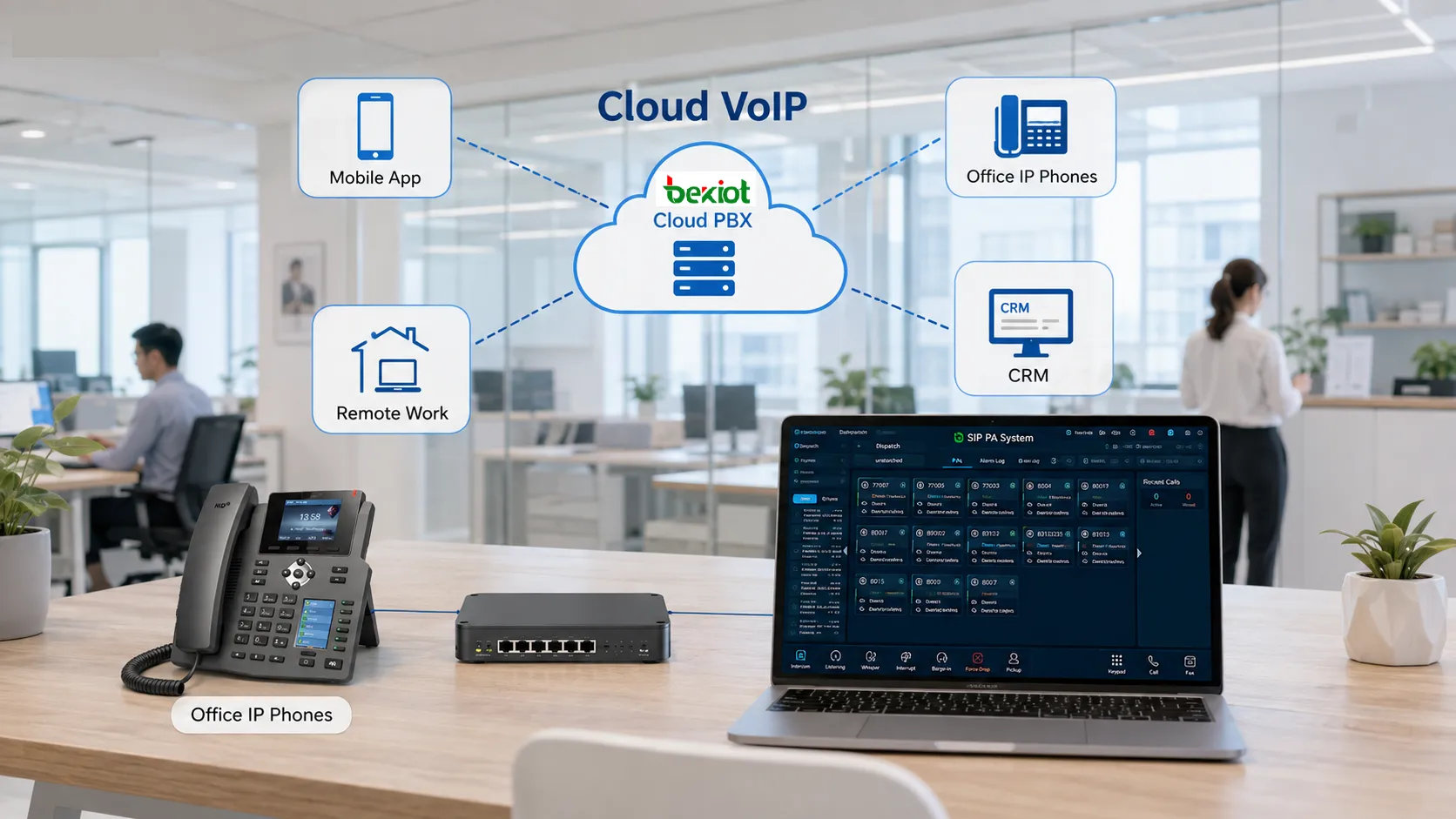
The technical principle behind VoIP is straightforward. Traditional fixed-line voice services rely on dedicated PSTN infrastructure, while VoIP converts voice into IP data packets and carries them over business broadband or mobile networks. This removes the traditional dependency between a phone number and a physical desk, allowing the same business number to be used from an IP desk phone, desktop softphone, or mobile application.
This flexibility is particularly valuable for small businesses operating across multiple locations or using hybrid work models. The assumption that every employee works from the same office every day is no longer realistic for many organisations. Sales staff may spend much of their time visiting customers, managers may work from home, and customer service teams may be distributed across several locations. If business communications still depend entirely on physical office lines, service continuity remains tied to geography.
Mainstream cloud VoIP platforms now commonly include auto attendants, call forwarding, call queues, voicemail, call recording, conferencing, and instant messaging. Instead of maintaining separate PBX hardware, meeting tools, and communication applications, businesses can consolidate more of these functions into a cloud-based platform.
However, VoIP does not automatically guarantee better call quality than a traditional fixed line. Voice performance still depends on available bandwidth, Wi-Fi coverage, network latency, jitter, and packet loss. If an office network is already heavily congested, even a feature-rich cloud phone system may experience broken audio, noticeable delay, or inconsistent call quality. In this sense, selecting a VoIP platform is also an opportunity to evaluate the wider business network environment.
How the Six Leading VoIP Options Differ
Although all six providers offer internet-based voice services, their product strategies are noticeably different. A meaningful comparison should go beyond subscription pricing and consider what each platform is primarily designed to solve: virtual number management, unified communications, international connectivity, customer engagement, or AI-enabled collaboration.
Virtual Landline: Suited to Lightweight Virtual Number Requirements
Virtual Landline stands out for its relatively low deployment barrier. Its entry-level local and national virtual number services are positioned at the affordable end of the market, while the platform also supports major city area codes, national numbers, and freephone options.
The service includes call forwarding, hunt groups, call queues, call recording, number porting, and desktop and mobile applications. It is particularly suitable for startups, sole traders, remote workers, and users who want to add a business number without giving up their existing personal mobile number. Its eSIM-based business number option also gives it a distinctive position. In addition, the platform integrates with major CRM systems including HubSpot, Salesforce, Microsoft Dynamics, and Zoho.
RingCentral: Built Around Unified Communications
RingCentral's RingEX is more than a standalone cloud calling service. It is offered across several service tiers, including Core, Standard, Premium, and Ultimate, and combines voice calling, video meetings, instant messaging, and SMS within a single environment. Businesses can also add users, numbers, and endpoints through the cloud as their requirements expand.
AI is another important part of the platform. Entry-level plans already include features such as meeting transcription, summaries, and automated action items, while the optional AI Receptionist can support intelligent call routing, appointment scheduling, and lead capture. For growing businesses that want to bring calls, meetings, and internal collaboration into one platform, this unified model offers more value than a simple virtual-number service.
Vonage: Stronger Fit for International Operations
Vonage offers several service tiers, including Express, Core, and Max, and supports business communications across more than 40 countries and regions. Its availability of more than 96 international number options makes it particularly relevant to companies serving overseas customers, operating international sales teams, or establishing a local number presence in multiple markets.
All tiers include a broad range of communication functions such as call forwarding, call monitoring, virtual reception, and desktop and mobile video collaboration. Higher-level plans add capabilities such as CRM integration, unlimited calling, and Microsoft Teams compatibility.
Nextiva: Focused on Customer and Team Communications
Nextiva offers Core, Engage, and Scale service tiers and combines voice, messaging, video conferencing, fax, auto attendant, and team collaboration into one communications environment.
For businesses that need to manage both internal collaboration and customer communications, the key benefit is not simply lower telephone costs but the consolidation of fragmented communication channels. Higher-tier options can also extend into contact centre functions, intelligent virtual assistants, and skills-based routing.
Dialpad: AI as a Key Differentiator
Dialpad offers Standard and Pro as its main service tiers, with AI-powered meetings and real-time transcription available from the entry level. The platform also includes auto attendants, visual voicemail, custom routing, and integrated voice and video conferencing.
For organisations that need automatic call transcription or want to use voice data for customer service analysis, Dialpad's AI-led approach can be attractive. Even so, purchasing decisions should still focus on whether those AI functions genuinely reduce manual work and improve workflows rather than simply increasing the number of available features.
bOnline: A Cost-Effective Option for Budget-Conscious Businesses
bOnline is positioned at the more affordable end of the market, with entry-level plans and unlimited calling options designed to remain accessible to smaller teams. Even its basic services include HD voice, video calling, conferencing, messaging, file sharing, and a broad range of call management functions.
The platform also supports business-hours scheduling, voicemail-to-email, call flow configuration, call queues, IVR, extension dialling, and call analytics. For companies that need a relatively complete business phone system but have limited budgets or smaller user counts, this pricing model can help keep initial deployment costs under control.
What to Calculate Beyond Subscription Pricing
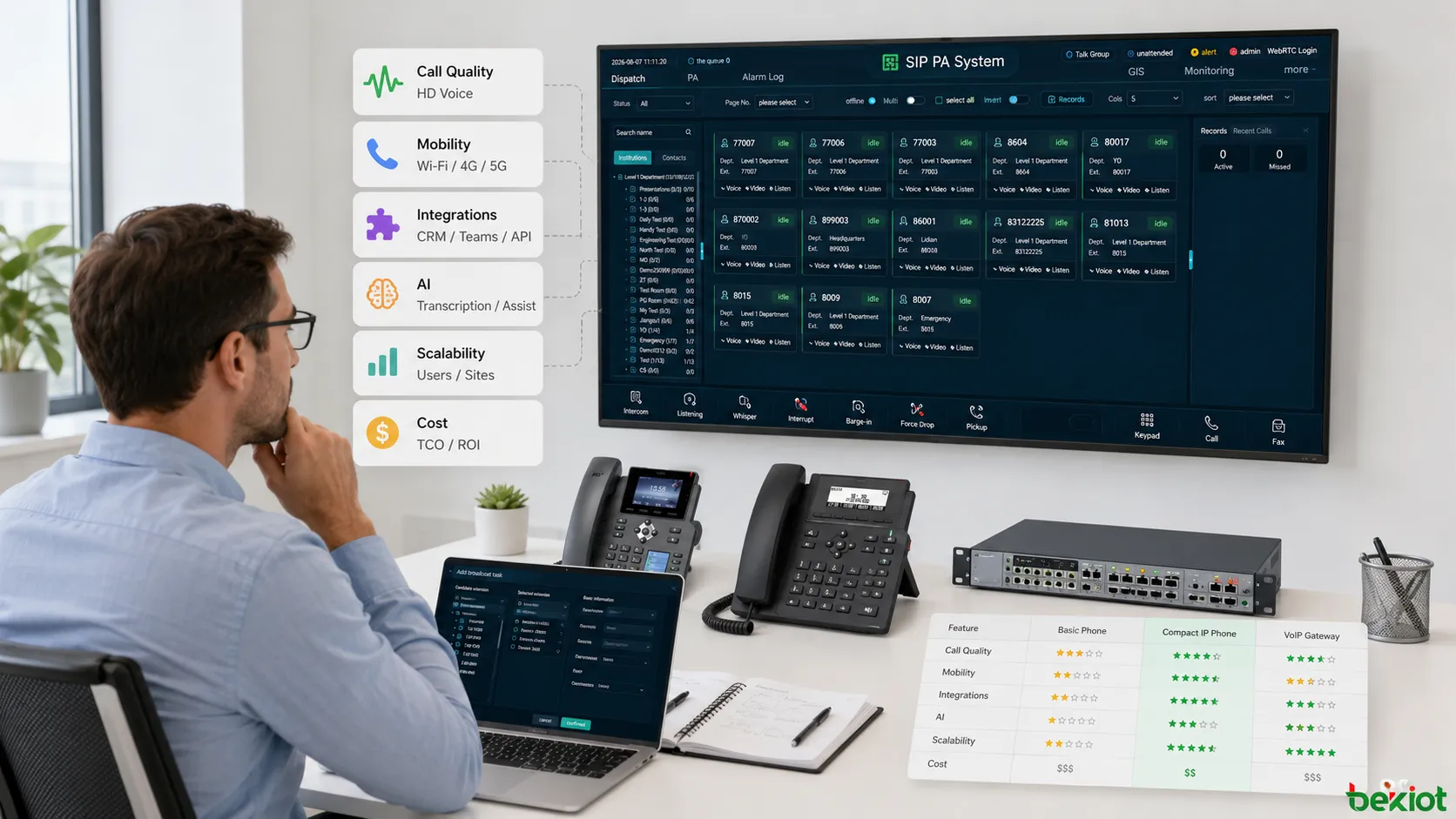
The difference between entry-level and premium monthly plans may appear straightforward, but the total cost of ownership of a VoIP system cannot be measured by subscription fees alone. Number allocation, international calling charges, additional recording storage, AI modules, desk phone hardware, CRM integration permissions, and support levels can all influence long-term spending.
The first point to clarify is whether users and phone numbers are billed separately. One company may have only 10 employees but require several regional business numbers, while another may have 30 employees operating from a single main number with extensions. Two organisations with similar staffing levels can therefore have very different communications costs.
Number migration is another important consideration. An established business number may already appear on business listings, websites, printed materials, contracts, advertising, and customer contact records. If switching providers means changing that number, the resulting migration cost and customer disruption may far exceed the savings from a lower monthly subscription. Number porting should therefore be confirmed before the contract is signed rather than during the final deployment stage.
Software integration also has significant operational value. HubSpot, Salesforce, Microsoft 365, Google Workspace, Teams, Slack, and Zendesk are now common integration targets for modern VoIP platforms. For sales teams that rely heavily on CRM, automatically associating calls with customer records may generate more value than saving a small amount on the monthly licence fee.
Technical support should also be evaluated as part of the service cost. Some platforms provide 24/7 support, while lower-tier packages may rely primarily on web or chat channels. For companies without dedicated IT staff, the ability to obtain timely support for number registration, SIP endpoint configuration, routing, or network-quality issues can have a direct impact on business continuity.
Technical Checks Before Going Live
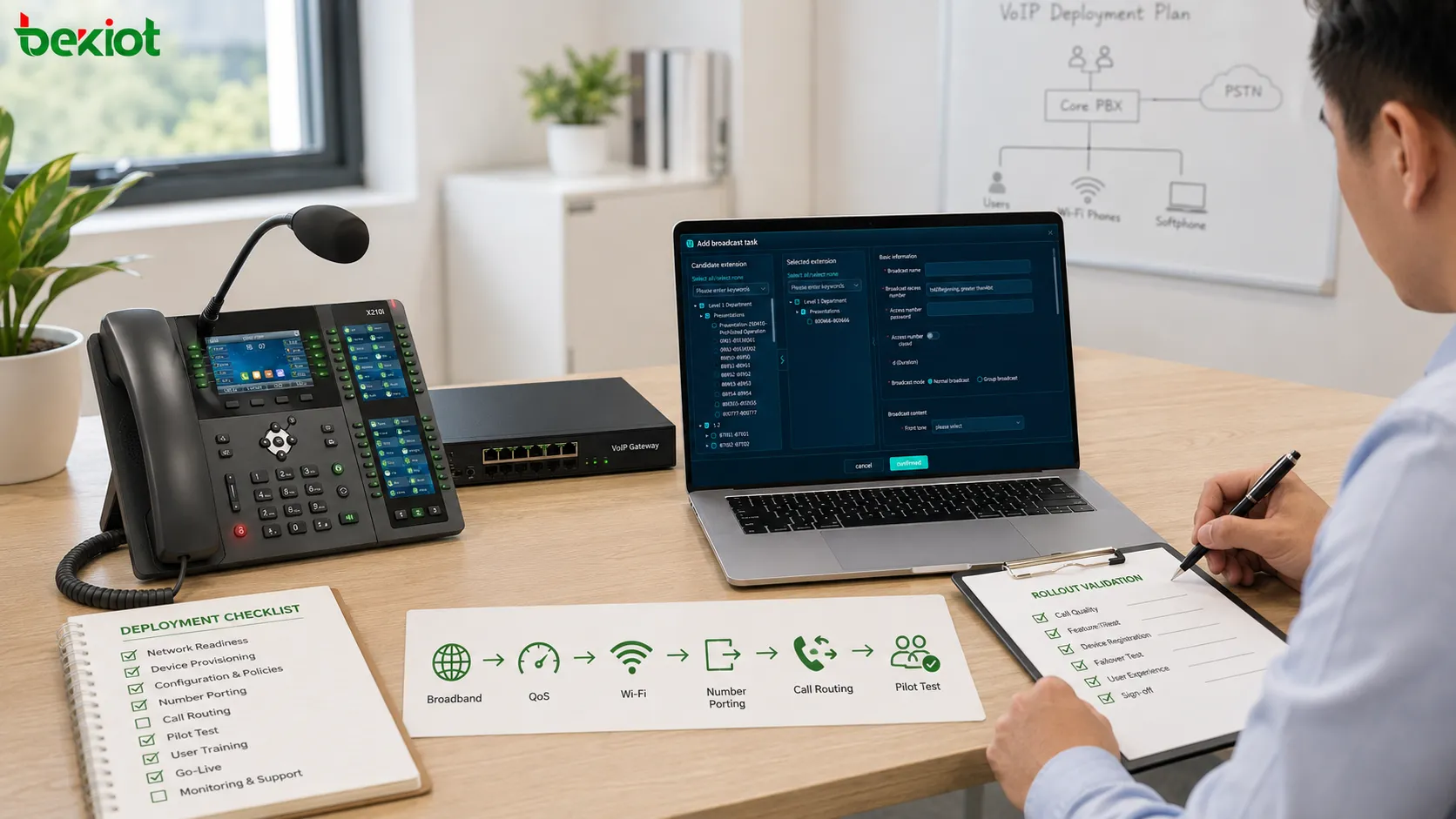
A well-planned VoIP deployment should begin with an assessment of the network rather than the bulk creation of user accounts. Businesses should verify that upstream and downstream bandwidth are sufficient for expected call volumes and check whether latency, jitter, or packet loss increases significantly during peak office hours.
If most employees make calls over Wi-Fi, wireless coverage should also be reviewed across the entire workplace. Meeting rooms, warehouses, stairwells, and the edges of office areas can all become weak-signal zones that cause broken or unstable audio. Critical fixed workstations should consider wired Ethernet connections, while compatible network equipment can be configured with QoS policies to prioritise real-time voice traffic appropriately.
The second step is endpoint planning. Not every employee needs a traditional IP desk phone. Receptionists and customer service staff who remain at fixed desks may benefit from physical handsets, while sales and management teams can often work effectively using mobile applications or desktop softphones. A mixed-endpoint strategy is generally more flexible and cost-efficient than giving every user identical hardware.
The third step is to map the call-routing workflow. When a customer calls the main business number, should the call go directly to reception, an auto attendant, or a queue? If nobody answers, should it go to voicemail or be forwarded to a mobile user? Should callers hear a different message outside business hours? These operational rules determine whether the business needs features such as Auto Attendant, IVR, Hunt Groups, or Call Queues.
The final step is a controlled pilot. A small group of representative users should test outbound calling, incoming calls, caller ID, transfers, mobile applications, CRM screen pops, and conferencing before the full user base is migrated. For a small business, this staged approach usually carries far less risk than disconnecting the existing phone environment and moving every user at once.
Choosing the Right VoIP Approach
There is no single VoIP platform that fits every small business. The right choice depends on team size, working locations, number requirements, integration needs, network conditions, and future growth. Businesses should compare not only subscription pricing, but also deployment flexibility, reliability, support, and long-term scalability before making a final decision.
FAQ
Does a Small Business Need to Buy IP Desk Phones?
Not necessarily. Most cloud VoIP platforms provide applications for Windows, macOS, iOS, and Android. Reception and customer service positions can continue using physical IP phones, while mobile employees can access the company number through softphones or mobile applications.
Can One Business Use Multiple Local Numbers in Different Regions?
Yes, although number availability depends on the provider's global numbering resources. Businesses can request local numbers in different countries or regions, national numbers, or freephone numbers and manage routing rules through a central administration portal.
Can VoIP Work Alongside Existing Analog Telephone Equipment?
If a business needs to retain analog telephones, fax machines, or other legacy terminals, ATA adapters or VoIP gateways can be used for protocol conversion. Before deployment, however, the business should confirm whether the selected service supports standard SIP devices or third-party gateway connections.
Should a Small Business Have a Backup Connection for VoIP?
For businesses that depend heavily on voice communications, a secondary broadband connection, 5G backup link, or mobile failover option is recommended. Cloud VoIP reduces the risks associated with local PBX hardware failure, but fixed endpoints may still become unavailable if the office's only internet connection goes down.
If your business needs a more flexible VoIP architecture than an off-the-shelf cloud subscription can provide, Becke Telcom offers SIP-based communication products and solutions covering IP telephony, IP PBX, voice gateways, dispatch communication, and integration with existing analog or digital resources. From small office deployments to multi-site and industry-specific communication systems, Becke Telcom can help plan the network architecture, endpoint mix, SIP connectivity, and migration path around your actual operating requirements. Contact Becke Telcom to discuss a VoIP solution tailored to your users, sites, existing infrastructure, and future expansion plans.