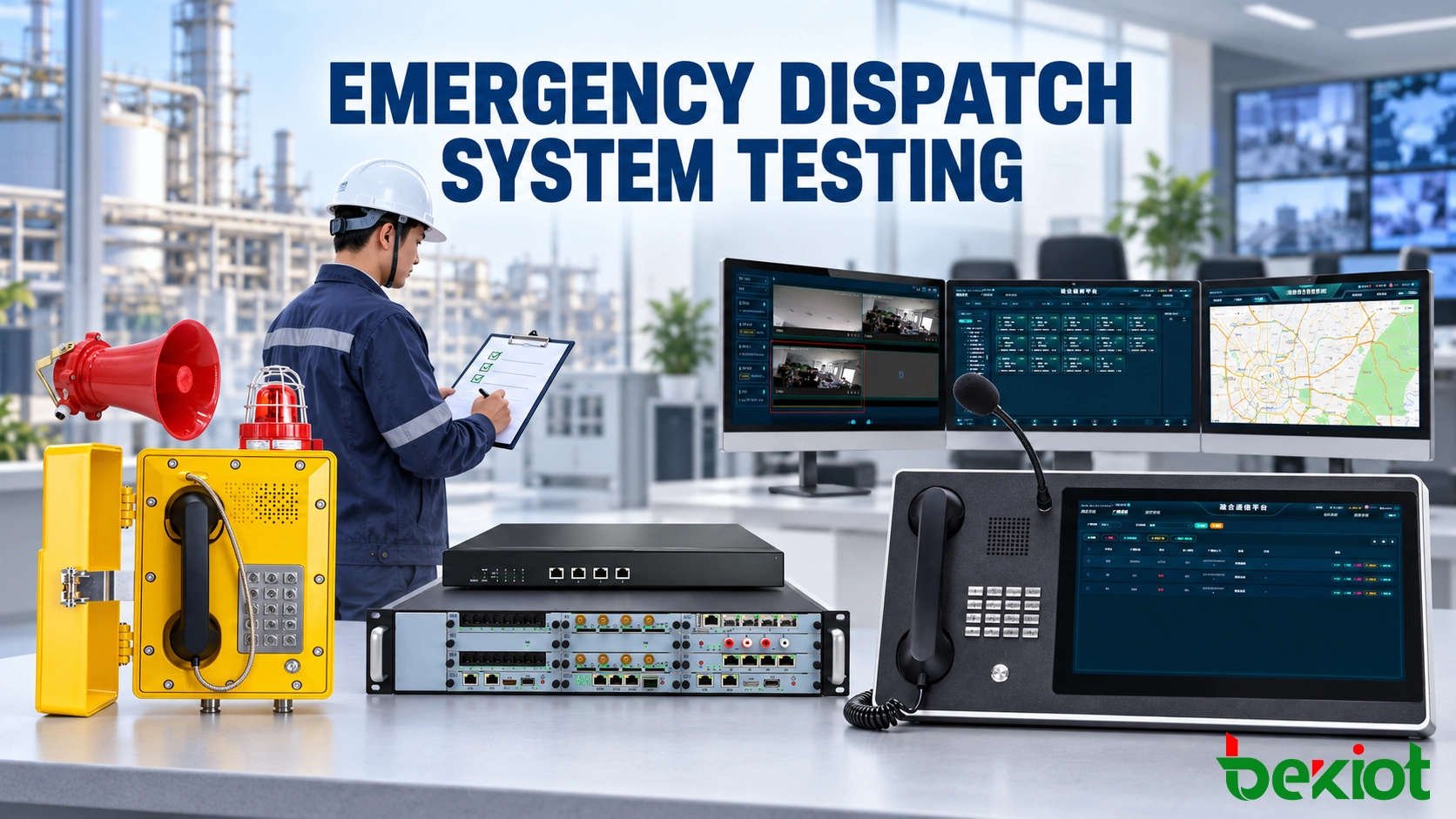
An emergency command and dispatch system may appear ready when operator consoles are online, field terminals can register and the main interface displays normal status. These checks confirm that individual components are running, but they do not prove that the complete emergency workflow will operate correctly.
Before handover, testing must follow the same path as a real incident: an event is reported, the control room identifies its source, the operator selects the appropriate communication resources, instructions are delivered to field personnel, responses are recorded and the system continues operating if a network link, server or power source fails.
Acceptance Plan
Acceptance begins with an approved test plan. Without defined pass and fail criteria, the project team may complete numerous demonstrations while leaving critical operational questions unresolved.
The plan must be based on the system design, communication matrix, incident procedures and contractual requirements. It needs to identify the functions being tested, expected results, responsible testers, evidence requirements and the personnel authorized to approve each result.
Each test case needs:
A unique test number and functional category.
The initial system and network conditions.
The operator actions required to perform the test.
The expected result and maximum permitted response time.
The devices, extensions, groups and locations involved.
The evidence to be retained, such as logs, recordings, screenshots or alarm records.
The procedure for recording defects and completing a retest.
Equipment inventory must also be checked before functional testing begins. Device names, IP addresses, SIP accounts, installation locations, switch ports, firmware versions and power sources need to match the approved records. An incorrectly named terminal may complete a call successfully while displaying the wrong location to the dispatcher.
Synchronize the system clock before collecting evidence. Dispatch records, call recordings, alarm events, video footage and operator actions cannot be accurately correlated when different subsystems use different time references.

Field Communication
Every installed endpoint must be tested from its actual location. Testing one sample device does not confirm the condition of other cable routes, switch ports, microphones, speakers, cameras or external alarm inputs.
Voice Calls
Test calls must cover field telephones, SIP intercoms, dispatch consoles, IP phones, radio channels and any authorized external telephone connections. Verify both incoming and outgoing communication.
The operator and field user need to exchange complete operational phrases containing a location, equipment number and instruction. A simple tone or the phrase “Can you hear me?” confirms only that audio exists. It does not demonstrate that important information can be understood accurately.
Verify the following:
Correct destination and source identification.
Clear two-way audio without clipping, echo or excessive delay.
Reliable keypad, hotline, speed-dial and one-button operation.
Correct ringtone, beacon or visual call indication.
Proper call release and return to idle status.
Radio Access
Where private radio networks are connected through a RoIP gateway, the test must cover more than voice quality. Radio communication is usually half-duplex, so PTT activation, release timing and channel-busy behavior are important.
Dispatch audio must not begin before the connected radio is ready to transmit. Otherwise, the first words of an instruction may be lost. The test also needs to confirm whether the platform prevents transmission or warns the operator when the radio channel is occupied.
Test every independently controlled radio channel. The channel name shown at the console must correspond to the correct gateway port, connected radio and talk group.
Video and Intercom
For video intercom terminals, verify video establishment, image orientation, audio-video synchronization and device identification. Poor lighting, backlight, network congestion and incorrect video profiles may affect performance even when the terminal is registered normally.
If the platform allows a dispatcher to open a camera stream or call a video intercom endpoint, the operation must be tested through the actual console workflow rather than directly from the device configuration page.
Dispatch Control
The dispatch console is where communication resources become part of an operational process. Testing needs to reproduce normal calls, simultaneous requests and urgent events instead of presenting each function separately.
Identity and Location
An incoming call must display information that the operator can use immediately. A generic extension number is insufficient when the control room manages hundreds of field points.
Device names should describe the actual location or function, such as “North Tunnel Exit 03,” “Tank Farm Loading Point 2” or “Substation Control Room.” If GIS is included, selecting the event must open the correct map position without requiring the operator to search manually.
The test team can temporarily exchange the identities of two field terminals to confirm that a location mismatch is detected before handover. After completing this negative test, restore the approved configuration and repeat the location check.
Priority Handling
Emergency calls may need to take precedence over routine communication. Testing must establish how the platform behaves when an urgent call arrives while the operator is handling another call.
Depending on the approved design, the system may display a priority alert, place the routine call on hold, route the event to another position or permit a supervisor to intervene. The observed result must match the documented operating procedure.
Escalation and Transfer
Calls also need to be tested when the primary operator is unavailable, busy or offline. After a defined period, the platform may route the call to another console, a duty group, a supervisor or an external number.
Record the complete sequence, including ring duration, destination order, location information, priority status and final call record. A route that works only when every operator is online does not provide a reliable emergency workflow.
Conference and Group Communication
Emergency response may require several departments to join one voice session. Conference testing needs to cover adding and removing participants, mute control, call recording and the inclusion of radio or external telephone resources where supported.
Check group paging against the approved zone table. A message intended for one workshop or tunnel section must not be delivered to an unrelated area, while an authorized all-site message must reach every required endpoint.
Related Solution: Emergency Command and Dispatch Communication Systems
System Linkage
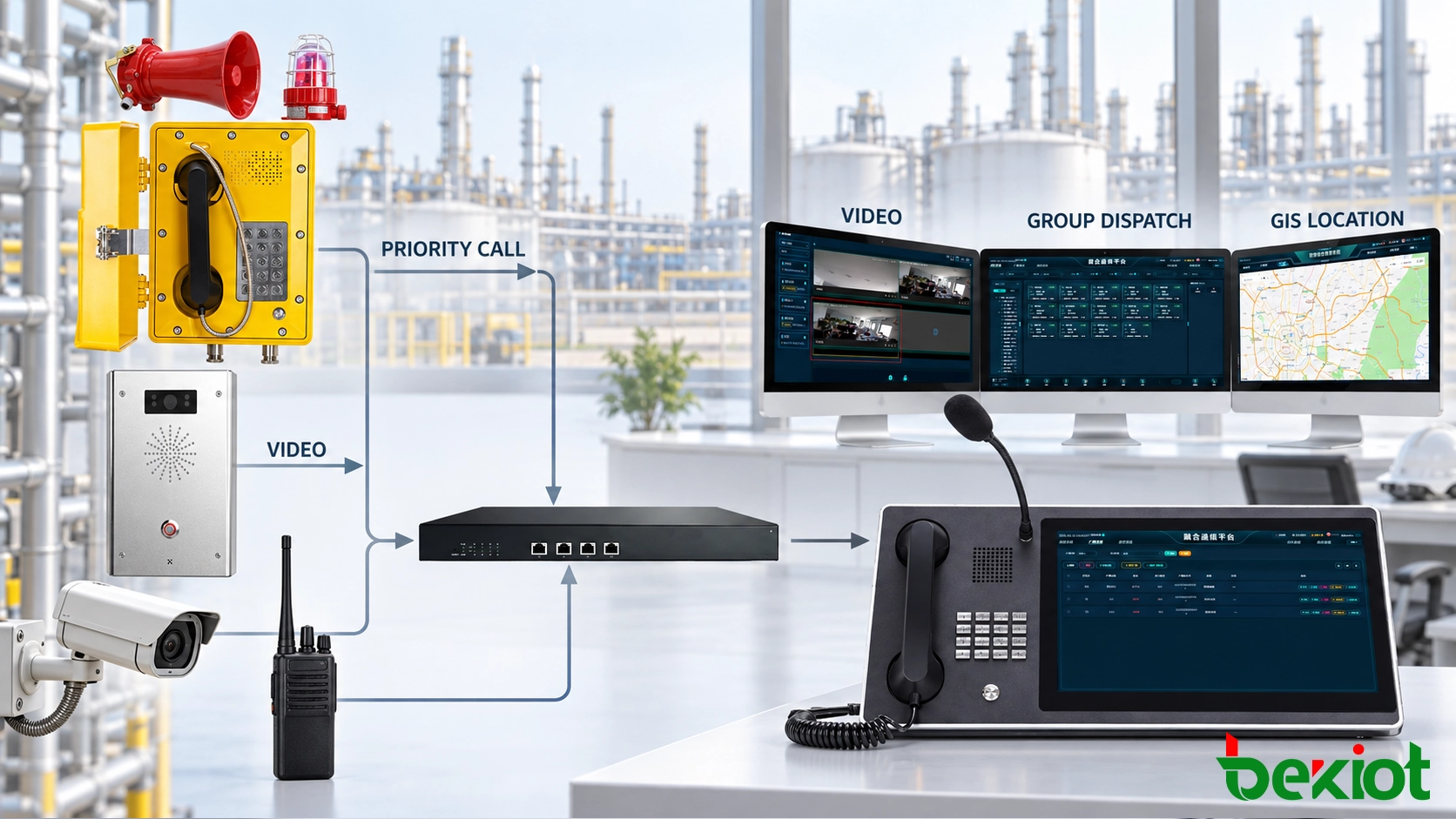
Alarm, video, GIS, access control and communication functions are often delivered by separate subsystems. Acceptance testing must confirm how information moves between them and what the operator sees after each event.
Alarm Activation
Activate each connected alarm type through the field interface or an approved test input. The platform must display the correct event type, device name, location, time and priority.
If the design includes automatic actions, verify them individually. These actions may include opening a camera view, notifying a duty group, playing a recorded message, initiating a call or highlighting an affected area on the map.
Automatic linkage must also be checked against repeated events and rapidly changing input states. A sensor that changes state several times should not create uncontrolled calls, repeated broadcasts or an unmanageable number of operator prompts.
Video Verification
Alarm-to-video linkage must open the camera associated with the event location. Verify live video, camera naming, stream availability and operator control.
Camera failure also needs to be included. If the associated camera is offline, the platform must display a clear fault instead of leaving the operator with a blank window that could be mistaken for a loading delay.
Event Records
A complete incident record may include the original alarm, operator acknowledgement, outgoing calls, radio communication, conference activity, video selection and final event closure.
These records need to use a consistent time source and a common event identity where integration permits. Authorized personnel must be able to retrieve the sequence without searching several independent systems using unrelated timestamps.
Failure Testing
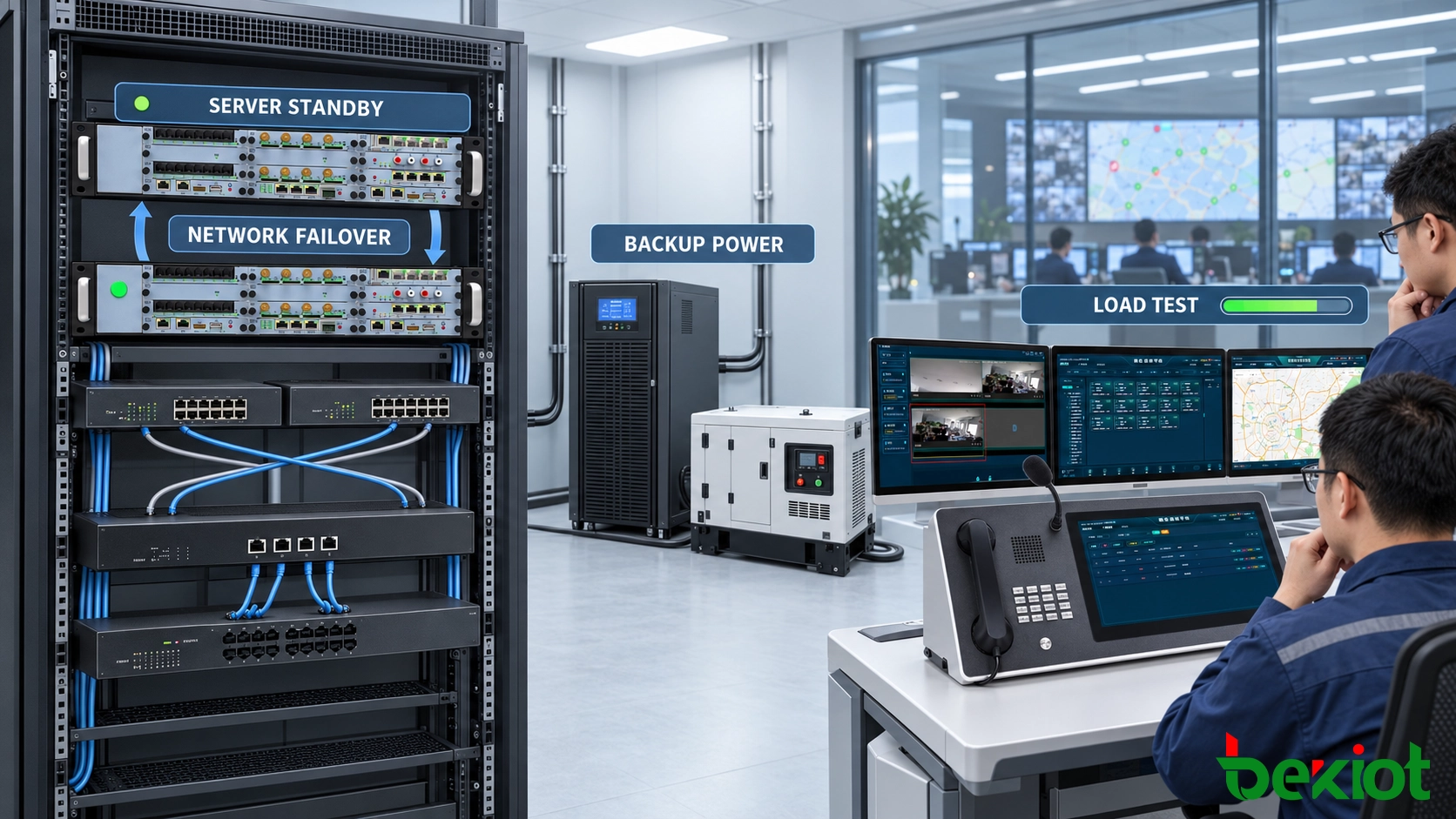
A redundant architecture is not proven until selected components are deliberately isolated. Plan these tests carefully so that the expected service impact is understood and the activity can be stopped safely if an unexpected condition occurs.
Network Interruption
Disconnecting a selected uplink or disabling a test switch port can confirm how endpoints behave during a network interruption. Record:
How quickly the fault is detected.
Whether active calls are interrupted.
Whether endpoints register through a backup route.
Which local communication functions remain available.
Whether normal service returns automatically.
If the site depends on a WAN connection to a central platform, local fallback requires particular attention. The acceptance record must state whether field terminals can still contact a local control room, use a secondary server or operate through an alternative communication path.
Server Failover
Stopping the active call-control service can confirm whether the standby server assumes responsibility. Measure fault detection, registration recovery and the time required before new calls can be placed.
Registration recovery alone is not sufficient. After failover, repeat voice calls, paging, recording and dispatch operations to confirm that the standby environment contains the required configuration and can access supporting services.
Power Failure
Backup power testing must include communication servers, operator consoles, network switches, gateways and field endpoints. A telephone powered through PoE still depends on the upstream switch and its power source.
Verify the required backup duration, alarm generation, battery condition and orderly recovery after power returns. Where generators are included, observe the transition between utility power, battery supply and generator power.
Component Recovery
Recovery behavior deserves the same attention as the failure itself. A restored server or network path must not create duplicate registrations, incorrect routing, repeated alarms or unstable switching between primary and standby services.
Operators need a clear indication when a component fails and when it returns to service. Silent recovery may leave the control room unaware that the system operated in a degraded state.
Capacity and Handover
Emergency systems must be tested beyond a single active call. During a major incident, several alarms, calls, radio channels, video streams and paging tasks may become active within a short period.
Concurrent Operations
The load test needs to reproduce the approved number of simultaneous voice calls, dispatch actions, recording sessions, radio channels and video streams. It must also include representative background services such as monitoring, database operations and alarm processing.
Observe processor use, memory consumption, network throughput, call setup time, media quality and recording completeness. The objective is not simply to push the system to failure, but to confirm that the approved operational capacity can be sustained without losing critical functions.
Permissions and Security
User roles must be tested with real accounts. An operator needs access to the communication resources required for the assigned area but must not be able to change server settings or use restricted groups.
Review administrator access, password policies, audit logs, remote maintenance paths, unused network services and backup files before handover. Default credentials and temporary commissioning accounts must be removed or disabled.
Final Documentation
Handover documents must reflect the installed system rather than the original proposal. The final package needs to include:
System architecture and network diagrams.
Device inventory and location records.
Extension, call-group and paging-zone tables.
Priority, escalation and fallback rules.
IP addresses, VLANs and switch-port assignments.
Software, firmware and configuration versions.
Backup and restoration procedures.
Completed test records and unresolved exceptions.
Maintenance responsibilities and contact procedures.
Assign an owner, corrective action and retest date to every failed item. The final acceptance record must distinguish between completed functions, approved limitations and outstanding defects. This prevents temporary commissioning arrangements from becoming undocumented permanent conditions.
Handover should occur only after the complete incident workflow has passed under normal, peak-load and defined failure conditions. The signed acceptance record must show which functions were verified, which limitations were approved and which defects still require corrective action.
FAQ
What is the difference between FAT and SAT?
Factory Acceptance Testing verifies equipment and configured functions before delivery, usually in a controlled environment. Site Acceptance Testing verifies the installed system with its actual cabling, network, endpoints, integrations and operating conditions.
Who should approve the acceptance results?
Approval normally involves the system integrator, technical owner, network team, operations representatives and the organization responsible for emergency procedures. Safety-critical workflows should not be approved only by the equipment supplier.
Can acceptance testing be performed on a live system?
Some tests can be completed during normal operation, but failure, priority and high-load tests may affect active services. These activities require an approved test window, rollback procedure and clear coordination with operators.
When is regression testing required?
Regression testing is appropriate after major software upgrades, server replacement, routing changes, network redesign or integration changes. The scope should include the modified function and any dependent workflow that could be affected.
How should test evidence be stored?
Test sheets, logs, recordings, screenshots and defect records should be stored under controlled access with consistent file names and version information. The retention period should follow the organization’s engineering, safety and compliance policies.