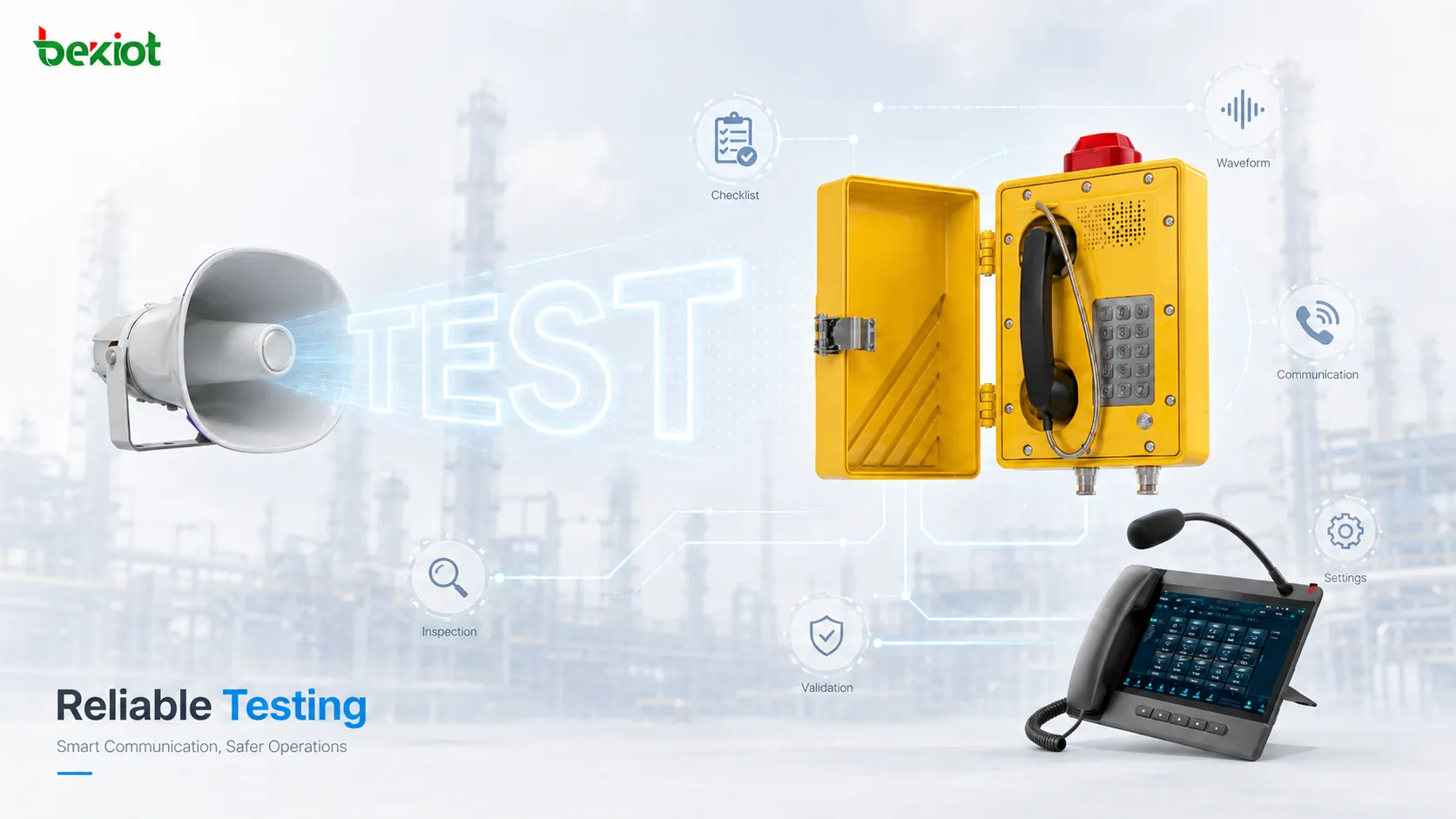
Completing the installation of an explosion-proof telephone does not automatically mean that the communication point is ready for handover. A telephone mounted securely on the wall, showing online status on the network and producing audio when the handset is lifted only confirms that some basic conditions are working. In chemical plants, oil and gas facilities, mines, storage terminals and other hazardous areas, proper site acceptance also needs to confirm that installation, cabling, actual calls, emergency routing and system integration all operate as designed.
The purpose of this testing is not to repeat the product's explosion-protection certification. It is to verify that field installation and system configuration have not compromised the intended installation conditions, while also confirming that the telephone can be located, operated and clearly heard in the real working environment, and that emergency calls reach the correct destination. For that reason, post-installation testing should go beyond a simple dial-and-connect check and follow a structured process covering installation inspection, communication checks, field voice testing, emergency call-path testing, integration testing and abnormal-condition verification.
Why Should Installation Be Checked Before Making the First Test Call?
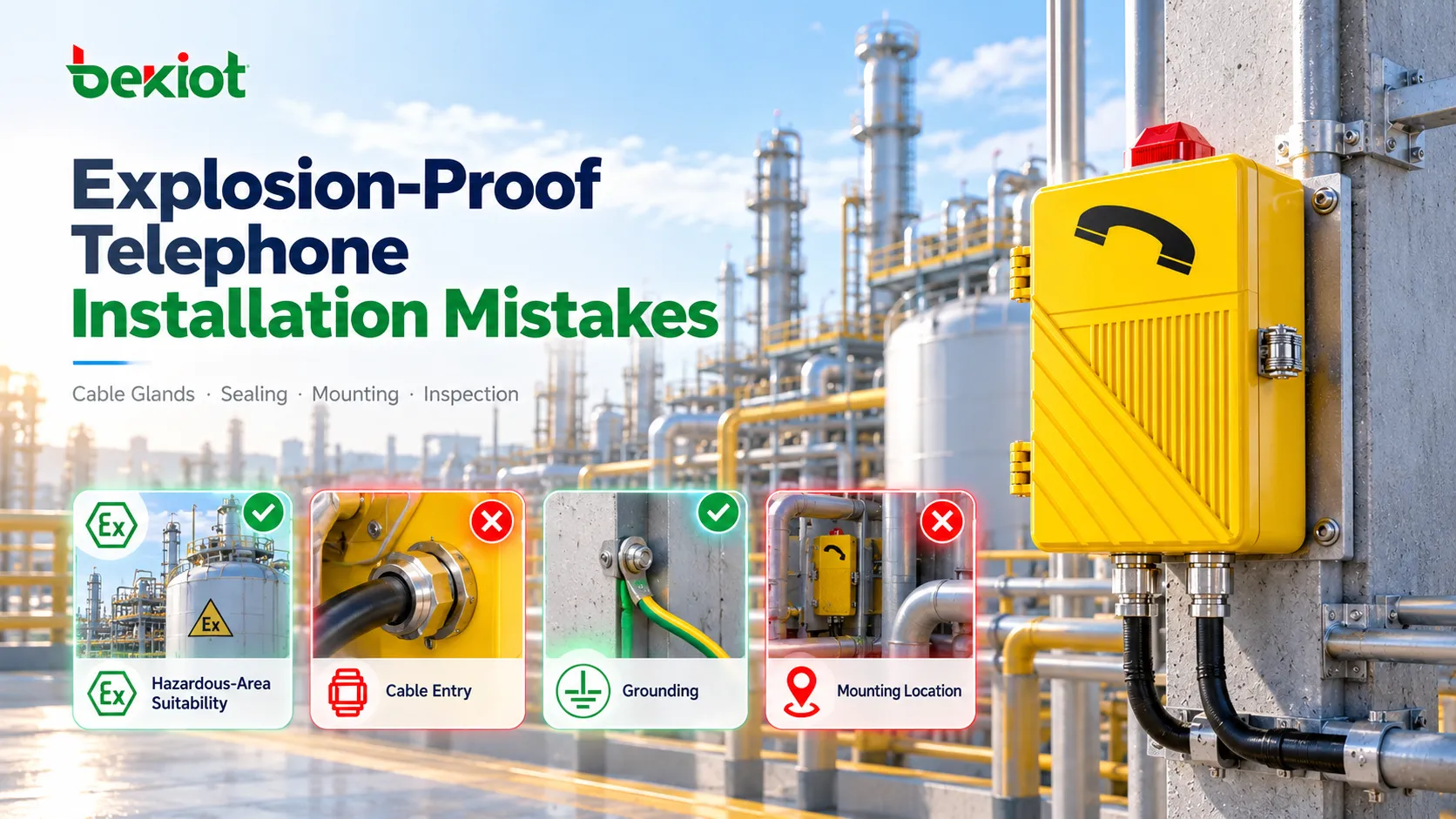
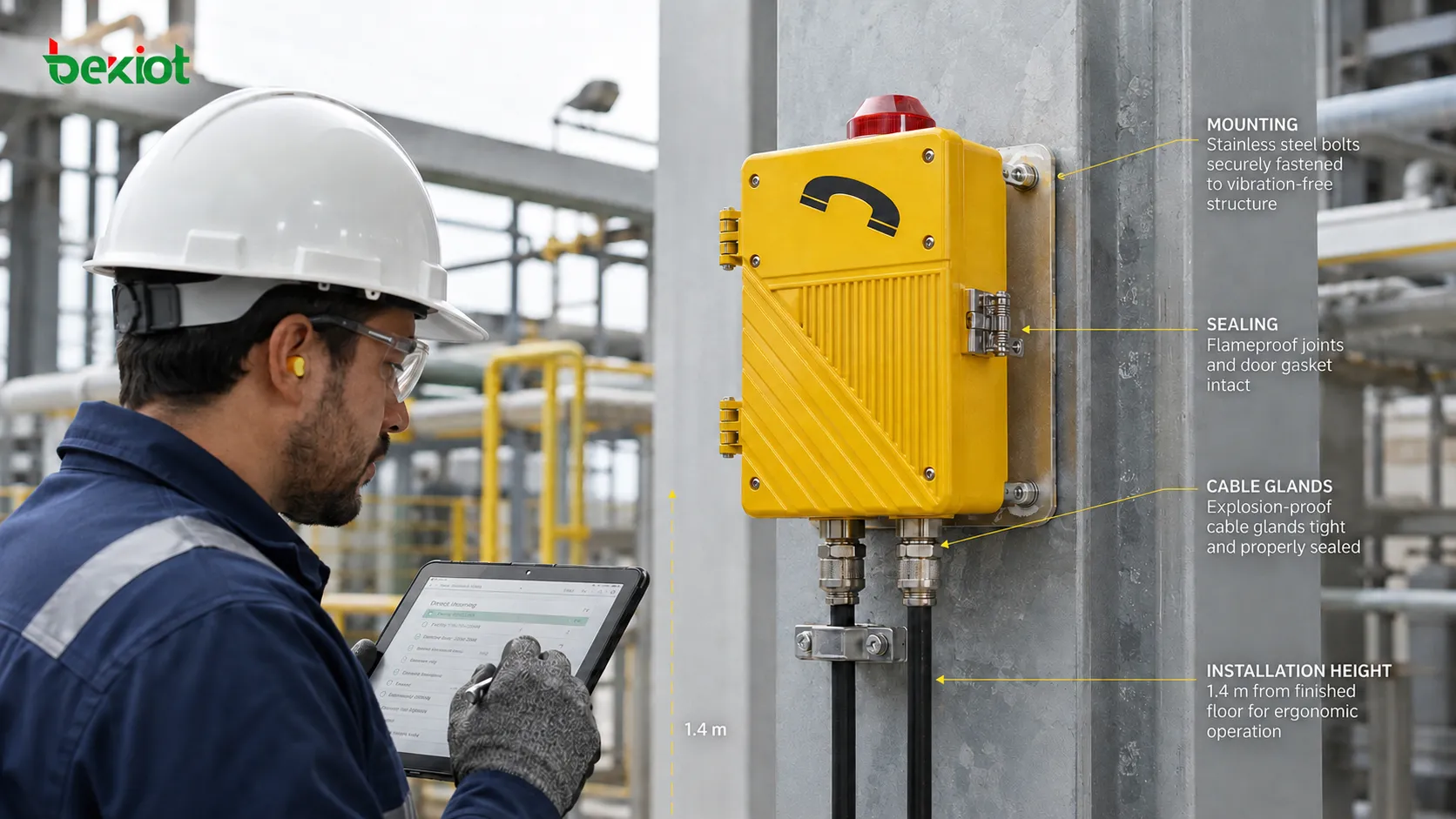
Site acceptance should normally begin with the physical installation and condition of the equipment. If the installation itself is incorrect, a telephone that works temporarily still cannot be considered ready for long-term service. First confirm that the unit is securely mounted and that the wall, column or support structure shows no obvious looseness. The mounting orientation should comply with the project design and product requirements. Installation height should also be assessed from the user's perspective, particularly where personnel may be wearing gloves, protective clothing or need to reach an emergency button quickly. Ergonomics are often overlooked during acceptance testing, which can make emergency operation unnecessarily difficult.
Cable entries are another important inspection point. Check the cable glands, sealing components and blanking elements on unused entries for looseness, damage or incorrect installation. Exposed cables should not remain under continuous tension, compression or in locations where they are likely to be struck by machinery. Equipment nameplates, explosion-protection markings and warning labels should also remain clearly visible. Any enclosure damage, missing fasteners, abnormal seals or modified cable-entry arrangements identified during installation should be corrected before functional testing begins. Some of the most serious acceptance issues are found in areas that initially appear normal, such as a gland that is tight but has a displaced sealing ring, or a loose grounding connection. These problems may not appear during a call test but can create reliability issues later in service.
How Far Should Power, Cabling and SIP Registration Be Checked?
Once the physical installation has passed inspection, the next step is to confirm the basic communication conditions. The exact checks depend on whether the telephone is SIP-based or analog. For a SIP explosion-proof telephone, verify that the unit has received the correct IP address, the network is reachable, PoE or local power is stable, the SIP account registers correctly, and the switch port, VLAN and related network policies match the project design.
Seeing an "Online" status on the management platform is not enough. Successful registration only confirms that basic communication has been established between the endpoint and the SIP server. It does not prove that number routing, two-way media or actual service functions are working correctly. In industrial deployments, a SIP telephone may register successfully but still return "404 Not Found" or time out when a call is placed because of incorrect dial plans, called-number prefixes or routing-table configuration. Registration is therefore only the first step and must be followed by real call testing.
For analog explosion-proof telephones, check line connections, line feed, dialing, ringing and connectivity to the PBX, analog gateway or other switching equipment. Long-distance analog lines also require attention to polarity, impedance matching and line attenuation because signal loss over extended cable runs can affect call quality.
Where a project includes multiple telephones, this is also a good stage to verify that equipment IDs, telephone numbers and physical locations match. A common field problem is a telephone that works correctly but is associated with the wrong location or number in the backend system. During an emergency, that mismatch can delay the dispatcher's ability to identify the calling point. A device-number-location mapping table should therefore be maintained and checked item by item during acceptance.
Why Must Call Testing Be Performed in Both Directions?
Telephone acceptance is often simplified to "make one call from the field and confirm it connects." That only tests part of the call path. A more complete procedure should verify both outgoing calls from the field and incoming calls from the control room.
Place an outgoing call from the explosion-proof telephone to the control room or dispatch console;
Call the field telephone from the dispatch console;
Check whether ringing or any external audible and visual indication works correctly;
Verify reliable off-hook, on-hook and keypad operation;
Confirm clear two-way voice transmission;
Check that the correct telephone number and field location are displayed.
If the system passes through an IP PBX, SBC, voice gateway or multiple network zones, verify that the actual media path does not suffer from one-way audio, no audio, excessive delay or interrupted calls. With SIP telephones, successful signaling and successful media transport are two separate issues. A device may register normally and successfully send an INVITE, but problems with RTP routing, NAT, ACLs or media paths can still result in a call that connects without usable audio. Site acceptance should therefore be based on actual two-way voice performance. At least three incoming and outgoing call tests are recommended, preferably involving different users to reduce individual perception bias.
How Should Voice Performance Be Tested in High-Noise Areas?
This is one of the most frequently overlooked parts of explosion-proof telephone acceptance. Clear audio during a shutdown or while nearby equipment is idle does not prove that the telephone will remain usable under normal production conditions. Compressors, pumps, fans, conveyors and large machinery can significantly change the acoustic environment once they are operating.
Where possible, a real call should therefore be tested under conditions close to normal operating noise. The test should evaluate more than whether audio is present. It should also check:
whether the field user can clearly understand the dispatcher;
whether the dispatcher can understand the field user's speech;
whether microphone pickup is overwhelmed by background noise;
whether handset volume is sufficient for the ambient noise level;
whether there is noticeable feedback, distortion, intermittent audio or echo;
whether the telephone can still be operated while wearing a hard hat and protective gloves.
In extremely noisy areas, the test result may require changes to the system design. The telephone may need to be moved farther from the main noise source or placed in an acoustic booth, supplemented with an external explosion-proof horn or audible and visual alarm, or replaced with a terminal better suited to the environment, such as a model with a noise-reducing microphone or higher-output speaker. If the installed equipment cannot meet the actual operating requirement, the issue should be identified and corrected before handover rather than after users begin reporting communication problems.
Why Is Testing the Emergency Button Alone Not Enough?
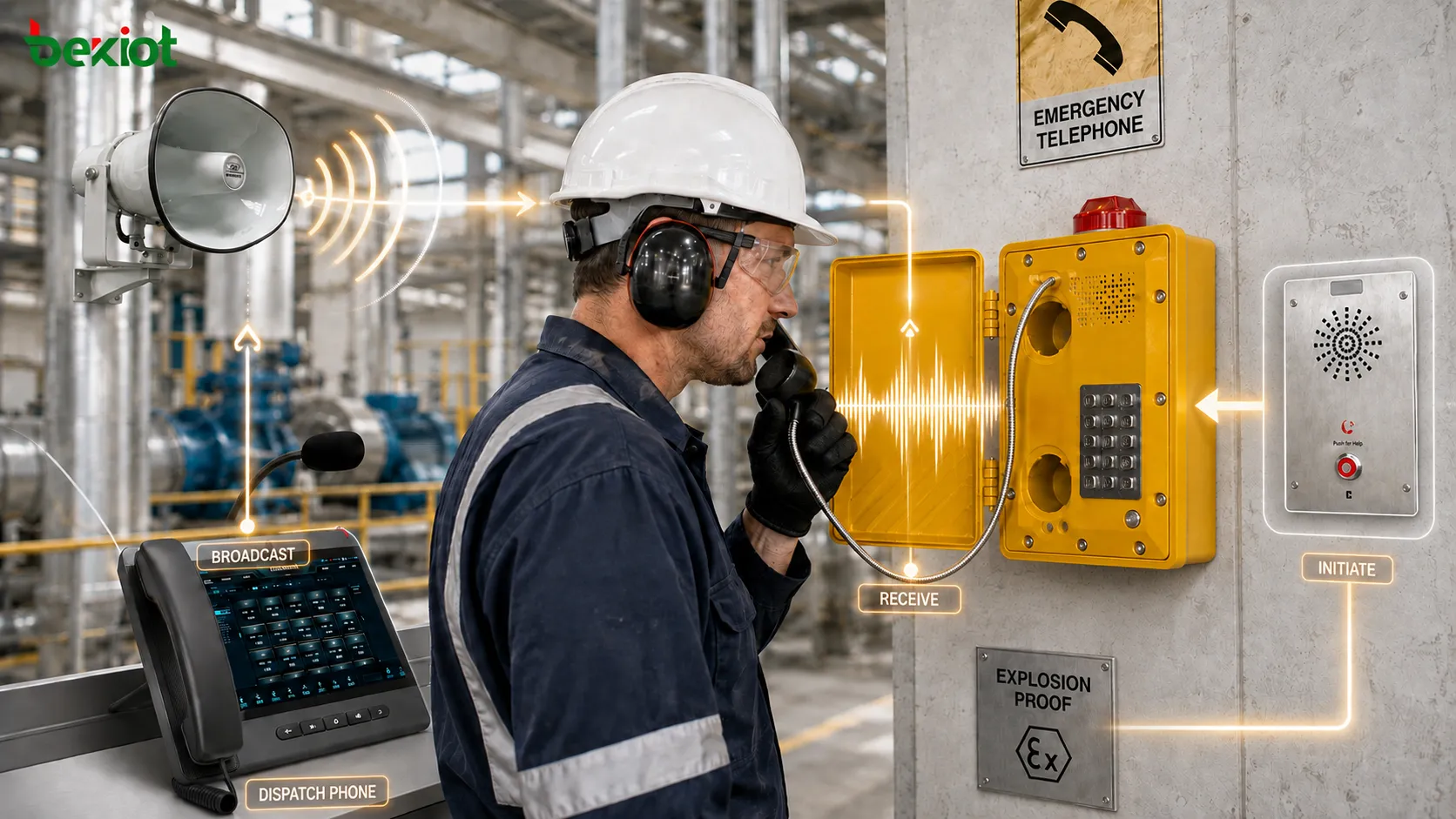
If an explosion-proof telephone includes a one-touch emergency call function, site acceptance should test the complete call path rather than simply confirming that the button responds. After the emergency button is pressed, verify that the call reaches the intended dispatch console, control room or duty position, and confirm that the telephone number, device name and physical location are correctly identified.
A meaningful emergency call test should also verify:
whether a backup route is used if the first answering position does not respond, such as forwarding to another workstation or mobile device;
whether the dispatch console displays the correct calling point, including device name, area and identification number;
whether the emergency call receives the intended priority and, where designed, can pre-empt normal calls;
whether the call is recorded with a complete record of the event;
whether required audible and visual alarms or other integrations, such as camera activation or paging, are triggered;
whether event records remain available after the incident for audit and traceability.
If an emergency button can place a call but the call simply ends when the first destination does not answer, the emergency communication path is still incomplete from an engineering acceptance perspective. Some projects use sequential or cyclic routing so that an unanswered emergency call automatically moves to a second or third destination until someone responds. Where this logic is specified, the complete routing sequence should be tested rather than only the first destination.
How Should Integration with Dispatch, Paging and Alarm Systems Be Verified?
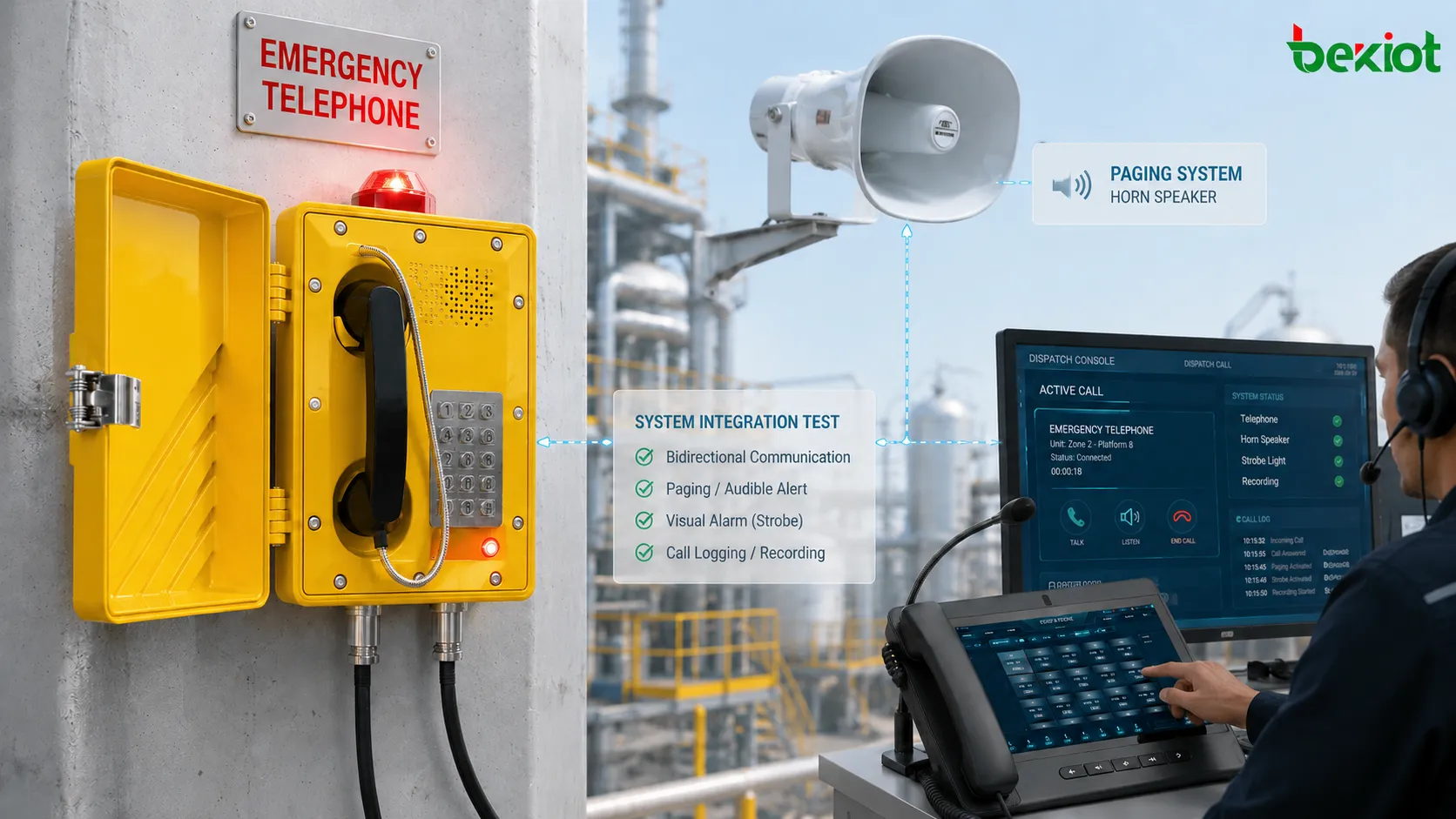
Explosion-proof telephones are increasingly deployed as part of a wider industrial communications system rather than as standalone devices. Many projects connect them to dispatch platforms, recording systems, public address systems, video surveillance or alarm platforms, so these interfaces should also be verified after installation.
For example, pressing the emergency button may need to trigger a location pop-up on the dispatch console. Calls may need to be recorded automatically, while some applications require the operator to issue a paging announcement to the surrounding area from the same dispatch platform. These functions are best tested as part of a real operating sequence rather than by clicking through individual software functions one by one.
A simple scenario can be simulated: a field user places an emergency call from the explosion-proof telephone, the dispatcher answers and confirms the location, checks associated information such as a nearby camera view, and then issues a paging announcement or alerts another team. This verifies the telephone, network, server, dispatch software and related integration interfaces as a complete workflow. Any integration delay, missing information or operational difficulty should be recorded in the acceptance report and corrected before final handover.
Should Network, Power and Equipment Failure Scenarios Be Tested?
Basic functional testing may be sufficient for an ordinary office telephone. If an explosion-proof telephone is part of a safety or emergency communications system, however, testing only under normal conditions may not be enough. Where the project design includes UPS backup, dual networks, redundant SIP servers, backup call routes or other resilience mechanisms, those functions should be verified during acceptance instead of waiting for a real failure to reveal that the configuration does not work.
Depending on the system design, tests may include:
whether the telephone switches to a backup SIP server when the primary server becomes unavailable, and whether the switchover time meets project requirements;
whether communication remains available after a primary network link fails, such as through a secondary route or 4G backup;
how long the UPS can maintain operation after mains power is lost and whether that duration meets the design requirement;
whether unanswered calls at the primary dispatch position are transferred to a backup duty position or mobile phone;
whether the management platform generates an equipment alarm when the telephone goes offline so maintenance personnel can detect the fault promptly.
Not every project requires full fault-injection testing. The scope should be determined by the system design and site acceptance requirements. However, if redundancy or failover is explicitly included in the design, it should be demonstrated before handover. For example, disconnecting the primary SIP server network connection and checking whether the telephone automatically registers with the backup server and restores normal calling within a few seconds can reveal configuration problems before they become operational failures.
What Records Should Be Kept During Site Acceptance Testing?
Documentation is one of the most frequently overlooked parts of site acceptance. For projects with dozens or even hundreds of industrial telephones, a statement such as "all units tested successfully" provides very little value for future maintenance. A practical acceptance record can include:
| Acceptance Item | Recommended Record |
|---|---|
| Equipment Information | Device ID, telephone number, model, installation location and firmware version |
| Installation Inspection | Mounting condition, cable entries, glands, labels, enclosure condition and grounding resistance |
| Network or Line | IP address, registration status, cabling, power status, VLAN and QoS settings |
| Call Test | Incoming calls, outgoing calls, two-way audio, ringing, keypad and call hold |
| Field Voice Test | Call performance under normal production noise, including clarity, volume and distortion |
| Emergency Call | Destination position, backup route, location display, recording and priority |
| System Integration | Dispatch, alarm, paging and video integration test results |
| Abnormal-Condition Test | Backup server failover, UPS runtime, network failover and fault alarms |
Acceptance records are useful for more than project sign-off. If a telephone later develops a fault, maintenance personnel can refer to the network parameters, location, telephone number and functional status recorded at handover. This makes it easier to determine whether the problem is caused by the terminal, cabling changes or a later system configuration change. Records should ideally be stored electronically and linked to the site's maintenance or asset-management system to create a traceable equipment history.
From a field engineering perspective, the objective of post-installation acceptance can be summarized in one sentence: it is not enough to prove that the telephone can connect; it must also prove that the device can perform its intended communication role at the actual location, under real noise conditions, through the required call path and during the abnormal conditions covered by the system design.
Frequently Asked Questions
Common causes include an unmatched dial plan, such as a missing prefix or incorrect number transformation, a SIP server routing table that does not contain the called destination, or firewall and ACL rules blocking SIP signaling on port 5060 or the RTP media range, commonly 10000-20000. Checking the SIP server logs can help determine whether the INVITE reached the server and which response code was returned.
Excessive loop resistance or poor connections may be responsible. The loop resistance can be measured and should typically remain below 1000 ohms, depending on the telephone exchange. If the cable run exceeds approximately 2 km, gain adjustment, a line amplifier or migration to a SIP telephone over an IP network may need to be considered.
Many industrial explosion-proof telephones allow the emergency key to be programmed through configuration software or a web interface to call a specific number, initiate multicast communication or trigger an API action. Any customized function should be explicitly verified during site acceptance to ensure that it does not conflict with the intended emergency workflow. Consistent button behavior across field locations is also preferable to avoid confusion.
The telephone angle or installation position should be adjusted so the emergency button can be reached without obstruction when a user is standing or kneeling. If relocation is not possible, an external emergency button panel or another suitable operating arrangement should be considered. This type of issue should be corrected during acceptance rather than left for later operation.
If the project requires emergency calls or all calls to be recorded, recording should be verified during acceptance. A test call can be made with a short spoken message, followed by confirmation that the recording system stored the complete call and that playback is clear. Recording failures caused by storage capacity, permissions or configuration should be identified before the system is handed over for operation.