IP Paging System for Voice Paging and Announcements
Connect SIP speakers, paging consoles and amplifiers to compatible VoIP systems for flexible, zone-based announcements across commercial and industrial facilities.
Consult immediatelyConnect SIP speakers, paging consoles and amplifiers to compatible VoIP systems for flexible, zone-based announcements across commercial and industrial facilities.
Consult immediatelyAn IP paging system lets a receptionist, supervisor or control-room operator send spoken instructions to the areas that need them without calling each person individually. The announcement may be directed to one corridor, a production workshop, several buildings or an entire site. For organizations already using VoIP telephony, an IP PA system can often extend announcements through compatible SIP equipment on the existing IP network rather than requiring a completely separate broadcast infrastructure.
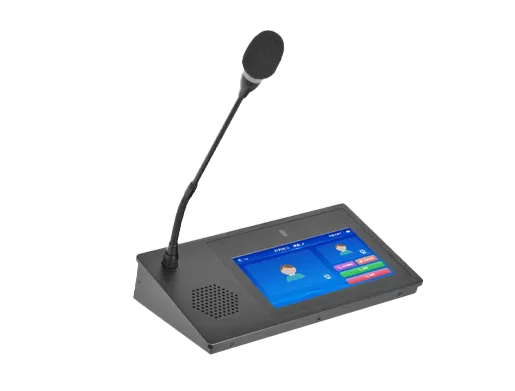
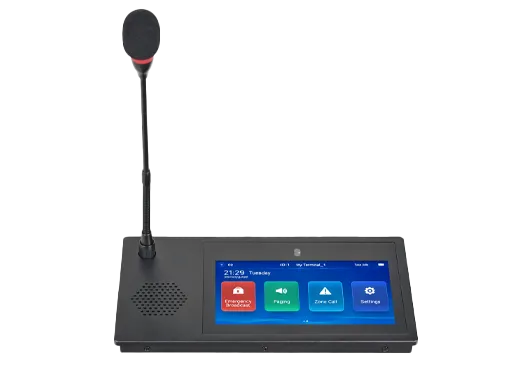
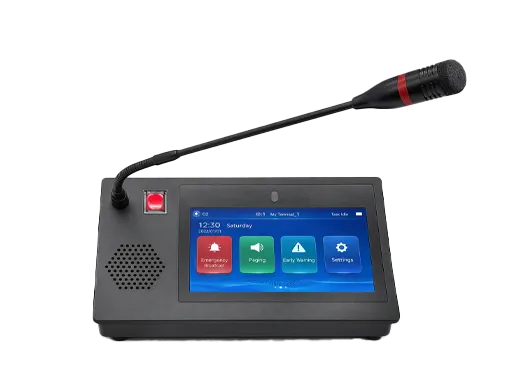
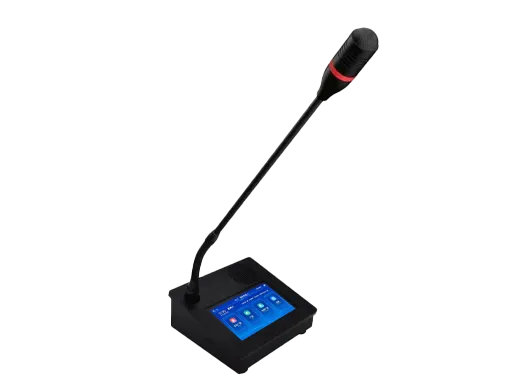
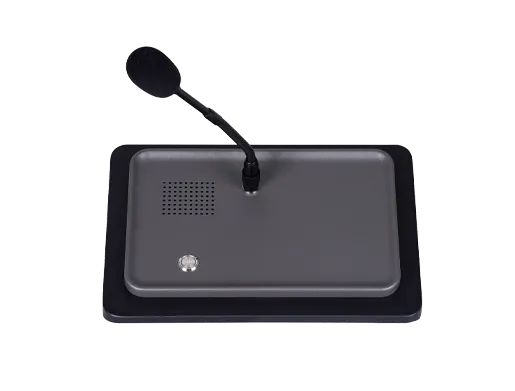
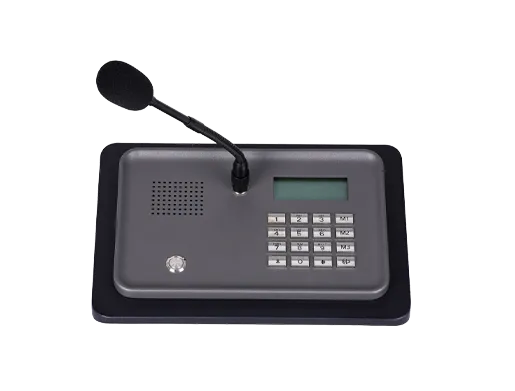
Becke Telcom IP paging and SIP public address solutions combine paging consoles, SIP speakers, network amplifiers and compatible communication platforms needed to route announcements. The appropriate configuration depends on the site's zones, existing telephone or PA equipment, acoustic conditions and operational procedures. SIP compatibility makes integration possible, but endpoint behavior, group paging and emergency priority must be confirmed for each proposed system.
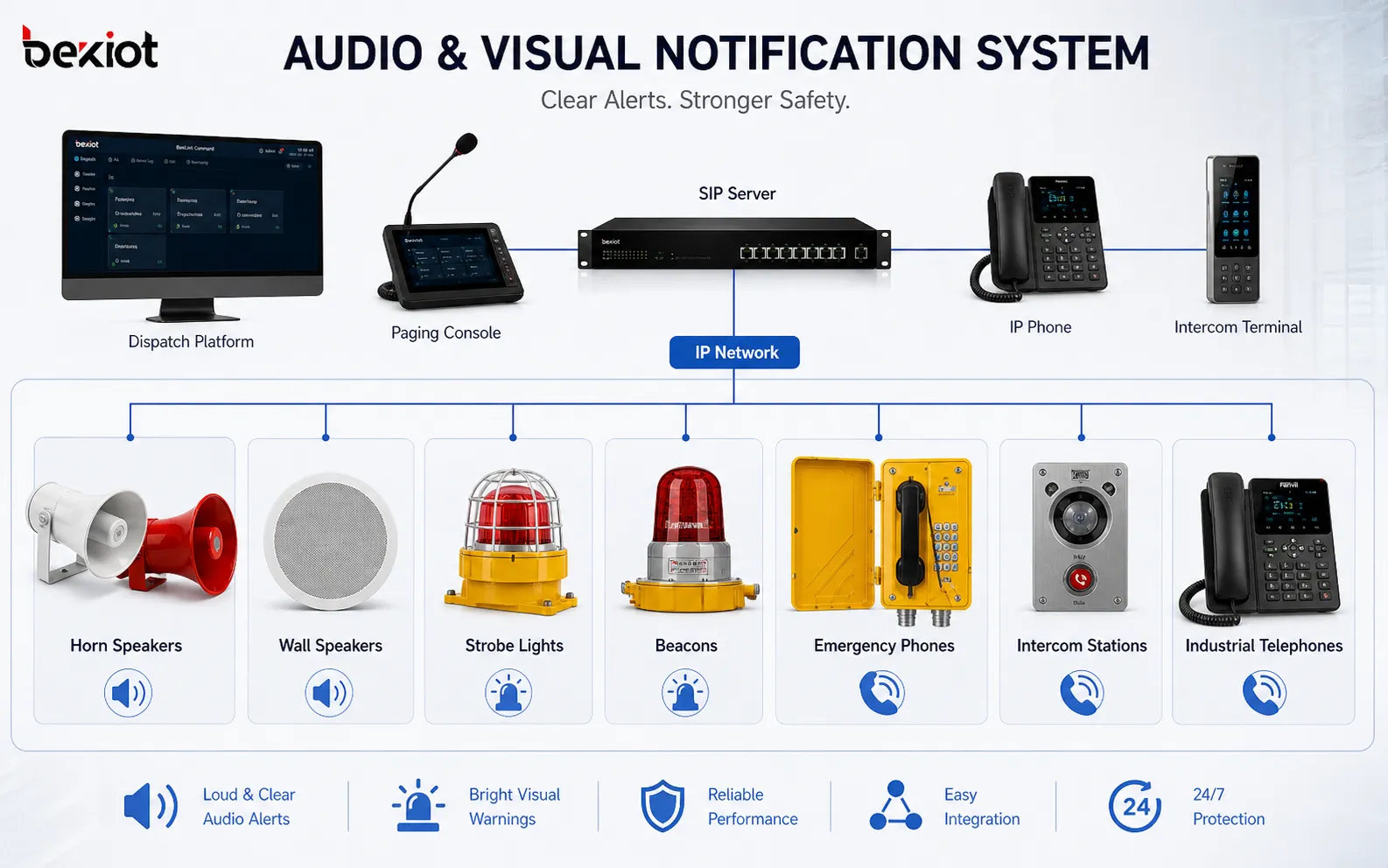
In a new network-based installation, compatible paging endpoints are connected to the local Ethernet infrastructure. An operator initiates an announcement from a SIP phone, a dedicated paging console or a supported software interface. An IP PBX, SIP server or paging controller handles the relevant call and group-routing functions, while network speakers or amplifiers reproduce the audio in designated areas.
This approach is useful when different buildings require independently managed zones or when paging must work alongside an existing VoIP system. PoE-capable endpoints can simplify installation where the power budget is sufficient, while higher-power equipment may still require separate electrical supplies. The endpoint type and network arrangement are chosen around actual coverage and operating needs.
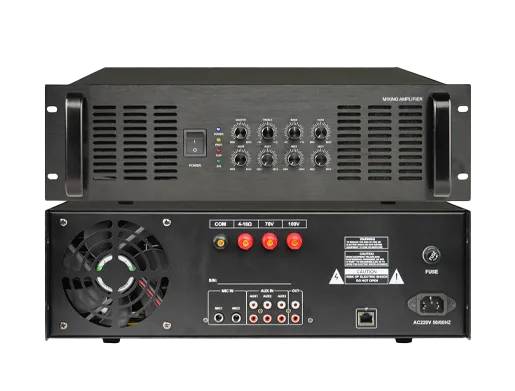
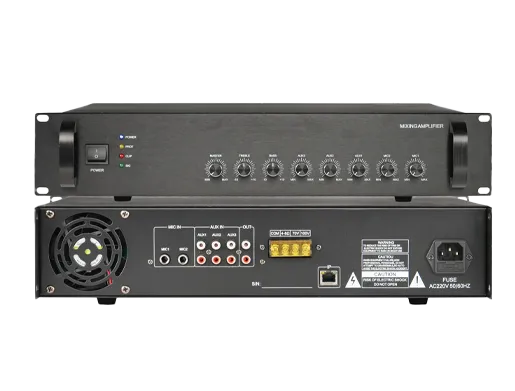
An organization with serviceable analog loudspeakers does not necessarily have to replace every speaker to introduce IP paging. A compatible SIP paging amplifier, audio gateway or paging adapter may connect the IP communication network to existing amplification and loudspeaker circuits. The design must account for amplifier ratings, speaker-line loading, cabling condition and the audio interface supported by the new equipment.
A hybrid deployment can also retain analog speakers in established areas while adding individually addressable SIP speakers in new buildings or remote locations. This allows upgrades to follow site priorities without treating the old and new audio systems as automatically interchangeable.
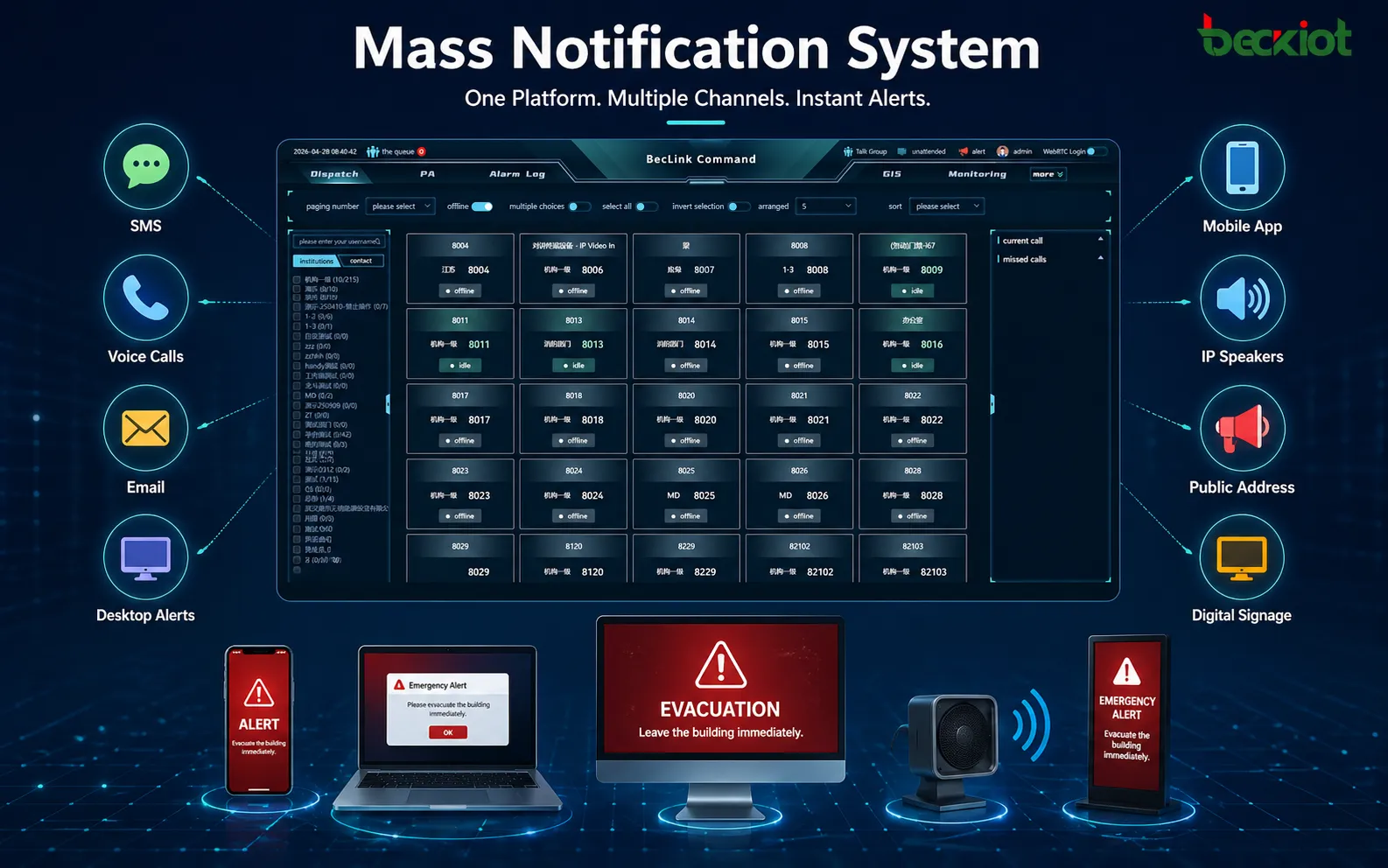
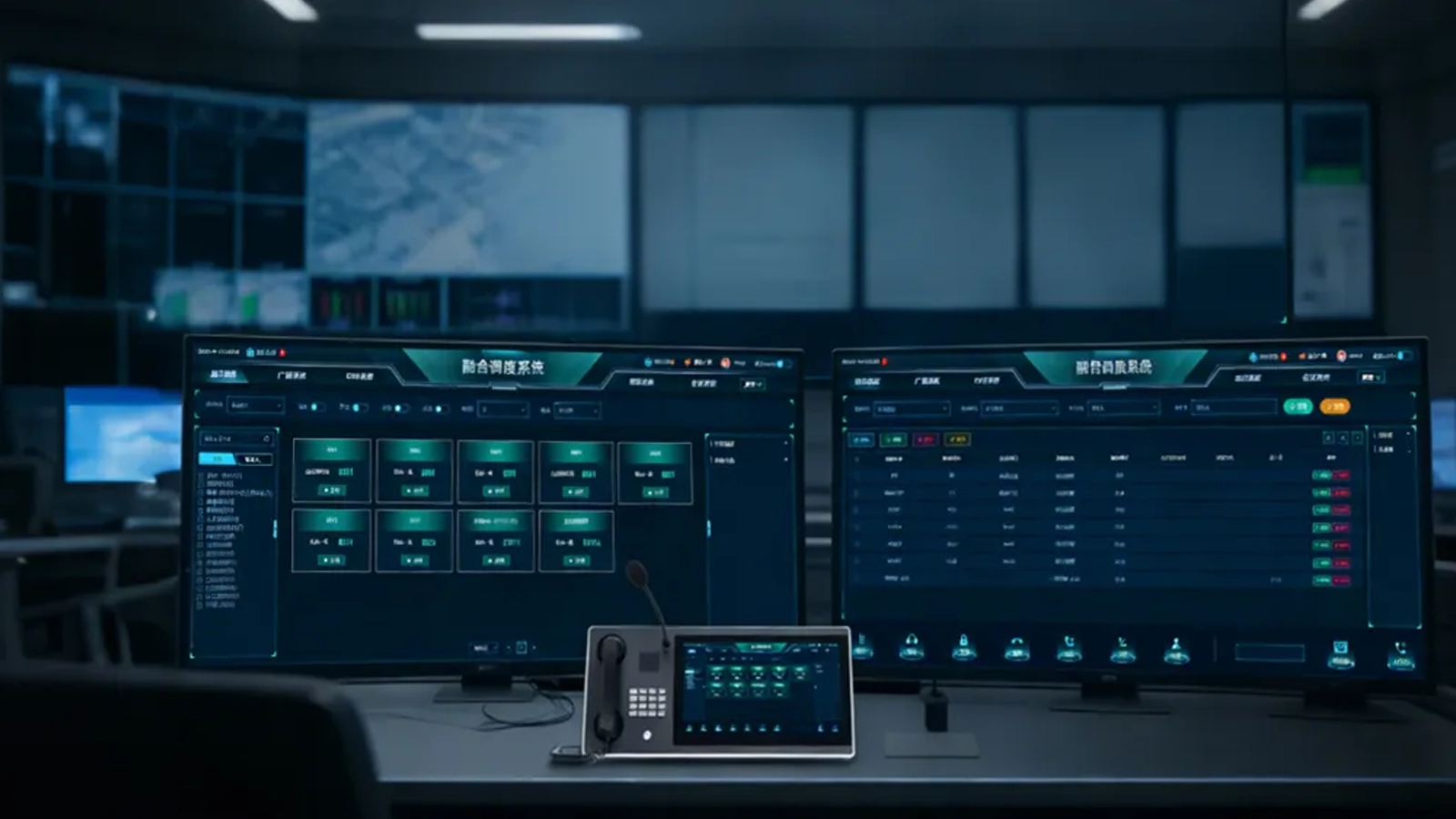
Paging begins at an authorized source, such as a receptionist's IP phone, a security desk or a control-room paging console. The operator selects a destination by dialing an assigned paging number or choosing a configured zone. A compatible IP PBX or paging platform then routes the request to the required endpoint or paging group. Where scheduled messages are needed, a suitable management service initiates them according to the site's timetable.
SIP normally provides call signaling and session setup, while RTP carries the speech audio. Depending on the platform and endpoints, announcements may use individual media sessions, platform-managed groups or supported multicast distribution. Multicast is not an automatic property of every SIP installation: the source, receiving devices and network switches must all support the chosen method.
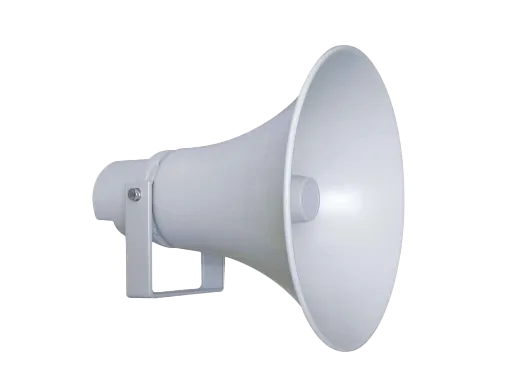
At the destination, SIP horn, column, ceiling and pendant speakers can serve different acoustic and mounting requirements. Network paging amplifiers can feed suitable external loudspeakers where an amplifier-based layout is preferable. A paging source, call-control system and audio endpoints should be checked together, because successful SIP registration alone does not guarantee audible paging at the intended location.
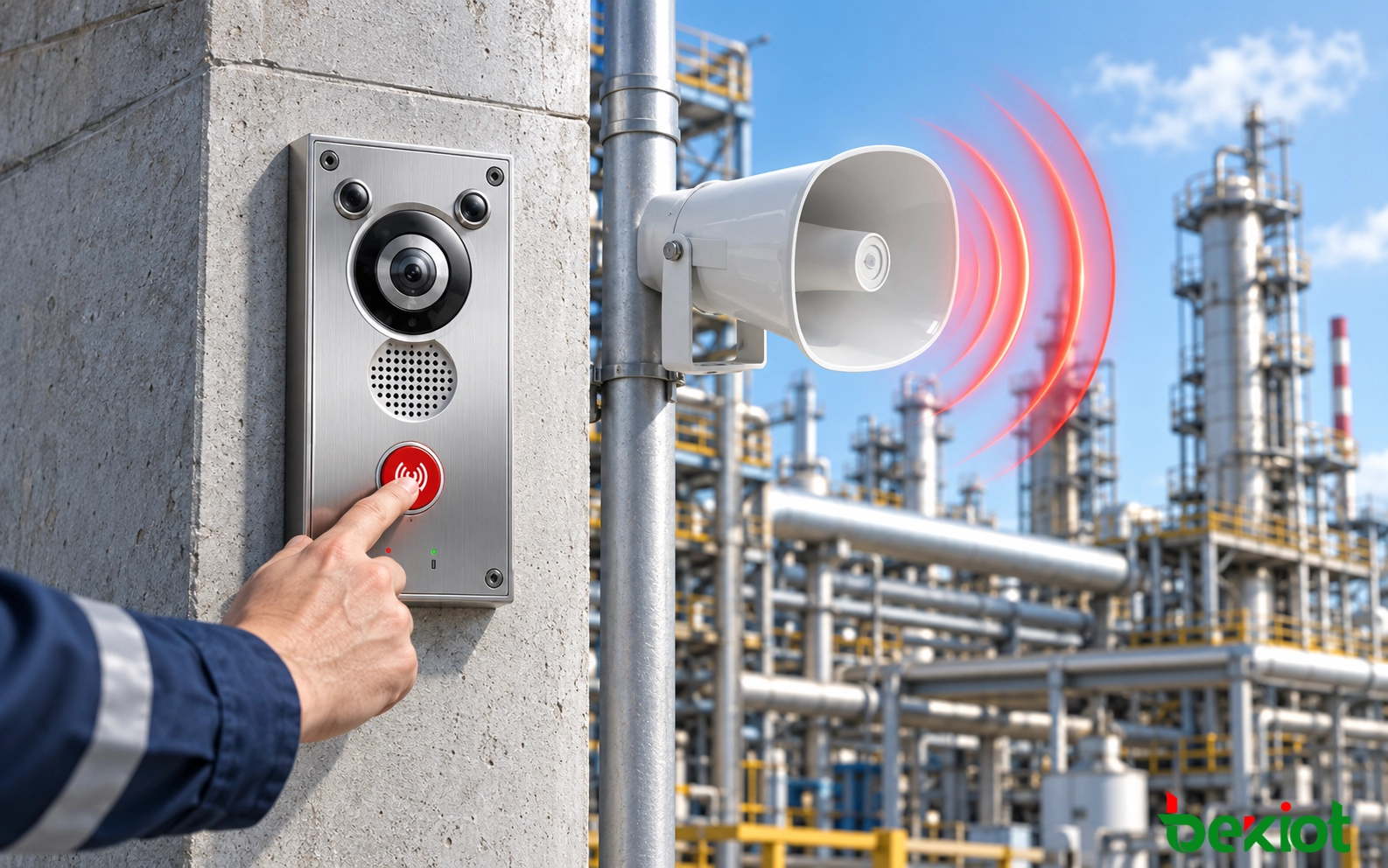
Paging may also be initiated from an alarm interface, dispatch platform or another supported application. These connections require the appropriate signaling, input/output, API or gateway capability and a defined rule for who may issue messages. Where paging is linked to an emergency or certified life-safety system, the integration must preserve the requirements of that system rather than assuming a general SIP endpoint can replace it.
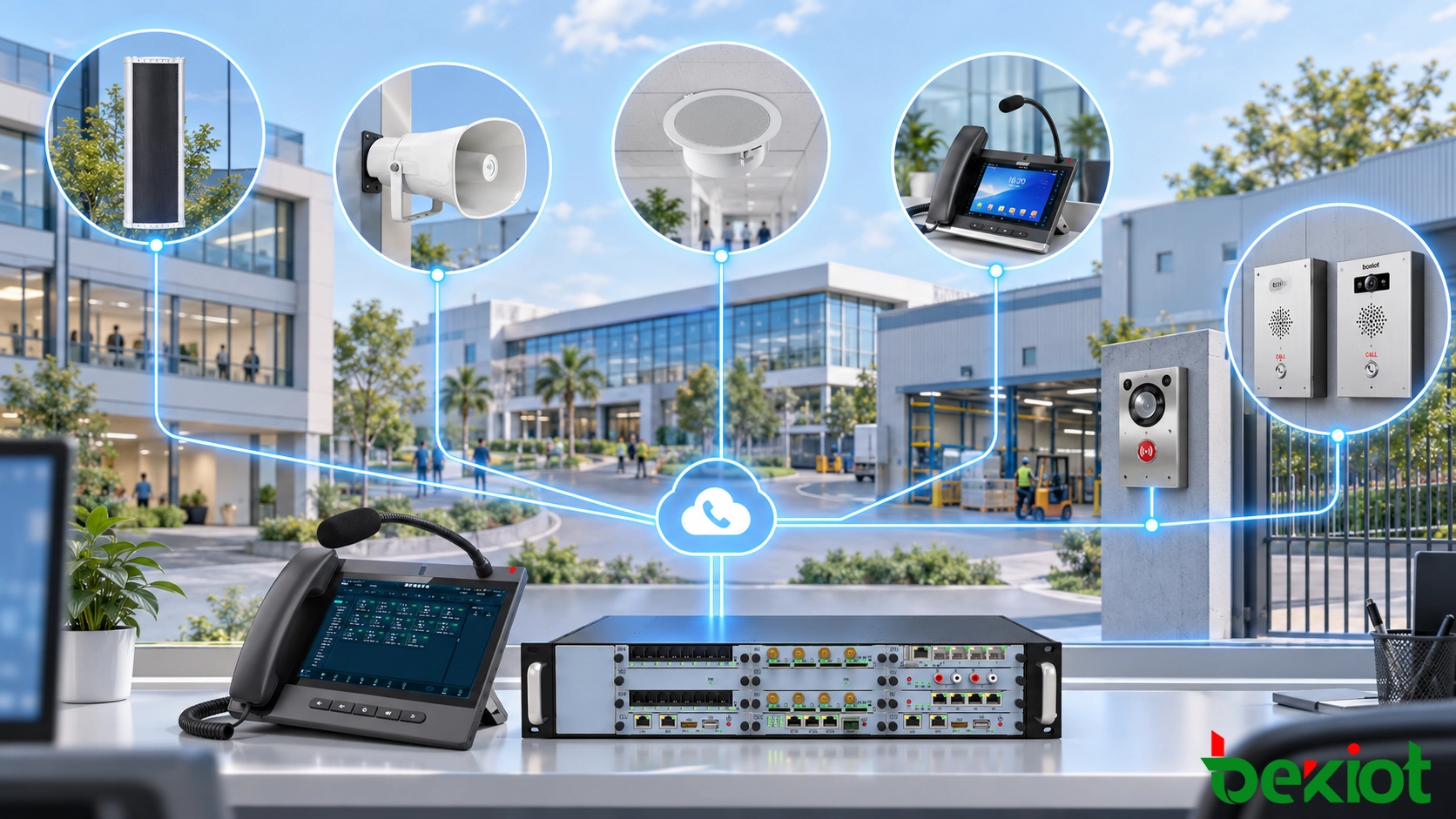
For a routine message, an operator selects the area where the announcement should be heard and starts a live paging session. The system resolves that selection into one or more compatible endpoints, establishes the necessary session or distribution path, and opens the audio channel according to the endpoints' configured answering behavior. Staff in the selected zone hear the announcement without requiring separate telephone calls to every individual.
Scheduled messages follow a different entry path: the paging platform or an integrated scheduling service starts a prepared recording at an approved time. If several messages compete for the same speakers, the configured priority policy determines whether a task is queued, rejected, interrupted or allowed to proceed. Emergency overrides should be tested in the proposed configuration; they cannot be inferred solely from SIP protocol support.
The operator should be able to tell whether the expected endpoints and routes are available, within the monitoring capabilities of the equipment. Endpoint online status and successful call setup are useful operational indicators, but they do not prove that speech is intelligible at the far end of a noisy workshop or outdoor area. Physical listening tests remain necessary.
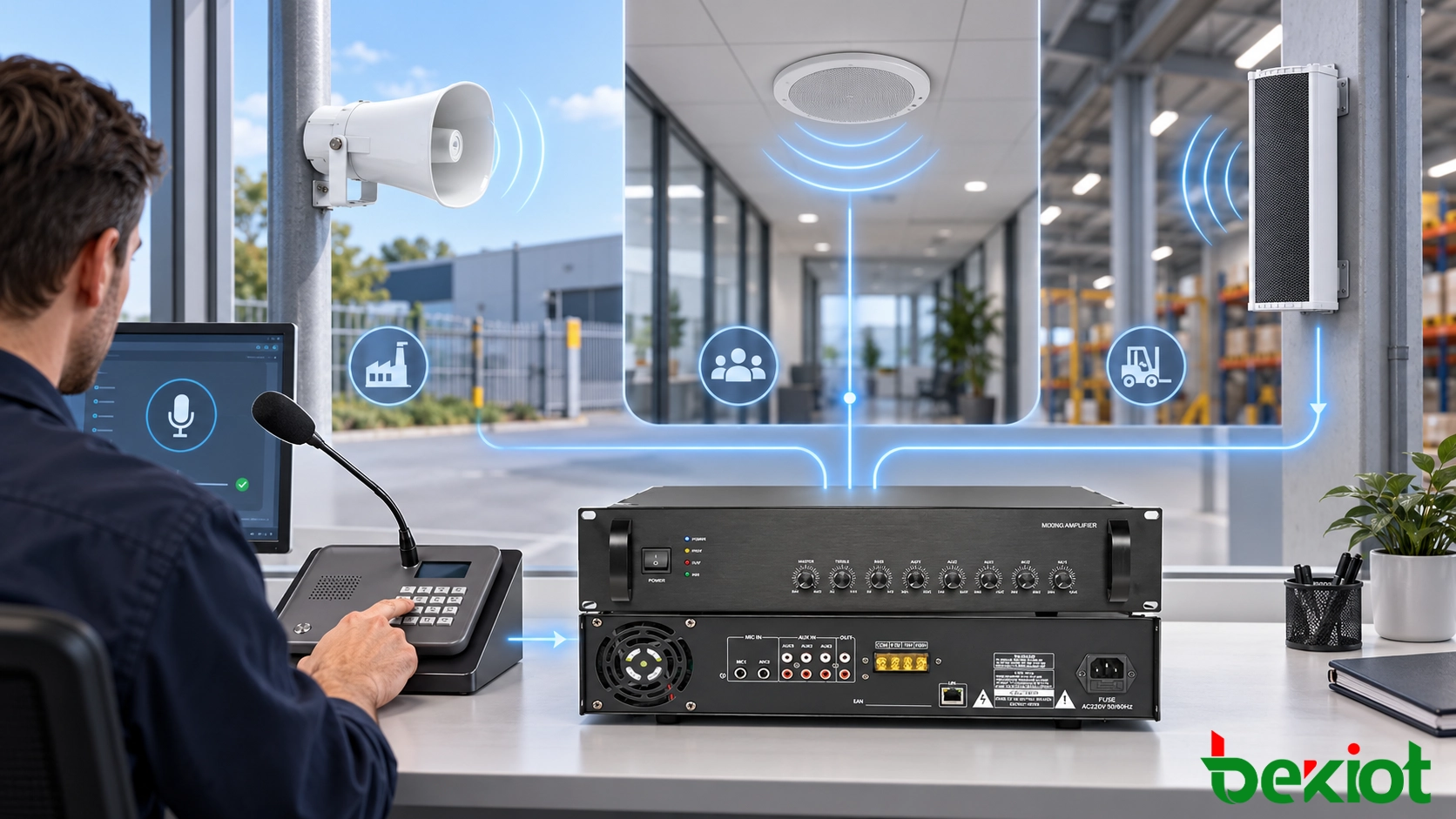
A site can separate its announcement destinations by floor, department, workshop, loading area or another meaningful operating boundary. Staff can address one zone, several selected zones or the complete site without interrupting unrelated areas for every routine notice. The number and arrangement of zones depend on the call-control and paging configuration.

Live paging lets an authorized person give an immediate instruction, while prerecorded messages provide a consistent wording for recurring notices. Where supported by the management platform, scheduled playback can handle bells, shift changes and other predictable announcements. These functions should be assigned to the platform that actually provides them rather than assumed to be built into every speaker.
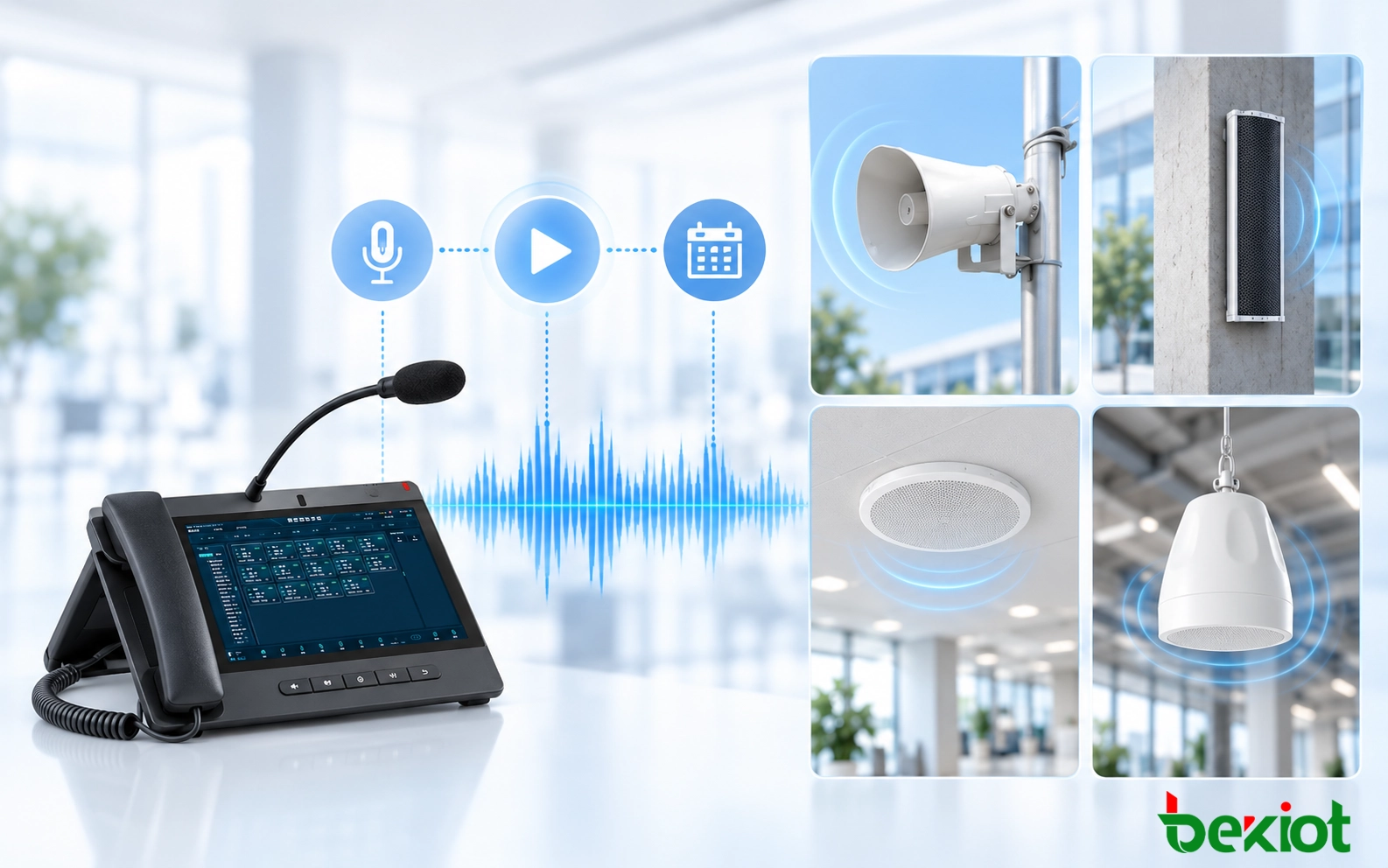
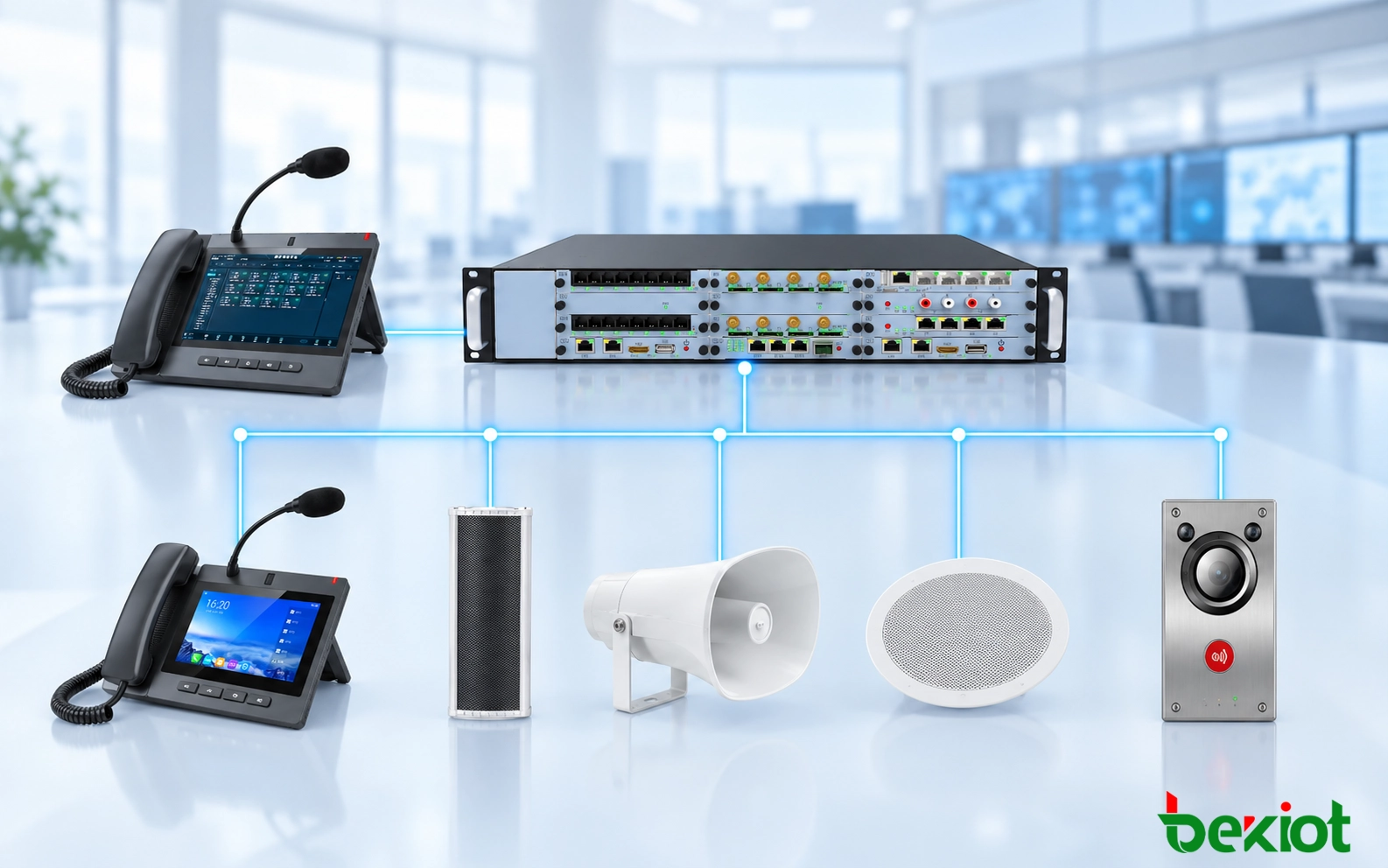
Compatible paging terminals can operate alongside IP phones and SIP call-control systems, allowing staff to use familiar calling procedures for announcements. Integration should be tested for registration, call routing, automatic answering, codec negotiation and the required paging groups. Features beyond basic calls may vary between platforms and endpoint firmware.
Sites can define different handling for routine paging, operational warnings and urgent messages where the selected platform supports priority control. The required behavior may include interrupting a lower-priority announcement or reserving an audio path for an authorized operator. Such policies must be planned, configured and verified before an incident.
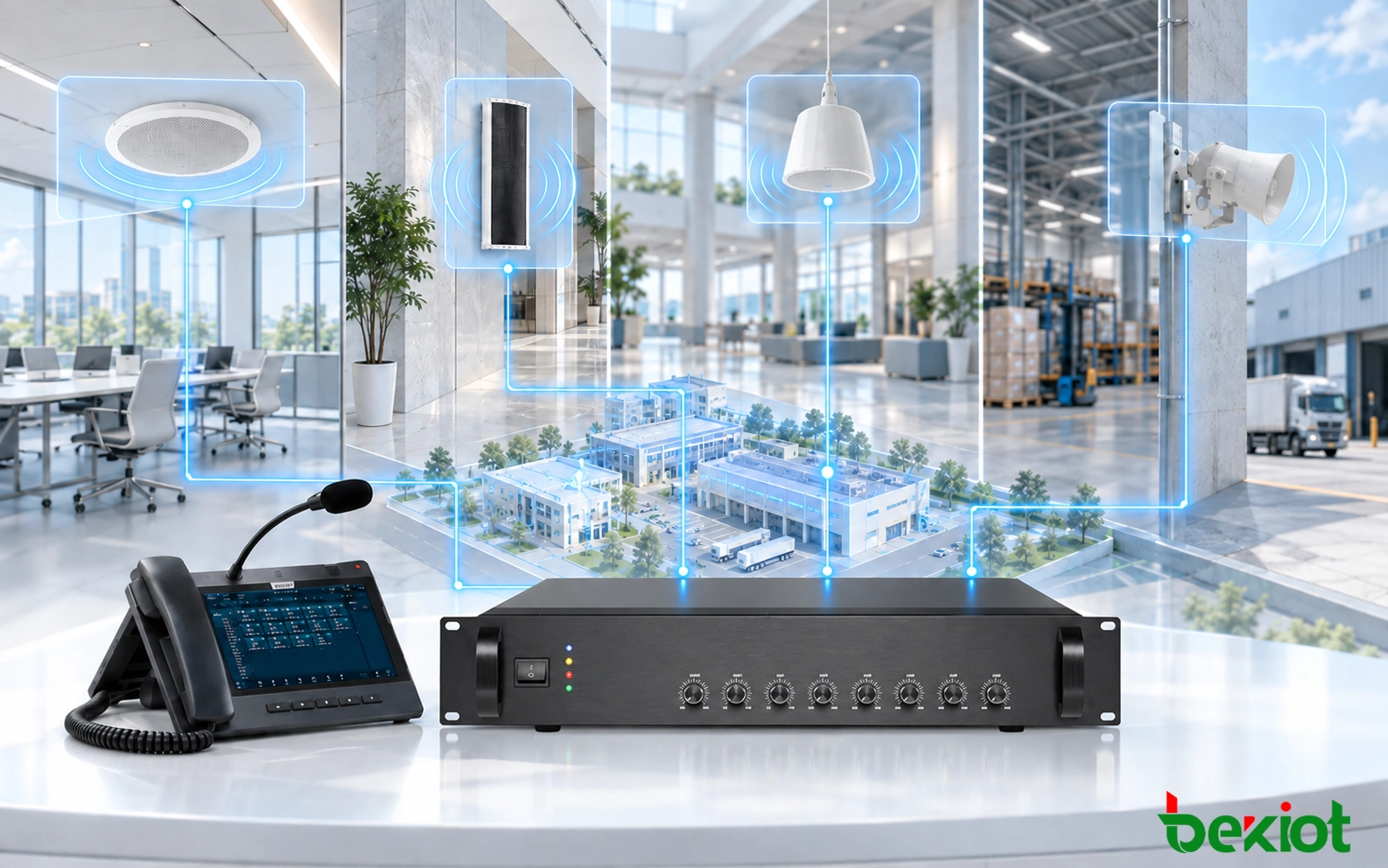
Indoor rooms, corridors, production areas and outdoor facilities require different speaker configurations. SIP speakers can be deployed as individual network endpoints, while compatible paging amplifiers can connect existing loudspeaker circuits to the IP paging system. This flexible approach supports both new installations and upgrades, allowing equipment selection to follow acoustic requirements, coverage needs and existing infrastructure.
A compatible management platform provides a central point for configuring paging extensions, speaker groups, device settings and access permissions. Where supported, administrators can monitor endpoint availability, identify connection faults and manage configuration changes without visiting each device. Available management and monitoring functions depend on the paging platform and connected equipment.
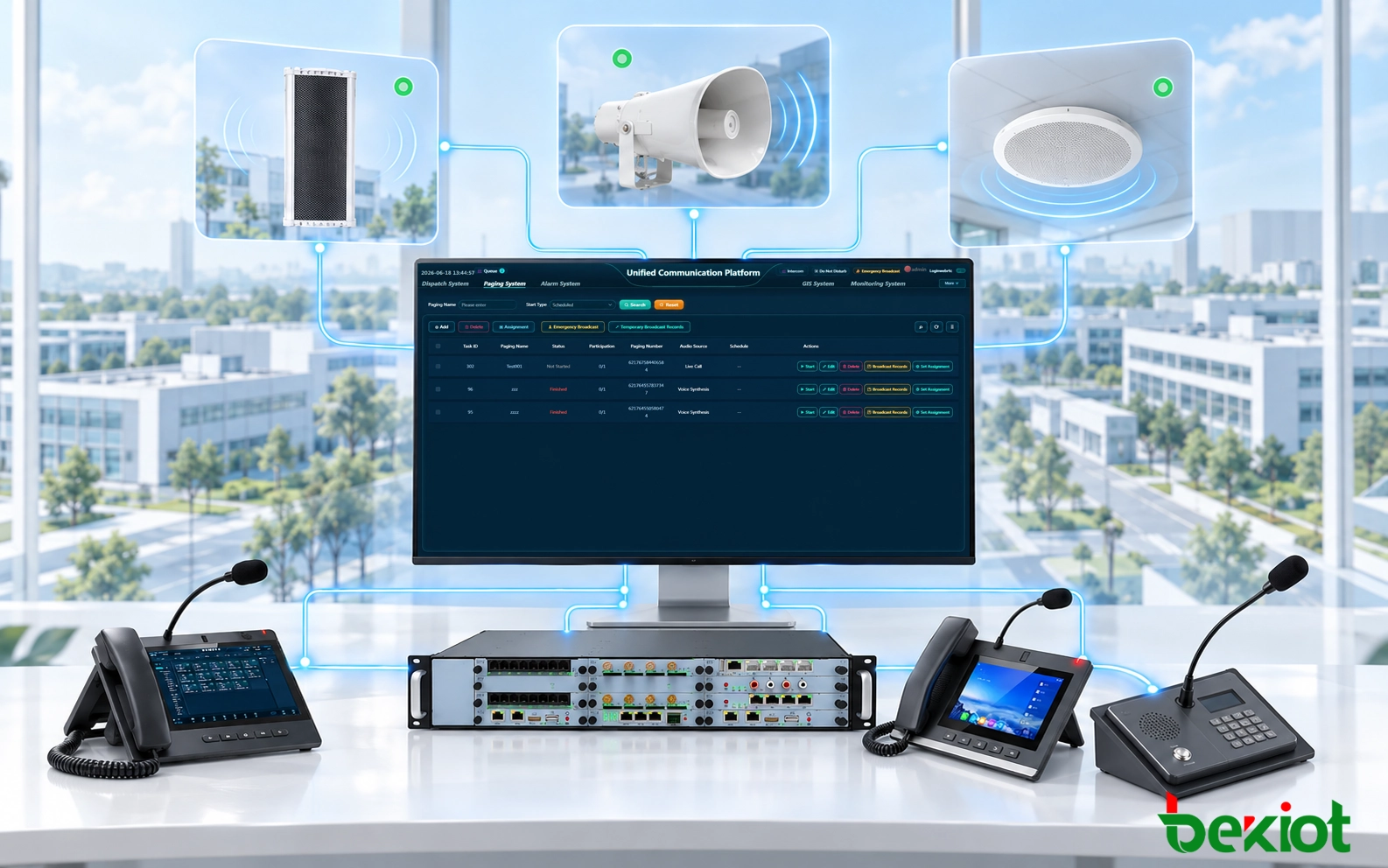
Teaching buildings, sports grounds and administrative areas often need different paging schedules. A campus can direct class-period announcements to selected buildings while using wider groups for events or site notices. The required schedules, bell functions and emergency procedures should be configured through a suitable paging controller or application instead of relying on the loudspeaker alone.

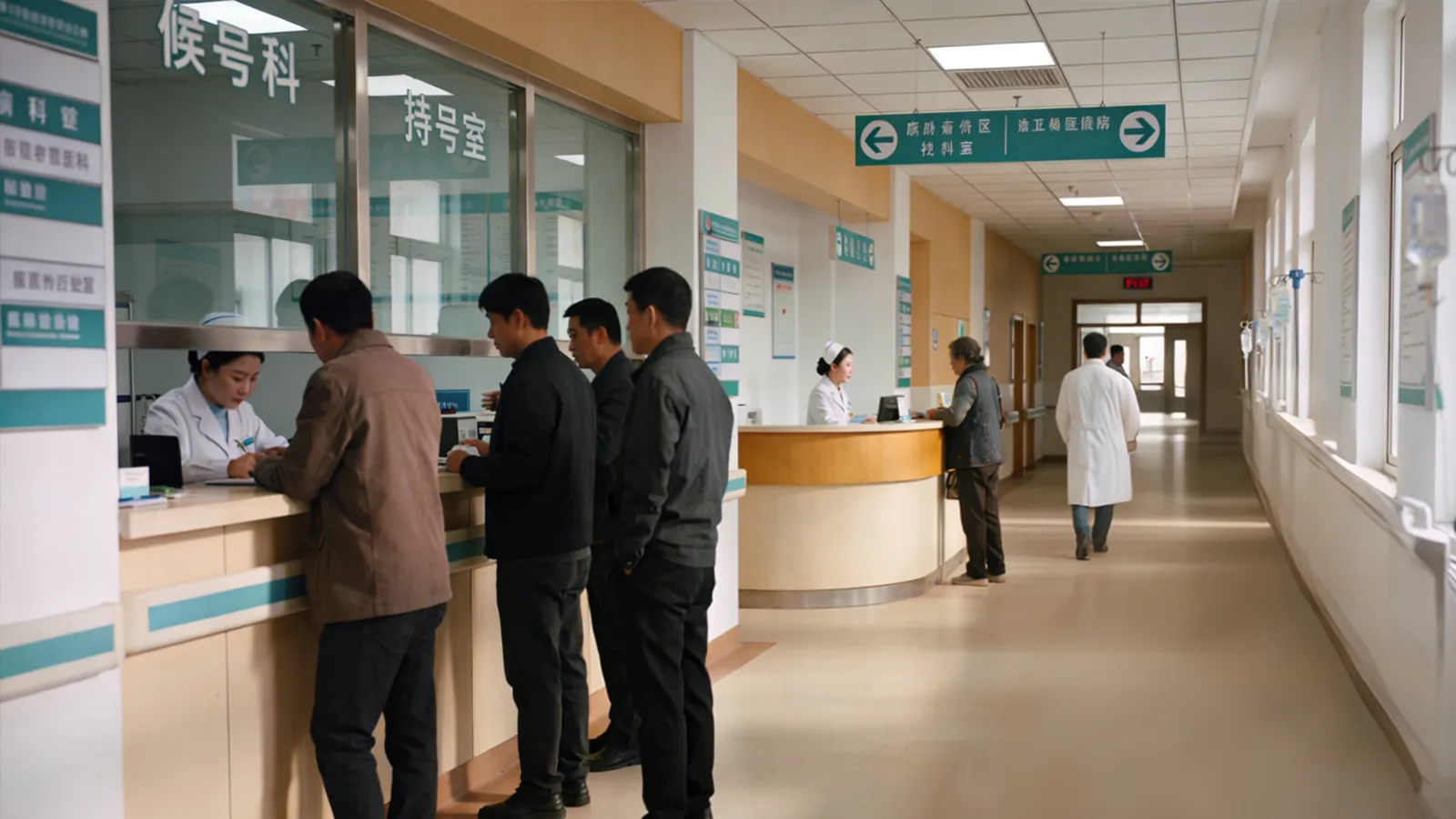
Waiting areas, service corridors and back-of-house facilities may need staff calls or public information without broadcasting into every clinical space. Paging zones help limit disruption, while source permissions control who may address specific areas. Emergency announcements require alignment with the facility's approved communication and life-safety arrangements.
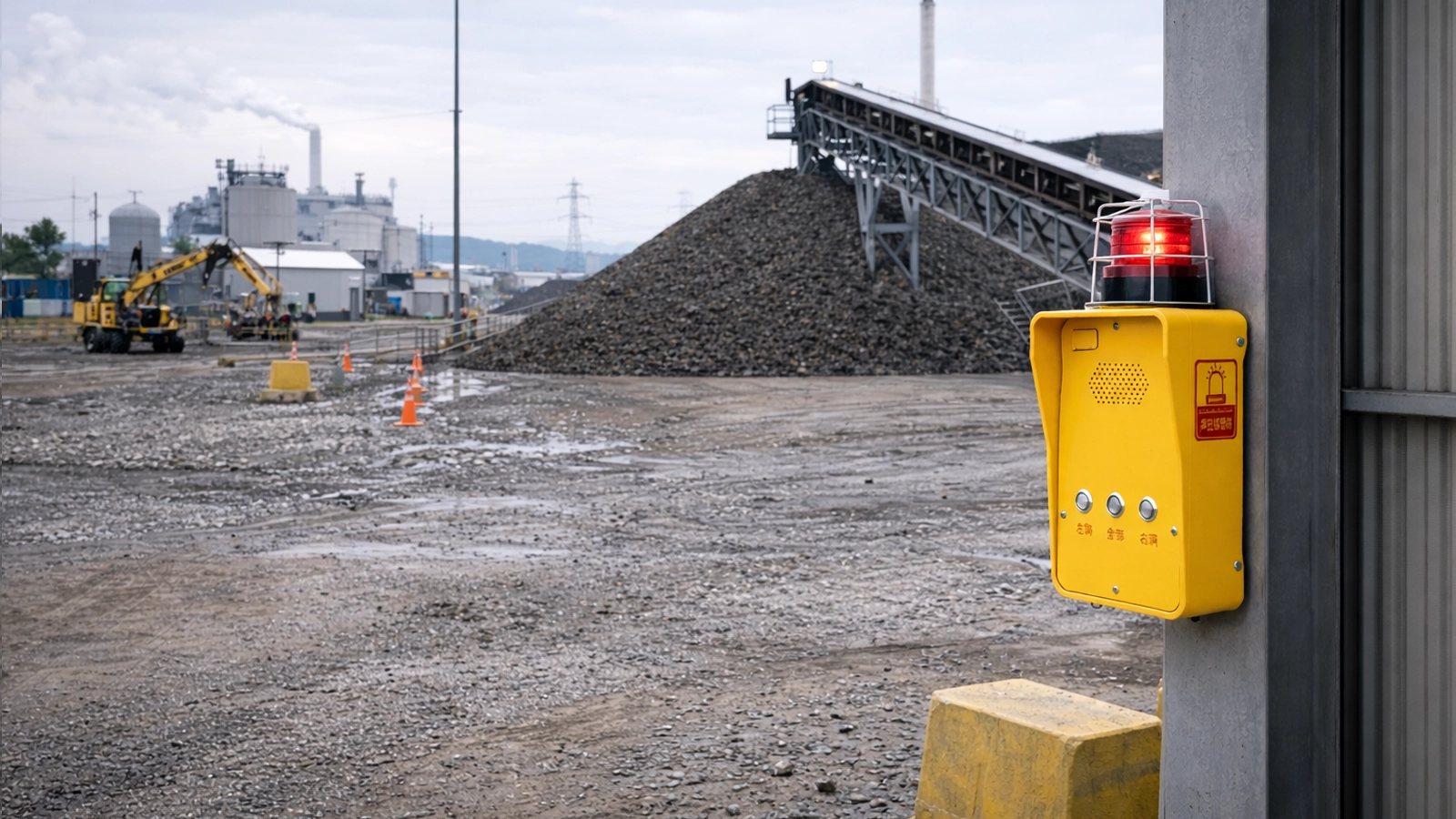
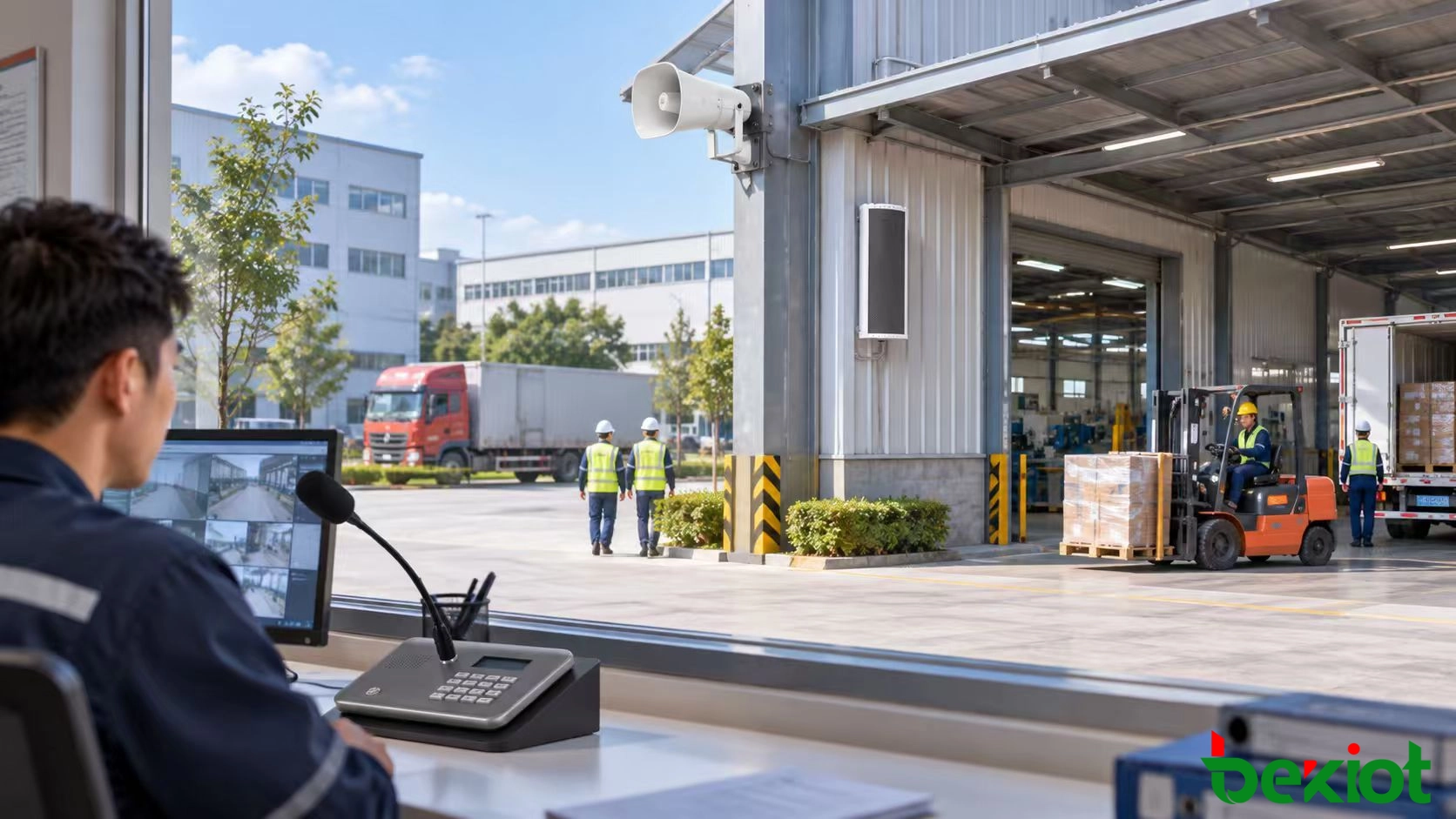
Production floors, warehouses, offices and outdoor yards have different noise levels and operating routines. Supervisors may use zone paging for shift notices, vehicle instructions and maintenance coordination while keeping routine messages local to the relevant work areas. Directional horns or other suitable outdoor endpoints may be selected after a site survey; their coverage cannot be established from nominal power ratings alone.
Visitor centers, entrances, parking areas and outdoor attractions may require separate announcements for wayfinding, opening hours and localized safety notices. Weather-exposed paging equipment should be selected for the actual installation conditions, and operators need a clear method to avoid broadcasting routine messages across the entire venue unnecessarily.