
The Becke GP100 is a desktop SIP paging microphone with keypad for operator positions that need more than a fixed one-touch destination. A numeric dialing keypad, backlit status display and programmable function keys allow users to dial SIP extensions directly, access frequently used destinations and handle two-way voice communication from the same desktop terminal.
With two SIP lines, dual Ethernet ports, PoE, G.722 wideband audio and full-duplex intercom, the GP100 can operate as a dedicated voice point within SIP paging, intercom and IP telephony systems. It is particularly suitable for reception desks, security rooms, plant offices and duty positions where the destination changes during daily operation.
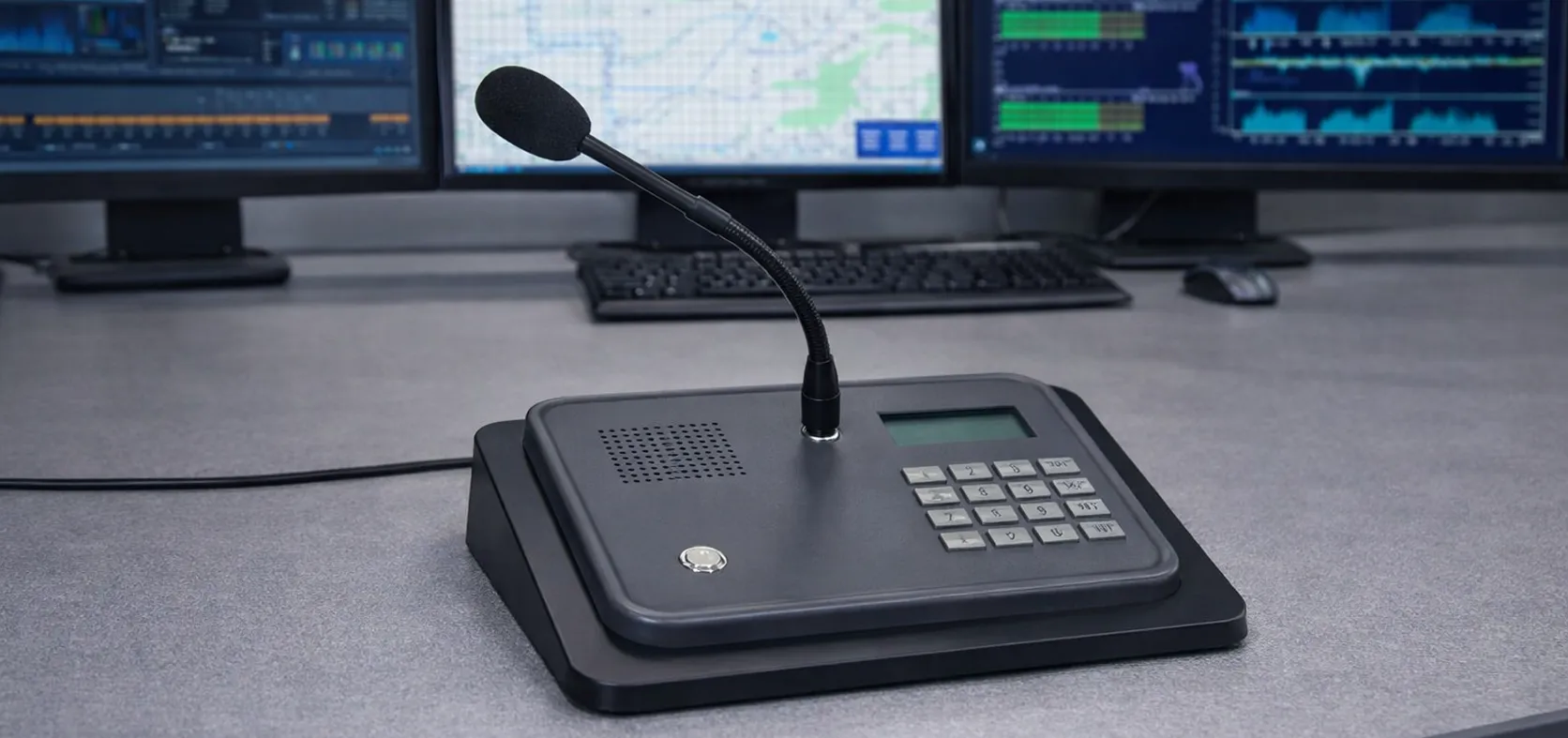
The keypad version of GP100 is designed for operators who need to contact different SIP destinations rather than repeatedly calling one predefined endpoint. Twelve dialing keys provide direct number entry, while additional physical controls support hands-free operation, programmable functions and one-touch speed dialing.
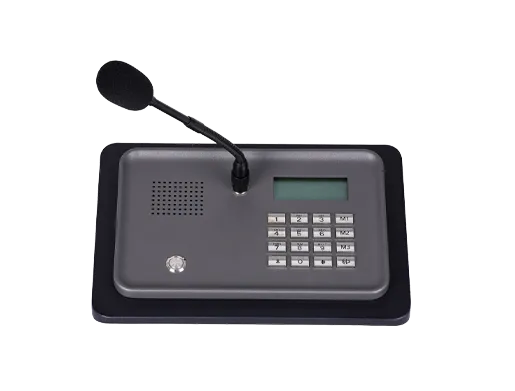
The terminal provides 12 dialing keys covering 0–9, * and #. An operator can enter an extension or supported service number directly from the desk instead of relying entirely on a preset destination.
This makes the keypad version useful in systems where reception staff, security personnel or duty operators regularly communicate with different extensions, intercom stations or server-side paging numbers.
A 2.28-inch backlit monochrome display with a resolution of 128 × 48 provides local information during operation. It gives the user a simple visual reference without turning the GP100 into a large touchscreen console.
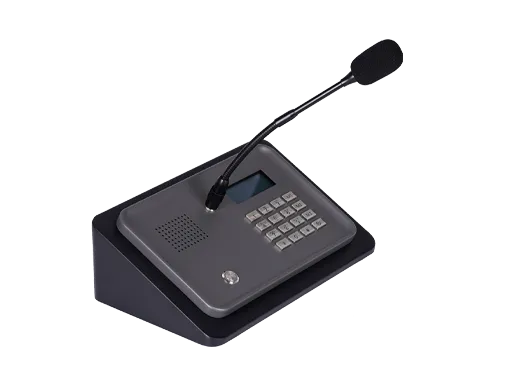
GP100 includes 17 physical keys in total: 12 dialing keys, one hands-free key, three programmable keys and one dedicated speed-dial key. The programmable keys can be configured around frequently used voice functions according to the deployed SIP system.
GP100 functions as a SIP voice endpoint as well as a paging microphone. This allows an operator to make direct calls, receive voice communication and use compatible SIP services from a fixed microphone position.
Two SIP lines are supported, providing flexibility for projects that require separate registrations, call paths or service assignments. Actual registration and routing behavior depends on the connected SIP server or IP PBX.
A dedicated speed-dial key provides one-touch access to a configured destination. This can be used alongside normal keypad dialing, giving the operator both flexible number entry and a faster path to a frequently used contact or supported paging service.
Automatic answering is supported and can be configured for individual SIP lines. This is useful when the terminal participates in intercom workflows where incoming communication should be connected without requiring additional key operation.
Local three-way conference calling is also supported for situations where an additional SIP participant needs to be added to an active voice conversation.
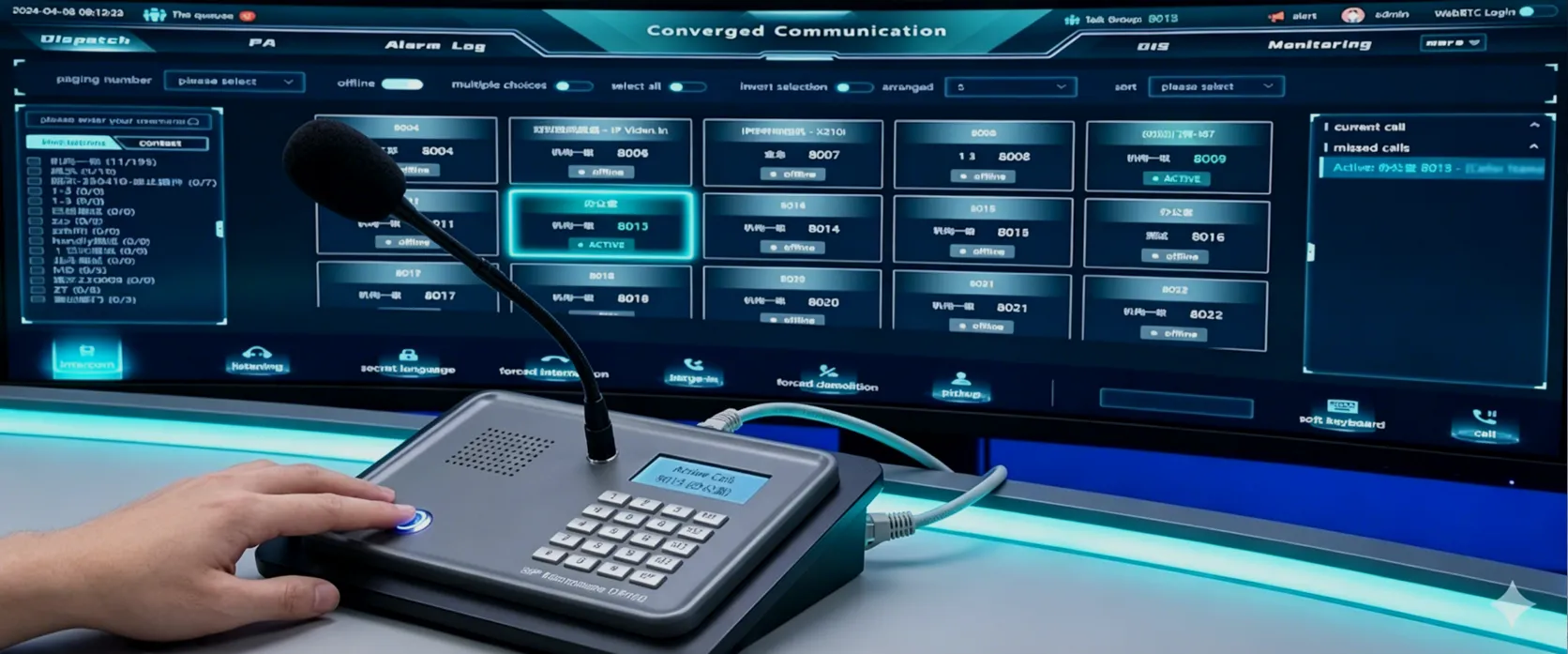
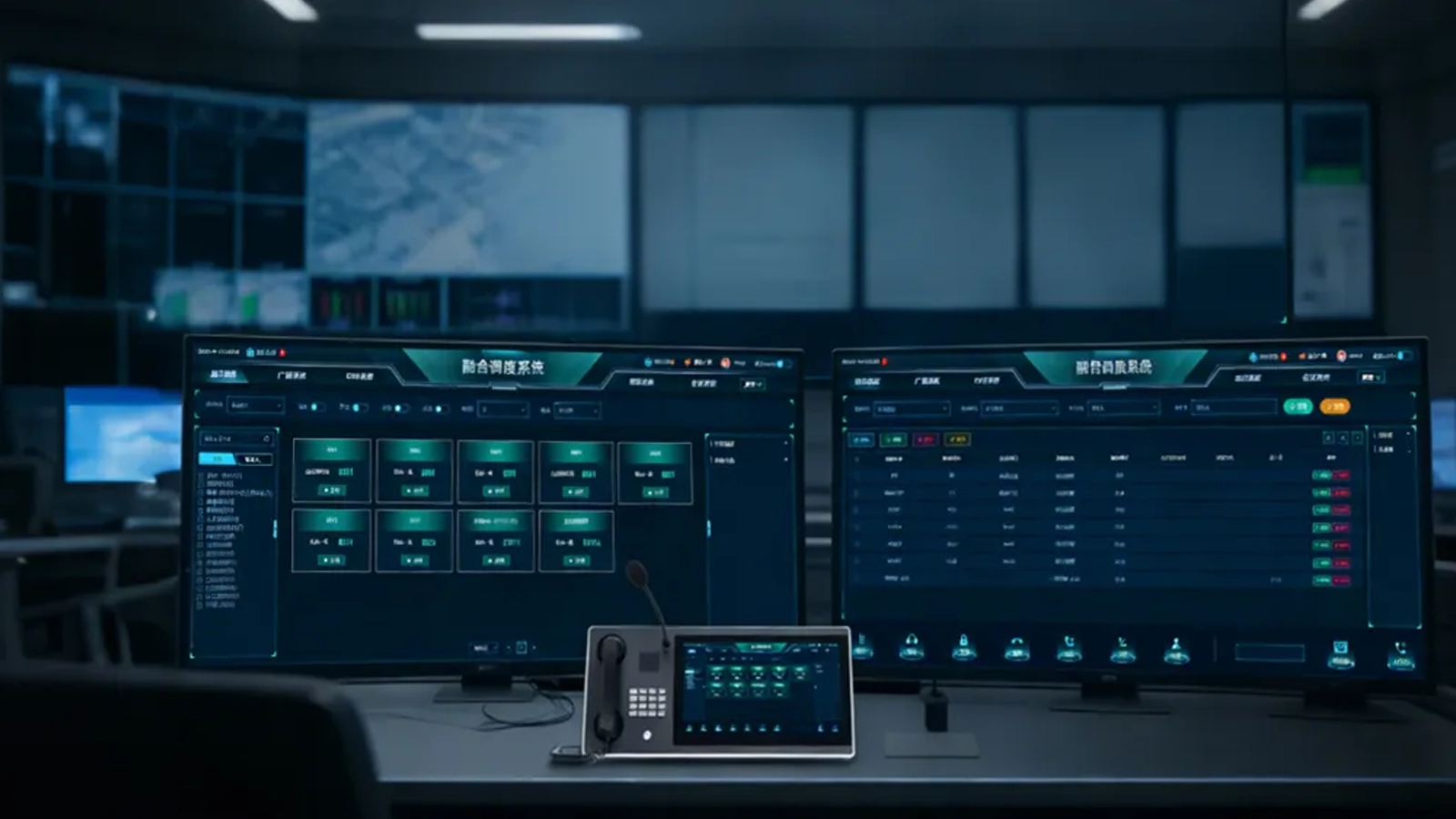
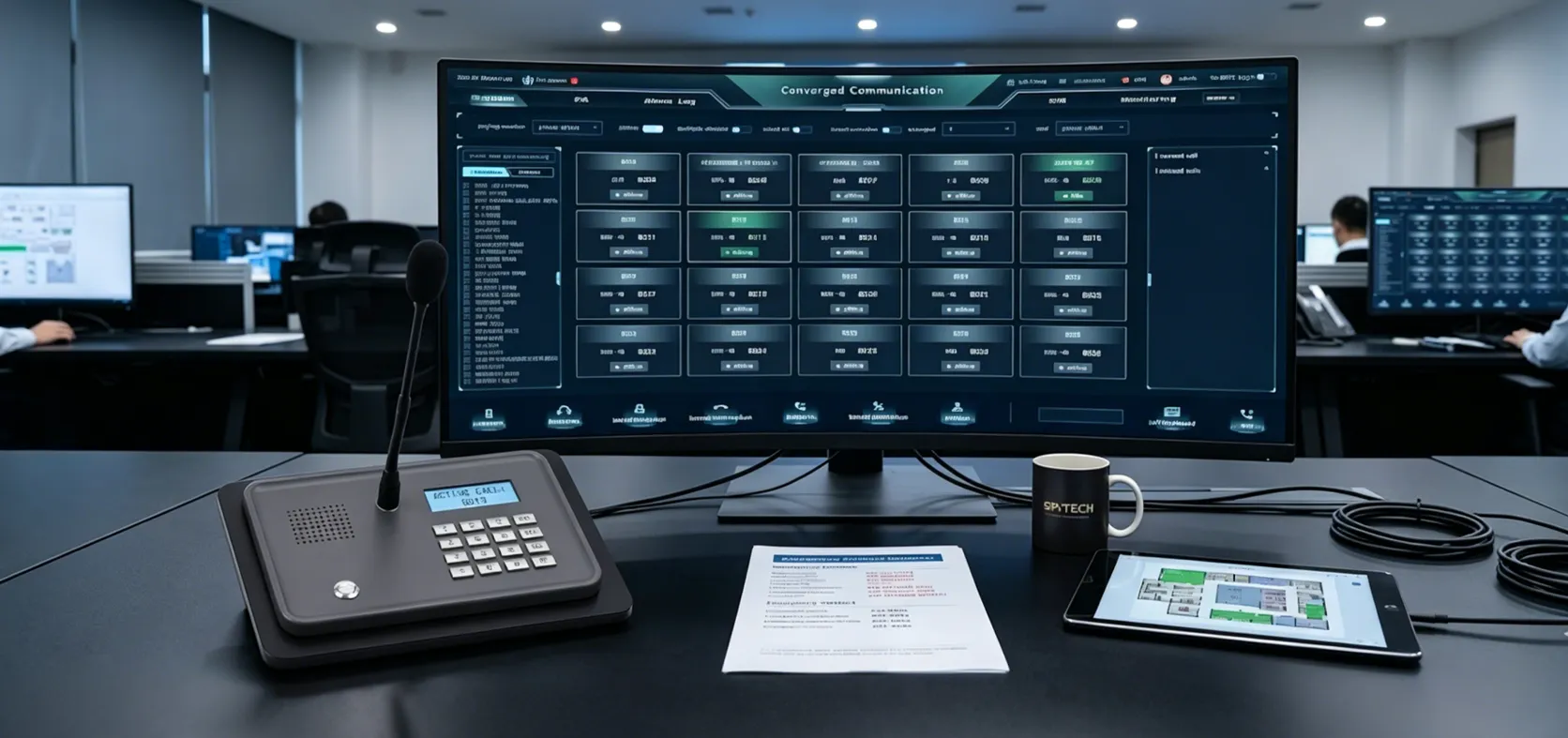
Unlike a touchscreen paging console that presents a graphical list of zones, GP100 uses SIP dialing and programmed functions to reach communication destinations. This makes its operating logic closer to a dedicated SIP voice station with a paging microphone than to a visual zone-selection console.
Where the connected SIP platform provides paging extensions, paging groups or other server-side voice services, an operator can reach the configured service by dialing the corresponding number or using an assigned programmable or speed-dial key.
This keeps paging logic on the communication platform while giving the user a simple physical interface at the desk.
Two-way voice intercom is supported for communication with compatible SIP endpoints. The gooseneck microphone provides a fixed speaking position, while hands-free controls allow the terminal to be used for interactive voice communication rather than one-way announcements alone.
GP100 supports in-band DTMF as well as RFC2833 and SIP INFO. This allows keypad input to participate in compatible IVR, access or server-side control workflows where DTMF signaling is required.
Voice intelligibility is important for both live announcements and two-way communication. GP100 supports multiple narrowband and wideband codecs together with echo and packet-loss processing for SIP voice applications.
Supported codecs include G.711 A/U, G.729A/B, iLBC, G.723, G.726-32K and G.722. G.722 provides a wideband voice option when both the server and receiving endpoint support the same codec.
Full-duplex communication is supported with acoustic echo cancellation. The device specification lists echo-delay cancellation of up to 96 ms in hands-free operation.
Additional voice processing includes Voice Activity Detection, Comfort Noise Generation, background noise processing and Packet Loss Compensation. These functions help maintain usable speech during network voice communication.
GP100 can be deployed on an existing Ethernet voice network and provides several interfaces for integrating the desktop terminal with surrounding communication equipment.
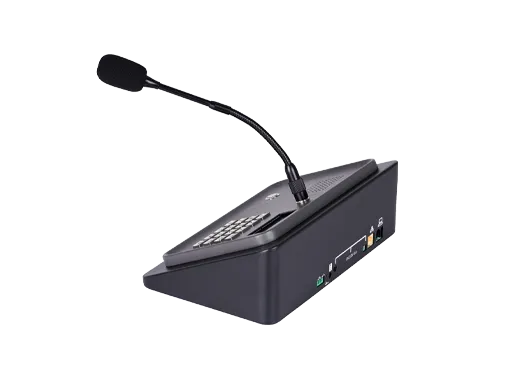
Two 10/100 Mbps RJ45 interfaces are provided: one network port and one PC port. Network bridge mode allows another compatible Ethernet device to share the local connection where the network design permits it.
The WAN port supports IEEE 802.3af Class 3 Power over Ethernet, allowing network connectivity and power to use the same Ethernet cable when connected to a compatible PoE switch.
A DC 12V / 1A input is also available where local power is preferred.
A 3.5 mm adjustable audio output provides a signal of up to 1.2 Vpp for connection to compatible active speakers or other suitable external audio equipment.
GP100 includes a one-channel short-circuit input/output interface with relay. The relay is rated up to DC 24V / 1A or AC 120V / 1A and can be incorporated into project-specific linkage or control logic.
The actual linked function depends on the surrounding system design. The relay interface should therefore not be described as a dedicated door, alarm or equipment controller unless that function is implemented within the project.
Reception staff can dial different internal destinations directly, use a speed-dial key for a frequently contacted service and communicate through the fixed desktop microphone without requiring a separate handset.
Security and duty positions often need to contact different gates, offices or communication endpoints during the same shift. The keypad provides more flexibility than a fixed-destination microphone in these applications.
Industrial offices, warehouse coordination desks and workshop control points can use GP100 for SIP voice communication, operational announcements and contact with compatible intercom or paging services.
Hospitals, transportation facilities, campuses and public-service buildings can deploy GP100 where staff need a compact fixed voice terminal with direct dialing rather than a large touchscreen operator console.
| Product Model | GP100 SIP Paging Microphone with Keypad |
| Device Type | Desktop SIP paging and voice communication terminal |
| Display | 2.28-inch, 128 × 48 backlit monochrome dot-matrix display |
| Physical Keys | 17 keys: 12 dialing keys, 1 hands-free key, 3 programmable keys and 1 speed-dial key |
| SIP Lines | 2 |
| Network Interface | 2 × 10/100 Mbps RJ45 ports: Network + PC, with bridge-mode support |
| PoE | IEEE 802.3af Class 3 on WAN interface |
| DC Power | DC 12V / 1A, 5.5 mm power jack |
| Status Indicator | Green indicator for SIP and network status |
| Voice Intercom | Supported |
| Speed Dial | One-touch speed dialing through dedicated key |
| Auto Answer | Supported and configurable by SIP line |
| Conference | Local three-way conference calling |
| Voicemail | Supported with compatible server |
| Voice Codecs | G.711A/U, G.729A/B, iLBC, G.723, G.726-32K, G.722 |
| DTMF | In-band, RFC2833 and SIP INFO |
| Echo Cancellation | Full-duplex AEC with up to 96 ms echo-delay cancellation in hands-free mode |
| Audio Processing | VAD, CNG, background noise processing and PLC |
| Microphone | Integrated gooseneck microphone |
| Audio Output | 1 × 3.5 mm adjustable audio output, maximum 1.2 Vpp |
| Relay I/O | 1-channel short-circuit input/output with relay |
| Relay Rating | Maximum DC 24V / 1A or AC 120V / 1A |
| Scheduled Tasks | Supports scheduled local periodic tasks |
| Remote Management | Supports remote web-based volume adjustment |
| Time Synchronization | Network time synchronization |
| Housing | Aluminum alloy |
| Installation | Desktop |
| Operating Temperature | -30°C to +60°C |
| Relative Humidity | 10% to 95% |
The keypad version adds direct numeric dialing, a 2.28-inch status display, three programmable keys and additional local call controls. It is better suited to positions where operators regularly contact different SIP destinations rather than repeatedly using one predefined destination.
Yes. The keypad provides direct number entry, while the terminal supports two SIP lines. The available extensions, paging numbers and other services depend on the connected SIP server or IP PBX configuration.
Yes. Its WAN interface supports IEEE 802.3af Class 3 PoE. A DC 12V / 1A input is also available.
No. GP100 is better positioned as a desktop SIP paging microphone and voice terminal. It provides dialing, programmable keys, intercom and SIP call functions, but it does not provide the visual resource management interface normally associated with a full dispatch console.
| Item | Specification |
|---|---|
| Product Model | GP100 SIP microphone |
| Display | 2.28-inch (128×48) black and white dot matrix screen with backlight |
| Physical Keys | 17 physical keys, including 12 dial keys (0~9, *, #), 1 hands-free key, 3 programmable keys, 1 speed dial key |
| Network Interface | 2×RJ45 interfaces (1×Network, 1×PC, support network bridge mode); WAN port supports PoE power supply (IEEE 802.3af, class 3) |
| Power Interface | 1×DC power interface, input: DC12V / 1A; interface specification: 5.5mm DC power jack (Φ5.5×2.1×10mm) |
| Status Indicator | 1×green indicator (for SIP status and network status) |
| Audio Output Interface | 1×3.5mm standard 3-segment audio interface, max output 1.2Vpp (volume adjustable), for connecting active speakers |
| Dry Contact Interface | 1-channel short-circuit input/output interface (with relay); relay specification: MAX DC24V/1A, AC120V/1A; interface type: pluggable 3.5mm phoenix terminal |
| Housing Material | Aluminum alloy housing |
| Installation Method | Desktop placement |
| Color | Black + White |
| Operating Temperature | -30℃ ~ 60℃ |
| Storage Temperature | -30℃ ~ 60℃ |
| Relative Humidity | 10%~95% |
| Voice Codec | G.711A/U, G.729A/B, iLBC, G.723, G.726-32K, G.722 |
| Echo Cancellation | Full-duplex communication with AEC (Acoustic Echo Cancellation) algorithm, max 96ms echo delay cancellation in hands-free mode |
| Audio Enhancement Technologies | VAD (Voice Activity Detection), CNG (Comfort Noise Generation), BNE (Background Noise Elimination), PLC (Packet Loss Compensation) |
| DTMF Transmission Mode | In-band, Out-of-band (RFC2833/SIP INFO) |
| SIP Lines | 2 lines |
| Microphone Configuration | Equipped with gooseneck microphone for excellent pickup performance |
| Time Management | Support scheduled local periodic tasks |
| Remote Management | Support remote web-based volume adjustment |
| Time Synchronization | Support network time synchronization |
| Voice Intercom | Supported |
| Speed Dial | Supported (one-touch activation via speed dial key) |
| Auto Answer | Supported (configurable for individual lines) |
| Voicemail | Supported (requires server support) |
| Local 3-Way Conference Call | Supported |