Becke GP200 is a desktop SIP microphone built for projects that need faster broadcast control, clearer user interaction, and more flexible voice operation than a basic paging terminal can provide. With a 4.3-inch capacitive touchscreen, Linux-based architecture, low-latency audio response, and practical browser-based management, it gives operators a more capable endpoint for paging, intercom, and zone-based announcement workflows.
Rather than focusing only on simple voice pickup, GP200 is designed as an interactive SIP microphone terminal for environments where users need to select targets, manage partitions, launch routine paging tasks, and handle two-way voice communication from one desk device. It is especially suitable for control centers, campuses, factories, transportation sites, service halls, and public buildings where broadcast and intercom functions need to stay fast, intuitive, and reliable.
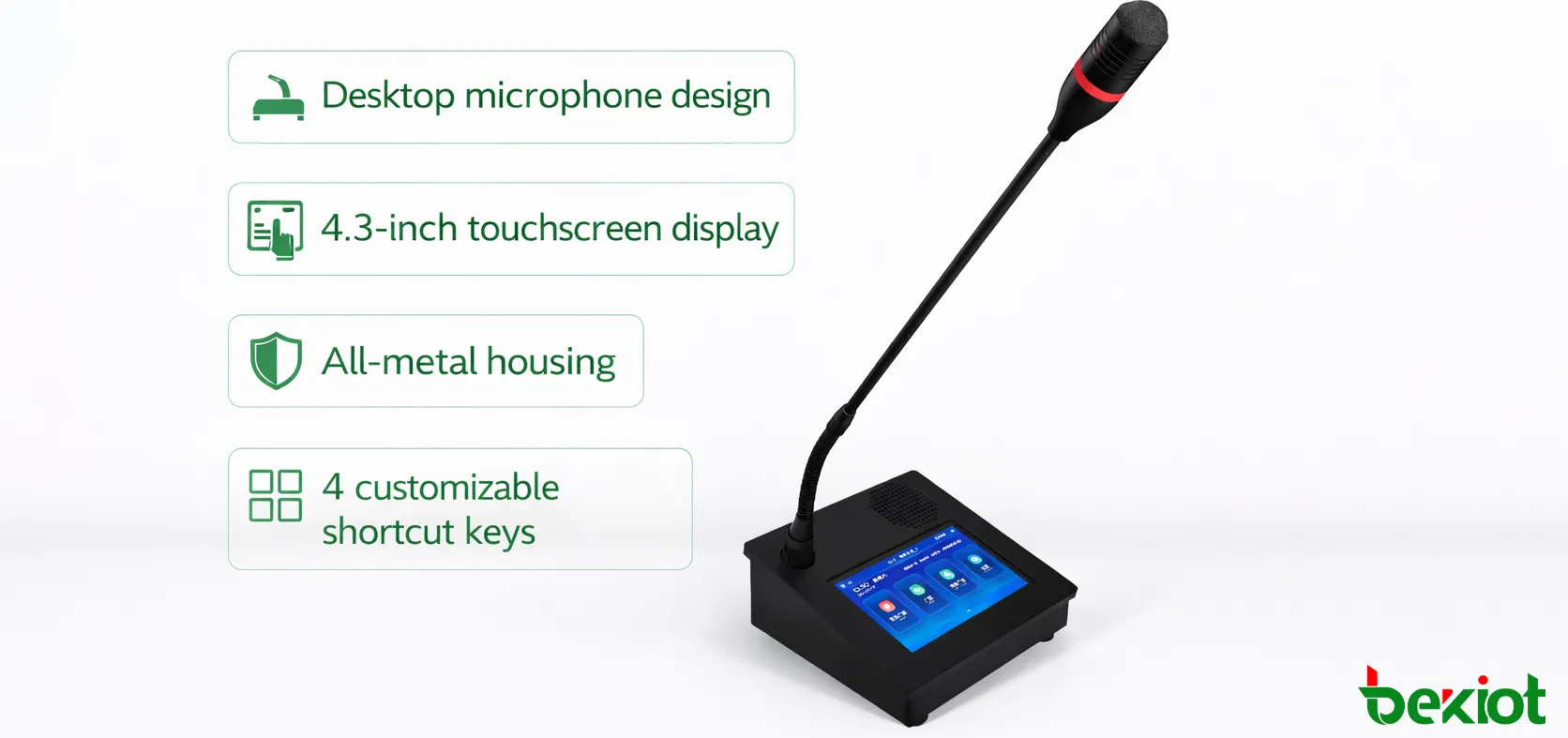
The desktop microphone structure combines a professional operator-oriented form factor with a metal base and oxidized aluminum alloy panel, helping the product feel stable and durable in daily use. The overall design is well suited to fixed working positions where voice announcements, paging control, and intercom response are part of regular operations.
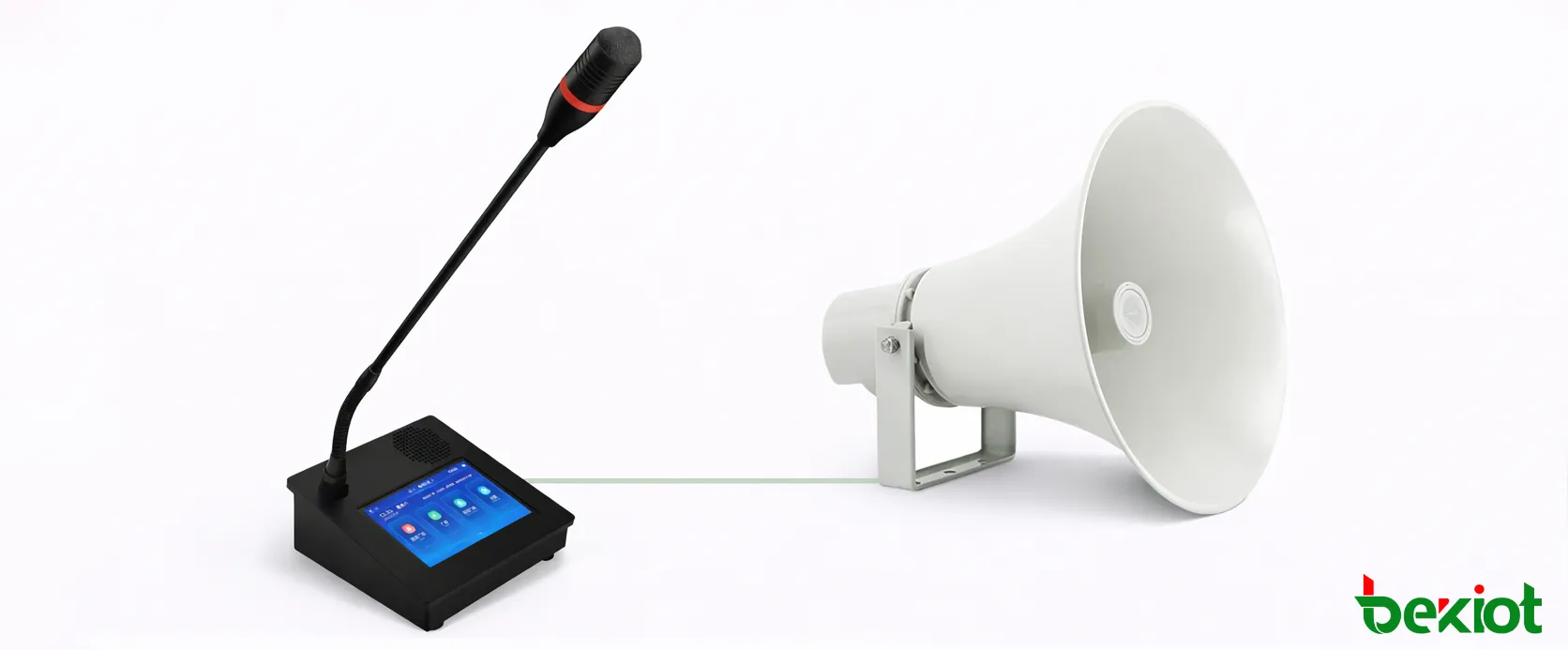
GP200 brings touchscreen interaction, live paging, and SIP-based voice control together in one desktop microphone terminal.
Why GP200 Stands Out
Touchscreen operation for faster and more visual control
One of the biggest advantages of GP200 is its 4.3-inch true-color capacitive touchscreen. This gives operators a more direct and visual way to manage broadcast tasks, intercom actions, and target selection. Compared with simpler microphone terminals, the touchscreen approach reduces operational friction and makes the device far more suitable for users who need to handle multiple rooms, zones, terminals, or departments from the same position.
In daily operation, this means staff can move more naturally through paging and intercom tasks, switching between single-device calls, multi-device calls, zone paging, multi-zone paging, and all-zone broadcasting without relying on an external workstation for every action. The result is a desktop terminal that feels much more aligned with modern operational workflows.
Built for broadcast efficiency and low-latency performance
GP200 is designed for fast paging response, including broadcast call performance with delay kept under 100 milliseconds. That makes it particularly useful in environments where spoken messages need to be delivered with minimal lag, whether for routine operations, time-sensitive coordination, or urgent announcements. This responsiveness improves the practical value of the device in busy sites where communication timing directly affects workflow and safety.
Because it supports calling a single terminal, multiple terminals, a single zone, multiple zones, or the full system, GP200 adapts well to both localized and wide-area broadcasting needs. This flexibility allows one device to cover a wide range of voice scenarios, from targeted operational messaging to wider public announcements.
GP200 is not just a desk microphone. It is a touchscreen SIP broadcast terminal built for faster control, smarter zone selection, and more practical day-to-day voice management.
Two-way intercom makes the terminal more than a paging endpoint
GP200 does more than issue one-way announcements. It also supports rapid initiation of two-way voice intercom with selected intercom terminals, allowing staff to move from broadcast to conversation without switching devices. With a built-in 3W speaker and support for both automatic answer and manual answer switching, the microphone becomes a more active communication node within the larger SIP environment.
This is particularly valuable in service-oriented and operational environments where announcements and real-time voice coordination often happen together. Instead of separating paging and talkback across multiple devices, GP200 gives operators a more unified communication experience from one desktop position.
Practical Functional Capabilities
Flexible paging logic for real-world systems
GP200 is designed around the way broadcast systems are actually used. Operators may need to address one classroom, one workshop, several offices, a selected zone group, or an entire facility, often within the same shift. The device supports this range of usage directly through its touch interface, allowing broadcast actions to be launched according to the structure of the site rather than forcing a one-size-fits-all workflow.
For projects with many endpoints and partitions, this matters a great deal. It helps reduce operating time, lowers the chance of addressing the wrong destination, and gives the microphone stronger day-to-day utility in larger deployments.
Permission-based display for cleaner and safer operation
GP200 supports user permission configuration, allowing the microphone to display only the terminals and partitions within the user’s authorized scope. This is an important capability for larger or multi-department systems, because it helps simplify the interface for individual users while also improving operational control. Different departments or operator roles can be limited to their own relevant endpoints and zones instead of seeing the full system structure.
That makes the device better suited to schools, industrial parks, hospitals, and enterprise facilities where the broadcast network may be shared across multiple operational teams. By showing only what the user is allowed to control, GP200 becomes more intuitive and more secure at the same time.
Custom shortcuts for faster routine broadcasting
To improve response speed during repeated tasks, GP200 includes four customizable broadcast shortcut keys. By long-pressing a shortcut key, users can quickly launch preset broadcast tasks without navigating through multiple interface layers. In real projects, this is highly useful for shift announcements, standard alerts, routine notices, and recurring area-specific broadcasts.
These shortcut functions help transform the microphone from a reactive device into a more efficient workflow tool. Operators do not have to rebuild the same task every time, which is especially valuable in facilities where repetitive voice communication is part of daily operations.
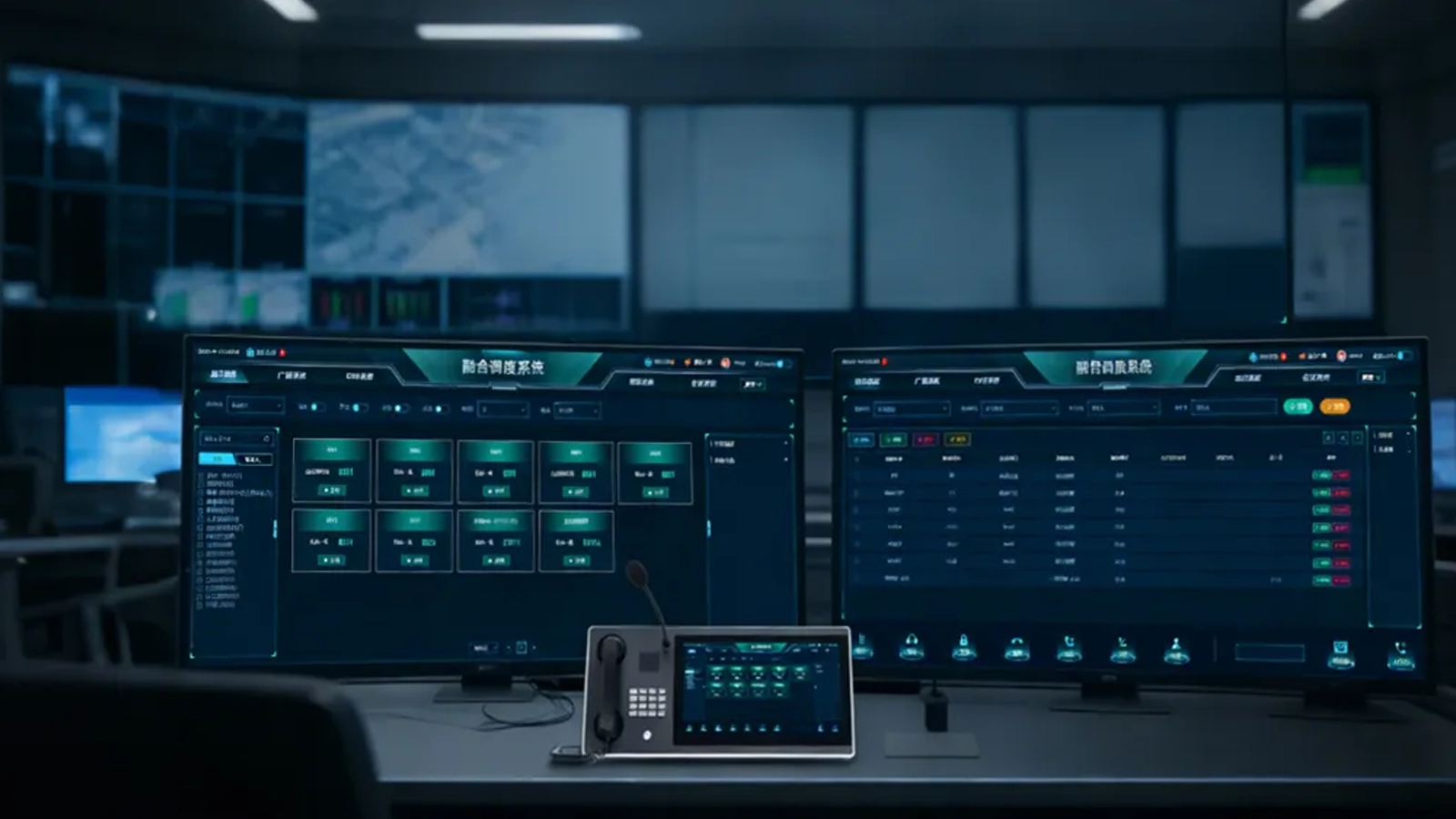
The GP200 interface supports more visual and efficient control of paging, partitions, and intercom tasks.
Browser-based configuration and maintenance
GP200 is also designed to be practical for installers and maintenance teams. Users can log in through a browser using the microphone’s IP address to modify network parameters, audio parameters, and configuration settings. The same browser-based approach can also be used to update the microphone software version, which simplifies deployment support and ongoing maintenance.
This web-based management model is important for projects that want to reduce on-site maintenance complexity. Instead of relying only on local device operation, administrators can maintain and update the terminal more conveniently across the network, which is especially useful in systems with multiple paging points.
Audio source flexibility beyond live speech
In addition to live microphone use, GP200 supports line-in audio collection and USB drive broadcasting. This gives the device more value in installations where operators may need to play stored audio content or bring in external audio sources for announcements, notices, scheduled messages, or special-purpose broadcasts. The presence of both line input and line output also makes the microphone more adaptable in broader audio workflows.
Because the audio output can connect to an external power amplifier, GP200 is not limited to its own desktop presence. It can also participate more effectively in larger paging architectures where external amplification and distributed sound coverage are required.
Practical security and usability details
To better match operational environments, GP200 supports password verification on the microphone itself and can be configured with a six-digit screen lock password. This adds a practical layer of control in shared spaces, public-facing environments, and duty-based installations where the device may be physically accessible to more than one person.
The device also supports enabling or disabling broadcast prompt tones and allows manual control over whether the paging microphone itself receives broadcasts. These kinds of details make a meaningful difference in real deployment, because they allow the terminal to be adapted more precisely to the habits and needs of different sites.
Application Scenarios
Campuses and education environments
GP200 is highly suitable for schools, universities, training centers, and other education environments where staff need a practical desktop terminal for routine announcements, partition-based paging, and direct communication with intercom terminals. Its touchscreen interface and shortcut-based operation help administrative staff, duty personnel, and broadcasting room users handle daily voice tasks more efficiently without relying on a separate computer for every action.
In these settings, permission-based display is also highly valuable. Different buildings, departments, or campuses can be structured more cleanly, and users can be limited to the terminals and zones relevant to their role. This helps keep operation orderly in larger education systems.
Factories, warehouses, and industrial facilities
In industrial projects, GP200 works well at production offices, warehouse desks, dispatch points, workshop coordination stations, and plant control rooms where fast announcements and practical intercom communication are essential. The ability to call individual endpoints, groups, or full areas makes the device useful for production coordination, shift messaging, operational notices, and quick voice contact across the site.
Its metal desktop structure also suits environments where equipment is expected to feel solid and dependable during continuous use. Combined with low-latency broadcasting and two-way intercom support, GP200 becomes a more capable communication tool for industrial operations than a basic microphone endpoint.
Hospitals, service centers, and public facilities
GP200 is also a strong fit for hospitals, administrative halls, visitor service centers, and other public-service sites where staff may need both public announcements and direct voice contact with selected terminals. The touchscreen model supports clearer interaction and faster task selection, which is helpful when front-line users need straightforward control during busy daily operations.
Because the microphone can integrate paging, intercom, permissions, and external audio support within one device, it is suitable for service-oriented spaces where communication needs are varied rather than purely repetitive.
Control rooms and transportation sites
For control rooms, stations, terminals, and operational command points, GP200 provides a more advanced desktop voice interface for sites that need clear visual interaction along with practical voice performance. Operators can manage live announcements, trigger predefined broadcast tasks, and initiate intercom communication from one desk terminal while keeping the workflow direct and structured.
In these environments, the combination of touchscreen control, fast broadcast response, and integration with wider SIP-based infrastructure gives GP200 an advantage over simpler paging microphones that provide only limited local interaction.
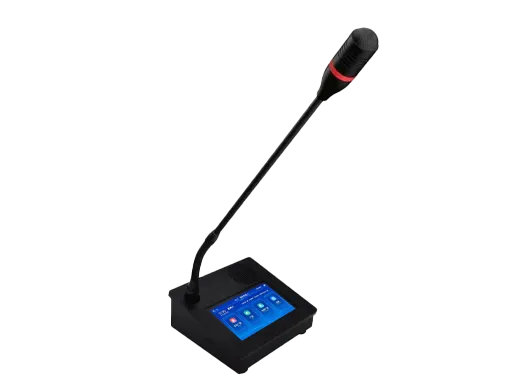
GP200 is well suited to control rooms, campuses, factories, and service sites that need practical touchscreen voice control.
Compact Specifications Overview
GP200 uses a desktop microphone structure with an oxidized aluminum alloy panel and all-metal base housing. It features a 4.3-inch capacitive touchscreen with a resolution of 800×480 or higher, runs on a Linux-based platform, and supports one 10/100M RJ45 network port for LAN and internet access. The device also supports one 3.5 mm audio line input, one 3.5 mm audio line output, at least one short-circuit input, at least one short-circuit output, and DC12V power input.
Conclusion
GP200 is a more capable SIP microphone for projects that require visual operation, faster target selection, richer paging control, and more integrated intercom capability than conventional desk microphones can offer. It combines touchscreen interaction, low-latency broadcasting, two-way intercom, permission-based control, browser management, and external audio flexibility in one professional desktop terminal.
For users building SIP-based paging and intercom systems in campuses, factories, hospitals, service facilities, and command environments, GP200 offers a stronger balance of usability, functional depth, and deployment practicality. It is an especially good choice where the microphone is expected to be a true operating terminal rather than just a simple speaking device.
FAQ
1. What makes GP200 different from a basic SIP microphone?
GP200 adds a 4.3-inch touchscreen, richer paging control, permission-based operation, two-way intercom capability, browser-based management, and shortcut-based broadcast launching, making it much more suitable for interactive daily use.
2. Can GP200 broadcast to different targets such as zones and full areas?
Yes. GP200 supports calling a single terminal, multiple terminals, a single partition, multiple partitions, and full-area broadcasting, giving it strong flexibility for real project structures.
3. Does GP200 support intercom as well as paging?
Yes. It supports rapid initiation of two-way voice intercom with selected terminals, includes a built-in 3W speaker, and supports switching between automatic answer and manual answer modes.
4. Is GP200 convenient for deployment and maintenance?
Yes. Administrators can log in through a browser using the device IP address to modify network, audio, and configuration parameters, and they can also update the device software through the browser interface.
Specifications
Item
Specification
Product Model
GP600J SIP Microphone
Design & Housing
Desktop microphone design with anodized aluminum alloy panel and full metal bottom case
Display
4.3-inch true color capacitive touch screen, resolution ≥ 800*480
MCU Chip
ARM Cortex-A7 dual-core 1.2GHz domestic MCU chip
Operating System
Linux system with high stability, security and portability
Parameter Configuration
Support modifying network, audio and configuration parameters via browser by logging in the microphone IP
Firmware Update
Support updating the microphone firmware via browser by logging in the microphone address
Broadcast Call Function
Support touch-based broadcast call; support calling single / multiple terminals, single / multiple zones and full zone broadcast
Two-Way Intercom
Support quick two-way voice intercom with selected terminals; built-in 3W speaker for two-way calls, switchable between auto-answer and manual-answer
Broadcast Performance
Support synchronizing terminal and zone information with server software; broadcast delay < 100ms; support line input collection and U disk broadcast
User Authority
Support user permission configuration, only display authorized terminals and zones
Broadcast Hotkeys
4 customizable broadcast hotkeys, long press to trigger preset broadcast tasks
Password Protection
Support 6-digit lock screen password for operation verification
Broadcast Prompt Tone
Support enabling or disabling broadcast prompt tones
Broadcast Reception
Support manually enabling or disabling broadcast reception on the paging microphone
Network Interface
1×10/100M RJ45 network port, support LAN and Internet access
Audio Interface
≥1 channel 3.5mm audio line input for collection and playback; ≥1 channel 3.5mm audio line output for connecting power amplifiers
We use cookie to improve your online experience. By continuing to browse this website, you agree to our use of cookie.
Cookies
This Cookie Policy explains how we use cookies and similar technologies when you access or use our website and related services. Please read this Policy together with our Terms and Conditions and Privacy Policy so that you understand how we collect, use, and protect information.
By continuing to access or use our Services, you acknowledge that cookies and similar technologies may be used as described in this Policy, subject to applicable law and your available choices.
Updates to This Cookie Policy
We may revise this Cookie Policy from time to time to reflect changes in legal requirements, technology, or our business practices. When we make updates, the revised version will be posted on this page and will become effective from the date of publication unless otherwise required by law.
Where required, we will provide additional notice or request your consent before applying material changes that affect your rights or choices.
What Are Cookies?
Cookies are small text files placed on your device when you visit a website or interact with certain online content. They help websites recognize your browser or device, remember your preferences, support essential functionality, and improve the overall user experience.
In this Cookie Policy, the term “cookies” also includes similar technologies such as pixels, tags, web beacons, and other tracking tools that perform comparable functions.
Why We Use Cookies
We use cookies to help our website function properly, remember user preferences, enhance website performance, understand how visitors interact with our pages, and support security, analytics, and marketing activities where permitted by law.
We use cookies to keep our website functional, secure, efficient, and more relevant to your browsing experience.
Categories of Cookies We Use
Strictly Necessary Cookies
These cookies are essential for the operation of the website and cannot be disabled in our systems where they are required to provide the service you request. They are typically set in response to actions such as setting privacy preferences, signing in, or submitting forms.
Without these cookies, certain parts of the website may not function correctly.
Functional Cookies
Functional cookies enable enhanced features and personalization, such as remembering your preferences, language settings, or previously selected options. These cookies may be set by us or by third-party providers whose services are integrated into our website.
If you disable these cookies, some services or features may not work as intended.
Performance and Analytics Cookies
These cookies help us understand how visitors use our website by collecting information such as traffic sources, page visits, navigation behavior, and general interaction patterns. In many cases, this information is aggregated and does not directly identify individual users.
We use this information to improve website performance, usability, and content relevance.
Targeting and Advertising Cookies
These cookies may be placed by our advertising or marketing partners to help deliver more relevant ads and measure the effectiveness of campaigns. They may use information about your browsing activity across different websites and services to build a profile of your interests.
These cookies generally do not store directly identifying personal information, but they may identify your browser or device.
First-Party and Third-Party Cookies
Some cookies are set directly by our website and are referred to as first-party cookies. Other cookies are set by third-party services, such as analytics providers, embedded content providers, or advertising partners, and are referred to as third-party cookies.
Third-party providers may use their own cookies in accordance with their own privacy and cookie policies.
Information Collected Through Cookies
Depending on the type of cookie used, the information collected may include browser type, device type, IP address, referring website, pages viewed, time spent on pages, clickstream behavior, and general usage patterns.
This information helps us maintain the website, improve performance, enhance security, and provide a better user experience.
Your Cookie Choices
You can control or disable cookies through your browser settings and, where available, through our cookie consent or preference management tools. Depending on your location, you may also have the right to accept or reject certain categories of cookies, especially those used for analytics, personalization, or advertising purposes.
Please note that blocking or deleting certain cookies may affect the availability, functionality, or performance of some parts of the website.
Restricting cookies may limit certain features and reduce the quality of your experience on the website.
Cookies in Mobile Applications
Where our mobile applications use cookie-like technologies, they are generally limited to those required for core functionality, security, and service delivery. Disabling these essential technologies may affect the normal operation of the application.
We do not use essential mobile application cookies to store unnecessary personal information.
How to Manage Cookies
Most web browsers allow you to manage cookies through browser settings. You can usually choose to block, delete, or receive alerts before cookies are stored. Because browser controls vary, please refer to your browser provider’s support documentation for details on how to manage cookie settings.
Contact Us
If you have any questions about this Cookie Policy or our use of cookies and similar technologies, please contact us at support@becke.cc .