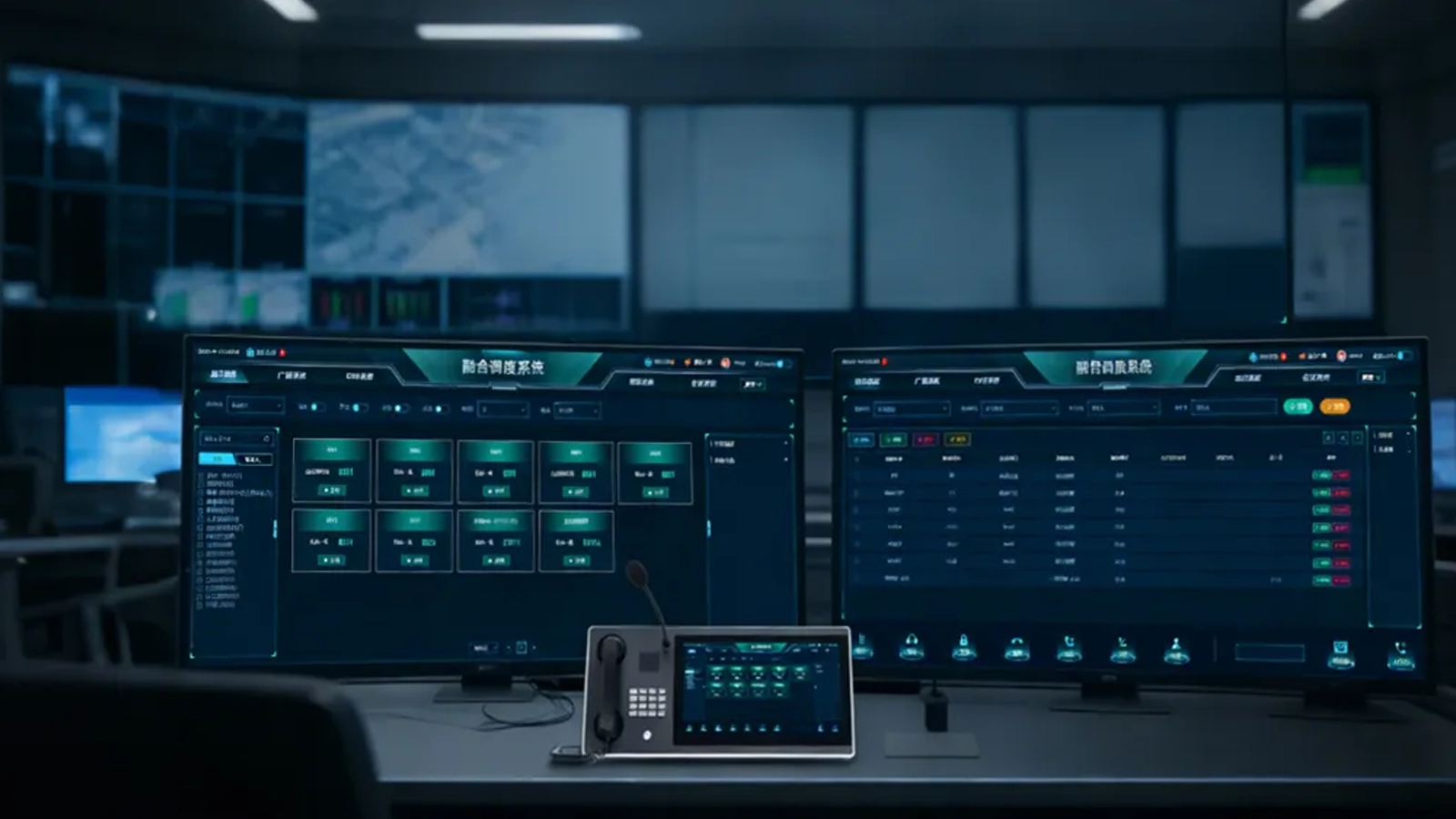
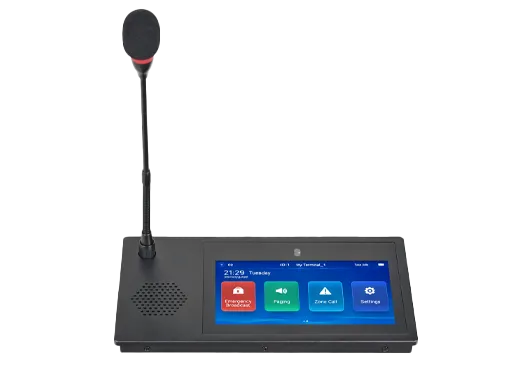
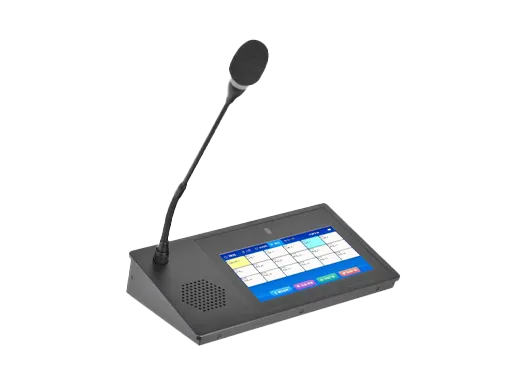

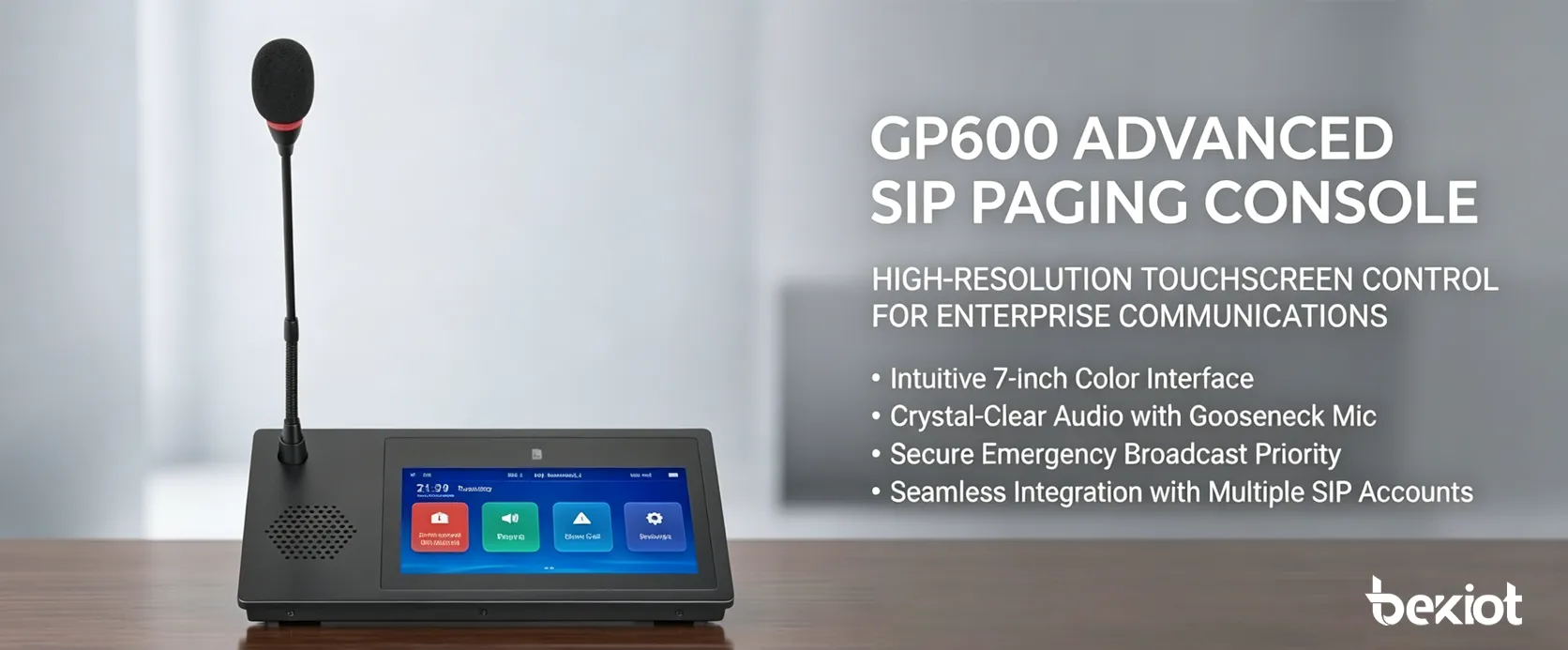
The Becke GP600 is a desktop SIP paging microphone designed for live announcements, zone-based paging, scheduled audio tasks and two-way voice communication in IP public address systems. A 7-inch touchscreen gives operators direct access to configured terminals and paging zones, while four programmable shortcut keys provide faster access to frequently used broadcast tasks.
The GP600 can address individual terminals, selected groups, single zones, multiple zones or authorized all-zone destinations. Local offline operation also allows supported paging, intercom and downloaded scheduled tasks to remain available when communication with the central service is temporarily interrupted.
Operators can select a single terminal, multiple terminals, one zone, several zones or an authorized full-zone group directly from the touchscreen. This makes the GP600 suitable for both targeted announcements and wider site paging without requiring separate microphones for different areas.
Four customizable broadcast keys can be assigned to frequently used paging tasks. A long press activates the configured task, providing quicker access to routine announcements or predefined paging destinations.
The GP600 uses a 7-inch true-color capacitive touchscreen with a resolution of at least 800 × 480. Configured terminals, zones and paging functions can be presented through the local interface, allowing operators to choose the required destination without entering addresses manually.
User permissions can restrict which terminals and zones are visible to each operator. A configurable 6-digit screen-lock password helps prevent unauthorized local operation.
When offline mode is configured, terminal information and scheduled tasks can be downloaded from the server software to the GP600. The device can then support local offline paging, two-way intercom and playback of downloaded scheduled tasks if communication with the central service is temporarily unavailable.
This provides an additional local operating path for routine paging functions without describing the terminal as a replacement for network, server or system-level redundancy.
In addition to one-way paging, the GP600 supports two-way voice intercom with selected compatible terminals. A built-in 3W speaker provides incoming audio at the operator position, while automatic and manual answering modes can be selected according to the operating procedure.
External audio can be connected through the 3.5 mm line input, while supported WAV files can be played from USB storage media. These options allow live paging, external program audio and pre-recorded content to be handled from the same desktop terminal.
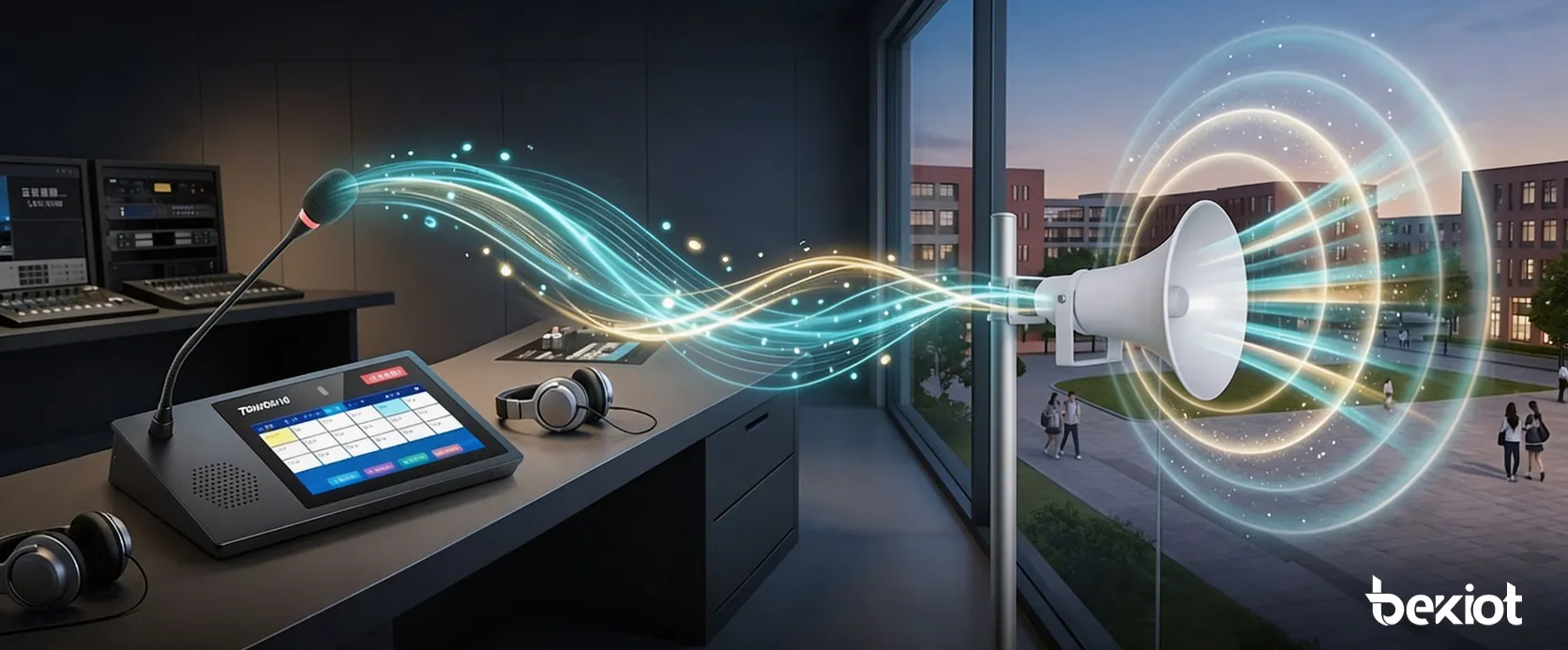
Touchscreen destination selection and programmable hardware keys reduce the number of operating steps required for frequently used announcements. Broadcast latency is specified at less than 100 ms under the supported system configuration, helping the microphone support live voice paging.
Downloaded terminal information and scheduled tasks provide a local operating option when communication with the central service is interrupted. Supported paging and voice intercom functions can therefore continue within the configured offline environment.
Permission-based terminal and zone visibility helps separate operating responsibilities between departments. An operator can be given access only to the paging destinations required for that position rather than displaying every endpoint in the system.
Ethernet connectivity, line-level audio input and output, USB media playback and dry contact I/O make the GP600 suitable for integration into wider IP paging architectures. Dry contacts can participate in supported event or control linkage according to the design of the surrounding system.
Schools and universities can use the GP600 for classroom, building or campus-zone announcements, scheduled audio tasks and communication with compatible intercom terminals. Different operator accounts can be assigned access to different paging areas.
Factories, warehouses and industrial parks can install the microphone in control rooms, security offices or administrative areas for production notices, shift information and targeted announcements to selected work zones.
Transportation facilities, hospitals, commercial buildings and other distributed sites can use zone-based paging to direct announcements only to affected areas instead of sending every message across the entire PA system.
At staffed operating positions, the GP600 provides one interface for selecting paging destinations, making live announcements, communicating with compatible voice intercom terminals and initiating configured broadcast tasks.
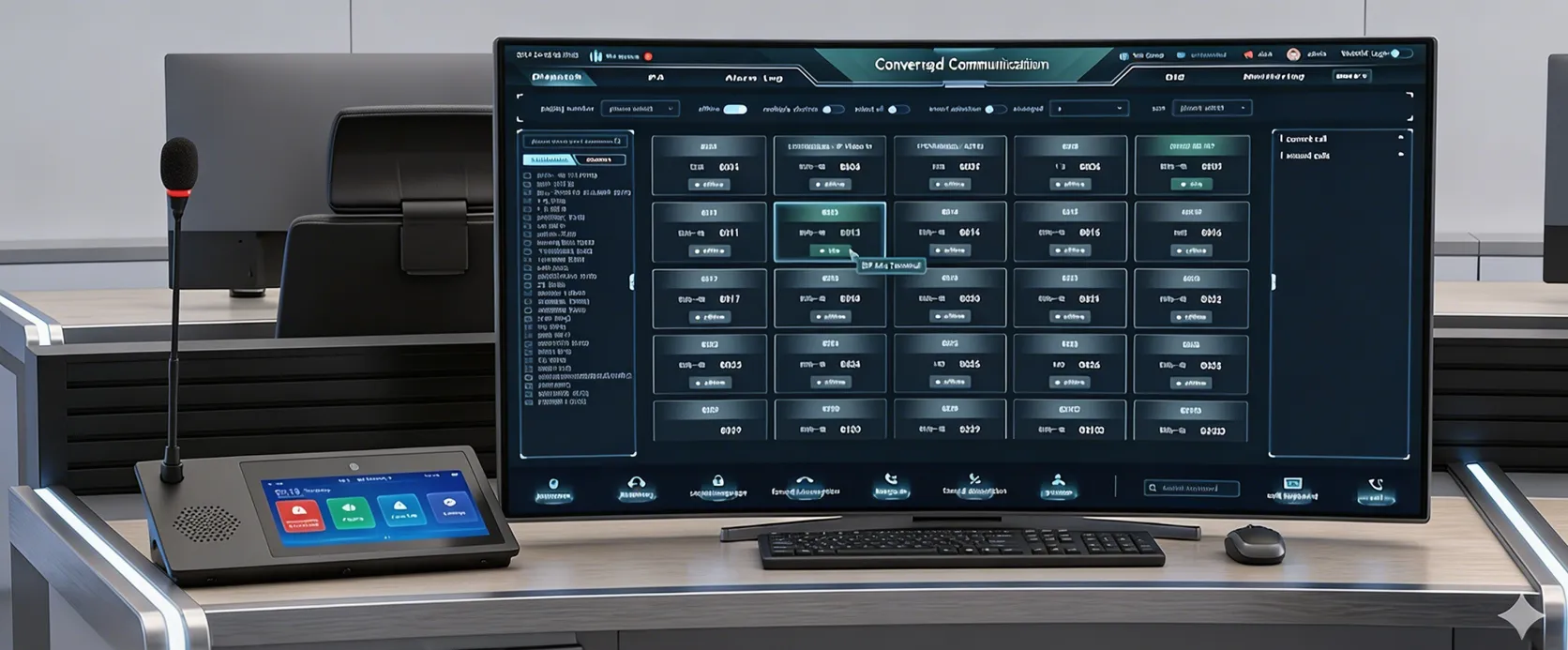
The GP600 connects to the network through a 10/100M RJ45 Ethernet interface. Terminal and zone information can be synchronized with the server software and displayed on the touchscreen for operator selection.
A 3.5 mm line input allows an external audio source to be collected for broadcast, while the 3.5 mm line output can connect compatible external audio equipment such as an amplifier input. USB storage can provide supported WAV audio playback.
Dry contact input and output interfaces are also available for project-specific linkage with external equipment. The exact trigger logic and connected functions depend on the surrounding system configuration and should be defined during system integration.
| Product Model | GP600 SIP Paging Microphone |
| Design | Desktop paging microphone with anodized aluminum alloy panel and full-metal bottom housing |
| Display | 7-inch true-color capacitive touchscreen, resolution ≥ 800 × 480 |
| Processor | ARM Cortex-A7 dual-core 1.2 GHz MCU |
| Operating System | Linux |
| Configuration | Supports browser-based network, audio and operating parameter configuration |
| Firmware Update | Supports firmware updates through browser-based device management |
| Paging | Single terminal, multiple terminals, single zone, multiple zones and authorized full-zone paging |
| Offline Mode | Supports downloaded terminal information and scheduled tasks for offline paging, two-way intercom and scheduled task playback |
| Emergency Button | Optional red emergency button for one-key authorized full-zone broadcast |
| Two-Way Intercom | Two-way voice intercom with selected compatible terminals; built-in 3W speaker |
| Answering Mode | Automatic or manual answering |
| Broadcast Delay | < 100 ms under supported system configuration |
| Broadcast Hotkeys | 4 customizable keys for preset broadcast tasks |
| User Authority | Displays authorized terminals and zones according to configured user permissions |
| Password Protection | 6-digit screen-lock password |
| Prompt Tone | Broadcast prompt tone can be enabled or disabled |
| Broadcast Reception | Incoming broadcast reception can be enabled or disabled |
| Network Interface | 1 × 10/100M RJ45 Ethernet port |
| Network Protocols | TCP/IP, UDP, ARP, ICMP, IGMP |
| Audio Input | ≥ 1 × 3.5 mm line input |
| Audio Output | ≥ 1 × 3.5 mm line output for compatible external audio equipment |
| Dry Contact I/O | ≥ 1 dry contact input and ≥ 1 dry contact output |
| USB Audio | Supports audio playback from USB storage media |
| Audio Format | WAV |
| Power Supply | DC 12V / 1.5A |
| Dimensions | 270 × 150 × 60 mm (L × W × H, including feet) |
| Gooseneck Length | 310 mm |
Yes. The GP600 supports individual terminals, multiple terminals, individual zones, multiple zones and authorized full-zone paging. Available destinations depend on operator permissions and system configuration.
Supported offline functions include paging, two-way voice intercom and playback of scheduled tasks previously downloaded from the server software. Offline operation does not replace the resilience design of the complete network and paging system.
The GP600 specification lists two-way voice intercom. For applications requiring an integrated camera and video intercom at the paging microphone, the GP600V should be considered instead.
Yes. User permissions can determine which terminals and zones are displayed to an operator, allowing paging authority to be separated between departments or operating positions.
| Item | Specification |
|---|---|
| Product Model | GP600 SIP Microphone |
| Design & Housing | Desktop microphone design, anodized aluminum alloy panel, full metal bottom case |
| Display | 7-inch true color capacitive touch screen, resolution ≥ 800*480 |
| MCU Chip | ARM Cortex-A7 dual-core 1.2GHz domestic MCU chip |
| Operating System | Linux system with good stability, security and portability |
| Parameter Configuration | Support modifying network, audio and configuration parameters via browser by logging in the microphone IP address |
| Firmware Update | Support updating microphone program version via browser by logging in the microphone address |
| Broadcast Call Function | Support touch-based broadcast call; support calling single/multiple terminals, single/multiple zones and full zone broadcast |
| Offline Mode | Support enabling offline mode; terminal information and timed tasks can be downloaded locally via server software; support offline broadcast, two-way intercom and playing downloaded timed tasks |
| Emergency Button | Optional red emergency button for one-key full zone broadcast to authorized terminals |
| Two-Way Intercom | Support quick two-way voice intercom with selected terminals; built-in 3W speaker for two-way calls, switchable between auto-answer and manual-answer |
| Broadcast Performance | Support synchronizing terminal and zone information with server software; broadcast delay < 100ms; support line input collection and U disk broadcast |
| User Authority | Support user permission configuration, only display authorized terminals and zones |
| Broadcast Hotkeys | 4 customizable broadcast hotkeys, long press to trigger preset broadcast tasks |
| Password Protection | Support 6-digit lock screen password for operation verification |
| Broadcast Prompt Tone | Support enabling or disabling broadcast prompt tones |
| Broadcast Reception | Support manually enabling or disabling broadcast reception on the paging microphone |
| Network Interface | 1×10/100M RJ45 network port, support LAN and Internet access |
| Audio Interface | ≥1 channel 3.5mm audio line input for collection and playback; ≥1 channel 3.5mm audio line output for connecting power amplifiers |
| Dry Contact Interface | ≥1 channel dry contact output and ≥1 channel dry contact input |
| Power Supply | DC12V/1.5A |
| Audio Coding | WAV |
| Network Protocols | TCP/IP, UDP, ARP, ICMP, IGMP |
| Dimensions | 270(L)*150(W)*60(H) mm (height including feet); gooseneck length: 310mm |