


IP phones are no longer judged only by voice quality, extension registration, and basic call control. As instant messaging tools and online meeting platforms continue to replace many traditional desk phone scenarios, the value of an IP phone increasingly depends on whether it can support richer visual communication, smarter dispatch workflows, and deeper integration with video-based business systems.
In many enterprises, non-service positions have reduced or even removed desktop IP phones because daily communication has moved to collaboration apps. However, demand for video-enabled IP phones is rising in command centers, reception desks, emergency service points, remote support teams, industrial control rooms, and duty rooms. The reason is simple: video adds context that voice alone cannot provide.
Market Pressure Is Changing the Role of Desk Phones
The traditional office IP phone market has been compressed by instant messaging, mobile communication, softphone clients, and web conferencing. Many organizations now reserve physical phones for service counters, control rooms, security posts, reception desks, dispatch seats, emergency response points, and other positions where communication must remain reliable and easy to operate.
This shift does not mean the IP phone has lost its place. It means the device must carry higher-value functions. A video IP phone can serve as a communication terminal, a visual interaction device, a small dispatch endpoint, a meeting participation terminal, and a monitoring screen. This gives the hardware a stronger reason to remain on the desktop.
Visual Interaction Adds More Information to Every Call
Voice calling is efficient, but it does not show facial expression, on-site status, equipment condition, visitor identity, or environmental risk. In many professional scenarios, users need to see what is happening while they talk. Video calling upgrades the traditional voice conversation into a more complete communication process.
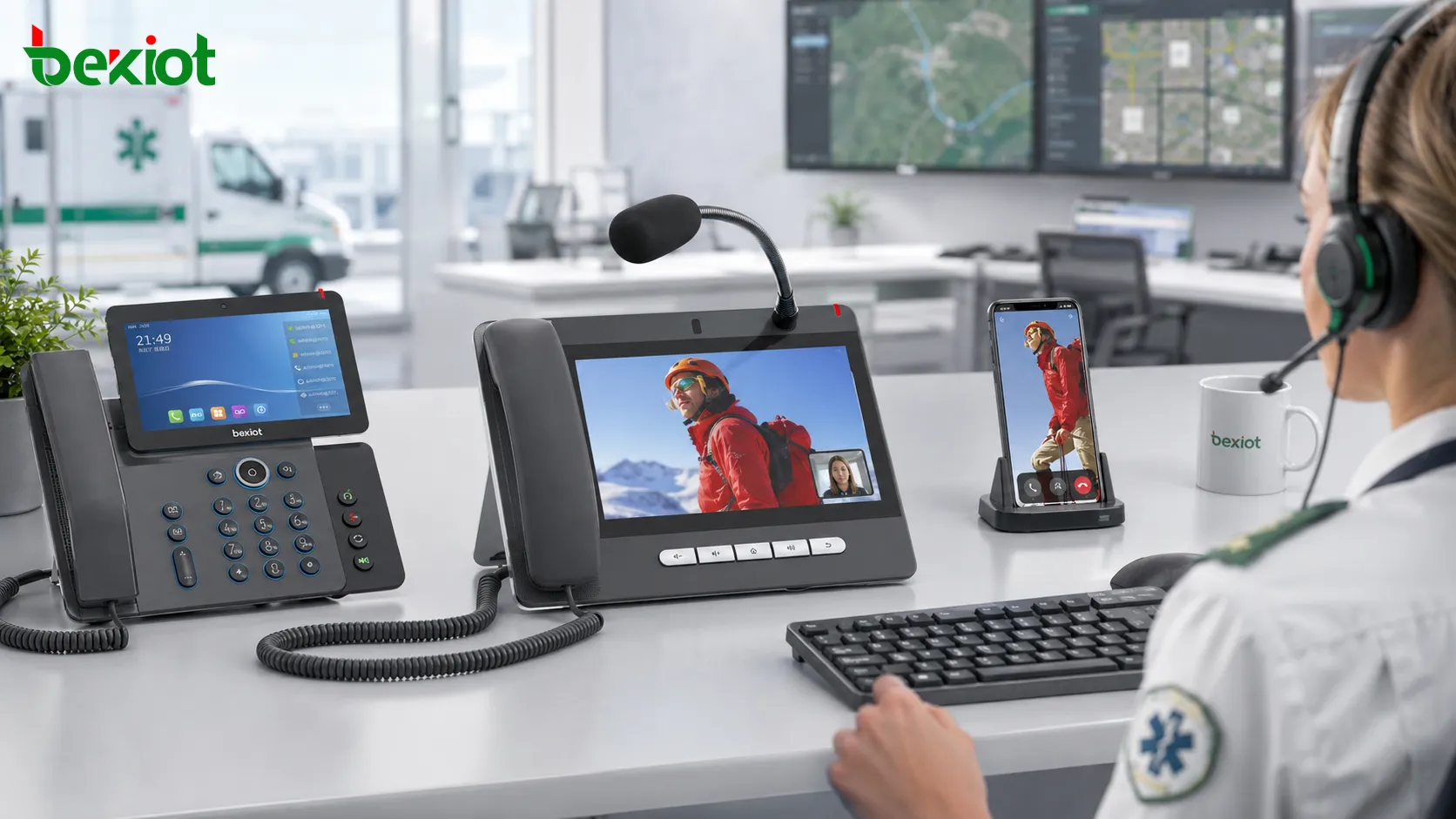
For important service positions, a video call can improve confirmation, coordination, and decision-making. For example, a remote support operator can see the equipment problem reported by a field user; a security desk can visually confirm a visitor; an emergency operator can understand the on-site situation faster than through voice description alone.
Connection between SIP video phones and mobile users
In some projects, video IP phones can also be combined with VoLTE or mobile video communication resources. This makes it possible to connect ordinary SIP video phones with mobile users for smoother visual communication across fixed and mobile networks.
This type of integration is useful in remote customer service, emergency response, industrial support, medical assistance, and field service scenarios where a fixed desk operator needs to communicate with a mobile user in real time.
Dispatch Workflows Need Richer Communication Tools
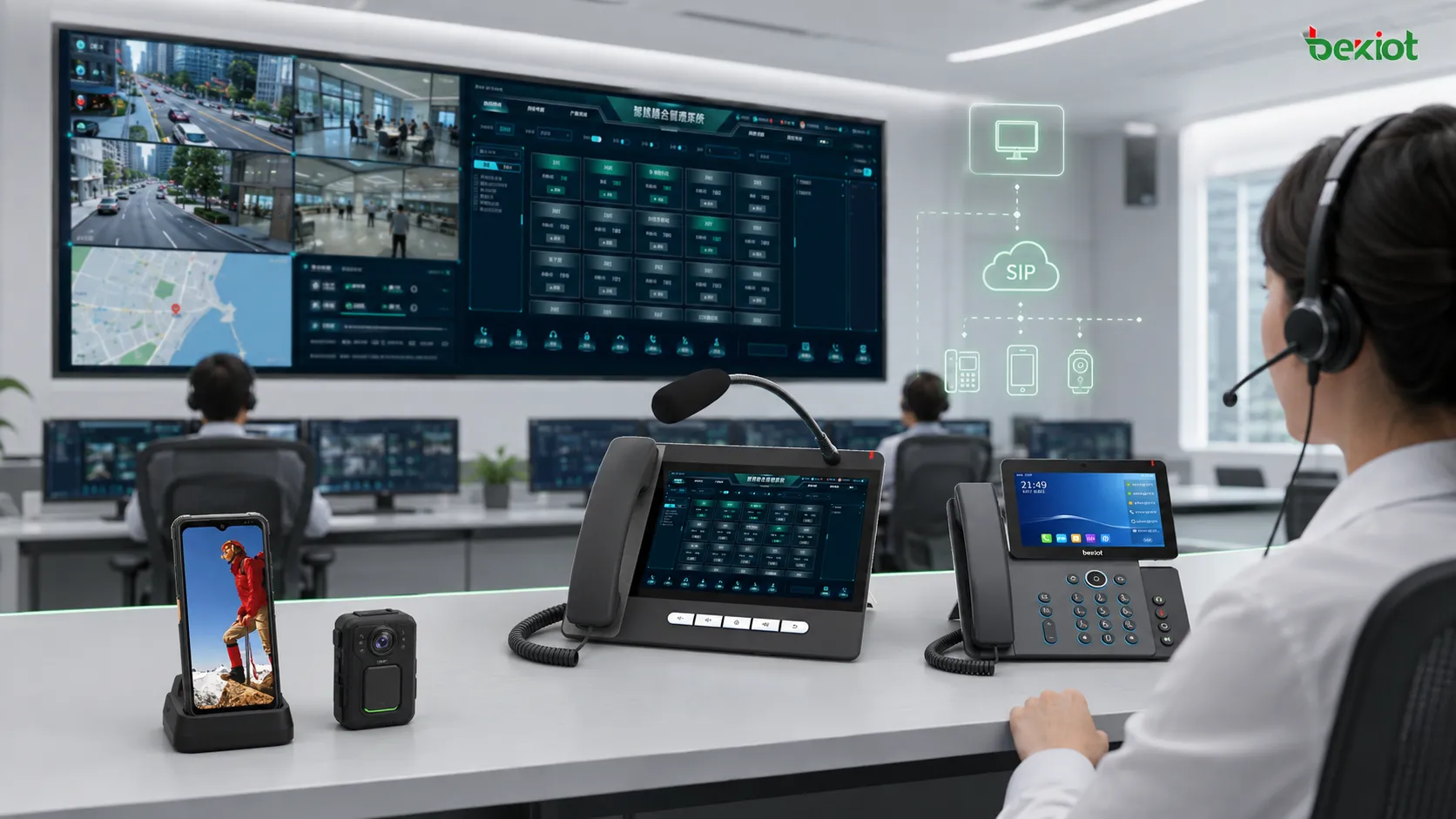
As ordinary office usage becomes weaker, industry dispatch and command applications are becoming more important for IP phone manufacturers and system integrators. Compared with audio dispatch, video dispatch can provide more information for operators and reduce the uncertainty of command decisions.
A video phone can work with a large-screen dispatch interface, intelligent command software, video resources, and customized apps. Instead of being only a calling device, it becomes an operation terminal for dispatch users who need voice, video, contact lists, group communication, event handling, and platform linkage.
From phone terminal to command endpoint
In command and dispatch projects, the video phone may be placed on a security desk, emergency duty station, factory control room, transport operation center, campus management office, or property service center. Operators can use it for point-to-point video calls, visual confirmation, group communication, and emergency coordination.
This market has also attracted manufacturers from video surveillance, conferencing, and dispatch console fields. They are introducing professional video communication terminals to support visualized command applications. This trend shows that video capability is becoming part of the wider communication and security ecosystem.
Meetings Become Easier at Fixed Service Positions
Video meetings are usually handled by dedicated conference terminals, meeting room systems, or software clients. However, many industry users also need desktop meeting participation at fixed positions. In these cases, a video IP phone can be a convenient terminal because it already includes a screen, camera, microphone, speaker, and call interface.
There are generally two practical access methods. One method is to use the SIP capability of the video phone and register it as a SIP terminal to a video conference MCU or internal meeting platform. This approach is suitable for organizations that already operate internal video conference systems.
Another method is to use Android-based smart app support. Some video phones can install meeting applications and use the device camera, microphone, speaker, and touchscreen for meeting participation. This requires the terminal to have a sufficiently large display, stable system performance, and suitable video encoding and decoding capability.
Monitoring and Intercom Are Moving onto the Same Screen
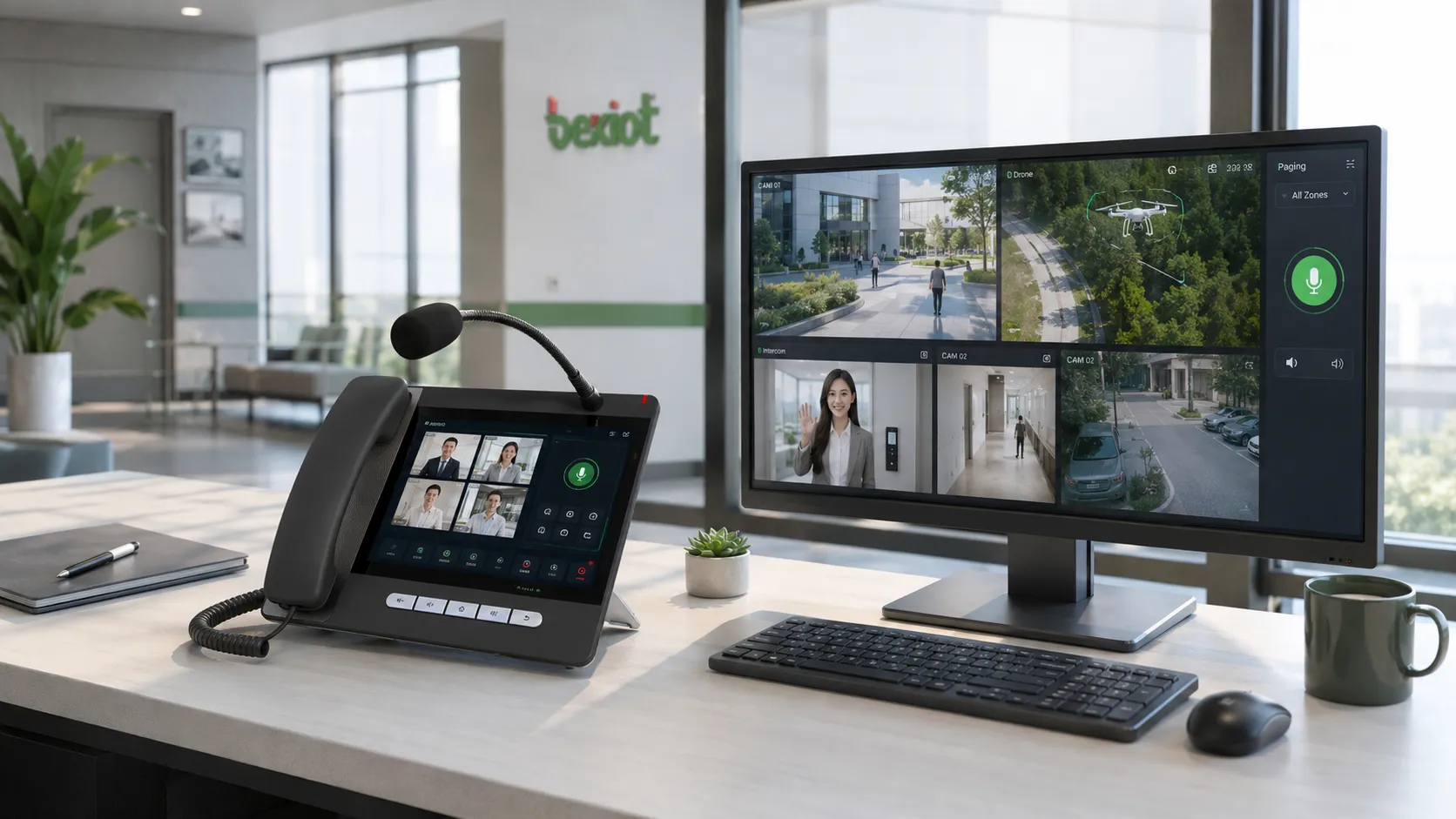
The value of a video IP phone is no longer limited to video calling. Its screen can also become a small visual monitoring terminal. In duty rooms, property management offices, security rooms, hospital desks, school offices, and factory control points, users often need to view camera images, check door intercom video, and communicate immediately after seeing an event.
Some projects connect video phones with access control, video surveillance platforms, IP door intercoms, IP speakers, and paging systems. This allows the user to view live video, speak to a visitor, make an intercom call, or start a voice broadcast from one nearby communication terminal.
More than a camera viewing screen
A well-designed video communication terminal should not simply display camera feeds. It should support practical workflows such as selecting a video source, starting a call, opening related audio communication, connecting to intercom endpoints, and coordinating with other systems.
In some scenarios, users may need to view surveillance streams, streaming media, drone video, or temporary field video. After checking the visual information, they can choose voice call, video call, dispatch communication, or emergency notification based on the situation.
Architecture Planning for Project Integration
When a video IP phone is used in a project, it should be planned as part of the overall communication architecture rather than as an isolated desktop device. The system may include IP PBX, SIP server, video conference platform, dispatch platform, access control system, surveillance platform, paging system, and mobile terminals.
Compatibility is important. Project teams should confirm SIP registration behavior, video codec support, screen size, app installation capability, camera performance, microphone pickup, echo control, network stability, and platform integration method. A video phone that works well in a simple call test may still need deeper testing before being used in command, monitoring, or emergency workflows.
Key technical checks before deployment
The most important checks include SIP video call compatibility, video resolution, frame rate, bitrate, codec support, MCU access, app performance, audio quality, camera angle, touchscreen usability, and network bandwidth. For browser-based platforms or customized apps, operating system openness and API support should also be reviewed.
For duty rooms and control centers, user interface design is also important. Operators need clear contact lists, fast call buttons, intuitive video preview, emergency shortcut keys, and simple switching between voice, video, monitoring, and dispatch functions.
Where Video-Enabled Terminals Fit Best
Video-enabled IP phones are especially useful in environments where fixed operators must make quick decisions with visual information. Typical applications include remote customer service, emergency help points, control rooms, factory dispatch, campus security, hospital reception, building management, transport stations, industrial parks, warehouses, and public service counters.
They are also suitable for projects that combine communication and visual management. For example, a security desk may need visitor video intercom, surveillance viewing, voice broadcast, and emergency call handling. A factory control room may need production line video, maintenance communication, and dispatch coordination. A command center may need video calls, field video, and platform linkage.
Related Product for Dispatch and Paging Control
In projects where video communication is combined with voice dispatch, public address, and command workflows, a dedicated console can improve operating efficiency. The GP320i SIP Paging Microphone Console can be used as a professional SIP paging and dispatch endpoint, helping operators initiate voice announcements, paging tasks, and communication actions from a fixed command position.
Related product solution: GP320i SIP Paging Microphone Console
For sites that need both visual confirmation and voice command, this type of console can work alongside video IP phones, SIP servers, paging systems, and dispatch platforms to create a more complete communication workflow.
Business Value for Future Communication Projects
The increasing importance of video capability shows that IP phones are moving from simple voice endpoints toward integrated communication terminals. Larger screens, stronger video processing, better app compatibility, and deeper system integration will make video phones more attractive in project-based markets.
For integrators, video-enabled terminals create more space for solution design. They can be used with dispatch systems, access control, surveillance, paging, meeting platforms, and mobile communication systems. For end users, they reduce the need to switch between multiple devices and make daily operation more intuitive.
In future smart building, industrial, emergency, and public service projects, the most competitive communication devices will not be those that only support voice. They will be terminals that combine voice, video, apps, monitoring, dispatch, and system linkage in a stable and easy-to-use form.
FAQ
Is a video IP phone suitable for every office desk?
No. It is usually more valuable for service desks, reception areas, security posts, control rooms, command seats, and other fixed positions that need visual interaction. Ordinary office users may still prefer softphones or collaboration apps.
What screen size should be selected for a video communication terminal?
The suitable screen size depends on the workflow. Simple video calls may not require a very large display, while monitoring, dispatch, app operation, and meeting participation usually benefit from a larger touchscreen.
Can a video phone connect directly to surveillance cameras?
Some terminals or customized systems may support direct or platform-based video viewing. In larger projects, it is usually better to connect through a video platform, gateway, or management system for permission control and stable access.
Does Android app support mean the device can run any meeting software?
Not necessarily. App compatibility depends on the operating system version, hardware performance, camera access, audio driver, codec support, and vendor restrictions. The required meeting apps should be tested before project delivery.
How should video quality be balanced with network bandwidth?
Project teams should balance resolution, bitrate, frame rate, and delay based on the real use case. Emergency command may require lower latency, while meeting and monitoring scenarios may prioritize stable image quality and smooth playback.







