


A large-screen SIP paging console is no longer only a desk phone for voice communication. In modern command centers, monitoring rooms, hospitals, industrial parks, transportation hubs, campuses, and emergency operation centers, it can become a visual communication terminal that combines SIP calling, video interaction, paging control, monitoring access, contact-based resource calling, and lightweight command coordination.
The value of this type of terminal comes from integration. Instead of using separate devices for phone calls, video meetings, surveillance access, paging announcements, and daily dispatch coordination, operators can manage many communication tasks from one visible desktop endpoint. For organizations that need faster response, clearer operation, and fewer disconnected systems, a large-screen SIP paging console can become an important part of the communication solution.
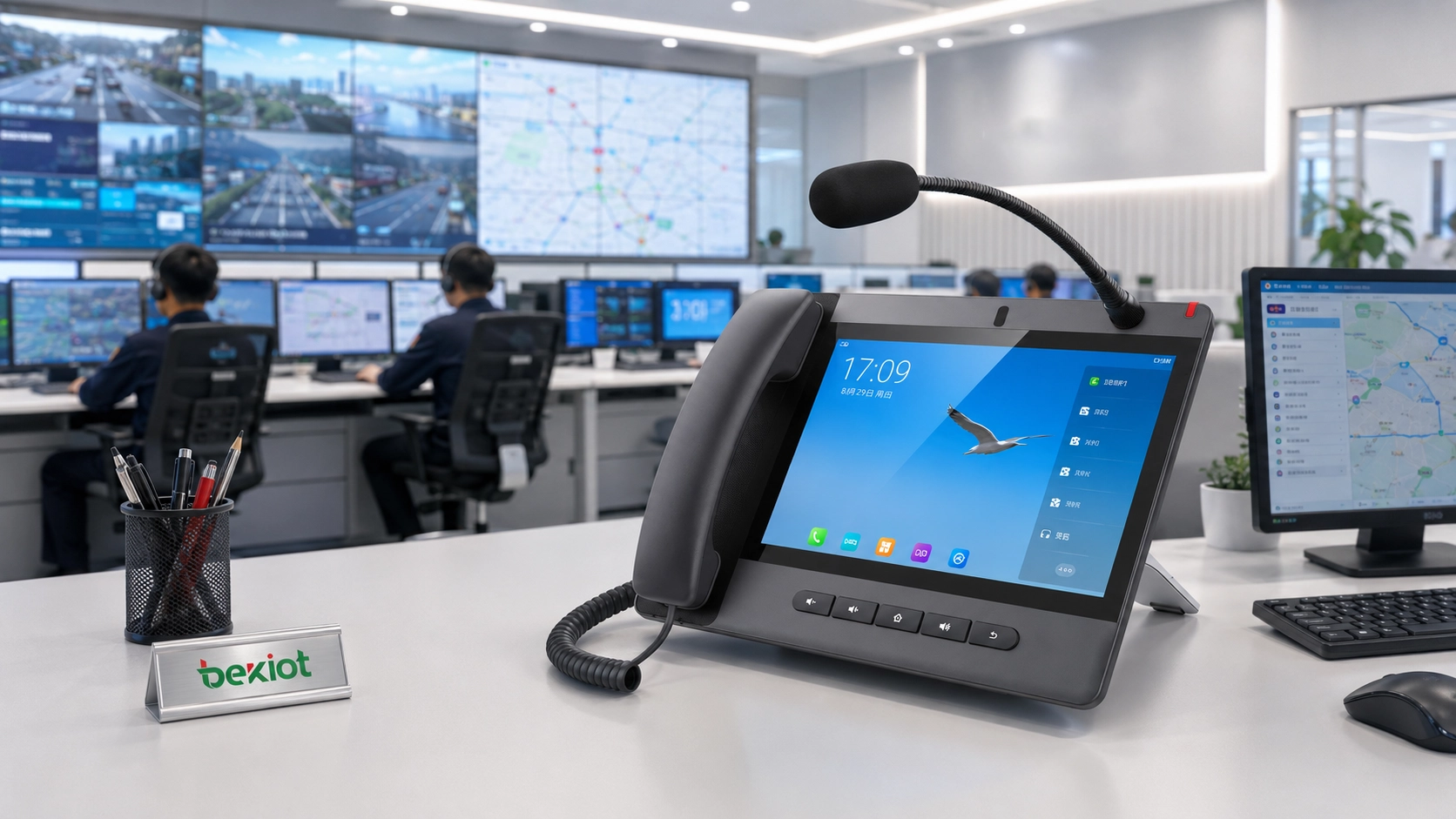
From Voice Endpoint to Visual Operation Terminal
Traditional IP phones mainly solve the problem of voice communication. As video communication, IP surveillance, emergency paging, and unified dispatch systems have developed, large-screen SIP terminals have started to take on more operational roles. A visual SIP paging console can help users make calls, receive calls, start video communication, trigger paging, access preset resources, and cooperate with back-end platforms.
For example, a monitoring center may need to call a SIP extension, view a video source, contact a field station, launch a conference, or send a broadcast announcement to a specified zone. If these actions are separated across different devices and software systems, the operator’s workflow becomes slow and fragmented. A large-screen console helps bring these actions closer together.
For projects that need a dedicated desktop terminal, Becke Telcom provides a SIP paging microphone console that can be used as a large-screen communication and paging terminal. It combines touchscreen operation, SIP calling, paging control, HD audio and video communication, and shortcut keys in one device, making it suitable for command centers, monitoring rooms, nurse stations, broadcast rooms, and industrial operation desks.
Related Product: GP320i SIP Paging Microphone Console
Video Access Adds More Context to Communication
One important application of a large-screen SIP paging console is video resource access. When video surveillance systems, cameras, video gateways, and monitoring platforms are connected to a SIP-based communication environment, operators can call or access different visual resources through the console interface.
In a practical deployment, each camera channel, monitoring point, drone video stream, or video access gateway can be assigned a SIP number or contact entry. Operators do not need to remember complicated paths or switch repeatedly between systems. They can select the required resource from the console and quickly view the corresponding image.
This workflow is useful in command centers, industrial safety rooms, tunnel monitoring centers, parking management stations, port operations, campus security offices, and emergency response environments. The operator can make a voice call while viewing relevant video information, which improves decision-making speed and situational awareness.
Drone Feeds Can Join the Command Workflow
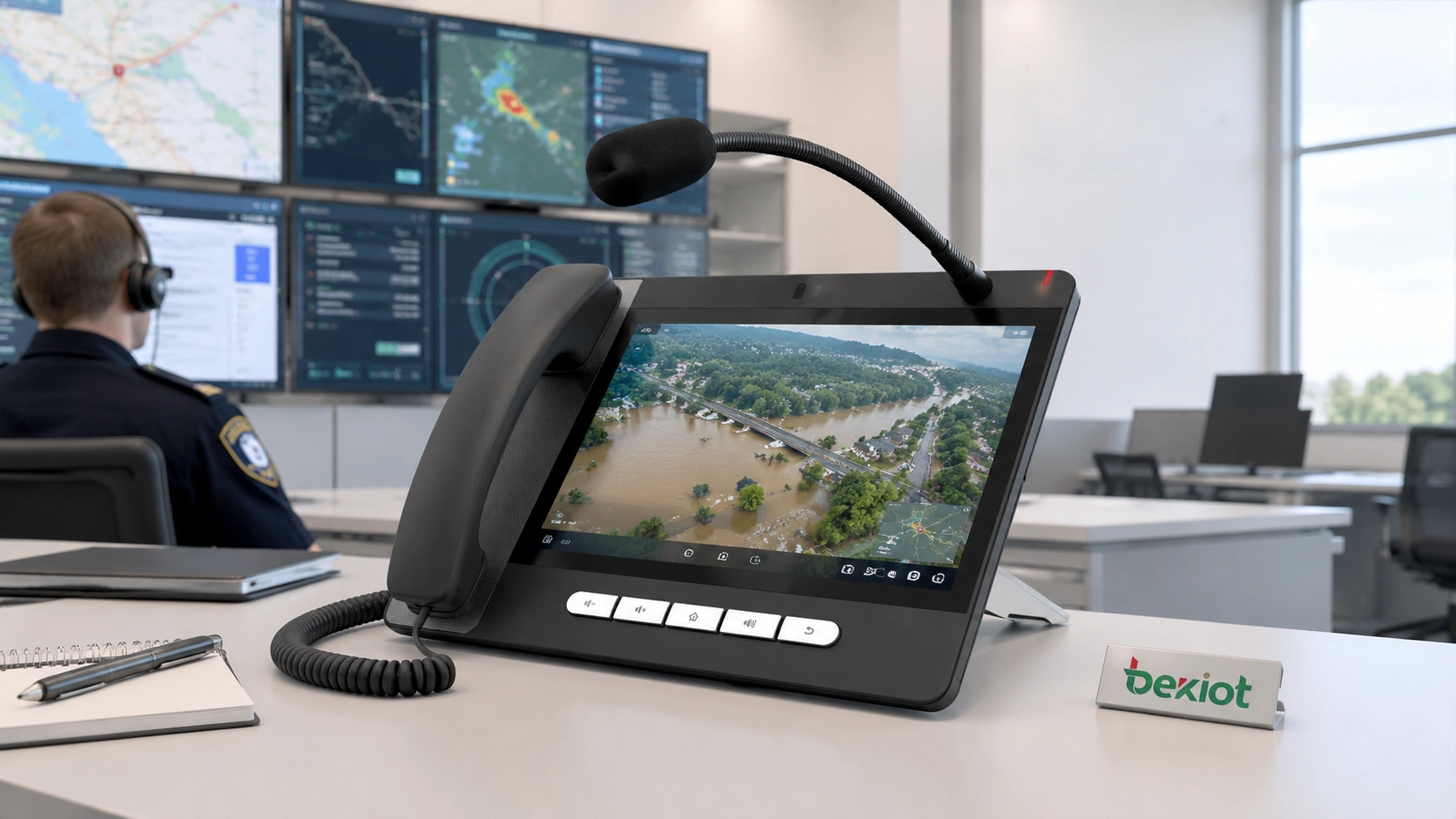
Drone video is increasingly used in emergency rescue, fire response, perimeter inspection, traffic accident handling, industrial patrol, and public safety operations. When drone video is converted or integrated into an IP communication architecture, the large-screen console can become a convenient viewing and coordination terminal.
Instead of watching a drone stream only on a separate computer or mobile device, command staff can access the drone channel from a SIP paging console, communicate with field teams, and coordinate actions through voice, video, and paging at the same workstation. This makes the console useful for temporary command posts, emergency command vehicles, control rooms, and field operation centers.
Contact-Based Calling Simplifies Daily Operation
In real projects, remembering many SIP numbers can be difficult. Cameras, drone channels, paging zones, dispatch extensions, security posts, gate stations, nurse stations, and emergency intercoms may all have their own numbers. A large-screen console should therefore provide a clear contact and shortcut mechanism.
With touchscreen operation and programmable shortcut keys, this SIP paging console helps operators access common contacts, paging zones, emergency actions, or internal extensions more directly. This reduces misdialing, shortens response time, and makes daily operation easier for non-technical users.
For control rooms, the benefit is direct: frequently used resources can be organized by department, area, function, or emergency level. Operators can call a gate station, start a broadcast, contact a supervisor, or access a video resource without searching through a complicated system.
Conferencing Extends the Console Beyond Point-to-Point Calls
A large-screen SIP paging console can also support conference communication. In smaller operation scenarios, the terminal may help create or join a video or voice conference directly. This is useful when several departments need to discuss an event, confirm a site condition, or coordinate a response.
In larger systems, the console can work with an MCU, SIP server, video platform, or command dispatch system. In that architecture, the platform handles video mixing, forwarding, and resource distribution, while the console acts as an easy-to-use desktop access point for operators.
This design avoids overloading a single terminal with too many media-processing tasks. It also gives the command center better scalability when more cameras, video phones, mobile users, drones, and conference participants need to be included.
A Practical Console for Paging and Dispatch Desks
The console is not positioned as a simple office phone. It is more suitable for users who need a visible, easy-to-operate desktop terminal for SIP communication, paging announcements, emergency contact, and daily coordination. The large-screen interface, microphone console design, and shortcut operation make it practical for busy operation desks.
In a factory, warehouse, hospital, tunnel, campus, or transportation site, operators may need to send different announcements to different zones. A large-screen paging console helps them select zones, call specific extensions, trigger broadcast messages, and coordinate with field teams from the same interface.
A large-screen SIP paging console is most valuable when it is connected with real operational systems, including SIP servers, IP PBX platforms, cameras, paging speakers, gateways, dispatch platforms, and emergency notification devices.
Broadcast Control from the Same Workstation
Paging and broadcast control are important in many professional communication systems. A factory may need to notify one production area. A hospital may need to reach a nurse station or public zone. A campus may need to send safety announcements to different buildings. A transportation site may need to broadcast operational instructions during traffic changes or emergencies.
When connected with broadcast gateways, IP speakers, paging systems, or public address equipment, a SIP paging console can help operators send announcements more directly. It can also support a more organized workflow by separating routine communication, zone paging, urgent notification, and emergency broadcast actions.
This is different from using a normal phone to make a single call. The console becomes part of a wider communication system, allowing the operator to reach people, devices, zones, and emergency resources more efficiently.
Connectivity and Expansion for Real Projects
For professional deployment, a large-screen SIP paging console should be easy to connect, easy to power, and easy to integrate. It should work smoothly with SIP servers, IP PBX systems, paging systems, and related communication platforms.
In actual projects, the focus should not be on listing every hardware parameter. More important questions include whether the console can match the site’s SIP architecture, whether operators can use it quickly, whether paging zones are clearly arranged, and whether it can cooperate with existing audio, video, and dispatch systems.
When used as part of a complete solution, the console becomes one visible operation point in the communication network. It helps connect people, paging zones, monitoring resources, and emergency workflows more efficiently.
Where This Type of Terminal Fits Best
In a command and dispatch center, the large-screen console can be used for internal SIP calls, video communication, emergency paging, contact-based resource calling, and coordination with monitoring platforms. Operators can communicate with field extensions while checking relevant visual information.
In hospitals, elderly care facilities, laboratories, and public service buildings, the console can be used as a communication and management terminal for nurse stations, reception desks, broadcast rooms, or internal coordination points. Staff can make calls, receive intercom requests, send announcements, and improve daily management efficiency.
In industrial sites, tunnels, transportation hubs, campuses, ports, parking facilities, and utility environments, the console can work with SIP intercoms, IP speakers, broadcast gateways, emergency call boxes, IP PBX systems, and video platforms. This helps build a more connected communication system for both routine operation and emergency response.
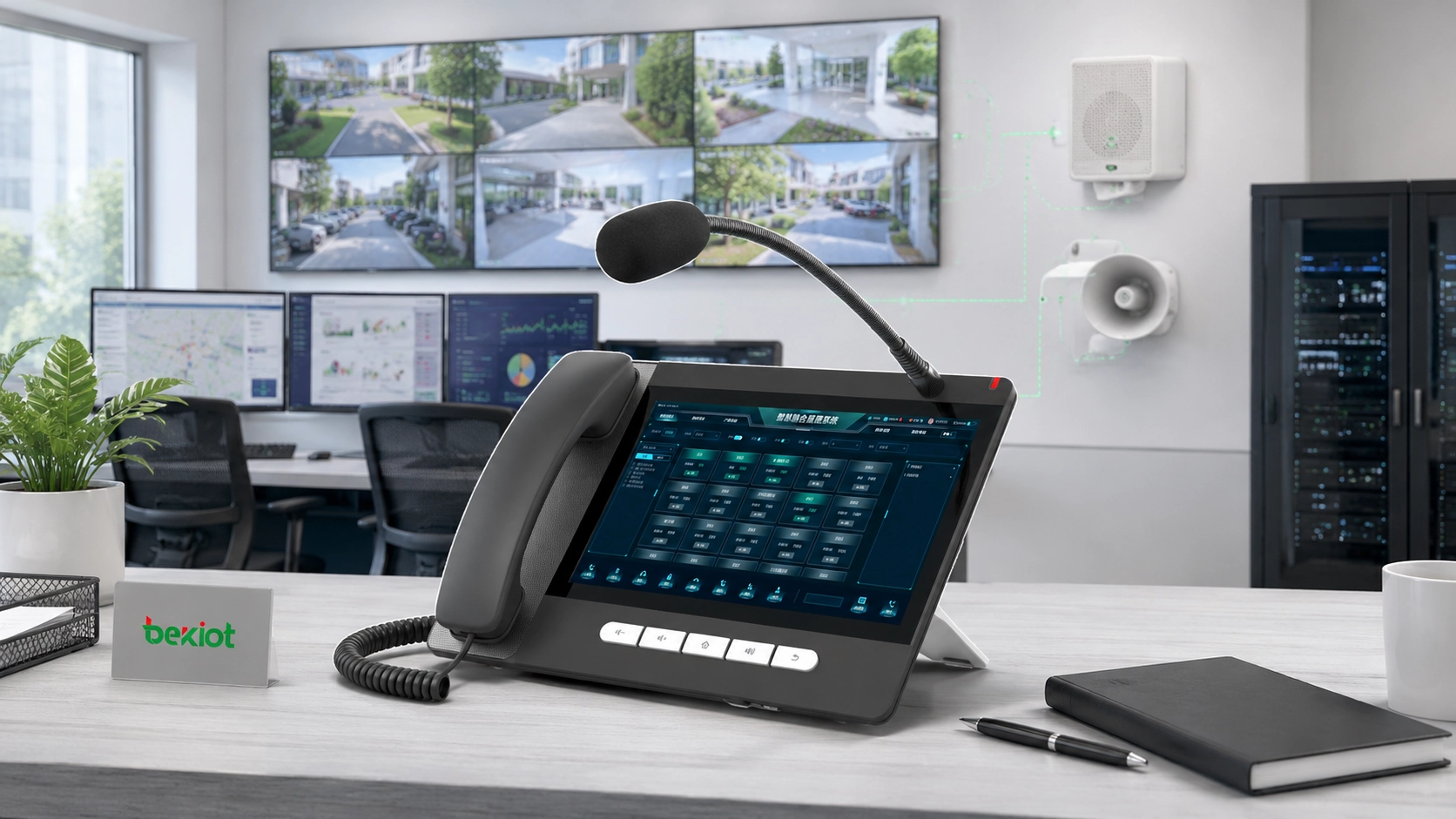
System Design Should Start with Workflow
A practical deployment should not rely on the console alone. The complete system may include a SIP server or IP PBX, video access platform, broadcast gateway, IP speakers, SIP intercoms, emergency call stations, monitoring system, network switches, PoE infrastructure, and command dispatch software.
When video monitoring and drone feeds are involved, the system should define how video streams are accessed, converted, numbered, displayed, and distributed. If many video resources need to join meetings or command sessions, an MCU or professional video platform should be considered for better mixing and forwarding performance.
For paging and emergency broadcast applications, zoning rules, priority levels, emergency override logic, and shortcut key mapping should be planned before deployment. This ensures that operators can quickly identify the right area, select the right action, and reduce delays during urgent events.
Operational Value for Modern Communication Systems
The biggest advantage of a large-screen SIP paging console is workflow integration. It allows voice, video, broadcast, contacts, shortcut keys, and emergency communication to be handled from one familiar desktop device. This reduces the need to switch between phones, computers, paging panels, and monitoring screens for every small task.
For system integrators and project owners, the value is also practical. A SIP-based console can fit into IP PBX, SIP server, paging, intercom, and command dispatch environments. It helps protect existing communication investments while adding visual operation and broadcast control capabilities.
As communication systems continue to move toward unified command, visual dispatch, and multi-system linkage, this type of SIP paging console is becoming more useful in professional projects. It is not just a phone; it is a visual operation terminal for smarter daily management and faster emergency response.
FAQ
Can a large-screen SIP paging console replace a full dispatch platform?
No. It can handle many front-end communication tasks, but a full dispatch platform is still needed when the project requires GIS maps, event records, multi-user dispatch seats, alarm linkage, recording management, or centralized command workflows.
Does video access require special bandwidth planning?
Yes. HD video calls, surveillance streams, and drone feeds can consume significant network bandwidth. Network planning should consider video resolution, codec, number of simultaneous streams, switch capacity, and uplink stability.
Is PoE better than using a separate power adapter?
PoE is often better for professional projects because it simplifies cabling and allows centralized power management through PoE switches. However, the final choice depends on installation distance, switch capacity, redundancy needs, and site power design.
What should be checked before connecting third-party applications?
Project teams should check system compatibility, account security, permission control, update policy, network access, and long-term maintenance requirements before adding third-party applications to a communication terminal.
How should shortcut keys be planned?
Shortcut keys should be mapped according to real workflows, such as emergency zones, key contacts, paging groups, security posts, nurse stations, gate points, or common command actions. Clear naming and operator training are important for reliable use.







