


A softphone is a software-based telephone application that runs on a computer or mobile device. In today’s communication market, most softphones are based on SIP, because SIP has become the mainstream protocol for VoIP, IPPBX, video calling, unified communication, and cloud communication platforms. However, not every softphone uses SIP. Some tools also support IAX, H.323, or other telephony protocols.
Although H.323 is no longer as widely used as it once was, it still appears in some legacy video conferencing systems, old VoIP platforms, gateway testing environments, and protocol compatibility projects. For engineers, system integrators, and communication platform developers, an open source H.323 softphone can still be useful for testing, troubleshooting, migration planning, and maintaining older communication systems.
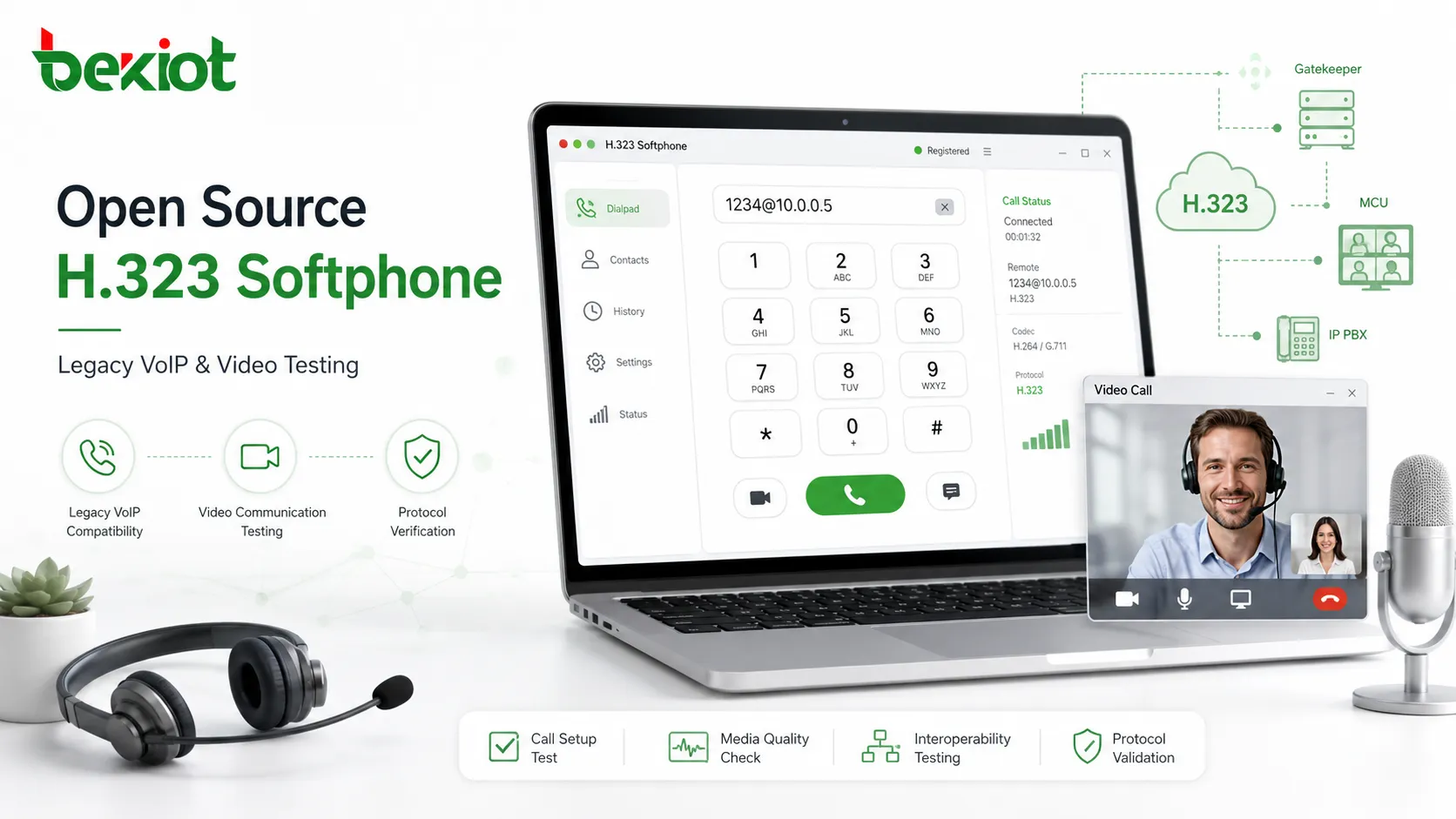
Why Legacy Protocol Testing Still Matters
Many new communication systems are designed around SIP, but old H.323 systems have not completely disappeared. Some enterprises, education networks, government projects, video conferencing rooms, and specialized communication platforms may still have H.323 terminals or gateway equipment in operation.
In these environments, an H.323 softphone is not usually used as a daily office phone. Its value is more practical: engineers can use it to verify whether an H.323 endpoint can register, place a call, receive a call, negotiate audio and video codecs, and communicate with gateways or conferencing platforms.
This makes open source H.323 softphones useful in maintenance and upgrade projects. Instead of immediately replacing every old device, project teams can test compatibility, confirm signaling behavior, and decide whether H.323 resources should be retained, bridged, or migrated to SIP-based systems.
Ekiga as a Classic Voice and Video Option
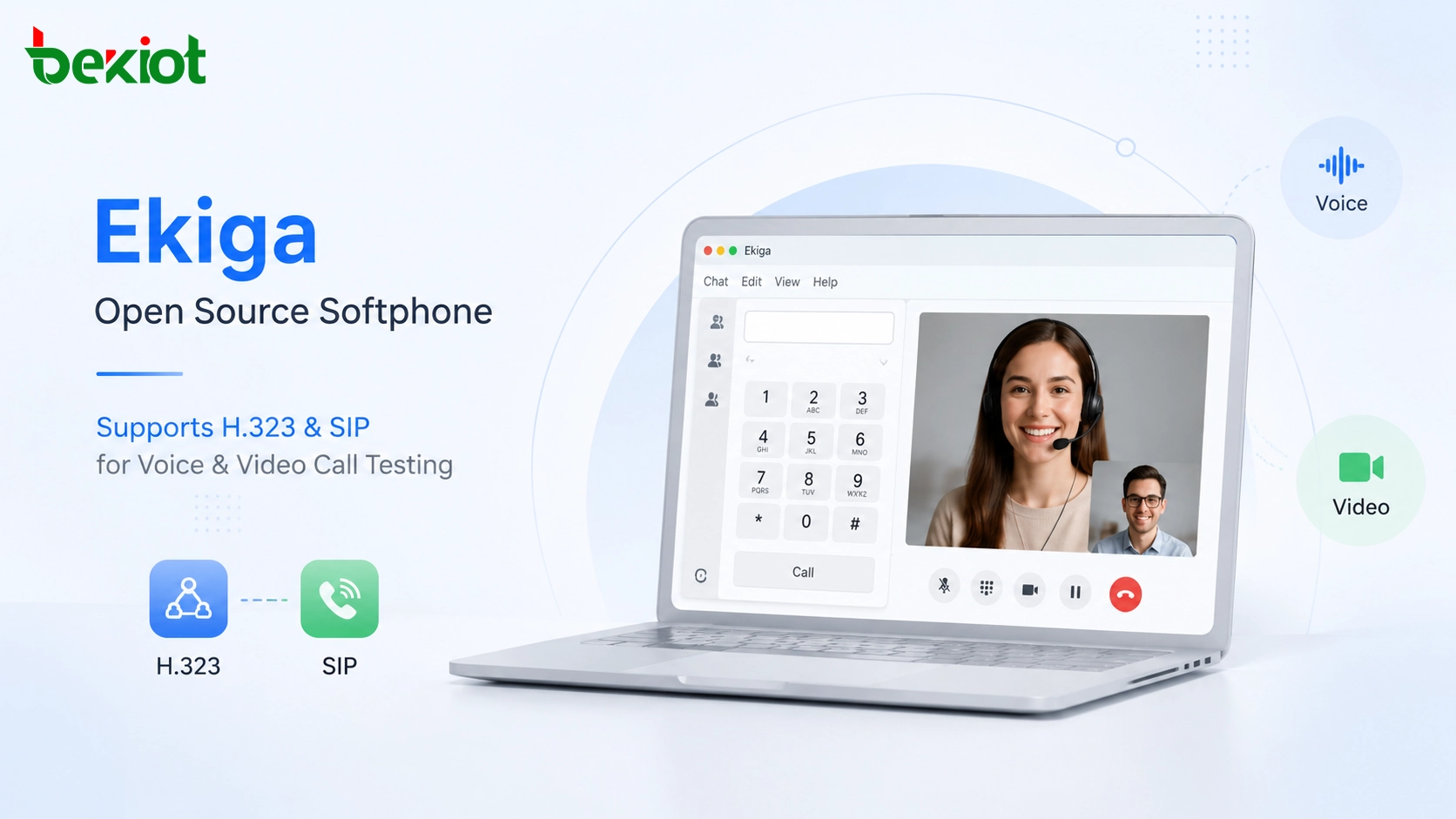
Ekiga is one of the well-known open source VoIP and video conferencing applications that has historically supported H.323. It was originally designed for Linux and later also supported Windows. Its earlier name was GnomeMeeting, which was familiar to many users in the Linux desktop and open source communication community.
Ekiga supports both SIP and H.323, making it suitable for basic testing in mixed protocol environments. This dual-protocol capability is important because many real projects are not purely H.323 or purely SIP. A platform may need to compare call behavior between the two protocols or check whether a gateway can convert between them correctly.
Ekiga also supports several audio and video codecs. For audio communication, commonly referenced codecs include G.711 PCMU and Speex. For video communication, H.264 and H.263 have been commonly associated with H.323 and video conferencing applications. This makes Ekiga useful for basic audio-video verification, especially when testing older systems that still require H.323 compatibility.
Yate Client for Flexible Telephony Testing
Yate, short for Yet Another Telephony Engine, is a modular open source telephony platform. It is used in voice, video, SMS, instant messaging, VoIP, PBX, SIP server, call center, and other telecom-related applications. Its modular design makes it more than a simple softphone tool.
Yate is mainly written in C++ and is known for flexible extension and customization. It supports multiple communication protocols, including SIP, H.323, IAX, ISDN, SS7, GSM MAP, and other telecom-related technologies. This broad protocol support makes it suitable for developers and engineers who need to test more complex communication scenarios.
Yate Client can be used as a SIP, IAX, and H.323 software client. Compared with older single-purpose softphones, its value lies in adaptability. For projects that involve gateway development, multi-protocol testing, or telecom system integration, Yate can be a practical test tool.
Another important point is that Yate has maintained a relatively active open source ecosystem compared with many older H.323-only tools. Since H.323 itself is becoming less common, software that also supports SIP is usually more useful for real projects because it can work across both legacy and modern communication environments.
Other Tools for Reference and Limited Testing
Besides Ekiga and Yate Client, there are other open source or historically available softphone tools that have supported H.323 in different ways. Examples often mentioned in legacy communication testing include sipcmd, MyPhone 3, and XMeeting for macOS.
These tools can be useful for reference, study, or occasional testing, but many of them are old projects. Since H.323 has a long history, some H.323 softphones are more than 10 years old and may no longer receive regular updates. This creates practical limitations for modern deployment.
When using these older tools, engineers should treat them as testing aids rather than production communication clients. Operating system compatibility, security updates, codec support, driver behavior, and documentation availability may all become issues. For serious project delivery, the test result should be verified with the actual target device, gateway, or platform.
Comparing Common Open Source Choices
| Software | Main Protocol Support | Typical Value | Project Consideration |
|---|---|---|---|
| Ekiga | SIP and H.323 | Basic voice and video testing in mixed protocol environments | Useful for legacy compatibility checks, but project activity should be verified before use |
| Yate Client | SIP, H.323, IAX and other telecom protocols | Flexible protocol testing and telecom system integration | More suitable for developers and engineers who need multi-protocol testing |
| sipcmd | Command-line softphone functions in legacy testing contexts | script-based testing or reference use | May require technical configuration and may not fit modern desktop use |
| MyPhone 3 | H.323-focused softphone use cases | Legacy H.323 study or testing | Old software, limited maintenance, and possible compatibility concerns |
| XMeeting | Legacy H.323 and video communication on macOS | Historical reference for Mac-based H.323 testing | Long-term maintenance and operating system support may be limited |
Where These Tools Still Provide Value
Open source H.323 softphones are mainly valuable in test environments. They can help verify whether an H.323 platform is still reachable, whether signaling can be established, whether audio and video negotiation works, and whether a gateway or MCU can handle calls properly.
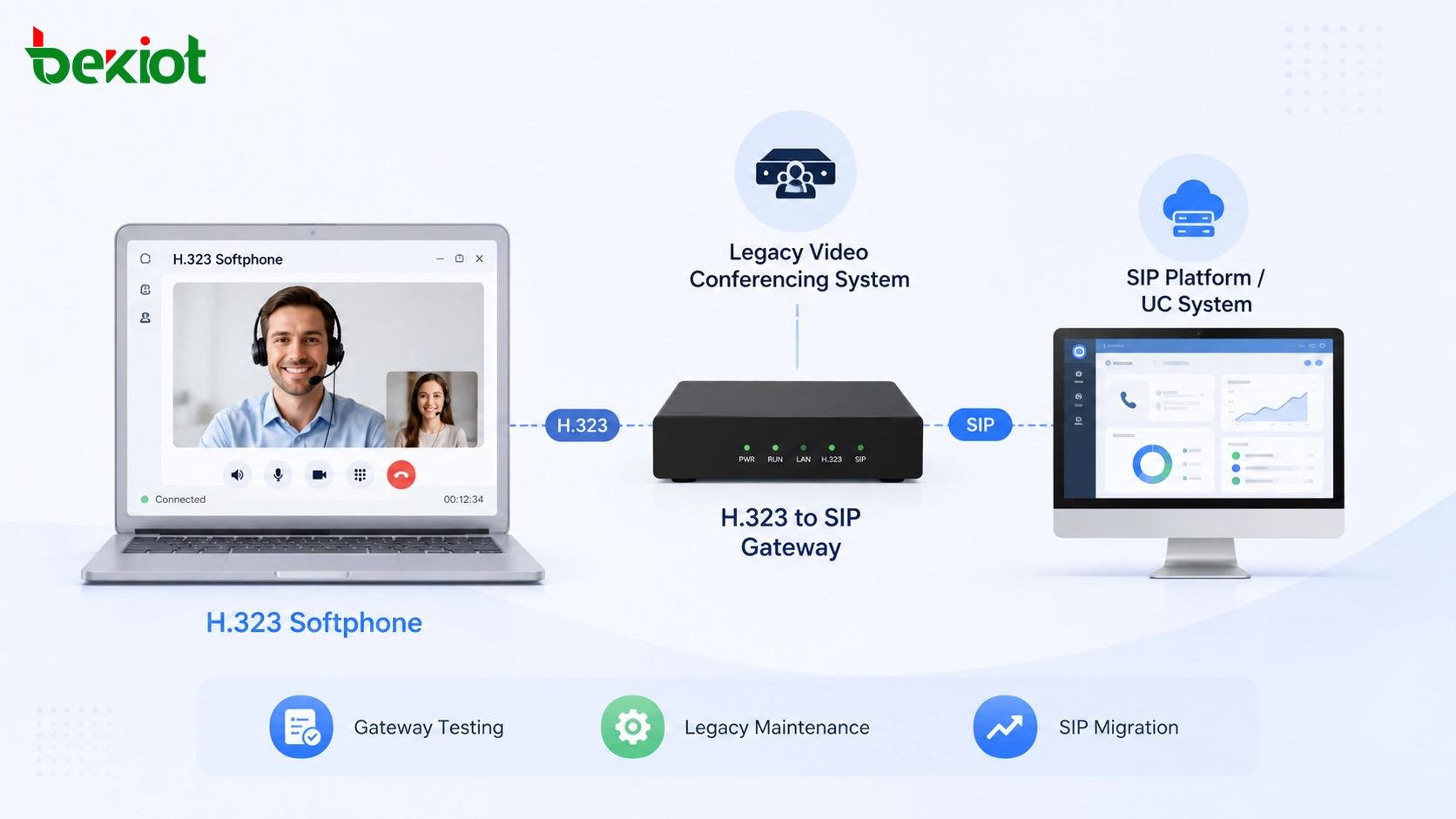
They are also useful in migration projects. When an organization plans to move from H.323 to SIP, engineers may need to compare old and new call paths, check gateway conversion results, or confirm which legacy endpoints still need support. A softphone can provide a quick test endpoint without requiring dedicated hardware.
In development environments, H.323 softphones can also help simulate user terminals. For example, a gateway developer may need to test call setup, media negotiation, codec matching, NAT behavior, or platform response under different protocol conditions. Open source tools make this process easier to repeat and analyze.
Why H.323 Softphone Use Is Declining
The use of H.323 softphones is clearly decreasing. Modern communication products are mostly based on SIP, WebRTC, cloud communication APIs, or platform-specific real-time communication frameworks. SIP has stronger ecosystem support, more available clients, easier integration, and wider compatibility with IPPBX and unified communication platforms.
H.323 hardware phones have largely disappeared from the market. The remaining H.323 hardware devices are more commonly found in older video conferencing terminals and specialized communication systems. Even these systems face migration pressure as cloud meeting platforms, SIP video systems, and software-based communication platforms continue to expand.
For software products, H.323 is increasingly becoming a legacy compatibility feature rather than a core selling point. This does not mean it has no value, but its role has changed. It is now more relevant for testing, maintenance, interconnection, and transition planning than for new large-scale endpoint deployment.
Planning a Practical Compatibility Strategy
When a project still involves H.323, the first step is to confirm why H.323 is needed. If the goal is only to test an old endpoint or gateway, an open source softphone may be enough. If the goal is to build a reliable production environment, the project team should evaluate platform support, long-term maintenance, codec compatibility, and security requirements more carefully.
For new communication systems, SIP should usually be treated as the primary protocol direction. H.323 can be retained as a compatibility layer for existing video conferencing endpoints, gateways, or legacy systems that cannot be replaced immediately.
A practical solution may include SIP-based softphones for daily use, H.323 softphones for testing, and protocol gateways for interconnection. This allows the system to support existing assets while gradually moving toward a more modern and maintainable communication architecture.
Selection Principles for Engineering Use
When choosing an H.323 softphone for engineering use, protocol support should be checked first. The tool should clearly support H.323 call setup, audio negotiation, and, when required, video communication. If the project also involves SIP, dual-protocol support can reduce testing complexity.
Codec compatibility is also important. Older platforms may rely on codecs such as G.711, H.263, or other legacy audio-video formats, while newer systems may expect H.264 or other more modern media handling. The softphone should be tested against the actual system rather than selected only by feature descriptions.
Maintenance status should not be ignored. Some H.323 softphones are old and may not work well on current operating systems. Engineers should consider whether the software can be installed, configured, debugged, and repeated in the project environment.
Conclusion
Open source H.323 softphones are no longer mainstream communication tools, but they still have value in legacy VoIP, video conferencing, gateway testing, and SIP migration projects. Ekiga and Yate Client are two important examples because they support H.323 while also offering SIP-related capabilities.
Other tools such as sipcmd, MyPhone 3, and XMeeting can also be used for reference or limited testing, but many older H.323 softphones have not been actively maintained for years. They should be used carefully and verified in the actual project environment.
For modern communication planning, SIP remains the primary direction. H.323 should be treated as a legacy compatibility requirement, useful for testing, system transition, and connection with older video conferencing or VoIP infrastructure.
FAQ
Can an H.323 softphone be used as a normal office phone today?
It is usually not recommended. Most office communication systems now use SIP, so H.323 softphones are more suitable for testing and legacy compatibility work.
Why do engineers still keep H.323 test tools?
They help verify old video conferencing systems, gateways, protocol conversion platforms, and migration paths without requiring dedicated hardware terminals.
Is a dual-protocol softphone better than an H.323-only tool?
In most projects, yes. A tool that supports both SIP and H.323 is more useful for comparison, troubleshooting, and phased migration.
What should be tested before using an old H.323 client?
Installation compatibility, call setup, audio and video codecs, NAT behavior, security settings, and stability should all be checked before relying on it.
Does H.323 still matter for new communication platforms?
It usually matters only when the new platform must connect with old video conferencing terminals, legacy gateways, or existing enterprise communication infrastructure.







