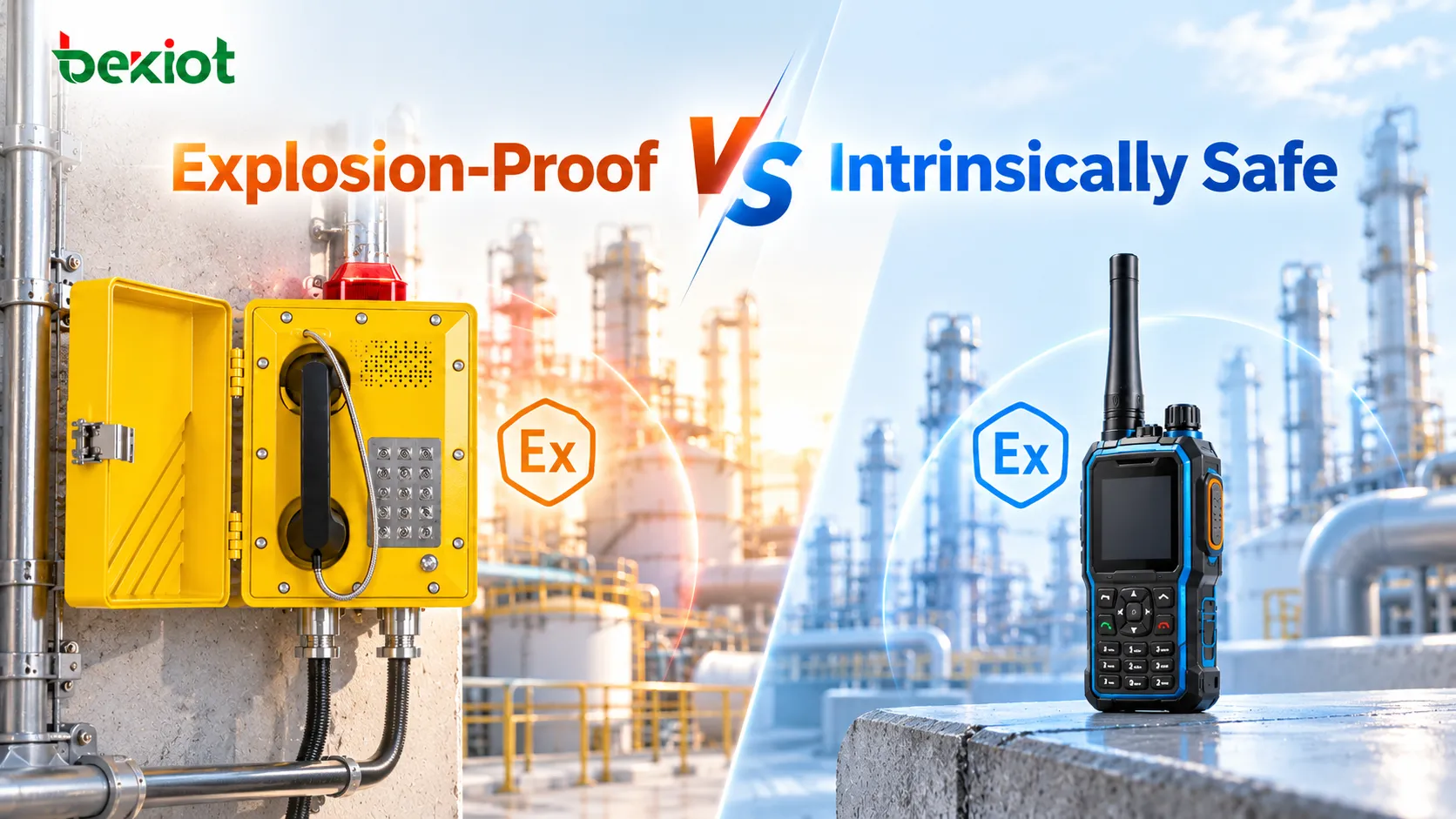
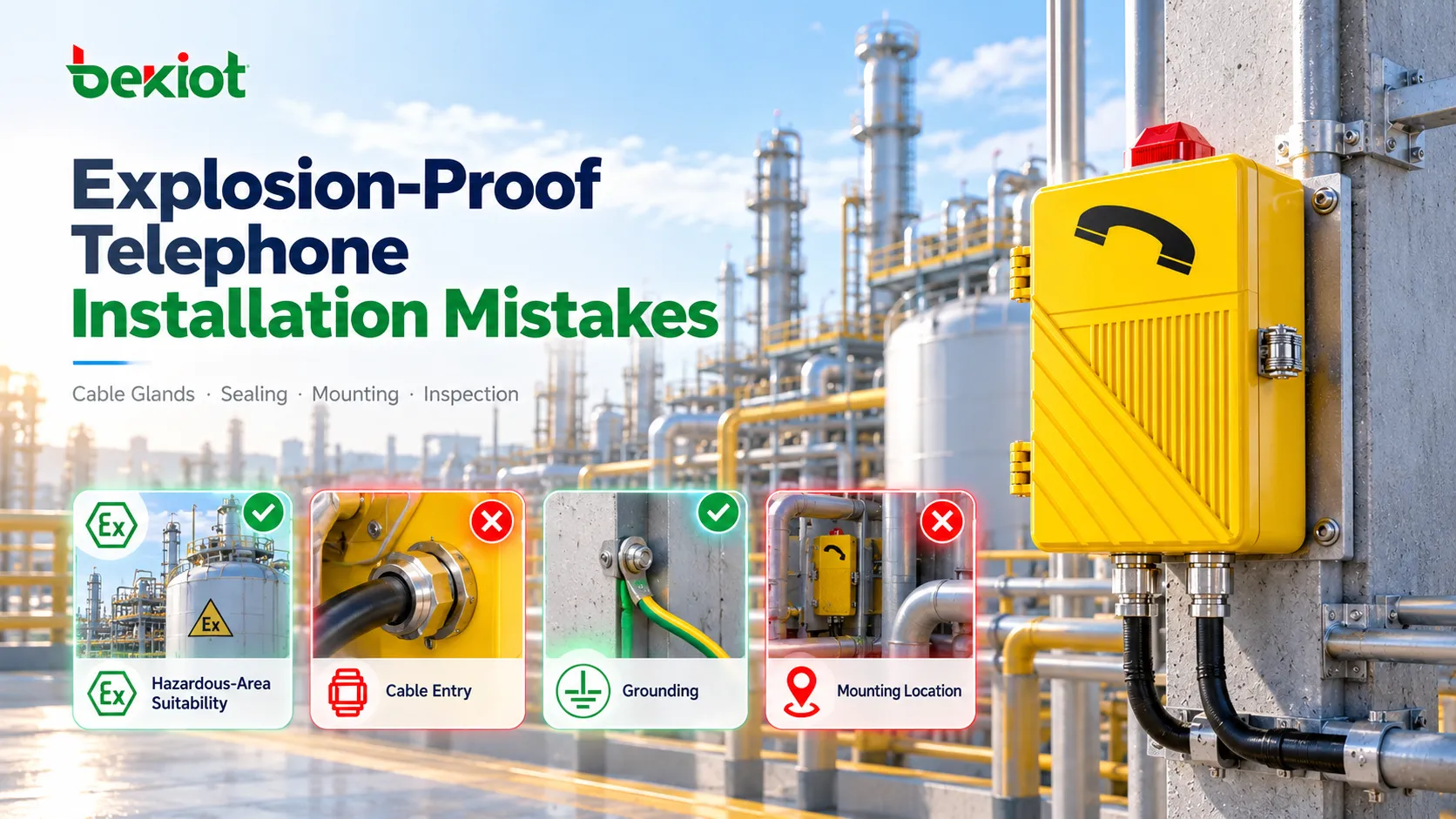
Explosion-proof amplified intercoms are communication endpoints built for hazardous and noisy industrial environments where ordinary phones, speakers, and wall intercoms may not be safe or powerful enough. They are used when workers need a fixed, reliable way to call the control room, broadcast local instructions, receive alarms, or coordinate emergency actions in areas exposed to flammable gases, vapors, dust, vibration, weather, and heavy machinery noise.
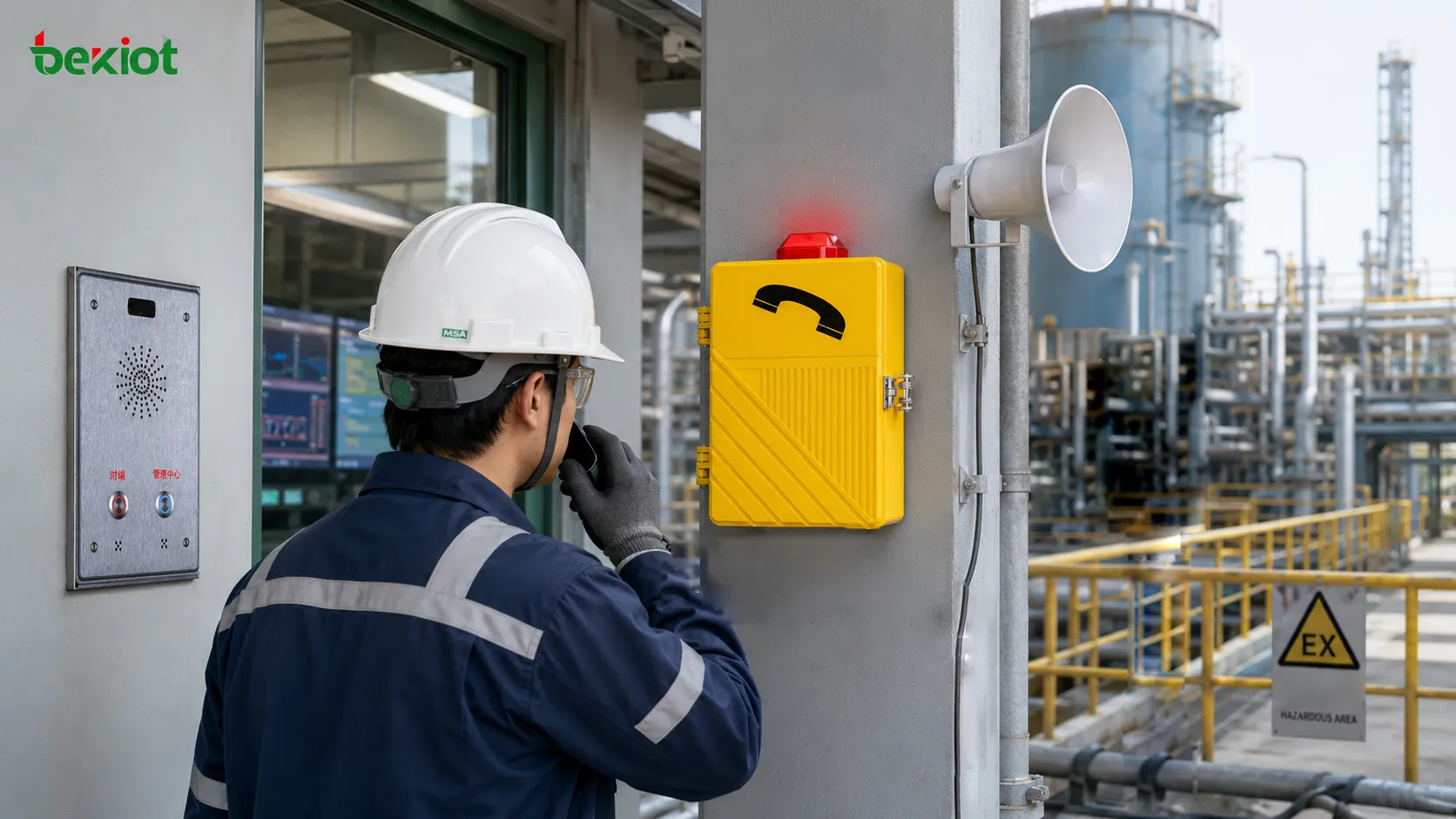
The Field Problem These Intercoms Solve
Noise, risk, and distance happen at the same time
In many industrial facilities, the most critical communication points are also the most difficult places to hear and speak. A worker may be standing near a compressor, pump skid, loading rack, tunnel fan, offshore deck, mining machine, or process line. The surrounding noise may be too high for normal conversation, and the area may also require certified equipment because of explosive atmosphere risk.
An amplified intercom addresses this combined problem. It is not only a louder phone and not only an explosion-proof enclosure. It is a field communication device that needs to provide safe installation, clear voice pickup, strong sound output, fast call initiation, and reliable connection to a control room or plant-wide communication system.
Fixed communication still matters in modern plants
Mobile radios, cellular phones, and wireless devices are useful, but fixed intercom points remain important in hazardous facilities. A fixed station has a known location, a defined call route, a stable power and cable connection, and a predictable relationship with the emergency plan. Contractors, visitors, maintenance staff, and operators can use it without depending on personal devices.
For emergency response, fixed points also make location identification easier. When a call comes from a named field station, the control room can immediately understand where the caller is, which process zone may be affected, and which response procedure should begin.
A Practical Definition
What makes it different from a standard intercom
A standard intercom is usually designed for offices, gates, buildings, or light industrial areas. An explosion-proof amplified intercom is designed for classified zones and harsh field conditions. It may include a flameproof or otherwise certified enclosure, rugged handset, high-output speaker, microphone, call button, relay interface, beacon output, SIP or analog interface, and sealed cable entry.
The word “amplified” is important because many hazardous and industrial sites require more than simple two-way calling. The device may need to drive a local speaker, support hands-free listening, connect to an external horn, announce warning messages, or make the control room voice audible over machinery noise.
What it should not be confused with
Explosion-proof amplified intercoms should not be treated as ordinary outdoor intercoms placed inside strong boxes. Hazardous-area equipment must be selected according to the area classification, certification marking, gas or dust group, temperature class, ambient range, cable entry requirements, and installation instructions.
They should also not be judged by loudness alone. A device that is loud but distorted may still be ineffective. Speech intelligibility, microphone pickup, echo control, enclosure acoustics, network stability, call routing, and user operation all affect the final communication result.
How the System Usually Works
From field call to control room response
A typical workflow begins when a field worker presses a call button, lifts a handset, or activates a push-to-talk function. The call is routed to a control room, dispatch console, PBX, SIP server, or emergency communication platform. The operator sees or hears the incoming station, answers the call, confirms the situation, and gives instructions back through the intercom.
Depending on the system design, the same event may also trigger a beacon, start a call recording, display a camera view, open a map location, notify a paging zone, or escalate to a wider alarm procedure. This makes the intercom part of an operational workflow rather than an isolated device.
From control room message to field notification
The workflow can also move in the opposite direction. The control room may use the intercom station or connected speaker to make a live announcement, issue a local instruction, or broadcast a pre-recorded message. This is useful during maintenance work, restricted access, equipment startup, evacuation, or abnormal process conditions.
In larger facilities, amplified intercoms may be connected with Public Address and General Alarm systems. This allows local two-way calling to work together with zone paging, plant-wide announcements, warning tones, and emergency broadcast procedures.
Feature Design by Real Site Requirement
When the site is hazardous
The first feature requirement is certified protection for the classified area. The intercom must match the zone or division requirement, gas or dust group, temperature class, equipment protection level, and approved ambient temperature range. Cable glands, plugs, junction boxes, and mounting accessories must also be suitable for the installation method.
This requirement should be checked before audio features, product appearance, or network functions. A device with excellent sound performance is not acceptable if its marking does not match the hazardous area where it will be installed.
When the site is noisy
For high-noise locations, the key requirement is intelligible speech. The system may need amplified output, external horn speakers, directional speaker placement, handset audio, noise reduction, acoustic shielding, or carefully selected microphone locations. The goal is to make speech understandable, not simply louder.
Designers should consider real background noise, worker distance, hearing protection, reverberation, wind, machinery cycles, and alarm tones. In some cases, a handset may provide better clarity than hands-free operation. In other cases, a local loudspeaker may be necessary so a group of workers can hear the control room message.
When the site is remote or exposed
Outdoor and remote locations require protection against rain, dust, salt mist, sunlight, temperature changes, corrosion, and physical impact. A suitable device may need a high IP rating, corrosion-resistant materials, UV-resistant components, sealed cable entries, and a robust mounting method.
Remote deployment also increases the value of diagnostics and clear maintenance records. If a station is difficult to reach, the system should be designed to reduce unnecessary site visits and make fault location easier.
| Site Requirement | Feature Focus | Design Result |
|---|---|---|
| Hazardous atmosphere | Certified explosion protection, correct marking, suitable cable entries | Safe installation in classified areas |
| High machinery noise | Amplified output, clear microphone pickup, echo control | More understandable two-way voice communication |
| Outdoor exposure | IP protection, corrosion resistance, sealed enclosure | Longer service life in harsh environments |
| Emergency response | Fast call button, location identification, alarm linkage | Shorter response time and clearer incident handling |
| Plant-wide notification | Paging, zone broadcast, PAGA integration | Coordinated announcement and alarm workflow |
| Lifecycle operation | Inspection access, logs, spare parts, configuration records | Easier maintenance and fewer unexpected failures |
System Configuration Patterns
Single point call station
The simplest pattern is a single explosion-proof intercom connected to a control room. It is often used at a gate, loading point, pump room, tank area, or equipment platform. The station provides a fixed calling point where workers can request assistance or report abnormal conditions.
This design is suitable when only a limited number of hazardous-area points need direct voice connection. It is simple to operate and easy to document, but it should still include clear station naming, call routing, and inspection procedures.
Zone-based intercom and paging network
Larger sites often divide communication into zones. Each zone may include several intercom stations, local speakers, beacons, and paging endpoints. The control room can call one station, page a defined area, or send instructions to multiple zones depending on the event.
This pattern is useful for chemical plants, offshore platforms, tunnels, mines, ports, and power facilities where different areas require different messages. Zone design helps avoid unnecessary disturbance and supports more organized emergency response.
Integrated dispatch and alarm workflow
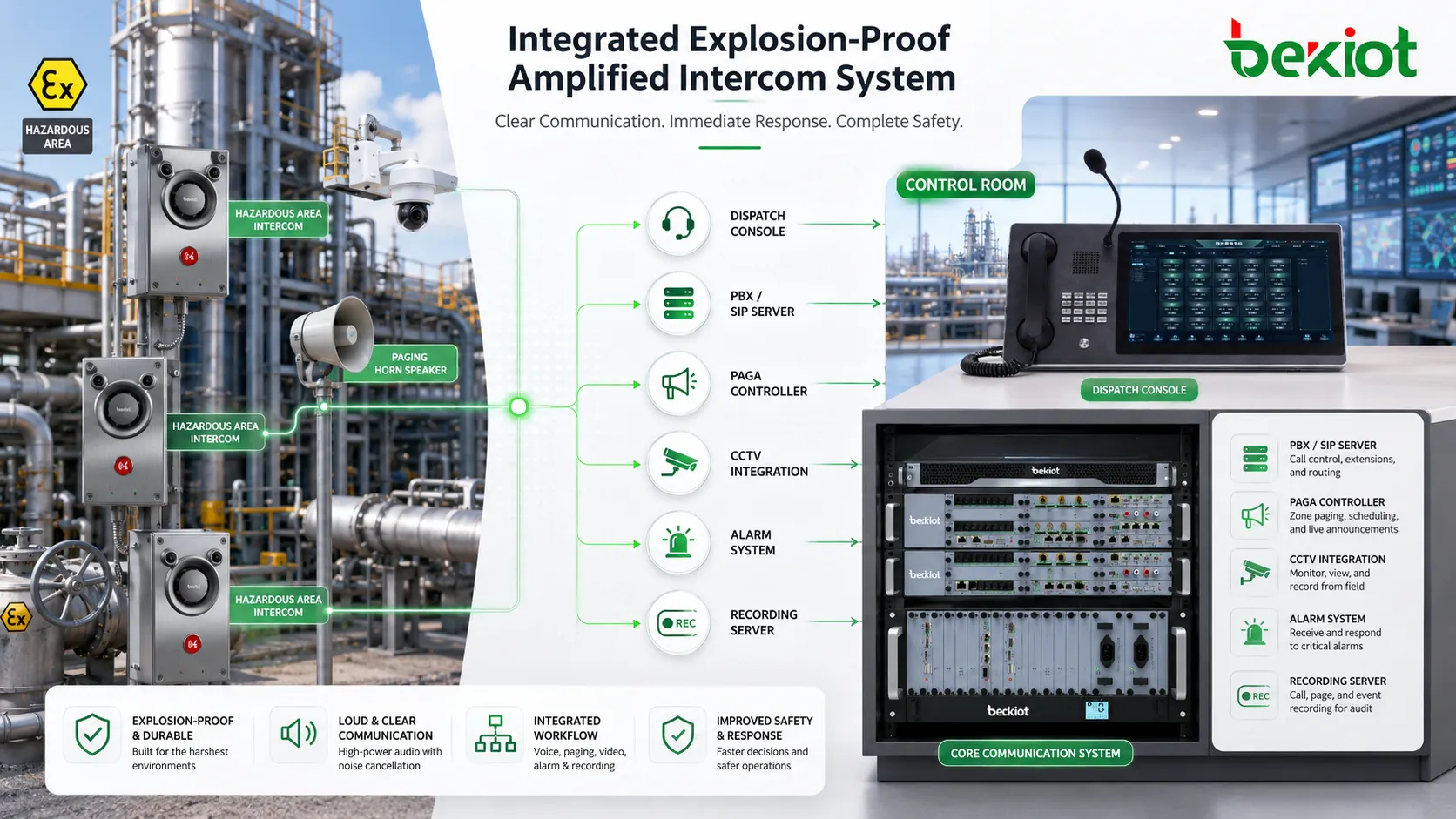
In advanced systems, explosion-proof amplified intercoms connect with dispatch consoles, PBX systems, SIP servers, PAGA controllers, CCTV platforms, fire and gas systems, access control, and recording platforms. The intercom becomes one endpoint in a wider command and safety network.
This configuration allows operators to receive a field call, view related video, trigger a broadcast, contact maintenance teams, record the conversation, and close the incident with a traceable log. It is especially useful in facilities where communication must support compliance, safety procedures, and multi-team coordination.
Use Cases by Operating Scenario
Routine operation and maintenance
During routine operation, amplified intercoms support equipment checks, local coordination, work permit confirmation, loading supervision, startup communication, and maintenance requests. Workers can contact the control room without leaving the area or searching for a radio channel.
This is especially valuable when work is performed by different teams. Operations, maintenance, safety, contractors, and security personnel can all use the same fixed communication point when the site procedure allows it.
Abnormal condition reporting
When workers notice leakage, unusual vibration, smell, smoke, blocked access, equipment noise, pressure abnormality, or a local alarm, they need a fast way to report the issue. A fixed amplified intercom gives them a direct communication path to the control room.
If the station is clearly named and integrated with the control platform, operators can quickly identify the area and decide whether to dispatch personnel, check cameras, isolate equipment, or prepare an announcement.
Emergency calling and local assistance
In emergency situations, the communication process must be simple. A worker should be able to press a button, speak to an operator, and receive instructions. Visual indicators or beacons can help confirm that the call has been made or that an alarm has been activated.
For projects that require rugged fixed call points and emergency assistance stations, Becke Telcom’s EX-BH621 explosion-proof telephone and BHP-SOS intercom series can be considered as part of a hazardous-area and heavy-duty communication layout.
Evacuation and zone announcement
When connected with paging or PAGA systems, amplified intercom stations can support evacuation and zone announcement workflows. Operators may broadcast live instructions, play pre-recorded messages, activate warning tones, or communicate with field teams during evacuation.
This function is useful in large sites where people may be spread across process areas, utility rooms, offshore decks, underground passages, or outdoor yards. Zone-based messages reduce confusion and help guide people according to the actual event location.
Selection Checklist
Start with safety classification
Before comparing functions, confirm the hazardous area classification. Check the required zone, gas or dust group, temperature class, ambient temperature, certification scheme, and any special installation conditions. The selected equipment and accessories must match these requirements.
If the project includes both hazardous and non-hazardous locations, do not automatically use the same device everywhere. A mixed design may reduce cost while keeping certified equipment in the areas where it is actually required.
Define the audio target
The audio target should be based on the site noise level and the expected use case. A station used for a quiet equipment room may need different audio performance from a station installed near compressors or tunnel fans. The system should be designed for speech intelligibility under real conditions.
A practical evaluation should include speaker output, microphone pickup, handset comfort, echo behavior, ringing volume, external speaker options, and performance while users wear protective equipment.
Check integration early
Integration should be planned before procurement. Confirm whether the system will connect through SIP, analog line, relay I/O, multicast paging, dry contact alarm, PAGA controller, dispatch console, or recording server. Also check whether station names, call priorities, failover routes, and emergency call behavior are supported.
Many project issues happen when the field device is selected separately from the platform. A device that is strong and certified may still create problems if it cannot route calls, trigger alarms, or register properly with the communication system.
Commissioning and Maintenance Focus
Test the complete workflow, not only the device
Commissioning should test more than power-on status. It should verify field call initiation, control room answer, two-way voice clarity, paging behavior, beacon or relay output, recording, station identification, alarm linkage, power failure behavior, and network recovery.
Each test should reflect the real operation. If a station is intended for emergency calling, test it as an emergency call. If it is intended for zone announcement, test the actual zone. If it is used in a noisy area, test it while the surrounding equipment is running.
Preserve certification and audio performance
Maintenance teams should inspect enclosure condition, fasteners, cable glands, seals, grounding, handset cords, buttons, speaker openings, microphone ports, labels, and mounting hardware. In hazardous areas, damage to certified parts must be handled according to approved procedures.
Audio performance also needs routine checking. A blocked microphone, corroded connector, damaged speaker grille, loose handset cable, or changed volume setting can reduce usability even when the device still appears physically intact.
An explosion-proof amplified intercom should be maintained as both a certified safety device and a critical voice communication endpoint.
Conclusion
Explosion-proof amplified intercoms are used where hazardous-area safety, loud and clear voice communication, emergency response, and rugged field operation must work together. They provide fixed calling points for workers, local amplified voice output, connection to control rooms, and integration with paging, alarms, dispatch, recording, and plant safety workflows.
The best system design begins with the actual field problem: hazardous classification, noise level, user behavior, emergency workflow, environmental exposure, and integration requirements. When these factors are considered together, amplified intercoms become more than field devices. They become part of a reliable industrial communication and safety architecture.
FAQ
Can one amplified intercom cover an entire noisy area?
Not always. Coverage depends on noise level, speaker direction, obstructions, reverberation, and worker distance. Large or complex areas may need multiple stations, external speakers, or zone paging design.
Should the intercom use a handset or hands-free mode?
Both can be useful. A handset may provide better clarity in high-noise locations, while hands-free mode can be useful when workers need to keep their hands available. The right choice depends on task type and noise conditions.
Can emergency calls have higher priority than routine calls?
Many integrated systems can support priority routing, emergency call queues, distinctive ringing, or alarm-triggered workflows. This should be confirmed during system design and tested during commissioning.
What happens if the control room does not answer?
The system can be designed with escalation rules such as call forwarding, alternate operator groups, alarm output, or timeout routing. These behaviors should be defined clearly before deployment.
Is a local beacon necessary for every intercom station?
Not every station requires one, but beacons are useful in noisy or high-risk areas where visual confirmation helps workers notice calls, alarms, or active emergency states.
How can false calls be reduced without making emergency use difficult?
Design options include protected buttons, clear labeling, status lights, operator confirmation, and suitable mounting height. Emergency operation should remain simple, so false-call prevention should not make the station hard to use.