Video meetings and web collaboration tools are now common in enterprise communication, but audio conferencing remains one of the most practical, reliable, and widely adopted communication methods for large organizations. In many multinational companies, audio conferencing is still used more frequently than video meetings for daily coordination, urgent decision-making, cross-regional communication, and internal business operations.
The reason is simple: audio conferencing is fast to organize, easy to access, and highly compatible with existing telephone infrastructure. It does not compete with video conferencing or online meeting platforms. Instead, it complements them by providing a simpler and more stable option when teams need to communicate quickly, securely, and at scale.
Why Audio Still Matters in Enterprise Communication
Fast access from almost anywhere
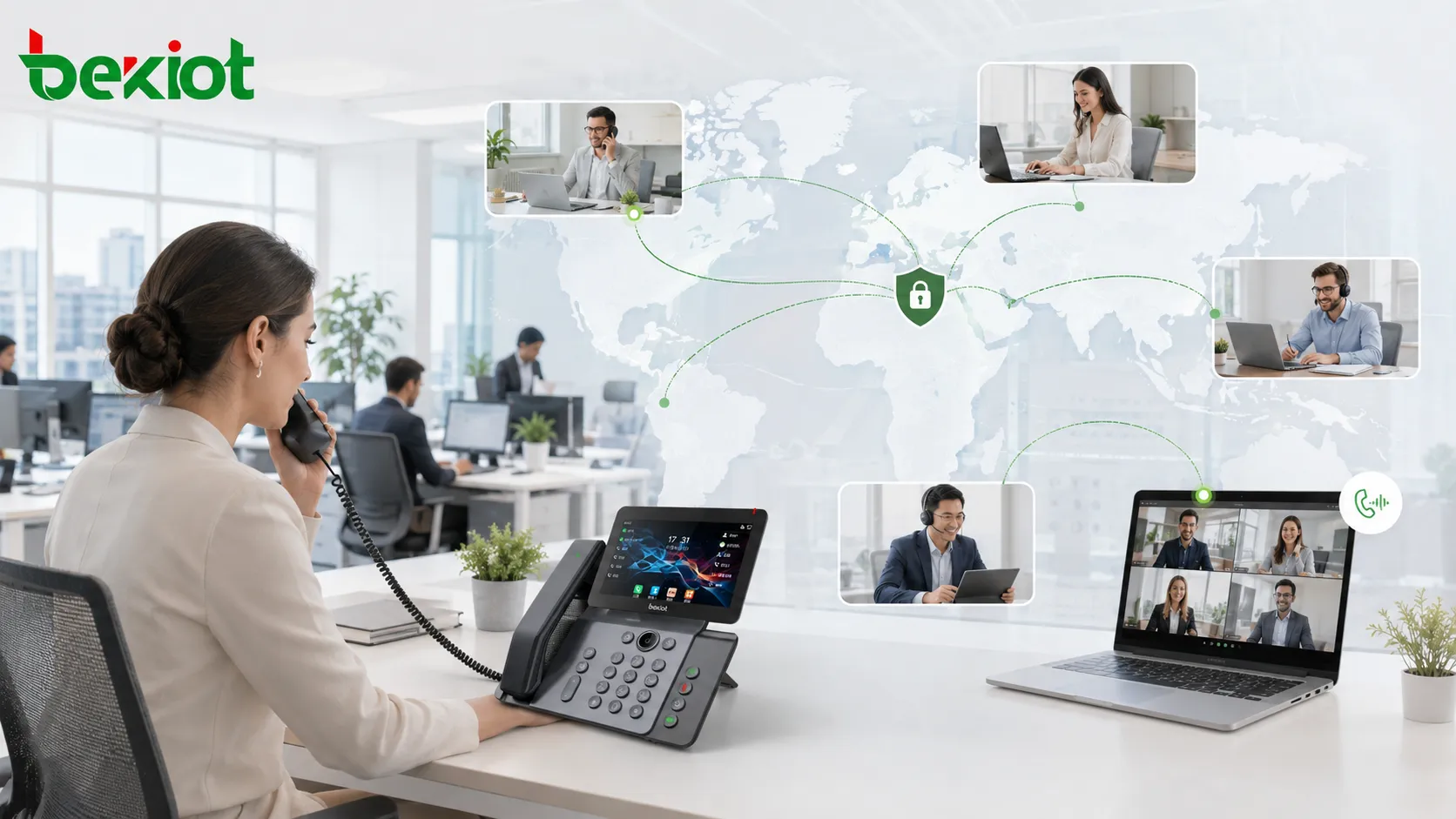
One of the strongest advantages of audio conferencing is connectivity. A participant only needs a phone number to join a meeting. Whether the person is in an office, hotel, airport, branch site, home office, factory, vehicle, or overseas location, a conference call can often be organized within one minute.
This level of access is difficult for many video meeting systems to match. Video meetings usually depend on network quality, camera availability, client software, device compatibility, and user login status. Audio conferencing, by contrast, is based on one of the most universal communication tools in business: the telephone.
High endpoint availability
Telephone devices are deeply embedded in daily business environments. Mobile phones, desk phones, hotel phones, public phones, conference phones, cordless phones, and dedicated office handsets all allow users to participate in voice meetings. This high penetration gives enterprises more flexibility when participants are in different locations or working under different conditions.
For large organizations, this matters because employees, managers, suppliers, partners, and field teams may not always be in front of a computer. Audio conferencing allows them to join the conversation with the device that is most convenient at that moment.
Efficient meeting organization
A conference with dozens of participants can often be created and joined very quickly. Compared with traditional video meeting rooms, which may require equipment preparation, camera testing, display adjustment, and network checks before the meeting begins, audio conferencing provides a much lower operational threshold.
In many enterprise scenarios, speed is more important than visual presentation. Department coordination, emergency response, production scheduling, management briefings, maintenance dispatch, and cross-site discussions often need immediate voice communication rather than a formal video session.
Stable voice experience
Audio conferencing can be built on enterprise voice networks, SIP systems, PSTN access, or hybrid telephony resources. When designed properly, the voice experience is stable, predictable, and easier to maintain than bandwidth-heavy video communication.
In organizations with resilient voice infrastructure, emergency power, redundant network links, or traditional telephony backup, audio conferencing can also support continuity planning. This makes it valuable for industries where communication cannot stop during network instability, power events, or unexpected operational incidents.
The Business Case for Building a Private Platform
Reducing internal communication costs
For large enterprises, a major share of conference calls happens between internal employees. According to the source article, about 80% of telephone conferences in large enterprises are internal meetings. When an enterprise-owned conferencing platform is connected with the existing IPT voice communication system, conference communication costs can be reduced by about 50%.
This cost logic is important. If a company relies heavily on external conferencing services for routine internal meetings, it may continue to pay for traffic, service usage, or third-party platform capacity that could be handled through its own communication infrastructure. A private platform helps convert recurring communication expense into a controllable internal resource.
Moving meetings from rooms to desktops
A private audio conferencing system can extend meeting capability directly to employees’ desks, IP phones, softphones, mobile extensions, and department terminals. This reduces the dependency on dedicated meeting rooms, especially for short coordination meetings that do not require shared screens or cameras.
As a result, enterprises can release office space, reduce scheduling conflicts, and improve meeting availability. Instead of waiting for a conference room, teams can start a structured voice meeting from their own workstations.
Improving organization-wide adoption
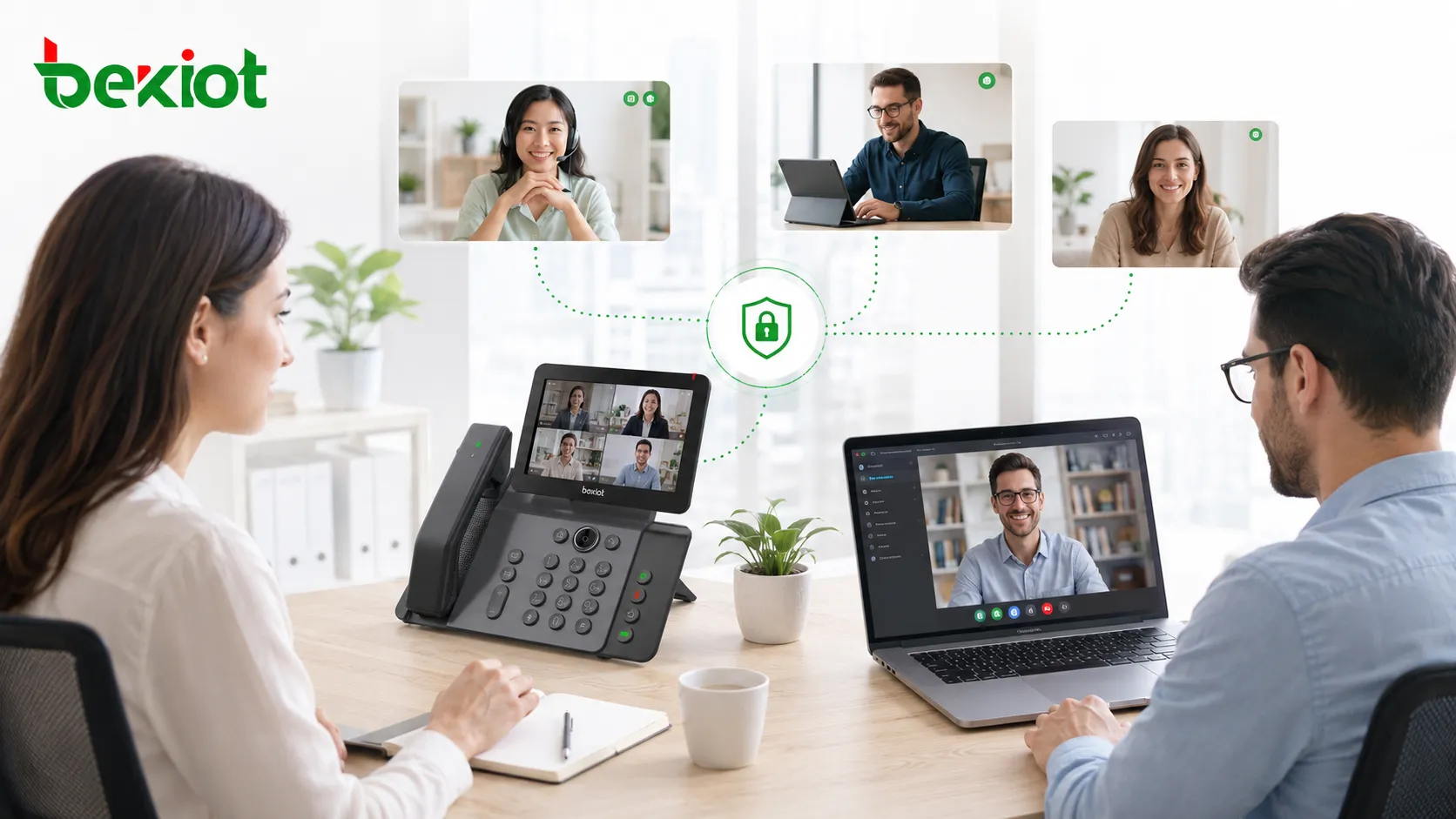
When the platform is privately deployed, audio conferencing can be opened to more employees instead of being limited to a few meeting rooms or administrators. With proper permission control, departments can create meetings, invite participants, manage access codes, and use the service through a unified enterprise process.
This helps audio conferencing become a daily productivity tool rather than a special facility. The more accessible the service becomes, the more value it creates across departments, branches, projects, and operation centers.
Reference Architecture for Enterprise Deployment
Core conferencing layer
The core layer provides multi-party audio mixing, meeting room creation, access number management, participant control, PIN or password authentication, recording options, and system management. It can be deployed on a dedicated server, virtualized environment, or private cloud infrastructure depending on the enterprise IT policy.
For organizations with strict security requirements, an on-premises or private cloud deployment gives IT teams stronger control over data flow, user access, conference records, and system availability.
Voice network integration
The conferencing platform should interconnect with the enterprise IPT system, IP PBX, SIP trunk, PSTN gateway, or existing telephony network. This allows internal extensions and external participants to join meetings through controlled voice routes.
Integration with existing voice systems also supports cost optimization. Internal calls can stay inside the enterprise voice network, while external calls can be routed through approved trunks or gateways according to enterprise policies.
OA and business system connection
For large organizations, the conferencing system should not operate as an isolated tool. It can be integrated with OA platforms, enterprise portals, approval workflows, address books, scheduling systems, or collaboration platforms through APIs.
Through OA integration, employees can book conference resources, invite participants, manage approvals, and access meeting information from a unified entrance. This improves governance and reduces fragmented communication management.
Security and Control for Sensitive Meetings
Keeping communication resources under enterprise IT control
A private conferencing platform allows the enterprise IT team to control the system, users, permissions, meeting records, routing policies, and access methods. This is especially important for organizations that handle confidential information, production data, government projects, financial decisions, energy operations, transportation scheduling, or public safety coordination.
By keeping conference resources inside the enterprise-controlled environment, organizations can reduce exposure to third-party service risks and protect internal contact directories, meeting information, and communication behavior data.
Supporting regulated and high-security industries
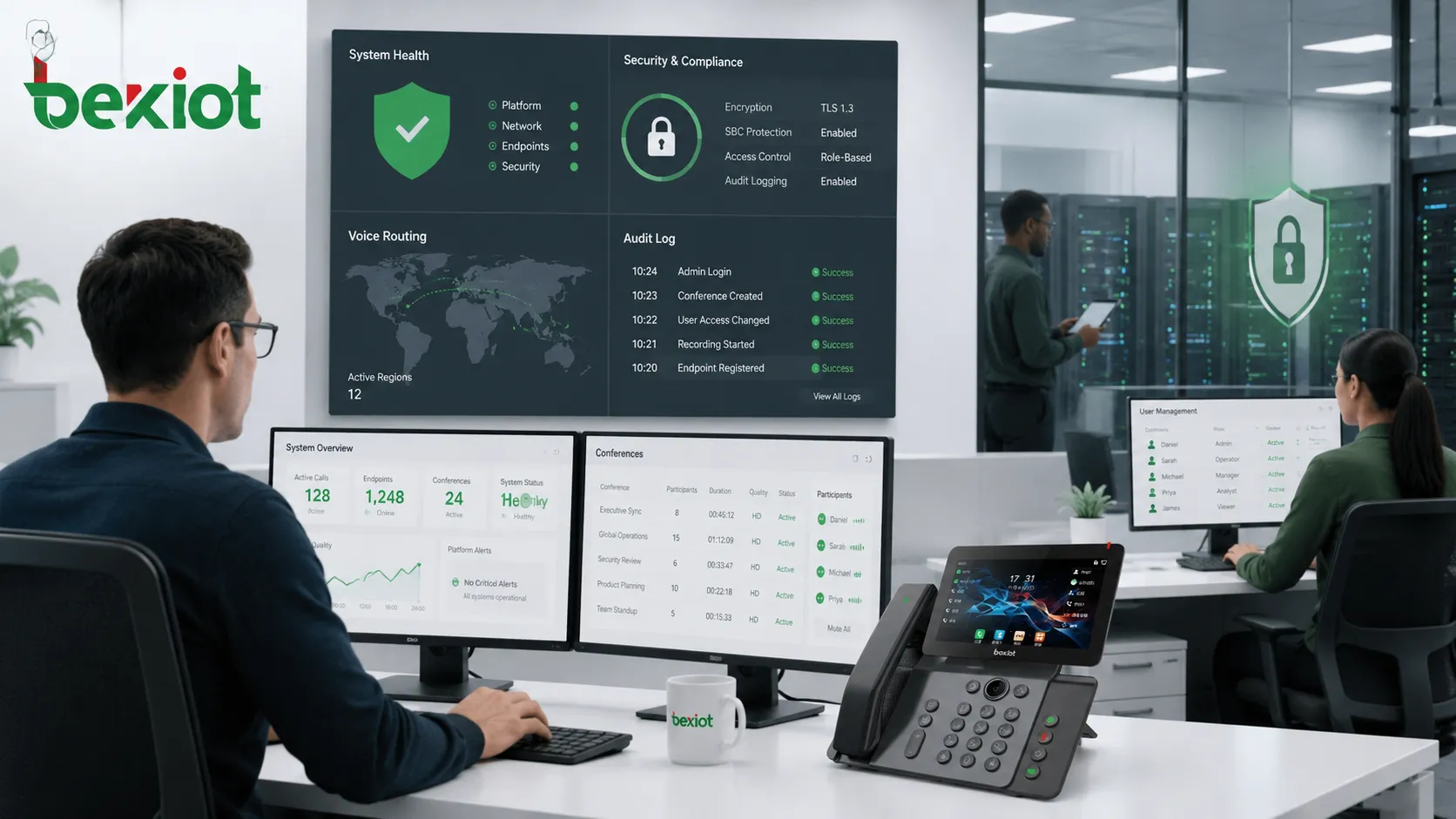
Industries such as finance, energy, transportation, manufacturing, healthcare, government, and emergency services often require stronger privacy and traceability. In these environments, private audio conferencing can support access control, centralized logging, call recording, retention policies, and administrator-level auditing.
The goal is not only to hold meetings, but also to ensure that important communication remains manageable, traceable, and compliant with internal security policies.
Typical Enterprise Application Scenarios
Cross-regional management meetings
Large organizations often have headquarters, branches, factories, warehouses, service centers, and overseas offices. Audio conferencing provides a fast way to connect management teams across different regions without requiring video rooms or special client software.
It is suitable for daily briefings, weekly coordination meetings, project discussions, supplier communication, and urgent management calls.
Operation scheduling and emergency coordination
In industrial sites, transportation networks, energy facilities, public service departments, and operation centers, communication speed can directly affect response efficiency. Audio conferencing can quickly connect dispatchers, supervisors, maintenance teams, safety officers, and field personnel.
When integrated with IP telephony, dispatch systems, recording systems, or emergency communication platforms, audio conferencing becomes part of a broader command and coordination workflow.
Internal collaboration at scale
Enterprises with thousands of employees need communication tools that can scale beyond meeting rooms. A privately deployed platform allows departments to use audio conferencing for training, internal announcements, project reviews, remote support, and multi-party consultation.
This helps reduce unnecessary travel, shorten decision cycles, and improve internal response speed.
Deployment Considerations for IT Teams
Plan capacity based on real meeting behavior
Before deployment, IT teams should estimate the number of simultaneous meetings, average participant count, peak usage periods, internal-to-external call ratio, recording requirements, and integration needs. These factors determine server resources, trunk capacity, licensing strategy, and redundancy design.
The original argument that around 80% of large enterprise conference calls are internal is useful for planning. If most meetings are internal, the system should prioritize extension-based access, internal routing, and integration with the enterprise voice network.
Design for reliability and continuity
An enterprise conferencing platform should include backup routes, redundant network links, monitoring, log management, and disaster recovery planning. For mission-critical industries, the platform may also need high availability deployment, local survivability, and emergency power support.
Reliability should be considered from the beginning rather than added after the system is already in production.
Make the user experience simple
The success of a private conferencing solution depends on adoption. Employees should be able to create, join, and manage meetings without complex training. Clear access numbers, simple PIN rules, address book integration, calendar reminders, and OA entry points can significantly improve usage.
A good system should make conference creation feel as easy as making a normal phone call.
Product Fit and Integration Recommendation
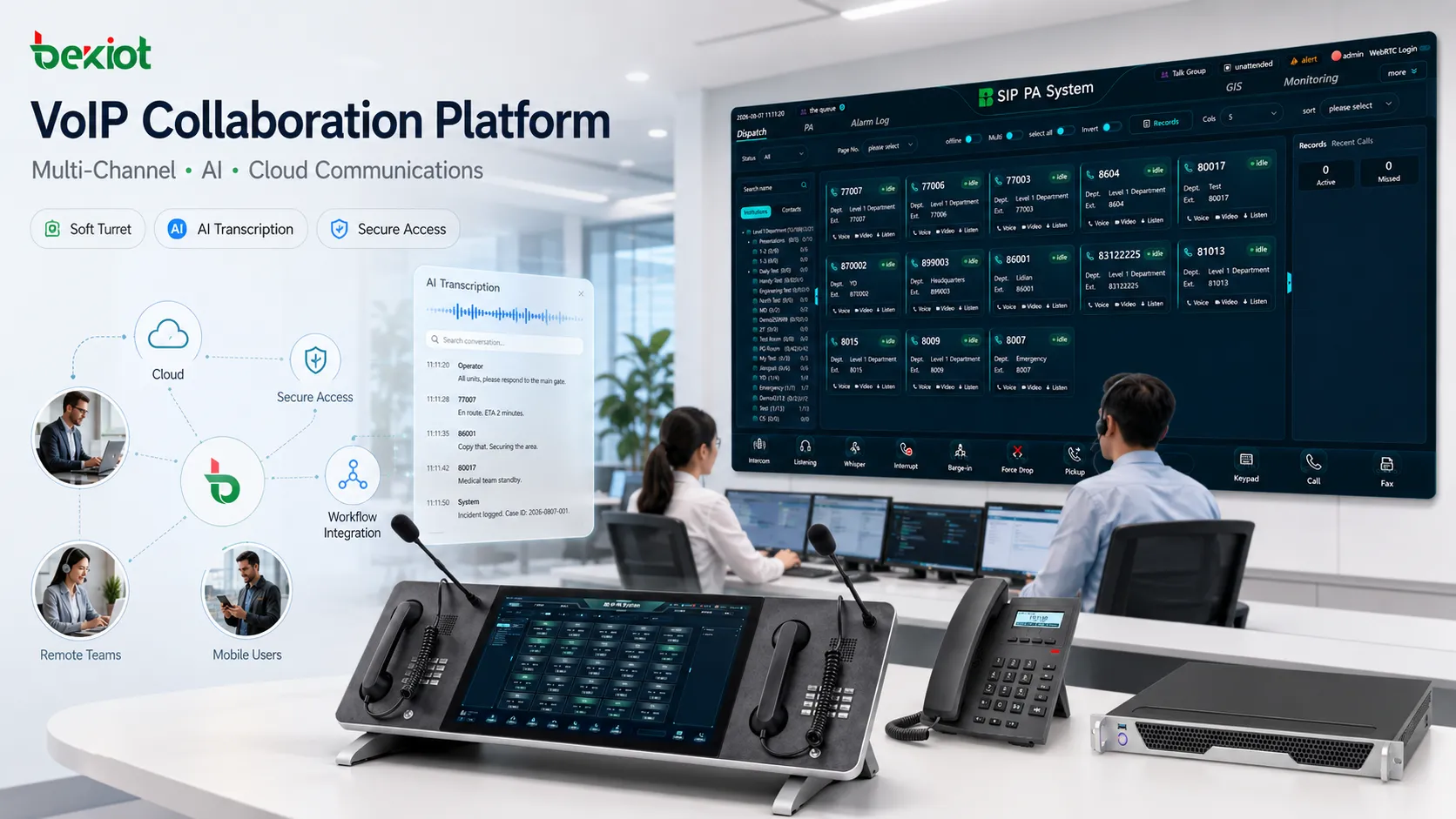
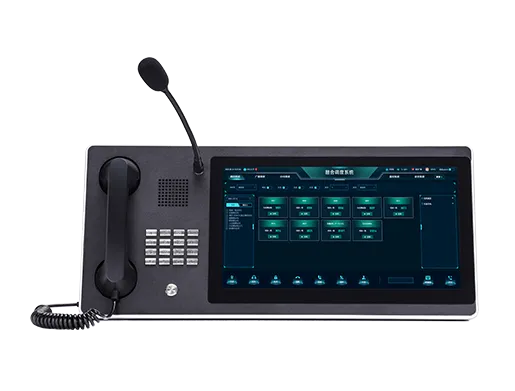
For enterprises that are modernizing SIP voice systems, dispatch platforms, IP PBX infrastructure, or emergency communication networks, Becke Telcom can be considered as a lightweight solution partner for voice integration, SIP endpoint access, gateway interconnection, and communication system deployment.
The key is to match the conferencing platform with the enterprise’s existing communication architecture, rather than treating it as a separate tool. A well-integrated solution can reduce communication costs, improve meeting efficiency, and keep sensitive voice collaboration under enterprise control.
Conclusion
Private audio conferencing is not an outdated communication method. For large enterprises, it remains a practical solution because it is easy to access, quick to organize, widely compatible, stable in voice quality, and suitable for daily internal collaboration.
When connected with existing IPT systems, OA workflows, and enterprise security policies, a private conferencing platform can reduce internal communication costs, improve resource utilization, extend meeting capability to every desktop, and protect sensitive business communication. For organizations that value efficiency, control, and reliability, building an enterprise-owned audio conferencing solution is still a strong long-term investment.
FAQ
How should an enterprise migrate from an external conferencing service to a private platform?
The migration can be phased. Start with internal meetings, department-level conferences, and recurring management calls. After the platform is stable, gradually connect external access numbers, OA booking workflows, recording policies, and advanced permission control.
Can a private audio conferencing system support remote employees and external partners?
Yes. Remote users can join through mobile phones, SIP softphones, PSTN dial-in numbers, or authorized external access routes. External partners can be controlled through meeting PINs, temporary access codes, participant approval, or administrator-managed invitations.
What security features should be considered during system selection?
Enterprises should evaluate identity verification, meeting passwords, role-based permissions, encrypted signaling or media where required, audit logs, recording access control, retention policies, and administrator operation records.
Does the system need to replace video conferencing?
No. Audio conferencing and video conferencing serve different needs. Video is useful for visual presentation and face-to-face discussion, while audio is better for fast coordination, broad accessibility, lower bandwidth usage, and urgent multi-party communication.
What departments usually benefit first from private audio conferencing?
Management offices, IT departments, operation centers, customer service teams, emergency response groups, production scheduling departments, branch offices, and project management teams usually gain value quickly because they rely heavily on frequent voice coordination.