


Drones are being used more frequently in emergency response, inspection, public safety, transportation, industrial parks, fire rescue, flood control, power line patrol, event security, and remote site monitoring. When drone video is connected to a converged communication system, aerial footage is no longer isolated inside a drone control app. It becomes a shared visual resource that can be viewed by dispatchers, command centers, field teams, experts, managers, and video conference participants.
A converged communication system is usually built on SIP and IP-based media architecture. It can support voice communication, video calling, visual dispatch, video conferencing, command coordination, and multi-terminal communication. By converting drone video into platform-accessible streams and communication resources, the system can make aerial images available through dispatch consoles, smart terminals, apps, large screens, video meeting systems, and visual desktop phones.
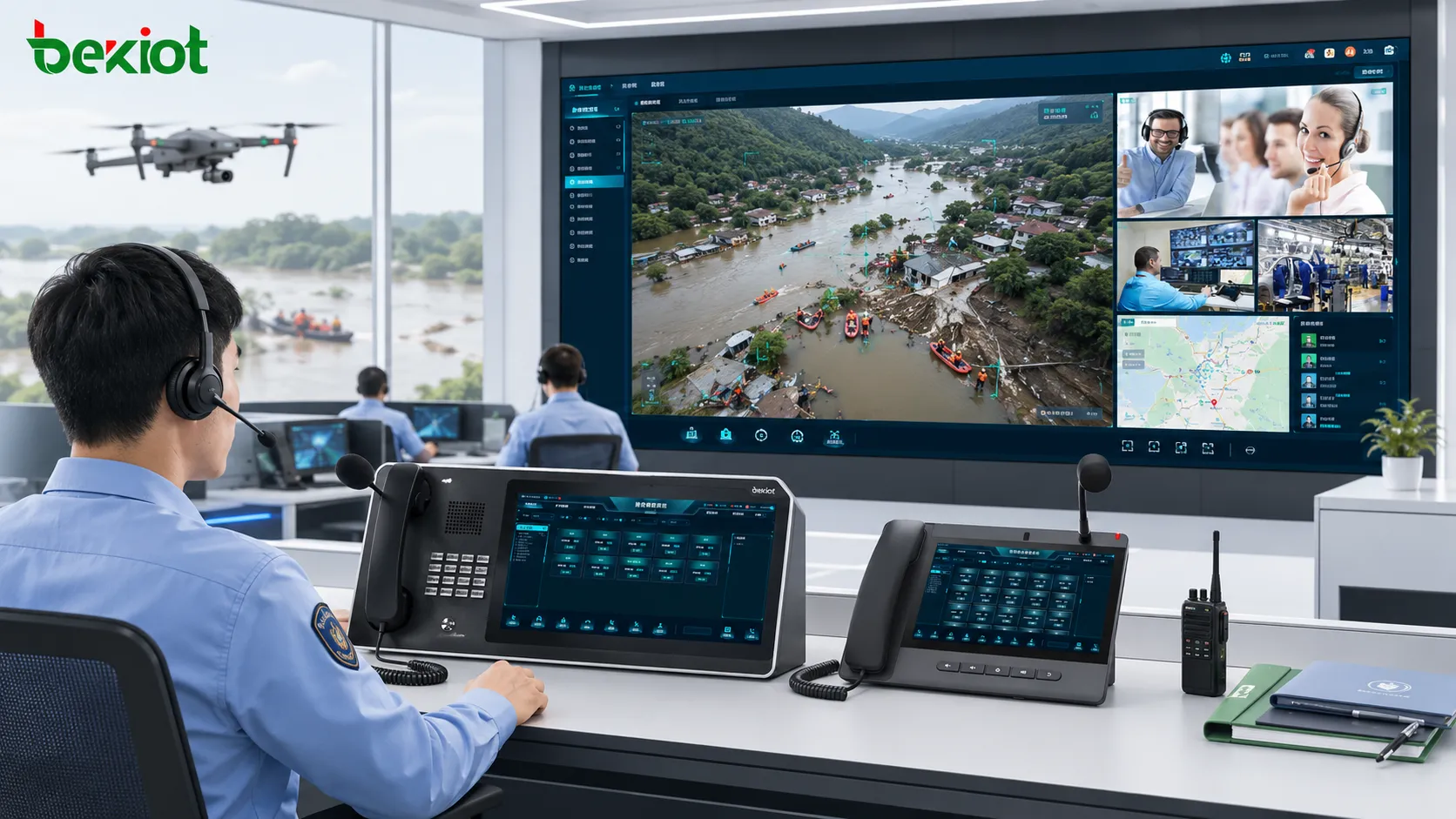
Aerial Video Becomes Part of the Command Workflow
In many traditional deployments, drone video is viewed only by the pilot or by a small group of users connected to the drone platform. This limits its value during urgent operations because the command center, field teams, remote experts, and decision makers may not see the same picture at the same time.
After drone video is connected to the converged platform, the video stream can become part of the command workflow. Dispatchers can view aerial footage directly from the console, share it with relevant users, push it to large screens, or bring it into video meetings for joint analysis. This improves situational awareness and shortens the communication chain between the field and the rear command center.
The main benefit is not just “watching drone video.” The real value is making the drone image usable inside existing communication, dispatch, and collaboration processes.
SIP-Based Access Improves System Compatibility
Many converged communication platforms use SIP as the core communication protocol. SIP is widely used in voice communication, video calls, visual intercom, video conferencing, and command dispatch systems. When drone video can be converted and accessed through SIP users or SIP trunking, it becomes easier to connect with existing communication platforms.
This approach allows drone video to be handled like a standard communication resource. The system can route, display, distribute, or share drone images according to the platform’s existing logic. For project deployment, SIP-based access also reduces the difficulty of integration because many communication systems already support SIP architecture.
Besides SIP, a practical drone video access solution may also support WebRTC, FLV, HLS, RTSP, RTMP, RTP, and GB28181. These protocols help connect different drone platforms, video devices, video conference systems, command platforms, monitoring systems, and web-based viewing terminals.
Flexible Access for Different Drone Types
Drone applications are not limited to one device type. A project may involve common commercial drones, industrial drones, fixed-wing drones, composite-wing drones, drone docks, autonomous drone stations, or other field video sources. Different drones may output video in different formats and may need different access methods.
A flexible video gateway or media access layer can receive drone video and convert it into streams that the converged communication system can use. This helps solve the problem of fragmented drone platforms and makes it possible to integrate multiple drone sources into one command environment.
For organizations that operate multiple drones or multiple sites, the platform can also assign names, numbers, or resource labels to drone video channels. This allows dispatchers to identify different drone feeds quickly and avoid confusion during emergency or inspection operations.
Direct Viewing From the Dispatch Console
One of the most practical benefits is direct viewing on the dispatch console. After integration, operators can open drone video from the same interface used for voice dispatch, video calls, group communication, and command coordination. They do not need to switch to a separate drone software tool just to view aerial footage.
Dispatchers can label drone sources, select the required drone feed, and click to view the real-time aerial image. This is especially useful when multiple drones are working in different areas, such as disaster zones, industrial parks, highway incidents, power inspection routes, or large event venues.
When drone video is combined with voice dispatch, operators can speak with field users while viewing aerial images. This improves command accuracy because instructions can be based on the same visual information seen by the command center.
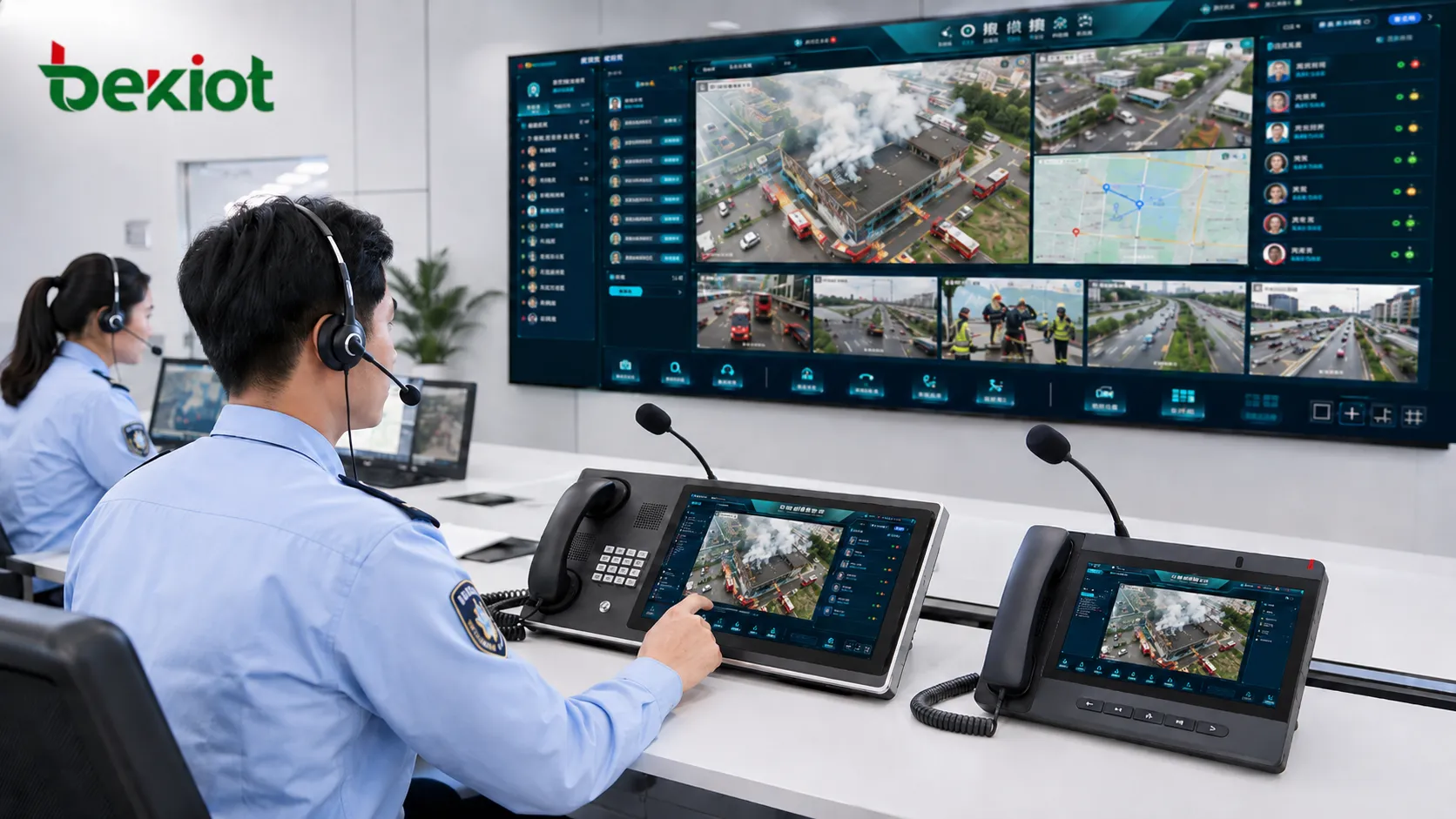
Large-Screen Display for Command Centers
Many command centers rely on video walls or large screens to support group decision-making. After drone video is connected to the converged platform, the dispatch console can push the drone image to the command center display wall or large-screen visualization system.
This allows commanders, supervisors, experts, and multi-department teams to view the same aerial perspective at the same time. In emergency response, flood control, fire rescue, traffic accidents, industrial incidents, and public security operations, this shared visual view can help teams understand the overall situation faster.
The system can also display multiple drone feeds at the same time. For example, one screen may show a drone over the incident area, another may show a rescue route, and another may show a nearby traffic or crowd situation. Multi-source display gives the command center a broader field view.
Mobile Viewing for Smart Terminals and Apps
Drone video can also be shared with smart terminals and mobile apps connected to the communication system. This means field commanders, rescue leaders, inspection teams, and mobile supervisors can view aerial footage directly on their handheld devices.
This is valuable because decision makers are not always sitting in the command room. In many tasks, they may be moving between sites, coordinating field teams, or standing near the incident area. Mobile access allows them to understand the aerial situation without returning to a fixed workstation.
When smart terminals are already used for push-to-talk, video calling, positioning, and instruction dispatch, adding drone video creates a more complete field command experience. Users can talk, watch, report, and coordinate from one terminal.
Video Meeting Integration for Remote Consultation
Drone video becomes even more useful when it can enter a video meeting system. In emergency response, inspection, engineering repair, public safety, or technical troubleshooting, remote experts may need to analyze the field situation based on live aerial images.
By sending drone video into a video conference or MCU system through SIP or compatible media protocols, participants in different locations can view the same drone footage during the meeting. They can discuss the situation, analyze risks, make recommendations, and support command decisions in real time.
This is especially helpful when expert judgment is required. For example, a flood control team may need hydrology experts, a power company may need line inspection engineers, or a rescue team may need structural assessment support. Drone video gives remote participants a visual basis for faster and more accurate decision-making.
Visual Desktop Phones Extend Video Access
Drone video does not have to be limited to command consoles and meeting rooms. In some projects, it can also be pushed to visual desktop phones or large-screen video phones. Authorized users can dial or receive a video push to view live drone footage from their desks.
This is useful for managers, duty officers, supervisors, and command leaders who need quick access to live field images without opening a complex platform interface. A simple call or video session can bring the drone image directly to the desktop.
For command organizations, this creates a lightweight sharing method. Important drone footage can be pushed to decision makers quickly, helping them understand field conditions without waiting for screenshots, reports, or separate video files.
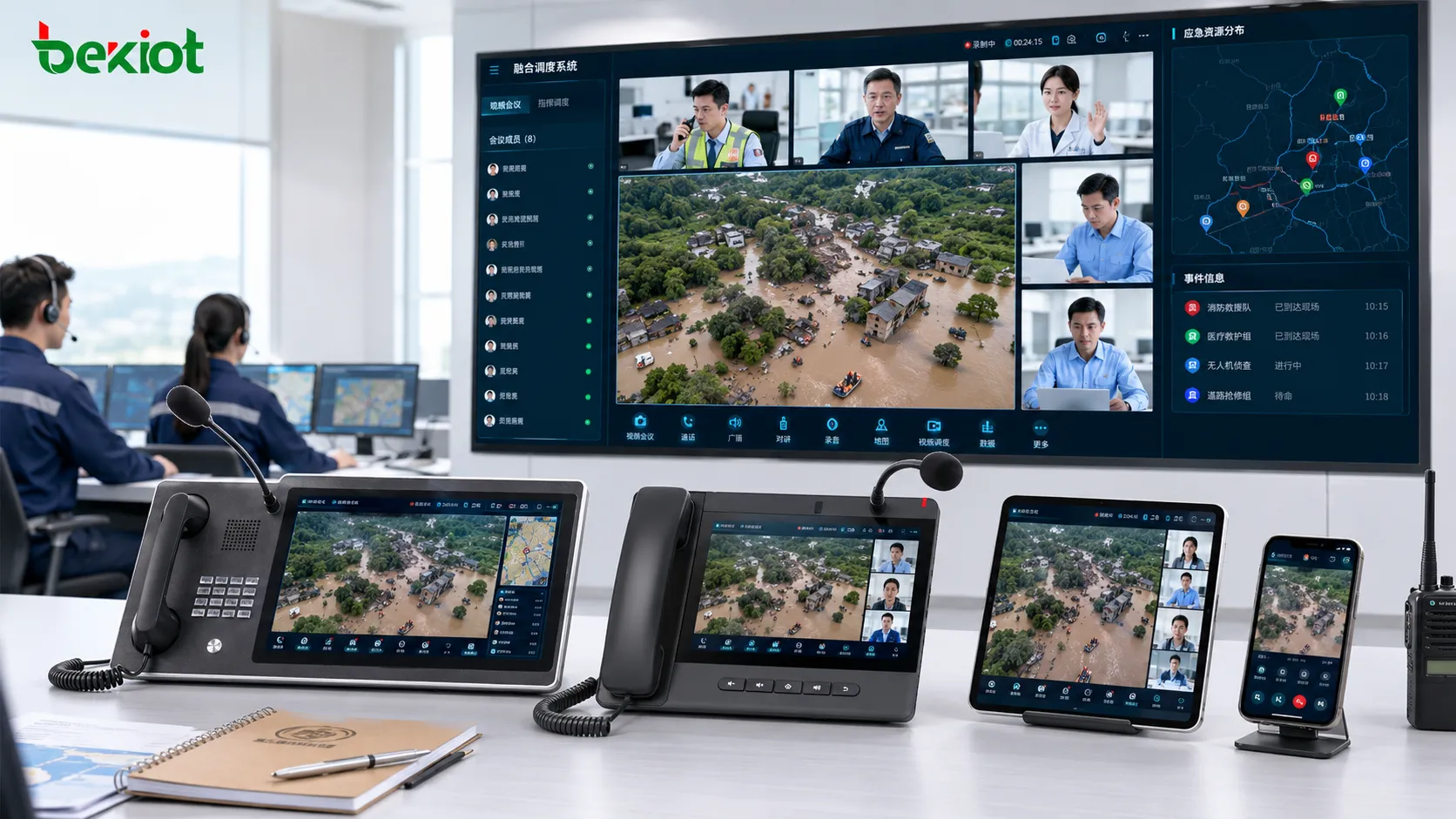
Multi-Protocol Output Reduces Integration Difficulty
Different platforms require different video access methods. A dispatch system may prefer SIP. A web-based system may prefer WebRTC or HLS. A monitoring platform may require RTSP or GB28181. A live streaming workflow may use RTMP or FLV. Without multi-protocol output, drone video integration can become difficult and expensive.
A practical drone access architecture should support several mainstream protocols, including SIP, WebRTC, FLV, HLS, RTSP, RTMP, RTP, and GB28181. This allows one drone video source to be distributed to different systems according to their technical requirements.
This protocol flexibility helps the project connect with converged communication systems, video conference platforms, command dispatch systems, monitoring platforms, web clients, mobile apps, and large-screen display systems. It also makes future expansion easier because new systems can be added without rebuilding the entire drone video access workflow.
One Access Layer for Multiple Application Scenarios
In a well-designed architecture, drone video access is not built for only one display point. The same drone video resource can serve dispatch viewing, command center large screens, smart terminal access, mobile app viewing, video meeting consultation, desktop phone sharing, and system recording.
This improves the utilization value of drones. A drone is no longer only a flying camera controlled by one pilot. It becomes a mobile aerial sensor connected to the communication and command network. Its video can support command, rescue, inspection, supervision, decision-making, and documentation at the same time.
For project delivery, this also reduces repeated integration work. Instead of connecting drone video separately to each system, the project can use one media access layer to distribute video to different endpoints and platforms.
Typical Use Cases in Emergency and Industry Operations
In emergency rescue, drone video can help command teams observe disaster areas, blocked roads, flood zones, fire scenes, landslides, collapsed structures, or rescue routes. When connected to the communication system, these images can be shared quickly with dispatchers and remote experts.
In industrial inspection, drones can provide aerial views of pipelines, power lines, wind farms, chemical facilities, construction sites, warehouses, ports, and mining areas. Integration with the communication platform allows inspection teams to combine live video with voice coordination and remote consultation.
In public safety and large event security, drones can provide wide-area visual coverage. Command centers can view crowd movement, traffic flow, perimeter conditions, and emergency access routes. When the video is shared through the converged platform, field teams and supervisors can respond based on the same real-time information.
Deployment Planning for Reliable Video Access
Before deployment, the project team should define which drone types need to be connected, how video is output from the drone platform, which protocols are required, how many video channels will be viewed at the same time, and which users need access to the drone image.
Network conditions should also be evaluated. Drone video may be transmitted over Wi-Fi, 4G, 5G, private networks, satellite links, or fixed broadband. The system should consider bandwidth, delay, packet loss, video resolution, bitrate control, and whether video needs to be recorded or distributed to multiple users.
Permission control is also important. Not every user should be able to view every drone feed. The platform should define viewing rights, sharing rules, recording policies, and emergency access permissions according to the organization’s command structure.
Long-Term Value for Command and Collaboration
Drone integration makes a converged communication system more visual, more flexible, and more useful in field operations. It helps transform aerial footage into a shared command resource rather than a separate video source.
The biggest value appears when drone video is combined with voice dispatch, video meetings, smart terminals, large-screen display, desktop video phones, and multi-protocol distribution. This creates a communication environment where the right people can see the right image at the right time.
For emergency response, inspection, public safety, transportation, energy, and industrial operations, drone access can improve situational awareness, shorten decision-making time, support remote consultation, and make command coordination more efficient.
FAQ
How should drone video quality be planned for command center use?
Video quality should be planned according to the viewing purpose. Command overview may only require smooth medium-resolution video, while technical inspection or expert analysis may require higher resolution and better detail. Bandwidth and latency should be tested before formal deployment.
Can drone video be recorded after it enters the platform?
Yes. If the platform supports media recording, drone video can be recorded for incident review, evidence management, training, inspection archives, or compliance documentation. Recording policies should define storage duration and access permission.
Is low-latency transmission always necessary?
Low latency is important for real-time command, rescue coordination, and tactical decision-making. For routine inspection or documentation, slightly higher latency may be acceptable if the image is stable and clear.
How can multiple departments share the same drone feed safely?
The system should use role-based permissions, viewing groups, temporary sharing rules, and operation logs. This allows authorized departments to view the drone feed while preventing uncontrolled distribution.
What should be tested before project acceptance?
Testing should include drone access stability, protocol compatibility, dispatch console viewing, large-screen push, mobile terminal viewing, video meeting integration, desktop phone display, recording, permission control, and performance under real network conditions.







