


AOL Time Warner was once one of the most recognized names in the internet and media industries, combining online services, email, entertainment, publishing, cable, and media distribution under one corporate identity. Today, the name is mainly historical, but many users still search for it when trying to understand old AOL accounts, legacy email access, archived media services, former subscriptions, or content connected with Time Warner brands.
Because the original corporate structure has changed over time, users should be careful when looking for account access, customer support, old billing records, media subscriptions, or company information. The safest approach is to identify which service you are actually trying to access, verify the current official provider, and avoid unofficial pages that claim to recover old accounts, unlock media libraries, or restore legacy subscriptions.
Why This Historical Name Still Appears Online
Although AOL Time Warner is no longer used as an active combined corporate brand, the name still appears in business history articles, old account discussions, archived billing records, investor documents, media ownership references, and internet nostalgia content. Users may also see it when researching early broadband, dial-up access, email accounts, cable services, entertainment brands, or major media mergers.
The problem is that historical names can create confusion. A user may think one company still controls every related service, when in reality email, streaming, telecom, publishing, cable, and entertainment assets may now belong to different organizations or operate under different brands.
This makes safety important. Searching for an old brand name can lead to outdated support pages, unofficial recovery services, misleading advertisements, phishing pages, or third-party pages that are not connected with any legitimate provider.
Start by Identifying the Service Category
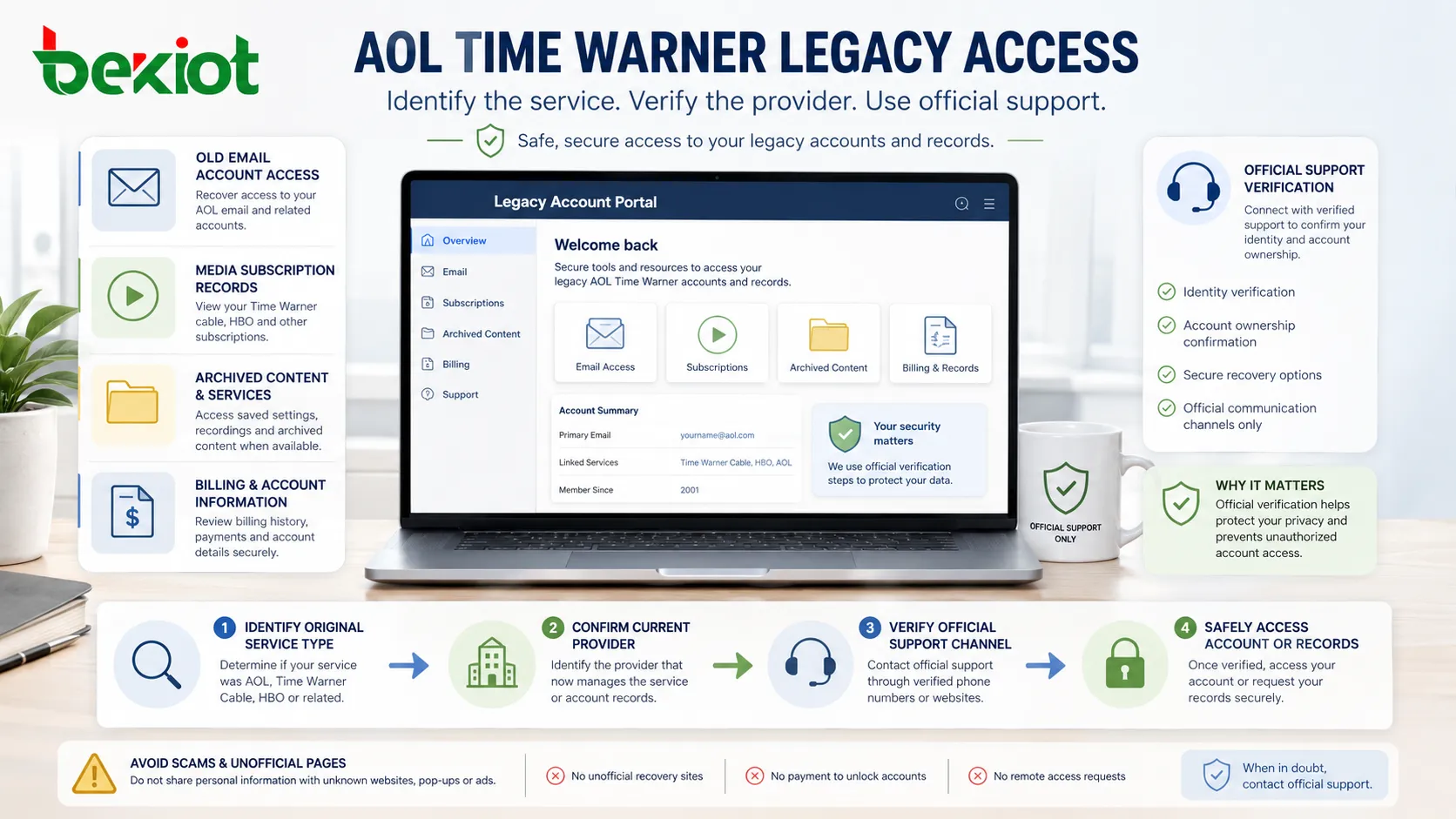
Before trying to recover access, users should first identify what they are actually looking for. The phrase AOL Time Warner may refer to several different service categories, and each category may require a different access path.
An old AOL email account is different from a former cable subscription. A streaming account is different from a media archive. A shareholder document is different from a customer billing record. Trying to use one access method for all of them can waste time and increase security risk.
| Access Need | Likely Direction | Safety Focus |
|---|---|---|
| Old AOL email account | Use the current official AOL or Yahoo-related account recovery channel. | Verify the login page and avoid third-party password recovery offers. |
| Former media subscription | Check the current service owner or streaming platform. | Confirm billing identity before entering payment information. |
| Old cable or broadband service | Identify the current regional provider or successor brand. | Do not assume old account numbers still work on unrelated websites. |
| Corporate or investor records | Use official investor relations archives, SEC records, or trusted business databases. | Avoid unofficial document downloads that request personal credentials. |
| Historical media content | Search current rights holders, libraries, archives, or licensed platforms. | Use legal viewing and licensing options instead of unauthorized copies. |
Safe Account Recovery Principles
Use Current Official Login Pages
If you are trying to access an old AOL email or related account, do not rely on random search results or support phone numbers from unknown websites. Use the current official login and account recovery page associated with the active service provider.
Phishing pages often imitate legacy brands because users may be uncertain about where to log in. Check the domain carefully, avoid shortened links, and never enter passwords on pages that look suspicious or ask for unnecessary information.
Do Not Pay for Password Recovery
Legitimate account recovery usually follows a provider’s official verification process. Be cautious of websites or individuals claiming they can recover an old AOL Time Warner account, email inbox, media account, or subscription if you pay a fee.
These offers may be scams, and in some cases they may encourage users to share passwords, identity documents, recovery codes, or payment information. Account recovery should stay within official support systems.
Check Recovery Email and Phone Details
Older accounts may be difficult to recover if the backup email address or phone number is no longer available. If recovery options are outdated, the provider may require additional verification or may not allow access.
This can be frustrating, but it is part of account security. A service should not restore access simply because someone knows an old username. Strong verification protects the real account owner.
Review Old Devices Carefully
Some users may find old login sessions, saved passwords, desktop software, or email clients connected to legacy accounts. Before using them, check whether the device is secure, updated, and free from malware.
Old computers may contain outdated browsers, unsupported email clients, weak security settings, or stored passwords that should not be reused. If you recover an old account, update its password and security settings immediately.
The safest access path is not the fastest-looking one. It is the path that verifies the current provider, protects your identity, and avoids unofficial recovery shortcuts.
Access Options for Legacy Content
Legacy content connected with AOL Time Warner may include news articles, entertainment media, archived web pages, former email records, corporate documents, or subscription-related material. The correct access option depends on what type of content you need and whether you have legal rights to access it.
For publicly available historical information, trusted sources may include official company archives, reputable news organizations, library databases, government filings, and recognized business history references. For private account data, only the current account provider or authorized service platform can provide access.
For entertainment content, access rights may have moved to current streaming services, digital stores, broadcasters, or rights holders. Users should avoid illegal downloads or unauthorized streaming sites, especially when they ask for login credentials, browser extensions, or payment card details.
Security Risks Around Old Brand Searches
Phishing and Fake Support
Old brand names are attractive to scammers because users are often unsure which company to contact. Fake support pages may claim to help with account recovery, billing cancellation, email restoration, or subscription refund requests.
Warning signs include urgent messages, unofficial phone numbers, requests for remote computer access, demands for gift cards, and forms asking for full passwords or security codes.
Credential Reuse
Many old accounts were created years ago with weak or reused passwords. If a user reused the same password across multiple websites, one compromised account may create risk for other services.
When recovering any old account, change the password to a unique one and enable multi-factor authentication if available. A password manager can help avoid reuse.
Outdated Software
Legacy email clients, old dial-up software, unsupported browsers, and archived installers may no longer be safe. Even if the software once belonged to a legitimate service, old versions may contain vulnerabilities or fail to connect securely.
Use current applications and supported browsers whenever possible. Avoid downloading old installation files from unknown sources.
Unverified Billing Requests
Some users search for AOL Time Warner because they see old billing references, recurring charges, or subscription confusion. Billing issues should be checked through bank records and official provider support channels.
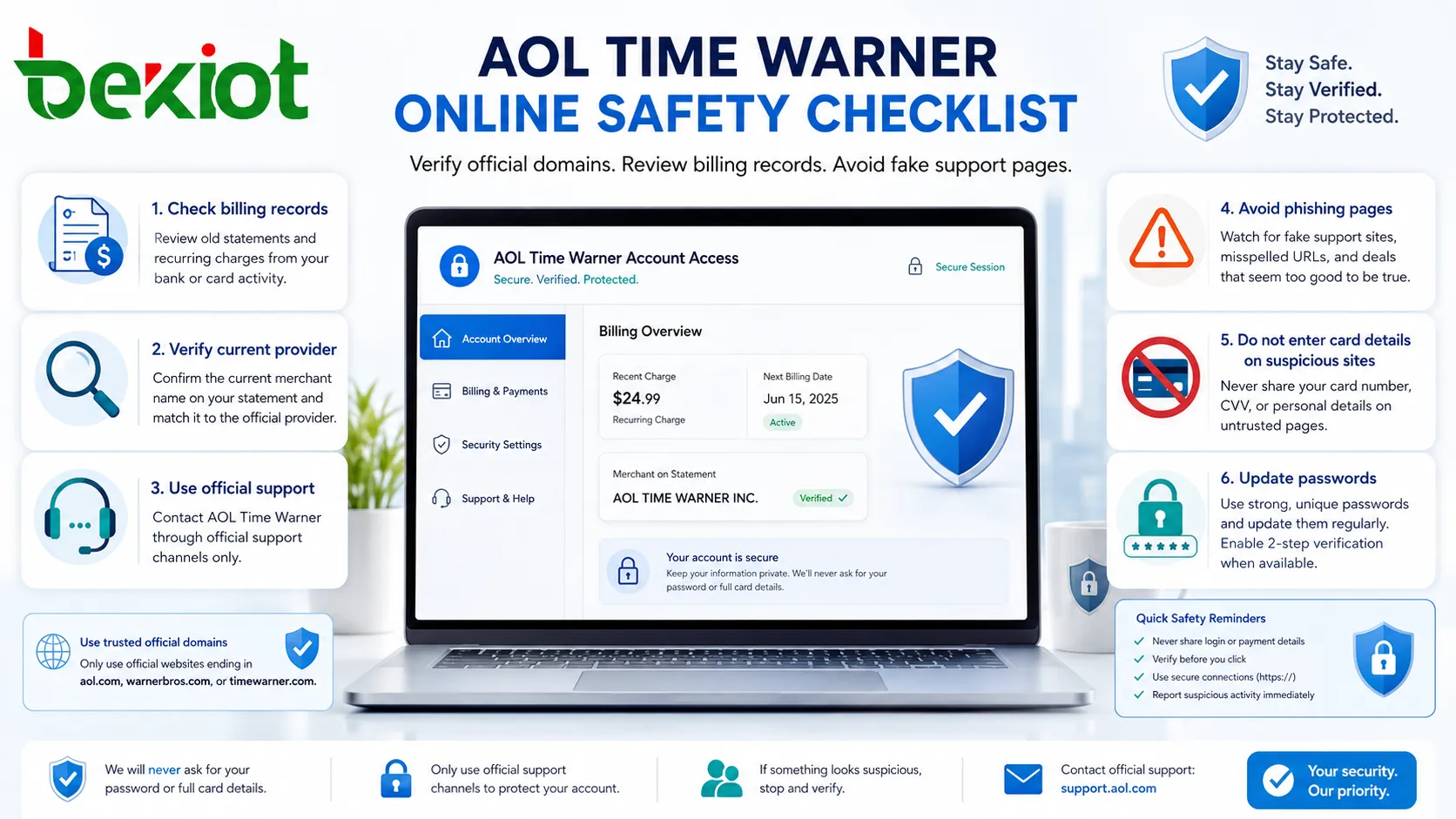
Do not enter card details into a page simply because it claims to cancel an old account. Verify the current merchant name, support process, and account relationship first.
How to Verify the Right Provider
Because corporate ownership and service branding can change, users should verify the current provider before attempting access. Start with the service name, not only the historical parent company. For example, search for the exact email provider, streaming platform, cable provider, publication title, or account portal currently associated with the service.
If you are dealing with a financial or legal matter, use official corporate records, investor relations pages, government filings, or trusted institutional sources. If you are dealing with a personal account, use the login or recovery page provided by the active service brand.
Be cautious when a website combines many old brand names into one page and offers universal support. Real access recovery is usually service-specific, not handled by a generic third party.
Privacy Considerations for Old Accounts
Old accounts may contain forgotten personal data, including emails, contacts, attachments, billing history, address books, saved profiles, or subscription records. If you regain access, review the account carefully and remove information that no longer needs to be stored.
Check forwarding rules, recovery emails, connected apps, authorized devices, and account security logs if the service provides them. Old accounts can sometimes be compromised quietly and used for spam, password reset attacks, or identity fraud.
If you no longer need the account, consider whether the provider offers account closure or data deletion options. Before closing, save any records you are legally allowed and personally need to keep.
Access for Business, Legal, or Research Purposes
Researchers, journalists, students, legal teams, and business analysts may search for AOL Time Warner to study media consolidation, internet history, corporate strategy, or communications industry development. In these cases, access should focus on credible records rather than consumer login pages.
Useful sources may include company annual reports, SEC filings, archived press releases, library databases, academic publications, books, reputable news archives, and corporate history references. These sources are more reliable than random blog posts or AI-generated summaries without citations.
For legal matters, users should not rely only on public web searches. Corporate actions, shareholder records, and historical obligations may require professional review from legal, financial, or records specialists.
Practical Safety Checklist
When dealing with a historical brand name, the safest approach is to slow down and verify each step. First, identify the exact service or content you need. Second, confirm the current provider or rights holder. Third, use only official access channels. Fourth, protect your credentials and payment information. Fifth, document important records if the issue involves billing, legal, or business history.
Users should also treat old passwords as unsafe by default. If an old account is recovered, change the password, check recovery methods, remove unknown devices, and enable stronger authentication. If the account is no longer needed, review closure options.
Legacy access is safest when users separate history from active service reality: the old name may explain the past, but the current provider controls the access path.
FAQ
Can I still create a new AOL Time Warner account?
No. AOL Time Warner is a historical corporate name, not a current unified account platform. Users should identify the active service they need, such as an email provider, media platform, or current subscription service.
What should I do if I receive an email claiming to be from AOL Time Warner support?
Do not click links immediately. Check the sender domain, avoid entering passwords through email links, and go directly to the official provider website. Be especially cautious if the message demands urgent payment or account verification.
Can old AOL email messages always be recovered?
Not always. Recovery depends on whether the account still exists, whether the provider allows access, whether recovery information is valid, and whether messages were retained. Some old data may no longer be available.
How can I tell whether an old subscription charge is legitimate?
Compare the merchant name on your bank statement with the current provider, review your active subscriptions, and contact the official billing support channel. Your bank may also help investigate unknown or unauthorized charges.
Is it safe to use archived software from the AOL Time Warner era?
Usually not recommended. Old software may be unsupported, insecure, or incompatible with modern systems. Use current supported applications and avoid installers from unofficial download sites.







