


An IP phone is more than a desktop handset. In a modern enterprise communication system, it can be an extension terminal, a dispatch endpoint, a video communication device, a receptionist phone, a call center tool, or a front-line operation terminal. The right choice depends not only on appearance or price, but also on protocol compatibility, audio performance, network access, screen design, power supply, operating system, expansion capability, and the real working environment.
Many users compare IP phones only by the number of lines, the size of the screen, or whether the product looks advanced. These factors matter, but they are not enough. A phone that works well in an office may not be suitable for a hotel front desk, a security duty room, a command center, a noisy workshop, or a customer service seat. A practical selection should start from the communication scenario and then match the required parameters.
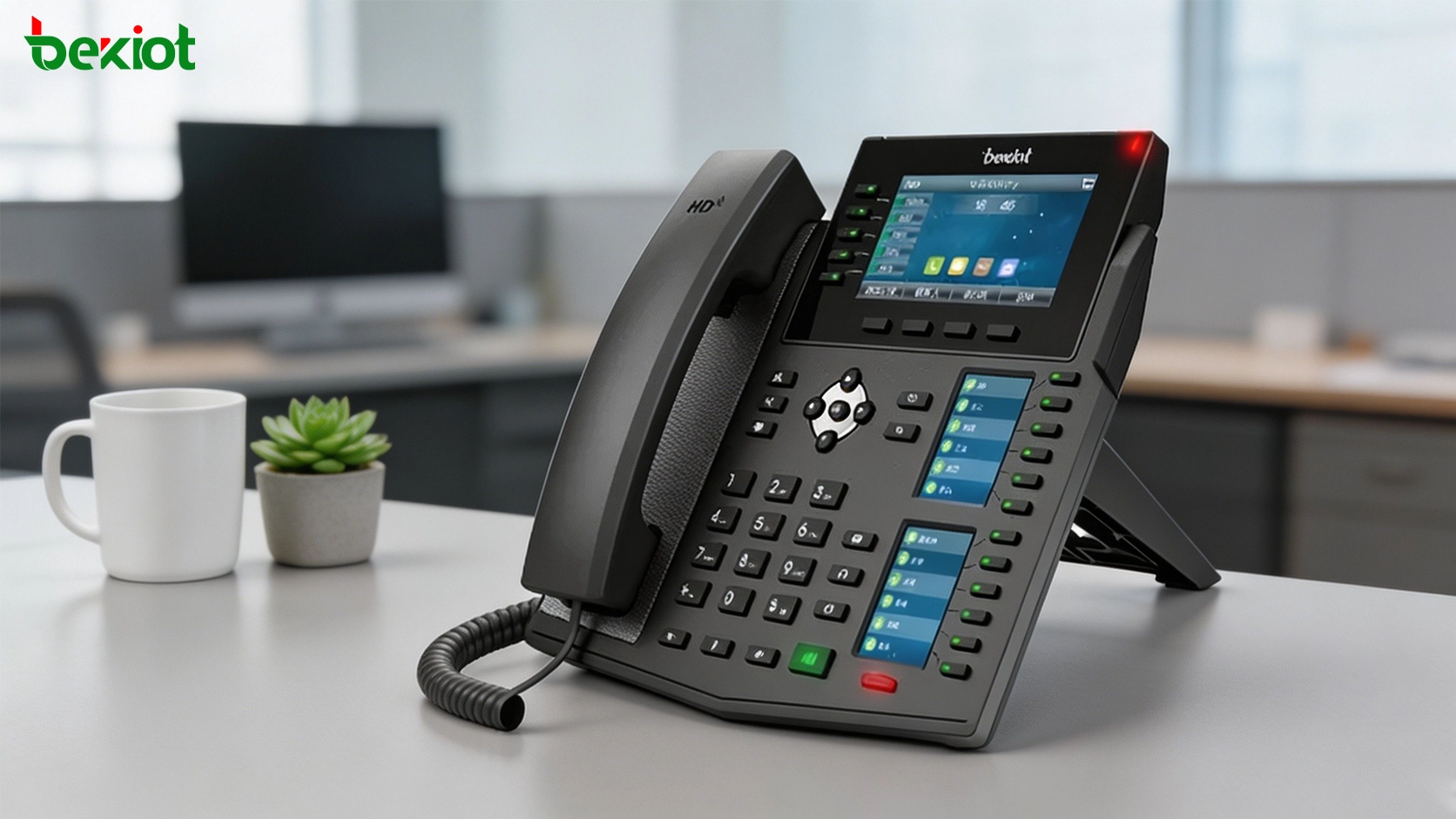
Start with the Real Calling Scenario
Before checking specifications, the project team should first define how the phone will be used. A standard office employee may only need basic calling, transfer, hold, redial, voicemail access, and a small number of programmable keys. A receptionist may need more DSS keys, faster call transfer, caller information display, and headset support.
A security room or dispatch center may require a larger screen, more line keys, hands-free audio, quick contacts, video calling, door intercom linkage, and visible call status. A call center seat may focus on headset comfort, stable registration, call recording integration, and fast operation. These different use cases lead to different phone models and different parameter priorities.
For large projects, IP phones should also be classified by department and role. Not every user needs the same device. Selecting several suitable levels of phones is usually more cost-effective than using one high-end phone for everyone.
SIP Compatibility Is the First Technical Check
SIP compatibility is one of the most important parameters when selecting an IP phone. The phone should be able to register to the target IP PBX, SIP server, softswitch, hosted PBX, or unified communication platform. It should support stable account registration, call setup, call transfer, call hold, conference, voicemail access, and other common telephony services.
Many IP phones support multiple SIP accounts. This is useful when one device needs to connect to different systems, serve different departments, or handle several lines at the same time. For example, a front desk phone may need one public service account and one internal extension account. A dispatch phone may need multiple lines for different work groups.
During project testing, the team should not only check whether the phone can register successfully. It should also test dialing, incoming calls, DTMF transmission, transfer behavior, busy handling, call waiting, ring groups, paging, intercom, and recovery after network interruption.
Audio Quality Affects Daily Experience
Voice quality is a core value of any phone. A good IP phone should provide clear handset audio, stable speakerphone performance, comfortable headset output, and effective echo control. In many business environments, users spend long periods on calls, so audio fatigue should not be ignored.
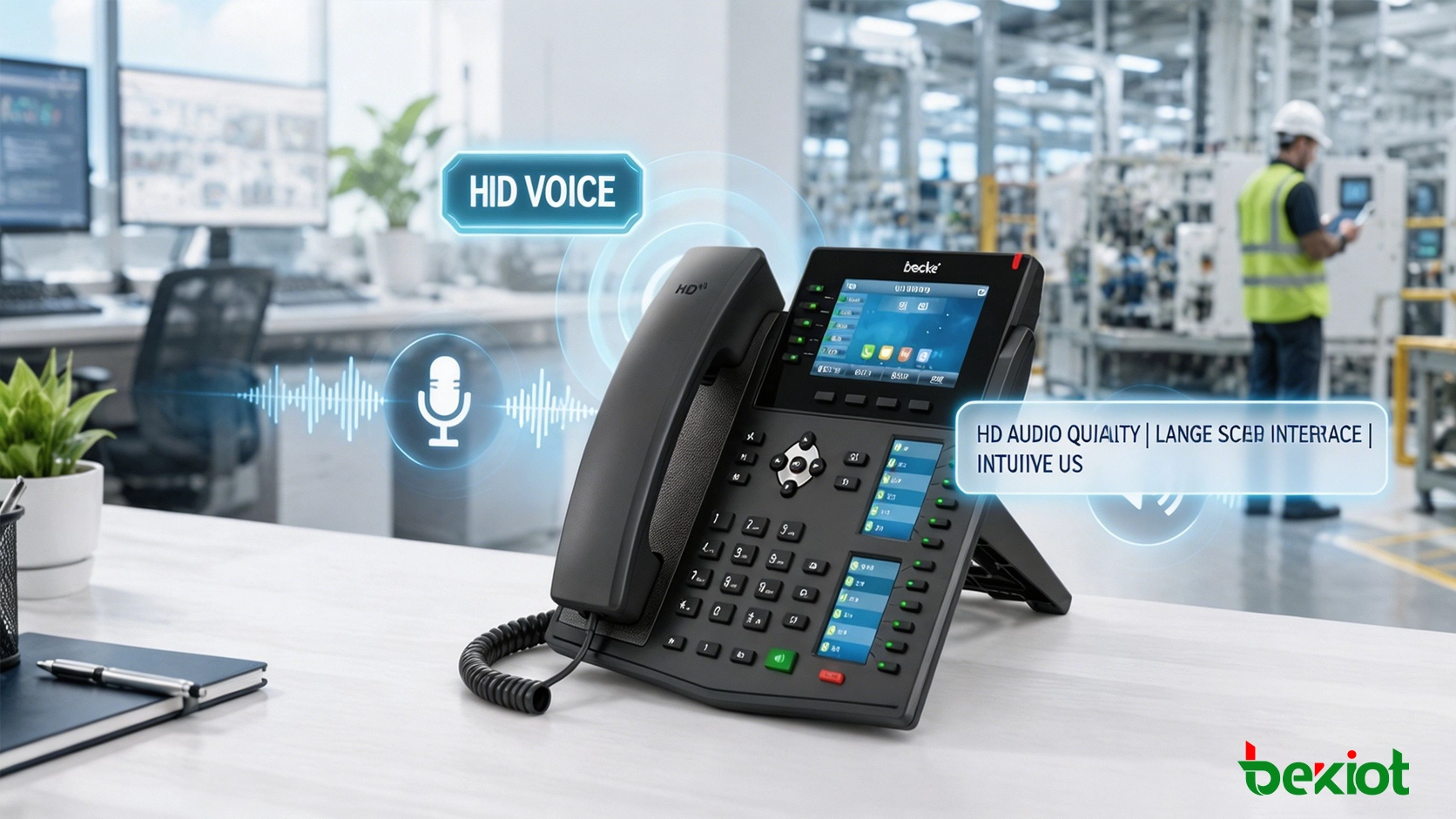
Common audio codec support may include G.711 and G.722. G.711 is widely used for standard voice communication, while G.722 supports wideband HD voice when both sides and the platform support it. HD voice can make conversations sound more natural, especially in internal office communication, dispatch calls, and frequent customer service calls.
Speakerphone performance should be tested in the actual room. A phone that sounds clear in a small office may not perform the same way in a noisy hall, duty room, workshop, or open service desk. Microphone pickup distance, echo cancellation, background noise, and speaker volume should all be considered.
Operating System and Interface Design
Some IP phones use a lightweight embedded operating system, while others use a Linux-based or Android-based platform. A simple system may be enough for basic calling, while a more advanced system can support a larger touch screen, contact management, video communication, application integration, and richer user interaction.
Linux-based IP phones are often selected for stable voice communication and controlled business use. Android-based video phones may be selected when the project needs a touch interface, video call display, third-party applications, service desk operation, or smart terminal functions.
The interface should be easy for users to understand. Frequently used functions should be accessible through physical keys, touch icons, or programmable keys. If users need many steps to answer, transfer, park, page, or call a common contact, the phone may slow down daily work even if the hardware looks powerful.
Network Access: Wired, Wi-Fi, and Mobile Options
Most enterprise IP phones use wired Ethernet because it provides stable quality for voice communication. A wired connection is usually preferred for offices, call centers, reception desks, control rooms, and security stations where call reliability is important.
Wi-Fi support can be useful when cabling is difficult or when the desk layout changes frequently. However, wireless voice quality depends on signal strength, access point density, interference, roaming behavior, and network congestion. For important positions, Wi-Fi should be tested carefully before final deployment.
In some special environments, 4G or mobile network support may be considered for temporary sites, remote cabins, emergency service points, construction areas, or locations where fixed broadband is not available. Mobile access can increase flexibility, but it should be evaluated for latency, signal stability, data cost, and service continuity.
PoE Simplifies Installation
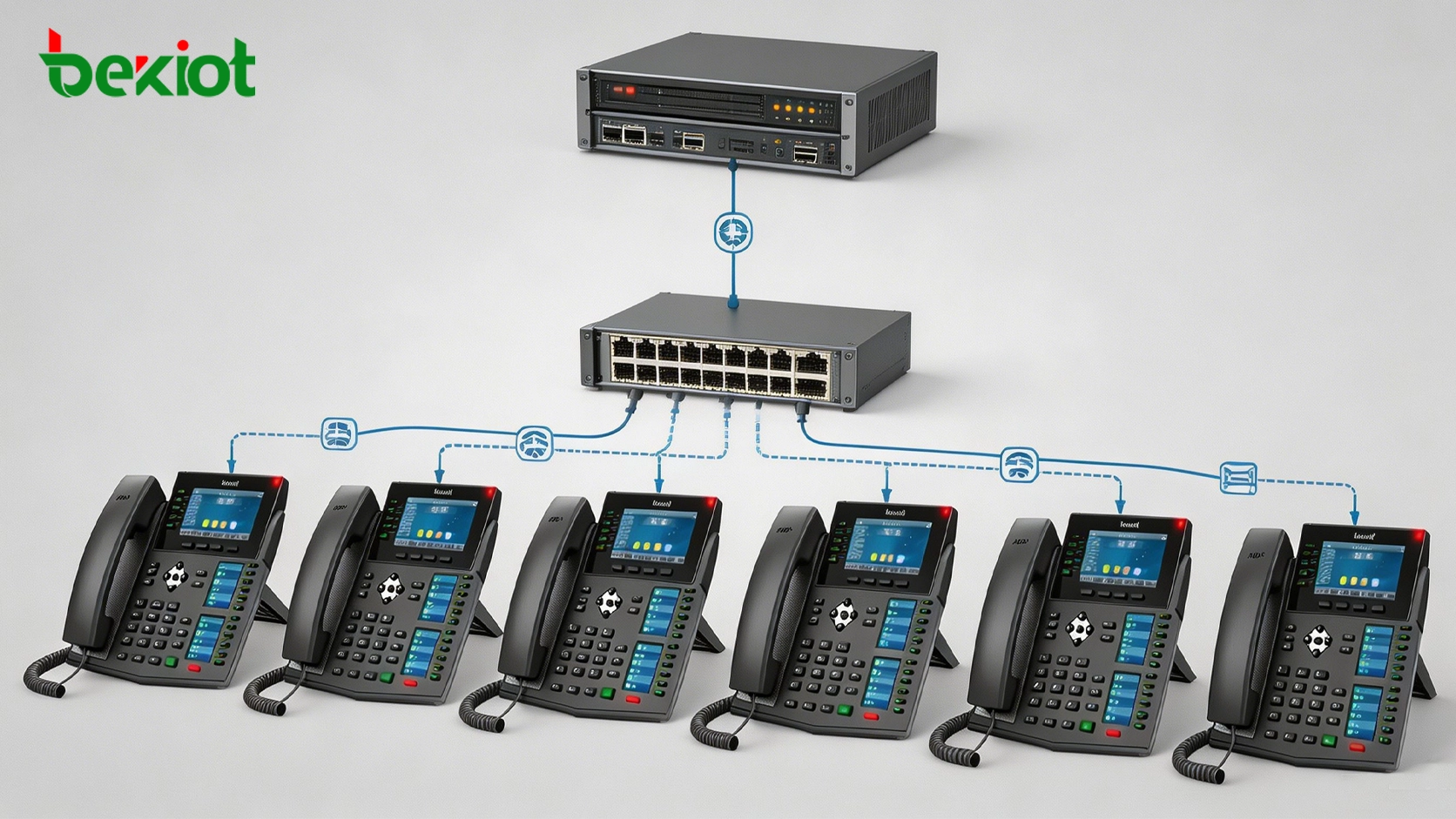
Power over Ethernet, commonly known as PoE, is an important feature for many IP phone deployments. With PoE, the network cable can provide both data and power, reducing the need for a separate power adapter at every desk.
PoE is especially valuable in large offices, hotels, schools, hospitals, factories, and command rooms because it makes cabling cleaner and simplifies centralized power management. If the network switch supports PoE, phones can be installed more quickly and maintained more easily.
When planning PoE deployment, the team should confirm switch power budget, cable quality, phone power consumption, backup power requirements, and whether the phone also needs to power accessories such as expansion modules.
Screen Size and Display Function
The screen is not just for showing the time and caller ID. It affects how users browse contacts, view call history, operate menus, check line status, and manage multiple calls. For ordinary office use, a small or medium display may be enough. For reception, dispatch, video calling, or smart service desks, a larger screen can improve efficiency.
Video IP phones may support camera input, video calls, visual intercom, monitoring preview, and other video-related functions. Some projects may also require 720p or 1080p video capability depending on platform support, bandwidth, and actual use case.
A larger screen is useful only when the software interface is well designed. The project team should check whether the display layout is clear, whether frequently used functions are easy to access, and whether the user can operate the phone quickly during a busy call.
Programmable Keys and DSS Expansion
DSS keys and programmable buttons are important for users who handle many calls or need fast access to specific contacts. These keys can be used for speed dial, BLF status monitoring, call transfer, pickup, intercom, paging, park, conference, or custom service functions.
A basic user may only need a few programmable keys, while a receptionist, dispatcher, team assistant, or operator may need many more. Some phones also support expansion modules, allowing more keys to be added for large contact lists or busy operation desks.
The value of DSS keys depends on the PBX and platform configuration. During deployment, the team should confirm whether BLF, pickup, transfer, paging, and other shortcut functions are supported by both the phone and the communication system.
Related Product Introduction: IP Phone Solutions
Headset Support for Frequent Call Users
For call centers, reception desks, service counters, dispatch seats, and administrative roles, headset support can be more important than many visible hardware features. A comfortable headset improves long-call efficiency and keeps both hands free for typing, searching records, or operating dispatch software.
The phone may support different headset interfaces depending on its design. The project team should check wired headset ports, electronic hook switch support, Bluetooth headset support, USB headset support, and headset volume control.
Real testing is recommended because different headsets may produce different microphone levels, comfort, echo behavior, and noise suppression results. For a call center, headset compatibility should be part of the acceptance test.
Security and Account Protection
IP phones are network devices, so security should not be ignored. A phone connected to the enterprise network should support reasonable account protection, web management access control, firmware management, and secure deployment practices.
Depending on the project, features such as HTTPS management, administrator password control, VLAN, 802.1X, TLS, SRTP, VPN, and provisioning security may be considered. Not every project needs all of these features, but sensitive environments should treat phone security as part of the overall network security design.
Default passwords should be changed, unused services should be disabled, and remote access should be controlled. For large-scale deployment, centralized provisioning should be planned carefully to prevent configuration errors and account exposure.
Provisioning and Maintenance at Scale
One or two phones can be configured manually, but dozens or hundreds of phones require a different management approach. Large deployments should consider automatic provisioning, configuration templates, firmware upgrade methods, backup configuration, and remote troubleshooting.
A good provisioning strategy reduces installation time and improves consistency. Each phone can receive the correct SIP account, server address, key layout, ringtone, language, time zone, and security policy through a standard configuration process.
Maintenance should also include device status monitoring, registration status checks, firmware version management, and replacement procedures. If a phone fails, the support team should be able to replace it quickly without rebuilding every setting manually.
Matching Models to Different Departments
A practical selection strategy is to map phone types to work roles. Basic office users may use entry-level or standard IP phones. Managers may need better audio, a clearer screen, and more convenient conference functions. Receptionists may need more DSS keys and headset support.
Security rooms and operation centers may use video phones or dispatch phones with larger screens. Call center users may need phones optimized for headset operation and stable high-volume calling. Public service desks may require simple operation, visible call status, and easy access to frequently used contacts.
This role-based approach avoids over-purchasing while still meeting real business needs. It also makes future maintenance easier because each phone category has a clear purpose in the overall communication system.
Testing Before Final Purchase
IP phone selection should include real testing before large-scale purchase. Datasheets are useful, but they cannot fully show call experience, interface speed, audio behavior, compatibility, and user acceptance.
A pilot test should include registration to the target platform, internal calls, external calls, transfer, hold, conference, voicemail, BLF, paging, headset use, speakerphone use, reboot recovery, PoE power supply, and provisioning. If video phones are selected, video call quality, camera angle, screen clarity, and bandwidth usage should also be tested.
Testing should involve actual users when possible. A phone that looks suitable from a technical viewpoint may not be the best choice if users find the interface slow, the keys uncomfortable, or the display difficult to read.
Conclusion
Choosing an IP phone is not only a hardware comparison. It is a system design decision that affects daily communication efficiency, platform compatibility, deployment cost, maintenance workload, and user satisfaction.
A well-planned selection should consider SIP compatibility, audio quality, operating system, network access, PoE, screen function, DSS keys, headset support, security, provisioning, and the real working scenario. When these factors are evaluated together, the final solution will be more stable, easier to manage, and better suited to the organization’s communication needs.
For enterprise offices, hotels, hospitals, campuses, factories, service centers, and command environments, the best IP phone is not always the most expensive one. It is the one that matches the role, integrates smoothly with the phone system, and remains reliable throughout daily operation.
FAQ
How many SIP accounts should an IP phone support?
It depends on the user role. A normal office user may only need one or two accounts, while receptionists, operators, or shared service desks may need multiple accounts for different lines or departments.
Is a video IP phone necessary for every employee?
No. Video phones are more suitable for reception desks, security rooms, remote service points, management offices, and visual intercom scenarios. Most general office users can use standard voice IP phones.
Should Wi-Fi phones replace wired desk phones?
Not in every case. Wi-Fi can be useful where cabling is difficult, but wired Ethernet is usually more stable for fixed desks, call centers, and important communication positions.
What is the benefit of PoE for IP phones?
PoE reduces the need for separate power adapters, simplifies installation, improves desk cable management, and allows centralized backup power when the PoE switch is connected to a UPS.
Why should IP phones be tested with the target PBX?
Even if a phone supports SIP, feature behavior may vary across platforms. Testing confirms registration, call control, BLF, transfer, paging, DTMF, provisioning, and recovery behavior before bulk deployment.







