


Choosing the best small business VoIP phone system is not only about finding a low monthly price. A good VoIP system should help your company handle customer calls, internal communication, remote work, sales follow-up, service support, and future growth with less complexity. For many small businesses, the phone system is still one of the most important tools for customer trust and daily operation.
A small business VoIP phone system uses internet protocol technology to make and receive calls over an IP network instead of relying only on traditional phone lines. It can support desk phones, softphones, mobile apps, SIP trunks, voicemail, call routing, call recording, conference calls, and integrations with business software. The right solution can make your company look more professional, respond faster, and manage communication more efficiently.
However, not every VoIP solution is suitable for every small business. A law office, retail store, repair service, warehouse, clinic, hotel, startup, and customer support team may all have different communication needs. Before choosing a provider or system, you should understand your call volume, user roles, network conditions, required features, budget, security needs, and growth plan.
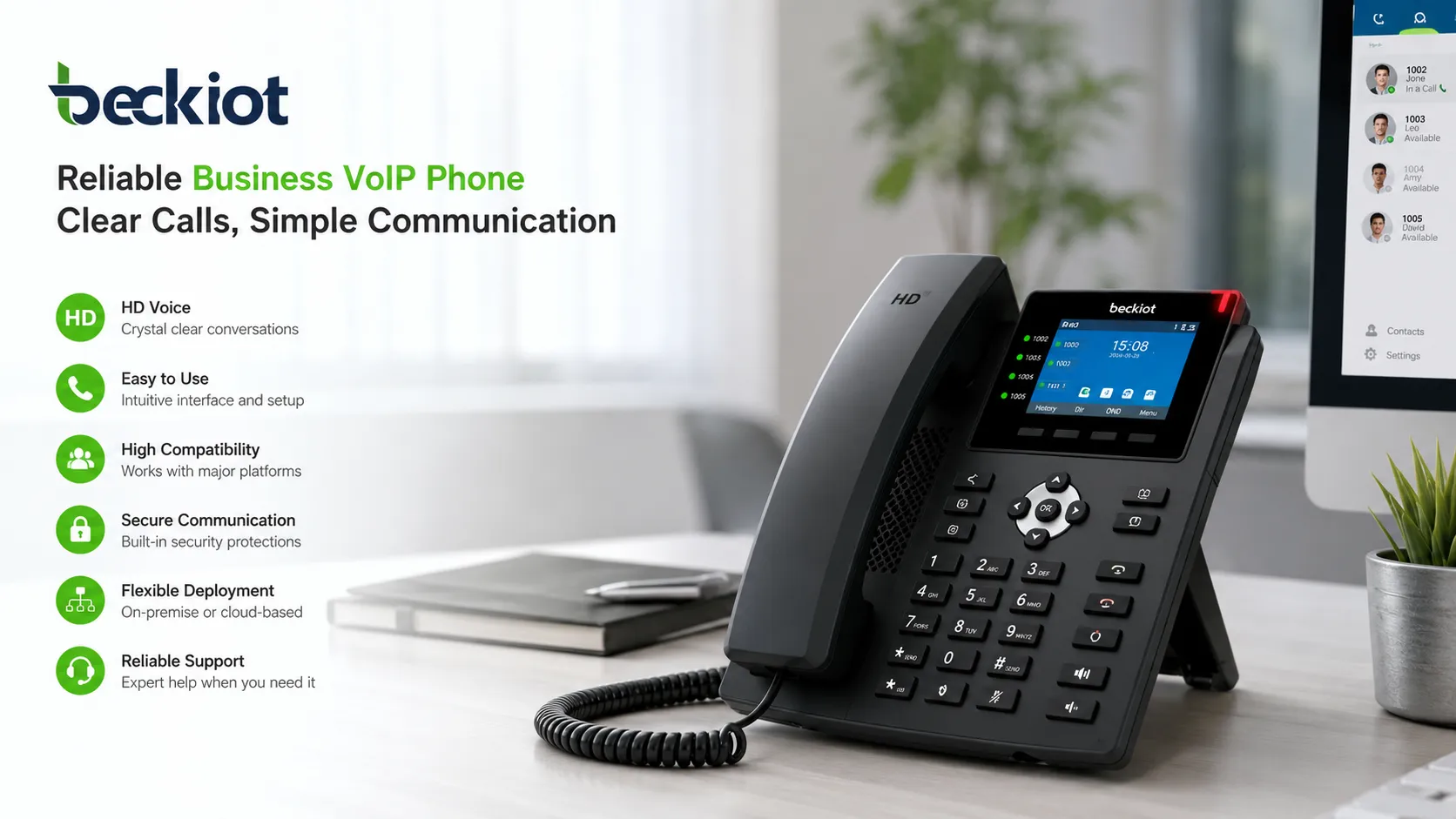
Start with Your Business Communication Needs
Identify How Your Team Uses the Phone
The first step is to understand how your business actually uses voice communication. Some companies mainly need basic incoming and outgoing calls. Others need call queues, auto attendant, voicemail, call recording, mobile access, CRM integration, or multi-location support.
You should review who answers calls, who makes outbound calls, which departments need extensions, how many calls arrive during peak hours, and whether employees work from the office, home, or field. A system that fits your real workflow will be easier to use and easier to manage.
Separate Must-Have Features from Nice-to-Have Features
Many VoIP platforms offer long feature lists, but a small business should not pay for functions it will never use. Start by defining must-have features such as business phone numbers, extensions, voicemail, call forwarding, auto attendant, mobile app, and reliable external calling.
Then consider advanced features such as call recording, analytics, CRM screen pop, call queues, IVR menus, video meetings, call monitoring, and multi-site routing. This makes it easier to compare providers based on actual value instead of marketing claims.
Understand the Main Types of Small Business VoIP Systems
Cloud-Based VoIP
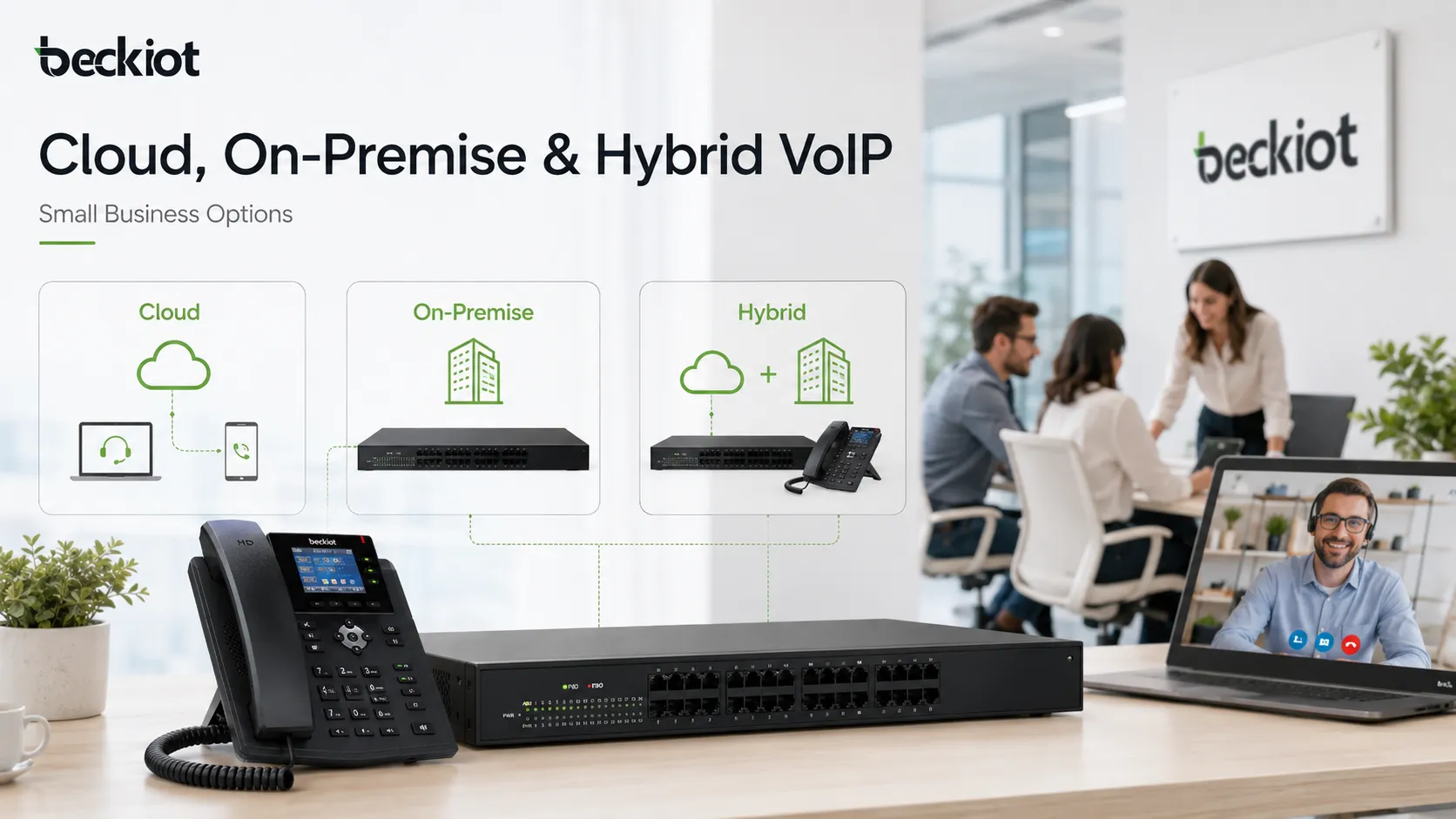
Cloud-based VoIP is the most common choice for many small businesses. The service provider hosts the phone system, and your company uses IP phones, softphones, or mobile apps to access the service. This model usually requires less on-site equipment and is easier to deploy.
Cloud VoIP is suitable for small offices, remote teams, professional service firms, retail stores, and companies that want simple management. The main things to check are subscription cost, internet reliability, provider support, call quality, contract terms, and data security policies.
On-Premise IP PBX
An on-premise IP PBX is installed in your own office or server environment. It gives your company more control over call routing, internal extensions, recordings, local devices, and system configuration. This model may require higher upfront investment and more technical management.
On-premise deployment may be suitable for businesses with stronger control requirements, local network communication needs, special integrations, or environments where cloud dependency is not preferred. It can also be useful when a company wants to manage its own SIP trunks, gateways, and internal phone system policies.
Hybrid VoIP
Hybrid VoIP combines cloud services, local equipment, SIP trunks, and existing phone infrastructure. It is useful when a small business wants to modernize gradually without replacing every phone, analog device, or legacy line at once.
For example, a business may keep analog fax machines, door phones, elevator phones, or backup PSTN lines while using VoIP for office extensions and external calls. Hybrid deployment can reduce migration risk and provide more flexibility during transition.
Check Call Quality and Network Readiness
Evaluate Your Internet Connection
VoIP call quality depends heavily on network performance. Before choosing a phone system, check your internet speed, upload bandwidth, router performance, Wi-Fi coverage, packet loss, latency, and jitter. A fast internet plan alone does not guarantee good voice quality if the network is unstable.
Small businesses should also consider what happens when many users are on calls while other applications are using the same connection. If your team uses video meetings, cloud software, file transfers, or security cameras, voice traffic may need priority settings to stay clear and stable.
Use QoS and Reliable Network Equipment
Quality of Service settings can prioritize voice packets over less time-sensitive traffic. Managed switches, business-grade routers, voice VLANs, and proper firewall configuration can help reduce call drops, echo, delay, and poor audio quality.
If your company depends on phone calls for sales or customer service, network planning should not be ignored. A low-cost VoIP subscription will not perform well on a poor network.
Compare Essential VoIP Features
Auto Attendant and IVR
An auto attendant answers incoming calls automatically and directs callers to the right department or extension. IVR allows callers to choose options such as sales, support, billing, or emergency service through keypad input.
For small businesses, these features can create a more professional caller experience without requiring a full-time receptionist. They also reduce missed calls and improve call distribution during busy hours.
Call Forwarding and Mobile App
Call forwarding allows calls to be redirected to mobile phones, remote workers, backup numbers, or other extensions. A mobile app lets employees use the company phone number from a smartphone while keeping personal numbers private.
This is important for small businesses with field staff, hybrid work, after-hours service, sales teams, technicians, or business owners who are often away from the office.
Voicemail and Voicemail-to-Email
Voicemail ensures that customers can leave messages when your team is unavailable. Voicemail-to-email sends voicemail recordings or notifications to an email inbox, making it easier to respond quickly.
This feature is useful for small teams that cannot answer every call in real time but still need to follow up reliably.
Call Recording and Call Logs
Call recording can help with staff training, service quality review, order confirmation, and dispute resolution. Call logs help managers see missed calls, call duration, customer response patterns, and team activity.
Before enabling recording, your company should check local privacy and consent requirements. Some regions require informing callers or obtaining consent before recording calls.
Call Queues and Ring Groups
Call queues place callers in line when all team members are busy. Ring groups allow multiple phones to ring together or in sequence. These features are useful for support teams, service desks, clinics, repair businesses, and sales departments.
Even a small business can benefit from basic queue and ring group functions if incoming calls are important to revenue or customer satisfaction.
Review Pricing Carefully
Look Beyond the Monthly User Fee
Many VoIP providers advertise a monthly price per user, but the real cost may include setup fees, number porting, desk phones, international calling, call recording storage, advanced features, support plans, taxes, compliance charges, and contract commitments.
When comparing prices, calculate the total cost for at least one year. Include hardware, software, installation, training, support, network upgrades, and any feature add-ons your business actually needs.
Check Contract Terms and Flexibility
Some providers offer month-to-month plans, while others require annual or multi-year contracts. A lower monthly price may come with less flexibility. Small businesses should check cancellation terms, number ownership, upgrade options, user changes, and support response times.
Flexibility is especially important if your business is growing, testing new locations, hiring seasonal staff, or unsure about future call volume.
Check Security and Reliability
Protect SIP Accounts and Admin Access
VoIP systems can be targeted by toll fraud, unauthorized registration, phishing, password attacks, and service disruption. Your system should support strong passwords, role-based admin access, account lockout policies, secure provisioning, and clear user permission controls.
Administrators should avoid default passwords, disable unused accounts, review call permissions, and monitor unusual call activity. Small businesses often overlook these basic steps, but they are important for protecting phone bills and customer communication.
Use Encryption and Edge Protection When Needed
For businesses with remote users, SIP trunks, or sensitive communication, security features such as TLS, SRTP, VPN access, firewall rules, and Session Border Controllers may be important. These tools help protect signaling, media traffic, and system exposure at the network edge.
Not every small business needs a complex security design, but every small business should ask how the provider protects accounts, call traffic, admin portals, backups, and customer data.
Plan for Power and Internet Outages
Traditional phone lines may continue working during some power conditions, while VoIP depends on network equipment and power. Small businesses should plan for backup internet, failover routing, mobile forwarding, UPS power, and emergency call handling.
This is especially important for medical offices, service companies, hotels, warehouses, restaurants, and businesses that cannot afford missed calls during outages.
Consider Emergency Calling and Compliance
Understand E911 or Local Emergency Calling Rules
VoIP emergency calling may work differently from traditional phone services because the phone number is not always tied to a fixed physical line. Businesses should confirm how emergency address registration, location updates, and emergency routing are handled.
If employees use softphones or work remotely, emergency location management becomes more important. Your provider should clearly explain how emergency calls are routed and what your company must configure.
Review Privacy and Recording Requirements
If your business records calls, stores voicemail, handles customer data, or integrates VoIP with CRM software, privacy and compliance should be considered early. Different regions and industries may have different requirements for recording notice, data storage, retention, and access control.
A good VoIP selection process should include not only technical features, but also legal, operational, and customer trust considerations.
Evaluate Integrations with Business Tools
CRM and Helpdesk Integration
For sales and support teams, CRM integration can improve productivity. Incoming calls can display customer records, call notes can be saved automatically, and follow-up tasks can be connected to customer history.
Helpdesk integration can also help support teams connect phone calls with tickets, service requests, and customer issues. This is useful when phone communication is part of a larger customer service process.
Messaging, Meetings, and Collaboration
Some VoIP platforms include messaging, video meetings, team chat, file sharing, and presence status. These tools may be useful for remote teams or companies that want a unified communication platform.
However, small businesses should avoid paying for collaboration features that duplicate tools they already use. The best choice depends on whether your team wants one combined platform or separate specialized tools.
Choose the Right Phones and Endpoints
Desk Phones, Softphones, and Mobile Apps
Some employees prefer physical desk phones because they are stable, familiar, and easy to use. Others may only need softphones or mobile apps. A good small business VoIP system should support different working styles.
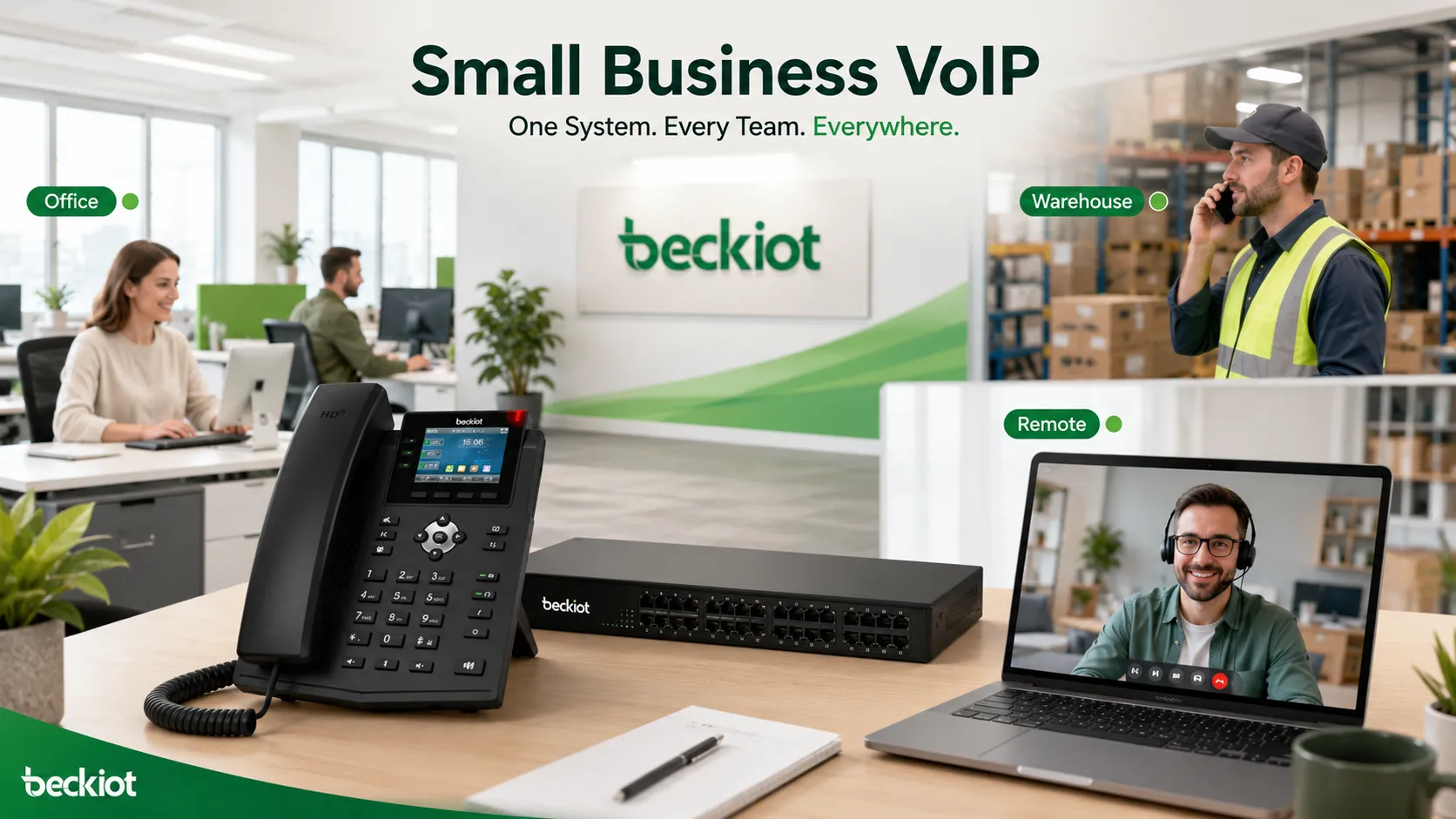
Reception desks, managers, sales teams, support staff, warehouse supervisors, and remote workers may all need different devices. Choosing endpoints based on user roles can reduce waste and improve adoption.
Special Endpoints for Operational Areas
Some small businesses operate in warehouses, workshops, outdoor facilities, clinics, hotels, parking areas, or industrial sites. In these environments, standard office phones may not be enough. Rugged SIP phones, paging speakers, intercoms, emergency phones, or waterproof telephones may be required.
For these special environments, companies can consider SIP-compatible industrial endpoints from suitable suppliers. For example, Becke Telcom can be considered when a project needs rugged SIP telephones, waterproof communication terminals, or field communication devices connected to a VoIP system.
Check Provider Support and Service Quality
Look at Support Channels
Small businesses often do not have a dedicated telecom team. Provider support is therefore very important. Check whether the provider offers phone support, live chat, email support, onboarding help, documentation, and emergency support.
You should also ask about support hours, response time, escalation process, and whether configuration support is included or charged separately.
Test Before Full Deployment
Before moving the entire company to a new VoIP system, test the service with a small group of users. Check call quality, mobile app performance, voicemail, call routing, number porting, headset compatibility, and admin management.
A pilot test can reveal network issues, training needs, and workflow problems before they affect the whole business.
A Practical Selection Checklist
| Selection Area | What to Check | Why It Matters |
|---|---|---|
| Business Needs | User count, call volume, departments, remote users, locations | Helps avoid choosing a system that is too small or too complex |
| Deployment Model | Cloud, on-premise, or hybrid VoIP | Affects cost, control, maintenance, and flexibility |
| Call Quality | Bandwidth, latency, jitter, packet loss, QoS | Determines whether calls are clear and reliable |
| Features | Auto attendant, voicemail, recording, queues, mobile app | Supports daily workflow and customer communication |
| Security | Passwords, admin access, encryption, SBC, fraud prevention | Protects the system from misuse and unauthorized access |
| Pricing | User fees, hardware, setup, add-ons, support, contract terms | Shows the real long-term cost of the system |
| Scalability | New users, new branches, integrations, future upgrades | Allows the phone system to grow with the business |
Common Mistakes to Avoid
Choosing Only the Cheapest Plan
The cheapest VoIP plan may not include the features, support, call quality, or reliability your business needs. A low monthly price can become expensive if it leads to missed calls, poor customer experience, downtime, or difficult support.
Instead of comparing price alone, compare total value. The right system should save time, support customers better, and reduce communication problems.
Ignoring Number Porting
Your business phone number may be important to customers, advertising, search listings, and business identity. Before switching providers, confirm whether your existing numbers can be ported, how long the process takes, and what happens during the transition.
Poor number porting planning can cause missed calls or business disruption.
Not Training Employees
Even a good VoIP system can fail if employees do not know how to use it. Basic training should cover call transfer, voicemail, mobile app use, conference calling, call forwarding, and emergency procedures.
Training helps users adopt the system faster and reduces support requests after deployment.
Conclusion
The best small business VoIP phone system is the one that matches your company’s real communication needs, not simply the one with the most features or the lowest advertised price. A good system should provide clear call quality, reliable service, easy management, useful features, strong security, flexible pricing, and room for future growth.
Before making a decision, review your call volume, user roles, remote work needs, deployment preference, network readiness, required features, endpoint types, provider support, emergency calling, and total cost. If possible, run a pilot test before full deployment.
For many small businesses, VoIP can improve professionalism, customer response, internal collaboration, and long-term communication efficiency. With the right planning, it becomes more than a phone service; it becomes a practical communication platform that supports daily business growth.
FAQ
What is the best VoIP phone system for a small business?
The best system depends on your business size, call volume, budget, remote work needs, required features, and support expectations. A small office may prefer cloud VoIP, while a business with special control or integration needs may choose on-premise or hybrid VoIP.
How much does a small business VoIP phone system cost?
The cost usually depends on the number of users, calling plan, phone hardware, setup fees, advanced features, support level, and contract terms. Businesses should compare total yearly cost instead of only the monthly user price.
Can I use my existing business phone number with VoIP?
In many cases, yes. This process is called number porting. Before switching, confirm that your provider supports porting your existing numbers and ask about timing, required documents, and possible service interruption.
Do small businesses need desk phones for VoIP?
Not always. Some teams can use softphones or mobile apps only. However, desk phones may still be useful for reception areas, managers, support teams, meeting rooms, warehouses, and employees who prefer dedicated phone hardware.
Is VoIP reliable enough for small businesses?
VoIP can be reliable when supported by a stable internet connection, suitable network equipment, QoS settings, proper configuration, and backup plans. Businesses that depend heavily on phone calls should also plan for internet or power outages.







