


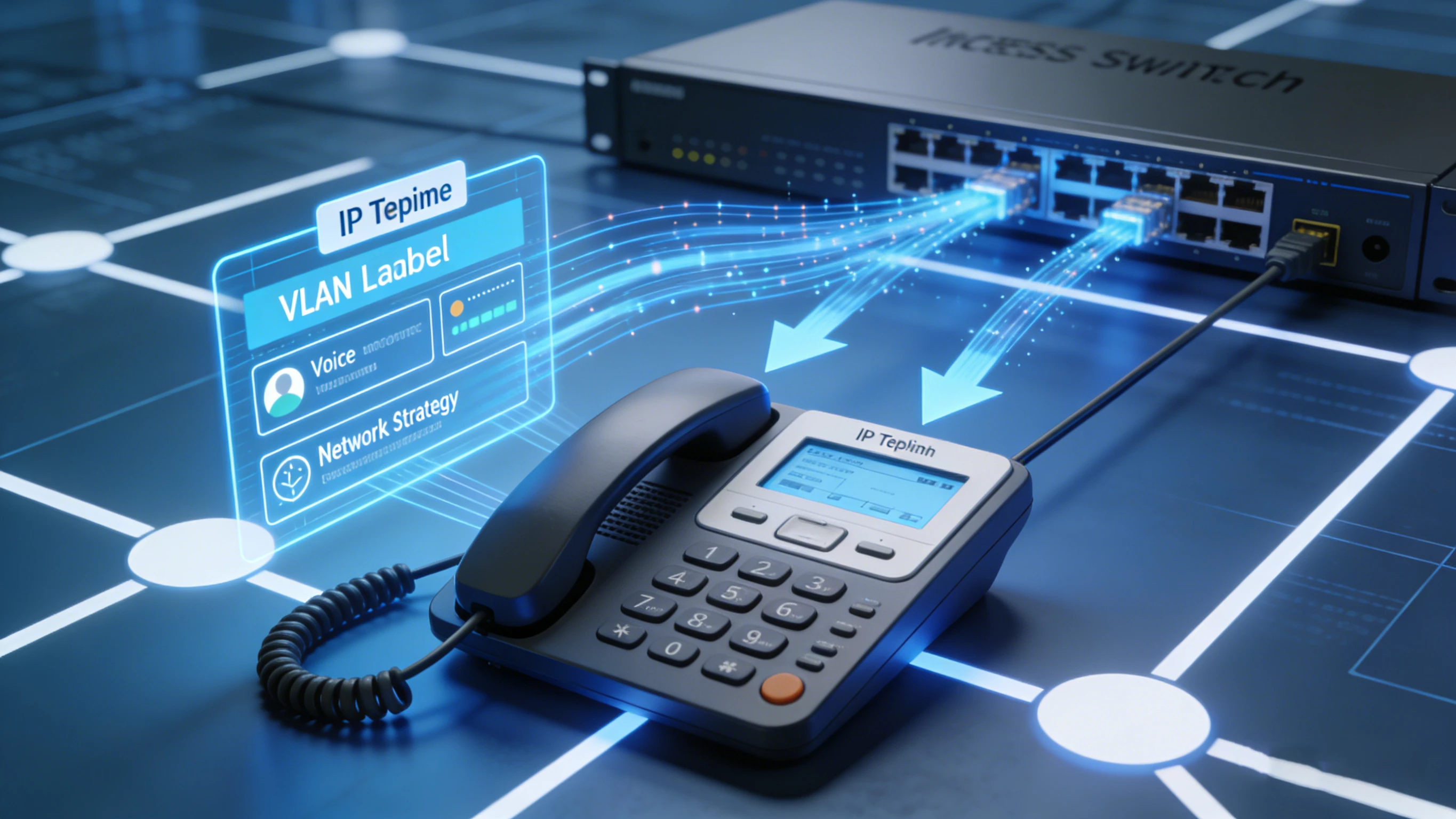
The moment you connect an IP phone, a flurry of events kicks off. In those initial seconds, the device either slides smoothly onto the right network or stumbles into a support ticket. For a phone to work, it needs power, a voice VLAN, proper traffic priority, an IP address, a path to its provisioning server, and finally a successful registration with the IP PBX or cloud voice platform.
LLDP‑MED handles one of the earliest — and often most overlooked — pieces of this puzzle. It lets a media endpoint (like an IP phone) pull critical access‑layer details straight from the managed switch it’s plugged into. These details can include the voice VLAN policy, Layer 2 and Layer 3 QoS settings, power negotiation hints, inventory data, and occasionally location information.
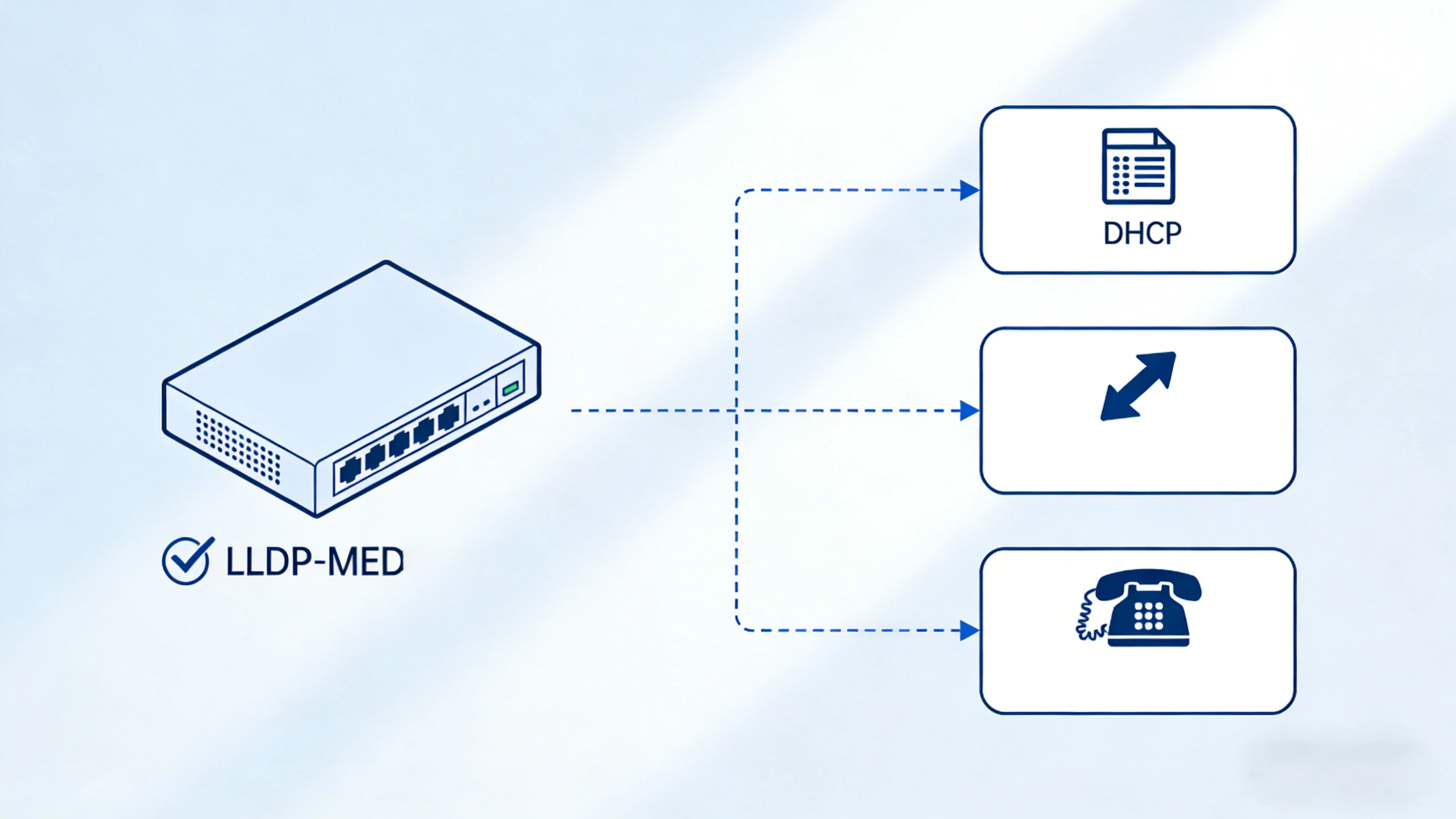
Let’s be clear about its role though: LLDP‑MED isn’t a one‑stop shop for SIP credentials, firmware packages, PBX server lists, or every device parameter. What it does is make sure the phone lands in the right network context so that DHCP, configuration downloads, and SIP registration can all proceed without a hitch.

What is LLDP‑MED and Why It Matters
LLDP‑MED stands for Link Layer Discovery Protocol for Media Endpoint Devices. Think of it as a purpose‑built extension of standard LLDP — the Layer 2 discovery protocol that lets network gear advertise their identity and capabilities to directly connected neighbors.
Regular LLDP is great for generic network mapping, but LLDP‑MED adds the smarts that media endpoints — especially VoIP phones — actually care about. That’s why you’ll see it paired with managed PoE switches, voice VLANs, QoS policies, and enterprise IP telephony setups.
The practical payoff is predictability. When a brand‑new phone gets plugged into a switch port, the switch can immediately announce the correct voice network policy. The phone then tags its traffic for the voice VLAN and applies the right priority markings before the heavier provisioning work even begins. This slashes the amount of manual per‑phone tweaking, which is a lifesaver in offices, hospitals, campuses, hotels, warehouses, and anywhere else phones get moved or replaced on a regular basis.
How an IP Phone Boots Up with LLDP‑MED
A typical boot sequence starts with power — often delivered over the same Ethernet cable via PoE. Once the link is active, the phone and switch exchange LLDP frames. If both sides speak LLDP‑MED and the necessary TLVs are enabled, the switch advertises the voice‑specific network policy.
The phone picks up the advertised voice VLAN and QoS settings, joins the right broadcast domain, and then requests an IP configuration through DHCP. With network connectivity sorted, it discovers or reaches its provisioning server, downloads fresh config files if needed, checks its firmware, and eventually registers to the SIP server or call control platform.
This sequence explains why LLDP‑MED is incredibly helpful but not sufficient on its own. It’s the early‑stage network discovery piece — not the entire auto‑provisioning system. You still need everything downstream to be in good shape.
Key Functions: VLAN, QoS, Power, and Inventory
Voice Network Policy
The star of the show is the network policy TLV. This is what lets the switch tell the phone which VLAN to use for voice traffic and how to mark its packets. Voice quality depends on consistent treatment — not just raw bandwidth, but also low delay, jitter control, and sensible queue handling. LLDP‑MED doesn’t replace a full QoS design, but it aligns the phone and access switch right at the edge where it counts most.
Power Negotiation
LLDP‑MED also supports back‑and‑forth power communication between the switch and the endpoint. Not every phone sips the same amount of power — a basic desk phone, a color‑screen executive model, a video‑capable unit, and a phone with an expansion sidecar all have different PoE budgets. In large rollouts, having power visibility means you can plan switch capacity better and understand exactly what’s happening at each port.
Device Inventory and Visibility
Inventory information sometimes gets overlooked, but it’s gold for support teams. LLDP‑MED can surface details like device type, model, manufacturer, firmware version, or serial number — depending on what the endpoint supports. When a user calls in with a problem, the helpdesk can instantly identify which device is on which switch port, what model it is, and whether it might need a firmware or config review. That kind of visibility makes troubleshooting and lifecycle management dramatically easier.
What LLDP‑MED Doesn’t Do (And Where It Fits)
It’s easy to overestimate what LLDP‑MED can do. It won’t hand out SIP accounts, point the phone to a firmware server, or populate every device setting. The phone still needs IP addressing, DNS, a default gateway, time sync, provisioning server reachability, certificates where required, configuration files, and finally valid SIP registration details.
Those jobs are taken care of by DHCP (often with vendor‑specific options), HTTP/HTTPS or TFTP downloads, TR‑069 in some environments, and the phone’s own provisioning logic. LLDP‑MED simply puts the phone on the right network track so all of that can happen.
In day‑to‑day conversation, we often say a phone is “auto‑provisioned” when you can plug it in and watch it come online with almost zero manual effort. LLDP‑MED supports that experience by automating the access‑layer discovery stage. A better way to put it: LLDP‑MED makes zero‑touch deployments smoother by ensuring the phone finds the correct voice network before it ever reaches out for a DHCP lease or configuration file.
LLDP‑MED vs. CDP: Which One to Use?
In Cisco‑heavy environments, you might run into Cisco Discovery Protocol doing a similar job — advertising voice VLAN info. CDP works well within a homogenous Cisco world, and plenty of legacy VoIP deployments leaned on it hard.
LLDP‑MED, however, is the vendor‑neutral player. It’s usually the smarter pick when your switches and phones come from different manufacturers. In mixed‑vendor networks, open discovery reduces dependency on a single proprietary mechanism and helps avoid lock‑in headaches.
Where LLDP‑MED Adds Real Value
You’ll find LLDP‑MED doing its best work in a variety of IP telephony environments. In corporate offices, it keeps desk phones joining the correct voice VLAN without anyone needing to punch in VLAN IDs. In hospitals and across university campuses, it cuts down repetitive configuration across hundreds of access switches and endpoint locations. Hotels, public‑service buildings, and retail chains benefit from consistent access policy regardless of phone model.
It’s just as useful in warehouses, factories, transport hubs, and industrial sites where endpoints might get swapped out rapidly. If the switch port policy is already correct, a replacement phone can often be plugged in and steered into the right network with far fewer manual steps — saving time and reducing the chance of human error.
Tips for a Smooth Deployment
Before you count on LLDP‑MED, verify that both your switch and your IP phone actually support it. Then double‑check that the necessary TLVs are turned on. In some environments you might see LLDP, LLDP‑MED, and CDP all running at the same time — make sure you know which mechanism the phone will prefer.
The access layer doesn’t work in isolation. A phone that learns the voice VLAN perfectly still needs functioning DHCP services, reachable provisioning URLs, correct NTP settings, firewall rules that permit the required traffic, valid certificates, and accurate SIP registration details. If one piece in that chain is broken, the phone won’t register — no matter how good the LLDP‑MED exchange was.
When something goes wrong, follow the boot order. If the phone never lands on the voice VLAN, start with LLDP‑MED policy and TLV configuration. If it’s on the right VLAN but gets no IP address, the problem is DHCP. If it grabs an IP but can’t download config, look at provisioning discovery or firewall rules. And if config downloads fine but registration fails, dig into SIP credentials, DNS, transport protocol, NAT, TLS, or the PBX policy.
Benefits at a Glance
-
Eliminates most manual voice VLAN configuration on individual phones.
-
Delivers consistent settings across every access switch port.
-
Speeds up moves, adds, replacements, and site rollouts.
-
Helps align voice traffic priority right at the network edge.
-
Gives support teams better visibility into what’s connected and where.
-
Plays nicely in mixed‑vendor VoIP networks when properly implemented.
Wrapping Up
LLDP‑MED is one of the most practical access‑layer tools you can use in an IP phone deployment. It lets phones learn voice VLAN and network policy automatically, stripping away a layer of manual work and making rollouts far more consistent across multi‑site VoIP networks.
Its real strength shows when it’s part of a well‑thought‑out provisioning design. LLDP‑MED prepares the phone for the right network environment, while DHCP, provisioning servers, firmware policies, security settings, and SIP registration take it the rest of the way.
Frequently Asked Questions
Is LLDP‑MED the same as LLDP?
No. LLDP is the base Layer 2 discovery protocol. LLDP‑MED is an extension built specifically for media endpoints like IP phones, adding the TLV fields they need to configure themselves correctly at the access layer.
Can LLDP‑MED assign a voice VLAN?
Absolutely. A managed switch can advertise the voice VLAN policy through LLDP‑MED, and the IP phone will tag its traffic accordingly without any manual setup on the phone itself.
Does LLDP‑MED replace DHCP?
Not at all. They operate at different stages. LLDP‑MED handles access‑layer discovery and network policy, while DHCP takes care of IP addressing and can point the phone toward provisioning resources.
Does LLDP‑MED provide SIP account settings?
Usually no. SIP credentials, PBX server addresses, firmware policies, and device‑specific configurations are typically delivered through provisioning platforms, DHCP options, or configuration file downloads — not through LLDP‑MED.
Is LLDP‑MED useful in mixed‑vendor networks?
Yes, that’s one of its biggest strengths. Because it’s vendor‑neutral, it works across switches and IP phones from different manufacturers, making it the go‑to choice when you don’t want to be locked into a single vendor’s discovery protocol.







