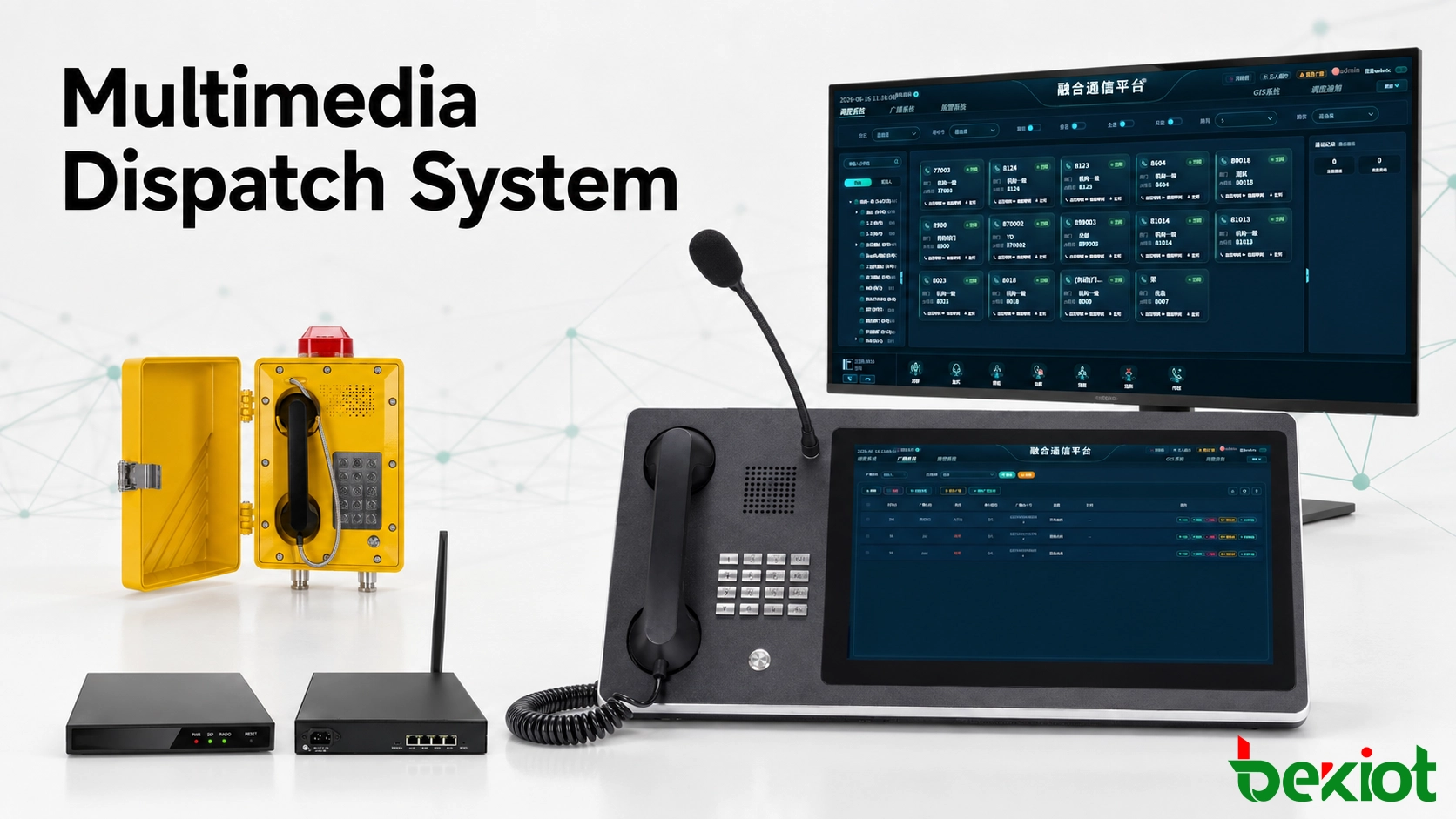
A multimedia command and dispatch system brings voice calls, radio communication, video feeds, GIS location, emergency alerts and field information into one operational environment. Unlike a conventional dispatch system built mainly around telephone audio, it allows operators to see what is happening, locate personnel, communicate across different networks and record the complete response process.
The equipment required depends on the communication resources already available at the site. A factory may need to connect industrial telephones, radio systems and video surveillance. A transport operator may focus on radio coverage, mobile users and GIS tracking. A public safety organization may also require incident plans, video return, recording and communication across several departments.
The purpose of the system is not simply to place more devices on an IP network. Its value comes from turning separate communication resources into a coordinated response process. Operators should be able to receive an event, identify the affected area, contact the correct personnel, monitor progress and retrieve a complete record without moving between multiple independent systems.
Start with the operational response process
Equipment selection should begin with the way an incident is detected, reported and handled. The system should support the entire operating chain rather than providing a collection of disconnected communication devices.
A typical response process includes:
An alarm, telephone call, radio message or video event is received.
The platform identifies the source, location and responsible department.
The dispatcher verifies the situation through voice, video or GIS information.
Relevant teams are contacted through telephones, radios, mobile terminals or public address channels.
Predefined instructions or emergency plans are activated when required.
Calls, recordings, messages and operator actions are stored for later review.
This workflow determines which servers, gateways, consoles and terminals are necessary. It also helps prevent a common deployment problem: purchasing devices individually without confirming whether they can exchange audio, signaling, video and status information.
Each communication path should be mapped before the equipment list is finalized. The design should identify who initiates the communication, which network carries it, which operator receives it and what happens if the primary route is unavailable. This exposes missing interfaces and backup requirements before installation begins.
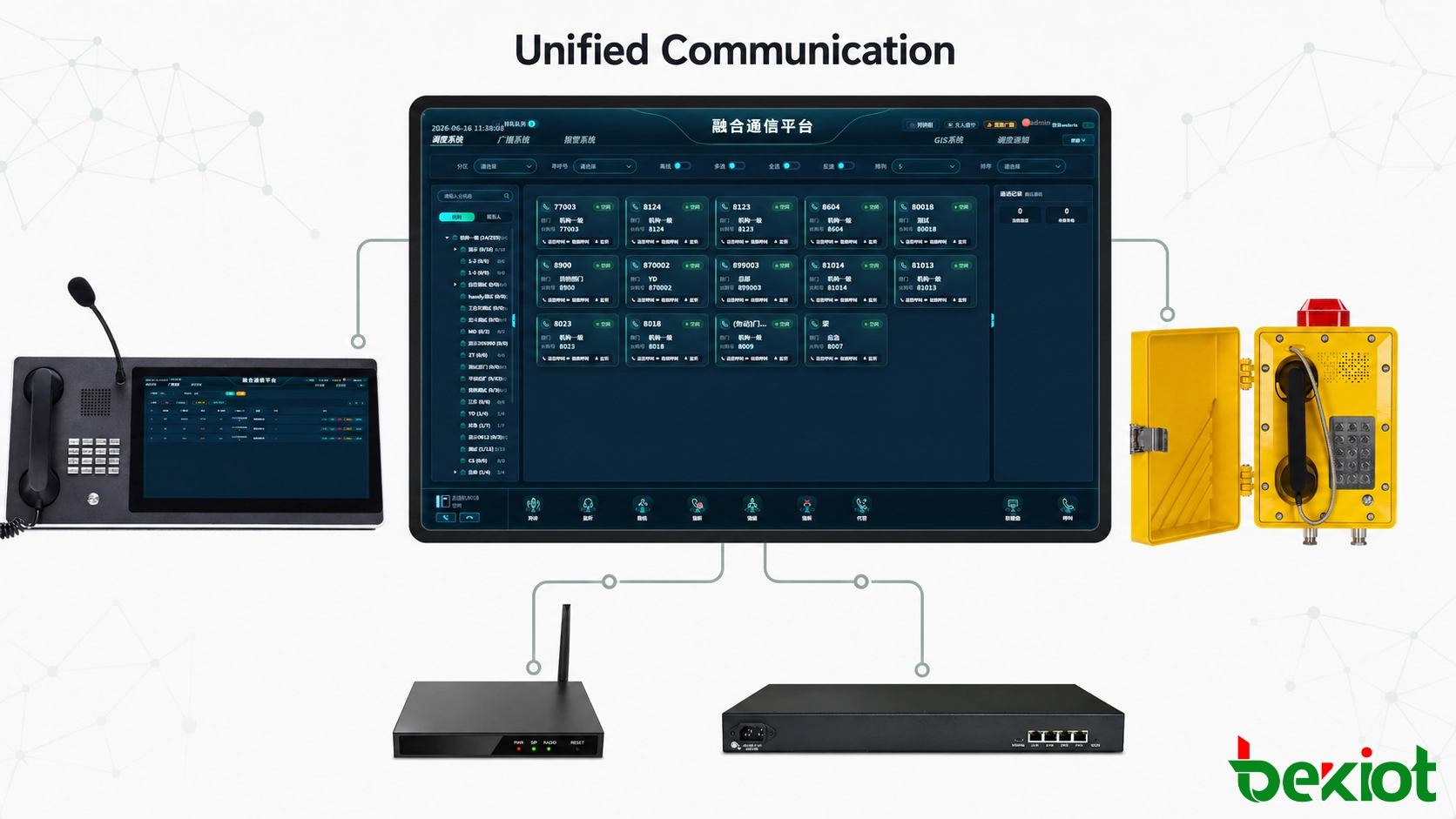
The communication platform forms the system core
The central platform provides the control and application services used by dispatchers and connected devices. It manages users, organizations, communication resources, permissions, groups and operating records from a unified interface.
A suitable platform may include the following capabilities:
Individual, group and emergency voice calls
Video calls, live video return and video distribution
Push-to-talk communication over private or public networks
GIS positioning and mobile personnel tracking
Dispatch instructions and status confirmation
Emergency plan and response procedure management
Audio recording, video recording and operation logs
Integration with alarm, surveillance and business systems
Recording is especially important in command environments. The platform should preserve calls, push-to-talk sessions, video events and dispatch actions with accurate timestamps. These records support incident reconstruction, operational assessment and responsibility tracing.
The platform should also allow communication resources to appear in operational terms. Instead of presenting a radio by its port number or a telephone by its technical address, the console can display names such as Security Team, Maintenance Radio, North Gate, Control Room or Emergency Group.
Role-based permissions are equally important. A routine operator may only need access to assigned departments and channels, while a supervisor may require cross-department calling, emergency group activation and recording review. Separating daily permissions from emergency authority reduces accidental operation while keeping critical functions available to authorized users.
In multi-site deployments, the platform should maintain a consistent directory and resource structure across headquarters, branches and remote facilities. Local resources can remain associated with their physical sites while selected channels, extensions and incident information are shared with a central command center.
Related solution: Becke Converged Communication System connects voice, video, radio, dispatch, alarms and field communication resources through a unified operational platform.
Gateways connect previously separated networks
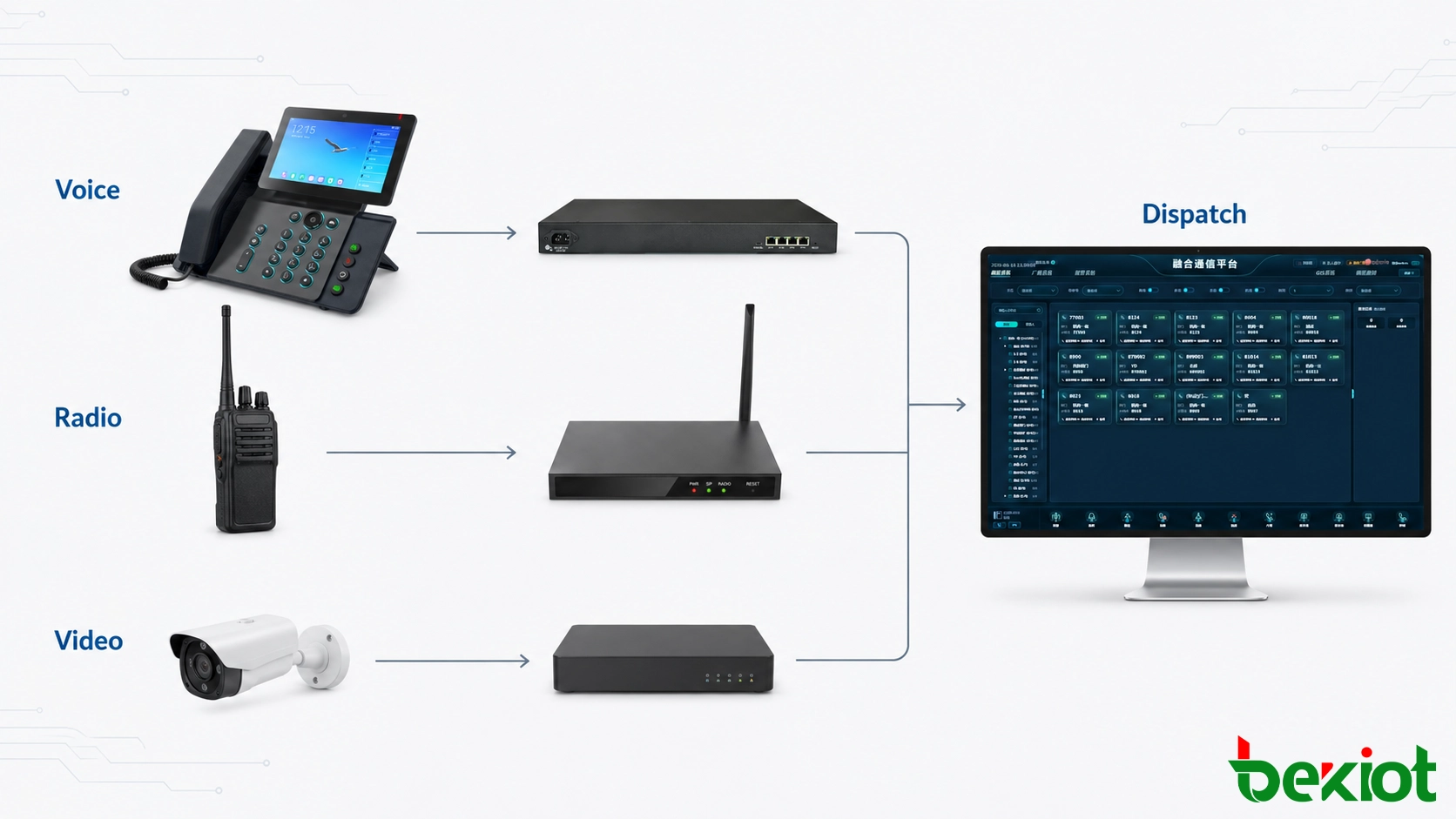
Most projects contain equipment built at different times and based on different protocols. Gateways preserve the value of these existing systems while making their communication resources available to the central platform.
Gateway selection should be based on the interfaces and control functions available on both sides of the connection. Audio conversion alone may be sufficient for a basic call path, but operational integration may also require call status, caller identification, PTT control, channel selection or fault reporting.
Voice gateways
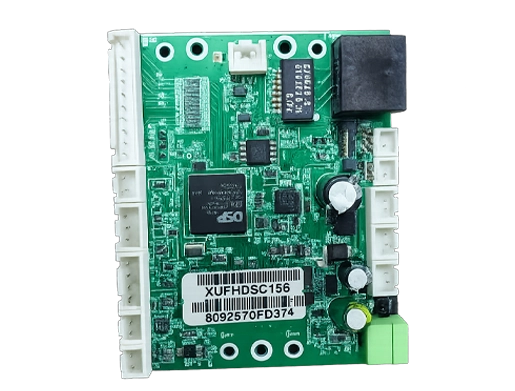
A voice gateway is used when the dispatch platform must communicate with analog telephones, public telephone lines, legacy PBXs or other voice networks. Depending on the available interfaces, it can convert traditional telephone connections into SIP-based communication resources.
After integration, a dispatcher may call a fixed telephone, an external number or an on-site extension from the same console used for radio and video operations. The required number and type of gateway ports should be calculated from the existing lines, expected simultaneous calls and backup requirements.
The site survey should distinguish between interfaces connected to analog telephones and those connected to telephone lines or PBX trunks. Dialing rules, caller ID formats, number prefixes, busy detection and emergency routing should also be verified. These details determine whether the integrated call behaves predictably after it reaches the dispatch console.
Related product: Becke VoIP Gateways
RoIP gateways for radio integration
Organizations in transportation, utilities, manufacturing, mining and public safety often operate private radio networks. These may be based on PDT, DMR, TETRA or conventional analog radio technology. Such networks are normally designed as independent systems and cannot automatically communicate with SIP phones, dispatch applications or remote control rooms.
A Radio over IP gateway converts radio audio and push-to-talk control into traffic that can be transported across an IP network. This allows an authorized dispatcher to monitor and transmit on remote radio channels without installing a separate radio at every operator position.
Gateway-based integration can reduce the complexity of replacing or deeply modifying an existing radio system. However, the integration depth must be confirmed during design. A basic interface may provide audio, receive status and PTT control, while functions such as subscriber identification, talk-group switching or radio status may require additional signaling or system-level interfaces.
Each connected channel should be defined as an operational resource with a clear name, location and permitted user group. Audio levels, PTT timing, receive detection and network delay must be adjusted during commissioning. Poorly configured control timing can clip the beginning of a transmission, while incorrect audio levels can produce weak, distorted or inconsistent sound.
Related product: Becke RoIP Gateways
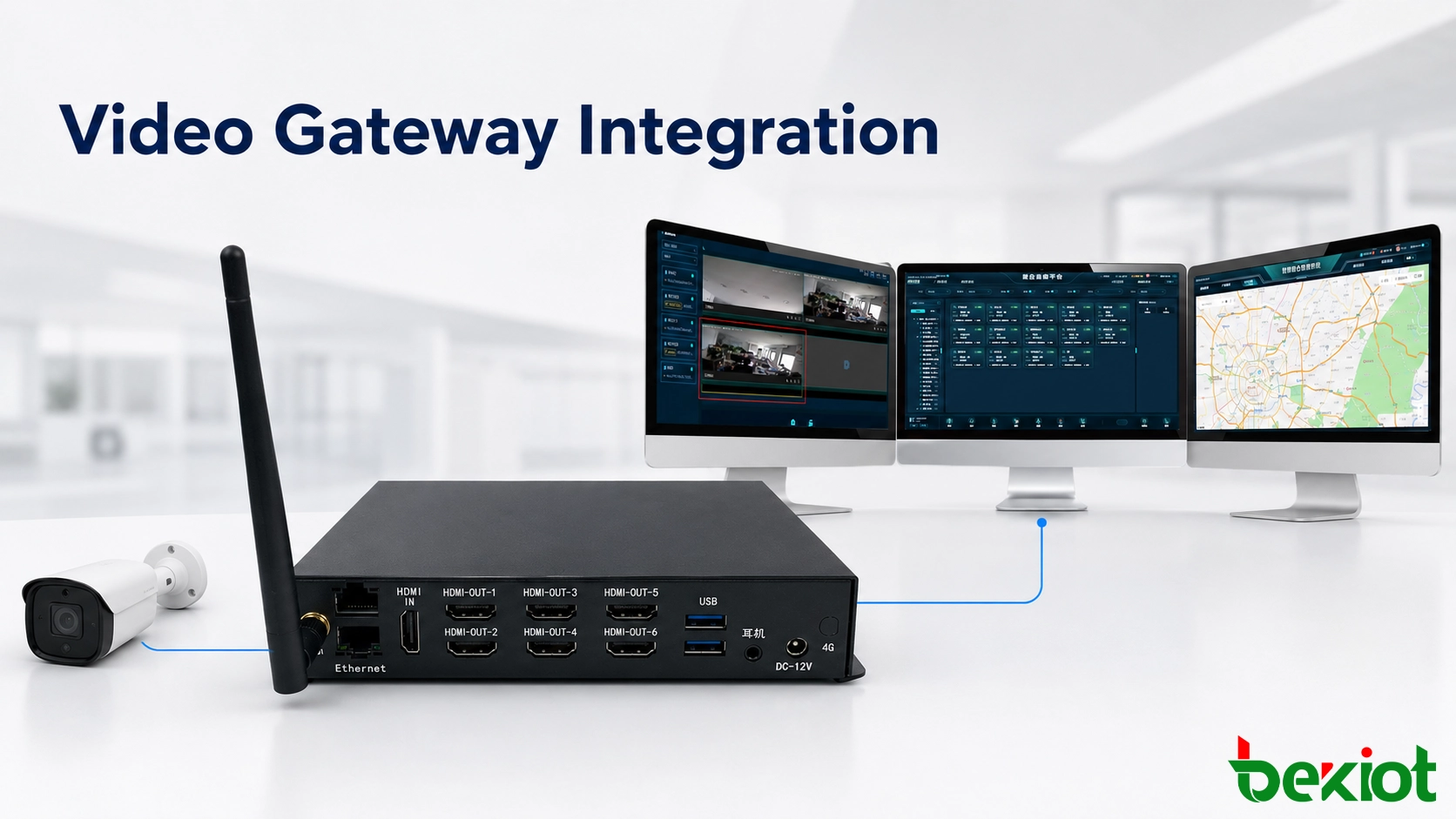
Video access and transcoding
Video resources may come from surveillance cameras, body-worn cameras, drones, mobile terminals, video conferencing systems or portable monitoring devices. These sources frequently use different signaling methods, video codecs and streaming formats.
A video access or transcoding gateway can aggregate these resources and convert media when the source format is not directly supported by the platform. Common project requirements include conversion between H.264 and H.265, as well as adjustment of resolution, frame rate and bitrate for different network conditions.
Depending on the connected systems, integration may involve GB/T 28181, RTSP, RTMP, RTP, FLV, HLS, WebRTC or SIP. Protocol support alone is not enough: the design must also confirm authentication, stream addressing, codec compatibility, latency and the number of simultaneous video sessions.
Live dispatch video should be designed differently from archived surveillance playback. Operators usually need a low-latency view that opens quickly when an incident occurs, while recording systems may prioritize image quality and storage efficiency. The platform should therefore request the appropriate stream for each task instead of sending every available high-resolution feed to the console.
Operators and field teams need suitable endpoints
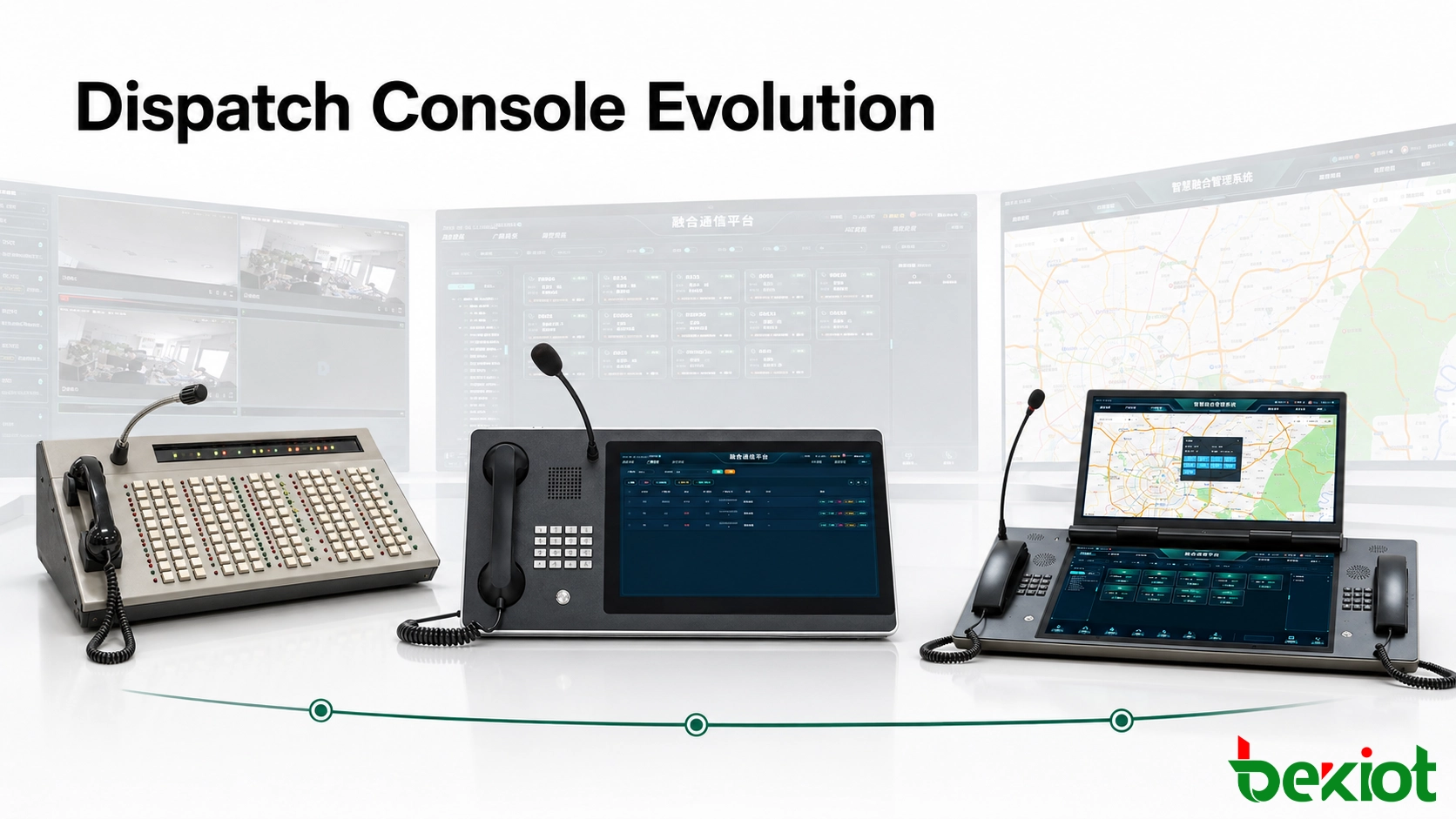
Dispatch consoles
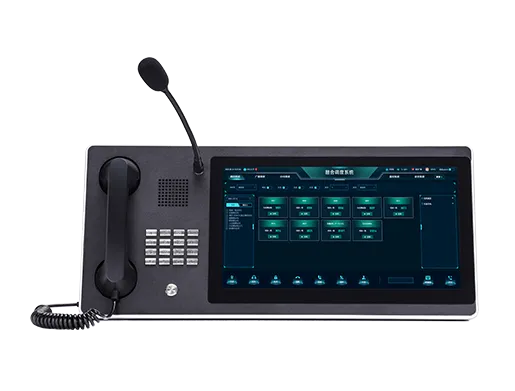
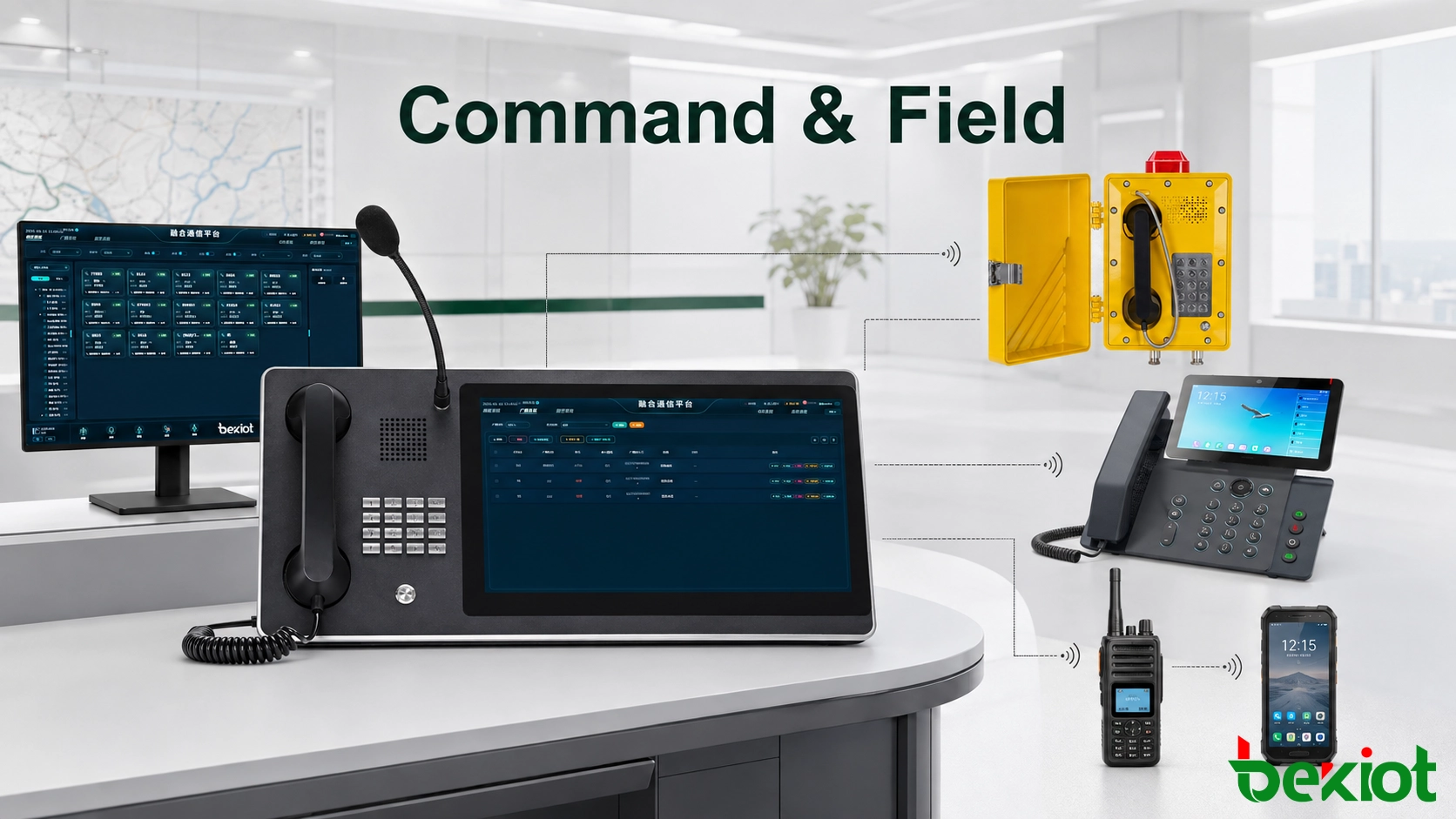
The dispatch console is the operator’s main working position. It should provide fast access to contacts, groups, radio channels, maps, video windows, alarms and incident records without forcing the operator to switch repeatedly between unrelated applications.
The console may be software installed on a workstation or an integrated hardware terminal with a touchscreen, handset, microphone and speakers. A dual-handset design can be useful when operators need to separate telephone and radio communication. Multi-screen workstations can dedicate one display to communication control, another to GIS and a third to video or incident information.
For command centers equipped with a video wall, the workstation or visualization system may send maps, camera feeds and incident information to a matrix controller or display processor. What matters is not the number of screens but whether critical information remains visible and easy to operate during a high-pressure event.
Console layout should reflect operator priorities. Emergency calls, active radio channels and unacknowledged alarms need stronger visual prominence than routine contacts. Frequently used actions such as PTT, group calling, call transfer and incident recording should remain accessible without opening several menus.
Related product: Becke Dispatch Consoles
Mobile and fixed communication terminals
Field terminals should be selected according to working conditions rather than appearance alone. Public-network push-to-talk applications are commonly deployed on 4G or 5G rugged smartphones. These devices can support group communication, video return, positioning, image reporting and task confirmation when suitable applications and network coverage are available.
Other endpoint options include:
IP phones for offices, guard rooms and fixed duty positions
Video phones for locations requiring visual confirmation
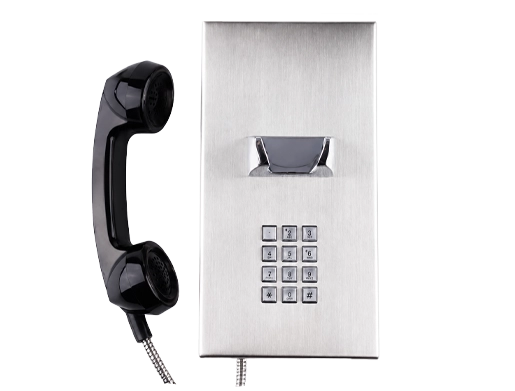
Industrial telephones for noisy, dusty or outdoor environments
Emergency intercoms for gates, tunnels and unmanned areas
Body-worn cameras for mobile video and event recording
Smart helmets or wearable terminals for hands-free field operation
Radio handsets and vehicle radios connected through RoIP resources
A single project may use several terminal types. A dispatcher could speak with office personnel through SIP phones, maintenance teams through private radios and mobile supervisors through 4G/5G terminals within the same incident.
Environmental requirements must be checked for every installation point. Noise level, weather exposure, dust, temperature, impact risk, available power and the need for gloves can all affect terminal selection. A standard office phone may be suitable for a control room but unreliable at a loading area, tunnel entrance or exposed industrial station.
Build the equipment list around real project conditions
There is no universal bill of materials for every multimedia dispatch project. A reliable equipment list is produced by mapping users, networks, locations and response procedures before choosing the hardware.
The design team should confirm:
How many operators will use the platform at the same time
Which telephone, radio and video systems must be retained
How many radio channels require monitoring and transmission
Whether mobile users require voice, video, positioning or messaging
Which sites depend on public networks, private WAN links or local operation
Whether audio, video and operator actions must be recorded
Which alarms or external applications need to trigger communication workflows
What permissions apply to users, groups, channels and emergency operations
The final solution normally consists of a central communication platform, one or more operator consoles, the gateways required by existing networks and terminals selected for each working environment. Recording, storage, network security, time synchronization and system monitoring should be treated as part of the architecture rather than optional additions.
The equipment schedule should identify not only device quantities but also installation locations, interface types, connected systems, power sources and responsible user groups. This creates a direct relationship between the bill of materials and the operational design, making later testing and maintenance easier.
A phased deployment is often practical. Core voice and radio communication can be established first, followed by video, GIS, mobile applications and automated alarm workflows. This approach reduces commissioning risk while keeping the architecture open for later expansion.
Frequently Asked Questions
Can the system continue operating if the connection to the central server is interrupted?
That depends on the architecture. Projects requiring high availability should define server redundancy, local survivability and fallback communication paths. Critical sites may need local call processing or direct radio operation so that essential communication remains available during a WAN failure.
How should network bandwidth be estimated?
Calculate voice and video separately, then add signaling traffic and operating margin. Voice demand depends on the codec and number of concurrent calls. Video demand varies significantly with resolution, frame rate, codec, scene complexity and simultaneous streams. Testing representative streams is more reliable than relying only on theoretical bitrate values.
Should the platform be deployed on-premises or in the cloud?
On-premises deployment offers direct control over local networks, recording and integration with private systems. Cloud deployment can simplify multi-site access and centralized maintenance. A hybrid design may be more suitable when critical local services must remain available while remote sites require centralized management.
What should be included in system acceptance testing?
Acceptance should test complete operational scenarios rather than isolated devices. Typical tests include emergency call handling, radio transmission, video retrieval, user permissions, recording playback, alarm activation, network interruption, recovery procedures and communication between different terminal types.