


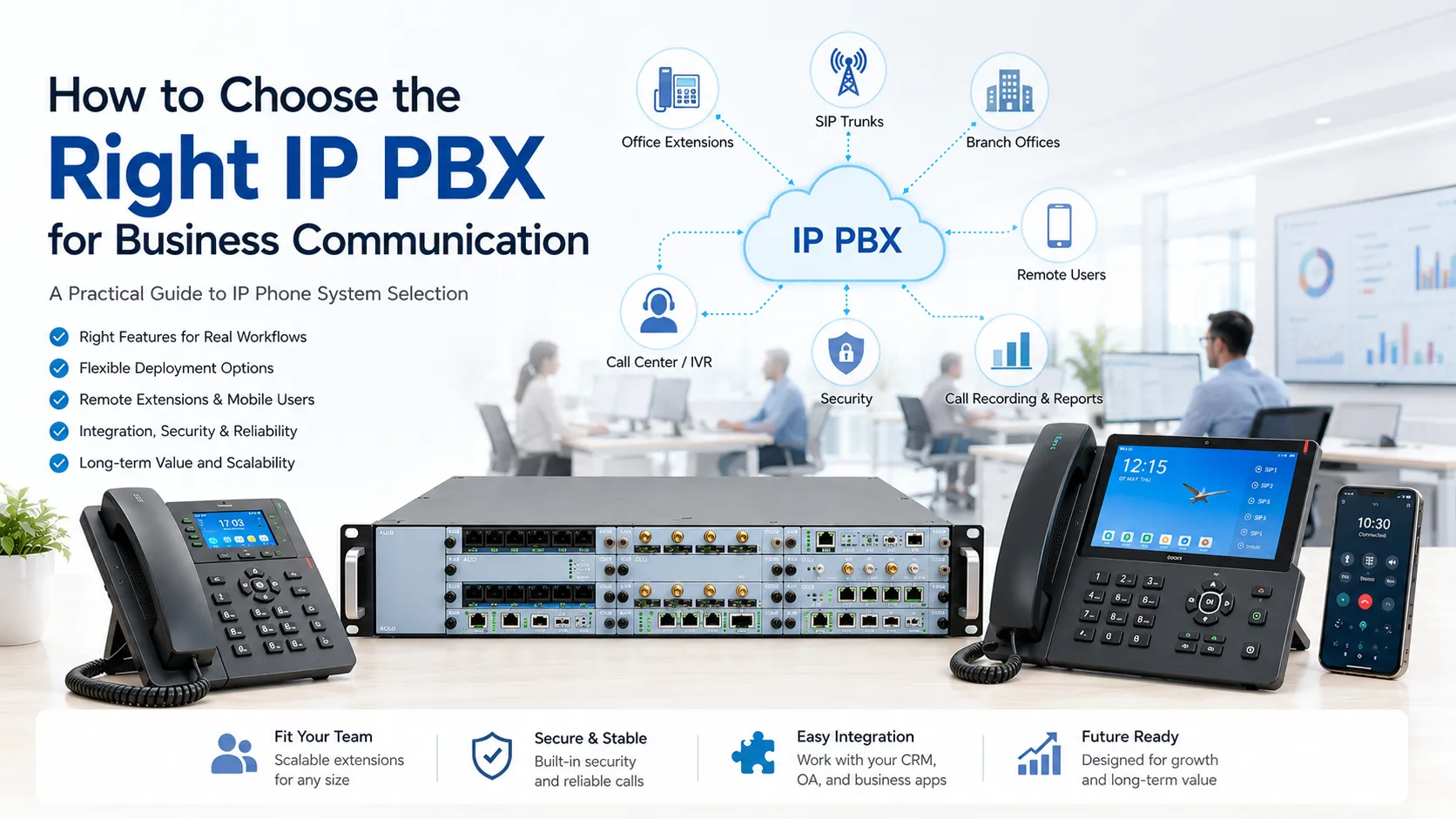
A business phone system is no longer only a device for making calls. In many organizations, it connects reception desks, office teams, branch sites, customer service agents, mobile workers, security rooms, and emergency response points. Choosing the right IP phone system affects call efficiency, operating cost, maintenance workload, and future expansion.
An IP phone exchange is often described as an IP-PBX or unified communication platform. A good solution should not be selected only by the number of extensions or the lowest equipment price. It should be planned around real call scenarios, network conditions, system compatibility, user growth, and the service capability of the supplier.
Start with the Communication Map
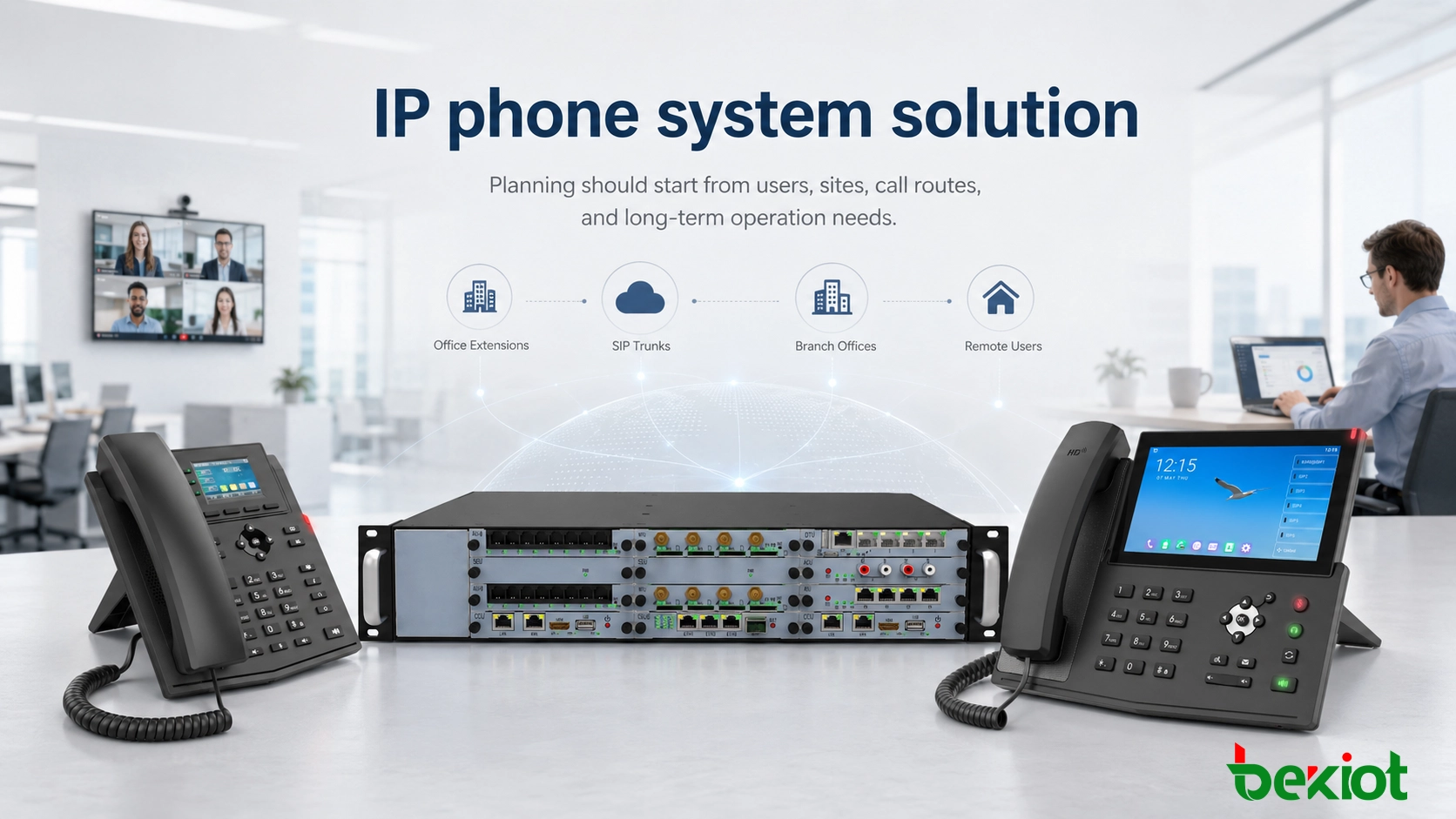
The first step is to understand the scale of the communication environment. A small office, a multi-floor building, a factory campus, and a company with several branch offices all require different system designs. The current number of users is important, but the expected growth over the next few years should also be considered.
For a single-site office, the system may focus on internal extension calling, external line access, call transfer, voicemail, and simple call groups. For multi-site organizations, the design needs to consider branch numbering plans, site-to-site calling, bandwidth quality, VPN or private line access, firewall traversal, and remote extension security.
Network quality is especially important for VoIP communication. If the connection between sites is unstable, voice delay, packet loss, or call interruption may affect daily operation. Before choosing the platform, the project team should check available bandwidth, latency, QoS policy, routing design, and whether remote users need secure access through VPN or other controlled methods.
Define the Daily Call Workflows
A suitable solution should cover the company’s daily call handling process. Basic functions usually include internal extension dialing, inbound and outbound calls, call transfer, call hold, three-party calling, call pickup, ring groups, extension groups, hotline dialing, SIP trunk access, IMS line access, and multi-site networking.
For reception desks and service teams, auto attendant and IVR menus help route calls to the right department. For companies with customer service or support desks, call queue functions may be needed, including automatic call distribution, queue music, agent management, missed call handling, and basic call statistics.
Voicemail can also improve communication continuity. Common functions include voicemail greeting, message notification, and voicemail-to-email delivery. These features are useful when staff are away from the desk or when a call arrives outside business hours.
Plan Around Work Style, Not Only Desk Phones
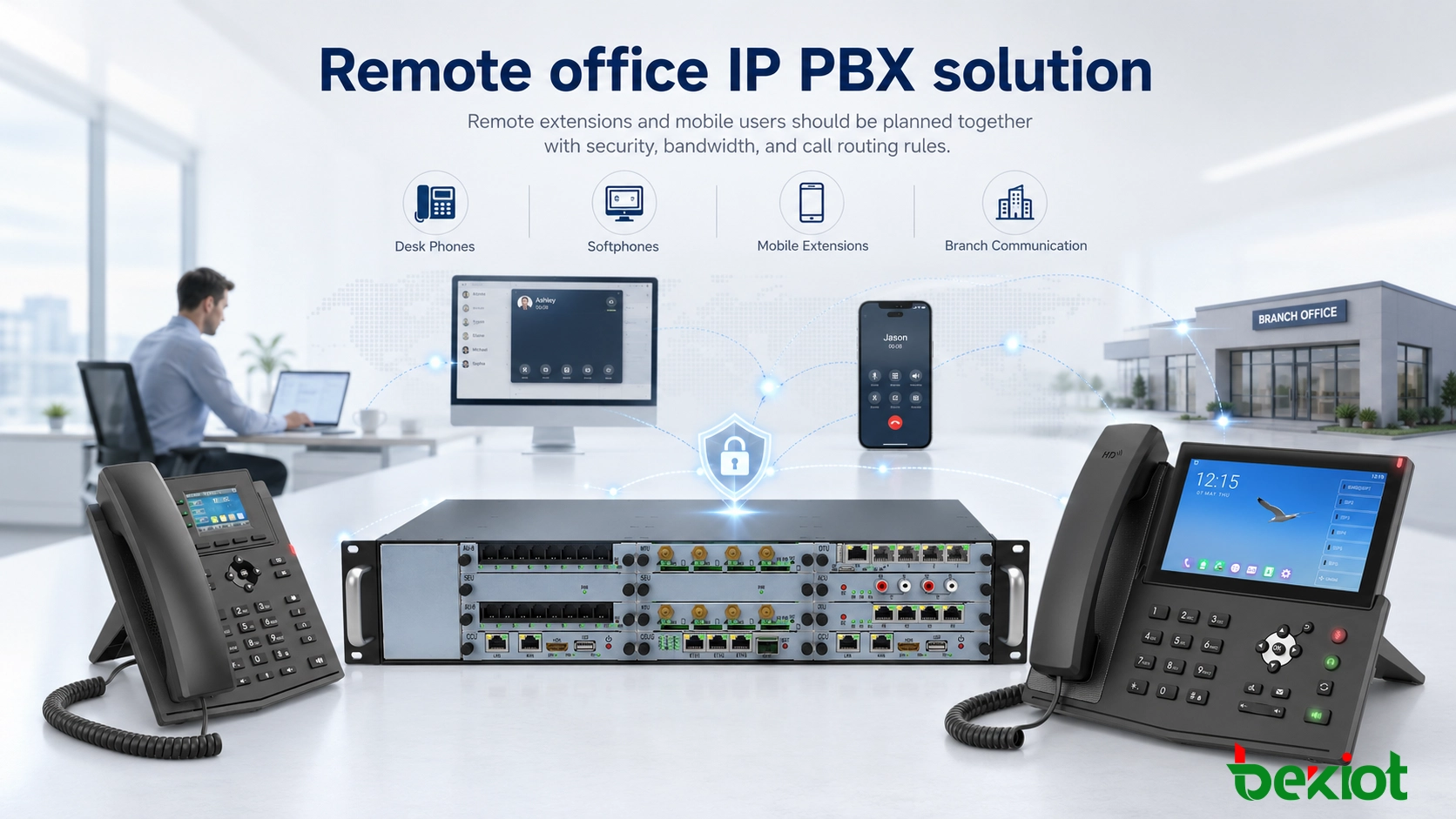
Modern communication is no longer limited to fixed office phones. Many companies need softphones on PCs or mobile devices, remote extensions, mobile extension binding, and sometimes instant messaging or presence integration. These functions allow employees to answer business calls from different locations while keeping a unified office number.
For distributed teams, the system should support secure remote access and clear permission control. Remote calling should not simply expose SIP services to the public internet without protection. Good planning should include account security, password policy, access rules, TLS/SRTP support when required, and monitoring for abnormal registration or call behavior.
Choose a Deployment Model That Fits the Operation
On-premises deployment
An on-premises IP-PBX gives the company more control over data, system configuration, local routing, and customized integration. It is suitable for organizations with higher security requirements, internal IT teams, local server rooms, or sites where communication must continue even when external cloud access is limited.
The main considerations are server hardware, backup power, network protection, system maintenance, software updates, and disaster recovery planning. For critical communication environments, local deployment should not be treated as a one-time installation. It needs long-term operation and maintenance planning.
Cloud-hosted deployment
A cloud-hosted phone system is often easier to start. It reduces local maintenance, supports subscription-based expansion, and can be convenient for companies with many small branches or limited IT staff. It is also useful when fast deployment is more important than deep local customization.
The project team should still evaluate internet reliability, data compliance, service-level agreement, number portability, call recording policy, and long-term subscription cost. Cloud convenience does not remove the need for careful planning.
Hybrid deployment
A hybrid architecture combines local control with cloud flexibility. For example, the core phone system may remain on site, while remote extension access, disaster recovery, or certain branch services are supported through cloud resources. This model is useful for companies in transition or for organizations with mixed security and expansion needs.
Check Compatibility Before Procurement
Compatibility directly affects project cost and implementation risk. A good IP phone system should support standard SIP endpoints and work with common SIP desk phones, conference phones, softphones, paging devices, and gateways. If the system only works well with limited proprietary devices, future expansion may become more expensive.
Many companies still have analog phones, fax machines, analog lines, or E1 trunks. In these cases, analog gateways or digital trunk gateways may be required. The design should confirm whether the system can connect old communication resources while gradually moving to IP-based voice services.
Business system integration is another important factor. Companies may need CRM, OA, ERP, ticketing system, or collaboration platform integration. Useful features include click-to-call, screen pop, call record association, API access, and call data synchronization. These functions can reduce manual work and improve service response.
Add Field Voice Access When Communication Goes Beyond Offices
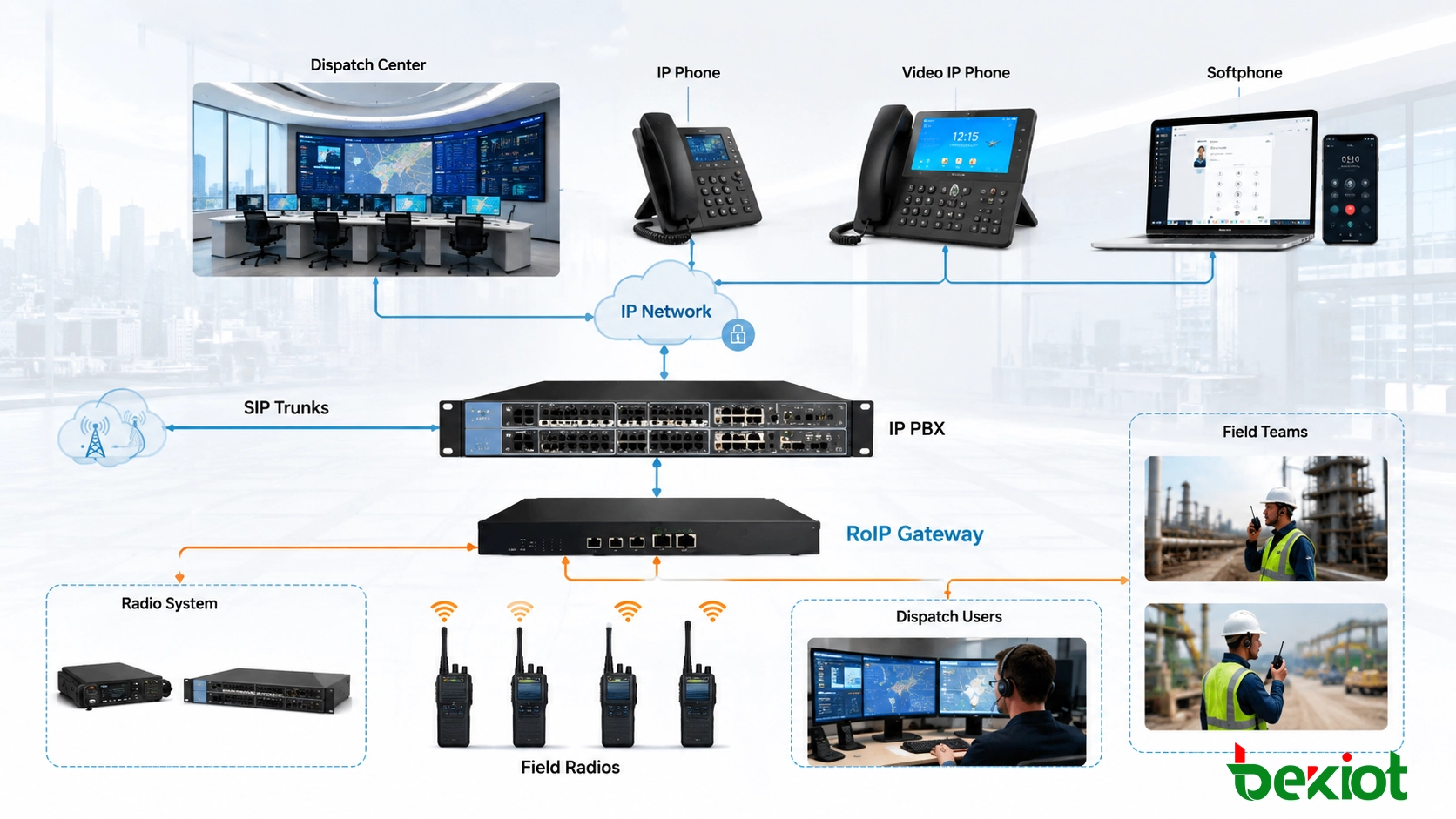
In industrial sites, campuses, ports, logistics parks, factories, and security dispatch centers, communication may need to connect not only office phones but also field radios, dispatch consoles, paging systems, and emergency call points. In these scenarios, voice communication should be designed as a coordinated system instead of separate islands.
RoIP can help connect two-way radio networks with IP communication platforms. This allows dispatch users, SIP phones, and field radio users to communicate across different locations or networks when the project requires wider voice coverage.
Calculate the Full Cost of Ownership
The lowest purchase price is not always the lowest project cost. A complete budget should include software licenses, server hardware, IP phones, gateways, SIP trunks, installation, configuration, training, and integration work. If the system needs recording, call center functions, high availability, or customized API development, these items should be calculated before procurement.
Long-term cost is equally important. This may include software maintenance, cloud subscription fees, trunk rental, IT labor, system upgrades, spare parts, and support service. A system that is difficult to maintain may become expensive over time, even if the initial price appears attractive.
Evaluate the Supplier as a Long-Term Partner
Selecting a phone system is also selecting a long-term communication partner. The supplier should provide stable products, clear documentation, local or timely technical support, training capability, and practical deployment experience. Response time is important when the phone system supports customer service, security duty, emergency contact, or daily business operation.
The supplier’s ecosystem should also be reviewed. A more open system with standard SIP compatibility, API options, gateway support, and flexible integration is easier to maintain and expand. A closed system may limit future choices and increase replacement cost.
Run a Proof of Concept Before Final Rollout
There is no universally “best” IP phone system. The right solution is the one that fits the company’s real communication structure, budget, operation model, and growth plan. Before large-scale deployment, a proof-of-concept test is strongly recommended.
The test should include extension registration, inbound and outbound calling, SIP trunk connection, call transfer, IVR, queue routing, remote extension access, gateway compatibility, recording if required, and integration with existing business systems. A small test can reveal many problems before they become expensive project risks.
FAQ
How much expansion capacity should an IP phone system reserve?
A practical design should reserve capacity for expected staff growth, new departments, additional branch offices, and extra SIP trunks. The reserve does not need to be excessive, but it should avoid immediate system replacement after a small business expansion.
Can old analog phones and fax machines still be used?
Yes, they can usually be connected through analog gateways if the project still needs to keep legacy devices. This is common during phased migration, especially in hotels, factories, warehouses, and offices with existing analog wiring.
When should a company consider call queue functions?
Call queues are useful when several employees answer shared inbound calls, such as customer service, reception, technical support, appointment desks, and maintenance hotlines. They help distribute calls more evenly and reduce missed calls during busy periods.
Is cloud deployment always better than local deployment?
Not always. Cloud deployment is convenient for fast rollout and easier maintenance, while local deployment may be better for organizations that require stronger control, local survivability, customized integration, or stricter data management.
Why is supplier support important after installation?
Phone systems often need changes after deployment, such as adding extensions, adjusting call routes, connecting new trunks, updating IVR menus, or troubleshooting call quality. Reliable support helps keep the system stable throughout daily operation.







