


One-touch calling is a communication feature that allows a user to place a call with a single action instead of manually entering a number, searching a directory, or stepping through several menus. In practical use, that single action may be a dedicated hardware button, a programmable line key, a soft key on a phone display, a touchscreen shortcut, or a preconfigured hotline trigger. The goal is simple: reduce the number of steps between the user and the intended destination.
This feature is widely used in desk phones, IP phones, intercom terminals, hospitality phones, nurse stations, help points, industrial communication devices, and unified communication systems. In some environments, one-touch calling is mainly a convenience feature that improves speed and productivity. In others, it is a critical operational function because fast access to security, emergency response, maintenance, reception, or supervisory staff can directly affect safety, service continuity, or customer experience.
Understanding One-Touch Calling
Definition of One-Touch Calling
At its core, one-touch calling means a preconfigured call action that can be launched immediately by pressing or selecting one assigned control. The destination may be an internal extension, an outside number, a hunt group, a service desk, an emergency responder, or another programmed endpoint. Unlike conventional dialing, the user does not need to remember the number or enter it manually every time.
In many phone systems, one-touch calling is closely related to speed dial, hotline, programmable keys, abbreviated dialing, or quick-access emergency buttons. The exact implementation varies by vendor and system design, but the functional idea remains the same: a device or application stores call information in advance and turns it into a faster, simpler calling experience when needed.
Why the Feature Matters
The importance of one-touch calling comes from time reduction and error reduction. A manual dialing workflow can be slow, especially when users are under pressure, wearing gloves, multitasking, assisting customers, or reacting to an urgent event. Each extra step introduces delay and the possibility of dialing the wrong destination. One-touch access removes much of that friction.
That improvement is valuable in ordinary business environments, but it becomes even more significant in frontline and critical settings. A receptionist may need immediate access to security. A hotel room phone may need a dedicated front desk button. A nurse or staff member may need instant access to a support extension. An emergency help point may need to call a control room without relying on a user to understand the phone system at all. In all of these cases, speed and clarity are the real reasons the feature matters.
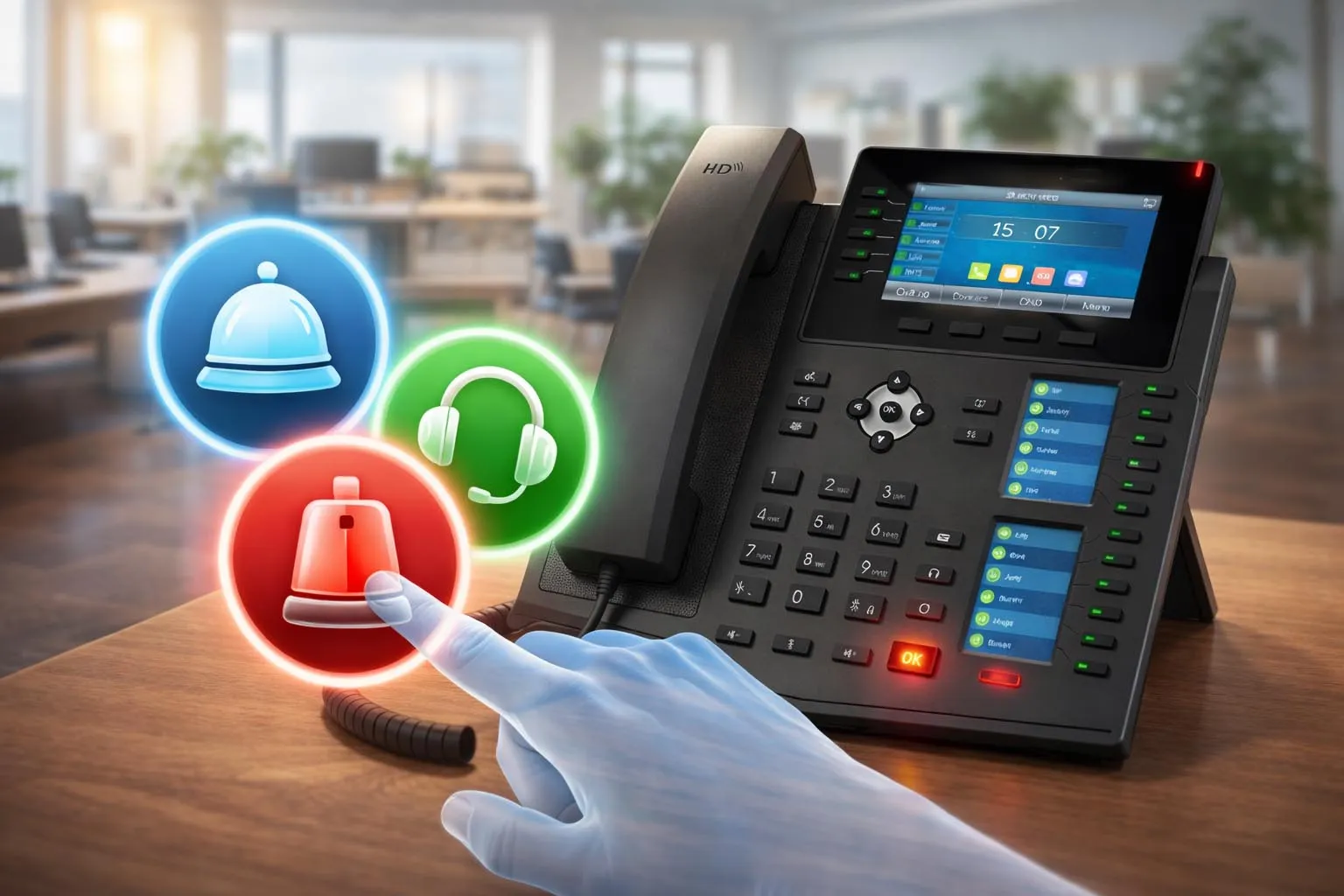
One-touch calling gives users immediate access to preconfigured contacts such as reception, support teams, or emergency services.
How One-Touch Calling Works
Preconfigured Destinations and Trigger Actions
One-touch calling works by linking a destination or call action to a predefined trigger. That trigger may be a physical key on a phone, a touchscreen icon, a DSS or line key, a side action button, an intercom help button, or a hotline rule that automatically dials a preset number after the user goes off-hook. Once configured, the system maps the user’s action directly to a call destination without requiring normal number entry.
Depending on the platform, the stored destination may be a simple telephone number, a SIP URI, an internal extension, a call pickup target, a paging group, or a service code. Some deployments keep the feature very simple, such as one button for front desk and another for housekeeping. Others make it more dynamic by combining one-touch calling with BLF status, line selection, call pickup, intercom, paging, or presence-aware behavior.
Call Flow in a Managed Communication System
In a business or IP communication environment, the button press is usually processed by the endpoint first and then sent to the call control platform. The phone, intercom, or terminal identifies the assigned action, selects the proper account or line, and sends the call request to the PBX, SIP server, or hosted communication platform. The system then applies routing rules and connects the call to the intended extension, queue, outside line, or group destination.
This means one-touch calling is often not an isolated endpoint feature. Its effectiveness depends on how well the wider communication system is designed. Button labels, routing logic, destination groups, failover behavior, and user permissions all influence whether the feature feels reliable in real operation. A quick-access button is only truly useful when the back-end path behind it is also predictable and properly managed.
In emergency and service environments, the design may go even further. The one-touch action can trigger not only a call, but also alerts, call recording policies, priority routing, linked video display, location presentation, or dispatch workflows. In those cases, the “one touch” at the user side activates a much broader response sequence inside the system.
One-touch calling is most valuable when the user experience is simple but the system behavior behind it is well designed, consistent, and dependable.
Key Features of One-Touch Calling
Immediate Access and Fewer Dialing Steps
The most obvious feature is immediate access. Users do not need to memorize extensions, search contact lists, or type long numbers. This makes calling faster and more intuitive, especially for common destinations that are used frequently throughout the day. On business phones, this often appears as speed dial or programmable keys. On service and emergency devices, it may appear as a dedicated hotline or help button.
This simplification is especially valuable in shared-use environments where not every user is trained on the full system. Visitors, patients, guests, shift workers, and temporary staff may not know internal numbering plans. A clearly defined one-touch button removes that knowledge barrier and turns the communication path into a more universal function.
Programmable Buttons and Flexible Assignment
Another important feature is flexibility. One-touch calling is rarely limited to a single permanent use case. Modern endpoints often allow keys to be programmed for individual contacts, departments, service desks, paging groups, intercom targets, pickup functions, or external numbers. A manufacturer may call them speed-dial keys, programmable line keys, DSS keys, VPKs, or action buttons, but the functional purpose is similar.
This flexibility allows organizations to tailor the device to the workflow. A front desk phone can reserve buttons for concierge, room service, engineering, and security. A warehouse phone can provide instant access to supervisors, loading teams, and maintenance. A control room phone can place high-priority contacts on the most visible keys. That adaptability is one reason one-touch calling remains useful across many industries.
Support for Hotline, Intercom, and Service Shortcuts
In many systems, one-touch calling is broader than speed dial alone. It can include off-hook hotline behavior, where the device automatically dials a preset destination after the handset is lifted or speaker mode is activated. It can also support intercom or paging targets, quick access to emergency contacts, and one-touch service features such as pickup or call transfer to predefined numbers.
This broader capability is important because organizations often need different kinds of fast access, not just one-to-one calling. Some buttons are meant for routine convenience, while others support escalation, announcement, reception, or incident handling. A strong one-touch design can therefore combine convenience features and mission-critical shortcuts in the same user interface.
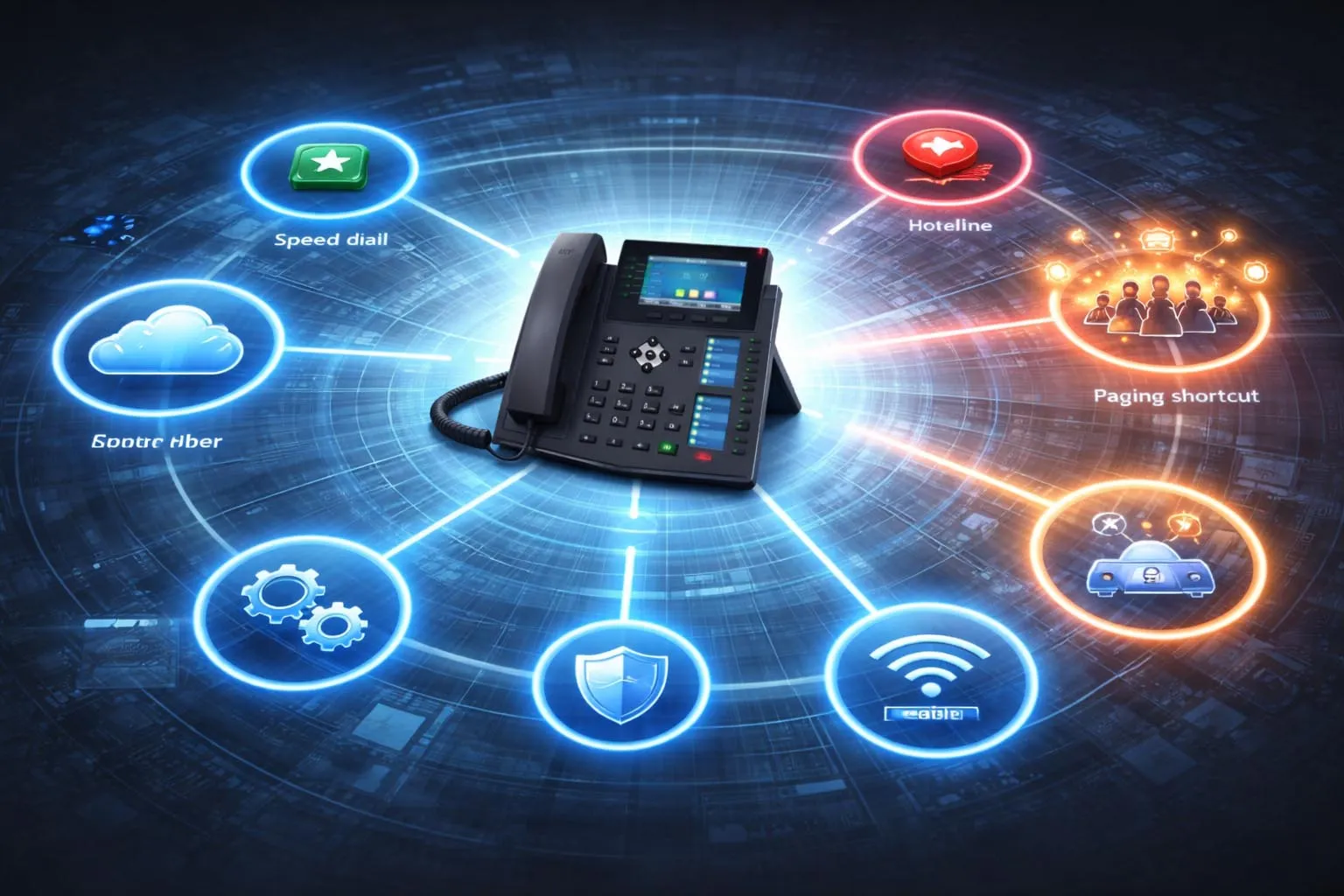
One-touch calling can be implemented through speed dial keys, hotline triggers, paging shortcuts, and other preconfigured call actions.
System Value of One-Touch Calling
Faster Response and Better User Efficiency
The most direct system value is response speed. By removing dialing steps, the feature shortens the path between intent and action. In day-to-day office use, that saves small amounts of time repeatedly and makes frequent contacts easier to reach. Over time, this improves workflow efficiency for reception teams, managers, support desks, supervisors, and other users who call the same destinations many times per day.
In higher-pressure environments, the value is even clearer. When a person needs help, service, or escalation quickly, the difference between pressing one key and navigating a full dialing process is meaningful. One-touch calling improves responsiveness not because it changes the network itself, but because it removes delay at the human decision and interaction layer.
Reduced Errors and More Consistent Communication Paths
Another important value is consistency. When a destination is preconfigured, users are less likely to misdial, choose the wrong contact, or forget the correct extension. This matters in organizations with complex numbering plans, multiple departments, shift coverage, or shared phones. The device becomes a guided communication tool rather than a generic dial pad that depends on perfect user memory.
Consistency also benefits administrators. Instead of relying on each user to know which number to call, the organization can standardize communication paths across devices, roles, or sites. The same emergency key can reach the correct response point across a whole facility. The same front desk button can be deployed room by room in a hotel. This is operationally stronger than leaving important calling behavior to individual user habits.
The real system value of one-touch calling is not just speed. It is the combination of speed, consistency, and lower human error in everyday and urgent communication.
Applications of One-Touch Calling
Office Phones and Enterprise Collaboration
In enterprise environments, one-touch calling is commonly used on desk phones and collaboration endpoints for managers, assistants, receptionists, supervisors, and support teams. Frequently used contacts can be assigned to visible buttons so users can reach key colleagues, departments, or service groups with minimal effort. This is especially useful in reception areas, executive offices, call handling roles, and shared administrative spaces.
It also supports team coordination. A manager may have one-touch access to an assistant, IT help desk, building security, and conference support. A receptionist may use quick keys for internal departments and external service providers. In all of these cases, the feature helps simplify repetitive communication and supports smoother daily operations.
Hospitality, Healthcare, Retail, and Service Environments
One-touch calling is widely valuable in customer-facing and care-related environments. Hotel guest room phones often provide dedicated buttons for front desk, room service, concierge, and emergency assistance. In healthcare and care settings, stations may require immediate access to nurse desks, security, maintenance, or administrative support. In retail and service counters, staff phones may provide fast calling paths to supervisors, storerooms, or technical support.
These applications share a common need: users should not have to search for numbers during a live interaction. The faster the communication path, the easier it becomes to resolve requests, escalate issues, and maintain a better service experience. One-touch calling therefore supports both operational convenience and customer satisfaction.
Emergency, Intercom, and Industrial Communication
In emergency help points, industrial phones, security stations, and intercom systems, one-touch calling often takes on a more critical role. A single help or SOS button may connect directly to a control room, security desk, dispatch operator, or emergency response center. In these cases, simplicity is not just a usability preference. It is a safety design principle. The user may be distressed, unfamiliar with the device, or physically unable to manage a more complex process.
Industrial and transport environments also benefit because the communication path can be made more deliberate and robust. A one-touch help button can connect field personnel or the public to a monitored response point without exposing unnecessary system complexity. When integrated with broader dispatch or alarm workflows, the same one-touch action can help accelerate incident recognition and response coordination across the facility.
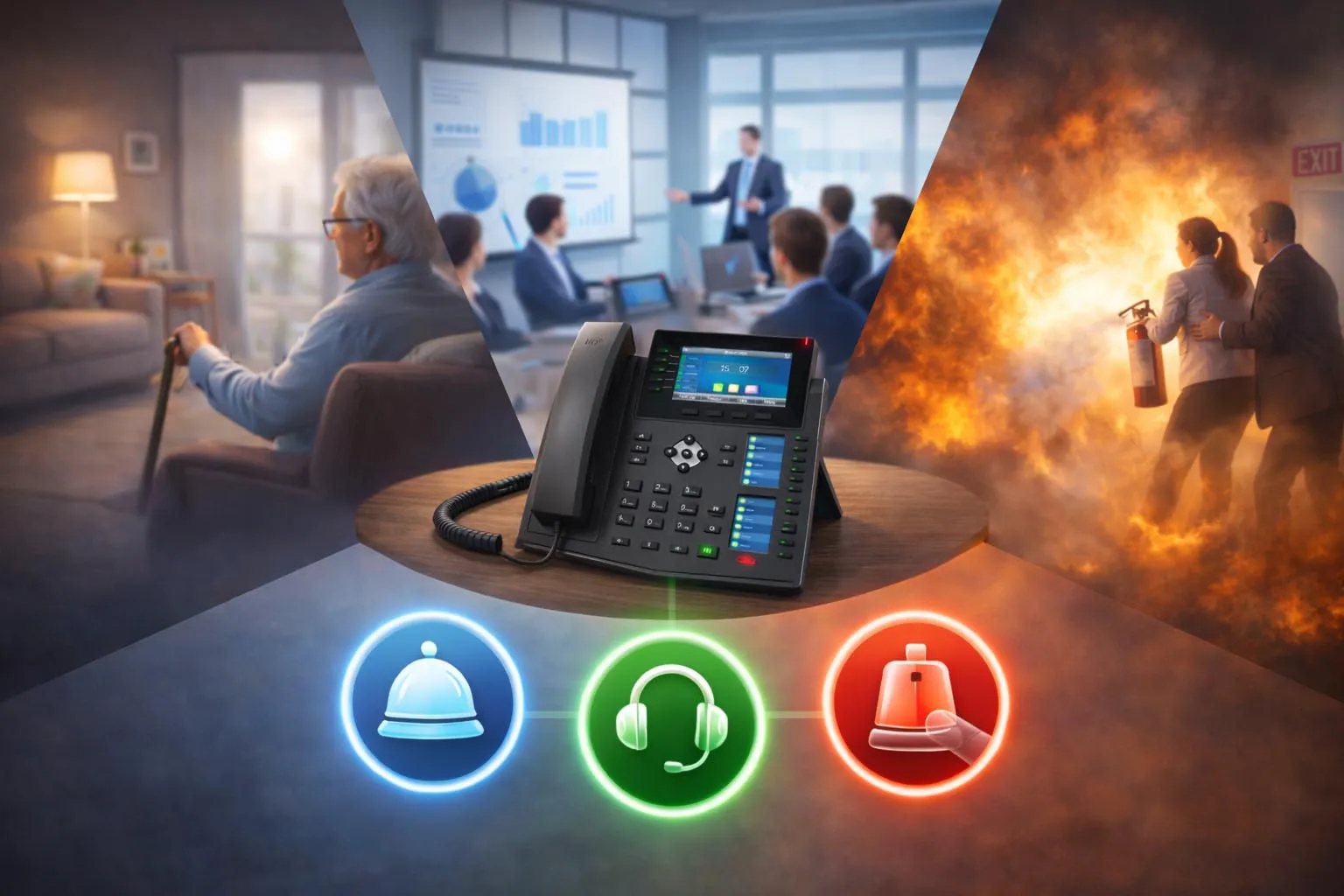
One-touch calling is used in business phones, guest services, care environments, and emergency communication points.
Design Considerations and Best Practices
Button Design, Provisioning, and Labeling
The success of one-touch calling depends heavily on design discipline. Buttons should be assigned according to real workflow needs rather than simply filling all available keys. Frequently used, high-value, or high-urgency destinations should be placed in the most visible and easiest-to-reach positions. Labels should be clear and role-based, especially on shared devices.
Provisioning also matters. In larger deployments, administrators should standardize one-touch configurations by device type, role, department, or location. A room phone, front desk phone, and control room console should not all use the same template unless their workflows are truly identical. Proper central provisioning helps keep the user experience consistent while still respecting operational differences.
Routing Reliability, Security, and Fallback Planning
Because one-touch calling often supports important destinations, routing reliability should be planned carefully. If a button is intended for emergency help, security, or critical service escalation, the destination path should be tested, monitored, and supported by failover logic where appropriate. A button that is simple on the surface but unreliable in practice can create false confidence.
Security and permissions also deserve attention. Not every user should necessarily be able to trigger every call path. Some quick-access buttons may need to be restricted, logged, or prioritized differently from general office calling. In addition, organizations should think about fallback behavior. If the primary destination is unavailable, does the call overflow to another target, queue, or operator? These details determine whether one-touch calling is merely convenient or truly operationally strong.
Training should remain part of the plan as well. Even simple features benefit from light user guidance so that people understand what each key does, when to use it, and what response to expect after they press it.
A good one-touch calling deployment is not defined by the number of buttons on the device, but by how well each button matches a real communication need and a dependable response path.
Conclusion
Why One-Touch Calling Still Matters
One-touch calling is a practical communication feature that gives users immediate access to preconfigured contacts or service paths through a single action. Whether it appears as a speed-dial key, hotline trigger, action button, or emergency help key, its purpose is to make calling faster, simpler, and more dependable for the user.
Its continued value comes from the combination of convenience and operational clarity. In offices, it improves productivity. In guest and care environments, it improves service response. In emergency and industrial settings, it supports faster access to the right help point. When designed well and connected to a reliable call control system, one-touch calling becomes more than a button feature. It becomes a small but important part of how organizations make communication easier and more effective.
FAQ
Is one-touch calling the same as speed dial?
Speed dial is one of the most common forms of one-touch calling, but the concept can be broader than speed dial alone. One-touch calling may also include hotline dialing, programmable action buttons, intercom shortcuts, paging keys, or dedicated emergency buttons.
In other words, speed dial is a subset of one-touch calling. The broader term covers any design where a single user action launches a preconfigured call or calling-related function.
Where is one-touch calling commonly used?
It is commonly used on desk phones, IP phones, hotel room phones, nurse stations, help points, intercom terminals, reception phones, and industrial communication devices. Any environment where users repeatedly call the same destinations or need fast access to assistance can benefit from it.
Typical examples include front desk access in hospitality, supervisor calling in retail, support shortcuts in offices, and emergency help buttons in public safety or industrial sites.
Can one-touch calling be used for emergency communication?
Yes. In many systems, one-touch calling is an important part of emergency communication design. A dedicated button can connect the caller directly to security, a control room, a dispatch operator, or another predefined emergency destination without requiring number entry.
However, its effectiveness depends on the wider system design. The destination routing, monitoring, priority handling, and fallback behavior behind the button should all be planned carefully if the function is safety-critical.
What should be considered when configuring one-touch calling?
Organizations should consider which destinations are used most often, which calls are most urgent, who is allowed to use each shortcut, and how the calls should be routed if the primary destination is busy or unavailable. Clear labels and role-based templates are also important, especially on shared devices.
In larger deployments, centralized provisioning and regular testing are recommended so that one-touch keys remain consistent, accurate, and aligned with the intended workflow.







