


Custom ringtone is a configurable call alert sound used to help users recognize who is calling, why the call matters, or which communication workflow is being triggered. In enterprise phone systems, IP phones, SIP intercoms, hospitality phones, call centers, healthcare communication, security desks, and industrial control rooms, custom ringtones make incoming calls easier to identify before the user answers.
Instead of using one identical ring for every call, a system can assign different tones to internal calls, external calls, emergency calls, door intercom calls, VIP contacts, queue calls, paging callbacks, alarm notifications, department lines, or after-hours service numbers. This small audio feature can improve response speed, reduce confusion, and make daily communication more organized.
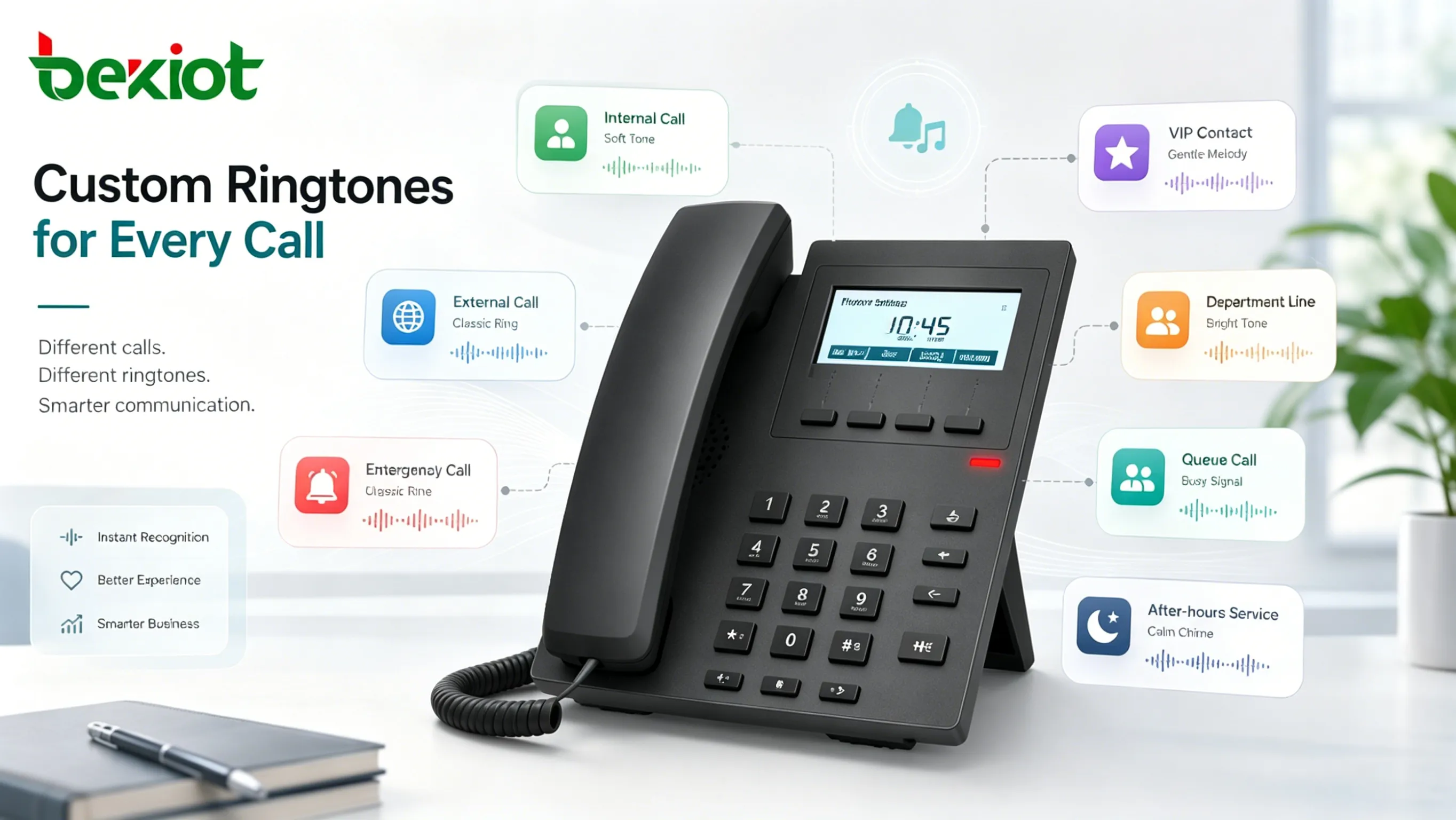
What Custom Ringtone Means in Communication Systems
It is more than a personal sound preference
On a personal mobile phone, a custom ringtone is often used for style or convenience. In a business communication system, it has a more practical role. It helps users distinguish different call sources and react appropriately. A front desk may need to know whether the call comes from a guest room, entrance intercom, emergency line, or external customer. A security operator may need to recognize a gate call differently from an internal office call.
This makes custom ringtone part of call handling design. The tone can act as an audio label that helps the user understand context immediately. In busy environments, that context can be useful before the caller ID is read or before the screen is checked.
It supports call awareness without visual attention
Many users cannot look at the phone screen every time it rings. A nurse may be moving between rooms, a warehouse supervisor may be handling goods, a hotel receptionist may be speaking to a guest, and a dispatcher may be monitoring several systems at once. A recognizable ringtone can provide quick information even when the user is not looking at the display.
This is especially useful where multiple devices ring in the same area. If every extension, queue, door phone, and service line uses the same sound, users may waste time checking which call matters. Differentiated tones help people make faster decisions.
How It Works
Ringtones can be assigned by device or system rules
Custom ringtones can be configured directly on a phone, centrally through a phone management platform, or through call server rules. In simple cases, a user selects a ringtone for a contact, line key, or extension. In larger deployments, administrators may push ringtone settings to many devices through provisioning files or centralized management.
System-level rules are more powerful because they can assign tones based on call type, caller group, SIP header, extension range, queue, department, priority, or service number. This allows a consistent ringtone policy across an organization instead of relying on every user to configure phones manually.
SIP systems may use alert information
In SIP-based communication, a server may send call alert information to the endpoint. The phone can interpret this information and play a specific ringtone if it supports the feature. For example, an internal call, external trunk call, emergency call, or door intercom call can be marked differently by the system and presented with a different ring pattern.
The exact behavior depends on the phone model, PBX platform, firmware, provisioning format, and supported SIP parameters. For this reason, custom ringtone planning should be tested with the actual devices and call platform before large-scale deployment.
Audio files and built-in tones both matter
Some devices only allow users to choose from built-in tones. Others support uploaded audio files, such as WAV or other supported formats. Uploaded files can be useful for organizations that want branded tones, special emergency sounds, hotel service tones, or unique alerts for control rooms.
However, custom audio files should be selected carefully. A ringtone should be clear, short, recognizable, and suitable for the environment. Long music clips, overly soft sounds, or tones that resemble alarms may create confusion or annoyance.
Core Features to Consider
Call-type differentiation
The most common feature is assigning different tones to different call types. Internal calls can use one tone, external calls another, and emergency or priority calls a more noticeable sound. This helps users decide whether to answer immediately, forward the call, or let it move to another destination.
In organizations with many departments, custom tones can also distinguish sales calls, service calls, security calls, reception calls, technical support calls, and management calls. The goal is not to create too many sounds, but to make the most important differences easy to recognize.
Contact and group-based ringtone rules
Some systems allow tones to be assigned to specific contacts, user groups, or caller categories. A manager, VIP customer, emergency contact, nurse station, gate intercom, or maintenance hotline can have a unique sound. This gives the called user immediate context before answering.
Group-based configuration is often easier to maintain than individual contact rules. For example, all calls from the security group can use one tone, while all calls from guest rooms or service counters use another.
Priority and emergency alert tones
In some environments, ringtone design can support priority response. A higher-priority call may use a louder, faster, or more distinctive tone. This is useful for emergency lines, control room escalation, medical alerts, elevator help calls, security alarms, and after-hours support calls.
Priority tones should be used carefully. If too many calls use urgent sounds, users may become desensitized. Emergency tones should remain reserved for calls or events that genuinely require immediate attention.
Centralized provisioning and policy control
For larger deployments, centralized ringtone management is important. Administrators may need to configure hundreds or thousands of IP phones with consistent tones. Provisioning allows ringtone files, tone names, call rules, and line behavior to be distributed automatically.
Centralized control also makes future changes easier. If the organization changes an emergency tone, adds a new queue, or updates department routing, administrators can adjust the configuration without manually editing every phone.
A custom ringtone should help users understand call context quickly. If the tone library becomes too complex, it can create the same confusion it was meant to solve.
Deployment Benefits
Faster response to important calls
When users can recognize a call by sound, they can respond faster. A distinctive tone for an emergency line, entrance intercom, supervisor call, or service queue helps the user prioritize attention. This is especially useful in busy environments where several devices may ring at once.
Faster response is not only about answering the call sooner. It also helps users prepare mentally for the call type. A hotel receptionist may answer a guest-room call differently from a delivery entrance call. A maintenance desk may treat an equipment alarm callback differently from a routine internal call.
Less confusion in shared workspaces
Shared offices, nurse stations, reception desks, warehouses, control rooms, and front desks often have multiple phones or line keys. If all calls sound the same, staff may not know which person, line, or department should answer. Custom tones reduce this ambiguity.
This improves teamwork because staff can understand call ownership more quickly. A ring tone can indicate whether the call is for the main reception, a service queue, a door station, or a specific department line.
Better support for service workflows
Custom ringtone supports service design by making call flows more understandable to users. A support queue can use one tone, callback requests another, and VIP service calls another. This can help agents and supervisors handle different interaction types with the right urgency.
In customer-facing environments, ringtone planning can also reduce missed calls. Staff are more likely to notice and answer a call when the tone clearly indicates that it belongs to their role or service area.
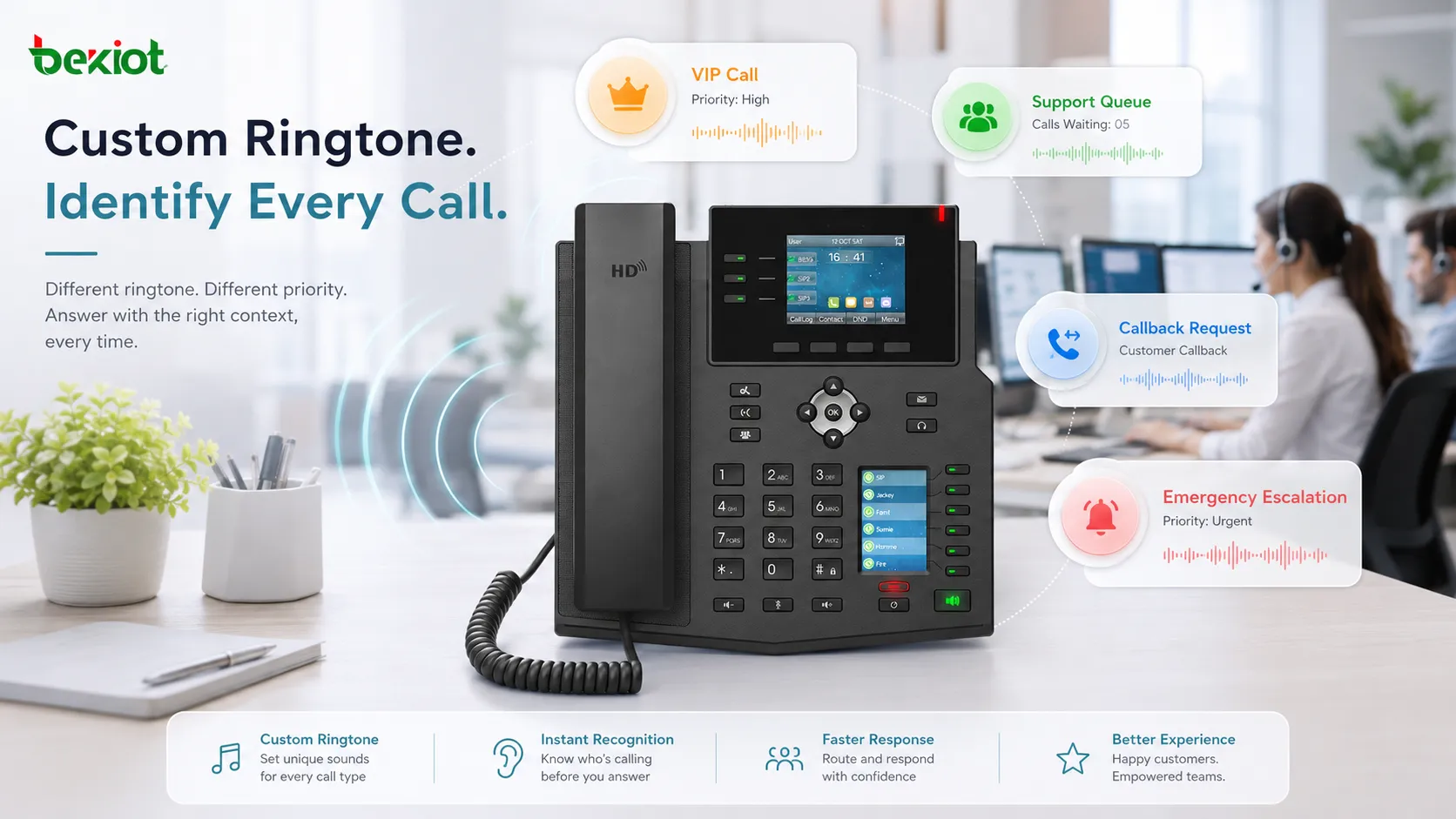
Applications in Different Environments
Offices and enterprise phone systems
In offices, custom ringtones are used to distinguish internal calls, external calls, executive calls, reception calls, conference room calls, and team lines. This helps employees respond appropriately and reduces the need to check the screen for every ring.
Multi-line phones benefit from this feature because different line keys can represent different departments or business numbers. A user who supports both sales and technical service can hear which line is ringing before answering.
Hotels, hospitals, and service counters
Hotels may use different tones for guest rooms, front desk calls, door intercoms, housekeeping, engineering, and emergency lines. Hospitals can use ringtone rules for nurse stations, reception desks, laboratories, pharmacy rooms, and internal support calls.
In these environments, users often handle several tasks at once. A recognizable ring helps staff identify whether the call is routine, guest-facing, clinical, operational, or urgent.
Security, access control, and intercom systems
Security desks may receive calls from entrances, gates, elevators, parking areas, help points, and internal extensions. Custom ringtones can distinguish visitor calls from emergency assistance calls or internal operator calls.
This is useful when intercom and access control systems are connected to IP phones or PBX platforms. The ringtone can help security staff recognize the source before viewing video or unlocking a door.
Industrial and public facilities
Factories, warehouses, transport stations, utility sites, and public facilities may use custom ringtones for control room calls, emergency stations, maintenance lines, loading docks, field intercoms, and public help points. In noisy locations, the tone should be loud, distinct, and compatible with the working environment.
Industrial users should consider whether the ringtone can be heard over background noise without being confused with alarms, warning buzzers, machine sounds, or public address tones.
Planning and Configuration Tips
Use a simple ringtone policy
A simple ringtone policy is usually better than assigning a unique sound to every possible caller. Users can remember a few meaningful tones, but they may not recognize a large sound library. A practical policy might include internal calls, external calls, priority calls, door intercom calls, and queue calls.
Before deployment, administrators should define what each tone means and make sure users understand it. Ringtone design becomes more effective when it is connected to training and workflow, not just technical configuration.
Choose tones that fit the environment
A ringtone that works in a quiet office may be too soft for a factory or too sharp for a hospital. The sound should match the environment. Offices may need professional and unobtrusive tones. Industrial areas may need stronger and more distinctive tones. Healthcare settings may need sounds that are noticeable but not stressful.
Volume, frequency range, repetition pattern, and duration all matter. Short and recognizable tones usually work better than long melodies. The tone should not resemble fire alarms, evacuation sounds, medical alarms, or machinery warning signals unless the system is intentionally designed for that purpose.
Test with real devices and call routes
Custom ringtone behavior can vary by phone model, firmware version, PBX platform, and provisioning method. A tone that works on one phone may not work on another model. A SIP header may be recognized by one device but ignored by another.
Testing should include real incoming call types, line keys, queues, intercom calls, transfer scenarios, forwarding rules, and failover routes. This helps avoid inconsistent behavior after rollout.
Common Mistakes to Avoid
Creating too many tones
Too many ringtones make the system harder to understand. Users may stop paying attention if every call has a different sound. The goal is to highlight meaningful differences, not to turn every call source into a separate audio code.
A smaller set of well-chosen tones is usually more effective. Critical calls, door calls, queue calls, and external calls may be enough for many organizations.
Using tones that are too quiet or too similar
If tones are too quiet, users may miss calls. If they are too similar, users may confuse call types. This is especially common when built-in ringtone lists contain several sounds that differ only slightly.
Tones should be tested at the real device volume and in the real room or work area. Background noise, distance, wall reflections, and competing sounds can change how the tone is perceived.
Forgetting maintenance and updates
Ringtone settings may be lost or changed after firmware updates, phone replacement, provisioning changes, or PBX migration. Administrators should include ringtone rules in configuration backups and deployment documentation.
When new departments, queues, or intercom endpoints are added, the ringtone policy should be reviewed. Otherwise, new call flows may use default tones and reduce the usefulness of the original design.
Conclusion
Custom ringtone is a practical feature that helps users recognize incoming call context by sound. In enterprise communication, it supports faster response, clearer call ownership, better service workflows, and more organized daily operation. It is especially useful in multi-line phones, call centers, reception desks, hotels, healthcare facilities, security rooms, intercom systems, and industrial sites.
The best custom ringtone design is simple, consistent, and connected to real workflows. By assigning meaningful tones to key call types, testing them on actual devices, and managing them through clear policies or centralized provisioning, organizations can turn a basic ringing sound into a useful communication signal.
FAQ
Can custom ringtones be different for each line key on an IP phone?
Many IP phones support different tones for different accounts, lines, or call appearances, but the exact behavior depends on the device model and configuration method. It should be tested before deployment.
Can a company upload its own ringtone file to every phone?
Some phone systems support uploaded ringtone files through provisioning or device settings. The file format, size, sampling rate, and naming rules must match the phone manufacturer’s requirements.
Why does a custom ringtone work for direct calls but not queue calls?
Queue calls may use different call routing or SIP signaling than direct calls. The phone may not receive the same alert information, or the PBX may need an additional rule to mark that queue call type.
Should emergency calls use the loudest ringtone?
Not always. Emergency tones should be noticeable and clearly different, but excessive volume can cause stress or confusion. The tone should match the environment and be tested with users.
Can custom ringtone settings be locked by administrators?
In managed deployments, administrators can often control ringtone settings through provisioning files or device management platforms. This helps keep important tones consistent across users.
How often should ringtone policies be reviewed?
They should be reviewed when call flows change, new departments are added, emergency procedures are updated, phones are replaced, or users report confusion. Regular review keeps the tone design aligned with actual workflows.







