


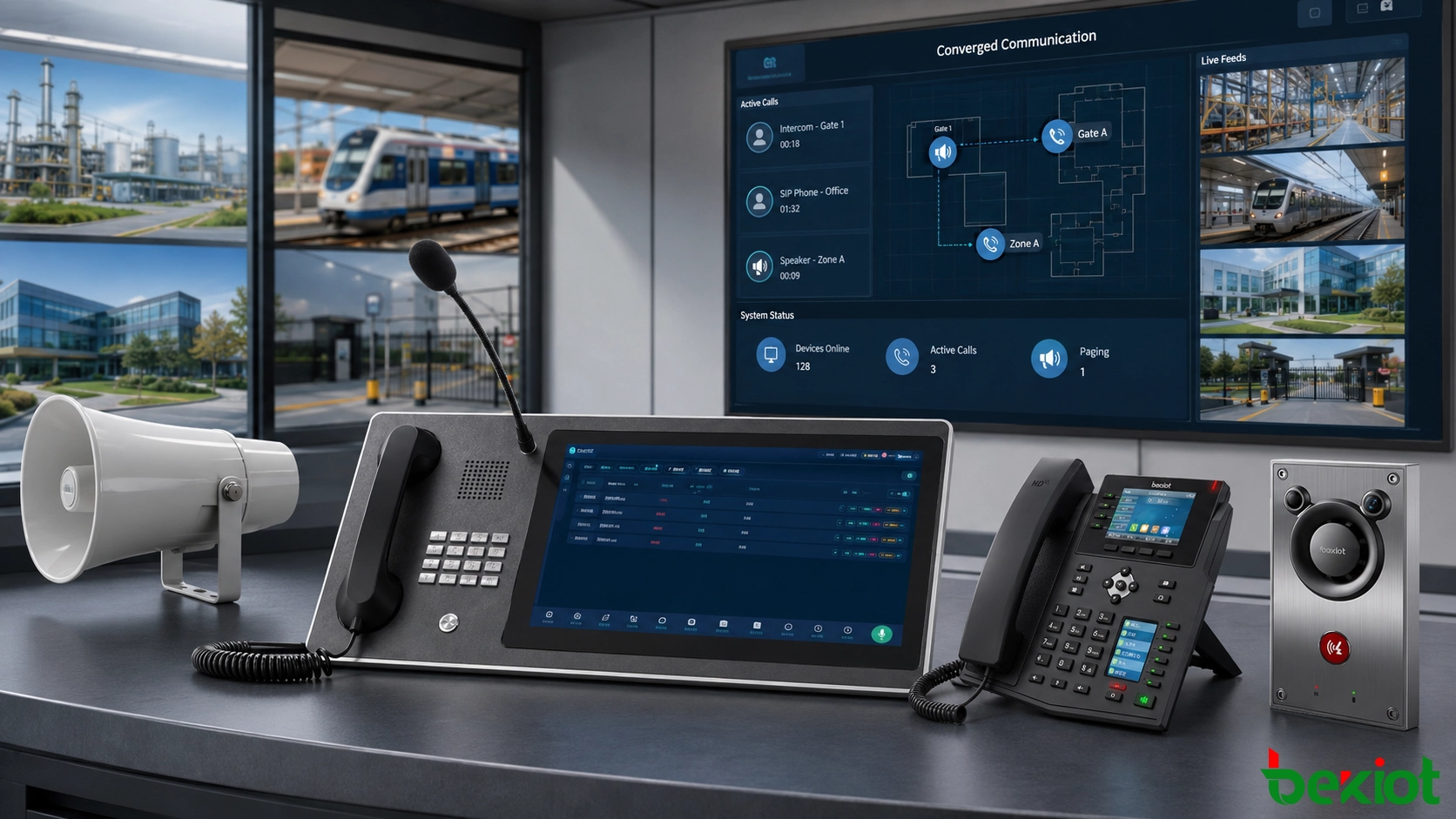
Communication systems are no longer built around one telephone network or one dispatch console. In many industrial, transportation, energy, campus, healthcare and public safety projects, users need to connect SIP phones, two-way radios, video surveillance, video meetings, paging speakers, alarms and field terminals into one coordinated workflow. A converged communication solution is designed for this need. It allows different communication resources to interconnect through open protocols, gateway conversion and centralized dispatch control, so that daily collaboration and emergency response can become faster, clearer and easier to manage.
The value of this solution is not simply “putting many devices together.” The real value is operational coordination. A control room can call a field SIP phone, talk to a radio group, open a related camera, start a paging broadcast, join a video meeting and handle an alarm event from the same communication environment. For organizations with complex sites or multiple departments, this reduces system isolation and improves response efficiency.
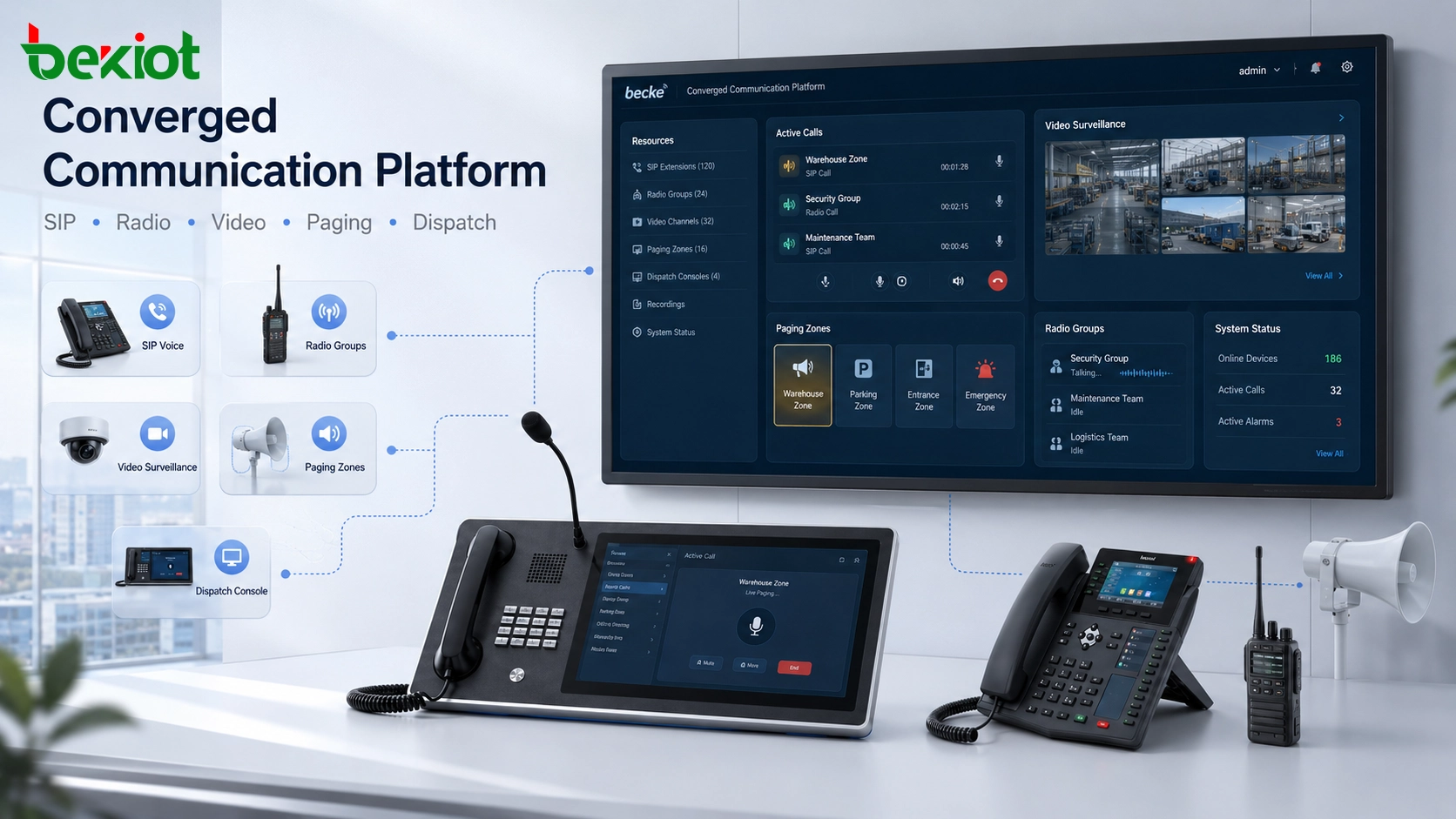
Why Separate Systems Create Integration Pressure
Many projects already have several communication systems before a unified platform is introduced. Office users may rely on IP phones. Field workers may use two-way radios. Security teams may operate video surveillance platforms. Facility departments may manage public address systems. Emergency points may include alarm buttons, industrial telephones or intercom terminals. When these systems remain isolated, communication depends heavily on manual coordination.
In daily operation, this may only reduce efficiency. In an emergency, it can delay response. A dispatcher may need to check several screens, repeat the same instruction through different channels, ask another team to verify the scene, or manually notify field personnel. A converged solution reduces these gaps by connecting communication, visual verification, paging notification and event handling into a single workflow.
SIP Voice Provides the Basic Communication Layer
SIP is widely used in modern IP voice communication because it is open, flexible and supported by many platforms and devices. In a converged communication solution, SIP usually becomes the basic voice layer. IP PBX systems, SIP phones, dispatch consoles, intercom terminals, emergency phones and voice gateways can register to the same SIP server or communicate through trunk and routing rules.
Through SIP integration, different telephone resources can become part of one communication network. This may include office extensions, industrial SIP phones, analog telephone gateways, mobile softphones, satellite phone access, video phones and fixed emergency call points. With a unified numbering plan, users can call across departments, buildings, remote sites and device types without maintaining several disconnected voice systems.
For industrial and public infrastructure projects, fixed SIP terminals are especially important. Weatherproof phones, explosion-proof phones, vandal-resistant phones, cleanroom phones, emergency call stations and SIP intercoms can be installed at workshops, tunnels, substations, loading areas, platforms, corridors or outdoor service points. These endpoints provide reliable communication where mobile phones may be restricted, unstable or unsuitable for emergency use.
Radio Access Keeps Field Teams in the Same Command Chain
Two-way radio is still essential in many mission-critical environments. Public safety, ports, transportation, energy facilities, chemical plants, mining areas, large industrial parks and emergency response teams often use radio because it supports instant push-to-talk communication, group calling and fast coordination. Common systems may include analog trunking, DMR, PDT, TETRA and PoC public-network push-to-talk systems.
The challenge is that radio networks usually operate independently from SIP telephony and dispatch platforms. To connect radio users with IP phones or command centers, a radio access gateway or RoIP gateway is normally required. The gateway converts radio audio and push-to-talk control into IP or SIP communication, allowing radio groups to communicate with dispatch consoles, SIP extensions and other communication endpoints.
In a practical deployment, a dispatcher can call a radio group from the command console, a radio user can speak with an office extension, and an emergency center can bridge radio traffic into a wider communication session. This keeps the fast response advantage of radio while extending it into an IP-based communication environment.
Video Surveillance Adds Scene Verification
Video surveillance is often managed as a separate security system, but modern dispatch projects increasingly require video resources to be linked with communication workflows. When an alarm occurs or a field user reports an incident, operators need more than voice information. They may need to view the nearby camera, check the real site condition and confirm whether further action is required.
The technical challenge is that surveillance systems commonly use RTSP, ONVIF, GB28181, VMS platforms or NVR devices, while voice communication platforms are often based on SIP. These systems do not naturally speak the same protocol. For this reason, video access gateways, platform interfaces or protocol conversion modules may be needed to connect cameras, NVRs and surveillance platforms with the dispatch environment.
Once the video layer is connected, the dispatch platform can support more useful workflows. Operators may open a live camera during an alarm, associate a camera with an emergency phone, view a monitored area before making a broadcast, or display selected video streams through WebRTC on the dispatch console. The purpose is not to replace the video surveillance platform, but to make key video resources available when communication decisions are being made.
Video Meetings Support Cross-Site Collaboration
Video conferencing is another important part of converged communication. In routine operation, it supports remote meetings between departments, branches, control rooms and project teams. In emergency scenarios, it allows managers, dispatchers, technical experts and field supervisors to discuss the same event in real time.
Many video conferencing systems support SIP, so they can often connect more directly with a SIP-based communication platform. SIP phones, video phones, conference terminals and dispatch consoles can join the same communication environment when the system is planned correctly. This helps organizations build multi-party collaboration without creating a separate meeting process for every event.
Paging and Public Address Extend Commands to Wide Areas
Paging and public address systems are widely used in factories, tunnels, campuses, hospitals, transportation hubs, ports, warehouses, energy facilities and outdoor public areas. In a converged communication solution, paging is not only used for routine announcements. It can also support emergency notification, evacuation guidance, area-based broadcasting, scheduled messages and dispatch-triggered voice alerts.
A SIP paging gateway or IP audio interface can connect paging resources with the SIP platform or dispatch system. Operators can use an IP phone, dispatch console or authorized terminal to make live announcements, call a paging zone, trigger pre-recorded audio, or coordinate a broadcast with an emergency response procedure.
Related devices may include SIP paging phones, paging gateways, IP speakers, horn speakers, industrial amplifiers, zone controllers and emergency broadcast interfaces. The system design should consider installation environment, audio coverage, background noise, network quality, priority rules and emergency operation procedures.
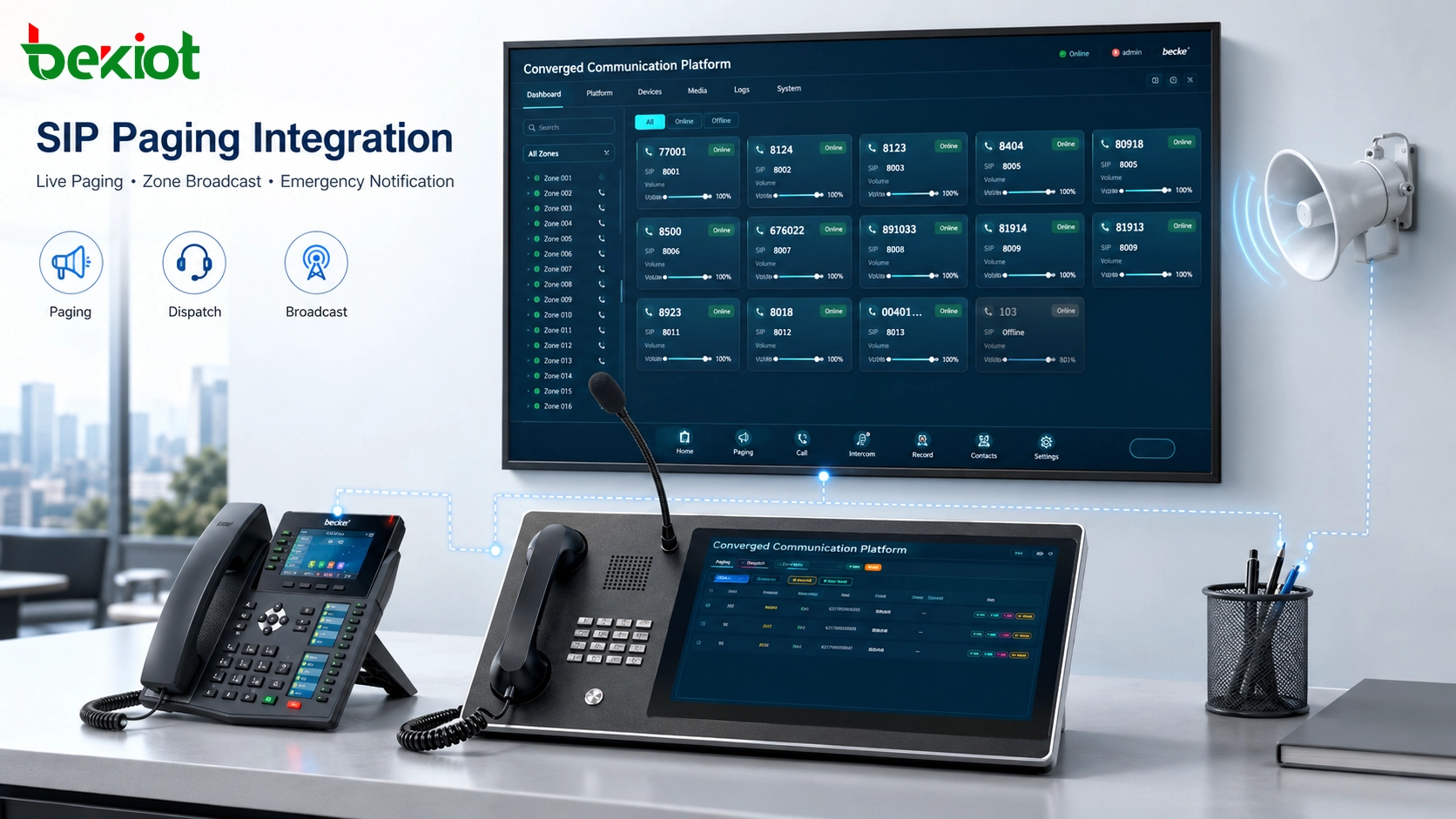
Alarms, IoT and AI Turn Communication into an Event Workflow
A modern unified communication platform can integrate beyond traditional voice, video and paging. Many projects need to connect emergency buttons, access control, fire alarms, gas detection, GIS maps, IoT sensors, streaming media and AI-assisted event recognition. These systems may not all use SIP, but they can still connect through APIs, middleware, protocol gateways or platform-level integration.
For example, a gas alarm can trigger a pop-up on the dispatch console, open a related camera, call the responsible team and start a broadcast in the affected zone. An emergency phone can trigger location information and video linkage. A radio group can be bridged into the same event channel so field users receive instructions immediately. This turns communication from a simple calling function into an event-driven command workflow.
Typical Architecture for a Unified Deployment
A practical solution usually includes a central communication platform, SIP server or IP PBX, dispatch console, gateway layer, terminal layer and application integration layer. The SIP platform handles registration, extension management, call routing and voice communication. The gateway layer connects radio systems, analog phones, video resources, paging systems and external communication networks.
The terminal layer may include SIP phones, paging phones, industrial telephones, IP intercoms, video phones, emergency call stations, radio devices, paging speakers and mobile clients. The application layer connects alarms, video platforms, GIS systems, IoT sensors, access control systems and incident management software. A well-designed solution should not force every subsystem into one closed product. It should use open interfaces and clear integration rules to allow different systems to work together.
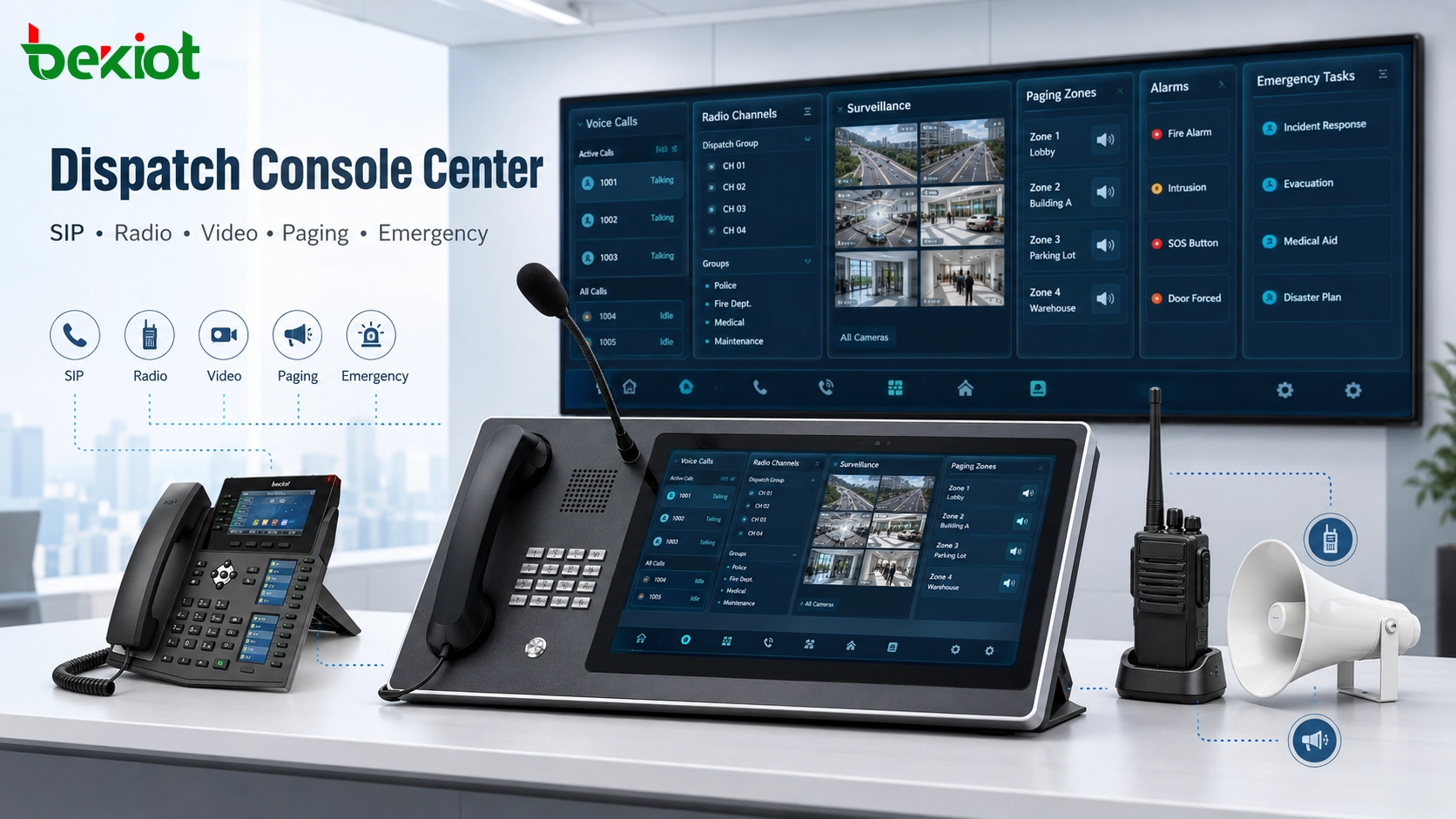
Benefits for Industrial and Mission-Critical Sites
The first benefit is operational efficiency. A unified platform reduces the number of isolated systems that operators need to manage. A SIP phone can reach the dispatch center, a dispatcher can talk to a radio group, a camera can be linked to an alarm, and a paging broadcast can be triggered from the same event workflow.
The second benefit is faster emergency response. In a critical situation, delays often come from fragmented information. If voice, radio, video, paging and alarm systems are connected, operators can verify the scene, issue instructions and coordinate teams more quickly. This is especially useful in hazardous areas, tunnels, ports, transportation sites, energy facilities, industrial parks, campuses and public infrastructure.
The third benefit is scalability. As project requirements grow, new SIP terminals, radio gateways, paging zones, video access points or application interfaces can be added step by step. This makes the solution suitable for small communication upgrades, large command centers and multi-site management projects.
Product Categories Used in the Solution
A complete project usually requires a combination of software platform, gateway equipment and field terminals. Common product categories include IP PBX servers, dispatch consoles, SIP phones, paging phones, industrial telephones, video intercom terminals, radio gateways, SIP paging gateways, analog telephone gateways, emergency telephones, explosion-proof phones, IP speakers and public address equipment.
Radio gateways are important when a project needs to connect traditional two-way radio with SIP communication. SIP paging gateways are useful when existing amplifiers or speakers need to connect to an IP dispatch system. Paging SIP phones and industrial communication endpoints provide reliable fixed access points for daily calling, emergency reporting and live broadcast control. Together, these products help build a communication network that is practical, scalable and easier to operate.
Planning Notes Before Implementation
Before deployment, the project team should identify which systems need to be connected and what workflow each integration must support. Protocol connection alone is not enough. The design should define user roles, call permissions, emergency priority, paging zones, radio groups, camera linkage, alarm triggers, redundancy requirements and maintenance responsibilities.
Network quality should also be evaluated carefully. Voice, video and paging have different bandwidth, delay and reliability requirements. For large sites or multi-branch projects, the design should consider VLAN planning, QoS, VPN access, firewall rules, server redundancy, backup power and remote management. In critical applications, failover testing and emergency procedure testing should be included before final acceptance.
Final Notes
A converged communication solution is not a single device or a simple software feature. It is a system-level architecture that connects voice, radio, video, conferencing, paging, alarms and application data into one coordinated communication environment. SIP provides a strong foundation for voice integration, while gateways and open interfaces extend the platform to radio networks, video surveillance, public address systems, IoT applications and AI-assisted workflows.
For organizations that need reliable command, dispatch and emergency communication, the real value is not only interoperability. The value is a faster and clearer workflow: operators can see what is happening, talk to the right people, broadcast instructions to the right area and coordinate field teams through one integrated platform.
FAQ
Can existing communication equipment be reused?
In many cases, yes. Existing phones, radios, cameras, speakers and alarm systems can often be connected through SIP access, gateways, APIs or platform interfaces. The final design depends on device condition, protocol support and project workflow.
Is SIP enough for all types of integration?
No. SIP is mainly used for voice and session control. Video, alarms, IoT and management systems may require RTSP, ONVIF, GB28181, WebRTC, APIs or other interfaces. A complete solution usually combines multiple integration methods.
Does every site need a full dispatch center?
Not always. Small projects may only need IP PBX, gateways and field terminals. A dispatch center becomes more valuable when the site needs visual operation, group calling, emergency priority, alarm linkage or multi-system command control.
How should emergency paging priority be designed?
Emergency paging should usually have higher priority than routine announcements. The design should define authorized users, paging zones, trigger rules, interruption behavior and fallback procedures before deployment.
What should be tested before acceptance?
Testing should include SIP registration, call routing, radio bridging, paging zones, camera linkage, alarm triggers, call priority, audio quality, video access, network delay, failover, backup power and real operator workflows.







