


LDAP is one of those technologies that many IT and telecom teams use every day without always talking about it directly. In most organizations, it sits quietly in the background, helping systems find people, resolve contact details, and keep identity data organized. When it appears in an IP PBX environment, it usually shows up in a practical way: users search the company directory from a desk phone, the PBX imports employee records from Active Directory, or administrators connect the phone system to a central directory instead of maintaining separate contact lists by hand.
That is why LDAP matters in business telephony. It is not just another contact feature. It is a standardized way to access structured directory information, and in an IP PBX it can reduce duplicate administration, improve caller identification, and make enterprise communication systems easier to manage at scale.
What Is an LDAP Directory?
LDAP stands for Lightweight Directory Access Protocol. It is a protocol used to access and work with directory services. A directory is a specialized database designed for fast lookups of structured information such as user names, phone numbers, email addresses, departments, extensions, group membership, office locations, and authentication-related attributes.
Unlike a typical transactional database that changes constantly and handles large volumes of writes, a directory is optimized for reading, searching, and retrieving identity-related information. That is why LDAP is widely associated with enterprise directories such as Microsoft Active Directory and OpenLDAP deployments. In simple terms, an LDAP directory gives applications a consistent place to look when they need to answer questions such as: Who is this user? What is this person’s extension? Which department do they belong to? What number should the phone display when a caller is matched to a known contact?
How Does LDAP Work?
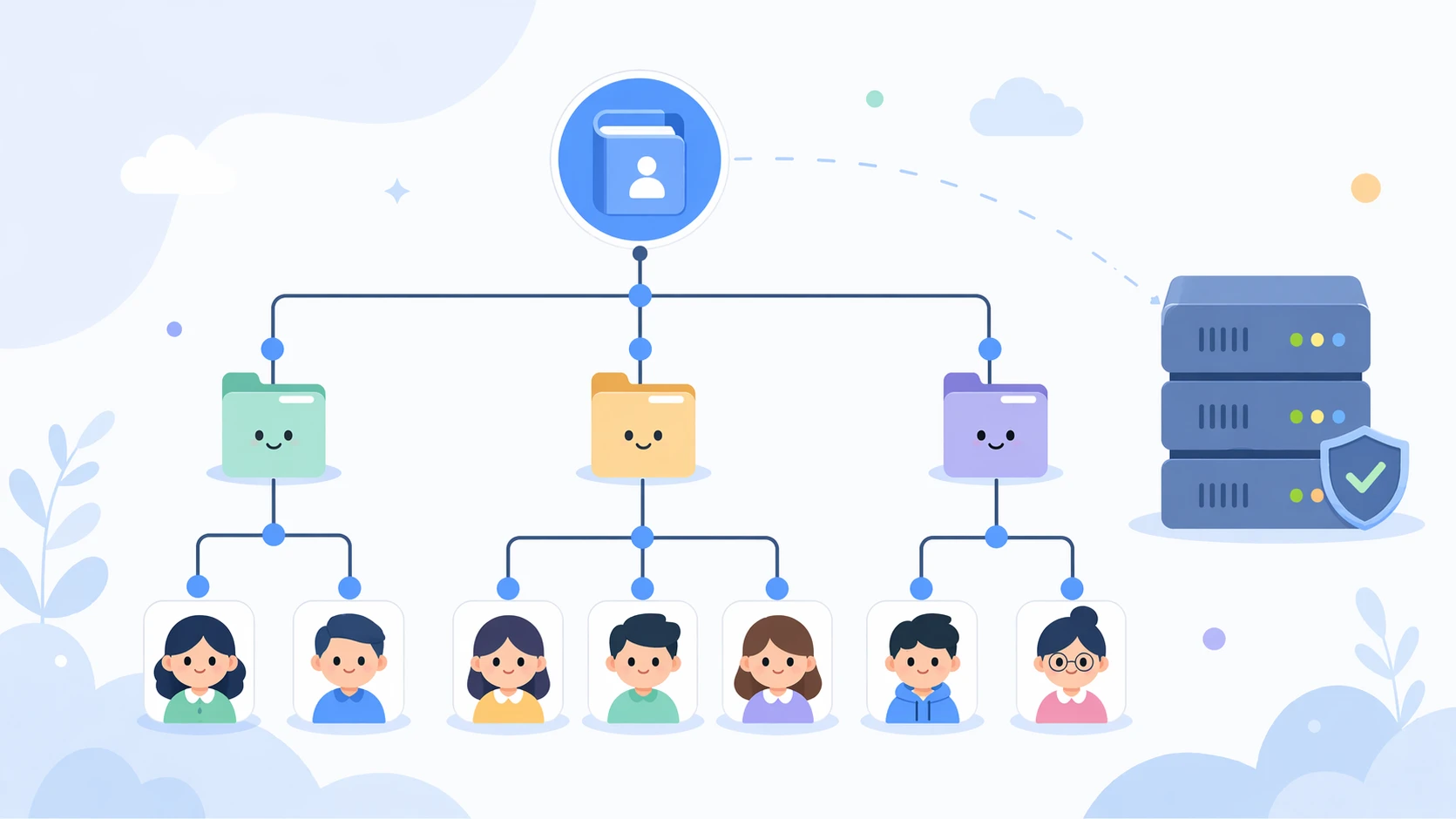
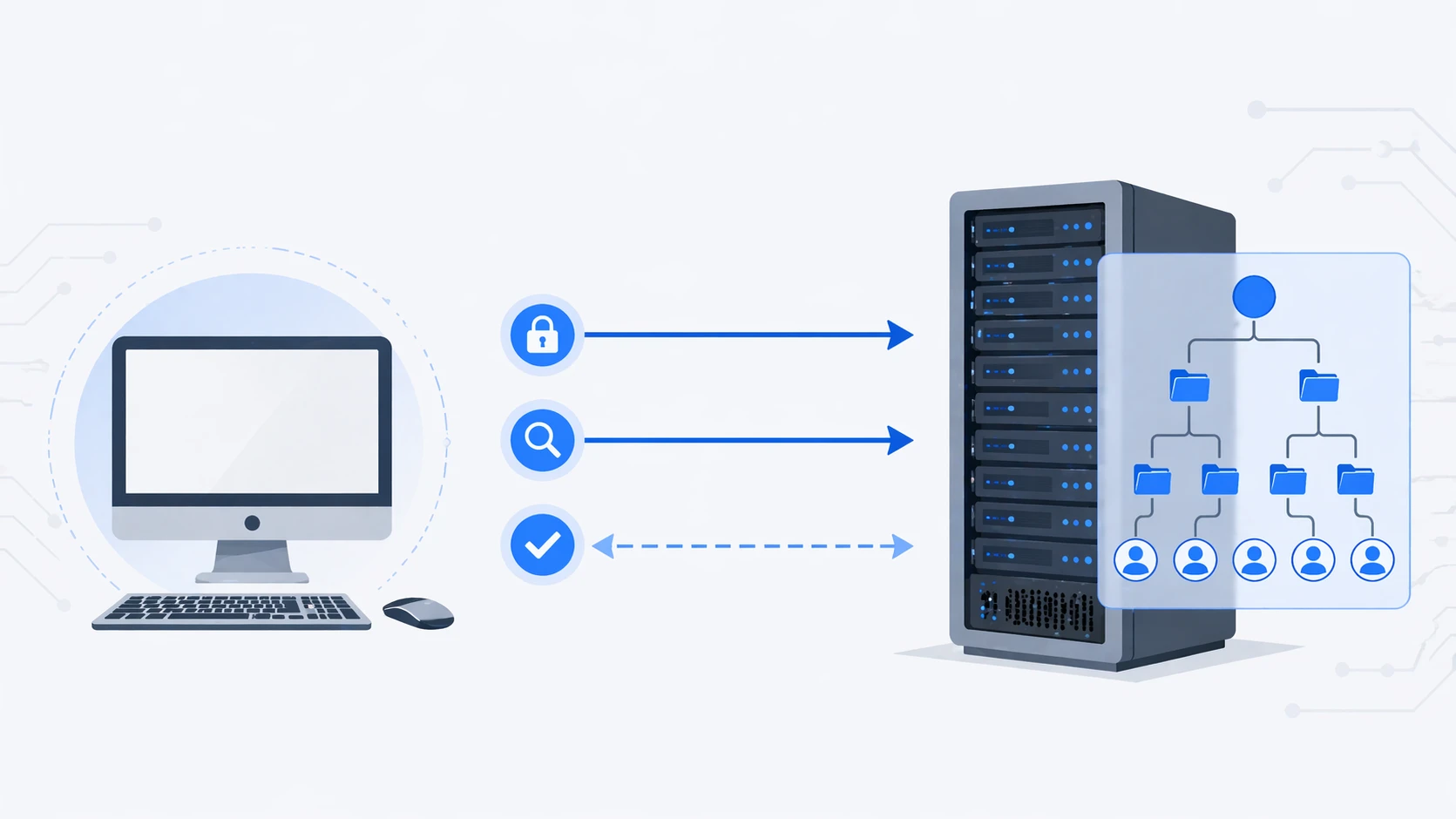
LDAP works on a client-server model. An LDAP client sends requests to an LDAP server, and the server responds with matching directory data. A client can bind to the server, search for entries, read attributes, and in some environments modify records if permissions allow it. The information is typically organized in a hierarchical tree made up of entries and attributes.
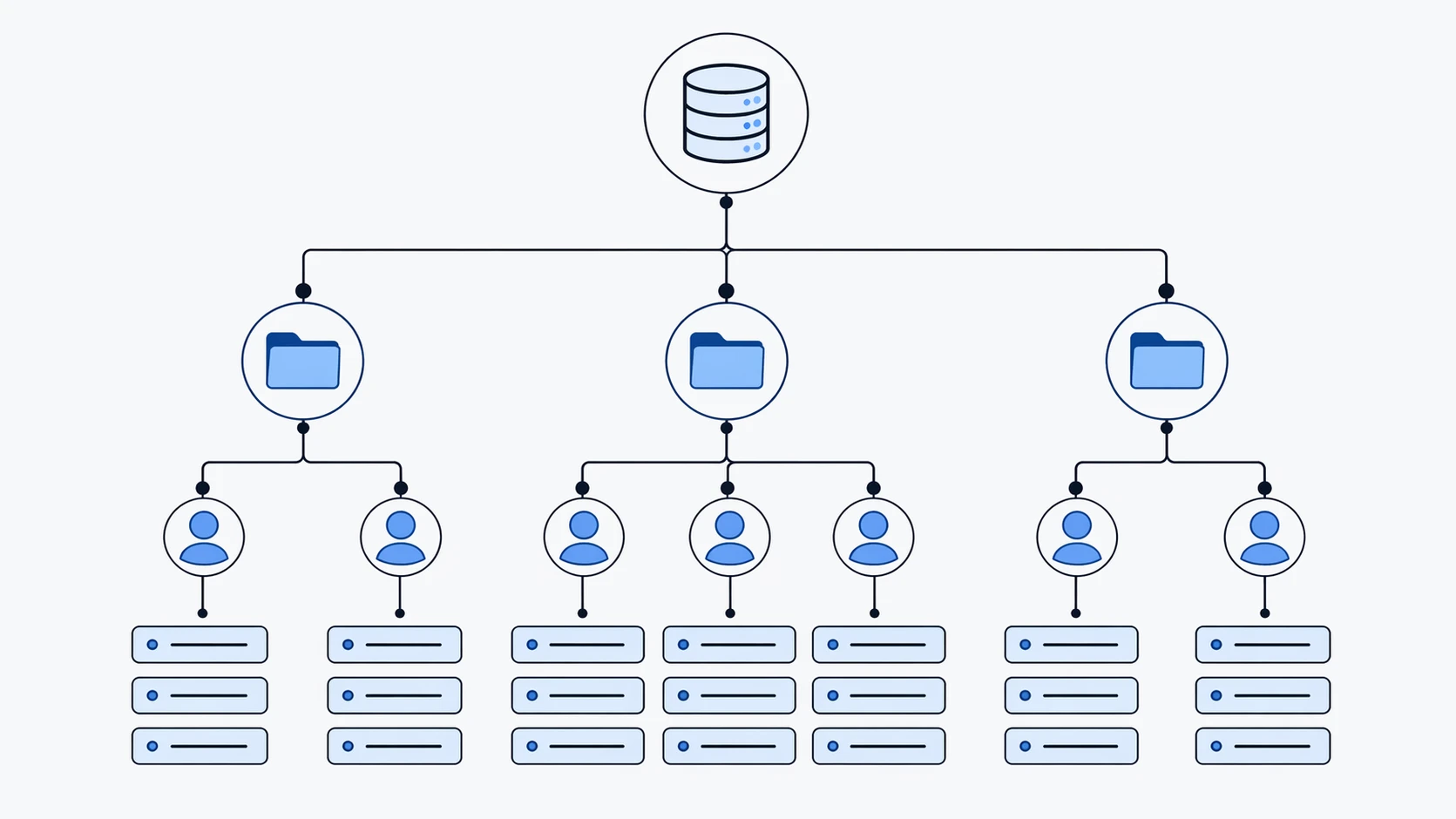
Each entry in the directory has a distinguished name, often called a DN, which identifies its place in the directory tree. For example, a user record may sit inside an organizational unit for a department or branch office. That record can contain attributes such as display name, telephone number, mobile number, email address, title, and company. Applications do not need to know the whole structure in advance if they are configured with the correct search base and filter. They simply query the directory and retrieve the fields they need.
In enterprise environments, LDAP can be accessed over standard LDAP or over encrypted transport such as LDAPS, depending on the server and deployment policy. The practical result is that many communication systems, phones, collaboration platforms, and access-control applications can all refer to the same central identity source rather than maintaining isolated copies of user data.
What Is LDAP Used for in an IP PBX?
In an IP PBX, LDAP is mainly used to connect the phone system or its endpoints to a centralized directory source. The most common use case is corporate directory lookup. A desk phone, softphone, or management portal can search the LDAP directory and show employee names, extensions, direct numbers, departments, or other contact details without requiring administrators to enter each record manually into the PBX.
Another common use is user synchronization. Some IP PBX platforms can import user information from an external LDAP directory such as Active Directory. This helps administrators create or update PBX users from existing enterprise records, which reduces repetitive provisioning work and keeps names and user identifiers aligned across systems.
LDAP can also support authentication-related workflows in certain deployments. While not every PBX uses LDAP for login validation, some unified communications platforms integrate LDAP-based authentication so that administrators or end users can sign in with centrally managed credentials. In those cases, LDAP becomes part of a broader identity strategy rather than just a phonebook source.
How LDAP Integration Works in an IP PBX
A typical LDAP integration starts with the PBX administrator defining the directory server address, port, bind method, search base, and attribute mapping. The PBX or phone then connects to the LDAP server, authenticates if needed, and performs queries against a defined area of the directory tree. Search filters determine which entries are visible and which fields are returned.
For example, the PBX may search for employee accounts inside a particular organizational unit and map attributes such as displayName, mail, telephoneNumber, mobile, department, or user ID into its own user or contact model. Some endpoints can query the LDAP server directly from the device. In other cases, the PBX acts as the intermediary and distributes synchronized or cached directory data to phones and clients.
In a live deployment, the workflow often looks simple from the user’s perspective. Someone opens the directory on an IP phone, types a few letters of a colleague’s name, and the phone returns matching entries from the company directory. Behind the scenes, LDAP search rules, field mappings, permissions, and network reachability make that experience possible.
Key Features of LDAP in IP PBX Environments
Centralized Contact Management
LDAP allows the organization to maintain a single authoritative directory instead of separate contact lists for every system. This is especially useful in multi-site enterprises where hundreds or thousands of users may need to appear consistently across phones, soft clients, and operator consoles.
Corporate Directory Search from IP Phones
Many enterprise IP phones support LDAP directory search directly. Users can look up names, extensions, or phone numbers from the handset interface, which is much more efficient than maintaining local contacts on every device.
User Synchronization and Provisioning Support
Some IP PBX platforms use LDAP to import or synchronize users from an external directory. This reduces manual user creation and helps keep naming, extension assignment references, and identity records aligned with broader IT systems.
Improved Caller Identification
When the PBX or endpoint can match incoming numbers against a directory source, it can display meaningful names instead of raw digits. That improves usability for reception staff, office users, and call-handling teams.
Consistency Across Communication Systems
Because the same directory can also support email, login, and collaboration platforms, LDAP integration helps voice systems fit into a larger enterprise identity framework rather than remaining isolated.
Common LDAP Data Used by an IP PBX
The exact fields vary by vendor and schema, but most PBX and phone integrations care about a practical set of attributes. These often include the user’s full name, extension, direct number, mobile number, email address, department, title, and unique user identifier. In some deployments, the PBX also relies on LDAP attributes to associate users with login names or to import existing account records into a unified communications platform.
Good integrations depend on clear attribute mapping. If the directory stores phone data in one field but the PBX expects another, searches may work poorly or synchronization may miss key information. That is why LDAP integration is not just about pointing the PBX at a server. It also requires careful field planning and testing.
Applications of LDAP in IP PBX and Unified Communications
LDAP is widely useful in business voice environments because it solves very practical operational problems. In office telephony, it supports shared company directories that can be searched from desk phones and softphones. In customer service environments, it helps operator positions and reception consoles identify internal contacts more quickly. In multi-site organizations, it reduces the burden of maintaining separate user lists across branches.
In integrated communications environments, LDAP is also relevant to call control platforms, voicemail systems, attendant consoles, conferencing tools, and collaboration services that need access to centralized user identity information. The value becomes more obvious as the organization grows. A small company can manage contacts manually for a while. A large enterprise with many departments, offices, and extensions usually benefits far more from a directory-driven model.
Benefits of Using LDAP in an IP PBX
The biggest benefit is administrative efficiency. Instead of creating and editing the same user records in multiple systems, administrators can rely on a central directory source and let the PBX consume or synchronize the data it needs. That reduces repetitive work and helps avoid inconsistent records.
Another benefit is better user experience. People can find colleagues faster, see clearer caller information, and work with more accurate contact data across phones and clients. This may sound simple, but in day-to-day operations it saves time and reduces friction.
LDAP integration also supports scalability. As the organization adds users, departments, sites, or communication endpoints, a directory-based approach tends to scale more cleanly than manually managed local phonebooks. Finally, when LDAP is combined with secure transport and controlled permissions, it can fit neatly into enterprise identity and access policies.
LDAP in IP PBX vs Local Phonebooks
A local phonebook is usually simple and easy to configure for a small deployment, but it can become difficult to maintain over time. Every update may require manual edits, reprovisioning, or separate administration for different devices and clients. Local lists also tend to drift out of date.
LDAP is different because it points the PBX or endpoint to a centralized source of truth. When managed well, that improves consistency and reduces duplicated effort. However, LDAP also introduces planning requirements such as schema mapping, access permissions, search design, certificate handling for secure connections, and coordination between the telecom and directory administration teams.
Deployment Considerations and Best Practices
LDAP integration works best when the search scope is defined clearly. Administrators should decide which users, groups, or organizational units are relevant to telephony and avoid exposing unnecessary entries. Attribute mapping should be reviewed carefully so that the PBX pulls the correct name, extension, and number fields.
Security also matters. Where supported, encrypted transport should be preferred, and the integration account should use only the permissions required for the intended searches or synchronization tasks. It is also wise to test how the PBX behaves when the directory is unavailable. Some systems can cache data, while others depend more heavily on live lookup behavior.
Finally, LDAP should be treated as part of a broader communications architecture. A well-designed IP PBX deployment considers not only call routing and endpoints, but also identity sources, contact visibility rules, user lifecycle management, and the relationship between the voice platform and the organization’s existing IT directory services.
FAQ
Is LDAP the same as Active Directory?
No. LDAP is a protocol, while Active Directory is a directory service platform that can be accessed using LDAP. In practice, many PBX deployments use LDAP to query Microsoft Active Directory.
Does every IP PBX use LDAP?
No. Some small systems rely only on local contacts or internal user databases. LDAP is more common when centralized directory access or enterprise user synchronization is needed.
Can LDAP be used only for phonebooks?
No. In IP PBX environments, LDAP is often used for phonebook lookup, but some platforms also use it for user import, account synchronization, and certain authentication-related functions.
Can IP phones search LDAP directly?
Yes, some enterprise IP phones can connect to an LDAP server directly for directory lookup. Other deployments use the PBX as the intermediary.
What is the difference between LDAP and a PBX contact list?
An LDAP directory is a centralized, structured directory source. A PBX contact list is usually a local feature inside one platform or endpoint environment. LDAP is generally better for larger organizations that need consistency.
Is LDAP still relevant in modern IP communications?
Yes. Even as cloud communications evolve, centralized identity and directory access remain important. LDAP still plays a practical role wherever enterprise systems need shared contact and user data.
Conclusion
An LDAP directory is a structured directory service source that applications can use to find and work with identity-related information. In an IP PBX, LDAP is commonly used for corporate directory search, user synchronization, caller identification support, and broader integration with enterprise identity systems. It is not a flashy feature, but it is one of the technologies that makes business telephony more organized, scalable, and manageable behind the scenes.
For organizations building or upgrading an IP PBX environment, understanding LDAP helps clarify an important design question: where should user and contact information live, and how should the phone system access it? When that question is answered well, the result is usually a cleaner, more consistent communications environment.







