


Event log is a structured record of system, application, device, or network activity generated by software and hardware components during normal operation. It captures events such as startup and shutdown actions, login attempts, configuration changes, warnings, errors, service interruptions, security alerts, and application behavior. In practice, event logs help administrators, engineers, and security teams understand what happened inside a system and when it happened.
In modern IT environments, event logs are fundamental to operations. They provide the raw historical trail that supports troubleshooting, performance monitoring, compliance review, incident investigation, and system health analysis. Whether the environment involves a Windows server, Linux host, firewall, switch, database, cloud workload, industrial controller, or IP communication platform, event logs help turn system activity into evidence that people and tools can analyze.
Event logs are important not because they simply store messages, but because they preserve context. A single failure notice may have limited value on its own. But when event logs are collected over time and correlated across systems, they reveal patterns, dependencies, and causes that are difficult to see in real time. This is why event logs remain one of the most important building blocks in operations, observability, and cybersecurity.
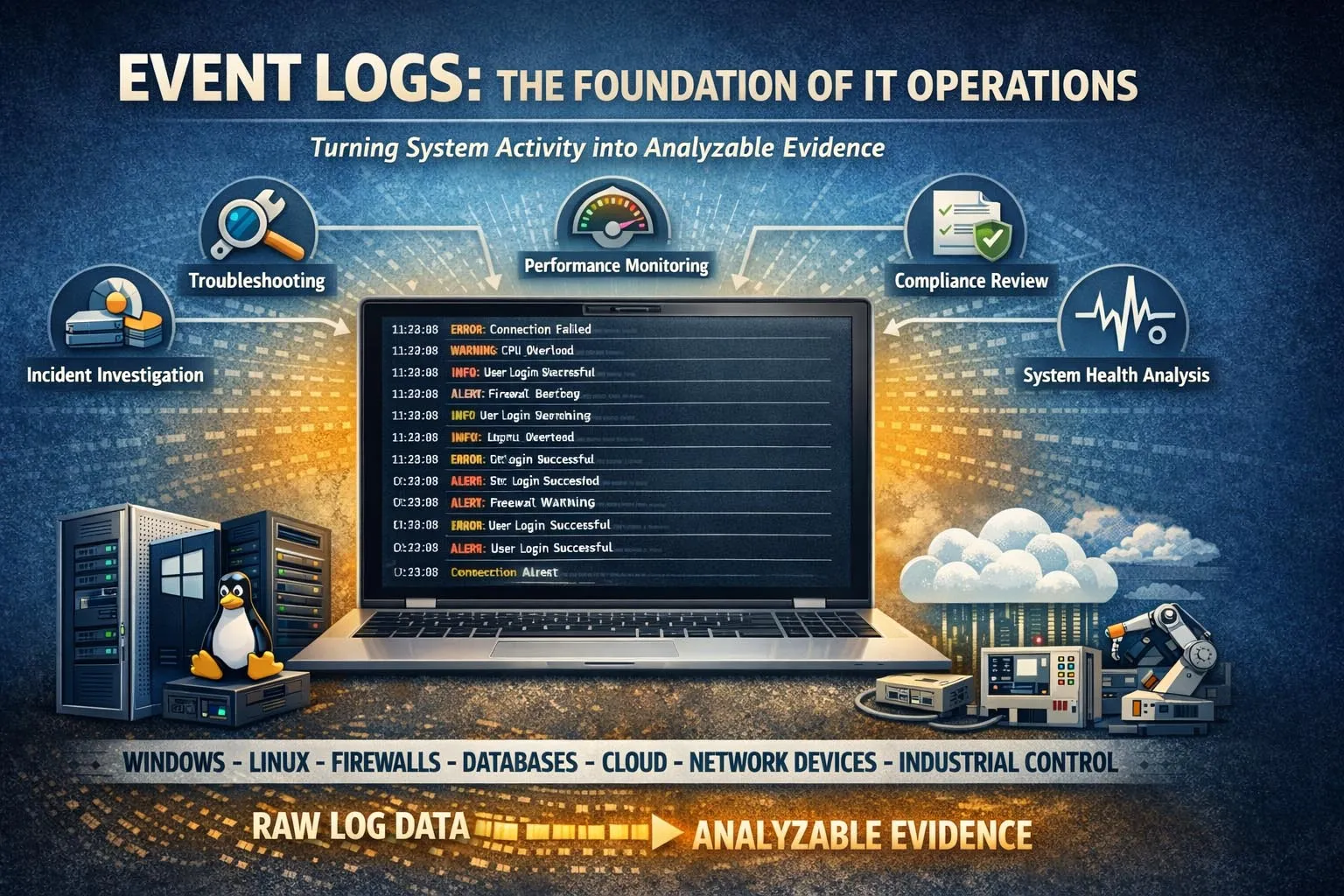
Event logs record operational activity across systems and create a time-based trail for monitoring, troubleshooting, and analysis.
What Event Log Means in IT and System Operations
A Time-Stamped Record of System Activity
At its most basic level, an event log is a time-stamped record created when a system or application detects an action, state change, exception, or condition worth recording. Each entry usually includes a timestamp, an event source, a severity or category, and a description of what occurred. Some logs also include user identities, device names, process details, network addresses, or internal event identifiers.
This time-based structure is what makes event logs so useful. Instead of relying on memory or guesswork, operators can review an ordered sequence of events and reconstruct how a system behaved before, during, and after a problem. That ability is essential when diagnosing outages, tracking user actions, validating policy changes, or investigating suspicious behavior.
In many organizations, event logs are generated continuously and automatically. This means they form an ongoing operational history rather than a manual report. As long as logging is configured correctly, the environment is constantly producing records that can later support technical analysis and decision-making.
More Than Just Error Messages
Many people associate event logs only with failures or alarms, but event logs cover much more than errors. They often include informational entries, successful operations, service starts, authentication events, policy updates, device status changes, connection attempts, and performance-related conditions. This broader scope makes them valuable for both daily administration and deeper forensic work.
For example, a log entry showing that a service started successfully may matter just as much as a later failure entry. Together, those records help engineers determine when a service became unstable, whether a reboot occurred, or whether a configuration change was introduced before the problem appeared. Event logs therefore provide continuity, not just alarm visibility.
An event log is not merely a list of problems. It is a chronological operational record that explains how a system behaved across normal activity, change, warning conditions, and failure states.
How Event Logs Work
Event Generation by Systems and Applications
Event logs begin when an operating system, application, network device, or embedded platform detects an event defined by its internal logic. That event may be routine, such as a user login or service startup, or exceptional, such as a configuration error, resource conflict, or failed connection attempt. The system then writes a structured entry to a local or centralized log store.
Different technologies generate logs in different ways. An operating system may write to a native event viewer or syslog mechanism. A firewall may send log records to a collector over the network. A cloud workload may stream logs to a platform service. An industrial or communication system may maintain its own diagnostic event history. Even though the formats vary, the underlying purpose is similar: preserve evidence of noteworthy system activity.
Logging rules can also be configured. Administrators may decide which event categories to record, how much detail to keep, where to store logs, and how long to retain them. This means event logging is both a technical function and a policy choice. Good logging must balance visibility, storage cost, operational relevance, and compliance needs.
Storage, Retention, and Review
Once created, event logs are stored locally, centrally, or both. Local logs are useful for direct troubleshooting on a device or server, but centralized logging is often more effective in larger environments because it allows multiple systems to be searched and correlated together. Centralization also protects visibility when a single device fails or is compromised.
Retention settings matter because logs are only valuable if they remain available long enough to support analysis. In some environments, logs may be kept for days or weeks. In regulated or security-sensitive industries, retention may extend for months or longer depending on policy, legal obligations, or audit requirements.
Review methods also vary. Small organizations may inspect logs manually when troubleshooting issues. Larger organizations often use monitoring platforms, SIEM systems, alerting engines, dashboards, and analytics tools to search, filter, normalize, and correlate large volumes of event records.
Correlation and Meaning
A single event entry often says very little by itself. The real value of event logging appears when multiple entries are correlated across time, systems, and applications. For example, a failed user login on one server may not seem important until it is matched with repeated authentication failures on other systems, privilege changes in a directory service, and suspicious traffic on a firewall.
This is why event logs are central to root cause analysis and cybersecurity investigation. They allow analysts to build a timeline, identify triggering conditions, and distinguish isolated incidents from broader patterns. Correlation turns raw log messages into operational intelligence.
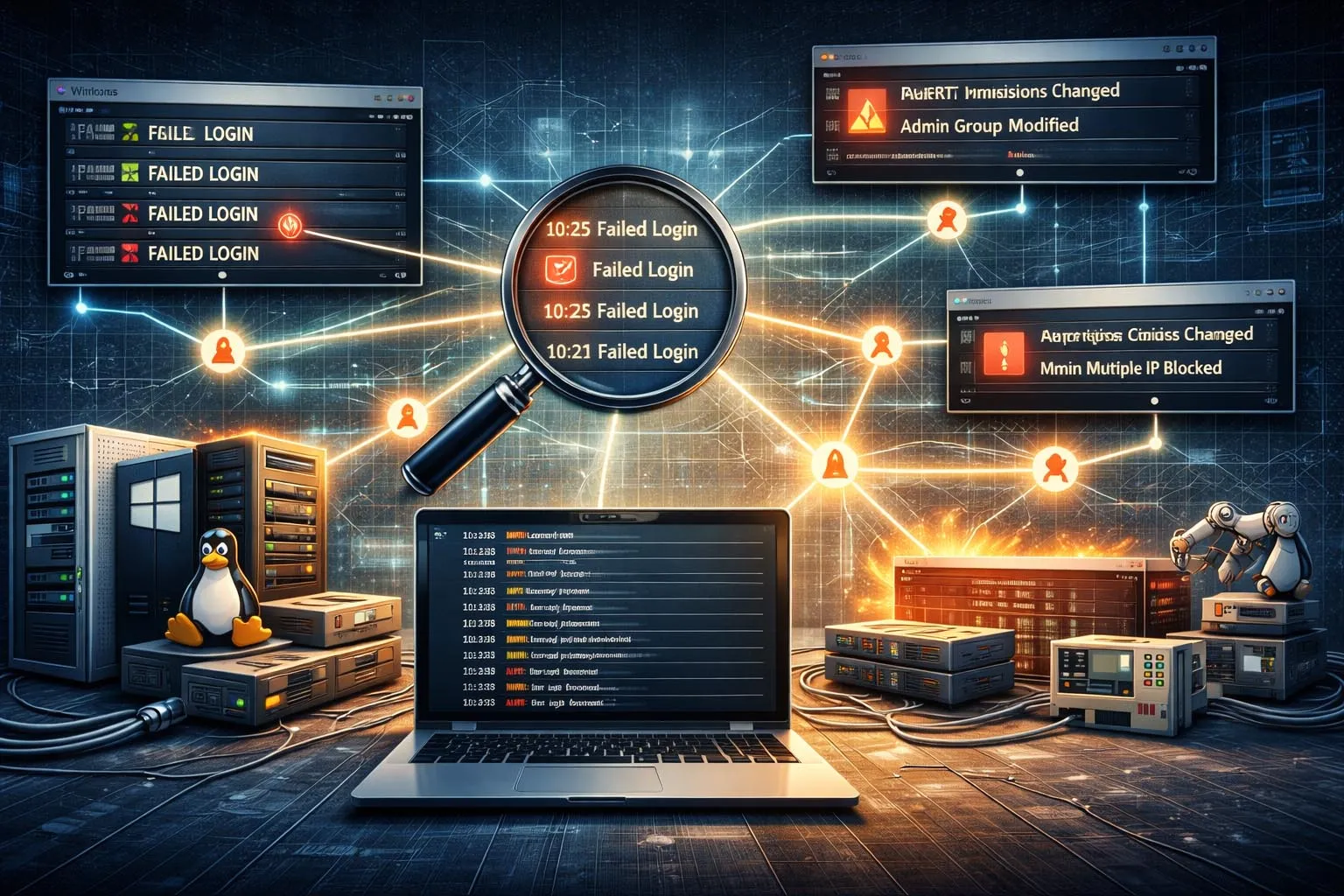
Event logs become more valuable when records from different systems are correlated into a broader operational or security timeline.
Core Features of Event Logs
Time Stamps and Event Order
One of the most important features of an event log is its chronological structure. Each log entry is typically recorded with a timestamp, making it possible to reconstruct a sequence of actions and conditions. This supports post-event analysis, service troubleshooting, performance review, and incident reconstruction.
Accurate timestamps are especially important in distributed environments. When servers, network devices, cloud services, and endpoints all generate logs, synchronized time helps teams understand the exact order in which events occurred. Without consistent timestamps, it becomes much harder to determine whether one issue caused another or merely happened nearby in time.
Source Identification
Event logs usually record where the event came from. The source may be a system component, application process, device function, service name, or security module. Source identification allows administrators to focus quickly on the part of the environment that generated the entry and helps separate operating system problems from application, network, or user-related issues.
This feature becomes more important as environments grow more complex. When many services interact, knowing which component generated a message is essential for accountability and efficient troubleshooting.
Severity and Classification
Most event logging systems classify records by type or severity. Common categories include informational messages, warnings, errors, critical failures, and security-related events. This classification helps operators prioritize attention and makes automated alerting more practical.
Severity does not replace investigation, but it helps teams focus. For example, informational logs may be used for auditing or trend analysis, while warning and error events may trigger immediate review. Security events may be forwarded to monitoring tools for correlation with threat indicators and user behavior patterns.
Searchability and Filtering
Another important feature of event logs is that they can be searched and filtered. Administrators can isolate records by source, time range, event type, host, user, severity, or keyword. This makes logs usable even when the volume is very large.
Searchability is one of the main reasons centralized log platforms are so widely used. They turn massive collections of raw records into something operations teams can query efficiently during outages, audits, and incident response activities.
Support for Automation and Alerting
Modern logging systems often integrate with alerts, dashboards, ticketing workflows, and analytics engines. This means event logs do not only support retrospective investigation. They also help drive proactive monitoring. If a defined sequence, threshold, or signature appears in the logs, the system can notify teams automatically.
For example, repeated failed login events, service restart loops, storage errors, or unusual firewall denials can trigger immediate operational review. In this way, event logs become part of active monitoring rather than passive record keeping.
The best event logs do two things at once: they preserve historical evidence and they support real-time operational awareness.
Why Event Logs Matter
Troubleshooting and Root Cause Analysis
One of the most common uses of event logs is troubleshooting. When a server crashes, an application fails, a service becomes unstable, or a device behaves unexpectedly, logs provide the evidence needed to investigate the cause. Instead of guessing what happened, administrators can review the event history around the time of the failure.
This is particularly useful in environments where issues are intermittent or involve multiple systems. Event logs help reveal whether a problem started with a software exception, a dependency failure, a configuration change, a resource shortage, or an upstream network event. They reduce diagnostic time and improve repair accuracy.
Security Monitoring and Incident Investigation
Event logs also play a major role in cybersecurity. Authentication records, privilege changes, application access events, endpoint alerts, and network security logs can all contribute to the detection and investigation of suspicious activity. Security teams use logs to identify account compromise, policy violations, lateral movement, unauthorized access attempts, and malicious persistence.
Without reliable event logs, investigating a security incident becomes much harder. Teams may know that a compromise occurred, but not how it started, which accounts were used, what systems were touched, or when the activity began. Logging therefore supports both detection and evidentiary analysis.
Auditing and Compliance
Many organizations need event logs for audit and governance purposes. Logs can demonstrate that systems were accessed appropriately, policies were enforced, changes were recorded, and administrative actions were traceable. In regulated sectors, this may be essential for internal review, external audit, or legal accountability.
Even outside formal regulation, audit-oriented logging improves operational discipline. It gives organizations a clearer record of who changed what, when a system was modified, and whether critical controls were applied consistently over time.
Applications of Event Logs
Servers and Enterprise Systems
On servers and business systems, event logs are used to track operating system activity, service behavior, software errors, user authentication, patch actions, storage conditions, and resource-related warnings. These records help administrators maintain uptime, diagnose system instability, and confirm that infrastructure is operating as expected.
In enterprise IT, event logs are especially useful because many services depend on each other. A database warning, authentication delay, certificate issue, or service dependency failure may appear first in the logs before users notice a broader outage.
Applications and Databases
Applications generate logs that describe transactions, exceptions, startup conditions, API failures, access errors, and performance anomalies. Databases may record connection attempts, query errors, replication status, storage conditions, or privilege-related actions. These records help application owners understand both functional and operational behavior.
In customer-facing systems, application logs are often essential to user support. They help explain why a transaction failed, why a request timed out, or why a service responded differently after a release or configuration change.
Networks and Security Devices
Routers, switches, firewalls, VPN gateways, intrusion detection systems, and other network security devices generate event logs that describe connectivity, policy enforcement, routing changes, interface status, authentication attempts, and traffic control decisions. These logs are critical for both network operations and security monitoring.
For example, network event logs can help determine whether a communication failure was caused by a routing issue, a link flap, a blocked port, a policy rule, or a remote endpoint problem. In security operations, the same logs may reveal scanning activity, connection anomalies, or repeated unauthorized access attempts.
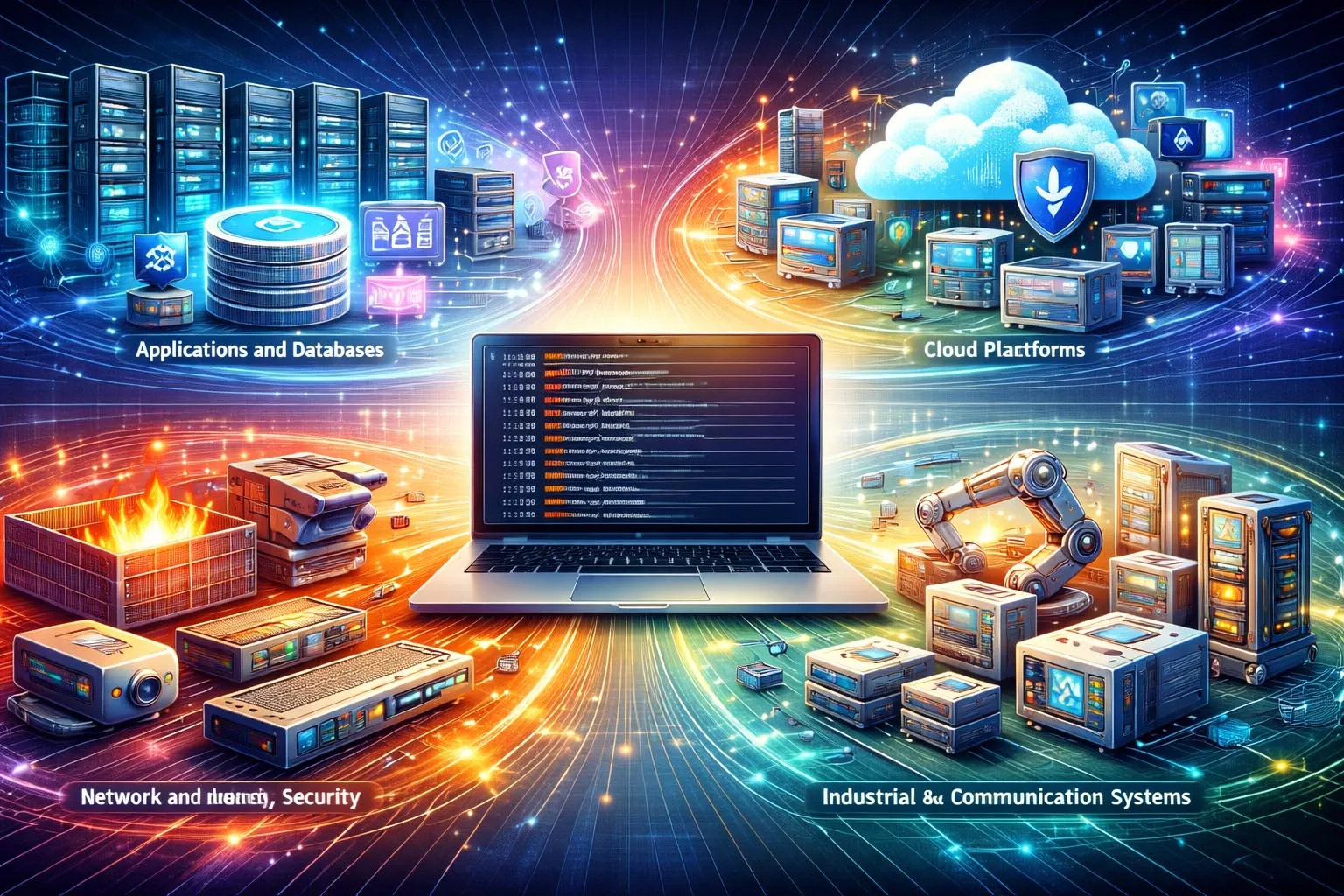
Centralized event logging allows organizations to search, correlate, and retain records across servers, applications, networks, and security tools.
Cloud Platforms and Virtual Infrastructure
Cloud services and virtualized environments also depend heavily on event logs. These records may capture administrative actions, identity events, API calls, workload changes, scaling activity, access policy adjustments, and service errors. Because cloud environments are dynamic, event logs help teams understand not only failures but also rapid changes in configuration and permissions.
In hybrid environments, cloud event logs are often correlated with on-premises logs to build a full operational picture. This is especially important when applications, users, or identity systems span both traditional infrastructure and cloud services.
Industrial and Communication Systems
Event logs are also valuable in industrial control, transport, utilities, building systems, and communication platforms. Devices such as industrial gateways, intercom systems, IP PBX platforms, dispatch servers, access control systems, and monitoring platforms often maintain logs of alarms, registration states, call events, configuration updates, faults, and network behavior.
In these environments, logs support maintenance, service continuity, and post-event review. If a device goes offline, a registration fails, an alarm link does not trigger, or a communication route behaves unexpectedly, event logs help engineers determine whether the cause was network-related, configuration-related, hardware-related, or application-related.
Best Practices for Using Event Logs Effectively
Log the Right Events, Not Just More Events
Effective logging is not just about volume. Organizations should record the events that matter most for operations, security, auditing, and service continuity. Over-logging without structure can make investigation harder, while under-logging leaves important gaps. The right balance depends on system role, risk level, and operational goals.
Useful logging usually includes authentication activity, service state changes, configuration updates, failures, warnings, resource conditions, and security-relevant actions. High-value systems may require more detailed coverage than ordinary endpoints or low-risk applications.
Centralize and Protect Logs
Centralized logging improves search, retention, and correlation, especially in environments with many devices and applications. It also reduces the risk that important evidence will be lost if a single machine fails or is compromised. For security-sensitive environments, protecting the integrity of logs is just as important as collecting them.
Access control, backup, retention policy, and time synchronization all contribute to log reliability. If logs are incomplete, altered, or time-inconsistent, their value for investigation and audit can decline quickly.
Review Logs as Part of Operations
Logs have the most value when they are integrated into operational routines rather than ignored until a crisis occurs. Teams should review meaningful patterns, monitor key alerts, and validate that important systems are actually generating the events they are expected to produce.
In mature environments, event logs are treated as a continuous operational asset. They support daily administration, performance review, compliance checks, and incident response, all from the same underlying evidence base.
Event logs are most effective when they are collected consistently, protected carefully, and used regularly before a major incident ever occurs.
FAQ
What is an event log in simple terms?
An event log is a record of actions, changes, warnings, errors, and other activity generated by a system, application, or device over time. It helps people understand what happened inside the system.
What kind of information does an event log contain?
Event logs commonly include timestamps, event sources, severity levels, descriptions, user identities, process or service names, and sometimes network or device details depending on the platform.
Are event logs only used for troubleshooting?
No. They are also used for security monitoring, compliance review, auditing, change tracking, performance observation, and incident investigation.
What is the difference between an event log and a system log?
A system log usually refers more specifically to records generated by the operating system or device platform, while event log is a broader term that can include application, security, network, and platform-generated records.
Why is centralized event logging important?
Centralized logging makes it easier to search, correlate, retain, and protect records from many systems at once. It improves troubleshooting, monitoring, auditing, and security investigation across larger environments.







