


Call pickup is a business telephony feature that allows a user to answer a call that is ringing on another extension instead of answering only the call that is ringing on their own device. In practical terms, it helps teams respond to incoming calls more quickly when the originally targeted user is away from their desk, busy handling another task, or located somewhere else in the workspace. Rather than letting the call ring unanswered, a nearby colleague or designated team member can take it from their own phone.
This feature is common in PBX systems, IP PBX platforms, SIP phone environments, UC deployments, and cloud business telephony services. It is especially useful in workplaces where people support one another operationally, such as reception areas, customer service desks, branch counters, nursing stations, dispatch rooms, and shared office departments. In these environments, answering a colleague’s ringing line is often more practical than waiting for the call to forward to voicemail or return through another route.
Although call pickup sounds simple from the user side, it is an important call control function in business telephony. It depends on extension relationships, pickup groups, dial permissions, signaling behavior, and user workflow. It also sits alongside related functions such as call transfer, call forwarding, and call park, each of which serves a different operational purpose. Understanding those distinctions is important when selecting a phone system or designing call handling for an organization.
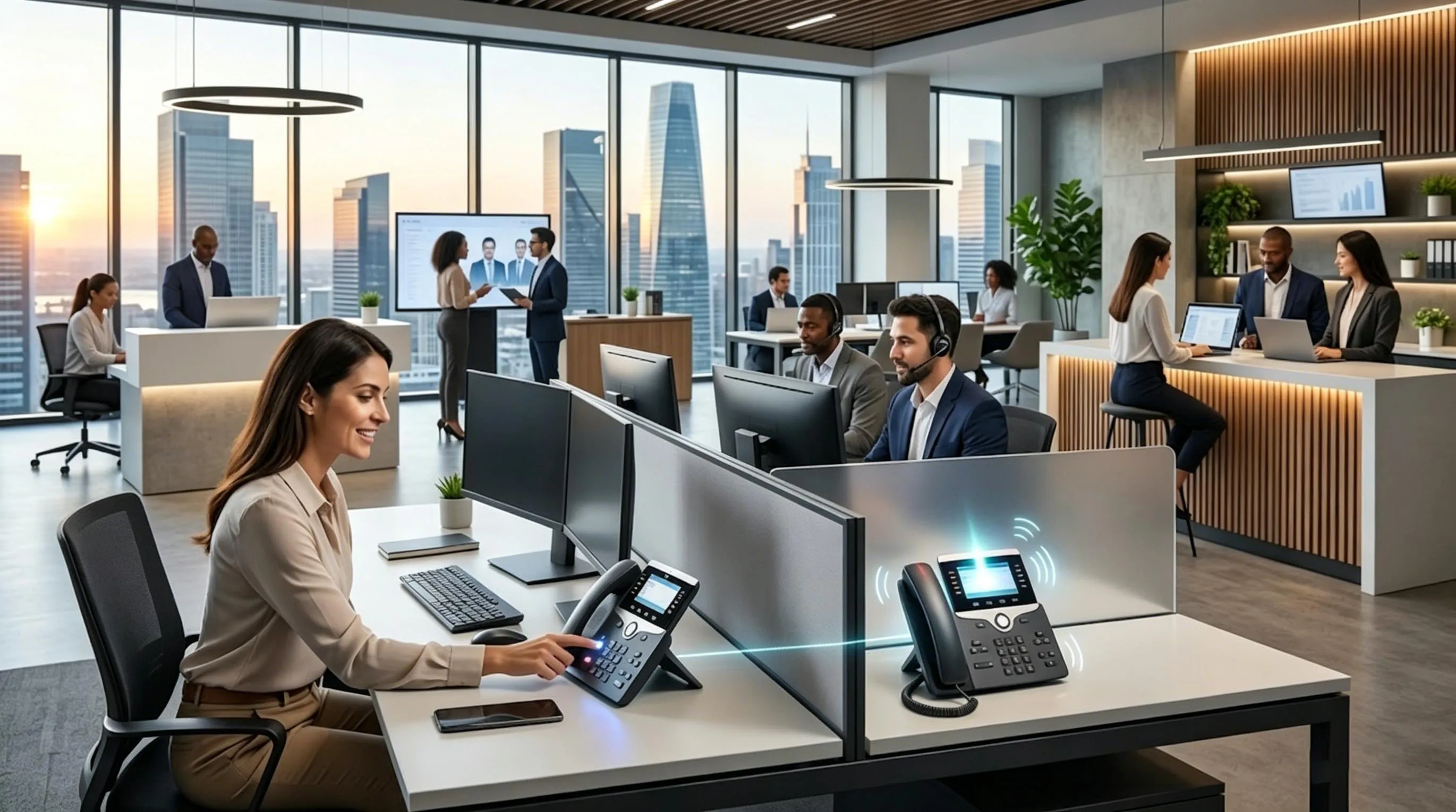
Call pickup allows one user to answer a colleague’s ringing extension without needing to move to that colleague’s desk phone.
What Call Pickup Means in Business Telephony
A Shared Response Feature for Ringing Calls
At its core, call pickup is a shared answering function. The call is directed to one extension, but another authorized extension can intercept and answer it while it is still ringing. This makes it easier for teams to prevent missed calls when employees are temporarily unavailable, away from their desk, or working in a shared-service model.
In many offices, call pickup is used to create practical call coverage without requiring every call to be routed through a central operator. Departments can support one another directly. If one user does not reach the phone in time, another user in the same pickup arrangement can answer. That improves responsiveness while keeping the original dial plan and extension structure intact.
This is why call pickup is often seen as a team efficiency feature rather than only a convenience feature. It helps distribute call-answering responsibility across a defined group of users without changing the caller’s dialing experience.
Different from Call Transfer, Forwarding, and Park
Call pickup is often confused with several other call handling functions, but its role is distinct. Call transfer moves an active conversation from one extension to another after the call has already been answered. Call forwarding redirects a call automatically based on rules such as no answer, busy status, or time of day. Call park places an active call in a shared holding position so that someone else can retrieve it later from another device.
By contrast, call pickup happens while the call is still ringing and before the originally targeted user answers it. The person using call pickup is not transferring an active conversation or retrieving a parked call. They are intercepting a ringing call that would otherwise continue ringing or eventually follow the system’s unanswered-call logic.
These distinctions matter in phone system design. A business may need all of these features, but they solve different workflow problems. Call pickup helps answer live ringing calls faster, while transfer, forward, and park support different stages of call control.
Call pickup is best understood as a ringing-call interception feature. It is designed to help another authorized user answer a call before it becomes a missed call.
How Call Pickup Works
The Basic Call Flow
A typical call pickup scenario begins when an inbound or internal call is presented to a specific extension. While that destination is ringing, another user notices the call and activates the pickup feature from their own phone. If the user has permission and the ringing extension is eligible for pickup, the system redirects the ringing call to the answering user’s device and establishes the conversation there.
From the caller’s perspective, this process is usually seamless. The caller simply hears ringing and is then connected to a live person. Internally, however, the PBX or hosted call platform must identify the ringing target, confirm that the second user has pickup rights, and switch the call leg to the answering extension.
This is why call pickup is both a user feature and a system feature. Users may activate it with a key, softkey, feature code, DSS button, or programmable line key, but the call controller is the component that decides whether the pickup is valid and completes the interception.
Permissions, Groups, and Scope
Most business systems do not allow every extension to pick up every other ringing extension automatically. Instead, administrators define the scope of call pickup by using pickup groups, directed pickup permissions, or extension-level rules. These rules determine which users may answer which calls.
In a small office, the scope may be broad, allowing a few nearby users to answer one another’s calls freely. In a larger organization, the scope is usually more structured. Reception phones may have pickup access for executive assistants, nurses may share pickup rights within a clinical zone, and branch service counters may use group pickup only within the local team.
This control prevents unnecessary confusion and preserves orderly call handling. Without scope control, users might accidentally answer calls intended for unrelated departments or interfere with special call workflows.
User Interaction and Signaling Behavior
From the endpoint perspective, call pickup is usually simple. A phone may show that another monitored extension is ringing through a BLF or DSS key, or the user may hear or see that a nearby phone is ringing. The answering user then presses a configured pickup key or dials a feature code. Some systems require the user to enter the ringing extension number, while others let them pick up the oldest eligible ringing call in the assigned pickup group.
Under the surface, the PBX, SIP server, or cloud telephony platform updates the destination path of the ringing call. This may involve re-targeting the ringing session, establishing a new device alert on the answering extension, or creating a new call leg depending on the platform architecture. The system also decides whether the original destination continues to ring, stops ringing immediately, or receives a missed-call indication after the pickup occurs.
These details vary by vendor and system design, which is why testing is important when deploying call pickup in real environments.
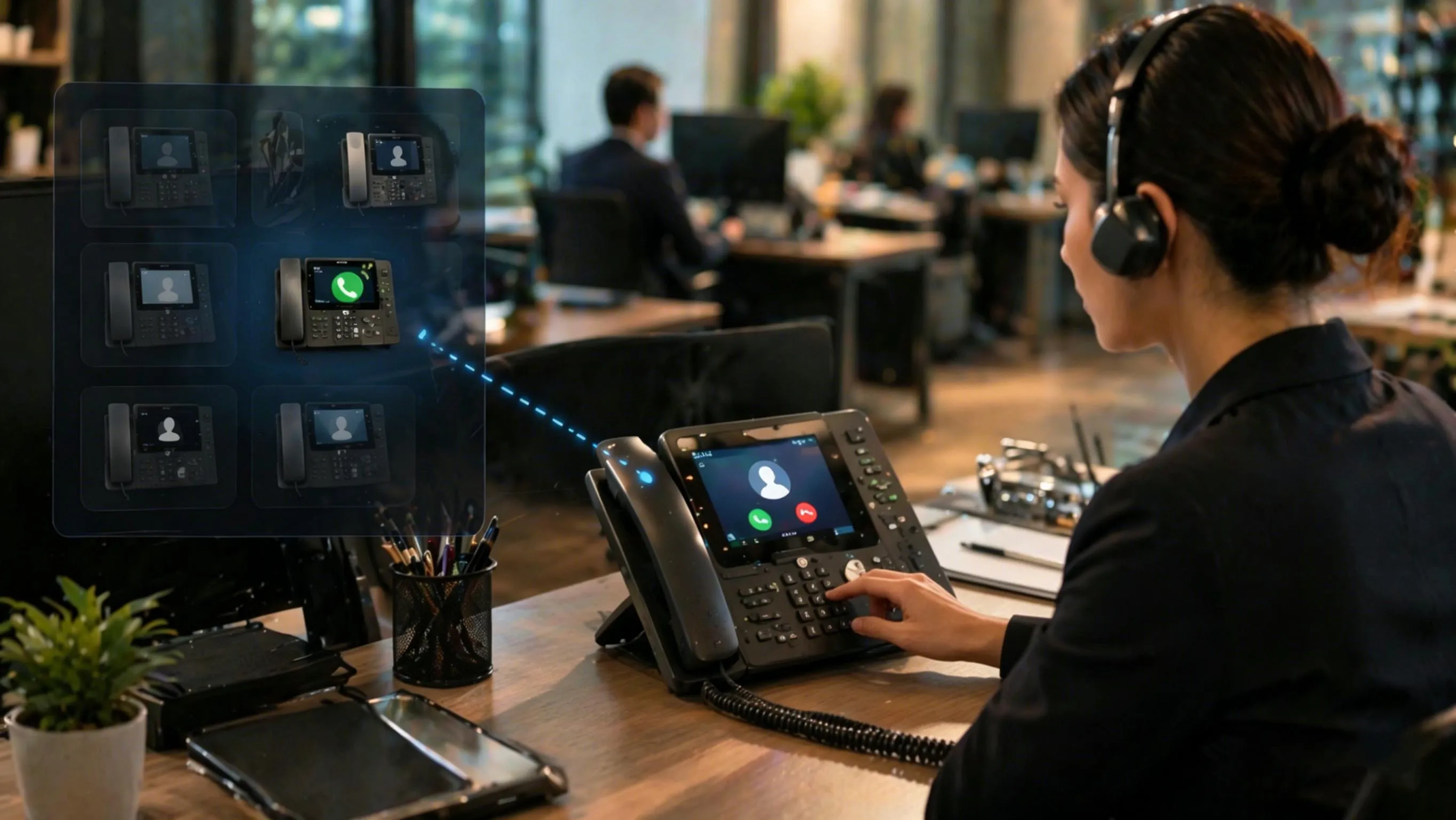
Call pickup works by allowing the phone system to redirect a ringing call from its original destination to another authorized extension.
Main Types of Call Pickup
Group Call Pickup
Group call pickup is the most common model. In this arrangement, several users are assigned to the same pickup group. If a call rings on one extension in that group, another member of the same group can answer it from their own phone. The answering user may use a pickup key or dial a short code that tells the system to intercept the ringing call.
This model works well for departments that operate as a team, such as front desk staff, service counters, sales pods, support teams, or administrative offices. It creates shared coverage without requiring a formal operator to answer every call first.
Group pickup is especially practical when team members sit near one another or monitor one another’s line status visually on BLF keys. It is also useful when the business wants calls to remain directed to personal extensions but still wants quick backup answering when needed.
Directed Call Pickup
Directed call pickup is more specific. Instead of answering any eligible ringing call in a defined group, the user targets a particular extension. This is often done by pressing a dedicated key associated with that extension or by entering a feature code followed by the destination extension number.
Directed pickup is useful when the answering user knows exactly which extension is ringing or when the system supports monitored lines with labeled keys. Executive assistants, supervisors, receptionists, and help-desk coordinators often use directed pickup because they need to answer calls for particular people rather than simply the next ringing call in a group.
It also provides tighter control in environments where many phones are visible or many departments are close together. Rather than risking the wrong call being intercepted, the user specifies the exact ringing target.
Monitored Pickup with BLF or DSS Keys
In many modern phone systems, call pickup is closely associated with busy lamp field (BLF) or direct station selection (DSS) keys. A programmable key shows whether another extension is idle, busy, or ringing. If the extension begins ringing, the user can press the key to answer or intercept the call, depending on system configuration.
This creates a fast and intuitive workflow. Users do not need to remember feature codes or extension numbers. They simply observe the ringing indication and press the appropriate key. This is one of the reasons BLF-supported call pickup is popular in reception, executive support, operator positions, and small-team environments.
However, BLF-based pickup still relies on backend permissions. The visual key may show that another extension is ringing, but the system must still allow that user to pick up the call according to configured rules.
The most effective call pickup deployments usually combine user simplicity at the phone with carefully controlled group or directed permissions in the system.
Key Features of Call Pickup
Faster Answering for Shared Workflows
One of the most important features of call pickup is speed. Calls do not need to ring unanswered while the intended user steps away, finishes another task, or moves between work areas. A nearby or authorized colleague can answer quickly, which improves customer experience and reduces missed-call risk.
This is especially valuable in environments where callers expect a live response rather than voicemail. Businesses that handle appointments, urgent requests, counter service, or real-time coordination often benefit from shorter ring times and shared answering responsibility.
Flexible Coverage Without Changing Dial Plans
Call pickup lets organizations maintain direct extensions while still providing team support. A caller can dial a specific person or extension, but the call can still be answered by someone else if needed. That means the business does not have to redesign everything around a single operator or a generic queue just to prevent missed calls.
This flexibility makes call pickup a useful middle ground between individual extension calling and full centralized call-center routing. It supports personal reachability while allowing practical backup coverage.
Compatibility with Desk Phones, PBXs, and Hosted Platforms
Call pickup can be implemented in many telephony environments, including traditional PBXs, IP PBXs, SIP platforms, UC systems, and cloud business phone services. It can also be combined with BLF, DSS, line monitoring, paging, or receptionist console workflows depending on the platform.
This broad compatibility is one reason the feature remains common. It does not require a complex contact center deployment to be useful. Even relatively small business phone systems can benefit from call pickup when several users need to support one another operationally.
Support for Team-Based Responsibility
Another important feature is operational teamwork. Call pickup encourages departments to function as support units rather than isolated extensions. If a colleague is unavailable, another user can step in and keep service moving. This reduces dependency on one person always being at the desk and makes call handling more resilient in active work environments.
That team-based benefit is especially important in offices where staff move frequently, share service responsibilities, or rotate between front-office and operational tasks.
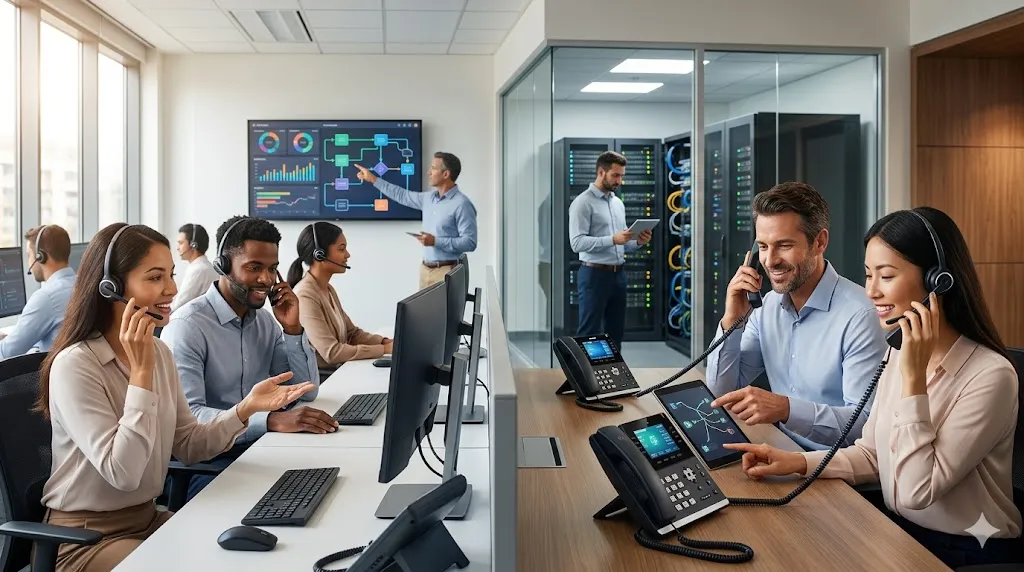
Call pickup improves shared call coverage, especially in workplaces where team members need to answer each other’s calls quickly.
Common Applications of Call Pickup
Reception and Front Desk Operations
Call pickup is widely used in reception areas where several staff members need to cover one another’s lines. If a receptionist is helping a visitor in person or is temporarily away from the desk, another staff member can answer the ringing call immediately from a nearby phone. This keeps the business responsive and prevents callers from waiting unnecessarily.
It also works well in executive reception models, where assistants or office coordinators need to cover calls for one or more managers without physically moving to those desks.
Retail Counters, Service Desks, and Branch Offices
Retail and branch environments often rely on shared answering because staff move between counters, stock areas, consultation spaces, and customer service positions throughout the day. Call pickup allows a ringing extension at one station to be answered from another station, reducing missed inquiries and improving service continuity.
This is especially useful in banks, clinics, showrooms, hospitality desks, and service counters where customers may be waiting in person at the same time incoming calls are arriving.
Healthcare and Nursing Stations
In healthcare and related environments, team members often need to answer calls for one another because staff are mobile and may already be engaged with patients or other urgent tasks. Call pickup can support front-office coordination, administrative support, and controlled call coverage within nursing or operational teams.
In these settings, careful permission design matters. The system should support the right coverage relationships without creating confusion across unrelated departments or zones.
Warehouses, Workshops, and Industrial Offices
In industrial or operational workplaces, supervisors, coordinators, and office staff may not always remain beside the extension that is being called. Call pickup helps ensure that urgent internal or external calls are not missed just because the intended user is on the floor, in a meeting area, or checking another part of the site.
This can be particularly useful when phones are distributed across production offices, shipping desks, maintenance rooms, and dispatch positions that need to work as one operational unit.
Executive Support and Administrative Teams
Executive assistants and administrative coordinators often use directed call pickup or BLF-assisted pickup to answer calls for specific managers. In this application, the system is not used for broad departmental pickup. Instead, it provides intentional support coverage for selected extensions whose calls need to be handled professionally and promptly.
This is one of the clearest examples of directed pickup as opposed to general group pickup. The answering user typically knows exactly whose call is ringing and answers on that basis.
Call pickup is most valuable in environments where responsiveness matters and where staff naturally support one another rather than working as isolated extension owners.
Deployment Considerations and Best Practices
Define Pickup Scope Carefully
One of the first deployment decisions is deciding who should be able to answer whose calls. A small business may place many users in one pickup group, but larger organizations usually need more structure. Pickup groups should reflect real workflow relationships, not just physical proximity. If the group is too broad, users may answer calls that belong to other departments. If it is too narrow, the feature may not provide enough practical coverage.
Well-designed pickup groups usually map to natural teams such as reception, administration, support, branch staff, or designated backup roles. Directed pickup is often a better fit where the answering relationships are more selective.
Use BLF Keys Where Fast Visual Coverage Matters
Busy lamp field keys make call pickup much easier to use. They show which monitored extensions are ringing and reduce the need for users to memorize feature codes. In offices where quick response is important, BLF-based pickup often creates the best user experience.
This is especially true for reception consoles, assistants, and multi-line office users who regularly monitor several colleagues or shared operational extensions.
Train Users on Pickup vs Transfer vs Park
Users should understand that call pickup is meant for ringing calls, not active calls. Once a call has already been answered, transfer or park may be the correct feature instead. Brief training helps users choose the right workflow and reduces confusion during busy periods.
This training becomes more important when the same phones support many call control features through softkeys or programmable buttons. Clear usage guidance improves efficiency and reduces accidental call handling errors.
Test Ringing Behavior and Notification Logic
Before full deployment, administrators should test how the platform behaves when a call is picked up. Does the original extension stop ringing immediately? Does the original user still see a missed-call notification? Can calls be picked up from internal and external destinations equally? Do BLF indications update correctly? These details influence user confidence and real-world usability.
Testing is especially important in multi-site SIP and cloud deployments, where monitored keys, permissions, and ringing-state updates may behave differently depending on platform design.
FAQ
What is call pickup in simple terms?
Call pickup is a phone system feature that lets one user answer a call that is ringing on another authorized extension instead of only answering calls on their own phone.
What is the difference between group pickup and directed pickup?
Group pickup lets a user answer eligible ringing calls within a defined pickup group, while directed pickup lets the user answer a specific ringing extension directly.
Is call pickup the same as call transfer?
No. Call pickup answers a ringing call before it is answered by the original destination. Call transfer moves an already active call from one user to another.
Do I need BLF keys for call pickup?
No. Many systems also support feature codes or softkeys. However, BLF or DSS keys often make call pickup faster and easier because users can see which extensions are ringing.
Where is call pickup most useful?
It is especially useful in reception areas, shared office teams, healthcare administration, retail counters, branch offices, executive support roles, and other environments where colleagues need to answer one another’s ringing calls quickly.







