


A command dispatch system is no longer limited to voice calls, radio communication, intercom terminals, or internal extensions. In emergency response, industrial operations, transportation, utilities, campuses, public safety, and enterprise control rooms, dispatch centers often need to connect voice, video, meeting rooms, remote experts, and field teams into one coordinated communication workflow.
A video conferencing gateway provides a practical bridge between a dispatch platform and different video meeting environments. It can help the dispatch center access meeting rooms, cloud meetings, SIP terminals, H.323 systems, HDMI audio and video resources, and remote video users without rebuilding the entire communication infrastructure.
This solution does not need to replace existing conferencing platforms. It creates a controlled access layer so that different conferencing resources can be reached, scheduled, and used from the command dispatch side during daily operation and emergency response.
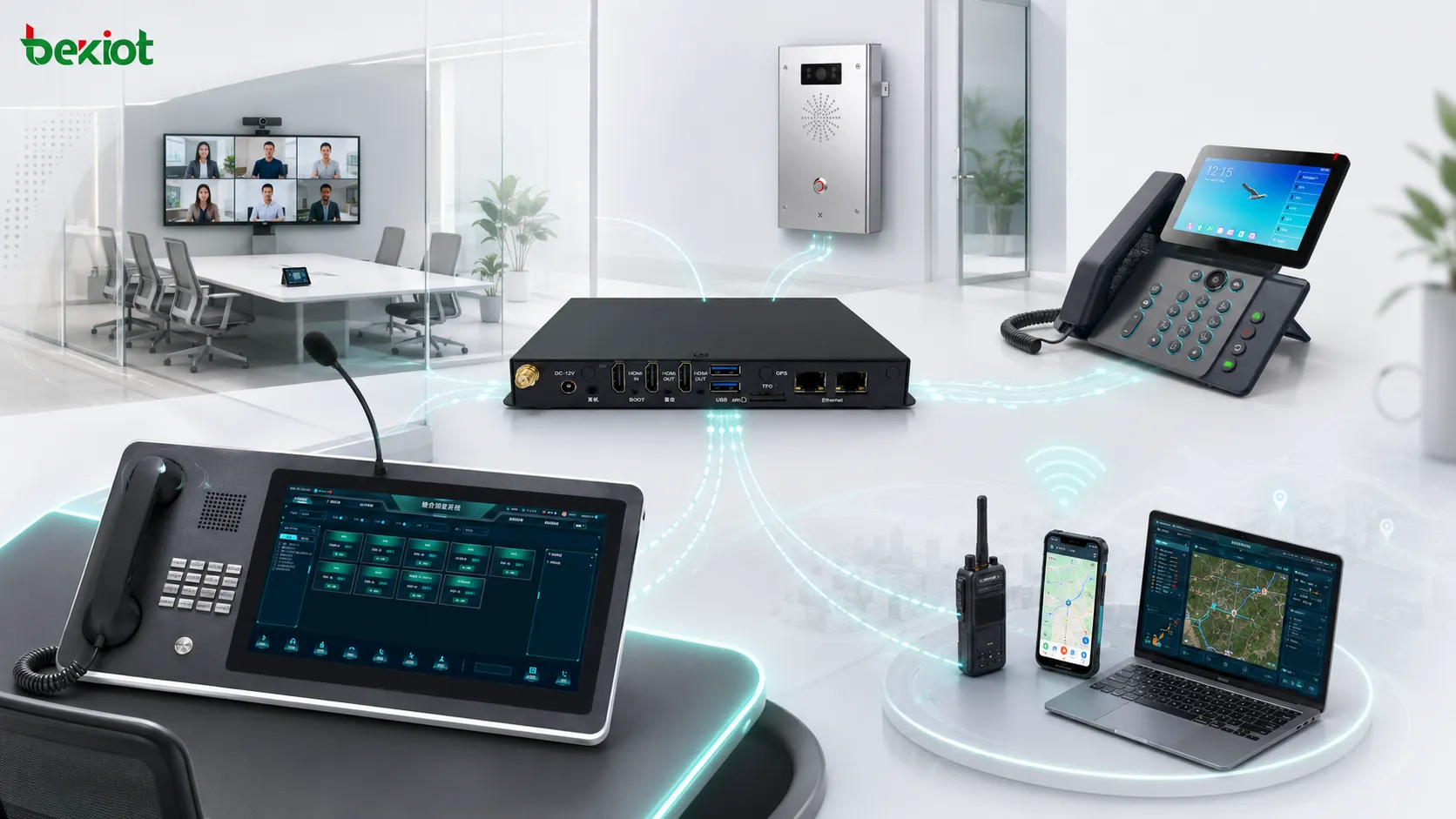
Why Video Access Matters in Modern Command Centers
The value of a command dispatch system lies in fast communication, centralized control, and cross-department coordination. A dispatcher may need to call a control room, contact field personnel, connect a remote expert, join a meeting room, or coordinate several departments during the same incident.
Voice communication is still important, but many command scenarios now require video. Live video helps operators confirm site conditions, understand emergency progress, and support remote decision-making. In major incidents, video meetings can also bring leaders, technical experts, and external departments into the same discussion more efficiently.
However, different video systems often use different protocols, platforms, access rules, and media formats. Some systems support SIP, some still use H.323, and some cloud meeting tools rely on private software environments. Direct integration can become difficult when several systems need to work together.
In many projects, the challenge is that video tools are separated from the dispatch workflow. Operators may need to switch platforms, copy meeting links, or manually invite users. A gateway-based design reduces these steps and makes video resources easier to use in time-sensitive operations.
The Gateway Creates a Standard Access Point
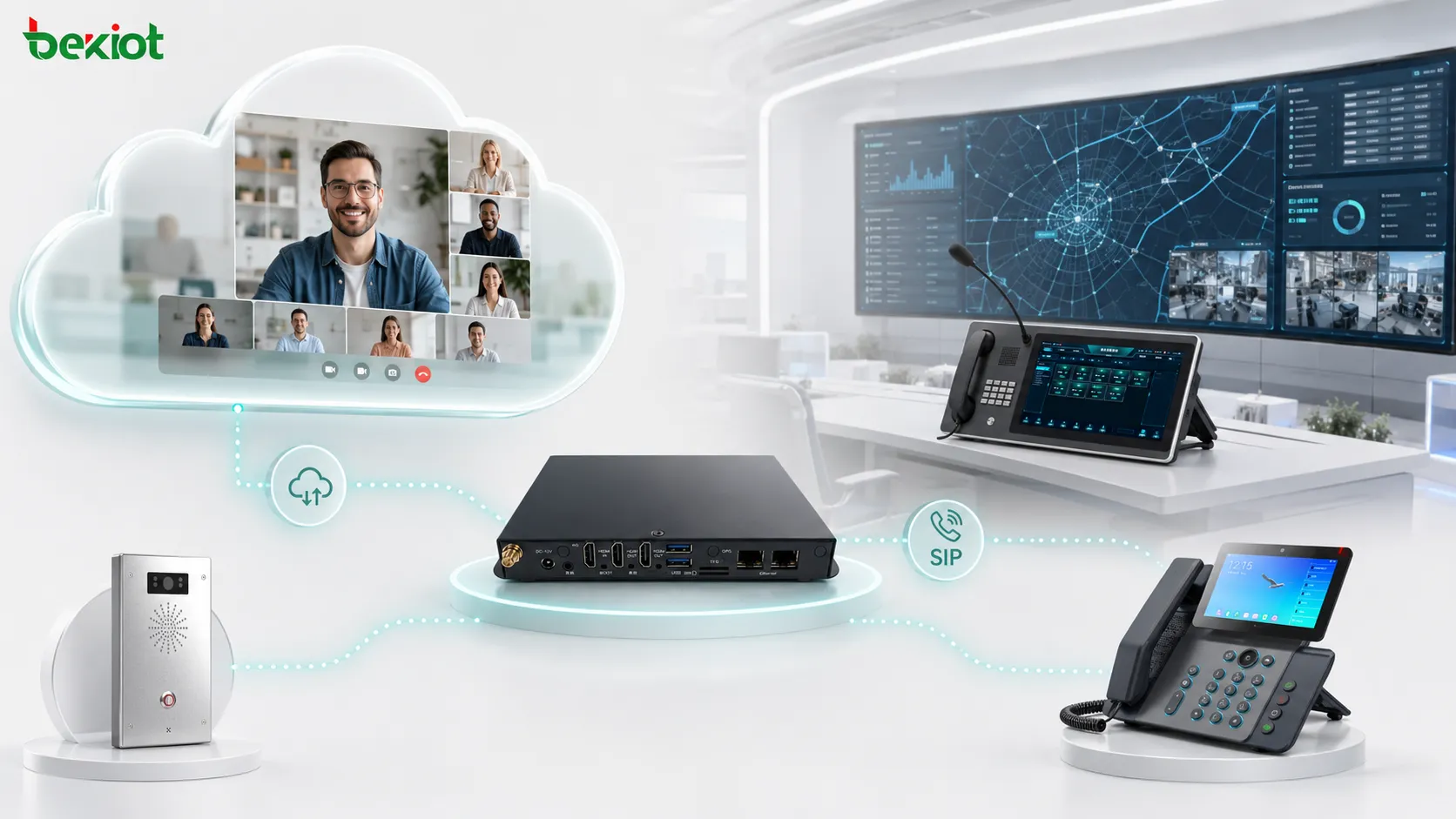
A video conferencing gateway acts as an access bridge between the meeting system and the dispatch platform. Instead of forcing every meeting platform to connect directly with the dispatch server, the gateway converts the video conferencing resource into a standard communication endpoint that can be called from the dispatch system.
In a common deployment, the gateway connects to a video conferencing terminal, a meeting room system, or a computer running a cloud meeting application. The gateway then registers to the dispatch platform as a SIP extension. Once registered, the dispatcher can call the assigned extension number from the dispatch console and communicate with the video conferencing side.
This design makes operation easier. The dispatcher does not need to manually configure every meeting platform or understand different video protocol details. The workflow can be simplified into familiar actions such as calling, answering, joining, forwarding, monitoring, or coordinating from the dispatch interface.
Meeting room users can continue using their original conferencing device or software, while the command center works through the dispatch platform. This allows both sides to keep familiar working habits while participating in the same communication process.
Connecting SIP, H.323, HDMI, and Meeting Software
Many dispatch projects involve mixed communication resources. SIP terminals, video phones, meeting room devices, H.323 conferencing systems, HDMI audio and video sources, and cloud meeting software may all exist in the same organization. A gateway-based solution helps these resources become part of a unified command workflow.
For example, a video conferencing gateway can connect with a meeting room terminal and provide SIP access to the dispatch platform. It can also work with a computer-based meeting application by handling audio and video input and output through standard interfaces. This allows the dispatch center to reach an online meeting without requiring all participants to use the dispatch platform directly.
This is especially useful when the organization already has an existing video conferencing environment. The original meeting system can continue to be used, while the dispatch platform gains a practical path to access the meeting audio and video channel.
HDMI access can also be valuable in meeting room integration. Some conference rooms use large screens, local computers, or dedicated video terminals as the main collaboration source. The gateway can help convert these resources into a dispatch-accessible channel.
Improving Collaboration Across Departments
Large organizations often have multiple departments, each using different communication systems. Emergency management teams, operation centers, security departments, industrial sites, transportation control rooms, and external partners may not share the same video conferencing platform.
Without a gateway, cross-platform communication may require repeated login, manual invitation, platform switching, or temporary software installation. These steps reduce response efficiency and increase operational complexity during urgent events.
With a gateway, the dispatch center can treat a meeting room or conference session as a callable resource. Operators can reach the video meeting side through the dispatch console and bring different departments into a coordinated response process.
This approach is useful for multi-agency coordination. A city command center may need to communicate with traffic control, emergency management, police, fire services, hospitals, utilities, and field teams. The gateway provides a practical bridge without forcing all departments to abandon existing systems.
Typical Functions Enabled by the Integration
When a command dispatch system works with a video conferencing gateway, the dispatch center can call video meeting rooms, connect cloud meeting sessions, communicate with remote experts, and include meeting resources in emergency command workflows.
The system can also support cross-platform collaboration between SIP terminals, dispatch consoles, video conferencing rooms, mobile users, and external command units. This allows voice and video communication to be managed from a more centralized interface.
Depending on the project design, the integration may support one-click call access, meeting room extension dialing, remote expert consultation, audio bridge connection, scheduled command meetings, temporary emergency conferences, and centralized communication resource management.
A Practical Deployment Model
A typical architecture includes a command dispatch platform, a dispatch console, SIP communication terminals, a video conferencing gateway, and one or more video meeting systems. The gateway connects to the video conferencing side and registers to the dispatch server as a SIP endpoint.
When the dispatcher needs to communicate with the meeting side, the operator calls the gateway extension from the dispatch console. The gateway handles the media connection and allows the meeting room or cloud conference to participate in the dispatch communication process.
This model is suitable for emergency command centers, industrial parks, transportation hubs, power and utility dispatch centers, airports, campuses, factories, mines, ports, government operation centers, and multi-site enterprise control rooms.
The deployment scale can be adjusted according to the project. A small site may only need one gateway-connected meeting room, while a large command center may connect several conference rooms, remote command posts, cloud meeting accounts, and external departments.
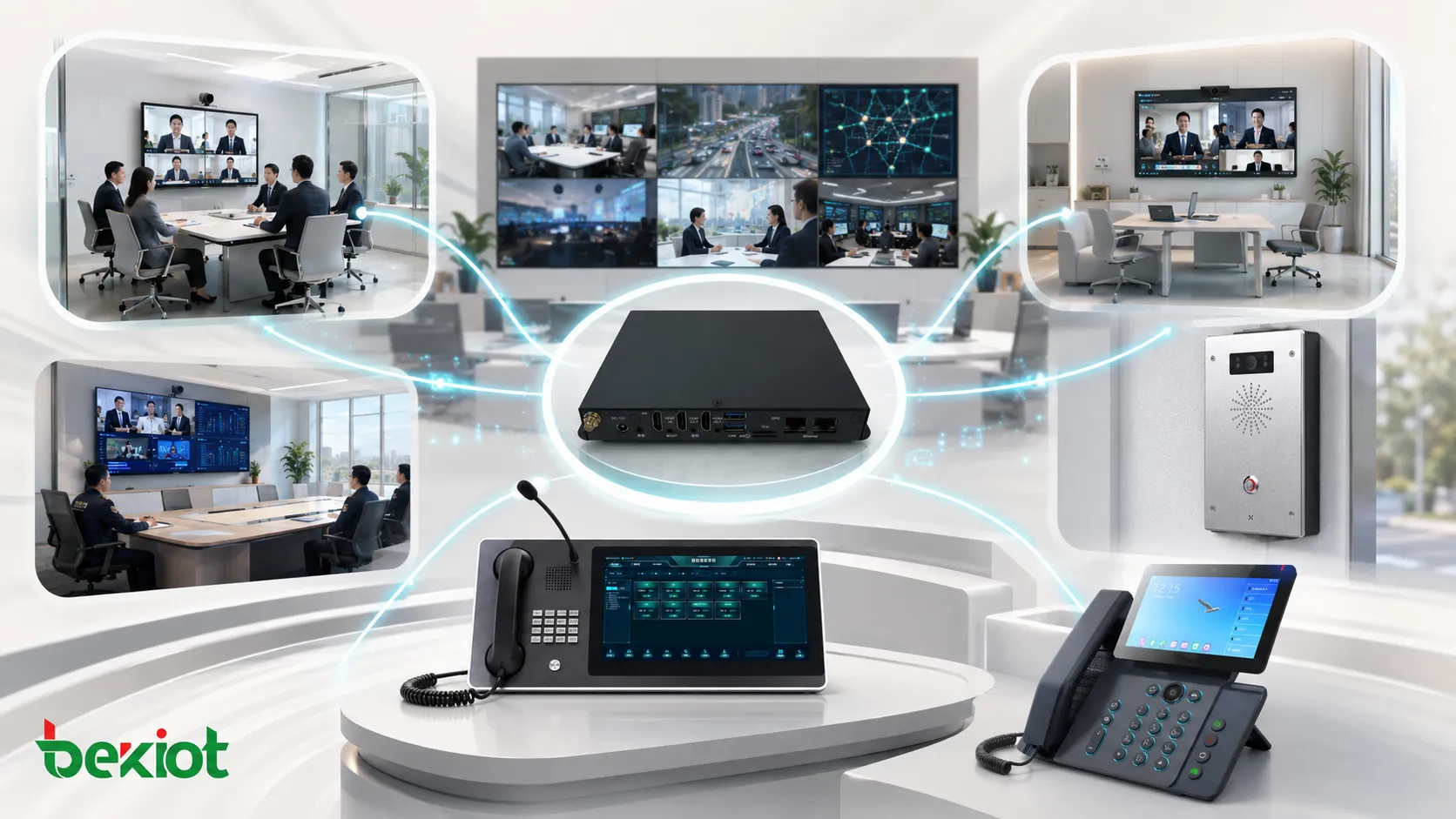
Benefits for Command and Emergency Communication
The first benefit is simplified access. Instead of configuring every video conferencing platform separately, the gateway creates a standard communication path between the meeting environment and the dispatch system.
The second benefit is stronger compatibility. Video conferencing environments may involve SIP, H.323, HDMI audio and video, cloud meeting tools, and different media handling methods. A gateway helps reduce integration difficulty and improves system adaptability.
The third benefit is better operational efficiency. Dispatchers can use familiar calling methods to reach meeting rooms, remote experts, or online conference sessions. This reduces training cost and allows staff to focus on command decisions rather than technical switching.
The fourth benefit is the reuse of existing investment. Organizations do not need to replace all meeting room systems or cloud conferencing tools. Existing resources can remain in place while gaining connection with the dispatch platform.
Another benefit is workflow consistency. Dispatchers can continue working from the command console instead of jumping between unrelated applications. This helps reduce human error, shorten response time, and make communication management easier.
Planning Points Before Deployment
Before implementation, the project team should confirm the network relationship between the gateway and the dispatch server. The gateway should be able to register reliably and maintain stable media transmission, especially in cross-department or emergency network environments.
Media quality should also be planned carefully. Bandwidth, routing, codec settings, firewall rules, and audio clarity all affect the final user experience. In command scenarios, stable communication and clear audio are usually more important than unnecessary video complexity.
Security is another important factor. Access permissions, network isolation, encrypted transmission, operation logs, and account management should be considered according to the organization’s internal policy.
The project team should define which rooms, users, and systems need dispatch access. Priority should be given to emergency meeting rooms, operation centers, control rooms, expert consultation rooms, and departments that frequently participate in command coordination.
Reliability and Maintenance Considerations
Command communication is different from ordinary office collaboration. The system may need to remain available during long incidents, network pressure, power fluctuation, or sudden escalation. Therefore, the integration should be designed with reliability and maintenance in mind.
Important factors include stable power supply, redundant network planning, clear routing rules, suitable codec configuration, regular account inspection, and basic fallback communication methods. If the video meeting side becomes unavailable, the dispatch center should still be able to maintain voice communication or switch to another contact path.
Regular testing is also important. Test items may include SIP registration, call setup time, audio clarity, video stability, firewall traversal, meeting room operation, and dispatcher procedures.
Where This Solution Is Most Useful
This solution is valuable when different teams need to communicate through different systems but still participate in unified command. It is suitable for emergency response, public safety, industrial dispatch, transportation operation, utility control, airport management, campus security, municipal command, and large enterprise coordination.
It is especially useful when an organization already has multiple video conferencing platforms and does not want to migrate every department to one system. The gateway provides a flexible bridge that allows the dispatch system to coordinate across existing communication resources.
In industrial environments, the solution can connect the central control room with production sites, substations, warehouses, or remote maintenance teams. In public service scenarios, it can help command centers communicate with external agencies.
How to Evaluate the Right Integration Design
A suitable solution should be evaluated according to real workflows instead of only hardware interfaces. The key question is whether the dispatch team can reach the right person, room, or meeting resource quickly when communication is needed.
Useful evaluation points include SIP registration stability, H.323 or HDMI access requirements, cloud meeting compatibility, audio and video quality, network adaptability, operation simplicity, permission control, and maintenance convenience.
Conclusion
A command dispatch system combined with a video conferencing gateway can turn separated meeting systems into accessible resources for command, coordination, and emergency response. By converting video conferencing audio and video into a dispatch-accessible channel, the solution helps connect SIP terminals, H.323 systems, meeting rooms, cloud meeting platforms, remote departments, and field teams.
For organizations that need fast response, multi-department collaboration, and practical reuse of existing conferencing infrastructure, this integration model offers a flexible and cost-effective path. It expands the dispatch platform from voice coordination to multimedia command collaboration.
Instead of building a completely new communication environment, the gateway approach allows existing systems to work together more effectively. This makes it a practical option for projects that need fast deployment, better compatibility, and more efficient command center operation.
FAQ
Can this solution work with an existing video meeting platform?
Yes. In many projects, the gateway connects the existing meeting system with the dispatch platform, so the original meeting workflow can remain largely unchanged.
Does every participant need to use the dispatch system?
No. Meeting participants can continue using their normal video conferencing platform, while the dispatch center connects through the gateway.
Is SIP the only supported integration method?
SIP is commonly used for dispatch platform access, but the overall solution may also involve H.323, HDMI audio and video, or software-based meeting environments depending on the project design.
What should be checked before deployment?
The project team should check network reachability, registration stability, codec compatibility, firewall rules, media quality, user permissions, and security requirements.
How many gateway channels are needed?
It depends on the number of meeting rooms, concurrent sessions, external departments, and dispatch workflows. Small sites may need only one access point, while large command centers may require multiple gateway channels.
Is this solution only for emergency command centers?
No. It can also be used in factories, campuses, transportation hubs, utilities, airports, industrial parks, and enterprise operation centers that need unified voice and video coordination.







