Backward compatibility means that a newer system, product, software release, protocol version, or device can continue working with older formats, components, interfaces, or environments that already exist. In practical terms, it allows organizations to adopt change without immediately breaking everything that came before. This is one of the reasons backward compatibility is often treated as a highly valuable design principle in software development, IT infrastructure, networking, industrial systems, and enterprise technology planning.
In real business environments, change rarely happens on a perfectly clean foundation. Organizations usually operate with a mixture of old and new systems, long deployment cycles, limited replacement budgets, and active workflows that cannot be paused every time a platform is updated. If a new version forces full replacement of existing tools, devices, or data structures, the cost and risk of adoption rise sharply. Backward compatibility helps reduce that disruption by allowing old and new elements to continue functioning together during transition.
This is why backward compatibility is not only a technical convenience. It has practical value in cost control, service continuity, risk reduction, user adoption, and long-term platform strategy. A system that preserves compatibility often gives organizations more freedom to upgrade gradually instead of making every change all at once.
What Is Backward Compatibility?
Definition and Core Meaning
Backward compatibility is the ability of a newer version of a system or product to support elements created for an older version. Those elements may include data formats, APIs, protocols, device interfaces, file types, configuration logic, applications, hardware accessories, or integration behavior. The core idea is that progress should not automatically destroy what already works.
In software, backward compatibility may mean a new release can still open older files or support older integrations. In networking, it may mean new infrastructure can still communicate with legacy endpoints or protocol versions. In hardware, it may mean a new device or platform can still accept existing accessories, modules, or interface standards.
The practical meaning is continuity through change. Instead of forcing users to abandon all older assets immediately, backward compatibility creates a bridge between current investment and future development.
Backward compatibility allows progress to happen without requiring every existing system, workflow, and investment to be rebuilt at the same time.
Why It Matters in Real Environments
It matters because most organizations do not operate in purely greenfield conditions. Enterprise platforms, industrial systems, communications environments, and software stacks often grow over years rather than weeks. During that time, different versions and generations of tools accumulate. A business may still depend on old file archives, stable interfaces, legacy endpoints, or long-running workflows even while it wants the benefits of newer technology.
Without backward compatibility, each upgrade becomes more disruptive. Organizations may have to retrain users, convert data, replace integrations, change devices, and accept downtime just to move forward. With backward compatibility, those transitions can be staged more carefully.
This is why backward compatibility is often considered a practical enabler of technology adoption rather than merely a technical feature hidden in product documentation.
How Backward Compatibility Works
Preserving Interfaces, Formats, and Behaviors
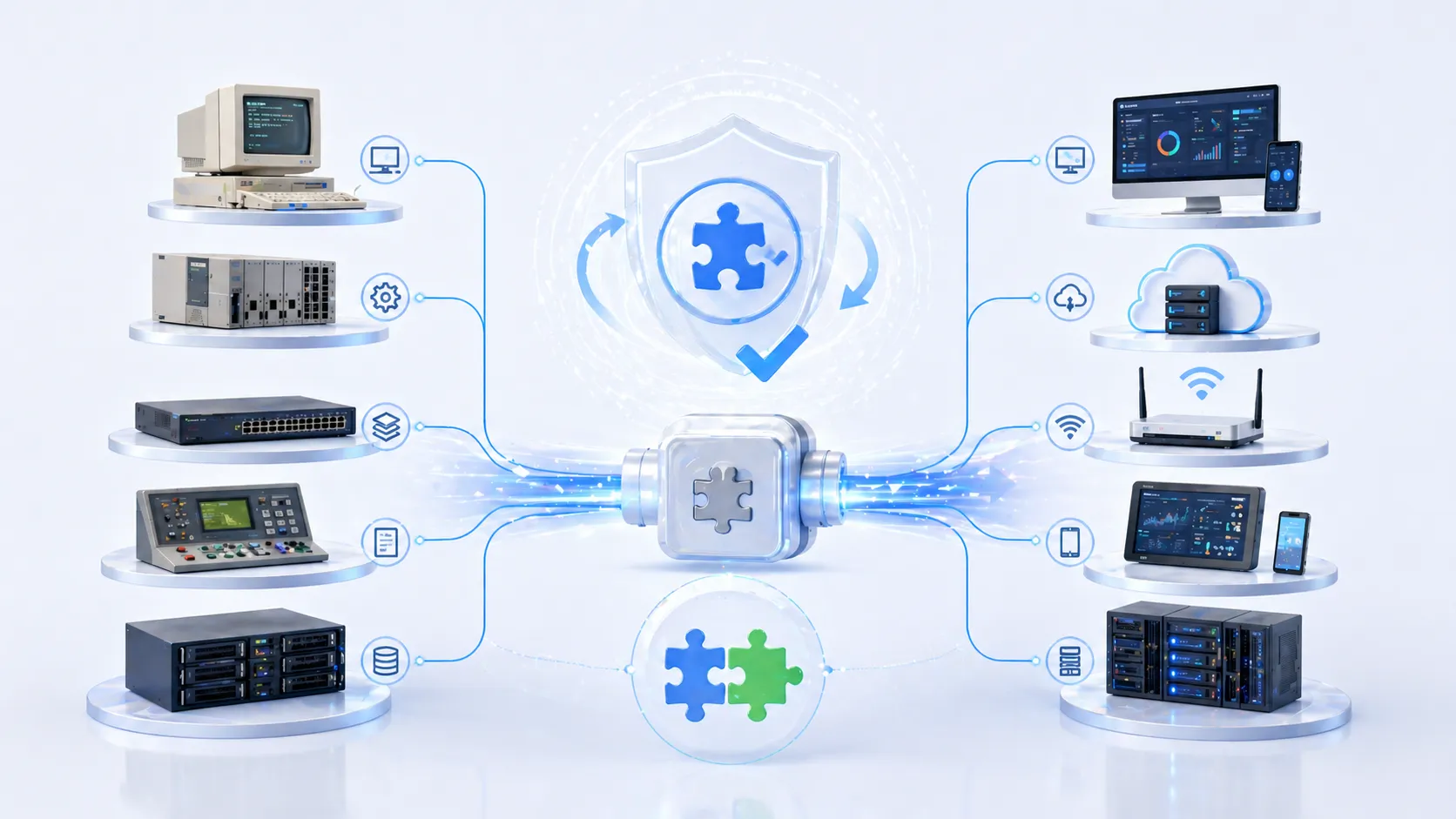
Backward compatibility works by preserving enough of the older system's expectations that legacy elements can still function correctly. This may involve keeping support for older APIs, maintaining protocol options, recognizing earlier file formats, preserving command behavior, or providing translation layers that let new systems interpret older structures.
In some cases, the compatibility is native. The new version directly understands the old one. In other cases, compatibility is achieved through emulation, adapters, middleware, compatibility modes, or controlled migration logic. The exact method varies by technology, but the practical objective remains the same: protect continuity while enabling improvement.
This means backward compatibility is often a design choice, not an accident. Product teams and system architects decide whether to preserve older behavior, how long to support it, and which legacy elements are important enough to maintain.
Balancing Innovation and Stability
A compatible system must balance two pressures. One pressure is innovation: new features, new performance models, and cleaner architecture. The other is stability: existing users still need the platform to work with their current assets. Backward compatibility sits between those two pressures and helps manage the trade-off.
If a system preserves too much old behavior forever, innovation may slow and maintenance complexity can rise. If it preserves too little, adoption becomes more painful and user trust may fall. Practical backward compatibility therefore often means carefully choosing which legacy elements should continue to be supported so organizations can evolve without unnecessary breakage.
In this sense, backward compatibility is not simply about keeping the past alive. It is about making progress usable in the real world.
The best backward compatibility strategy is not unlimited preservation. It is the disciplined preservation of what users still need in order to move forward safely.
Practical Advantages of Backward Compatibility
Lower Upgrade Disruption
One of the most practical advantages is reduced disruption during upgrades. When a new system remains compatible with older formats, interfaces, or components, organizations do not have to replace everything at once. Existing data can still be accessed, legacy workflows can keep running, and connected tools do not immediately stop working the moment the upgrade happens.
This is especially valuable in active business environments where downtime is expensive and coordination across departments takes time. A company may want new features and security improvements, but it may not be able to pause operations just to rebuild every surrounding dependency. Backward compatibility makes change more manageable by allowing the upgrade to happen without turning it into a full operational break.
In practice, this means fewer emergency workarounds, fewer project delays, and a smoother transition from old to new.
Protection of Existing Investment
Another major advantage is investment protection. Organizations spend time and money building data libraries, integrations, customizations, hardware deployments, trained user habits, and support documentation. If each new version renders those assets unusable, the real cost of change becomes much higher than the price of the upgrade itself.
Backward compatibility helps protect that investment by extending the useful life of what already exists. Older files can still be opened. Existing interfaces can still connect. Established workflows can continue operating while the organization adopts new capabilities gradually.
This makes technology adoption more financially realistic, especially in enterprise and industrial contexts where replacement cycles are longer and interoperability matters.
Operational and Business Benefits
More Flexible Migration Planning
Backward compatibility also gives organizations more freedom in how they plan migration. Instead of using a hard cutover where everything changes at once, teams can move in stages. One department can upgrade first. One site can be tested before wider rollout. Old data can remain accessible while conversion happens over time. This flexibility reduces project risk and improves planning control.
Staged migration is often much more practical than full replacement because not every business unit, device group, or user population moves at the same pace. Some parts of the environment may be ready for change, while others still depend on legacy conditions. Backward compatibility helps accommodate this reality.
In practical terms, the organization gains time to migrate properly instead of rushing simply because the new system refuses to coexist with the old one.
Better User Adoption and Less Resistance
New systems often fail not because they are technically weak, but because the transition is too painful for users and administrators. If every update breaks familiar workflows, users become cautious about adoption. By contrast, backward compatibility helps reduce resistance because people can continue working with known formats, older documents, and familiar interfaces while gradually learning the new environment.
This creates a more stable adoption experience. Support teams face fewer urgent complaints, training can be phased more realistically, and the new platform has a better chance of being seen as an improvement rather than a disruption.
In this way, backward compatibility supports not only technology transition, but also change management across the organization.
Backward compatibility often succeeds because it respects how organizations really change: gradually, unevenly, and with ongoing work that cannot simply stop.
Technical Advantages in System Design
Stronger Interoperability Across Generations
One important technical advantage is interoperability across different generations of systems. In many environments, newer infrastructure must work alongside older devices, software releases, or partner platforms for a significant period. If the new system can still understand or support legacy behavior, the overall environment remains more usable during transition.
This is especially helpful in networked and distributed systems where not every connected endpoint can be upgraded at the same time. A data center, enterprise network, application stack, or industrial control environment may include mixed generations of hardware and software for years. Backward compatibility helps keep those mixed environments functioning.
That means organizations can modernize incrementally instead of waiting until every dependent element is ready at once.
Reduced Integration Breakage
Modern platforms rarely operate alone. They are linked to APIs, databases, authentication systems, reporting tools, third-party services, device fleets, and internal business logic. If a new release breaks those connections immediately, the result can be expensive rework and prolonged instability.
Backward compatibility reduces this kind of integration breakage by preserving expected behavior long enough for dependent systems to adapt. This does not eliminate integration work completely, but it can reduce urgency and lower the risk of widespread failure during upgrade periods.
For system owners, this is a highly practical advantage because integration trouble often becomes one of the biggest hidden costs of change.
Examples of Backward Compatibility in Practice
Software, Files, and Business Platforms
A familiar example appears in software platforms that can still open older file formats after an upgrade. This is a practical form of backward compatibility because it protects years of stored content and lets teams continue accessing documents, drawings, reports, or records created under earlier versions. Without that support, organizations would face conversion burdens and possible data accessibility problems.
Business platforms also benefit when new versions preserve API behavior or login flows long enough for surrounding tools to adapt. This allows reporting systems, automation tools, and connected services to continue working during transition periods.
In these cases, backward compatibility helps keep business continuity stable while the platform evolves.
Networks, Devices, and Communication Environments
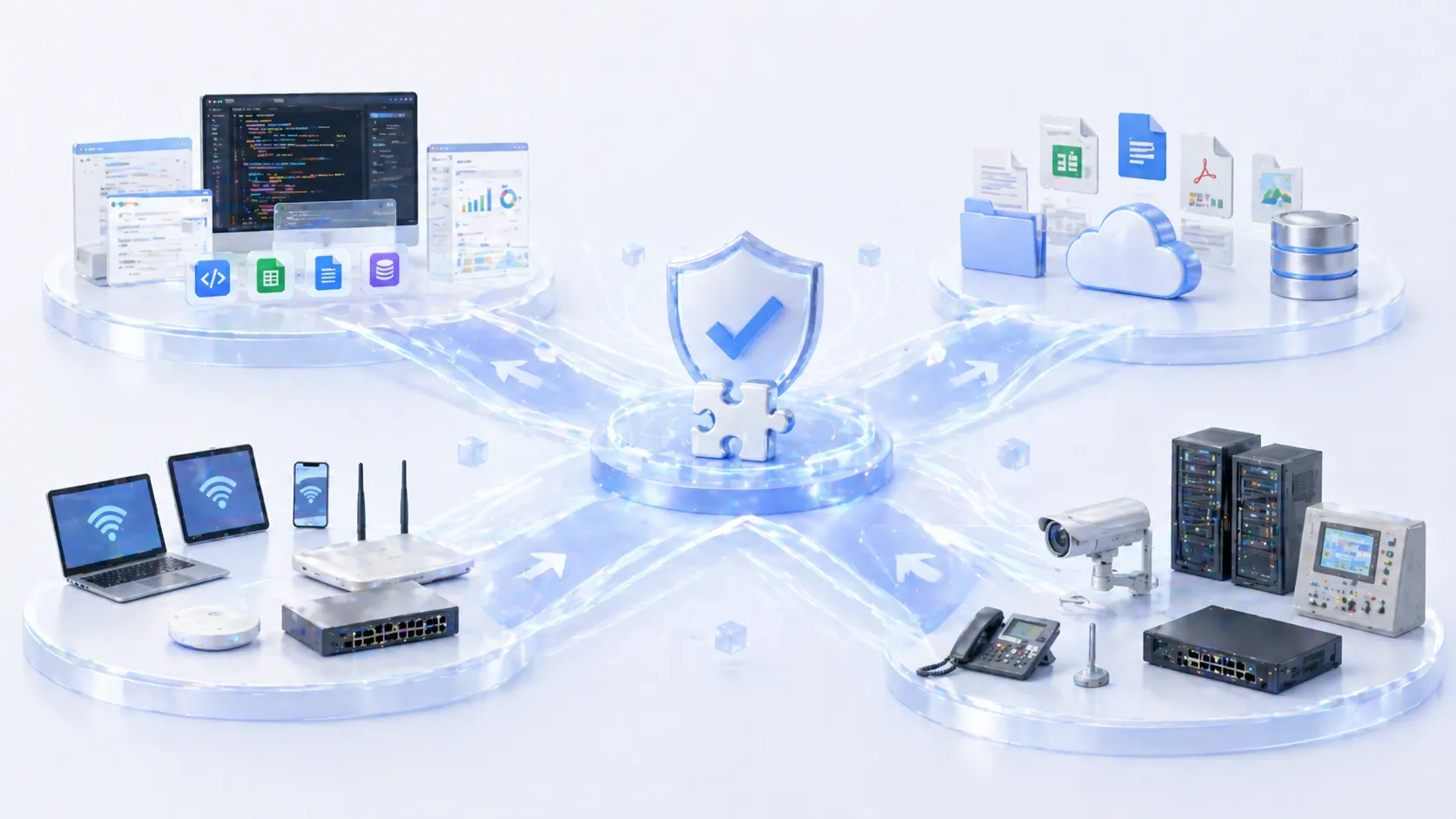
Another example appears in communication and network environments where newer platforms must still interact with legacy endpoints, gateways, or protocol behavior. In real enterprise and industrial deployments, devices are often replaced gradually rather than all at once. A new system that refuses to work with older connected assets may create unnecessary replacement pressure and operational complexity.
By contrast, a backward-compatible environment can support coexistence while the organization upgrades over time. This is especially practical in distributed sites, long-life industrial systems, and mixed device environments where immediate full modernization is unrealistic.
The advantage here is not technical elegance alone. It is operational continuity during real-world transition.
Maintenance Tips for Backward Compatibility
Document What Is Still Supported
One important maintenance rule is to document compatibility boundaries clearly. Backward compatibility is most useful when users and administrators know exactly what is still supported, for how long, and under what conditions. If support expectations are vague, teams may assume older behavior will remain forever and delay necessary modernization.
Clear documentation helps avoid that confusion. It gives organizations a realistic view of what legacy formats, interfaces, or devices can still be used and which ones are approaching end-of-support. This supports better planning and reduces the chance of surprise breakage later.
Practical compatibility management depends on transparency as much as on technical design.
Test Legacy Scenarios Before Major Upgrades
Another important practice is to test legacy scenarios before rolling out new versions widely. Even when backward compatibility is promised, real environments can contain unusual files, older configurations, custom integrations, or long-standing device behavior that may not respond exactly as expected.
Testing helps confirm that the older elements the organization still depends on actually continue working. This is especially important in large or high-risk environments where one hidden compatibility issue can create broad operational disruption.
In practical terms, compatibility should be verified under real business conditions instead of assumed from product language alone.
Backward compatibility delivers the most value when it is tested against real legacy dependencies, not just described as a general product attribute.
Limitations and Design Trade-Offs
Compatibility Can Increase Complexity
Backward compatibility is valuable, but it is not free. Supporting old behaviors, legacy interfaces, and earlier formats can increase design complexity, maintenance effort, and testing burden. Product teams may need to preserve code paths or protocol behaviors that are no longer ideal simply because customers still rely on them.
This means compatibility must be managed carefully. Too much indefinite preservation can slow innovation and make the system harder to maintain securely or efficiently. In some cases, organizations eventually need planned migration away from old dependencies rather than permanent reliance on them.
The practical advantage of backward compatibility is strongest when it supports transition, not when it becomes an excuse to freeze modernization forever.
Not Every Legacy Element Should Be Preserved Forever
Another trade-off is that some legacy elements eventually become too risky, costly, or outdated to support. Security weaknesses, fragile interfaces, obsolete dependencies, and inefficient formats may justify deprecation over time. In those cases, backward compatibility should still help the transition, but not necessarily prevent change forever.
The best long-term strategy is usually a balanced one. Preserve what is still valuable, communicate timelines clearly, and create migration paths that let organizations move forward without unnecessary shock.
In this sense, backward compatibility is most practical when it is used as a bridge, not as a permanent refusal to evolve.
Conclusion
The practical advantages of backward compatibility are clear: it reduces upgrade disruption, protects existing investment, supports staged migration, improves user adoption, and helps mixed-generation environments continue functioning during transition. These advantages make it one of the most useful principles in software, systems, networks, and enterprise technology planning.
Its real value lies in allowing organizations to move forward without turning every improvement into a full replacement crisis. By preserving older formats, interfaces, and behaviors where they still matter, backward compatibility helps make innovation more usable in the real world.
For businesses and technical teams, backward compatibility is not just about keeping old things alive. It is about making change practical, controlled, and less disruptive as systems evolve over time.
FAQ
What is backward compatibility in simple terms?
In simple terms, backward compatibility means a newer system can still work with older versions, files, devices, or interfaces. It helps organizations upgrade without breaking everything they already use.
Its main value is smoother transition from old to new.
What is the biggest practical advantage of backward compatibility?
One of the biggest practical advantages is reduced disruption during upgrades. Organizations can adopt new systems or versions while keeping older assets working for longer, which lowers risk and makes migration easier.
It also helps protect past investment in data, integrations, and workflows.
Does backward compatibility have disadvantages?
Yes. It can increase design and maintenance complexity because the newer system may need to preserve older behavior that is no longer ideal. Over time, too much compatibility support can slow innovation or make the platform harder to manage.
That is why compatibility usually works best as a transition strategy rather than unlimited preservation forever.