
Guide to create, edit, import custom ringtones for IP phones. Supports BX5S/BX6/BX7/GP210/C600, covers WAV format, CoolEdit editing, file upload and ringtone configuration.
The following models support custom ringtone upgrade: BX5S/BX6/BX7/BX7C/GP210/GP210i/BX4U/BX5U/BX6U and C600.
C600 (Android): Supports any MP3 file as custom ringtone.
Other models: Support importing ONE custom ringtone file only.
BX3S/BX4 Supported Format: 8K/16K 16-bit linear samples; 8K/16K 8-bit u/A-law samples
Sample rate: 8K/16K
Resolution: 16-bit/8-bit
Format: Linear/u/a-law (*.wav)
Max file size: 500KB (phone will auto-truncate if oversized)
BX5S/BX6/GP210/BX7 Supported Format: 8000/16000Hz, 16-bit
Sample rate: 8K/16K
Resolution: 16-bit
Format: *.wav
Duration: ~30s, file size < 256KB
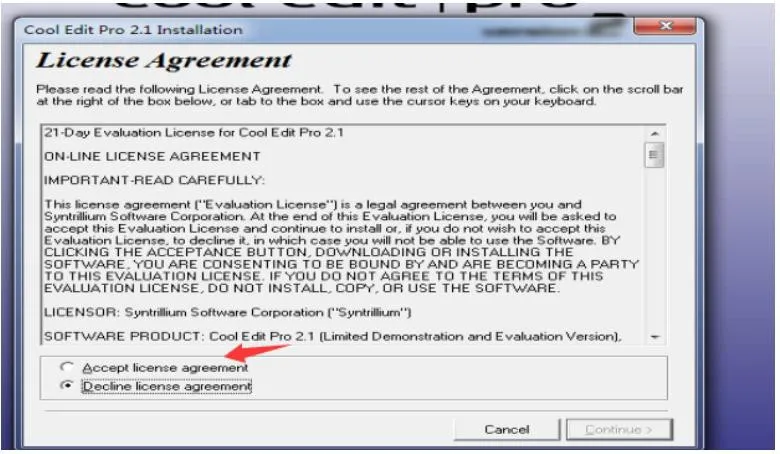
Run the installer, click accept, then click continue.
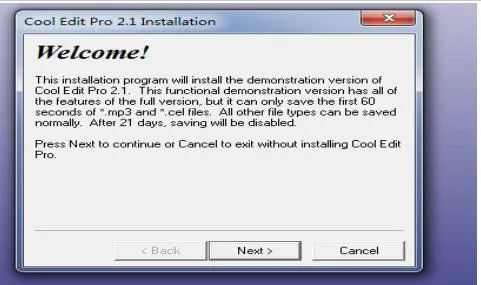
Click Next, you can use the default installation path.
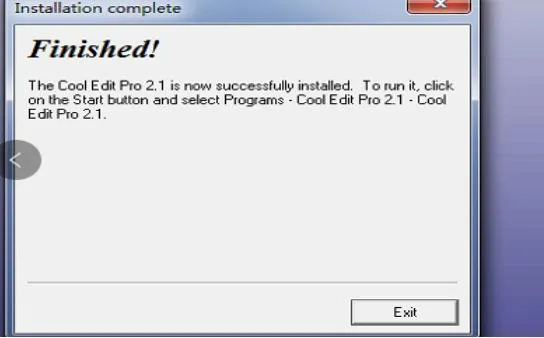
After selecting the path, click Next, then click exit when installation completes.
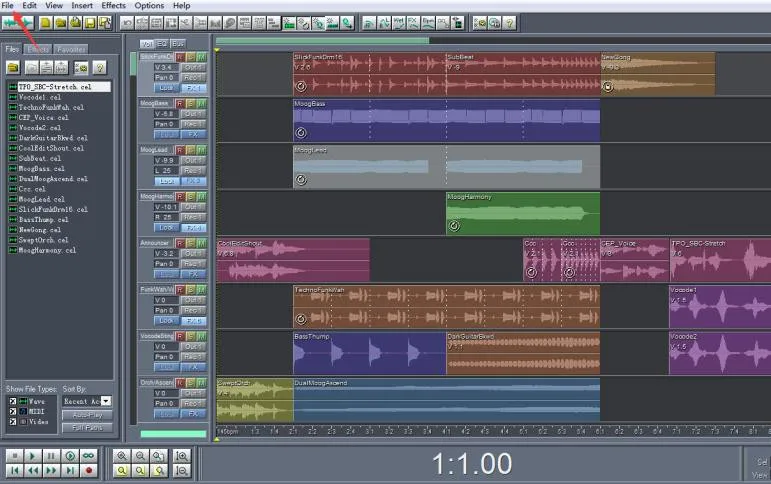
Launch the software, open your audio file via File → Open.
Click the Play button to preview the audio file.
Click the start point with the left mouse button, drag to the end point, then release. The selected segment will be highlighted.
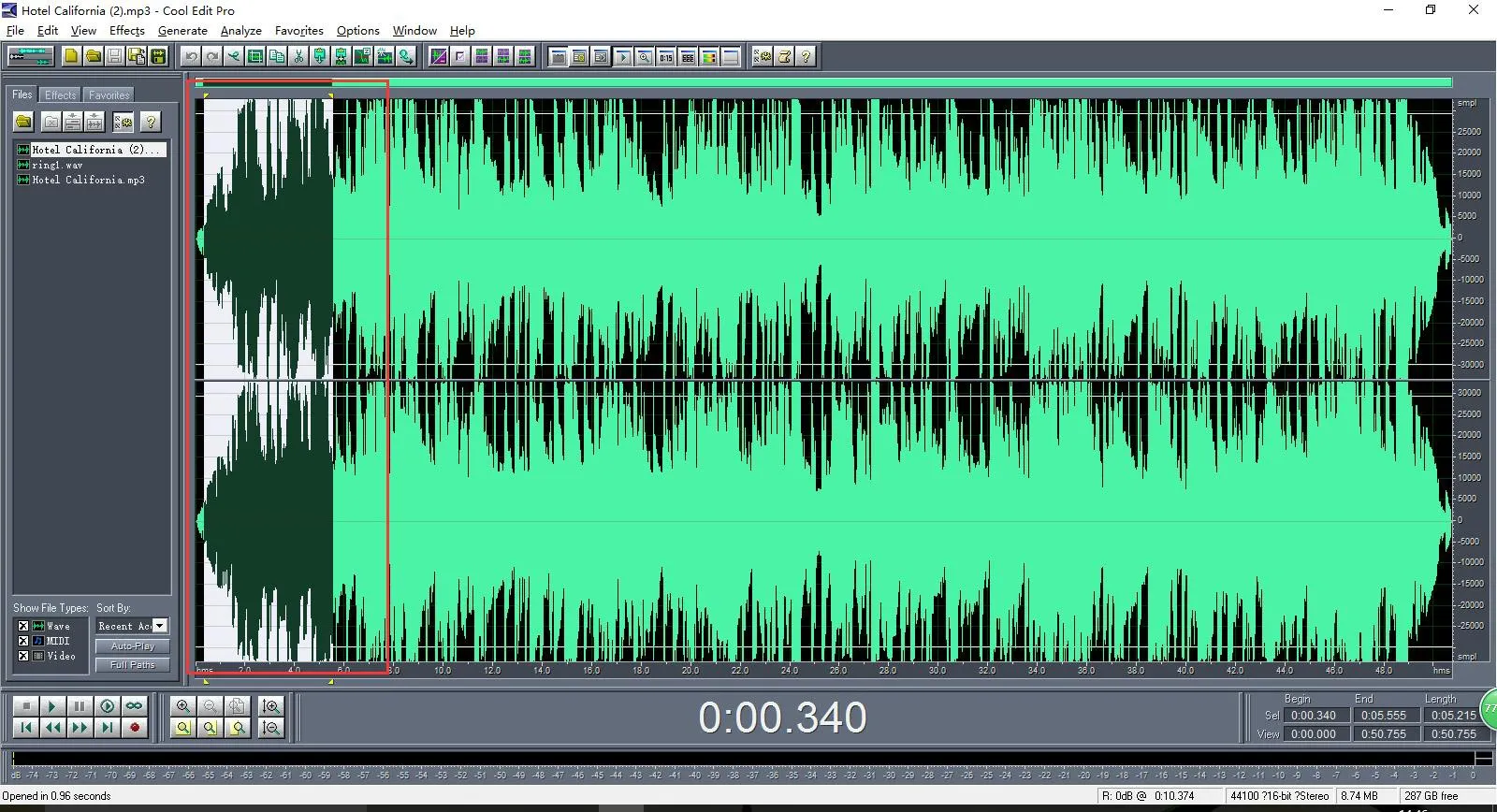
Go to File → New, use these parameters:
Sample Rate: 8000/16000
Channels: Mono
Resolution: 16-bit
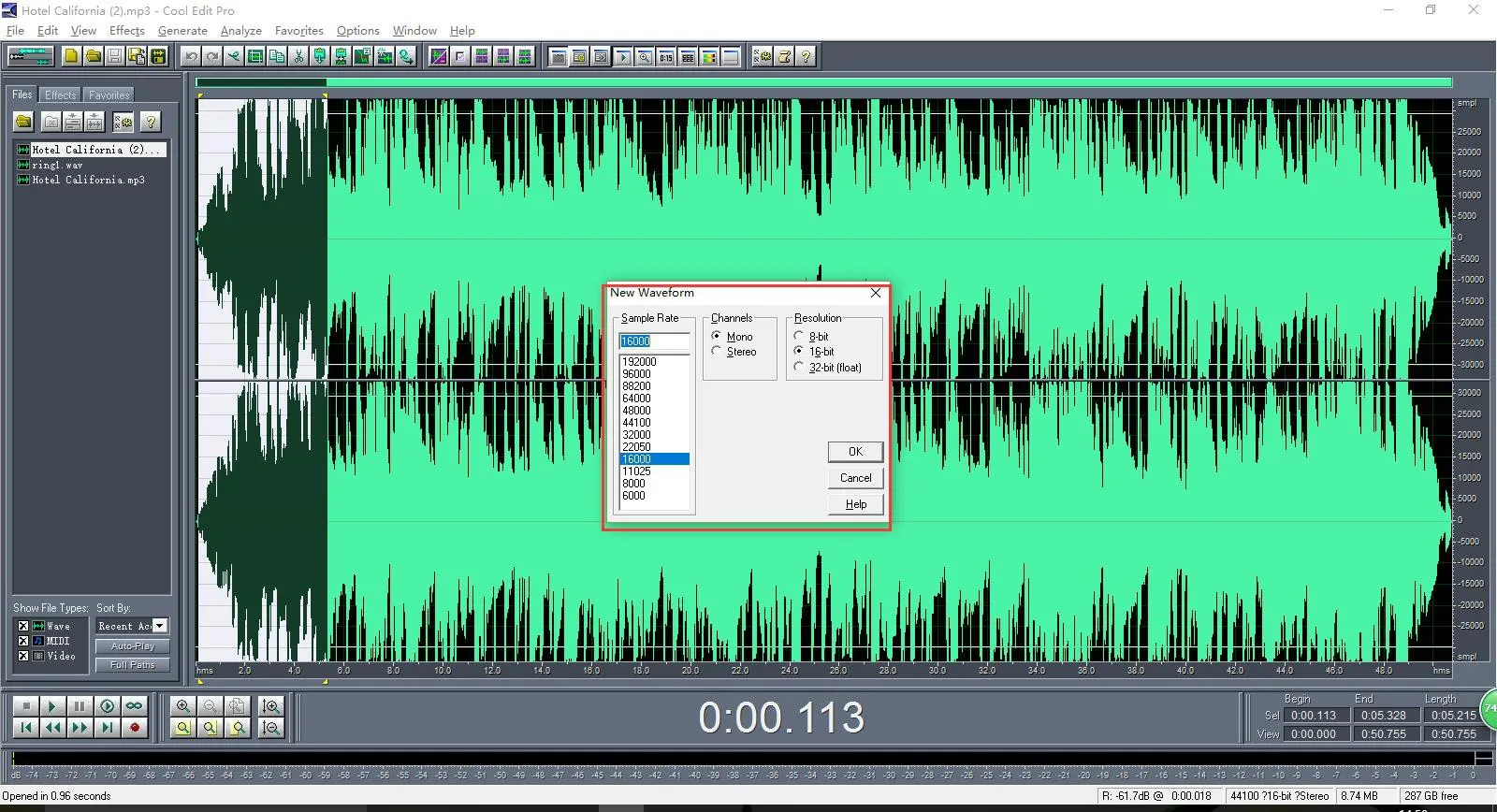
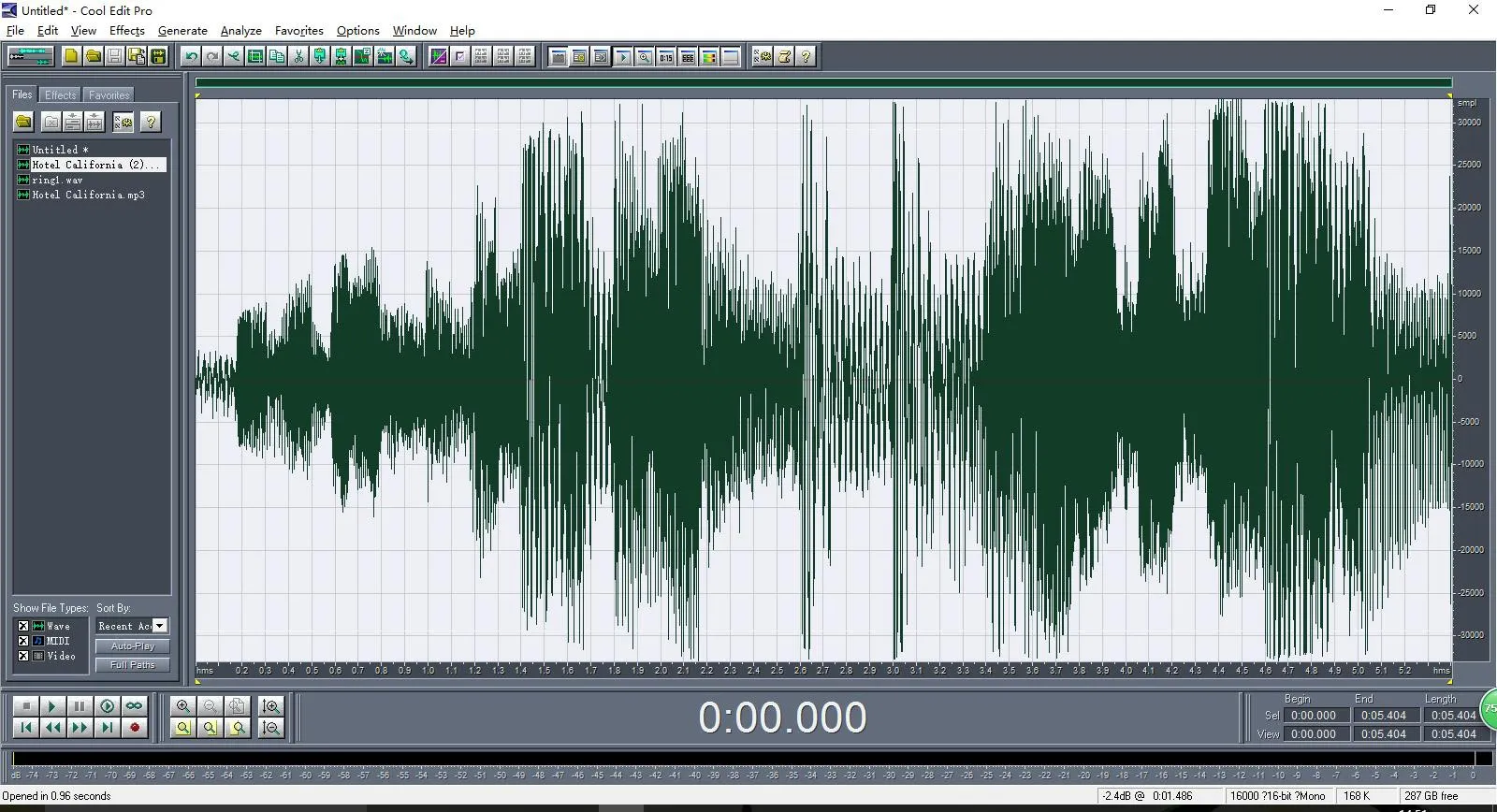
Click OK, then press Ctrl+V to paste the clip. Preview to confirm.
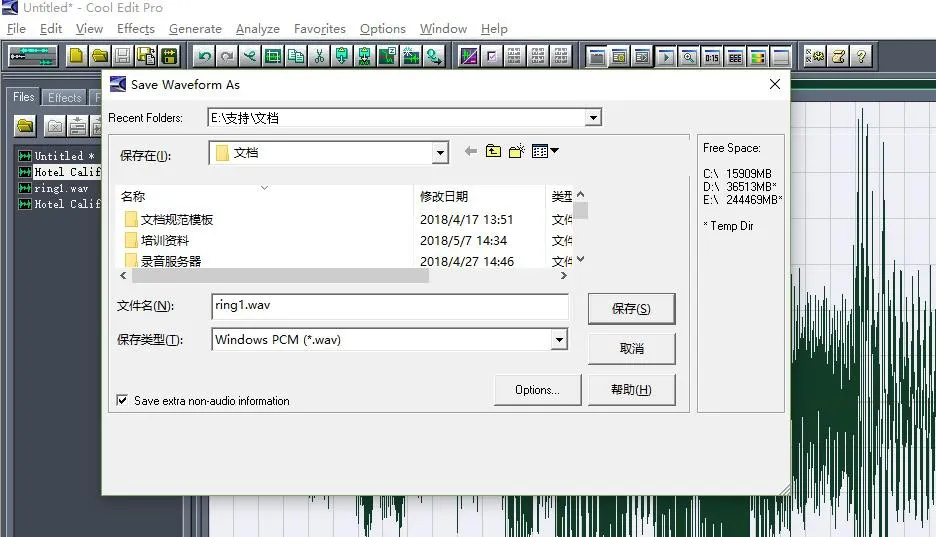
Go to File → Save As
File Name: ring1.wav (recommended)
Save as Type: Windows PCM(*.wav)
The exported file is ready for BX3S/BX4 custom ringtone use.
BX3S/BX4 do not have a dedicated ringtone upload page. Import the ringtone in the firmware upgrade section.

These models have a dedicated ringtone upgrade page. Upload your ringtone file directly on the Upgrade page.
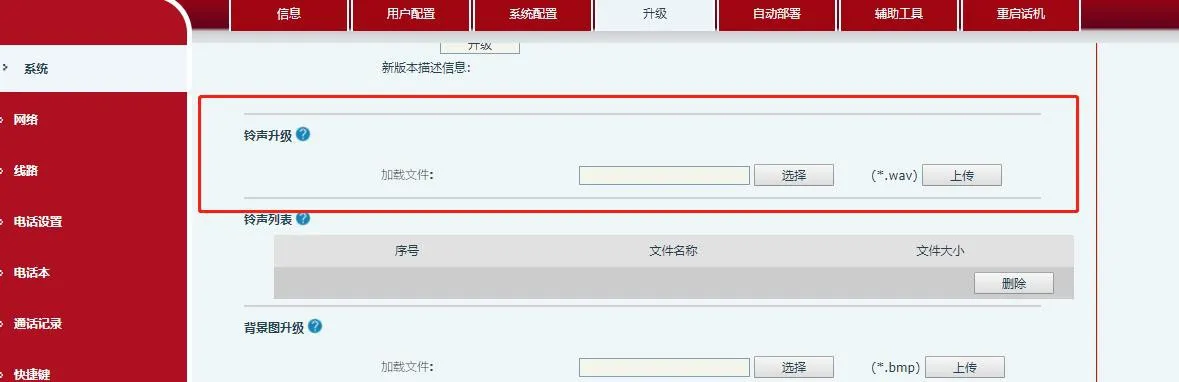
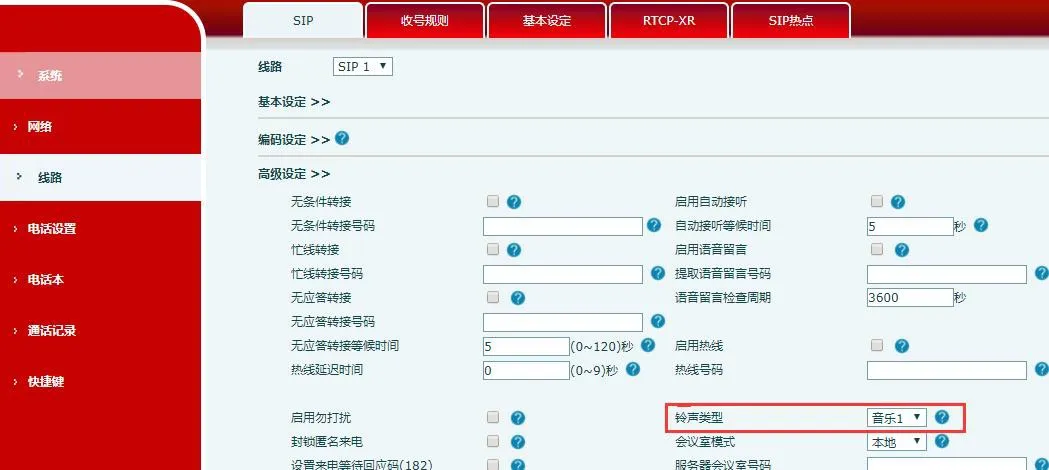
Web Path: Account → SIP → Advanced Settings
Ring Type: Select Sound 1
Web Path: Phone Settings → Voice Settings
Default Ring Type: Select Sound 1
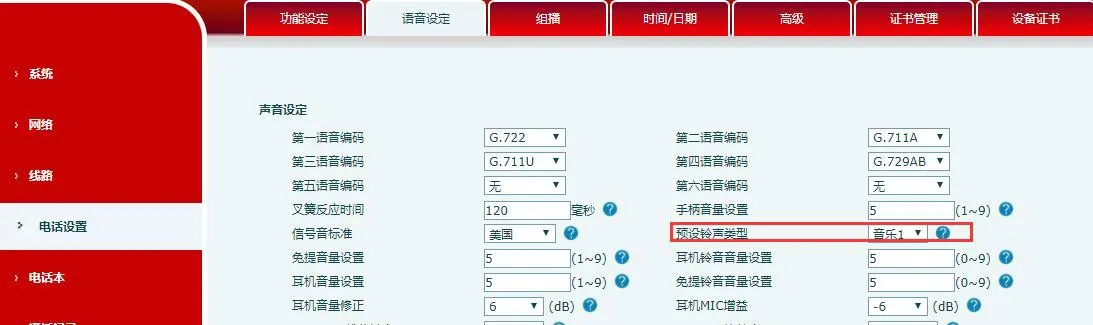
If the line’s advanced setting is set to Default, it will use the global Default Ring Type.
