
Industrial SIP Intercom Automatic Door Control User Guide. Use Python script to auto unlock/lock door via web UI at scheduled time on workdays.
This guide describes how to use a Python script to automatically control door lock/unlock via the intercom web UI during scheduled time periods, to improve access convenience for APP users.
This document applies to the Door Access APP and intercom devices.
The script controls the door by modifying the Door Lock option on the intercom web management page.
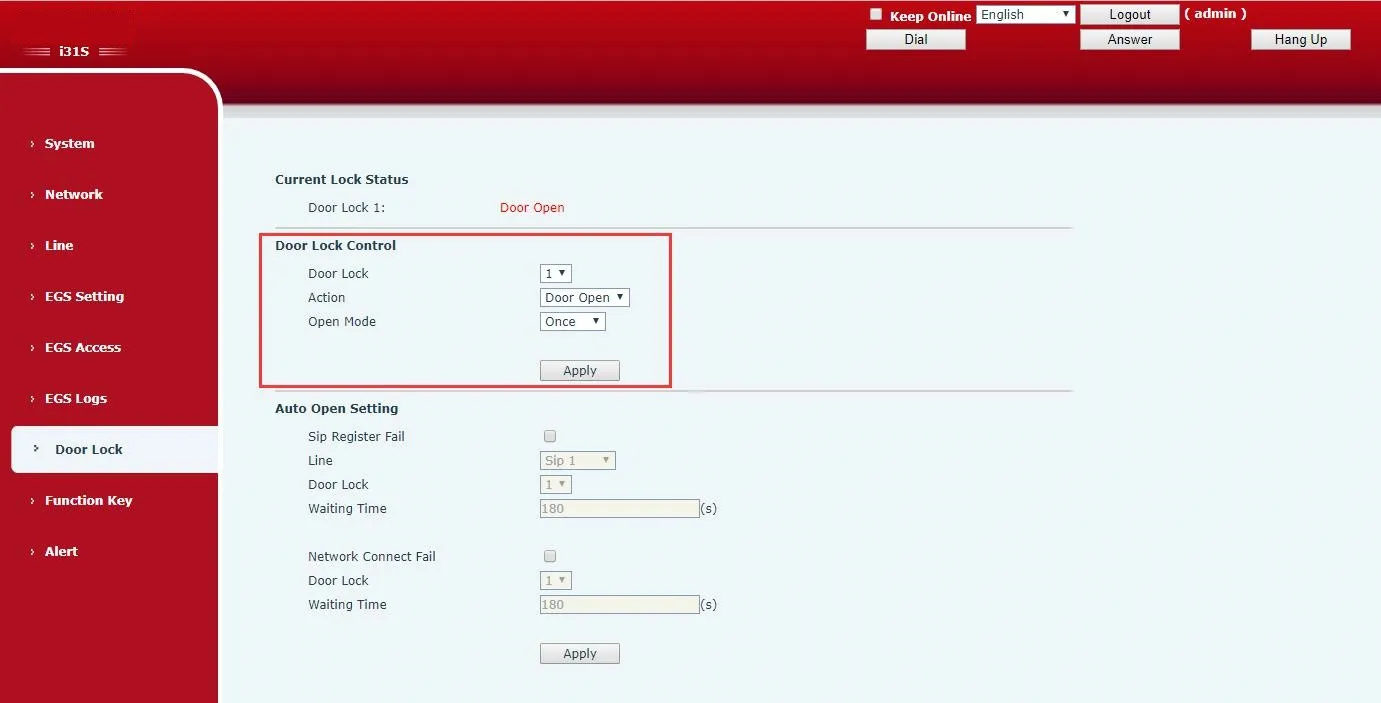
Default Schedule (Workdays: Mon–Fri)
• Unlock at 9:00
• Lock at 12:30
• Unlock at 13:30
• Lock at 18:00
How to run the script:
Install Python + Selenium environment
Python version: 3.3 or higher
Reference: \\172.16.1.8\share\documents\研发资料\部门资料\技术支持\培训 ppt\常用测试服务器和软件介绍\Windows 下 python 自动化测试环境搭建.doc
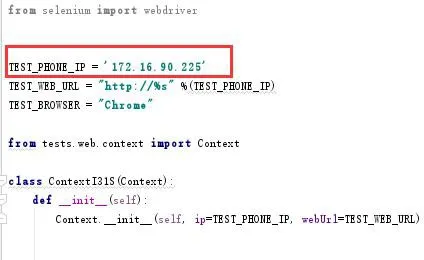
Set Intercom IP: Edit context_i31s.py and update the device IP address
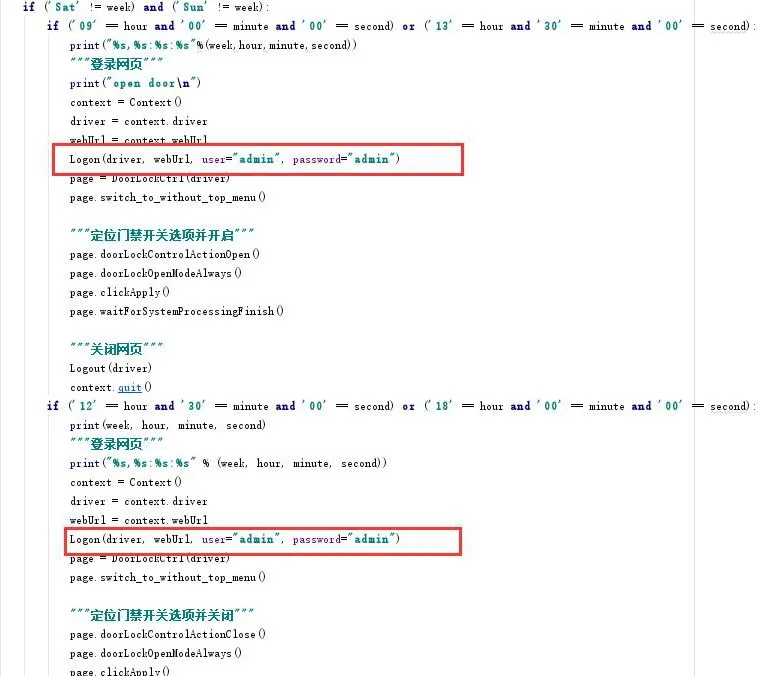
Set Login Credentials: Edit i31s_open_door_timeplan.py and update the username & password
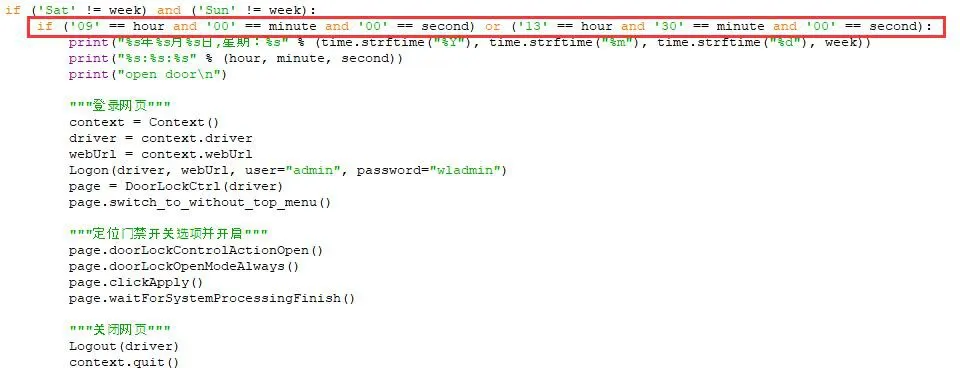
Set Unlock Time: Edit i31s_open_door_timeplan.py
Set Lock Time: Edit i31s_open_door_timeplan.py
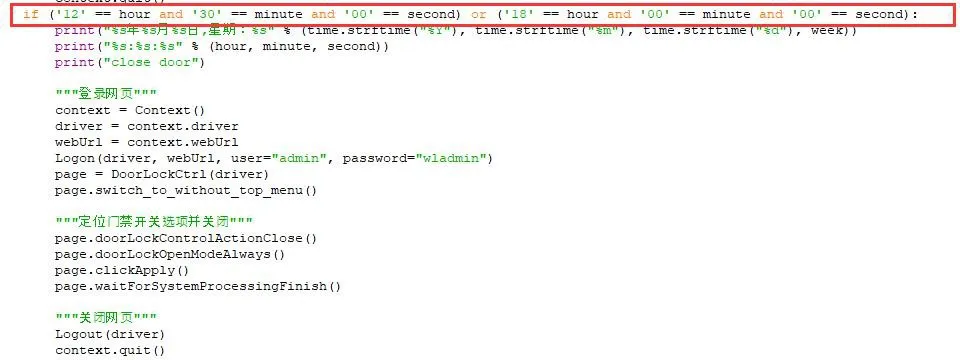
Run the script: Execute i31s_open_door_timeplan.py. Without PyCharm, right-click → Edit with IDLE → Run.
Important Note:
The intercom (i31s) firmware MUST be version 2.1.1.3687. The script is developed based on this web UI layout. If the firmware version changes, the web structure may change and the script will no longer work.
