IntroductionOverviewCall forwarding allows incoming calls to be redirected to a
Call forwarding allows incoming calls to be redirected to a preset number. This feature supports three forwarding modes: unconditional forwarding, busy forwarding, and no-answer forwarding.
Supported on all of our desk phone models (X5U is used as the example in this article).
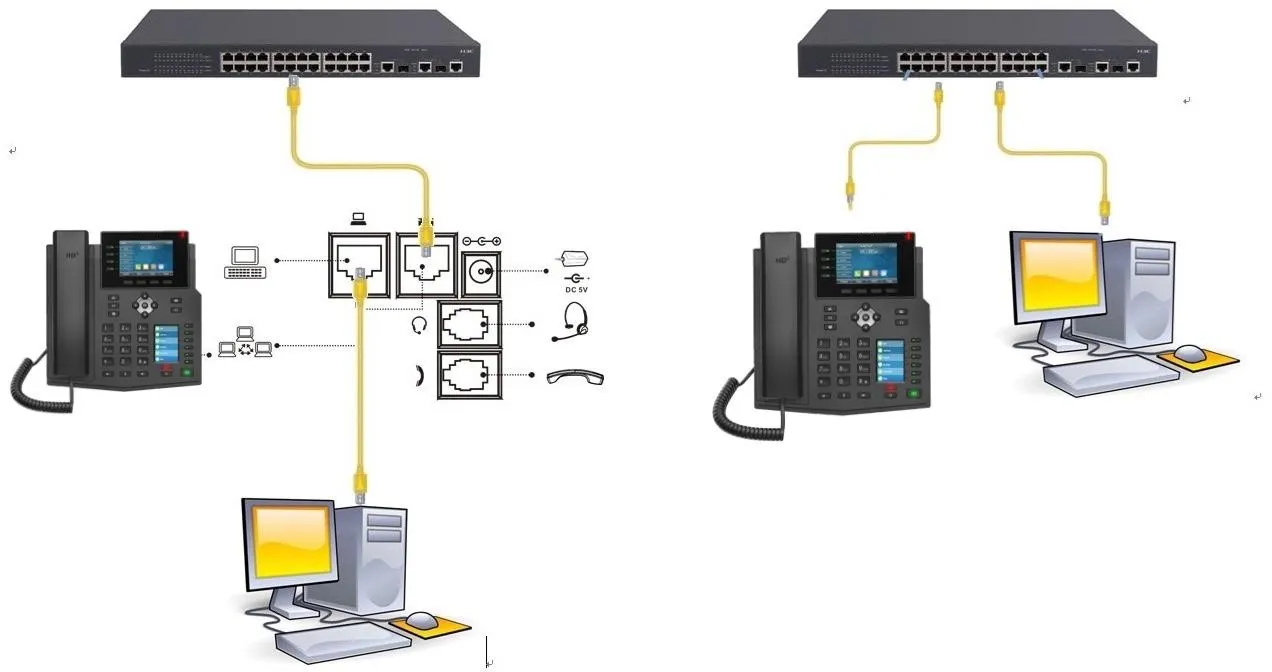
1. Two desk phones connected to the switch and able to obtain IP addresses.
2. One PC for configuration, connected to the same switch, with network access to the phones.
1. Unconditional Forwarding – all incoming calls are forwarded directly to the configured number.
2. Busy Forwarding – incoming calls are forwarded when the called extension is already in use.
3. No-Answer Forwarding – incoming calls are forwarded when the called extension is not answered within the set timeout period.
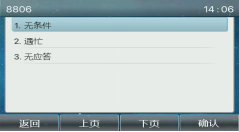
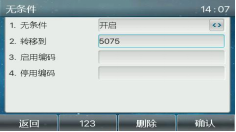
Configure the feature from the phone keypad: [Menu] --- [Features] --- [Call Forwarding] --- select the target account and the required forwarding mode.
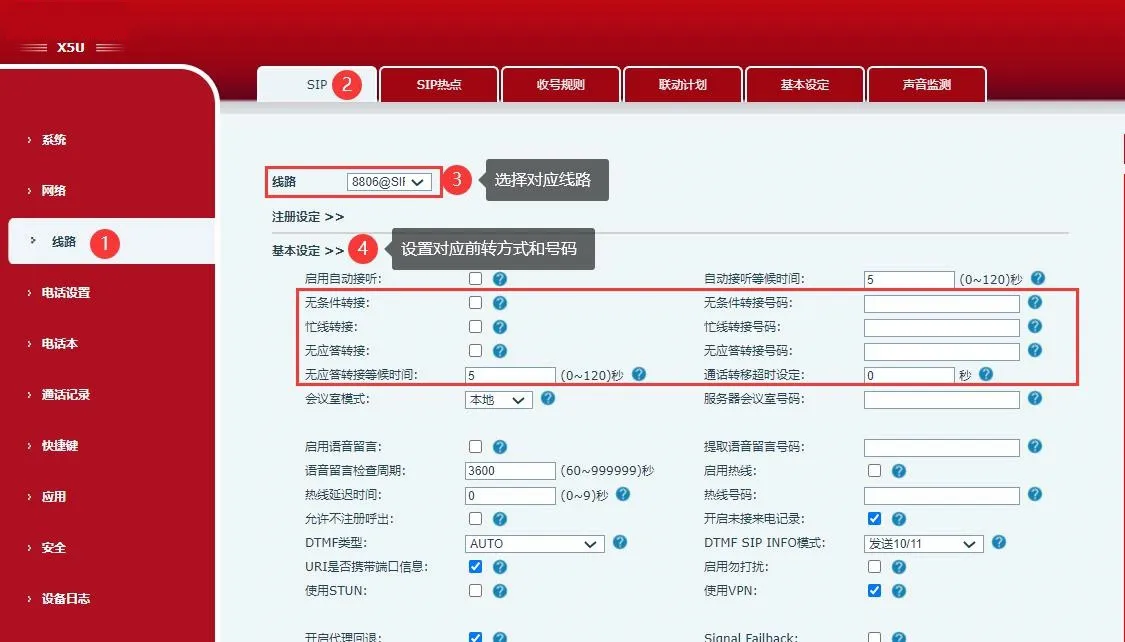
Log in to the phone web interface and go to “Line” - “SIP” - “Basic Settings”, then choose the corresponding account and set the required forwarding mode.