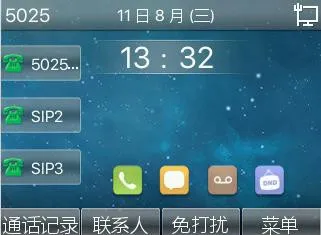
Learn how to capture and save the current LCD screen on a phone through the web interface by checking the device IP address, logging in, and using the built-in screen capture tool.
This guide explains how to capture an image of the current page displayed on the phone LCD screen.
This document is intended for users who want to save a screenshot of the current LCD screen on the phone.
Supported products: all phone models.
Supported firmware: all firmware versions for the supported models.
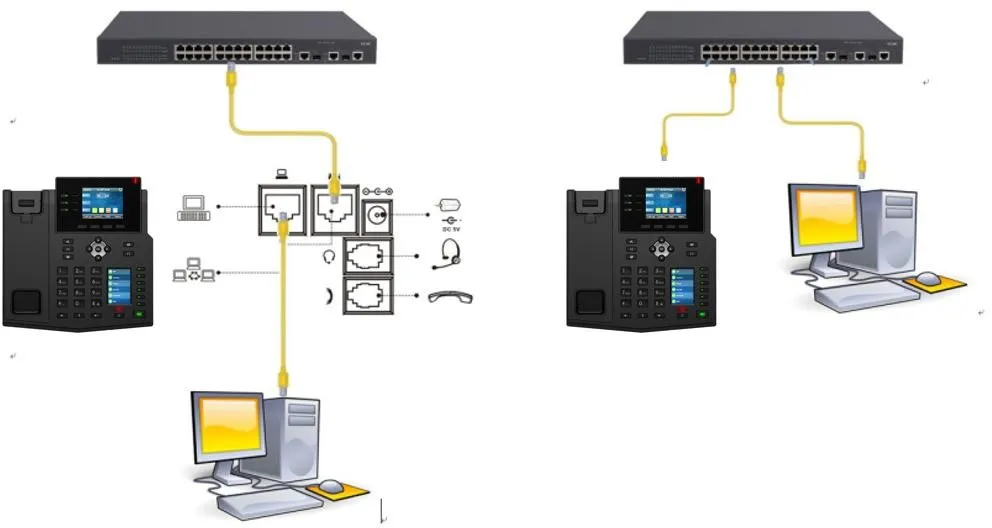
1. One BX4U phone connected to a switch and able to obtain an IP address automatically.
2. One configuration PC connected to the same switch, with network communication between the PC and the phone confirmed.
Phone and PC connection diagram:
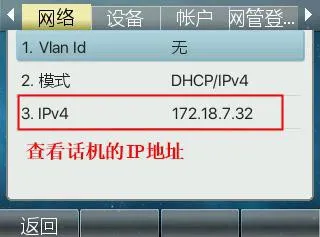
1. First, check the phone IP address. On the phone screen, go to Menu - Status to view the current IP address.
2. Log in to the phone web interface. On the PC, open a web browser, preferably Google Chrome, and enter the phone IP address in the address bar.
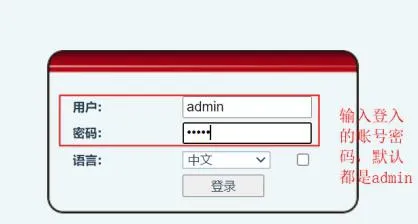
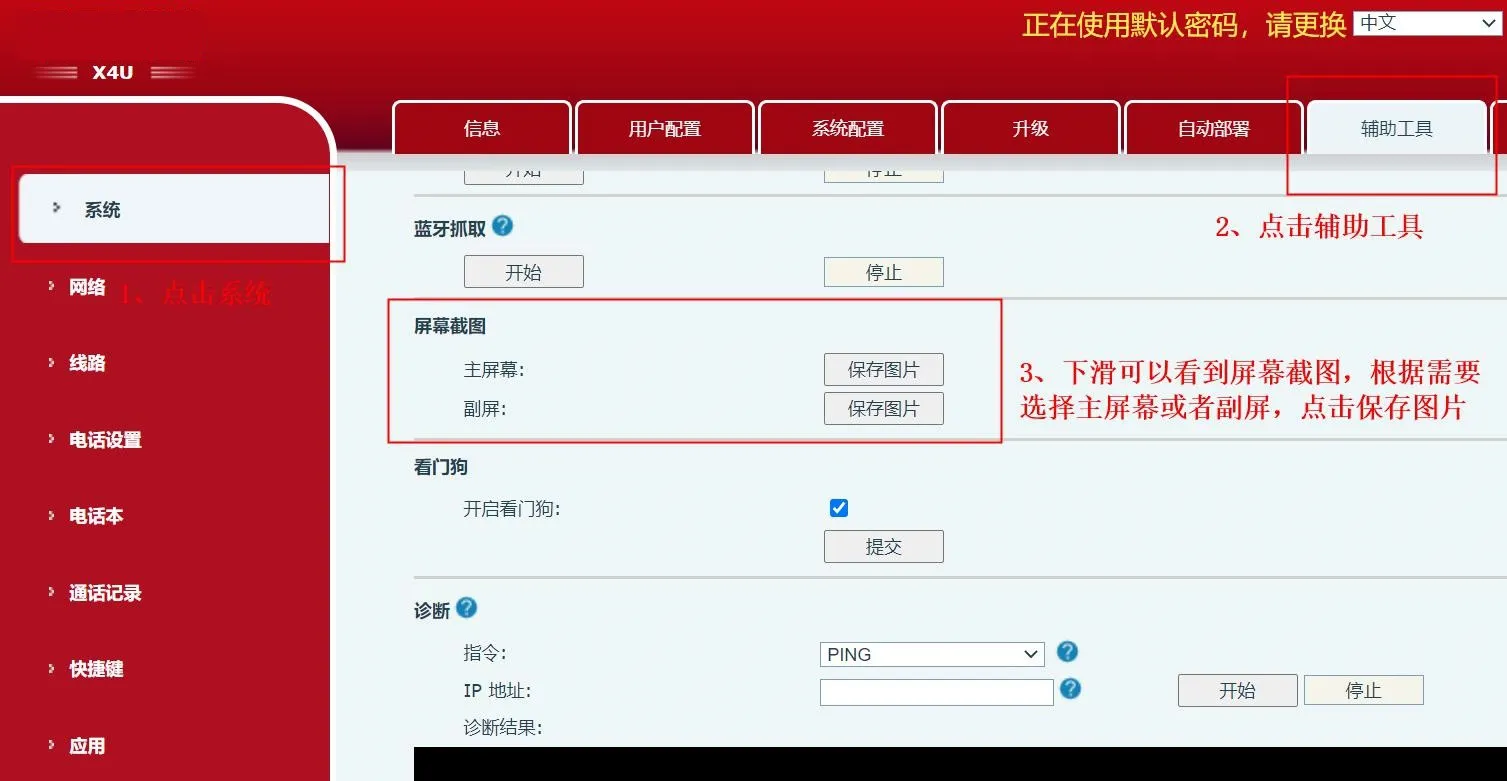
3. Capture the current LCD screen. After logging in to the phone web interface, go to System - Tools - Screen Capture. Select either the main screen or the second screen, then click Save Image.
Example results: