Learn how to restore a phone to factory defaults through the web interface, phone menu, OK key, POST mode, or Android startup reset when troubleshooting abnormal settings or forgotten passwords.
If the phone is behaving abnormally because of incorrect user settings, restoring it to factory defaults can help eliminate configuration-related issues. A factory reset can also be used when the user has forgotten the web login password, keypad lock password, advanced settings password, or other access credentials, since the device will return to its original default settings.
Supported products: all phone models.
Supported firmware: all firmware versions for the supported models.
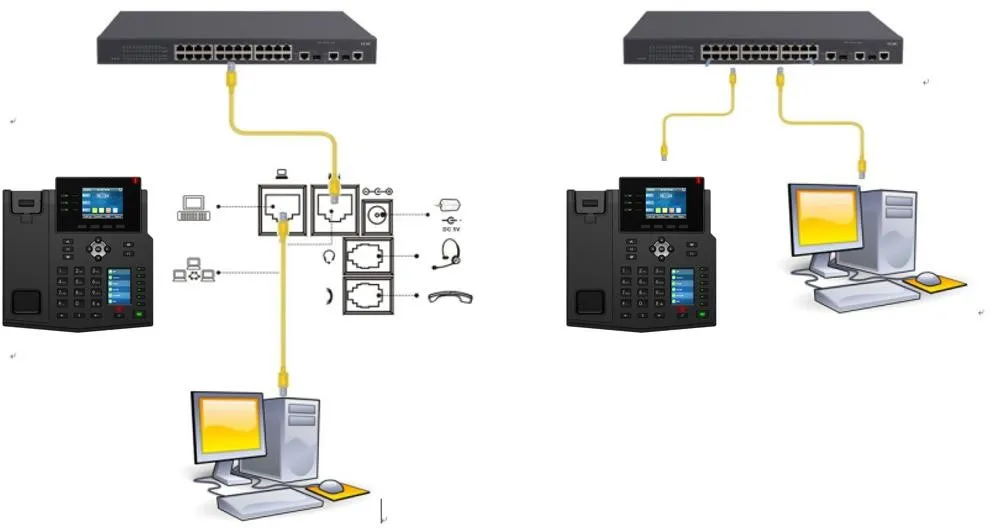
① One BX4U phone connected to a switch and able to obtain an IP address automatically.
② One configuration PC connected to the same switch, with network communication between the PC and the phone confirmed.
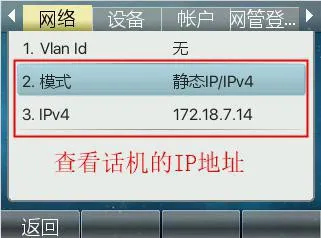
1. Check the phone IP address.
On the phone LCD screen, go to Menu — Status to view the current IP address of the phone.
2. Open the phone web interface.
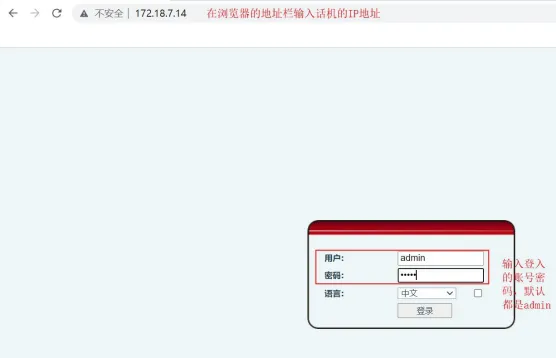
3. Perform the factory reset.
In the web interface, go to System -- System Configuration, then click Reset in the factory reset section.
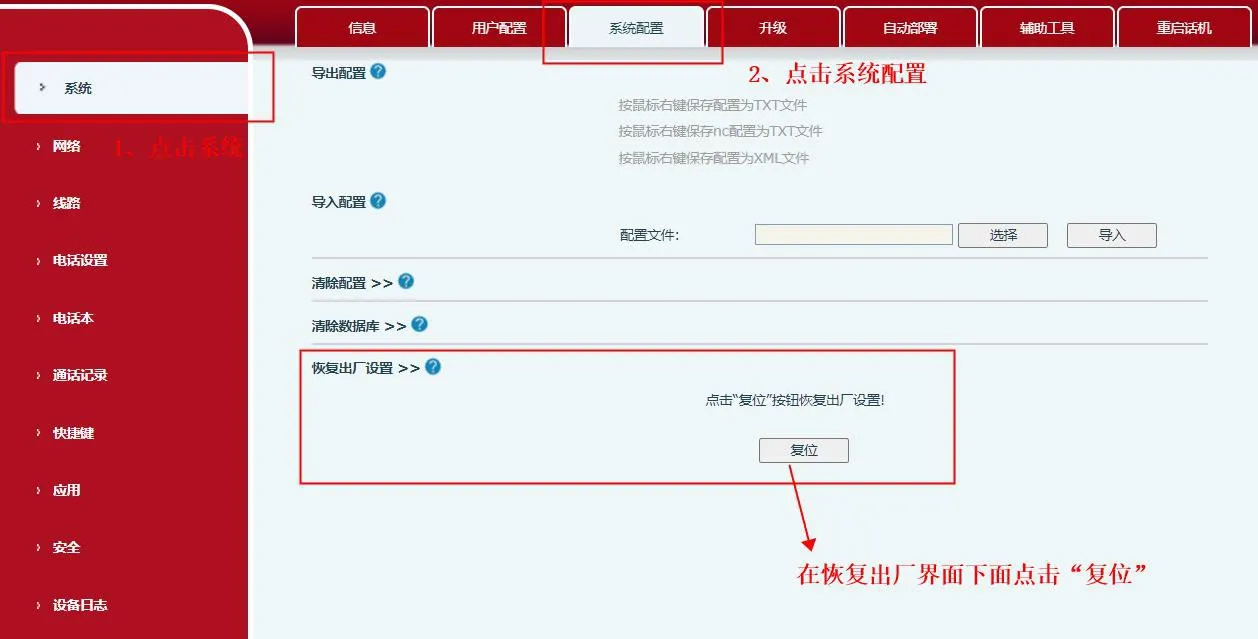
When the confirmation window appears, click OK.

The phone will then begin the reset process.
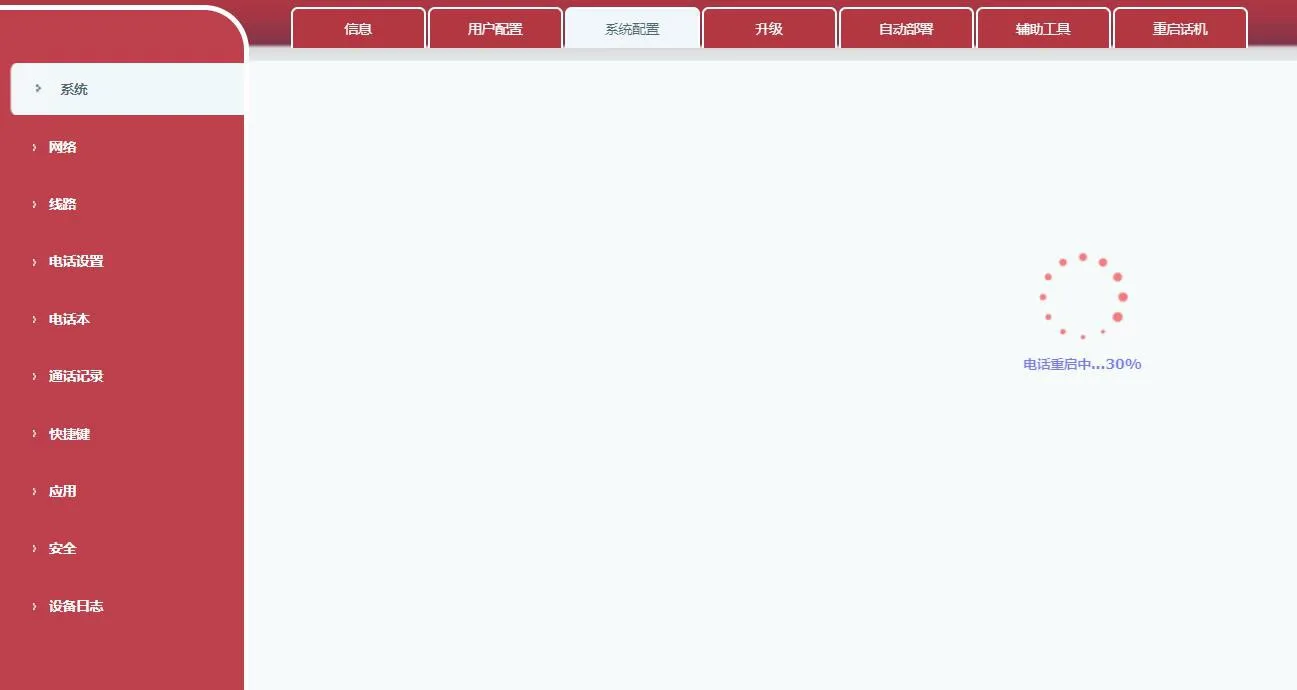
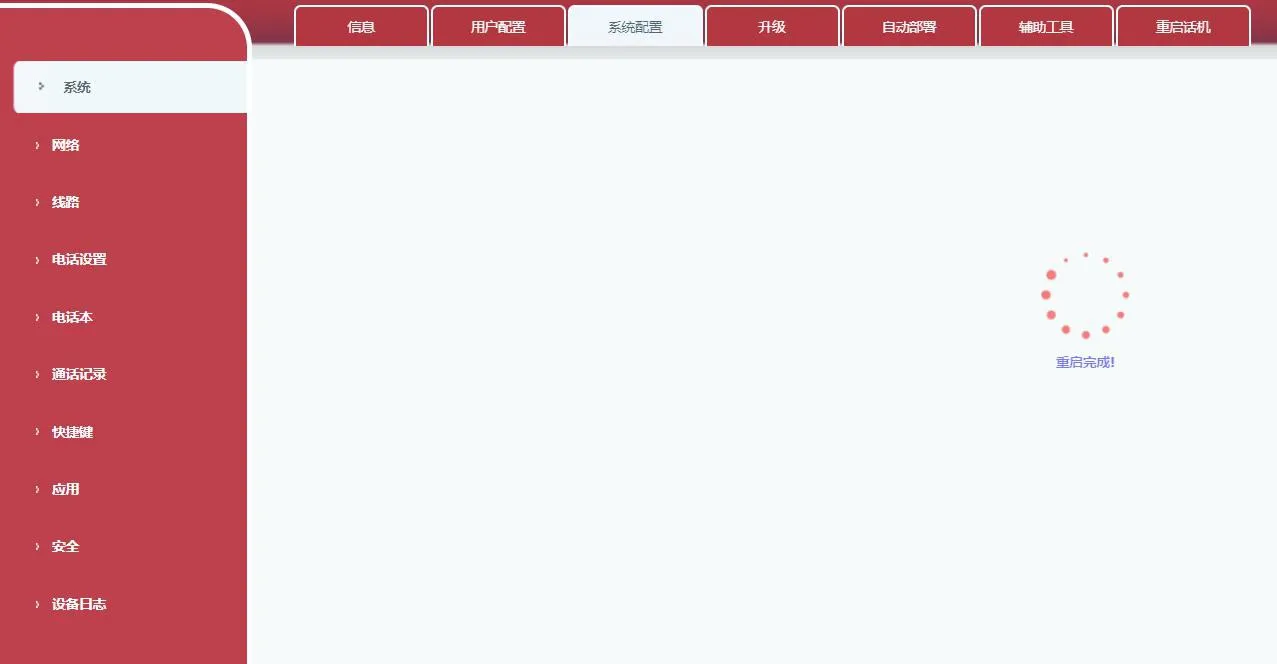
Once the reset is complete, the phone will return to its factory default state.
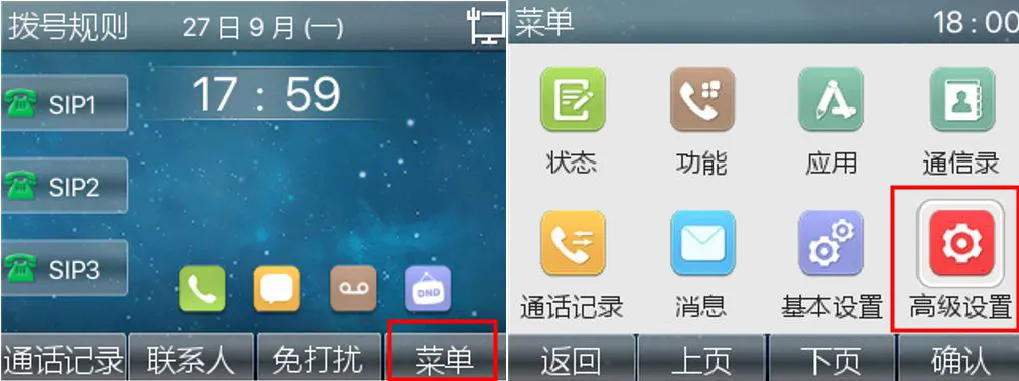
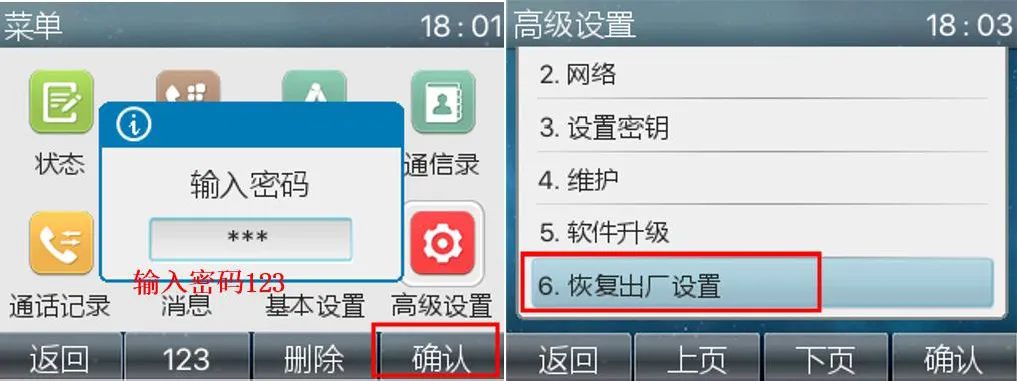
On the phone, go to Menu - Advanced Settings - enter the password 123 - tap Confirm - then select Factory Reset.
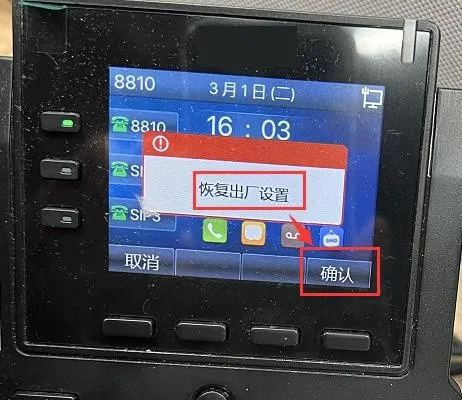
Press and hold the OK key. When the phone displays the factory reset prompt, tap Confirm to restore the device to its factory defaults.
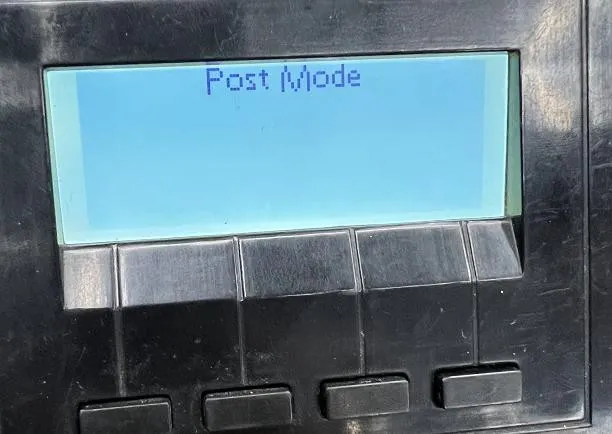
When the phone has entered POST MODE:
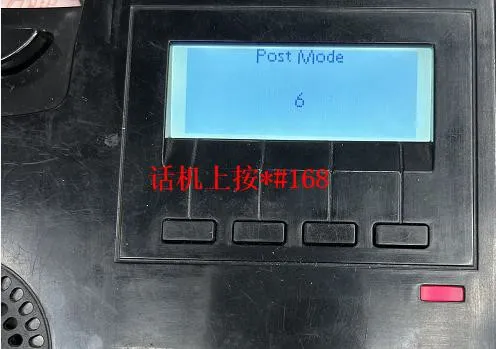
Manually enter *#168 on the phone keypad to restore the device to factory settings.
This method applies only to Android-based phone models. Power off the phone and restart it. During the boot process, repeatedly tap the four corners of the screen.
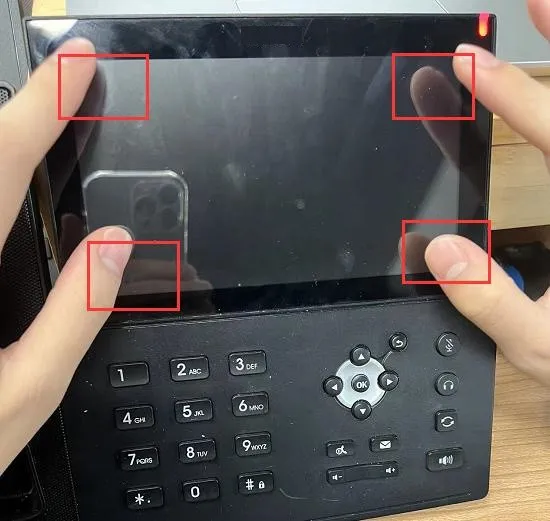
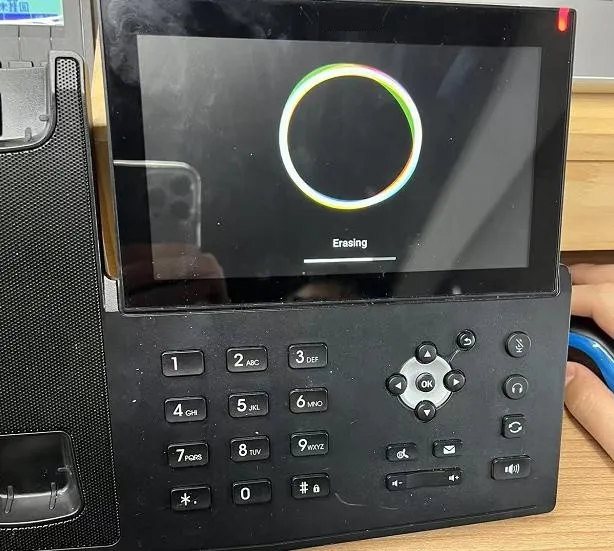
The phone will then display a clearing message while the reset is in progress.