
IntroductionOverviewIf the phone cannot register, there is no audio during calls
If the phone cannot register, there is no audio during calls, or certain features such as call transfer are not working properly, packet capture can be used to collect diagnostic data for technical analysis.
Supported products: all phone models.
Supported firmware: all firmware versions for the supported models.
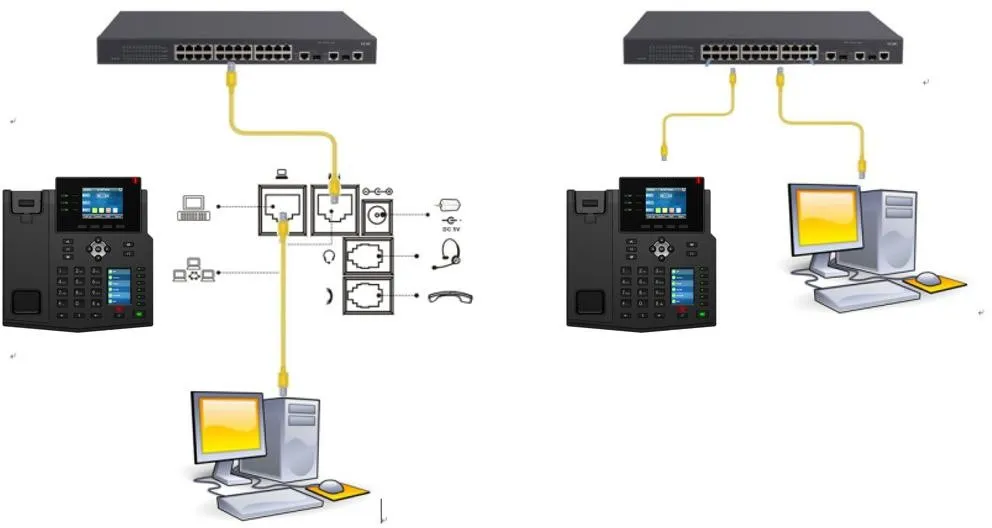
① Two BX4U phones connected to a switch and able to obtain IP addresses automatically.
② One configuration PC connected to the same switch, with network communication between the PC and the phones confirmed.
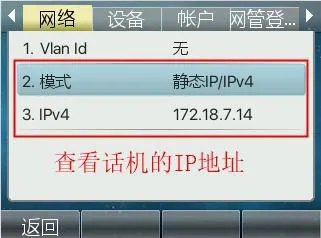
On the phone LCD screen, go to Menu — Status to view the current IP address of the phone.
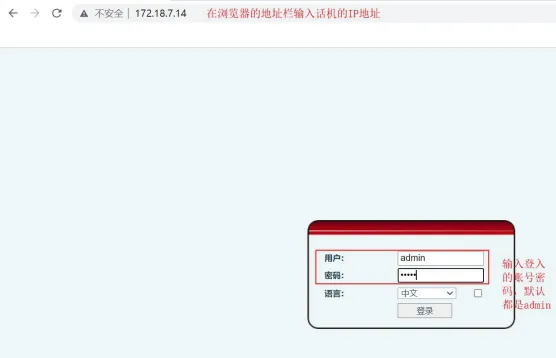
Open a browser on the PC and access the phone web interface using the phone IP address.
In the web interface, go to System — Tools — Network Capture, then click the Start button.
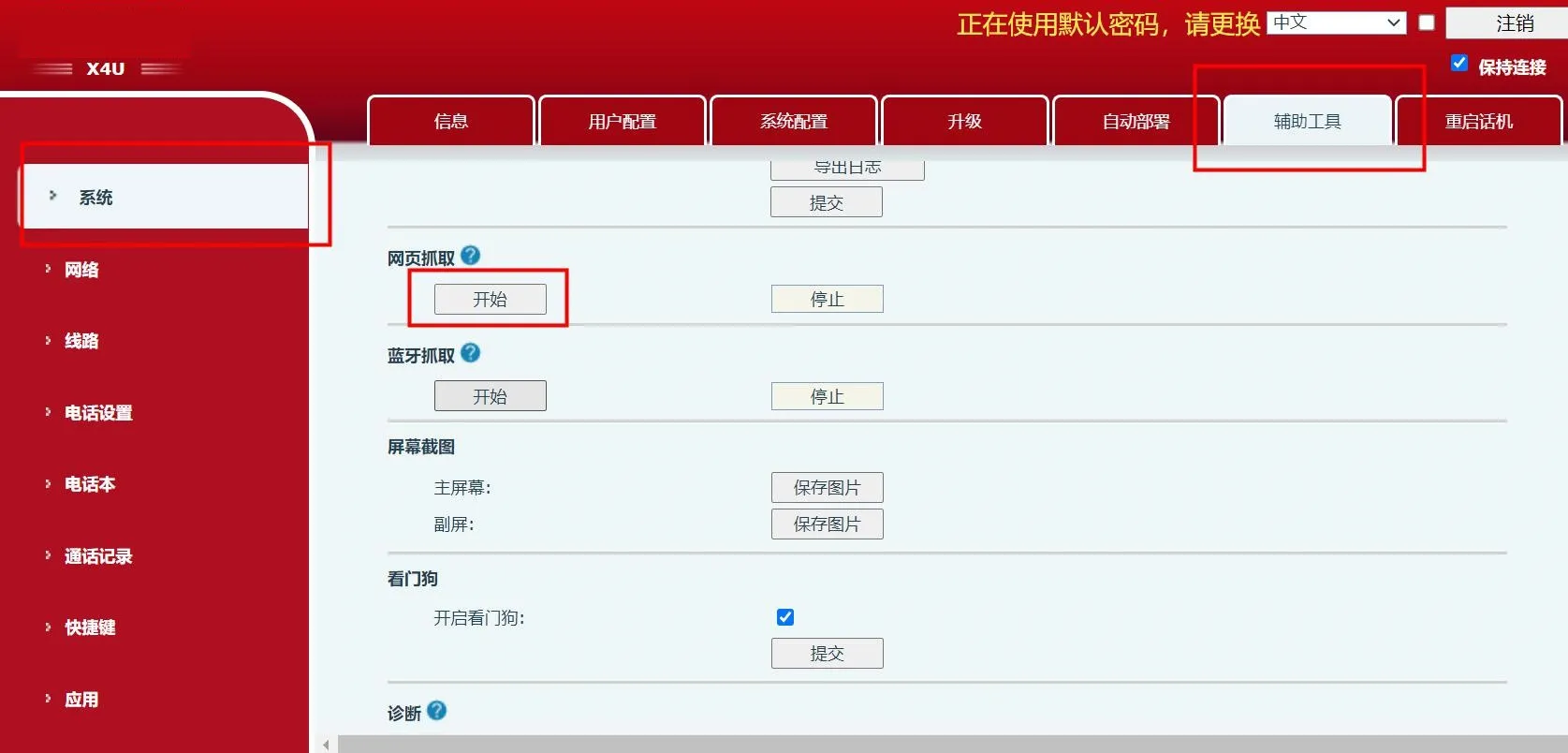
After packet capture begins, reproduce the issue. For example, if the problem is one-way audio or no audio during a call, place a test call and repeat the steps that trigger the issue. Once the problem occurs, click Stop.
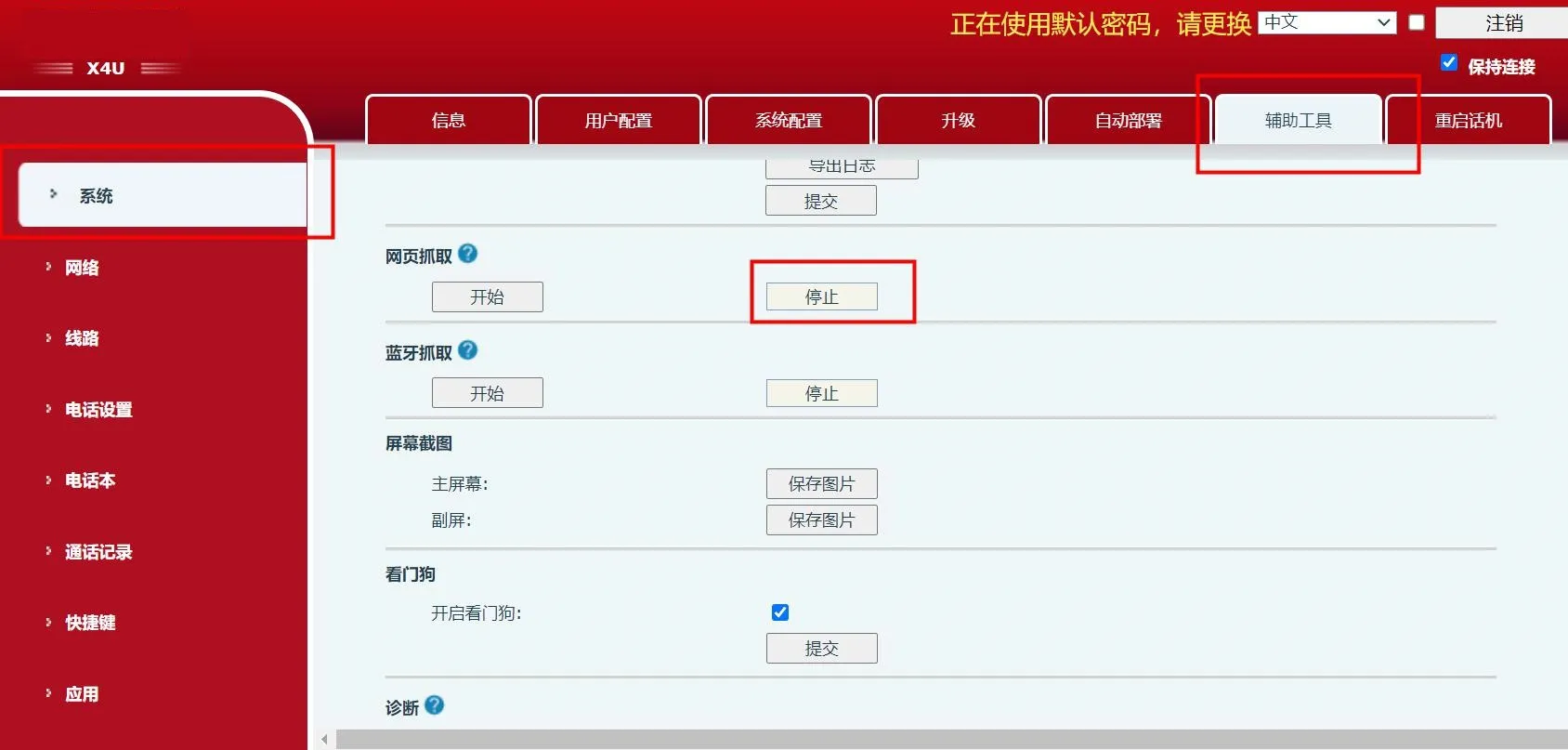
Your browser will then open a download prompt and begin saving the packet capture file.
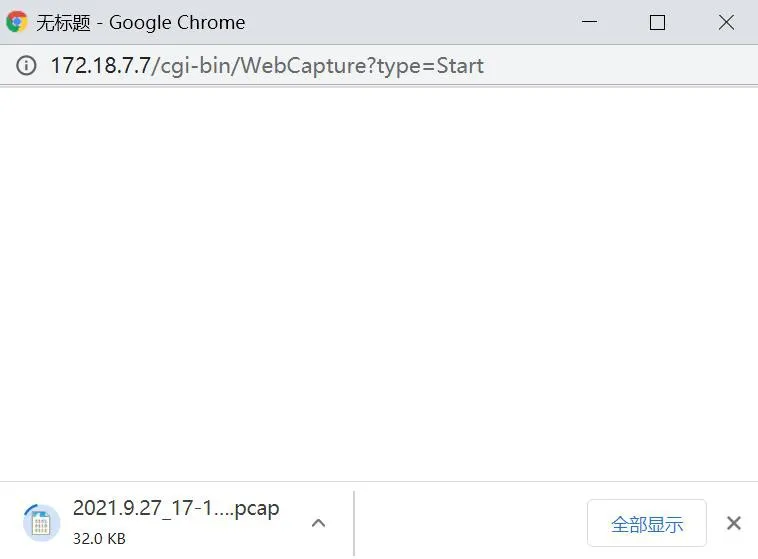
After packet capture is stopped, the download will complete automatically.
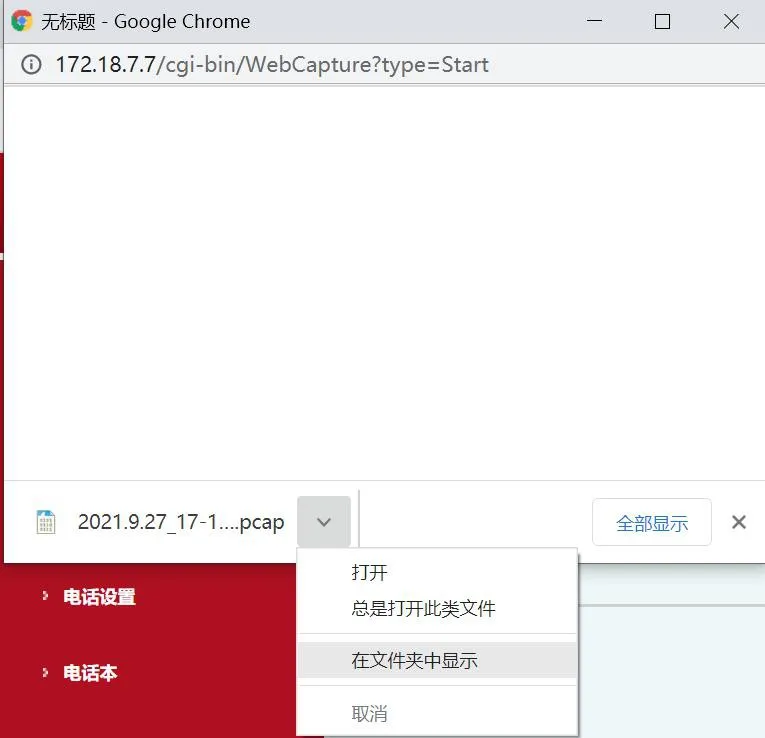
Send the automatically generated pcap file to our technical support team for further analysis.
