


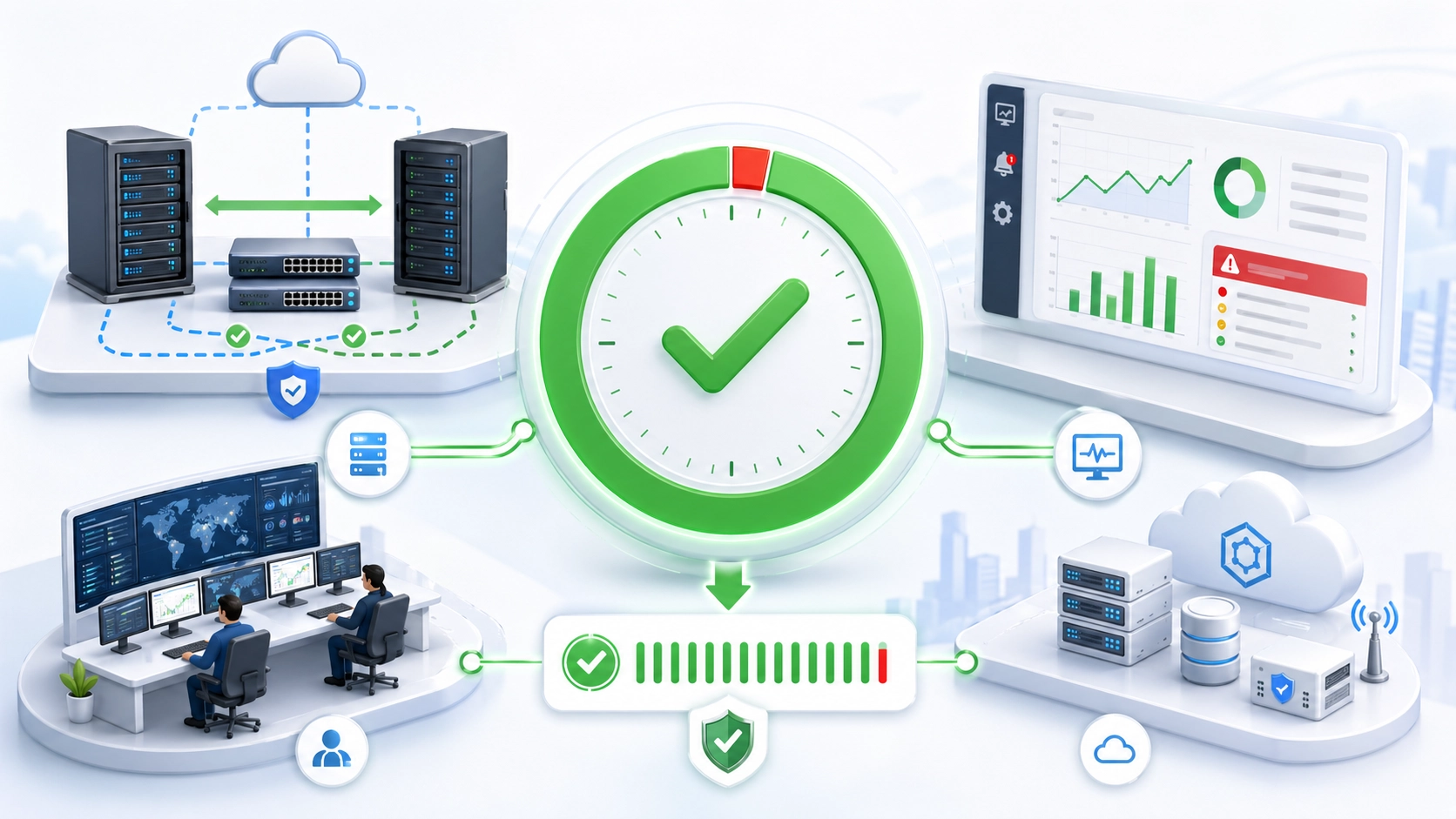
Uptime is the amount of time that a system, service, device, application, network, or platform remains available and operational. In simple terms, it tells users how long something has been working without interruption. When a website is accessible, a server is running, a communication platform is online, or a network device continues operating normally, that working period is counted as uptime.
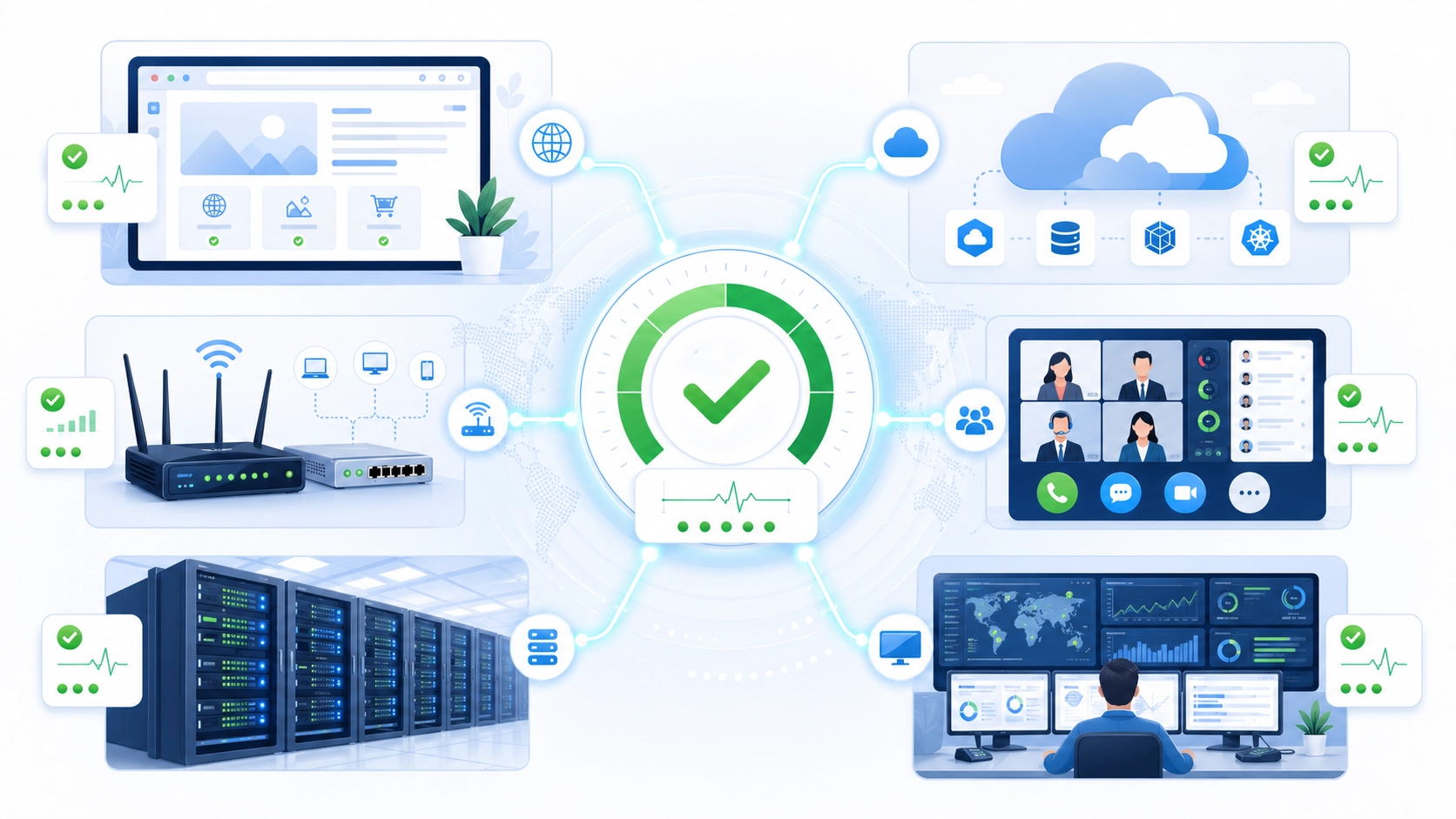
Uptime is one of the most important reliability indicators in IT, networking, telecommunications, cloud services, industrial systems, websites, data centers, security platforms, and business communication environments. It helps organizations understand whether their systems are dependable enough to support daily operations. A service with high uptime is available most of the time. A service with poor uptime may suffer frequent interruptions, outages, restarts, or periods of unavailability.
In real operations, uptime is not just a technical number. It affects customer experience, business continuity, service reputation, emergency response, productivity, and operational trust. If a system is unavailable when people need it, even a powerful feature set may lose practical value. That is why uptime is often discussed together with monitoring, redundancy, maintenance planning, service-level agreements, and disaster recovery.
What Is Uptime?
Definition and Core Meaning
Uptime refers to the period during which a system or service is functioning and available for use. It may apply to a server, router, switch, website, application, database, cloud platform, IP PBX, security system, industrial controller, or any connected device that users depend on. If the system is reachable and operating as expected, it is considered up.
The core meaning of uptime is availability over time. It does not simply mean that a device has power. A server may be powered on but unable to respond to users. A network device may be running but unable to pass traffic correctly. A website may load partially but fail its key functions. For practical uptime measurement, the system must usually be available in a way that supports its intended service.
This is why uptime should be defined according to the system’s real purpose. A website uptime check may focus on page response. A communication service may focus on registration, signaling, and call completion. A database platform may focus on query response. A monitoring system may focus on data collection and alert availability.
Uptime is not only about whether equipment is powered on. It is about whether the expected service is actually available when users need it.
Uptime Versus Availability
Uptime and availability are closely related, and in many everyday discussions they are used almost interchangeably. However, availability is often treated as a broader service metric. Uptime describes how long the system remains operational, while availability may include whether the system can deliver the required function to users under real conditions.
For example, a server process may be running, but if users cannot reach it because of a network problem, the service may still be unavailable. In that case, the server itself may have uptime, but the user-facing service does not have full availability. This distinction matters in complex systems where many components work together.
In practical service management, organizations usually care most about user-perceived availability. The service must work from the user’s perspective, not only from the device’s local status screen.
How Uptime Works
Measuring Operational Time
Uptime works by measuring the length of time a system remains in a healthy and available state. This can be measured from system boot time, service start time, monitoring response time, or a defined service availability window. The method depends on what is being measured and what the organization considers operational.
For a single device, uptime may be shown as the time since the last reboot. For a website, uptime may be measured by external probes that check whether the site responds correctly. For a network service, uptime may depend on whether users can connect, authenticate, exchange data, and complete the intended transaction.
The most useful uptime measurement is tied to service behavior. A system that is technically running but failing its main function should not be counted as fully available in a serious operational model.
Tracking Downtime and Availability Percentage
Uptime is often expressed as a percentage over a defined period, such as one month or one year. The basic formula compares the time the system was available with the total time being measured. If a service was available for nearly all of the period, its uptime percentage will be high. If it experienced long outages, the percentage will fall.
For example, a service that is available for 99.9% of a month has less downtime than a service available for 99%. These percentages may look close, but the actual downtime difference can be significant. Small percentage differences matter greatly in systems that support business operations, customer access, or critical communication.
This is why uptime is often used in service-level agreements. A provider may commit to a certain uptime percentage, and customers use that commitment to understand expected service reliability.
Uptime percentage looks simple, but small differences can represent very different amounts of real downtime.
Common Uptime Levels and What They Mean
Understanding 99%, 99.9%, and 99.99% Uptime
Uptime is often discussed in terms of “nines.” A system with 99% uptime is available for most of the time, but it still allows a meaningful amount of downtime over a year. A system with 99.9% uptime is more reliable and allows much less downtime. A system with 99.99% uptime is significantly more demanding and usually requires stronger design, monitoring, and operational discipline.
The higher the uptime target, the harder it becomes to achieve. Moving from 99% to 99.9% may require better monitoring and maintenance. Moving from 99.9% to 99.99% may require redundancy, failover, high-availability architecture, better change control, and faster incident response.
In practical planning, organizations should not choose uptime targets only because they sound impressive. They should match the target to business risk, cost, user expectations, and operational importance.
Why Higher Uptime Costs More
Higher uptime usually requires more investment. A single server with no redundancy is easier and cheaper to deploy, but it has obvious failure points. A highly available system may require backup servers, redundant power, multiple network paths, load balancers, failover databases, monitoring tools, and skilled operations staff.
The cost is not only hardware. It includes planning, testing, maintenance procedures, staff training, software architecture, incident response, and sometimes geographic redundancy. Each additional layer improves resilience but also increases complexity.
This is why uptime should be treated as a design requirement, not just a marketing claim. The required reliability level should be supported by real architecture and operational process.
Key Factors That Affect Uptime
Hardware Reliability and Power Stability
Hardware reliability is one of the most basic factors affecting uptime. Servers, storage devices, switches, routers, power supplies, fans, disks, and other physical components can fail. If a critical component fails without a backup path, the service may go down.
Power stability is equally important. Even strong systems can fail if power is interrupted or unstable. Data centers and critical facilities often use uninterruptible power supplies, backup generators, dual power feeds, and power monitoring to reduce this risk.
In smaller environments, even simple improvements such as reliable power protection and properly maintained equipment can improve uptime noticeably.
Network Connectivity and Routing Stability
Network connectivity strongly affects uptime because many services depend on reaching users across local networks, wide-area networks, or the internet. A server may be healthy, but if the network path fails, users may still experience downtime. Switch failures, routing errors, DNS problems, firewall misconfigurations, and ISP outages can all affect service availability.
Redundant network links, diverse providers, sound routing design, proper DNS management, and continuous monitoring can help improve uptime. In business communication systems, network stability is especially important because voice, video, messaging, and cloud applications all depend on reliable connectivity.
In practical terms, uptime should be measured across the full service path rather than only at the main device.
Uptime and System Architecture
Redundancy and Failover
Redundancy is one of the most common architectural methods for improving uptime. It means having backup components or paths ready when the primary component fails. This may include redundant servers, power supplies, disks, switches, network links, databases, gateways, or data centers.
Failover is the process of switching service from the failed component to the backup component. In a well-designed system, failover may happen automatically with little or no user interruption. In simpler systems, failover may require manual intervention.
Redundancy and failover do not eliminate every risk, but they reduce the chance that one failure will stop the entire service. They are essential in systems where downtime has significant business or safety impact.
Load Balancing and High Availability Design
Load balancing can also support uptime by distributing traffic across multiple servers or service instances. If one server becomes overloaded or fails, other servers may continue handling requests. This improves both performance and resilience when implemented correctly.
High availability design combines multiple techniques, including redundancy, failover, clustering, replication, health checks, automated recovery, and monitoring. The goal is to keep the service available even when individual components fail.
A high-availability system must be tested carefully. Redundant components are only useful if they actually take over correctly when failure occurs.
Uptime is built from architecture, not wishful thinking. A reliable system needs failure paths that have been designed and tested before failure happens.
Uptime Monitoring
Internal and External Monitoring
Uptime monitoring checks whether a system or service is available. Internal monitoring observes components from inside the environment, such as server CPU, memory, disk health, process status, database state, and local network connectivity. External monitoring checks the service from outside, closer to the user perspective.
Both methods are useful. Internal monitoring can detect early signs of failure before users are affected. External monitoring can confirm whether the service is actually reachable from the outside. A system may look healthy internally but still be inaccessible due to DNS, routing, firewall, or upstream network problems.
A strong monitoring strategy often combines both internal and external checks to create a fuller view of uptime.
Health Checks, Alerts, and Incident Response
Health checks are automated tests that confirm whether a system is working as expected. A simple check may confirm that a server responds to a request. A more advanced check may verify login, database response, call registration, transaction completion, or API behavior.
Alerts notify administrators when uptime is threatened or downtime occurs. However, alerts alone are not enough. The organization must also have an incident response process that defines who investigates, how problems are escalated, how users are informed, and how service is restored.
Monitoring becomes most valuable when it connects detection with action. Knowing about downtime quickly is useful only if the team can respond effectively.
Uptime and SLA
Service-Level Agreements
A service-level agreement, often called an SLA, may define the uptime percentage that a service provider or internal team commits to deliver. For example, a provider may promise 99.9% uptime over a monthly billing period. The SLA may also explain what counts as downtime, what maintenance windows are excluded, and what compensation or credits apply if the target is not met.
SLA language matters because uptime can be interpreted differently. Some agreements exclude scheduled maintenance. Some count only total service outage, not partial performance degradation. Some measure availability from the provider’s network rather than from the customer’s location.
For this reason, users should read SLA definitions carefully. The advertised uptime percentage is important, but the measurement rules are just as important.
Planned Maintenance Versus Unplanned Downtime
Planned maintenance is scheduled work that may temporarily affect system availability. It may include firmware upgrades, software updates, hardware replacement, database maintenance, security patching, or infrastructure changes. Many uptime calculations treat planned maintenance differently from unexpected outages.
Unplanned downtime occurs when a system fails unexpectedly due to hardware failure, software crash, network outage, configuration error, cyberattack, power loss, or human mistake. This type of downtime is usually more damaging because users are not prepared for it.
Good uptime management reduces unplanned downtime and communicates planned maintenance clearly so users can prepare.
Maintenance Tips for Better Uptime
Use Preventive Maintenance
Preventive maintenance helps improve uptime by addressing problems before they become outages. This may include checking logs, updating firmware, applying security patches, replacing aging hardware, monitoring storage capacity, testing backups, and reviewing system performance trends.
Preventive maintenance should be scheduled and documented. Random changes can create new problems, but controlled maintenance helps reduce risk. The goal is to keep systems healthy without causing unnecessary disruption.
In practical operations, many outages are preventable when maintenance teams act before warning signs turn into failures.
Control Changes Carefully
Configuration changes are a common source of downtime. A firewall rule, routing change, software update, certificate replacement, database adjustment, or access policy change can accidentally break service if not reviewed properly. Change control helps reduce this risk.
Good change control includes documentation, approval, testing, rollback planning, timing selection, and post-change verification. For critical systems, changes should be made during low-impact periods and monitored closely afterward.
Uptime often depends as much on disciplined operations as on strong hardware.
Many uptime problems do not begin with broken equipment. They begin with uncontrolled changes, weak maintenance habits, or missing verification.
Applications of Uptime Measurement
Websites, Cloud Services, and Applications
Websites, cloud services, and applications use uptime measurement to evaluate whether users can access digital services when needed. E-commerce websites, SaaS platforms, online banking systems, customer portals, streaming platforms, and business applications all depend on high availability.
In these environments, downtime can cause lost revenue, customer frustration, reputation damage, and internal workflow disruption. Monitoring uptime helps organizations detect problems quickly and evaluate whether service performance meets user expectations.
For customer-facing services, uptime is often one of the most visible signs of reliability.
Networks, Communication Systems, and Infrastructure
Uptime is also critical in networks and communication systems. Routers, switches, firewalls, IP PBX platforms, SIP servers, gateways, dispatch systems, intercom networks, security systems, and monitoring platforms all need reliable operation. If these systems fail, voice communication, data access, alarms, access control, and operational coordination may be affected.
Infrastructure uptime is especially important because many other services depend on it. A cloud application may be healthy, but if the local network is down, users cannot reach it. A communication platform may be running, but if a gateway or trunk path fails, calls may not complete.
This is why infrastructure uptime is usually monitored at multiple layers, from physical devices to user-facing services.
Common Causes of Downtime
Technical Failures
Technical failures include hardware malfunction, software crashes, memory leaks, database problems, disk failure, network equipment failure, power interruption, cooling issues, and resource exhaustion. These are common causes of downtime in many environments.
Some technical failures happen suddenly, while others develop gradually. A disk may show warnings before failing. A server may slow down before crashing. A network link may show packet loss before complete outage. Monitoring helps detect early signs so teams can act sooner.
Redundancy, alerts, capacity planning, and preventive maintenance all help reduce the effect of technical failures.
Human Error and Process Weakness
Human error is another major cause of downtime. A wrong command, accidental deletion, misconfigured firewall rule, incorrect firmware file, expired certificate, or poorly tested update can bring down a service. In many cases, the system fails not because the hardware is weak, but because the operating process is weak.
Process controls help reduce this risk. Documentation, access control, peer review, change approval, backups, staging environments, and rollback plans make human mistakes less damaging. Training also matters because administrators need to understand both the system and the consequences of changes.
Strong uptime management treats people, process, and technology as one reliability system.
How to Improve Uptime
Design for Failure
Improving uptime begins with designing for failure. Every component can fail eventually. A reliable system assumes failure will happen and includes backup paths, monitoring, recovery procedures, and tested failover behavior.
This approach changes the design mindset. Instead of asking whether a component will fail, the team asks what happens when it fails. If the answer is that the entire service stops, the design may need improvement. If the answer is that traffic shifts to a backup path and users continue working, the system is more resilient.
Designing for failure is one of the core principles behind high uptime.
Measure What Users Actually Experience
Uptime improvement should focus on user experience, not only internal status. A server dashboard may show that the process is running, but users may still be unable to log in, make calls, open files, or complete transactions. Monitoring should therefore include end-to-end service checks whenever possible.
User-focused measurement helps reveal problems that component-level checks may miss. It also helps organizations understand the real business impact of downtime. If users cannot complete the service task, the system is not truly available from their point of view.
The best uptime programs measure both technical health and user-facing service behavior.
Conclusion
Uptime is the measure of how long a system, device, service, or platform remains operational and available. It is a key indicator of reliability in websites, cloud platforms, networks, communication systems, data centers, industrial infrastructure, and business applications. High uptime means users can depend on the service when they need it.
Uptime works by tracking available service time and comparing it with total measured time. It is influenced by hardware reliability, network connectivity, power stability, software quality, system architecture, monitoring, maintenance, and operational discipline. Strong uptime usually requires redundancy, failover, preventive maintenance, controlled changes, and realistic service monitoring.
In practical terms, uptime is not only a percentage. It is a reflection of how well a system has been designed, operated, monitored, and maintained to support real users and real business needs.
FAQ
What does uptime mean in simple terms?
In simple terms, uptime means the amount of time a system or service is working and available for use. If a website, server, network, or device is running properly, that period counts as uptime.
It is commonly used to measure reliability.
How is uptime calculated?
Uptime is usually calculated by comparing the time a system was available with the total time in the measurement period. The result is often shown as a percentage, such as 99.9% uptime.
The exact calculation depends on how availability and downtime are defined.
Why is uptime important?
Uptime is important because users and businesses depend on systems being available when needed. Poor uptime can cause lost productivity, failed communication, customer frustration, service disruption, and revenue loss.
High uptime supports reliability, continuity, and user trust.







