


Talkback is a communication function that allows one side of a system, usually an operator, controller, supervisor, or central station user, to speak back to another user, terminal, zone, or remote location. In simple terms, it creates a return voice path. Instead of only receiving audio, monitoring a call, or broadcasting a message in one direction, the system can send voice back to the person or area that needs a response.
Talkback is widely used in intercom systems, public address systems, broadcast studios, control rooms, security communication, transport sites, industrial facilities, emergency help points, nurse call systems, and dispatch platforms. The meaning may vary slightly by industry. In a studio, talkback allows a producer to speak to performers or technical staff. In an intercom or security system, talkback allows an operator to reply to a visitor, field user, or help-point caller. In a paging or dispatch environment, talkback can support voice response from selected terminals or zones.
In practical communication design, talkback is valuable because many situations require more than one-way audio. A person may press a call button, report a problem, request entry, confirm an instruction, or ask for help. The operator must not only hear the user, but also respond clearly. Talkback gives the system that response capability and turns passive monitoring or one-way announcement into active two-way communication.
What Is Talkback?
Definition and Core Meaning
Talkback refers to a voice return function that lets a user or operator speak back through a communication channel after receiving audio, an alert, a call request, or a monitoring signal. It is commonly associated with systems where one side controls or supervises communication, such as a control room, reception desk, security office, dispatch console, or broadcast control position.
The core meaning of talkback is controlled voice response. It is not simply audio playback, nor is it only a microphone function. Talkback is about enabling the responsible side of the system to respond to a person, terminal, speaker zone, or remote site in a defined communication workflow.
This makes talkback important in systems where voice must support confirmation, instruction, assistance, access decision, incident handling, or operational coordination. Without talkback, the system may detect or broadcast information, but it may not support meaningful interaction.
Talkback turns a communication point from something that can only be heard into something that can also be answered.
Talkback Versus One-Way Announcement
A one-way announcement sends audio from a source to a listener or area, but does not create a return conversation path. Public address systems often work this way when a microphone sends a message to speakers across a building, campus, or site. That is useful for notifications, warnings, and general information.
Talkback adds a different capability. It allows the receiving side or the monitored point to become part of an interactive communication loop. For example, an operator can speak back to a gate intercom user, a help-point caller, a remote station, or a staff member in a selected area.
In many systems, one-way announcement and talkback can coexist. Announcements serve broad message delivery, while talkback supports specific response, confirmation, or conversation.
How Talkback Works
Voice Return Path and Control Logic
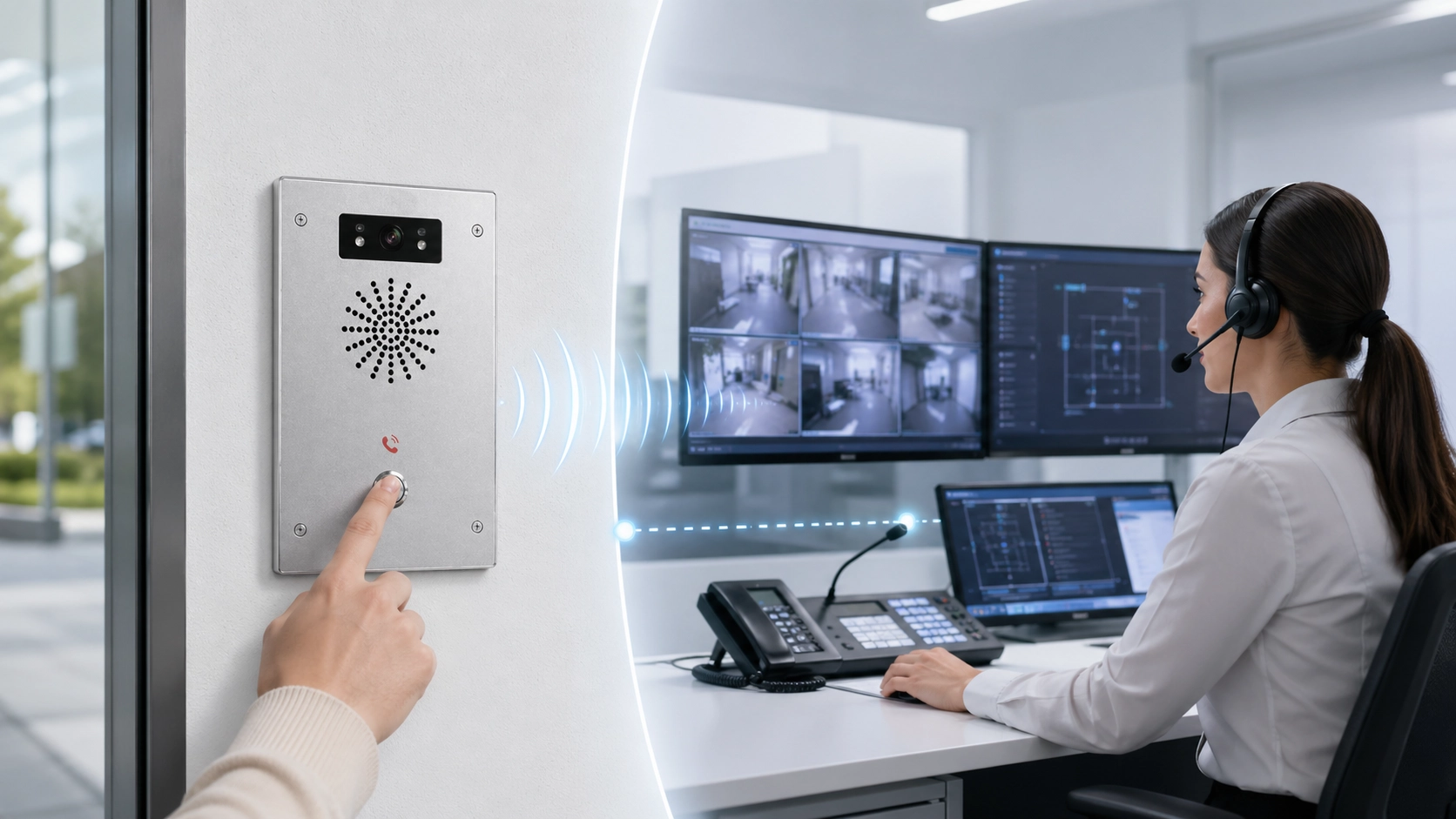
Talkback works by opening a return voice path from the operator side to the remote side. The system may use microphones, speakers, handsets, IP endpoints, SIP sessions, audio gateways, amplifier channels, intercom terminals, or dispatch consoles depending on the architecture. When the operator activates talkback, the system routes the operator’s voice to the selected destination.
In a simple intercom system, talkback may occur as part of a normal two-way call. In a more complex paging or dispatch system, the operator may select a zone, terminal, or device group before speaking back. The system must know where the audio should go and how the conversation state should be managed.
This control logic is important because talkback should be targeted. It should not accidentally speak into the wrong area, interrupt the wrong channel, or conflict with a higher-priority message.
Half-Duplex and Full-Duplex Talkback
Talkback may operate in half-duplex or full-duplex mode. In half-duplex talkback, users usually take turns speaking, often with push-to-talk control. This can be useful in noisy sites, radio-like workflows, or systems where audio feedback must be minimized. The operator presses or activates talkback, speaks, and then releases the channel so the other side can respond.
In full-duplex talkback, both sides can speak and listen more naturally at the same time, similar to a normal telephone conversation. This is useful for intercom calls, help points, conference-style communication, and operator response situations where natural conversation is preferred.
The right mode depends on the environment. A quiet reception intercom may work well with full-duplex conversation, while an industrial or public-address talkback channel may require more controlled half-duplex behavior.
The best talkback design matches the speaking mode to the environment, not only to the device capability.
Main Functions of Talkback
Operator Response and Remote Assistance
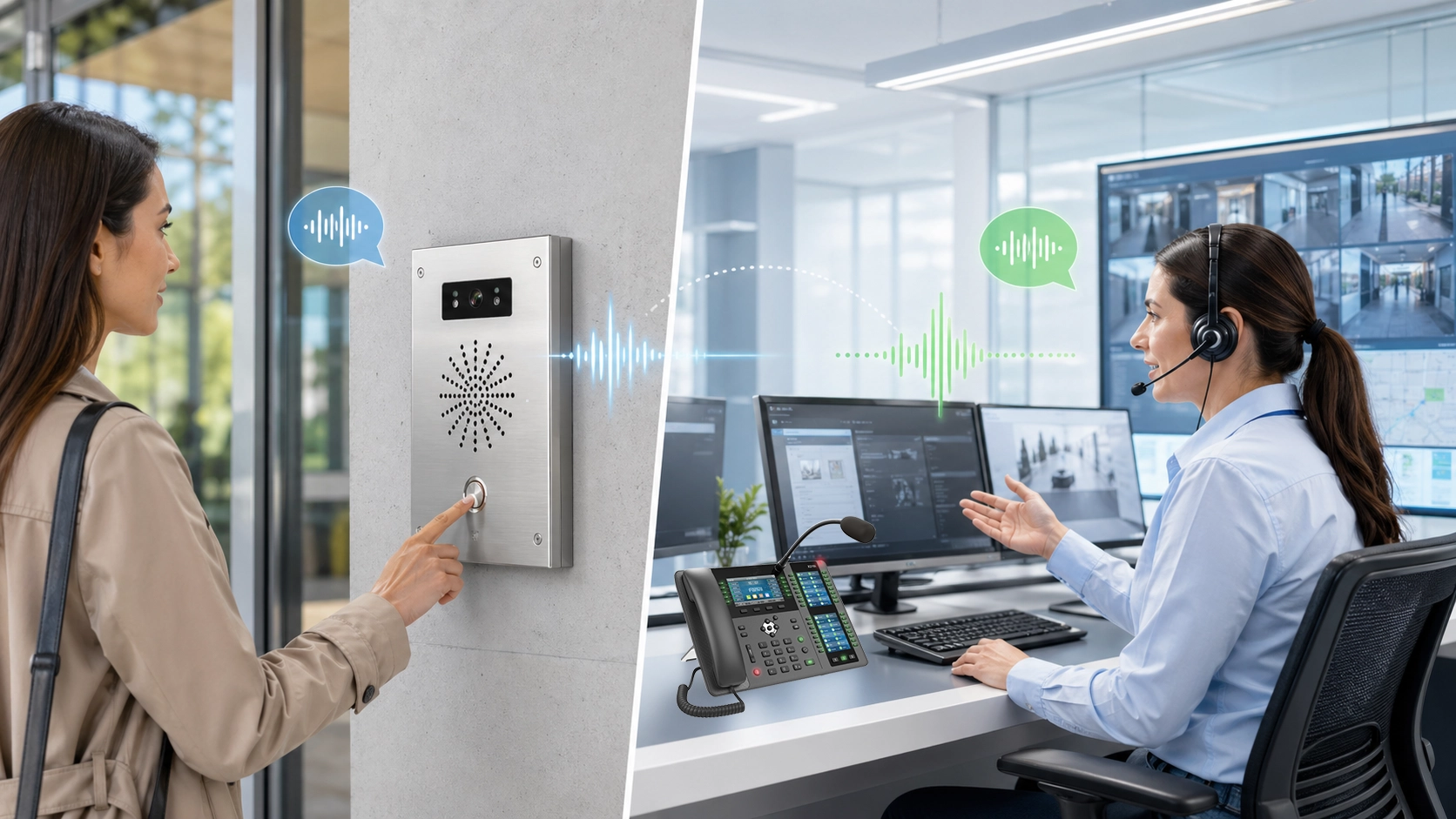
One of the main functions of talkback is operator response. When a user calls from an intercom, help point, entrance station, emergency phone, or field terminal, the operator must be able to answer. Talkback provides that answer path. It allows the operator to ask questions, give instructions, confirm identity, provide reassurance, or guide the next action.
Remote assistance is especially important when the person at the field point cannot solve the issue alone. A visitor may need access guidance. A passenger may need help at a platform. A worker may need support from a control room. A patient or resident may need a verbal response after pressing a call point.
In each case, talkback changes the system from a simple alert mechanism into an interactive support channel.
Confirmation, Coordination, and Instruction Delivery
Talkback is also used to confirm that an instruction has been received or understood. In many operational environments, sending a message is not enough. The control side needs confirmation from the field, or the field side needs clarification from the operator. Talkback supports that back-and-forth exchange.
This is useful in security control, transport operations, building management, industrial dispatch, and emergency response. An operator can instruct a person to move to a safe area, wait for assistance, open a gate, check a device, or confirm a local situation.
The function therefore supports coordination rather than just communication. It helps turn voice into a controlled operational workflow.
Technical Features of Talkback Systems
Target Selection and Zone Control
A practical talkback system should allow accurate target selection. The operator may need to speak to one terminal, one room, one entrance, one speaker zone, one elevator, one workstation, or one field device. In larger systems, the operator may need to select from many endpoints or zones before activating talkback.
Zone control is especially important in paging and facility communication. Speaking to the wrong zone can create confusion, privacy issues, or operational mistakes. Good talkback design should make destination selection clear and reduce the chance of accidental transmission.
In modern systems, target selection may be supported by device names, maps, lists, status panels, extension numbers, icons, or dispatch screens.
Audio Processing and Feedback Control
Talkback often requires careful audio processing because microphones and loudspeakers may operate close to each other. Acoustic echo cancellation, noise reduction, automatic gain control, and howling suppression may all be relevant depending on the device and environment.
Without proper audio control, talkback can become difficult to use. The far-end user may hear echo, the operator may hear background noise, or the system may generate feedback if the speaker output re-enters the microphone path. These issues are especially common in hands-free terminals, outdoor intercoms, industrial locations, and reverberant spaces.
Good audio processing helps talkback remain clear, stable, and comfortable even when the site is not acoustically ideal.
System Value of Talkback
From Passive Alert to Active Communication
One of the strongest system values of talkback is that it turns passive alerting into active communication. A button press, alarm, call request, or monitoring event tells the system that something is happening. Talkback allows the responsible person to respond immediately through voice.
This has practical value because many incidents cannot be handled by detection alone. The operator may need to ask what happened, verify the location, calm the user, provide instructions, or coordinate further action. Talkback makes that response possible without requiring another separate communication channel.
In this sense, talkback adds human response capability to the technical event flow.
Improved Response Efficiency and Decision Quality
Talkback can improve response efficiency because it reduces the time needed to clarify a situation. Instead of relying only on alarms, cameras, or status indicators, the operator can speak directly with the person at the scene. This often produces faster and more accurate decisions.
For example, a security operator can ask a visitor to identify themselves, a control room can confirm whether a field issue is urgent, and a help desk can guide a user through a local action. These conversations may prevent unnecessary dispatch, reduce misunderstanding, or speed up the correct response.
The system value is therefore not only audio interaction. It is better operational judgment supported by direct voice exchange.
Talkback is valuable because it gives operators the one thing that alarms and sensors cannot provide by themselves: a direct conversation with the person or place involved.
Applications of Talkback
Intercom, Entrance Control, and Help Points
Talkback is widely used in intercom and entrance control systems. When a visitor presses a call button at a door, gate, parking entrance, or reception point, the operator can speak back to verify the purpose of the visit and provide access instructions. This is more controlled than opening the door or gate blindly.
Help points also depend on talkback. A user at a campus, station, parking facility, roadside point, elevator, or public service area may need to call for help and receive verbal reassurance or guidance. Talkback allows the operator to respond immediately and keep the user engaged while further action is arranged.
In these applications, talkback provides both service value and safety value.
Control Rooms, Dispatch, and Facility Operations
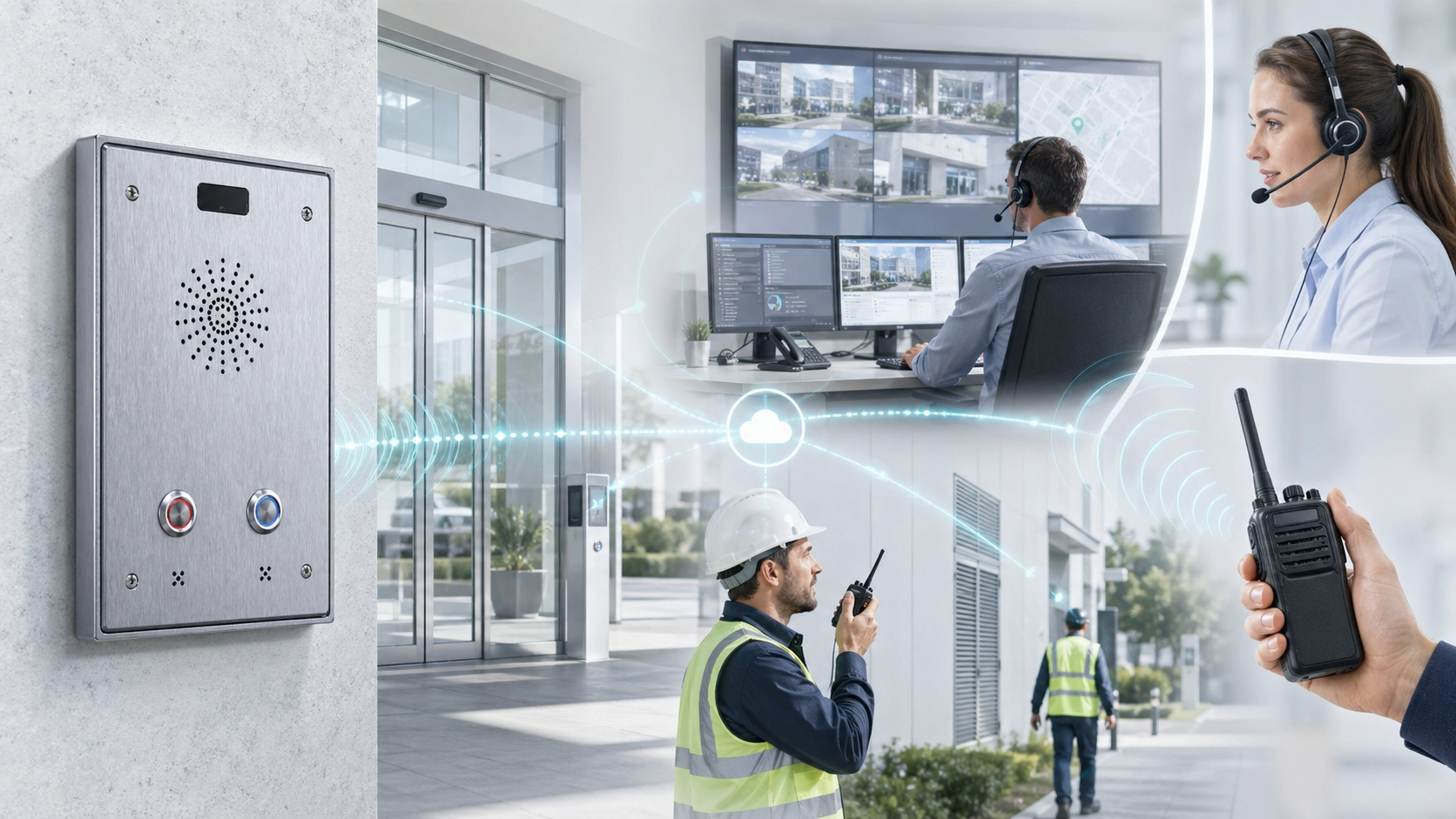
Control rooms and dispatch centers often use talkback to communicate with remote areas, staff points, field terminals, or operational zones. An operator may speak to a workshop, platform, machine area, security post, loading zone, or maintenance point. The function helps central teams coordinate distributed activity without sending personnel physically to every location.
In facility operations, talkback may be used for building management, emergency guidance, staff coordination, and incident response. It supports faster communication between the people monitoring the system and the people located at the actual point of need.
This makes talkback a practical tool for sites where centralized supervision and field activity must remain connected.
Talkback in Paging and Public Address Systems
Difference Between Broadcast and Talkback
In public address systems, broadcast usually means one-way audio from an operator or source to a group of speakers. This is useful for announcements, warnings, scheduled messages, and general paging. Talkback adds an interactive element when a selected point or zone needs to return voice to the operator.
Not every public address system requires talkback, but it becomes valuable when the operator needs confirmation or local feedback. For example, a facility may broadcast an instruction to a zone and then use a talkback terminal in that zone to receive confirmation from staff. This helps close the communication loop.
The difference is simple: broadcast delivers the message outward, while talkback brings a response back into the system.
Use in Emergency and Operational Announcements
In emergency or operational environments, talkback can support more reliable response. A control room may send an announcement, then speak directly with a local contact point to confirm whether the message was understood or whether additional action is needed. This is especially useful when site conditions change quickly.
Talkback also helps operators manage uncertainty. Instead of assuming that people heard and followed instructions, the system can support direct confirmation. This improves the practical value of paging and emergency voice communication.
In this way, talkback can make public address and operational broadcasting more responsive and less one-directional.
Deployment Considerations for Talkback
Choose the Right Audio Mode for the Environment
The first deployment consideration is choosing the right audio mode. Full-duplex talkback may be ideal for natural conversation, but it may require stronger echo cancellation and feedback control. Half-duplex talkback may be more stable in noisy or high-volume environments, but it requires users to follow turn-taking behavior.
The correct choice depends on background noise, speaker and microphone placement, user behavior, urgency, and the type of conversation expected. A quiet office intercom and an industrial paging talkback point should not necessarily use the same audio behavior.
Good deployment design begins by matching the talkback mode to real use conditions.
Control Permission, Priority, and Privacy
Talkback should also be controlled through permissions and priority rules. Not every user should be able to speak into every zone, device, or endpoint. In security, healthcare, education, transport, and industrial systems, incorrect talkback access can create privacy problems, confusion, or operational risk.
Priority is also important. Emergency talkback or control-room response may need to override routine communication. In other situations, talkback should not interrupt active higher-priority announcements or alarms. The system should define who can speak, where they can speak, and under what conditions.
This makes talkback not only an audio feature, but also a governance feature inside the communication platform.
Talkback should be easy for authorized users, but carefully controlled so voice reaches the right place at the right time.
Maintenance and Testing Recommendations
Test Real Conversation Scenarios
Talkback should be tested with real conversation scenarios, not only with a simple microphone check. Installers and operators should test calling, speaking back, listening, interruption behavior, volume level, and audio clarity from both sides. This is especially important in hands-free and public environments.
The test should include normal speaking distance, background noise, expected user positions, and the actual control-room workflow. A system may pass a basic sound test but still perform poorly when used by an untrained visitor or a busy operator.
Realistic testing helps confirm whether talkback actually supports the intended operational purpose.
Review Audio Quality and Response Logs
Maintenance should include review of audio quality reports and response records. If users frequently complain that they cannot hear the operator, if the operator cannot understand field speech, or if talkback sessions create echo or feedback, the system may need tuning.
Response logs can also reveal whether talkback is being used effectively. If many calls require repeated attempts or if certain terminals are rarely answered properly, the issue may involve workflow, training, device placement, or routing logic.
In professional communication systems, talkback quality should be maintained as part of the overall voice reliability strategy.
Conclusion
Talkback is a voice return function that allows operators, supervisors, control rooms, or service teams to speak back to users, terminals, zones, or remote locations. Its main functions include operator response, remote assistance, confirmation, coordination, and instruction delivery. It turns one-way audio or passive alerting into interactive communication.
Its system value is especially clear in intercoms, entrance control, help points, dispatch centers, public address systems, facility operations, and emergency communication environments. By enabling direct voice response, talkback helps improve decision quality, reduce uncertainty, and strengthen operational coordination.
For any communication system that depends on both listening and responding, talkback is not a minor add-on. It is the function that closes the voice loop and helps the system become a practical tool for real-time human interaction.
FAQ
What is talkback in simple terms?
In simple terms, talkback is a function that lets an operator or system user speak back to a person, device, zone, or remote location. It creates a return voice path for two-way communication.
It is commonly used in intercom, paging, dispatch, and help-point systems.
What is the difference between talkback and paging?
Paging usually sends a one-way announcement to speakers or zones. Talkback allows a response or conversation from the operator side to a specific user, terminal, or location.
Paging broadcasts outward, while talkback helps create interaction.
Where is talkback commonly used?
Talkback is commonly used in intercom systems, entrance control, help points, control rooms, dispatch consoles, public address systems, broadcast studios, facility operations, and emergency communication systems.
It is most useful where operators need to respond directly after receiving a call, alert, or monitoring signal.







