


A firmware upgrade is the process of updating the low-level software that controls how a hardware device operates. Firmware sits between the physical hardware and the higher-level functions that users interact with. It tells the device how to boot, communicate, process signals, manage hardware components, and perform built-in functions. When firmware is upgraded, the device receives a newer version of this control software to improve performance, fix issues, strengthen security, or add supported capabilities.
Firmware upgrades are common in communication devices, IP phones, routers, switches, gateways, cameras, access control terminals, industrial controllers, embedded systems, public address equipment, intercom terminals, and many other network-connected devices. Unlike ordinary application updates, firmware upgrades often affect the core behavior of the hardware itself. This makes them highly valuable, but also something that should be planned and managed carefully.
In real deployment and maintenance environments, firmware upgrade is not only a technical task. It is part of the device lifecycle. A well-managed upgrade process helps organizations keep equipment secure, compatible, stable, and useful over time. A poorly managed upgrade process can create downtime, configuration loss, compatibility problems, or device failure. For that reason, firmware upgrading should be treated as a controlled maintenance activity rather than a casual button click.
What Is Firmware?
Definition and Core Meaning
Firmware is a specialized form of software embedded into a hardware device. It provides the instructions that allow the hardware to start, operate, communicate, and perform its intended functions. Firmware may control network interfaces, audio processing, display behavior, device buttons, memory usage, security functions, power management, protocol support, or hardware-level communication.
In many devices, firmware is stored in non-volatile memory so it remains available even when power is turned off. When the device starts again, the firmware loads and controls the basic operating logic. This is why firmware is often considered part of the device itself rather than a normal application installed by the user.
In practical terms, firmware is the built-in intelligence that allows hardware to behave as a usable product. Without firmware, many modern devices would be little more than electronic components without coordinated function.
Firmware is the control layer that makes hardware operate as a complete device rather than a collection of parts.
Firmware Versus Software
Firmware and software are closely related, but they are not exactly the same in practical use. Software usually refers to applications, operating systems, or programs that can be installed, removed, and updated more freely. Firmware is more tightly connected to the hardware and often controls essential device behavior.
For example, a desktop application may change how a user edits a document, while a firmware update may change how a router handles network packets, how an IP phone registers to a server, how a camera encodes video, or how an industrial terminal manages input and output signals. The firmware update may therefore have a deeper effect on the device’s operation.
This is why firmware upgrades require more care than ordinary software updates. They may improve the device significantly, but they also affect core functions that must remain stable after the upgrade.
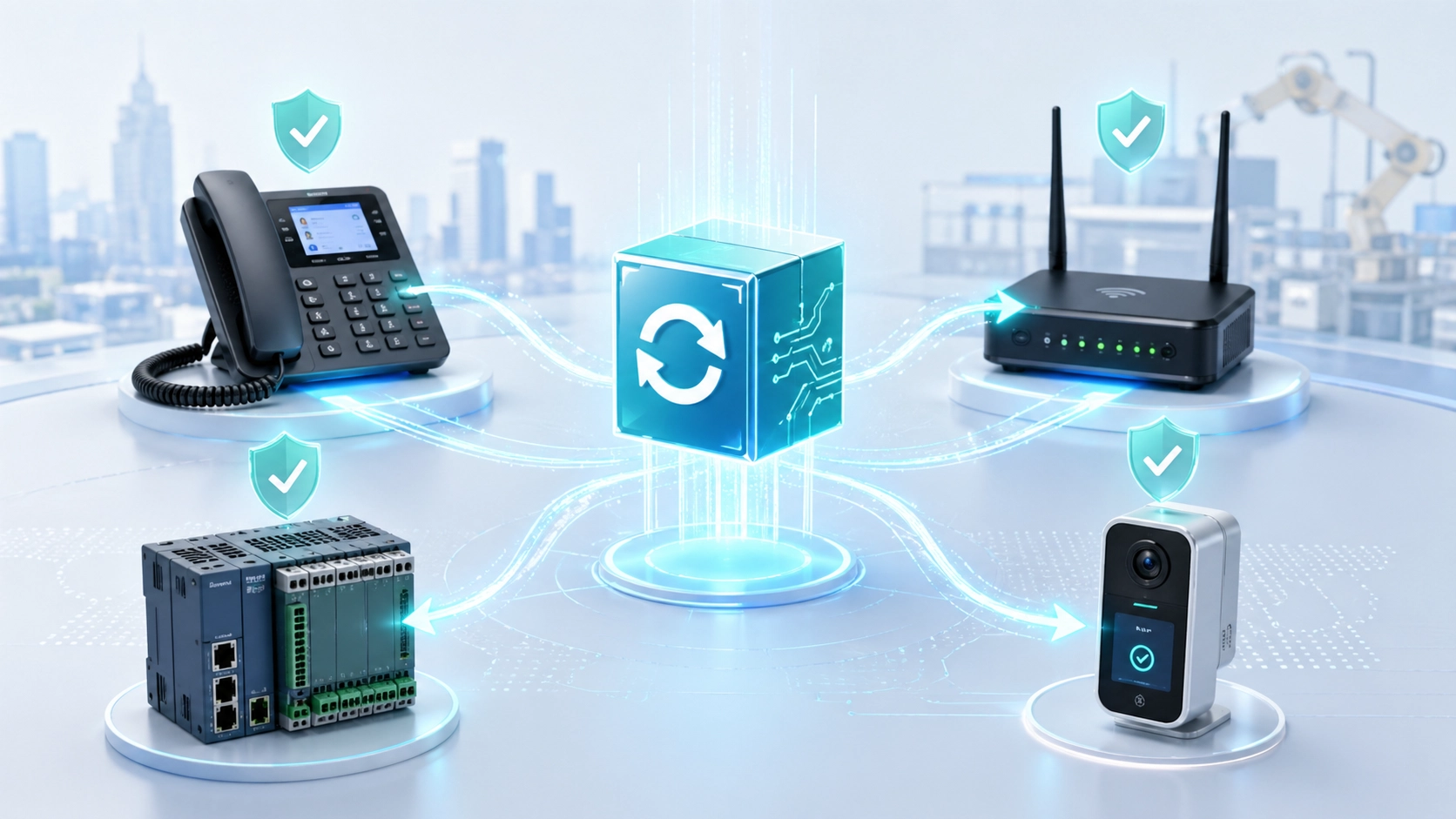
What Is a Firmware Upgrade?
Definition and Upgrade Purpose
A firmware upgrade is the process of replacing or updating the existing firmware version on a device with a newer approved version. This may be done manually through a web interface, local utility, USB file, serial connection, device management platform, or automatically through a centralized update system.
The purpose of a firmware upgrade may include bug fixes, security improvements, compatibility updates, performance optimization, protocol support, hardware behavior refinement, or new feature enablement. In some cases, firmware upgrades are also released to address known field issues discovered after devices have already been deployed.
The practical value is that a device does not necessarily remain limited to the behavior it had on the day it was shipped. Firmware upgrades allow manufacturers and system owners to improve device behavior over time.
Why Firmware Upgrades Matter
Firmware upgrades matter because hardware devices are often expected to operate for years. During that time, security requirements change, network environments evolve, interoperability issues appear, and users discover new operational needs. Without firmware upgrade capability, devices may become outdated more quickly or remain vulnerable to known problems.
A stable upgrade process allows organizations to extend device usefulness and maintain better operational reliability. It also helps keep deployed systems aligned with newer servers, platforms, protocols, and security policies. This is especially important in networked environments where one outdated device can affect the wider system.
In business and industrial deployments, firmware upgrades are therefore a key part of long-term equipment management.
How Firmware Upgrade Works
Firmware Package and Version Verification
A firmware upgrade usually begins with a firmware package provided by the device manufacturer or system supplier. This package contains the updated firmware image and may include release notes, checksum information, upgrade instructions, compatibility requirements, and warnings. The device or management system must verify that the package is suitable for the exact model and hardware version.
Version verification is important because not every firmware file is compatible with every device. Installing the wrong firmware can cause unstable operation or even make the device fail to boot. For this reason, professional upgrade processes often check model numbers, hardware revisions, region versions, and current firmware state before allowing the upgrade to continue.
In practical maintenance, confirming firmware compatibility is one of the most important steps before deployment.
Writing the Firmware and Restarting the Device
After verification, the device writes the new firmware into its internal memory. During this stage, power and network stability are important because interruption may corrupt the firmware image or leave the device in an incomplete state. Many systems show progress information and warn users not to disconnect power during the upgrade.
Once the firmware is written successfully, the device usually reboots. During the restart, the new firmware loads and begins controlling the hardware. Some devices may also migrate configuration data, rebuild internal services, or reset certain parameters depending on the upgrade design.
After the reboot, administrators should confirm the new version, check device status, and verify that core services are operating normally.
A firmware upgrade is not complete when the file is uploaded. It is complete only when the device restarts successfully and its core functions are verified.
Main Benefits of Firmware Upgrade
Improved Stability and Bug Fixes
One of the most common benefits of firmware upgrade is improved device stability. Manufacturers may release firmware updates to fix known bugs, reduce crashes, improve memory handling, correct protocol behavior, or resolve abnormal device responses found in earlier versions.
Stability improvements are especially important for devices that operate continuously, such as network equipment, communication terminals, industrial controllers, access systems, and monitoring devices. A small firmware issue may not be obvious in a short test, but it may affect long-term operation after weeks or months of use.
Upgrading firmware can therefore help reduce unexpected failures and improve confidence in daily operation.
Security Enhancement
Security is another major benefit. Firmware may include authentication logic, encryption support, network service behavior, access control rules, certificate handling, and system-level protections. If weaknesses are discovered, firmware updates may be needed to close vulnerabilities or strengthen security behavior.
In connected environments, outdated firmware can become a risk because attackers often look for known weaknesses in exposed devices. Upgrading firmware helps reduce this risk, especially when devices are connected to enterprise networks, remote management platforms, cloud services, or public-facing systems.
For security-sensitive deployments, firmware upgrade is not only a technical improvement. It is part of risk management.
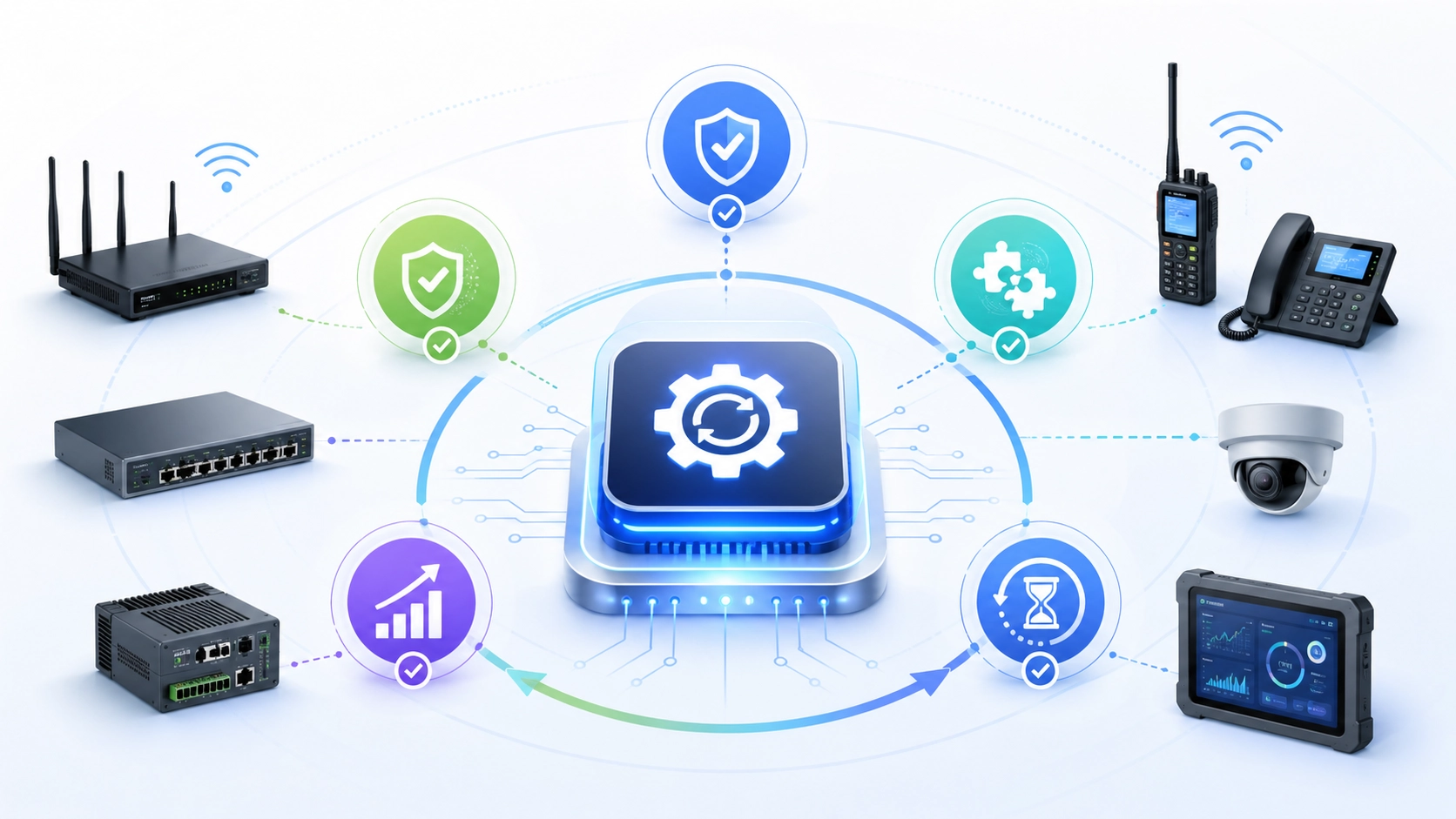
Deployment Benefits of Firmware Upgrade
Better Compatibility With Systems and Protocols
Firmware upgrades often improve compatibility with other systems. A communication device may need better SIP behavior, a gateway may require updated protocol handling, a router may need improved VPN support, or an embedded terminal may need to work more smoothly with a newer management platform. Firmware updates can refine these interactions.
This is valuable because real deployments often include equipment from different manufacturers, different software versions, and changing network environments. Even when devices meet the same general standards, small differences in implementation can create issues. Firmware upgrades help correct those practical interoperability problems over time.
In multisystem projects, compatibility improvements can be one of the most important reasons to upgrade firmware.
Extended Equipment Lifecycle
Firmware upgrades can also extend the useful life of hardware. Instead of replacing equipment whenever a bug appears or a new function becomes necessary, organizations may improve deployed devices through firmware updates. This can reduce replacement cost and make long-term maintenance more practical.
This is especially valuable for large deployments where many devices are installed across offices, campuses, industrial sites, buildings, or remote locations. Replacing hardware across all locations may be costly and disruptive, while a controlled firmware upgrade may solve the problem more efficiently.
In practical asset management, firmware upgrade helps protect hardware investment by allowing devices to evolve within reasonable limits.
Technical Features Commonly Improved by Firmware Upgrades
Network, Protocol, and Communication Behavior
Many firmware upgrades improve network and protocol behavior. This may include better DHCP handling, improved DNS behavior, more stable SIP registration, enhanced TLS support, better NAT traversal, updated SNMP reporting, stronger time synchronization, or improved packet handling. These changes may not be visible to ordinary users, but they can strongly affect system reliability.
In communication and network devices, protocol behavior is often central to daily operation. A small issue in registration, authentication, session handling, or network recovery can cause repeated service problems. Firmware updates can correct these low-level behaviors so the device works more reliably in real networks.
This is why firmware upgrade is often a key step in troubleshooting persistent compatibility or registration issues.
Device Functions and User Experience
Firmware upgrades may also improve user-facing functions. A device may receive a clearer interface, faster boot behavior, better audio processing, improved display response, more stable button behavior, new menu options, or refined configuration logic. In some cases, new features are added to support changing user requirements.
These improvements can make the device easier to use and easier to maintain. For example, a communication terminal may improve call handling, audio quality, contact storage, remote configuration, or logging through firmware updates. A network camera may improve encoding, event handling, or management compatibility.
In this way, firmware upgrades can improve both technical operation and user experience.
Applications of Firmware Upgrade
Communication Devices and Network Equipment
Firmware upgrades are widely used in communication devices such as IP phones, SIP intercoms, gateways, PBX appliances, dispatch consoles, radio gateways, routers, switches, and wireless access points. These devices depend on protocol stability, network compatibility, and long-term security, making firmware management especially important.
In these environments, firmware upgrades may improve voice quality, signaling behavior, device registration, call handling, remote provisioning, VLAN support, PoE behavior, security certificates, or management features. Even when the hardware remains unchanged, the upgrade can significantly improve how the device works inside the network.
For organizations that rely on connected communication systems, firmware upgrade is a routine part of keeping infrastructure stable and current.
Industrial Devices, Embedded Systems, and Smart Terminals
Firmware upgrades are also important for industrial devices, embedded controllers, access terminals, monitoring sensors, public service kiosks, building devices, and smart facility equipment. These devices may operate in the field for long periods and may not be physically replaced frequently.
Firmware updates can improve sensor logic, communication reliability, environmental response, alarm behavior, device diagnostics, remote management, or compatibility with supervisory platforms. In industrial and facility environments, these changes can support more reliable operation and easier maintenance.
The practical value is especially high when devices are distributed across large sites or remote locations where physical service visits are costly.
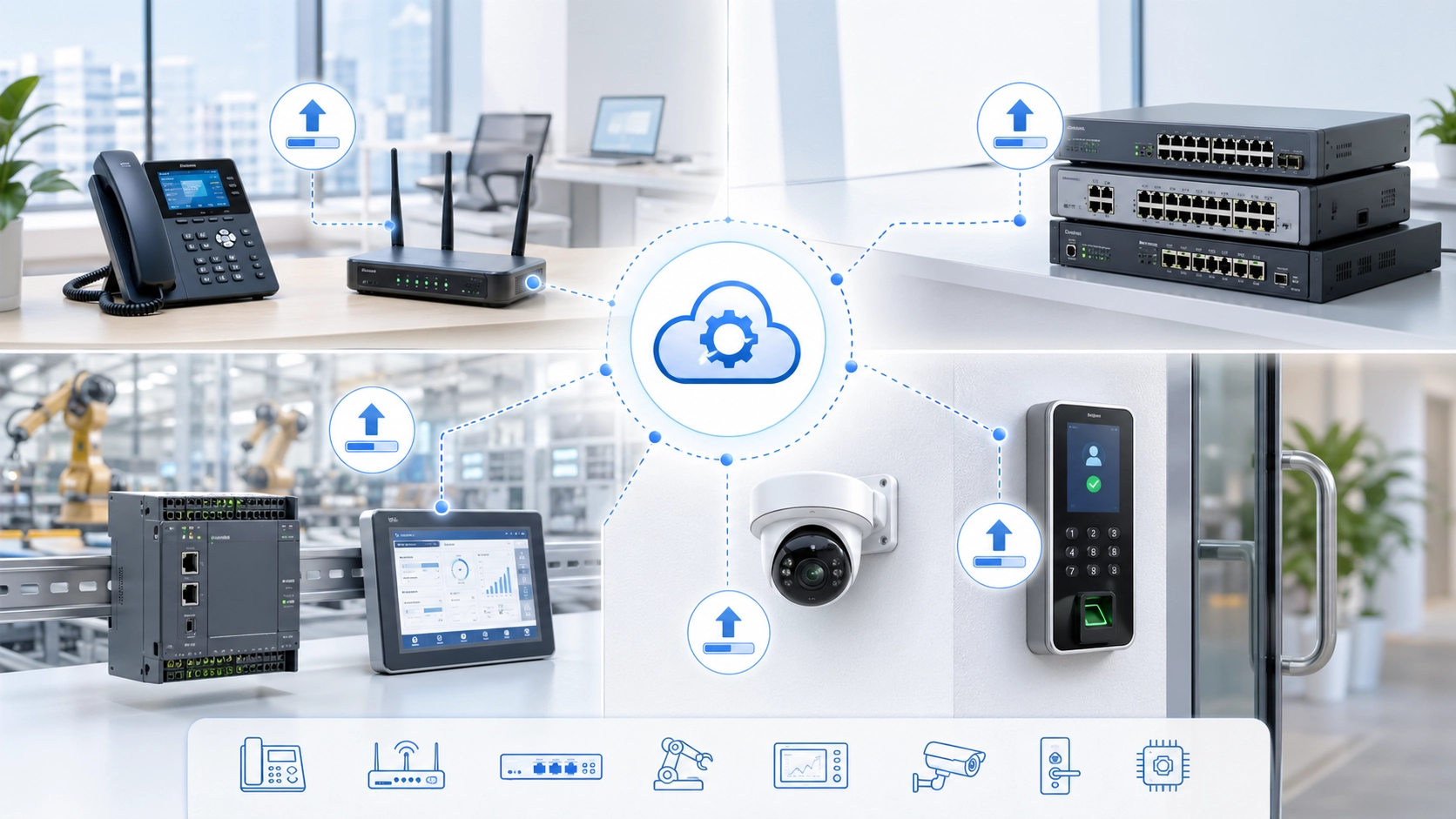
Firmware Upgrade Methods
Manual Local Upgrade
Manual local upgrade is one of the simplest methods. An administrator downloads the correct firmware file and uploads it to the device through a web interface, local software tool, USB storage, or direct connection. This method is useful for small deployments, testing, or emergency repair when only a few devices need attention.
The advantage is direct control. The administrator can observe the process and verify the result immediately. The limitation is scalability. If hundreds or thousands of devices must be upgraded, manual local upgrade becomes slow and difficult to manage consistently.
Manual upgrade is therefore best for limited device groups, controlled testing, or situations where centralized management is not available.
Centralized and Remote Upgrade
Centralized or remote upgrade allows administrators to push firmware updates through a management platform, provisioning server, device management system, or network management tool. This method is highly useful in larger deployments because it can standardize upgrade versions and reduce physical service work.
Remote upgrade can be scheduled, staged, and monitored. Devices may download firmware automatically from a server and upgrade according to policy. This reduces the burden on maintenance teams and helps ensure that distributed devices remain aligned with approved versions.
However, centralized upgrade also requires careful planning. Network load, device grouping, rollback strategy, and upgrade timing should all be considered before large-scale deployment.
Maintenance Tips for Firmware Upgrade
Read Release Notes Before Upgrading
One of the most important maintenance tips is to read the firmware release notes before upgrading. Release notes usually explain what has changed, which issues are fixed, which features are added, and whether any known limitations or special instructions apply.
This helps administrators decide whether the upgrade is necessary and whether it applies to their deployment. Not every firmware update must be installed immediately in every environment. Some updates may be critical security fixes, while others may only affect specific features or models.
Reading release notes reduces the risk of upgrading blindly and helps teams make better maintenance decisions.
Back Up Configuration Before Upgrade
Configuration backup is another essential practice. Firmware upgrades usually preserve device configuration, but this should not be assumed without verification. If something goes wrong, a backup can help restore service faster and reduce manual reconfiguration work.
Backups are especially important for devices with complex settings such as network parameters, SIP accounts, routing rules, access permissions, certificates, user profiles, security policies, and integration settings. Losing these settings can cause more disruption than the firmware upgrade itself.
In professional maintenance, backing up configuration before firmware upgrade should be treated as a standard step.
A firmware upgrade should never depend on hope. Version checks, release notes, and configuration backups are what make the process manageable.
Best Practices for Safe Firmware Deployment
Test Before Large-Scale Rollout
Before upgrading many devices, it is best to test the firmware on a small group of representative devices. The test group should include different hardware revisions, configuration types, network conditions, and user scenarios if possible. This helps identify compatibility problems before they affect the entire deployment.
Testing should verify core functions such as boot behavior, network registration, service connectivity, audio or data performance, remote management, security features, and integration with related platforms. If the firmware is used in communication devices, call behavior and registration stability should also be tested.
A staged rollout reduces risk and gives the maintenance team time to correct issues before full deployment.
Schedule Upgrades During Low-Impact Periods
Firmware upgrades often require device reboot, temporary service interruption, or reconnection to network services. For this reason, upgrades should be scheduled during low-impact periods whenever possible. This reduces the effect on users and operations.
In systems that support critical communication, security monitoring, building access, or industrial processes, scheduling is especially important. Teams should avoid upgrading all critical devices at the same time unless a carefully planned redundancy and rollback strategy exists.
Good timing can make the difference between a smooth maintenance task and an avoidable service interruption.
Common Risks and How to Reduce Them
Wrong Firmware Version or Incompatible Model
One common risk is installing the wrong firmware version. Devices may look similar but have different hardware revisions, regional versions, memory layouts, or feature sets. A firmware package intended for one model may not be safe for another. This can cause malfunction or device failure.
To reduce this risk, administrators should confirm model name, hardware version, current firmware version, and upgrade path before installation. When managing a large device fleet, inventory records are highly valuable because they help match firmware packages correctly.
Careful verification is one of the simplest and most effective protections against upgrade failure.
Power Loss or Network Interruption During Upgrade
Another risk is power loss or network interruption while the firmware is being written. If the process stops at the wrong time, the device may fail to boot or require recovery procedures. This is why many instructions warn users not to turn off the device during upgrade.
To reduce this risk, upgrades should be performed with stable power, reliable network connections, and proper scheduling. For critical devices, backup power or local upgrade methods may be considered when network reliability is uncertain.
In practical maintenance, protecting the upgrade process itself is just as important as choosing the correct firmware file.
Firmware Upgrade and Cybersecurity
Closing Vulnerabilities and Strengthening Authentication
Firmware upgrades often play an important role in cybersecurity. Manufacturers may release updates to close vulnerabilities, improve authentication logic, update encryption support, strengthen certificate handling, disable unsafe services, or improve access control behavior.
Devices that remain on outdated firmware may keep known weaknesses that attackers can target. This is especially risky for devices exposed to networks, remote access, cloud management, or public-facing communication paths. Updating firmware helps reduce the attack surface and align devices with newer security expectations.
For organizations with formal security policies, firmware upgrade should be included in vulnerability management and asset maintenance planning.
Using Trusted Firmware Sources
Firmware should only be obtained from trusted sources, such as the official manufacturer, approved supplier, or authorized management platform. Installing unknown or modified firmware can introduce security risks, hidden changes, instability, or loss of warranty support.
Administrators should also verify firmware integrity when checksums, signatures, or validation tools are provided. This helps confirm that the firmware package has not been corrupted or tampered with.
Safe firmware sourcing is a basic but essential part of secure device maintenance.
Conclusion
A firmware upgrade is the process of updating the embedded control software that allows a hardware device to operate. It can improve stability, security, compatibility, performance, and feature support across communication devices, network equipment, industrial terminals, embedded systems, and smart facility devices.
Its deployment benefits include better interoperability, longer equipment lifecycle, improved security posture, and more reliable long-term operation. However, firmware upgrade should be performed carefully, with attention to compatibility, release notes, configuration backup, testing, scheduling, and rollback planning.
In modern device management, firmware upgrade is not just a technical maintenance item. It is a practical lifecycle strategy that helps hardware remain secure, usable, and aligned with changing operational requirements.
FAQ
What is a firmware upgrade in simple terms?
In simple terms, a firmware upgrade updates the built-in software that controls how a hardware device works. It can fix problems, improve security, add functions, or make the device work better with other systems.
It is commonly used for network devices, communication terminals, embedded systems, and smart equipment.
Why is firmware upgrade important?
Firmware upgrade is important because it helps devices remain stable, secure, compatible, and useful over time. It can fix bugs, close security vulnerabilities, improve performance, and support newer system requirements.
Without firmware maintenance, devices may become outdated or less reliable.
What should be done before upgrading firmware?
Before upgrading firmware, administrators should confirm the correct model and version, read release notes, back up configuration, test on a small group of devices, and schedule the upgrade during a low-impact period.
These steps help reduce the risk of failure or unnecessary service interruption.







