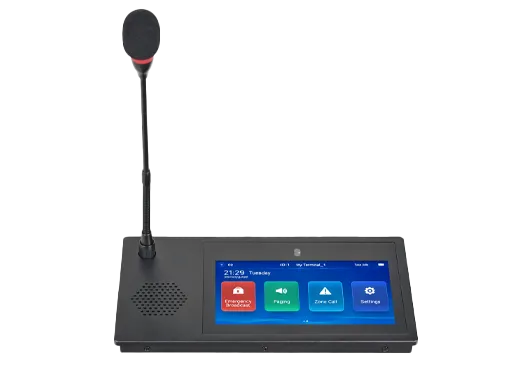
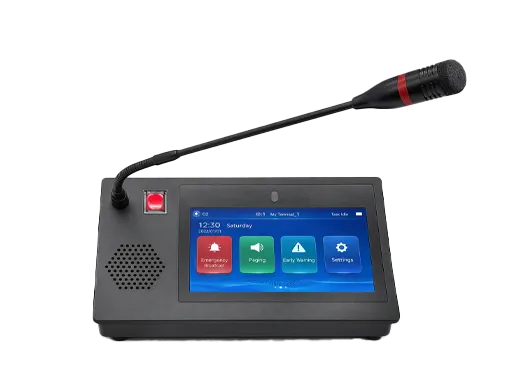
Five-party calling is a telephony feature that allows up to five participants to take part in the same live voice conversation. In practical deployments, it usually appears as a small multi-party conference function built into a desk phone, a PBX, an IP phone system, or a cloud communications platform. Instead of scheduling a large formal meeting, users can create an immediate shared call session and add more participants as the conversation develops.
This feature is widely used in business telephony because many daily coordination tasks involve more than two people but do not require a full conferencing platform. A sales call may need a manager to join, a service desk agent may need to add a technician and a customer, or a branch office may need to bring finance, operations, and a supplier into the same discussion. Five-party calling fits this middle ground between a simple one-to-one call and a large audio meeting.
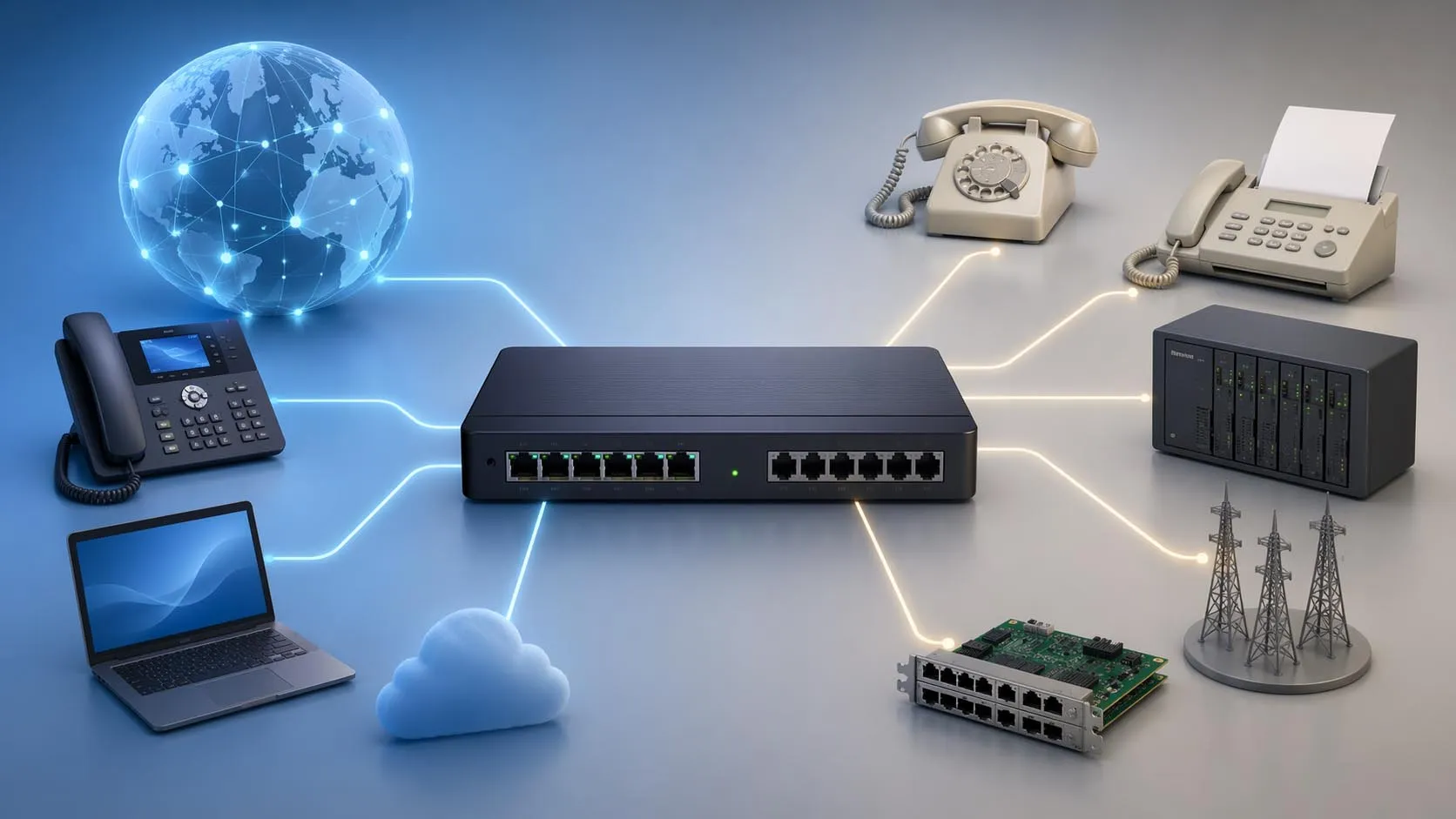
From a system design perspective, five-party calling is not just a user interface feature. It depends on signaling control, media handling, call admission, codec compatibility, and available conference resources. Some phones can create a local five-way conference directly from the endpoint. Other deployments require a PBX conference bridge or a cloud audio bridge to mix the audio streams and keep all parties connected. Understanding these implementation differences is essential when selecting phones, designing PBX features, or planning hosted voice services.
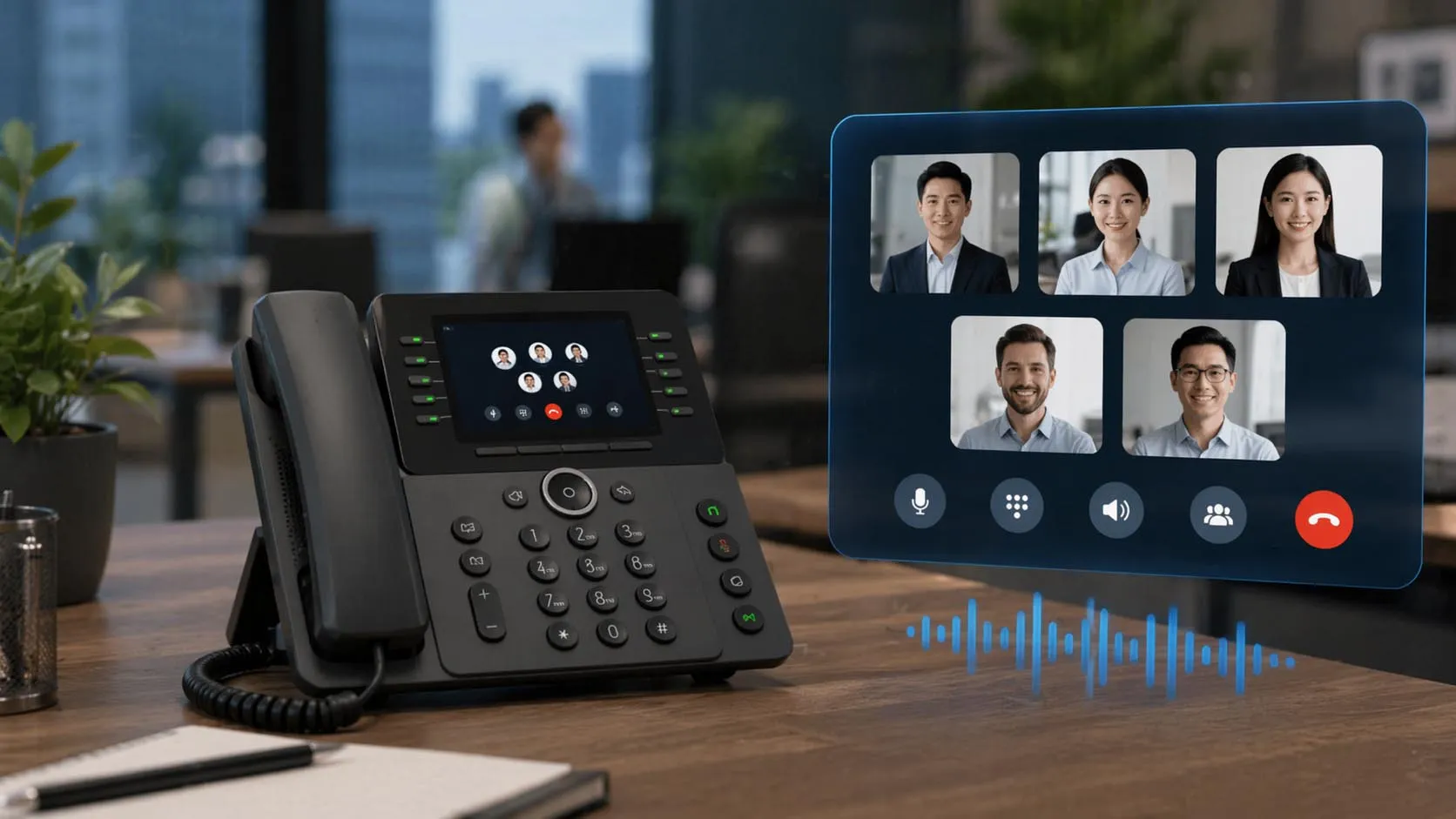
Five-party calling creates a single live conversation space where several participants can be joined without launching a full-scale meeting workflow.
What Five-Party Calling Means in Telephony
A Small Multi-Party Conference Function
At its core, five-party calling is a small conference-call capability. One user starts with an active call, then adds additional participants until the session reaches the supported party limit. Once connected, all parties hear one another in a shared conference environment instead of being managed as separate one-to-one calls.
This is why five-party calling is often described as ad hoc conferencing rather than scheduled conferencing. The call is assembled in real time by a user or system without requiring a pre-booked meeting room or a large collaboration workflow. That makes it especially useful for fast problem solving, escalation, and operational coordination.
In many business phone systems, the initiator acts as the conference controller. That user may place existing calls on hold, call new participants, and merge the call legs into one conference. In more advanced systems, a conference bridge or server takes over the media handling once the session is established.
Different from Standard Two-Party and Three-Way Calling
Five-party calling follows the same general idea as three-way calling, but the technical demands are higher. A three-way call may still be handled comfortably by a phone or entry-level PBX feature set, while a five-party call puts more pressure on audio processing, conference control, codec handling, and trunk resources. Each added participant creates another signaling relationship and another audio stream that must be managed correctly.
That is why not every phone system supports the same conference size, and why the maximum party count may depend on the endpoint model, the PBX edition, available licenses, media resources, or the cloud service plan. A feature described as “conference calling” on a product sheet does not automatically guarantee that five active parties can be handled in the exact way the deployment requires.
Five-party calling looks simple from the user side, but in system terms it is a controlled audio conference that depends on signaling, media mixing, and resource availability working together at the same time.
The Core Principles Behind Five-Party Calling
Call Signaling and Session Control
The first principle is signaling. Each participant in the conference must first be reached through a normal call setup process. In SIP environments, that means the system creates and manages multiple SIP dialog relationships. In PBX environments, the call controller must know which call legs belong to the same conference and when separate calls should be merged into a shared session. Standards such as RFC 4579 describe SIP conferencing call control concepts for this type of tightly coupled conference behavior.
From the user’s point of view, this may look like pressing a Conference key after dialing each additional participant. Under the surface, however, the system is creating new call legs, placing active calls on hold when needed, updating conference state, and deciding whether the phone, PBX, or conferencing resource should host the conference media.
This signaling layer is also responsible for conference stability. If one call leg drops, if the controller hangs up, or if transfer logic is triggered, the system must decide whether the remaining conference continues, partially collapses, or ends. That behavior varies by platform and should be tested during deployment.
Audio Mixing and Media Distribution
The second principle is media handling. A five-party call is not merely a set of connected signaling sessions. The audio from each participant must be received, processed, mixed, and redistributed so that everyone hears a coherent conversation. Depending on the implementation, this may happen inside the endpoint, inside a PBX conference bridge, or inside a cloud conferencing service.
Media handling becomes more demanding as participant count increases. The system must deal with codec compatibility, packet timing, jitter buffering, echo control, and full-duplex audio behavior while maintaining speech intelligibility. In SIP and VoIP systems, the more participants involved, the more important good codec planning and network quality become.
This is also where conference resources matter. A system that supports five-party calling in principle may still fail in practice if there are not enough conference bridge resources, DSP capacity, or licensed media paths available at the moment the call is attempted.
Control, Capacity, and User Permissions
The third principle is control policy. Not every user in an organization should necessarily be allowed to start multi-party calls. Many systems therefore use permissions, class-of-service rules, or licensing to determine who can launch ad hoc conferences, how many participants are allowed, and which call types can be added.
Capacity planning also matters. A single five-party call consumes more system resources than a normal call, and multiple simultaneous five-party calls can place meaningful demand on a PBX, a SIP trunk group, or a conference bridge. Good implementations treat five-party calling as both a feature and a capacity-management issue.
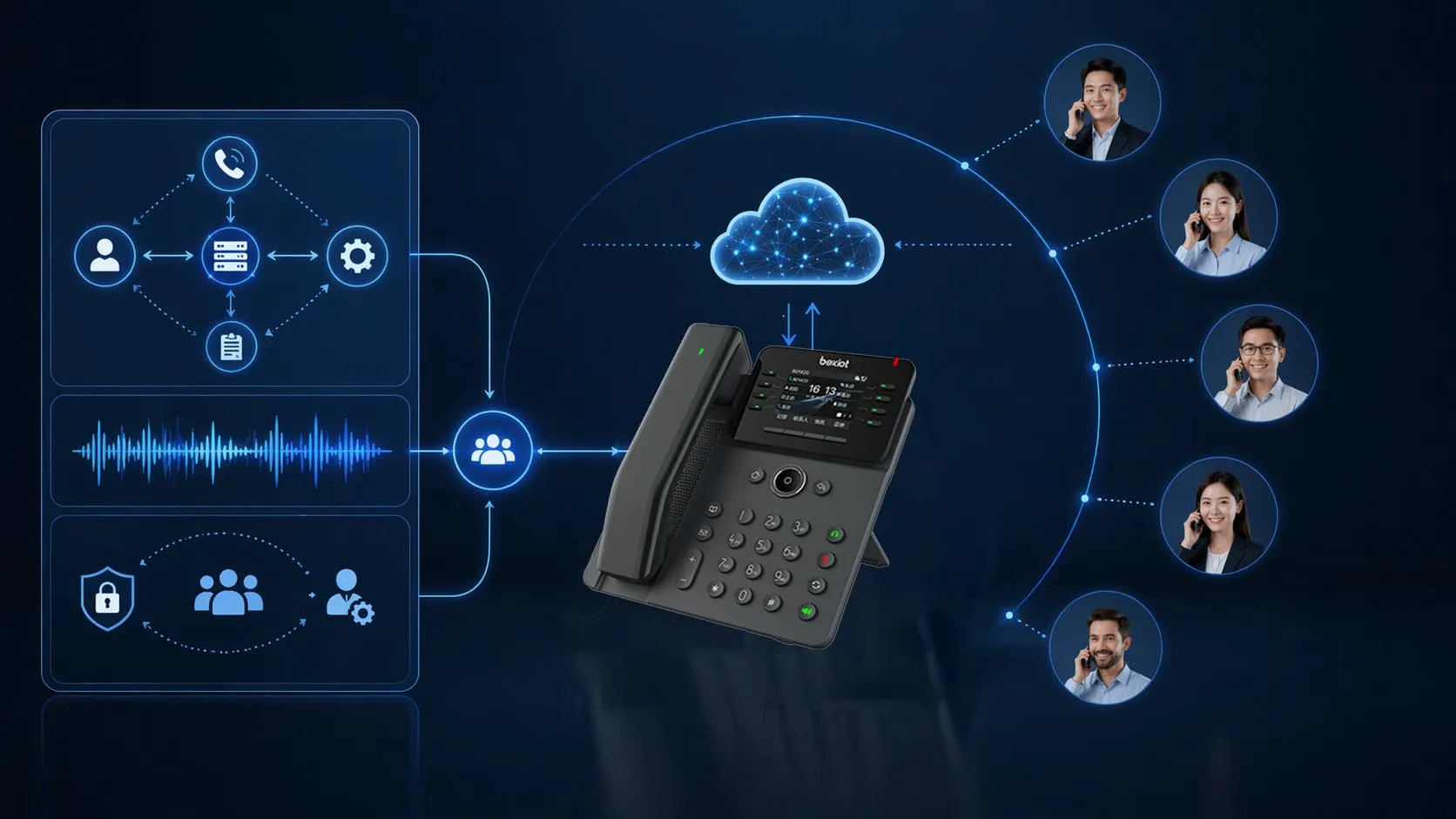
Five-party calling depends on three core elements: signaling control, audio mixing, and sufficient conference resources.
Common Implementation Methods
Endpoint-Based Local Conference
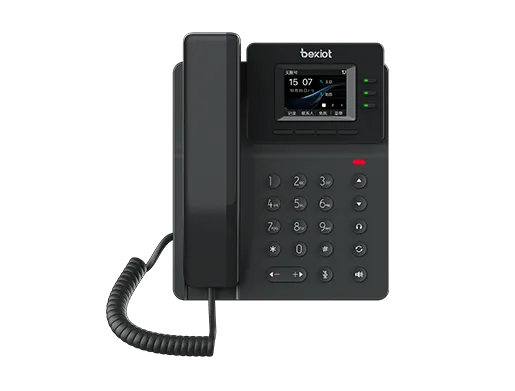
The first common method is endpoint-based local conference. In this model, a desk phone or conference phone provides the user-facing conference function directly. Many SIP phone families advertise local multi-party conferencing, including models that support local five-way conference creation. The user starts with one call, places additional calls, and merges them from the phone interface.
This method is convenient because it feels fast and self-contained. Users do not need to reserve a conference bridge or learn a separate workflow. It is often suitable for executives, reception positions, small offices, and teams that frequently need quick call escalation. For small-scale deployments, it can be the most straightforward way to provide five-party calling.
However, endpoint-based conferencing also has limits. The supported party count may vary by device family, firmware, and service provider integration. Local conference quality can also depend on codec alignment and endpoint capability. For that reason, device-level conferencing works best when the selected phone models are verified carefully against the intended calling platform.
PBX or IP PBX Ad Hoc Conference Bridge
The second common method is PBX-hosted ad hoc conferencing. In this architecture, the phone acts mainly as the conference controller while the PBX or IP PBX provides the conference bridge that actually hosts the conference media. This is a more scalable and manageable approach in enterprise environments because it centralizes conference resources and policy enforcement.
In Cisco Unified Communications Manager, for example, ad hoc and meet-me voice conferencing require a configured hardware or software conference bridge. In some router-based implementations, DSP modules are needed to provide conferencing resources. That makes the feature more controllable at scale, but it also means conference capacity depends on media resources that must be designed, assigned, and monitored properly.
PBX-based five-party calling is often the best fit when organizations need consistent behavior across many users, more control over permissions, better interoperability with trunks, and clearer capacity planning. It is also easier to align with call recording, reporting, security policy, and dial plan governance than a purely endpoint-local approach.
Cloud or Hosted Audio Bridge Method
The third common method is cloud-hosted conferencing. In this design, the user’s phone system or UC platform relies on a hosted conference bridge. Participants may be added from soft clients, desk phones, or PSTN numbers, while the cloud service handles media mixing and overall conference state. This is especially common in modern UCaaS and cloud telephony environments.
Cloud methods are attractive because they reduce the need to deploy on-premises conference resources and can scale more easily for distributed teams. They are also well suited to hybrid work, branch offices, and organizations that want conferencing features to be consistent across devices. Microsoft Teams Audio Conferencing is one example of a cloud-based bridge model that allows participants to join meetings by dialing in from PSTN phones.
That said, the cloud method still requires policy and design decisions. Administrators need to consider licensing, outbound call permissions, dial-in numbers, call routing, and user workflow. A cloud service may handle the media well, but the business still needs to decide how five-party calling should behave operationally.
There is no single “correct” implementation for five-party calling. The best method depends on whether the organization values device simplicity, PBX-level control, or cloud-scale flexibility.
How a Typical Five-Party Call Is Established
Step 1: The Initiator Starts the First Call
A five-party session usually begins as a normal two-party call. The initiator calls the first participant and confirms that the call is stable. At this stage, the phone or call platform presents the conference option because an active call leg already exists.
In many systems, pressing the conference key automatically places the current participant on hold while the initiator dials the next person. This ensures the controller can set up the next leg without losing the existing call.
Step 2: Additional Participants Are Added One by One
The initiator then calls the second, third, and later participants in sequence. After each additional party answers, the conference control function merges that new leg into the existing conference. This process continues until the platform’s supported participant limit is reached.
During this process, the system may be using either local media handling or a central conference bridge. To the user, the experience can look similar. But the underlying conference resource may already have moved from the endpoint into the PBX or the cloud service as soon as the call was merged.
Step 3: The Platform Maintains the Shared Audio Session
Once all participants are connected, the conference host function maintains one shared audio session. It mixes incoming voice, redistributes it to the other participants, and manages call state events such as mute, hold, disconnect, transfer restrictions, or conference end behavior.
Some systems allow the conference to continue even if the original controller leaves. Others treat the controller as essential and end the conference when that user disconnects. This is another reason implementation details should be validated during testing rather than assumed from the feature name alone.
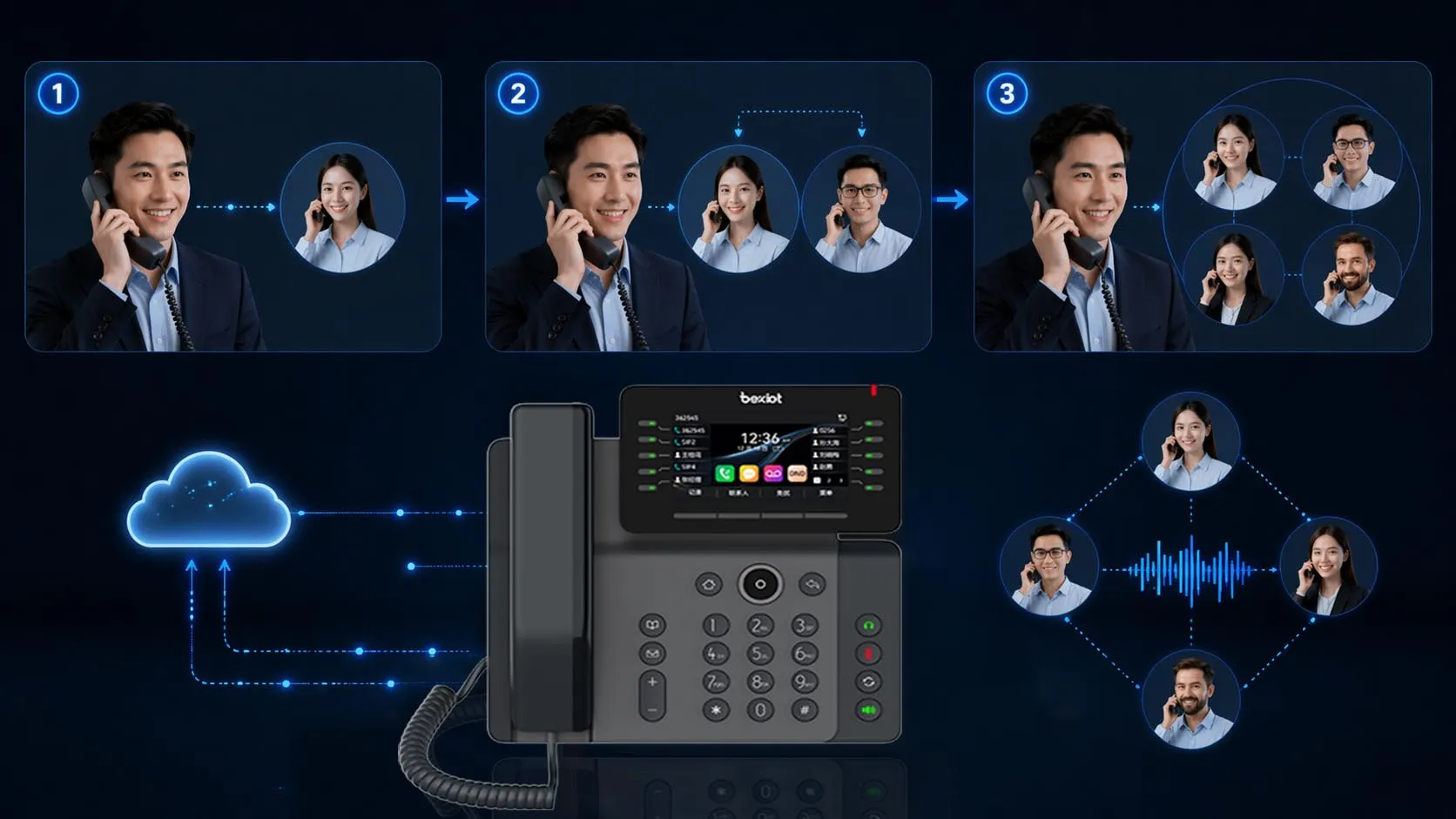
Most five-party calls are built incrementally: one active call is established first, then additional parties are added and merged into a shared audio session.
Deployment Considerations and Maintenance Tips
Verify What the Platform Actually Supports
One of the most important deployment steps is verifying the real conference model of the selected platform. Some phones support local five-way conferencing. Some PBXs support ad hoc conferencing only if a conference bridge is configured. Some hosted platforms support dial-in or dial-out conference participation only with the correct license set. A product line may also support different conference limits depending on edition or firmware.
For that reason, administrators should confirm not only that the feature exists, but how it is implemented. Does the phone mix locally? Does the PBX consume conference bridge resources? Does the cloud service require audio-conferencing licensing? The answers affect design, user expectations, and scale planning.
Plan for Codec and Network Quality
Five-party calling is more sensitive to voice quality issues than a standard two-party call because multiple audio streams are involved. Network delay, jitter, packet loss, and codec mismatch become more noticeable when several participants speak in the same session. Good voice QoS, stable WAN behavior, and sensible codec policies are therefore important.
If the system uses software conference bridges, codec restrictions may also apply. Some deployments work best when a standard voice codec profile is enforced across users, trunks, and conference resources. This reduces transcoding load and simplifies conference stability.
Size Conference Resources Correctly
In PBX and gateway environments, conference bridges and DSP resources should be sized according to expected concurrency rather than the existence of the feature alone. A business may have only a few users who launch five-party calls, or it may have many supervisors, support agents, and managers who do so at the same time. The capacity plan must reflect the real behavior of the organization.
It is also wise to test busy-hour performance. A configuration that works in a lab with one conference may behave differently when many simultaneous conferences compete for trunks, media resources, and WAN capacity.
Train Users on Conference Workflow
Even when the technology is configured correctly, user workflow matters. Staff should understand how to add participants, how to merge calls correctly, what happens when the controller hangs up, and whether external callers can be added. Short user guidance can reduce failed conference attempts and support smoother daily use.
For customer-facing teams, it is also useful to define etiquette for introducing participants, notifying callers that a conference is being created, and handling recording or compliance requirements when multiple parties are brought onto the line.
Typical Applications of Five-Party Calling
Business Escalation and Decision Calls
One of the most common applications is business escalation. A sales representative may need to add a product specialist, an account manager, and a customer stakeholder. A field engineer may need to connect the site contact, the NOC, a vendor, and a supervisor. Five-party calling makes these short-notice coordination sessions easier without requiring a scheduled meeting environment.
This use case is especially valuable when decisions must be made quickly and the participants are distributed across desk phones, mobiles, softphones, or PSTN numbers.
Support, Service Desk, and Dispatch Workflows
Five-party calling is also highly practical in service environments. A support agent can keep the customer on the line while adding a technician, a product specialist, and a manager. A dispatch operator can bridge a field team, a supervisor, a remote site, and an external service provider into one conversation for rapid coordination.
Because these interactions are often unscheduled, ad hoc conference behavior is more useful than formal meeting scheduling. The feature becomes part of the daily operational workflow rather than an occasional executive tool.
Small Team Collaboration Without a Full Meeting Platform
Not every team conversation needs screen sharing, scheduled invitations, or a large UC meeting room. Many internal discussions are short, voice-only, and focused on immediate coordination. Five-party calling fills that need well, especially in organizations that still rely heavily on desk phones, PBX features, and external PSTN calling.
In this role, it serves as a lightweight collaboration method that sits between ordinary telephony and full conferencing software.
Best Practices for Choosing a Five-Party Calling Method
Choose Local Conferencing for Simplicity
If the goal is quick, low-overhead conferencing for a small number of users, endpoint-based local conference may be enough. This is often appropriate for executive phones, reception positions, and small offices where the number of simultaneous multi-party calls is limited and the phone models are standardized.
Choose PBX-Based Conferencing for Policy and Scale
If the organization wants centralized control, better interoperability, and clearer capacity planning, PBX-based conferencing is usually the stronger model. It provides a more manageable architecture for enterprises that need permissions, trunk control, reporting, and integration with broader call policies.
Choose Cloud Conferencing for Distributed Teams
If users work across sites, devices, and remote locations, cloud-hosted audio bridges may be the most flexible method. They reduce on-premises media dependencies and make it easier to give users a consistent conference experience across softphones, mobiles, and PSTN access paths.
The best five-party calling solution is rarely the one with the longest feature list. It is the one whose conference method matches the organization’s user behavior, control needs, and voice architecture.
FAQ
What is five-party calling?
Five-party calling is a telephony feature that allows up to five participants to join one live voice conversation in the same conference session.
Is five-party calling the same as a conference bridge?
Not always. Some phones support local five-way conferencing directly on the endpoint, while other systems use a PBX conference bridge or a cloud audio bridge to host the conference.
What is the difference between three-way and five-party calling?
The concept is similar, but five-party calling involves more signaling relationships, more audio streams, and usually greater dependence on conference resources, codec planning, and system capacity.
Do I need a PBX for five-party calling?
Not necessarily. Some devices can create local five-party conferences on their own. However, PBX or hosted conference resources are often preferred in business deployments because they provide better control and scalability.
What should I check before deploying five-party calling?
You should verify actual participant support, implementation method, licensing, conference bridge or DSP capacity, codec compatibility, controller behavior, and real network quality under load.